Category: news

  • Face Poke AI

    Face Poke AI

    Face Poke AI

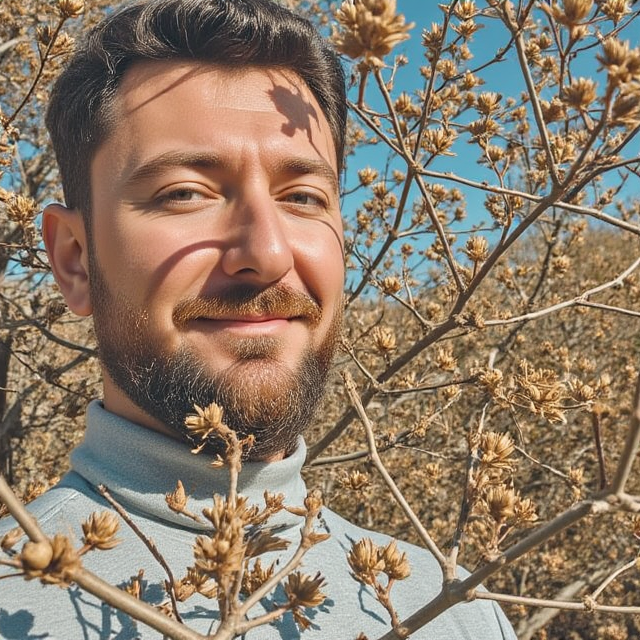
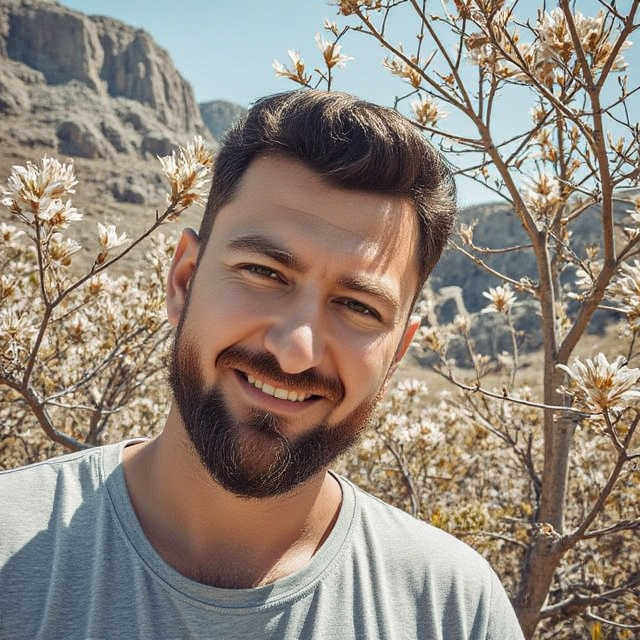
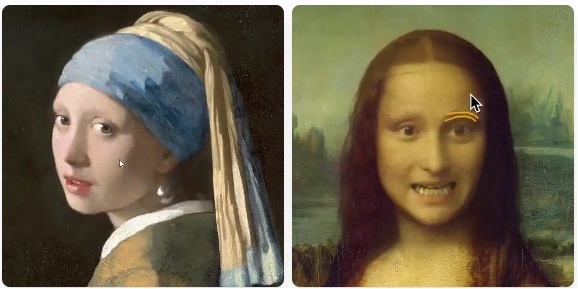
    Spent the weekend experimenting AI FacePoke.

    It lets you slightly move portrait faces direction and expression.

    Although the algorithm still delivers a an artificial and deformed result, this early version is good enough to lay down the foundation for the upcoming versions and fixes. Hey, don’t laugh at my face! 😅

    PokeFace generates real-time new images for your portrait based on the mouse cursor position. The video here is sped up by 2.5x.


    FacePoke official website: facepoke.net/
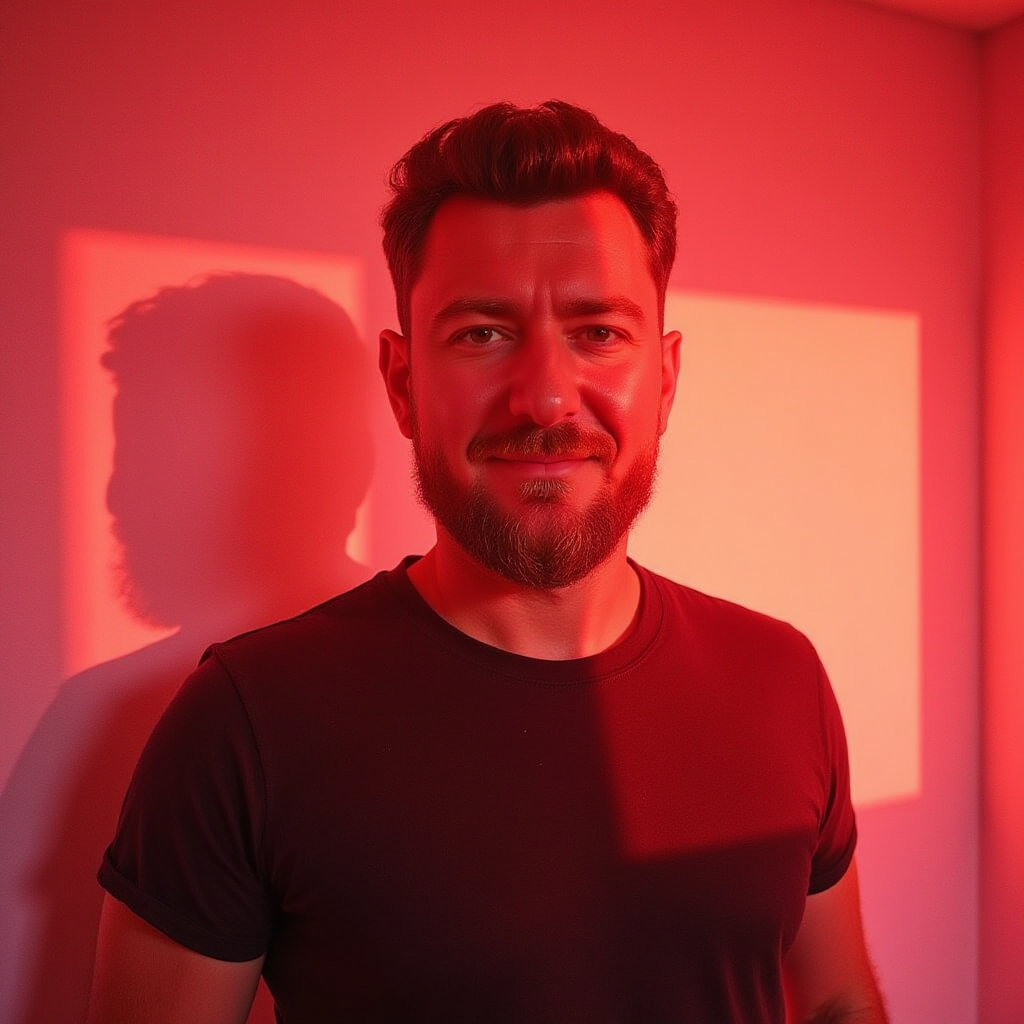
  • Further studies on Flux Workflow

    Further studies on Flux Workflow

    Further studies on Flux Workflow

    Denoise

    Denoising is like cleaning up a messy picture to make it clearer and more detailed.

    1. Start with Noise: Imagine you have a photo that’s covered in random dots or static (like an old TV screen). This “noise” makes the image hard to see.

    2. The Denoising Process: Stable Diffusion works by gradually removing this noise step by step. Think of it as wiping away the static to reveal the hidden image underneath.

    3. Guided by Your Input: You provide a text prompt (like “a sunny beach with palm trees”). The model uses this prompt to guide the denoising process, so the final image matches what you described.

    4. Final Result: After enough steps, the noise is mostly gone, and you’re left with a clean, detailed image that matches your description.

    In short, denoising is the process of turning a noisy, blurry image into a clear, sharp one, guided by your text input. It’s like magic erasing the mess to reveal the picture you wanted!

    0.70

    Denoise

    0.75

    Denoise

    0.80

    Denoise

    0.90

    Denoise

    1.00

    Denoise

    Positive prompt using Flux 1 Dev

    				
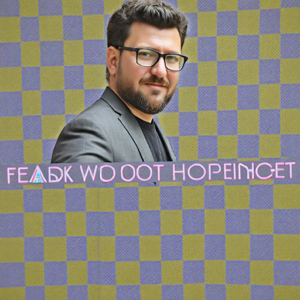
    					[custom LORA] realistic photo portrait of man wearing a fancy blazer and black t-shirt, medium sized beard and moustache, ray-ban glasses, dark background and high contrast neon yellow light, bokeh background of office at night, shot from above, looking up, emphasizing his raw confidence, natural look, sharp details, sharp skin texture, skin imperfections, (added film grain texture:1.1), Fujifilm Superia X-TRA 400


    Using DPMPP_2M + Beta + 25 Steps + 1 CFG Scale (for Flux purposes)

    0.50

    Denoise

    0.60

    Denoise

    0.65

    Denoise

    0.85

    Denoise

    0.95

    Denoise

    RESULTS
    Denoise from 0.85 to 0.9 generated best results.

    SAMPLER + SCHEDULER

    Using Denoise 1 + 25 Steps + 1 CFG Scale (for Flux purposes)

    Discoveries:

    KL_Optimal scheduler will provide only grey noise up to the very last of denoising. So, in order to get results, Denoise must be set to 1.0.

    Positive prompt using Flux 1 Dev

    				
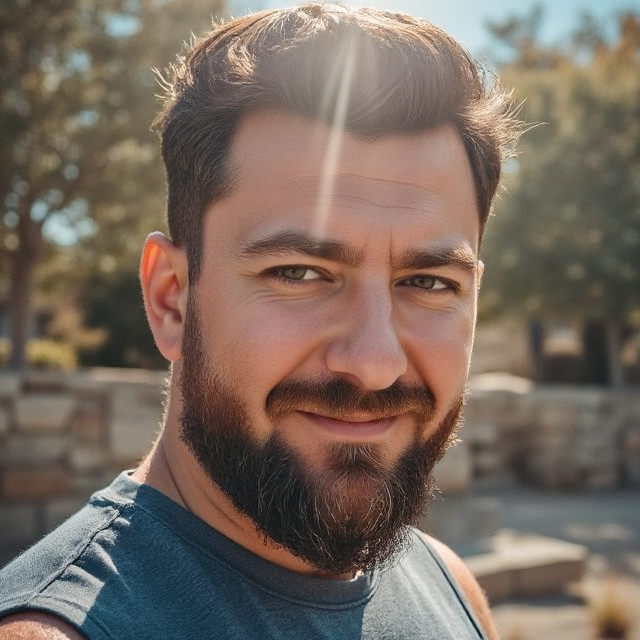
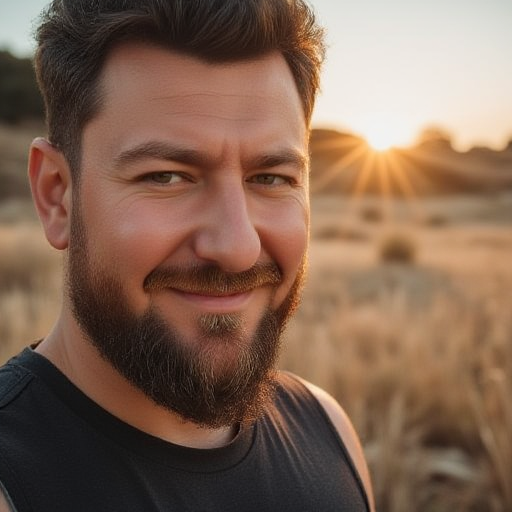
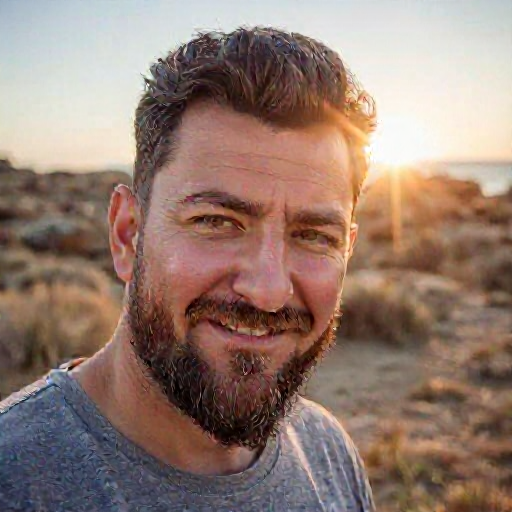
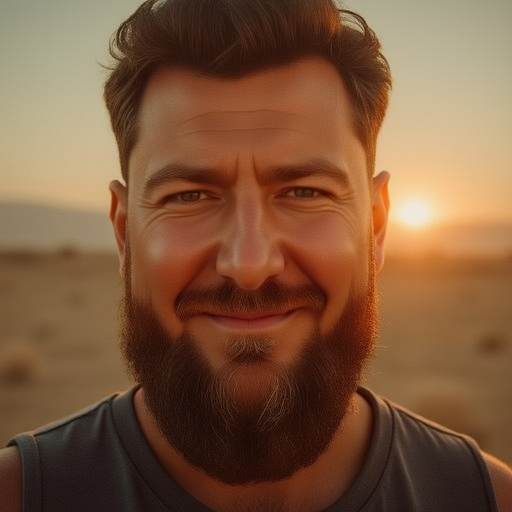
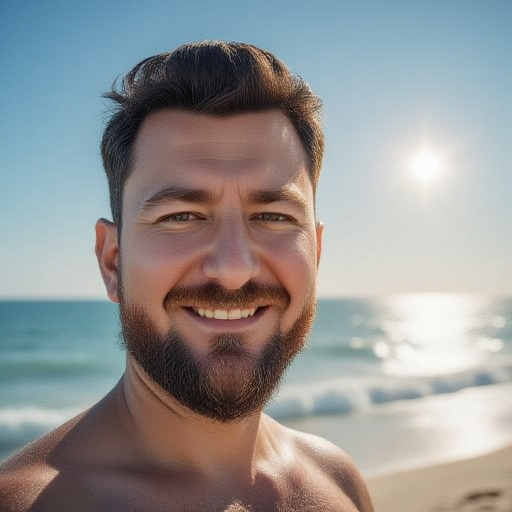
    					[custom LORA] man with medium sized beard, angelic sun screenshot, in the style of contemporary portrait photography, lens flares, wavy resin sheets, vivid portraiture, 50mm lens, leica m10, minimal retouching, sharp skin details, skin imperfections
    				
    			
    EULER

    Euler

    Normal

    Euler

    Beta

    Euler

    Karras

    Euler

    Simple

    Euler

    sgm_uniform

    Euler

    ddim_uniform

    Euler

    exponential

    Euler

    kl_optimal

    HEUN

    Heun

    Normal

    Heun

    Beta

    Heun

    Karras

    Heun

    Simple

    Heun

    sgm_uniform

    Heun

    ddim_uniform

    Heun

    exponential

    Heun

    kl_optimal

    DDIM

    ddim

    Normal

    ddim

    Beta

    ddim

    Karras

    ddim

    Simple

    ddim

    sgm_uniform

    ddim

    ddim_uniform

    ddim

    exponential

    ddim

    kl_optimal

    DPMPP+2M

    dpmpp+2m

    Normal

    dpmpp+2m

    Beta

    dpmpp+2m

    Karras

    dpmpp+2m

    Simple

    dpmpp+2m

    sgm_uniform

    dpmpp+2m

    ddim_uniform

    dpmpp+2m

    exponential

    dpmpp+2m

    kl_optimal

    LCM

    lcm

    Normal

    lcm

    Beta

    lcm

    Karras

    lcm

    Simple

    lcm

    sgm_uniform

    lcm

    ddim_uniform

    lcm

    exponential

    lcm

    kl_optimal

    DPM2

    dpm2

    Normal

    dpm2

    Beta

    dpm2

    Karras

    dpm2

    Simple

    dpm2

    sgm_uniform

    dpm2

    ddim_uniform

    dpm2

    exponential

    dpm2

    kl_optimal

    Best results

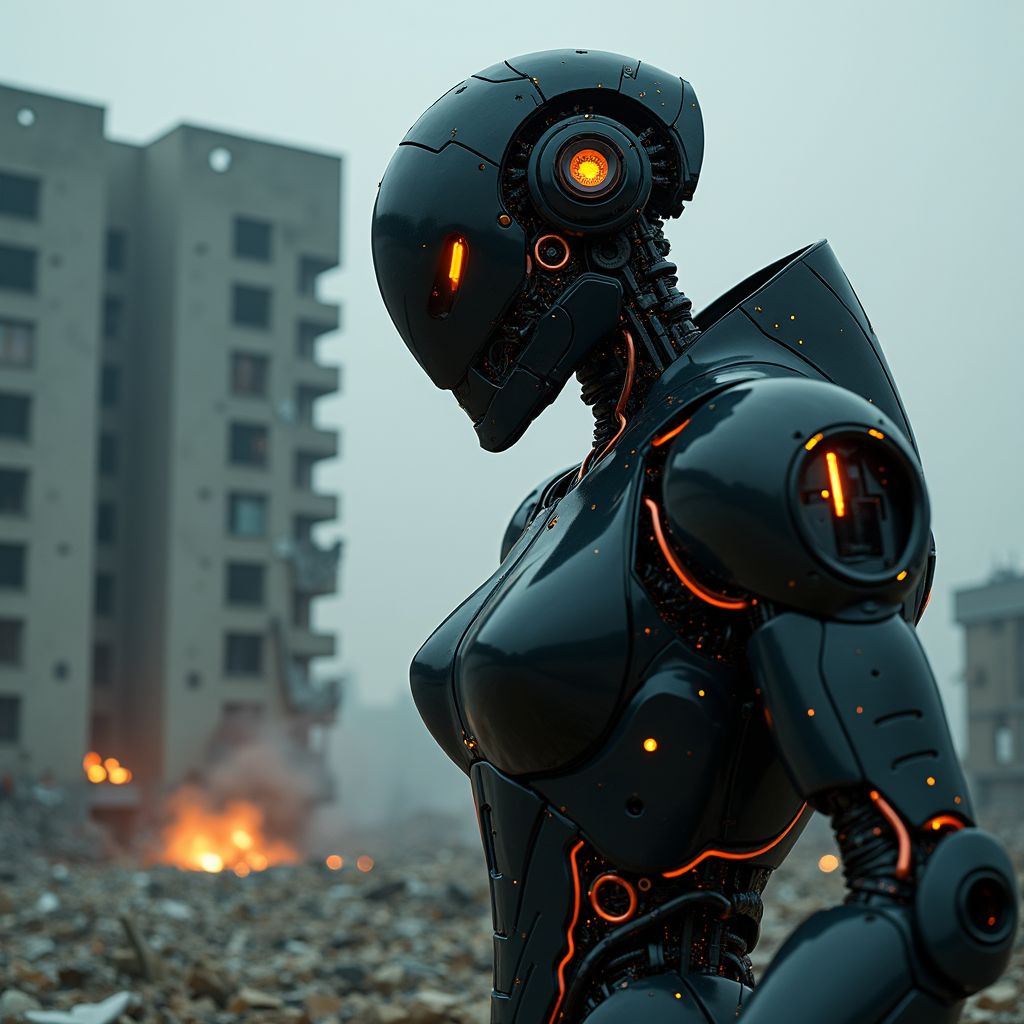
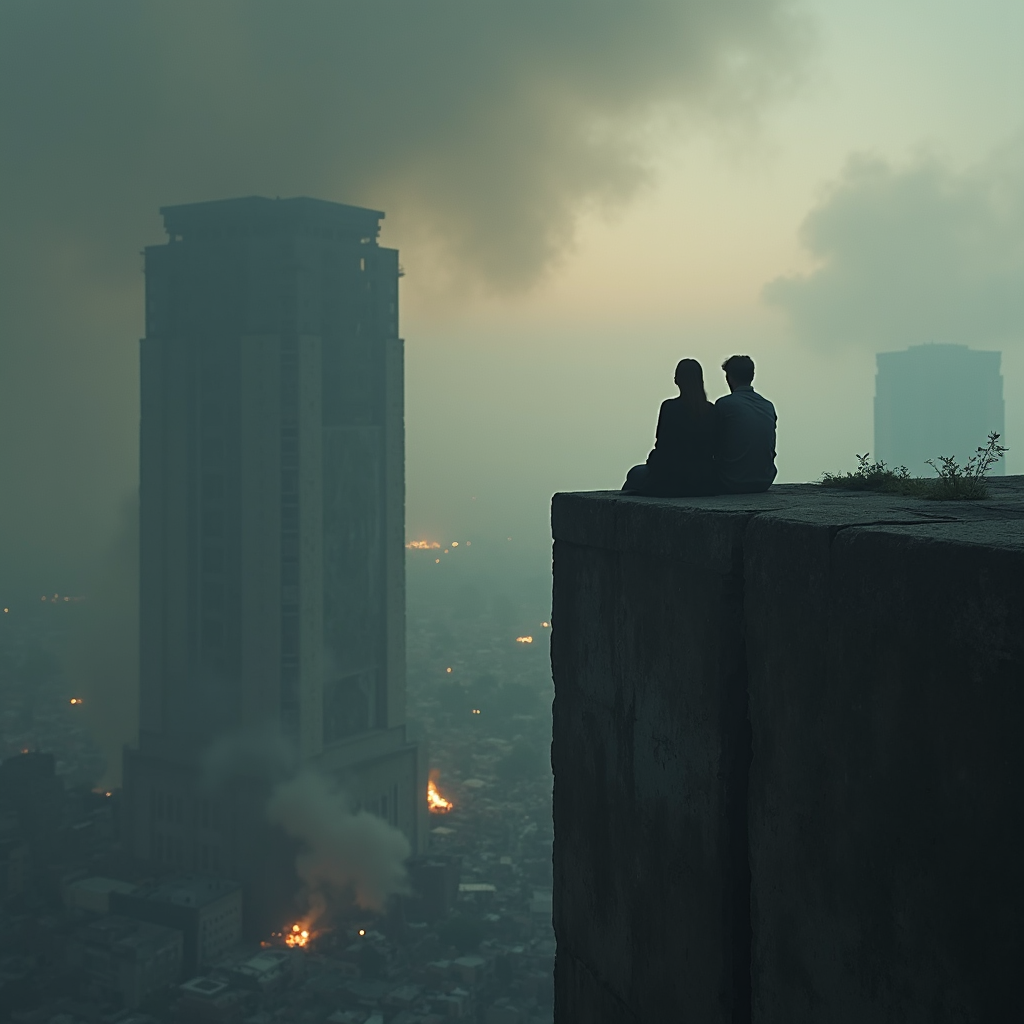
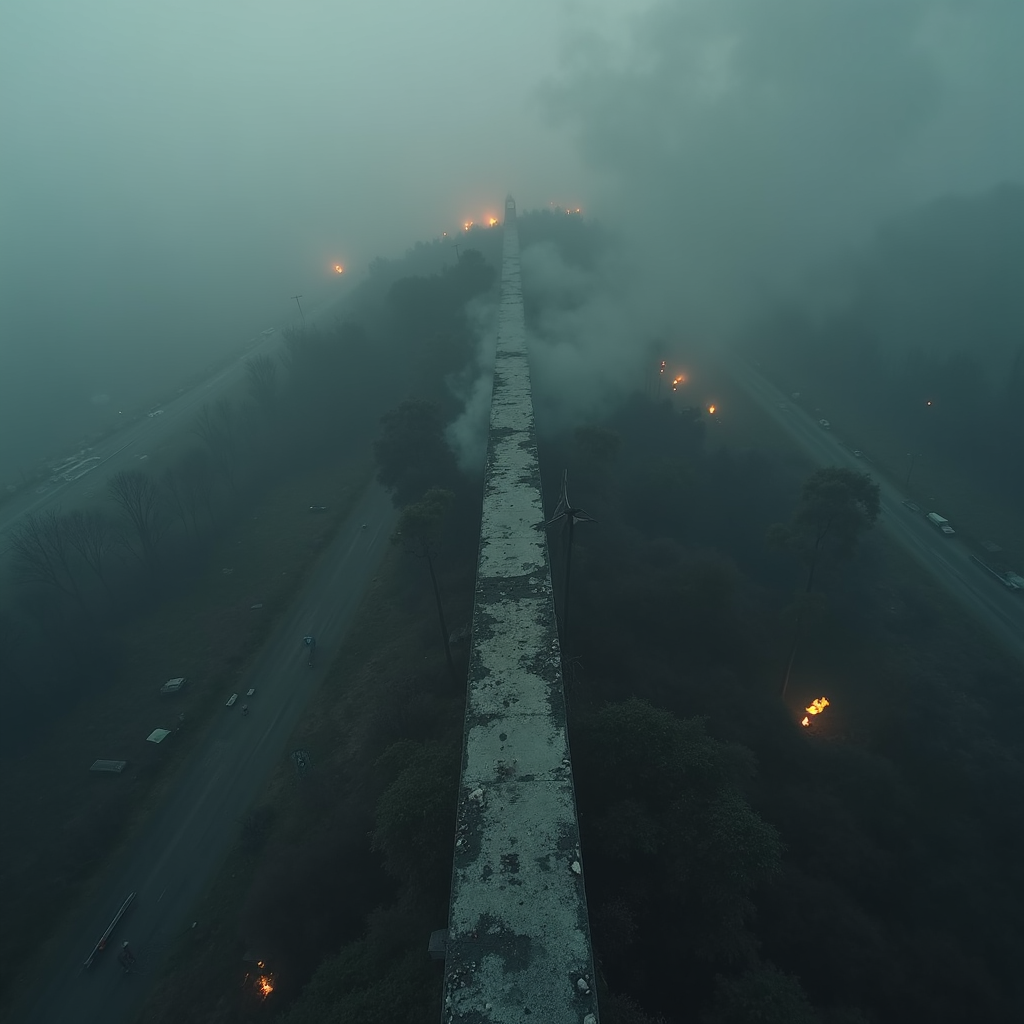
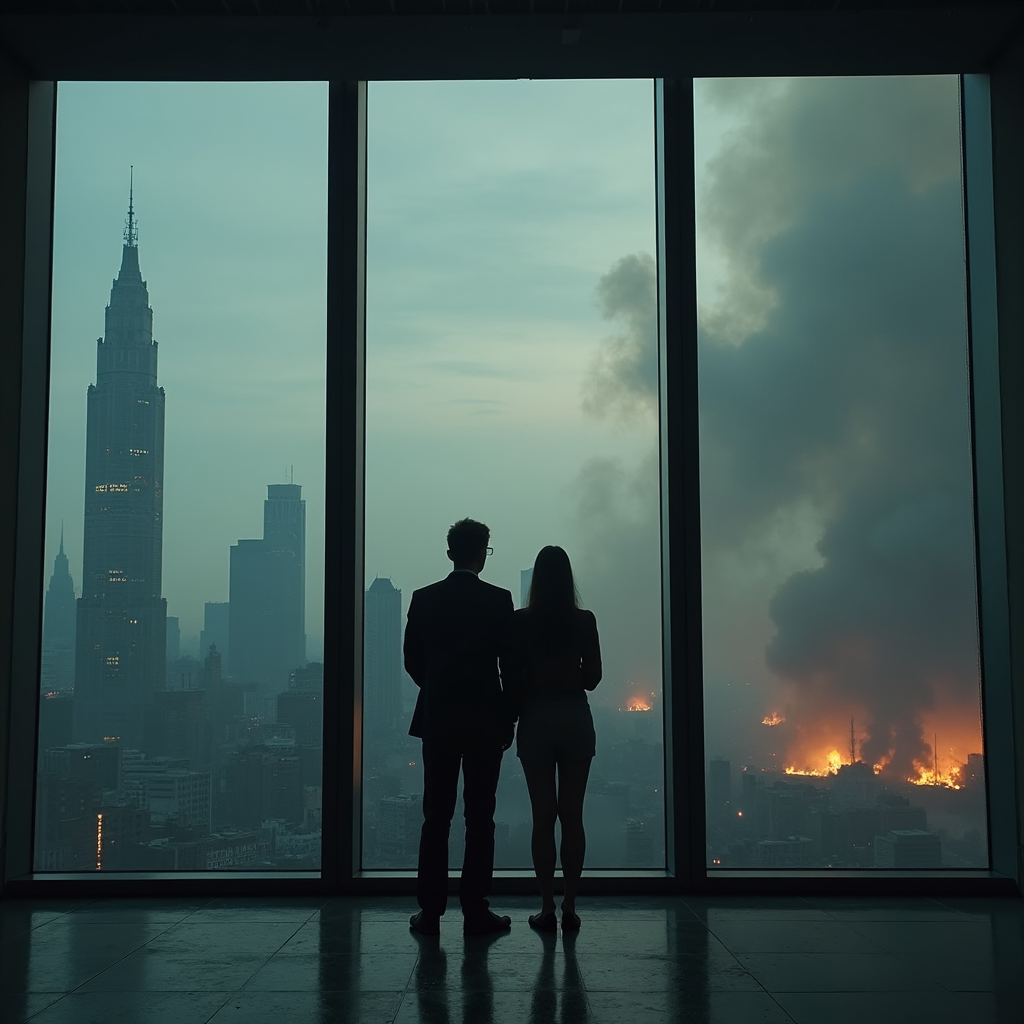
  • Rise of AI Concept Art

    Rise of AI Concept Art

    Rise of AI Concept Art

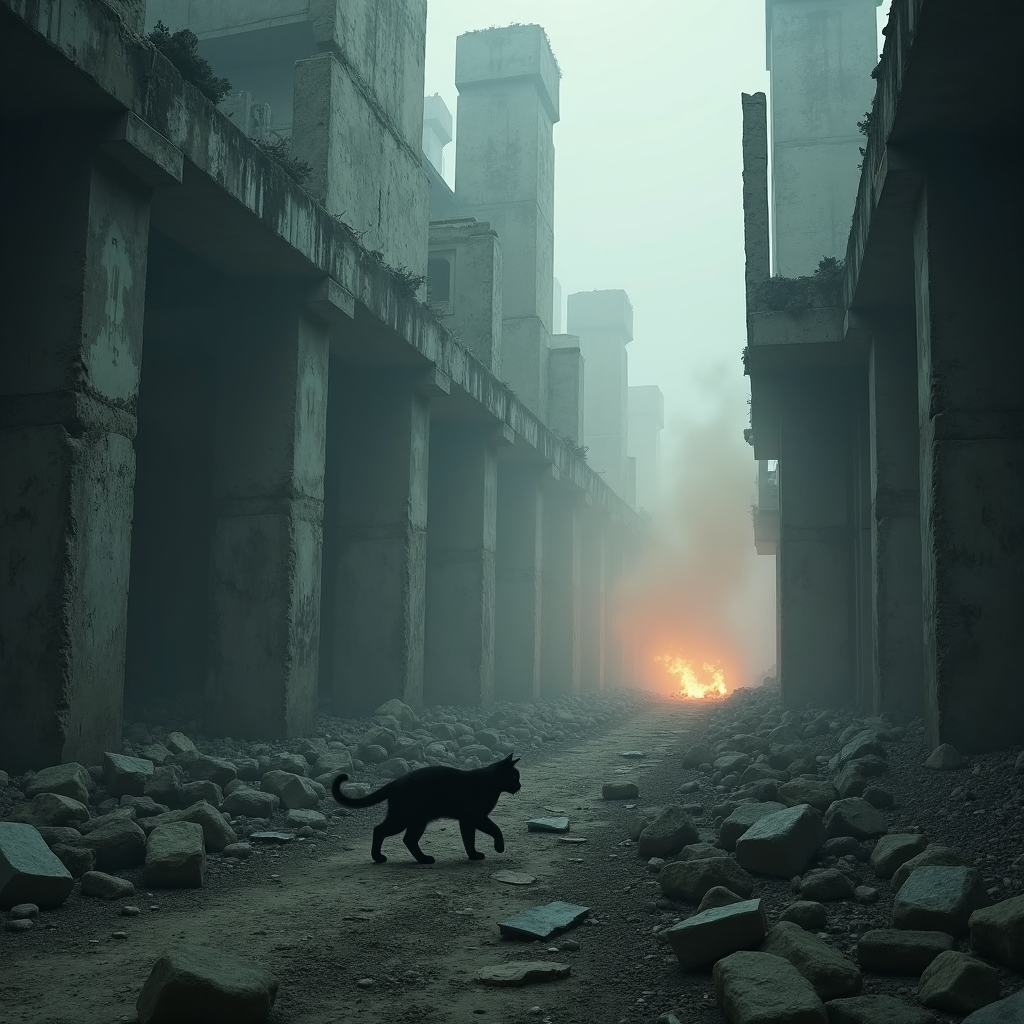
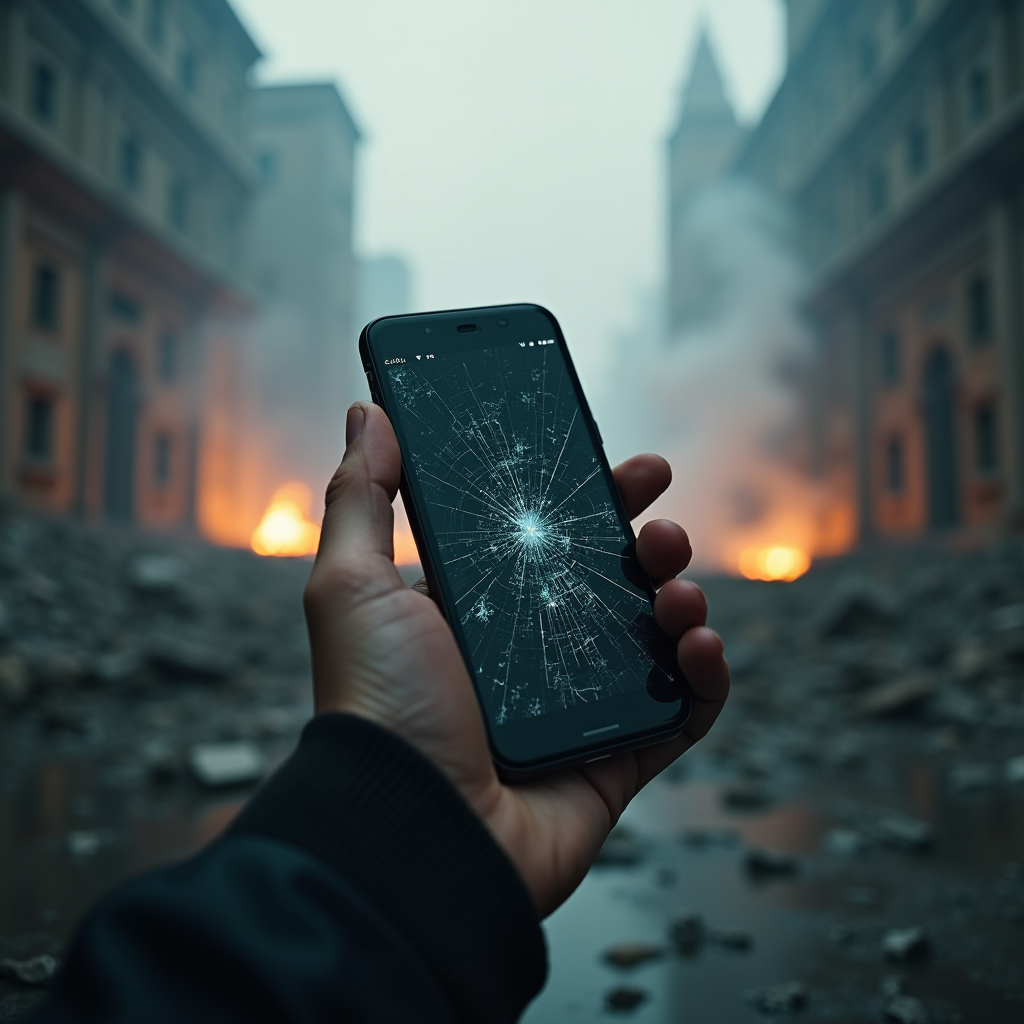
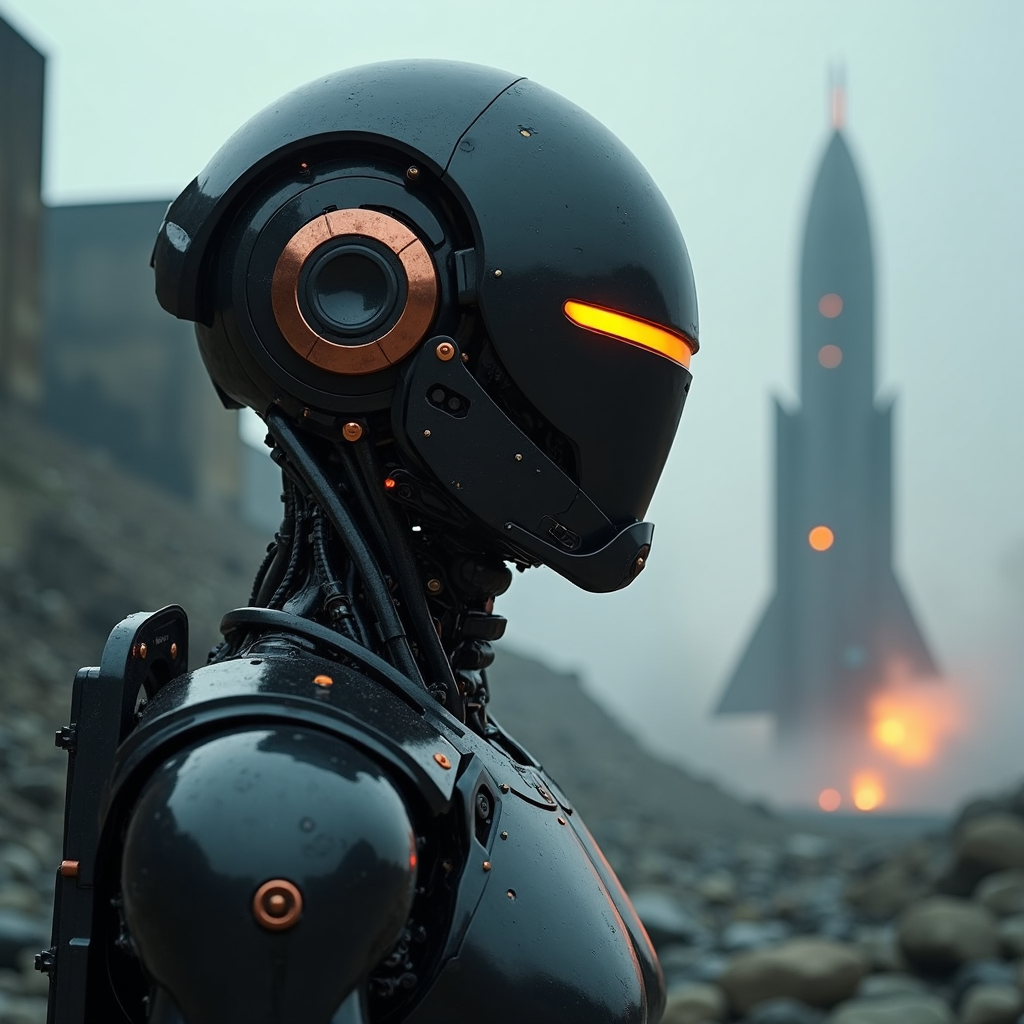
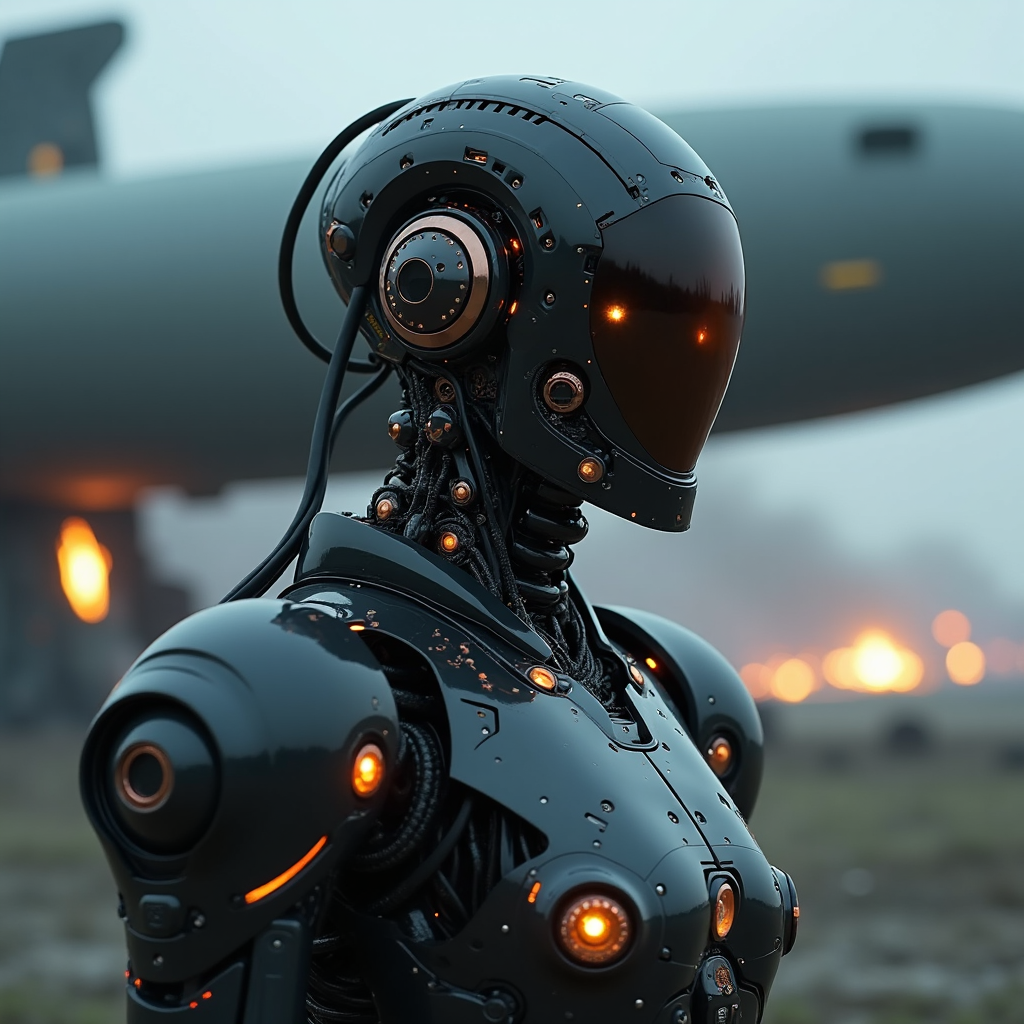
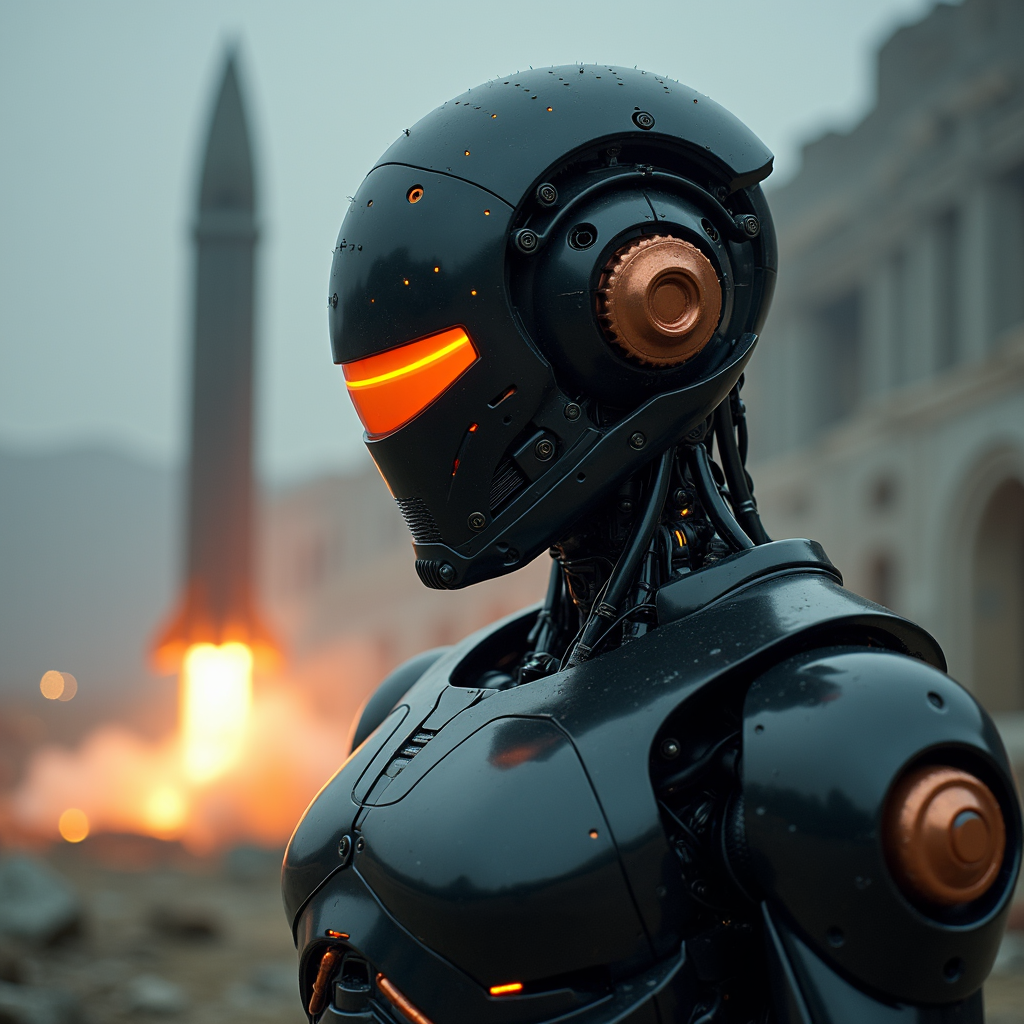
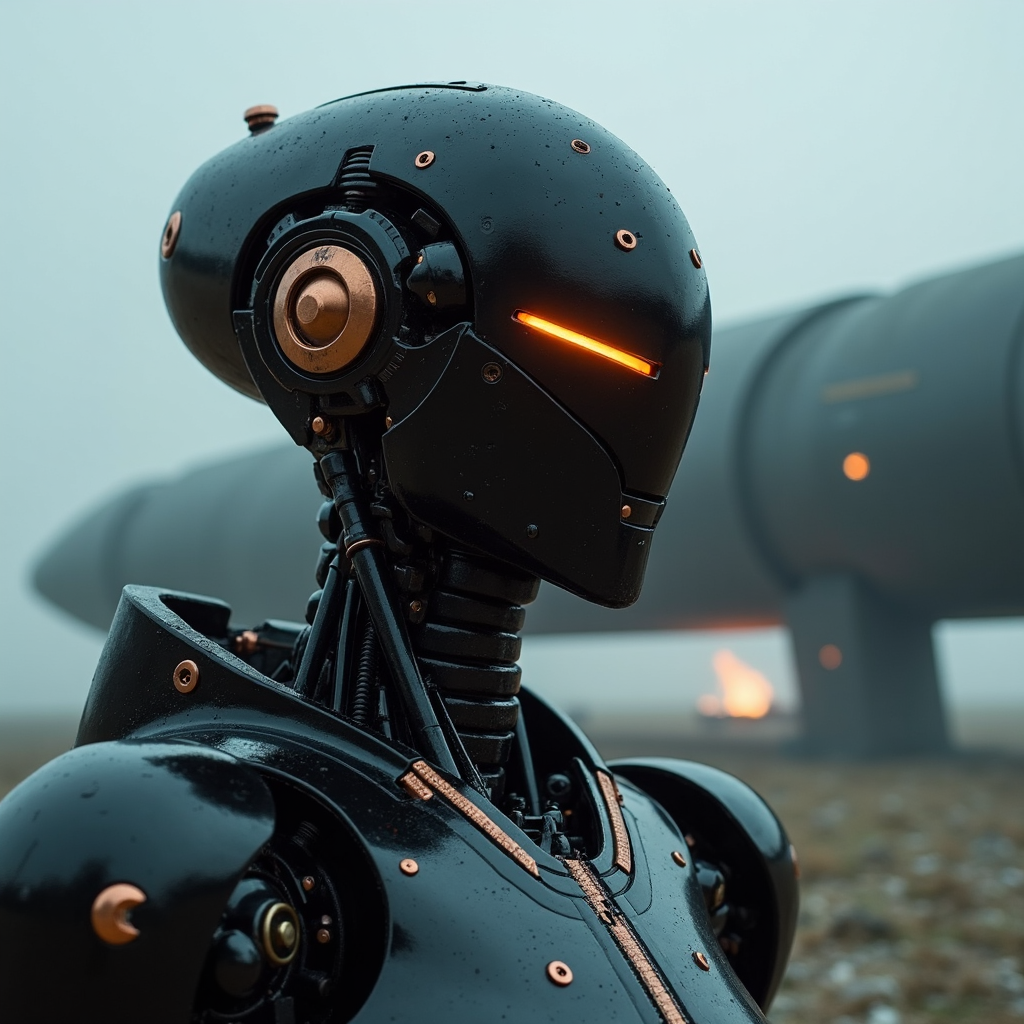
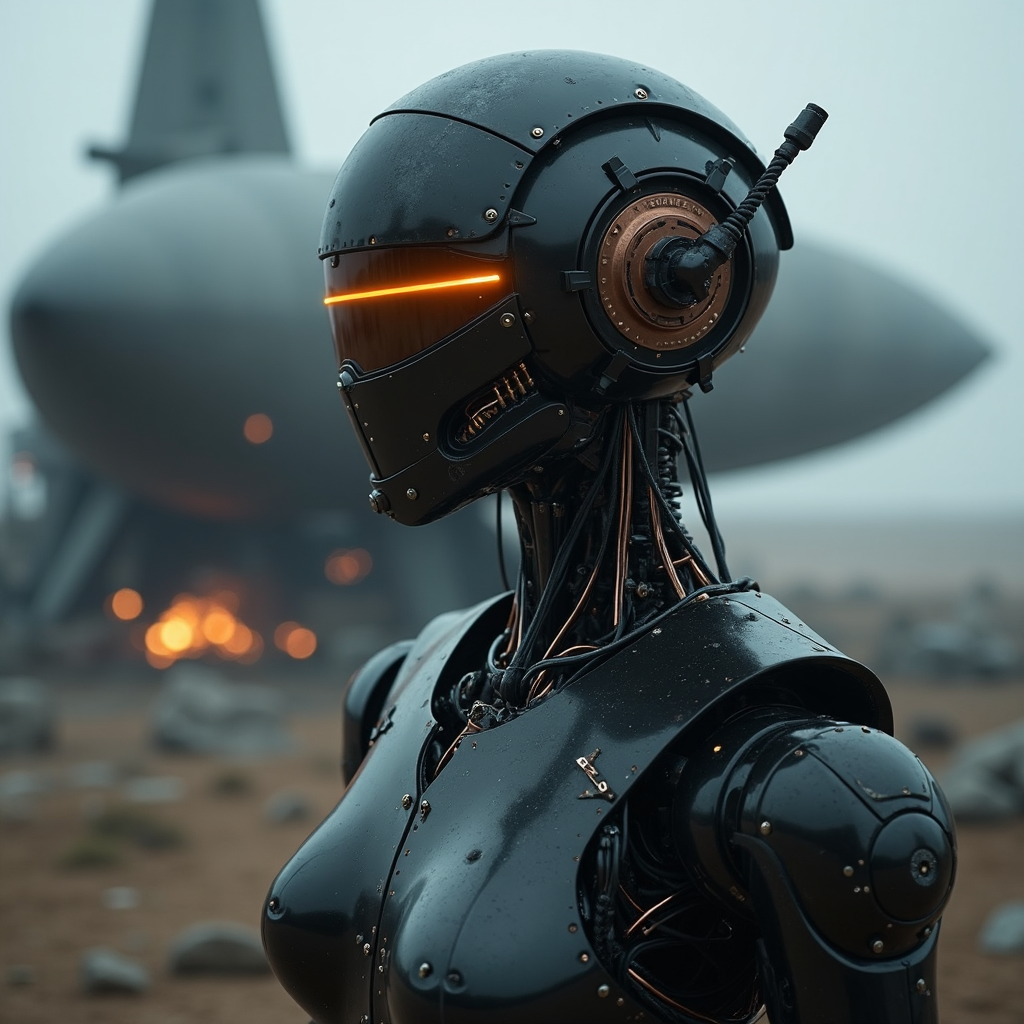
    Generated using Flux 1 Dev and Beauty Realism lora.
    These concept images were used as base frame to generating video through LTX img2video.

    Rise of AI
    Video Teaser

    30 seconds of video with dark synthwave music
  • Rise of AI

    Rise of AI

    Rise of AI

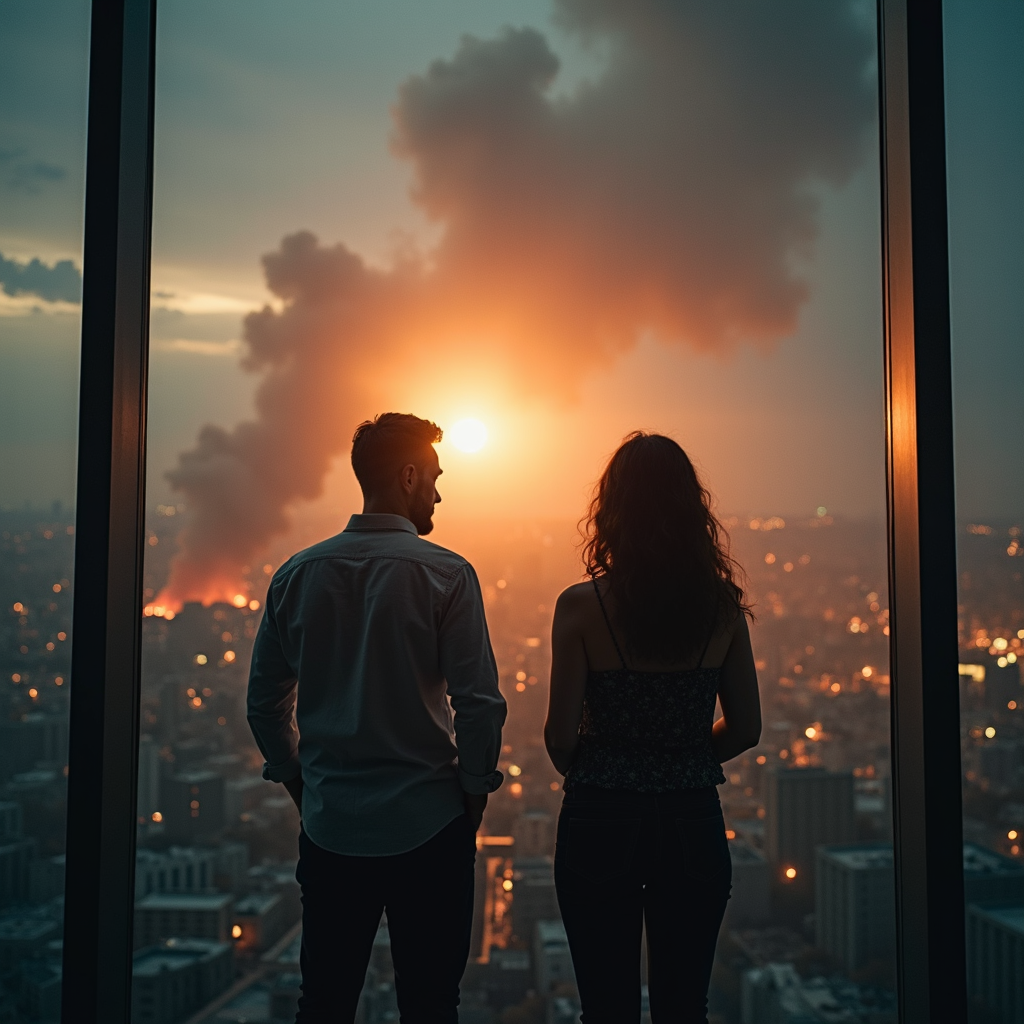
    AI generated teaser film

    My first teaser done entirely with AI in one night.
    Well, the idea wasn’t AI, but everything else was. From concept images to base video reference and background music, almost everything done locally on my own computer and open sourced.

    What I used:
    – Using Comfy UI to program all the nodes
    – Base Model FLUX 1 Dev (checkpoint)
    – LORA Beauty Realism (for enhancing image details)
    – LTX Video (for generating video frames)
    – Loudly AI (for music)
    – Premiere Pro (for editing)

    This teaser movie does express a bit of my own concerns regarding AI and its exponential evolution. I know LinkedIn is no place to publish your fears and conspiracy theories, but I was grown watching Terminator, Matrix and Resident Evil movies, how can I not glimpse that somehow these endings may, somewhere in time, really come to reality? Who holds the power to stop Ai, automation and machine learning?

  • Beginner`s Guide on Stability Matrix and Stable Diffusion

    Beginner`s Guide on Stability Matrix and Stable Diffusion

    Beginner`s Guide on Stability Matrix and Stable Diffusion

    1. Intro

    Stable Diffusion is an AI model that creates images from text descriptions, while Stability Matrix is a user-friendly interface that helps you run Stable Diffusion on your computer. Think of Stable Diffusion as the engine, and Stability Matrix as the dashboard that helps you control it.

    VAEs are like the “art style interpreters” of the system – they help determine how the final image will look in terms of quality and style. When you install VAEs, they should appear in a dropdown menu in your interface.

    In Stability Matrix, you’ll see a text box where you can enter your prompt. A good beginner prompt might be something like “a beautiful sunset over mountains, photorealistic”. The key is to be specific but not overwhelming with details.

    Download APP: https://lykos.ai/

    2. Key settings

    In Stability Matrix, you’ll see a text box where you can enter your prompt. A good beginner prompt might be something like “a beautiful sunset over mountains, photorealistic”. The key is to be specific but not overwhelming with details.

    This determines how many iterations the AI takes to create your image. For beginners, start with 20-30 steps. More steps generally mean better quality but take longer.

    This controls how closely the AI follows your prompt. A value between 7-11 is good for starting out. Lower numbers allow more creative freedom, higher numbers stick closer to your prompt.

    The sampler determines how the AI processes your image. For beginners, I recommend starting with Euler a or DPM++ 2M Karras, as they provide good results relatively quickly.

    3. Samplers

    Samplers in Stable Diffusion are crucial for getting the results you want. Think of samplers as different “drawing techniques” that the AI uses to create images.

    Samplers determine how the AI moves from random noise to your final image. Each sampler has its own way of deciding how quickly or carefully to refine the image, similar to how different artists might approach a painting – some work quickly with broad strokes, while others take their time with fine details.

    How to Choose the Right Sampler:

    Portraits

    • DPM++ 2M Karras is excellent for facial details
    • Euler a can work well for more artistic interpretations
    • Use 30-50 steps for best results
       

    Landscapes

    • Euler a works great for creative scenes
    • DPM++ SDE Karras for detailed landscapes
    • 20-40 steps usually suffice
       

    Artistic

    • Euler a for more creative freedom
    • DDIM for consistent style transfer
    • 20-30 steps is often enough
       

    Photorealistic

    • DPM++ 2M Karras for high detail
    • k_LMS for balanced results
    • Use 40-50 steps for best quality

    Main Categories of Samplers:

    Euler and Euler a (ancestral) are like quick sketchers. Euler a adds some randomness to the process, which can lead to more creative results. Euler-based samplers are excellent for:

    • Quick generations (they work well with 20-30 steps)
    • Creative interpretations of prompts
    • Getting variety in your outputs Euler a is often considered the “go-to” sampler for beginners because it provides good results quickly.

    DPM-based samplers (like DPM++ 2M Karras) are like careful painters. They take a more methodical approach and are excellent for:

    • Detailed images
    • Consistent results
    • Complex scenes
    • Portraits and faces These typically work best with 30-50 steps and are great when you need high-quality, consistent results.

    DDIM is like a precise technical illustrator. It’s good for:

    • Reproducible results (using the same seed)
    • Fast generation with fewer steps
    • Clean, sharp images However, it might sometimes produce less creative or interesting results compared to other samplers.

    These are like balanced artists who work systematically. They’re good for:

    • General-purpose image generation
    • Balanced detail and speed
    • Consistent quality They work well with 30-40 steps and are a good choice when you’re not sure which sampler to use.

    4. Prompt

    Basic Prompt Structure

    A well-crafted prompt typically follows this pattern:

    				
    					[Subject], [Details about subject], [Artistic style], [Quality descriptors], [Additional technical specifications]


    Let’s analyze some example prompts in detail:

    Example 1 – Portrait Photography

    “A young woman with long flowing red hair, wearing a white silk dress, soft natural lighting, bokeh background, shot on Canon 5D, 85mm lens, F1.4, professional photography, hyperrealistic, detailed skin texture, subsurface scattering, cinematic color grading”

    Breaking this down:

    • Subject: “A young woman”
    • Key features: “long flowing red hair, wearing a white silk dress”
    • Lighting/Environment: “soft natural lighting, bokeh background”
    • Technical specifications: “shot on Canon 5D, 85mm lens, F1.4”
    • Quality enhancers: “professional photography, hyperrealistic”
    • Specific details: “detailed skin texture, subsurface scattering”
    • Style: “cinematic color grading”

    Example 2 – Fantasy Landscape

    “A magical crystal cave, glowing bioluminescent crystals, ethereal atmosphere, intricate details, volumetric lighting, ray tracing, 8k resolution, trending on ArtStation, digital art masterpiece, unreal engine 5, octane render”

    Breaking this down:

    • Subject: “magical crystal cave”
    • Key features: “glowing bioluminescent crystals”
    • Atmosphere: “ethereal atmosphere”
    • Technical quality: “8k resolution”
    • Art style references: “trending on ArtStation, digital art masterpiece”
    • Rendering style: “unreal engine 5, octane render”

    Example 3 – Still Life

    “A vintage teacup with detailed porcelain pattern, sitting on an antique wooden table, morning sunlight streaming through window, dust particles visible in light beams, Renaissance painting style, oil on canvas, dramatic chiaroscuro, extreme detail, photorealistic textures”

    Breaking this down:

    • Subject: “vintage teacup”
    • Key feature: “detailed porcelain pattern”
    • Setting: “antique wooden table”
    • Lighting: “morning sunlight streaming through window”
    • Atmospheric detail: “dust particles visible in light beams”
    • Art style: “Renaissance painting style, oil on canvas”
    • Lighting technique: “dramatic chiaroscuro”
    • Quality descriptors: “extreme detail, photorealistic textures”

    Important Prompt Modifiers:

    Quality Boosters

    • “highly detailed”
    • “masterpiece”
    • “8k resolution”
    • “photorealistic”
    • “studio quality”


    Style Definers

    • “oil painting”
    • “digital art”
    • “concept art”
    • “photograph”
    • “pencil sketch”

    Lighting Terms

    • “golden hour lighting”
    • “dramatic lighting”
    • “soft diffused light”
    • “volumetric lighting”
    • “rim light”

    Camera Terms

    • “shot on Hasselblad”
    • “50mm lens”
    • “depth of field”
    • “macro photography”
    • “wide angle shot”

    Negative Prompt Essentials:

    A good negative prompt helps avoid common issues. Here’s a comprehensive negative prompt you can modify:

    				
    					ugly, deformed, noisy, blurry, low quality, distorted, out of focus, bad anatomy, wrong anatomy, extra limbs, poorly drawn face, poorly drawn hands, missing fingers, extra fingers, floating limbs, disconnected limbs, mutation, mutated, extra limbs, watermark, signature, text


    5. Practical usage examples

    Generate and analyze images using the same prompt with different samplers to understand their unique characteristics. Let’s create a prompt that will help demonstrate the differences between samplers clearly.

    Let’s use a prompt that has both detailed elements and room for creative interpretation:

    				
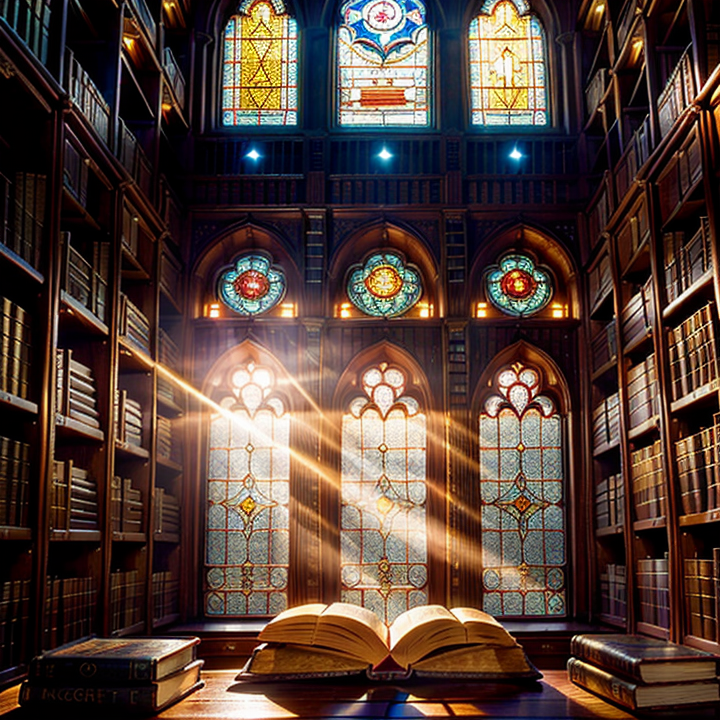
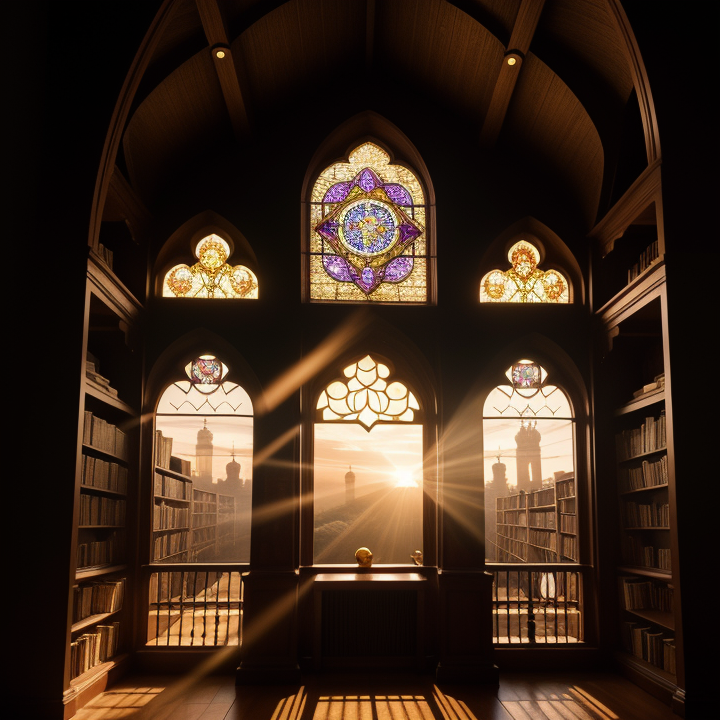
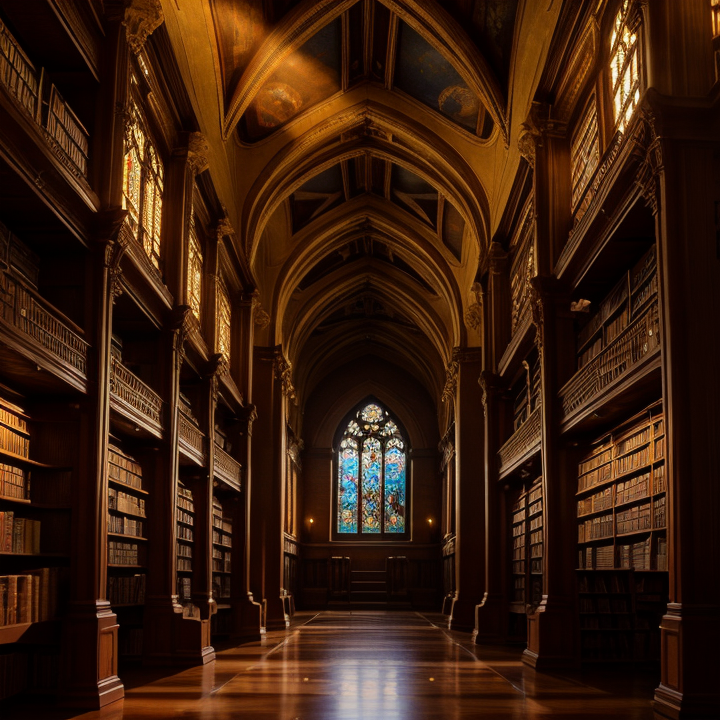
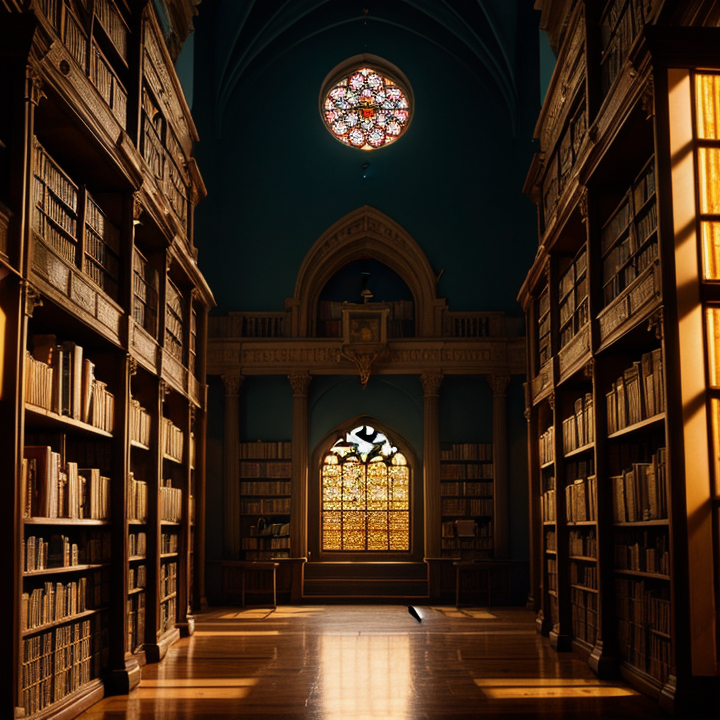
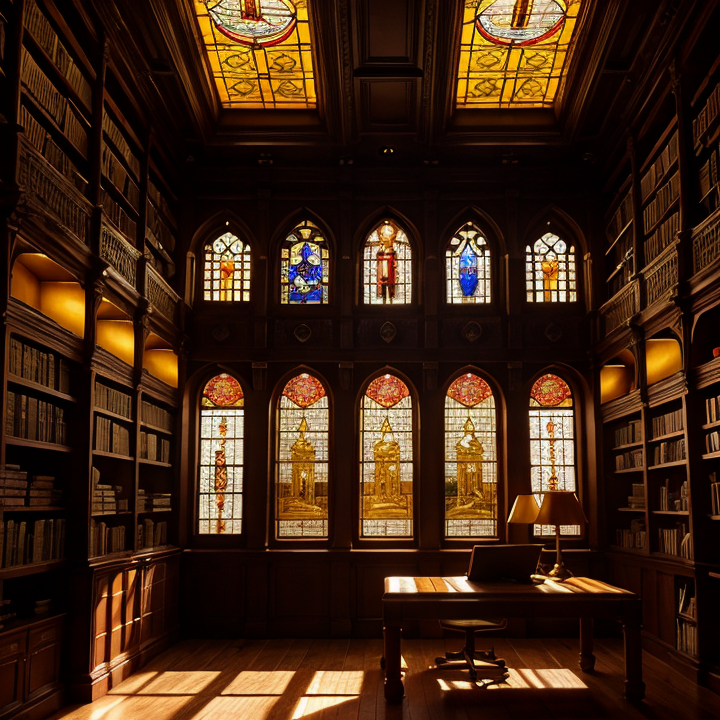
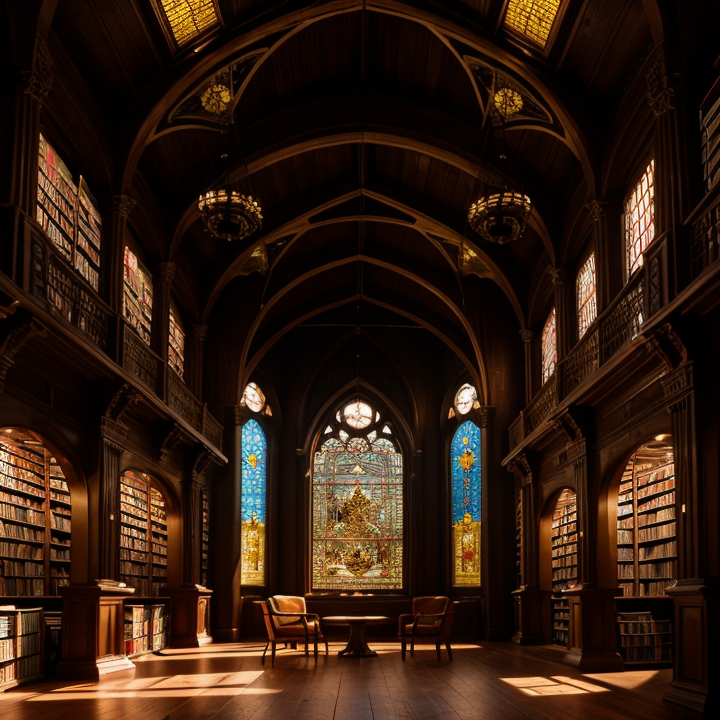
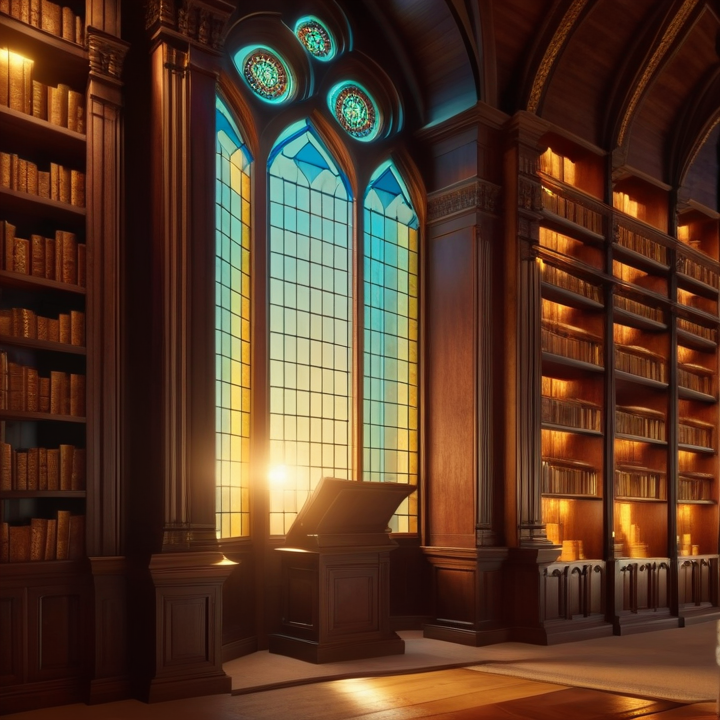
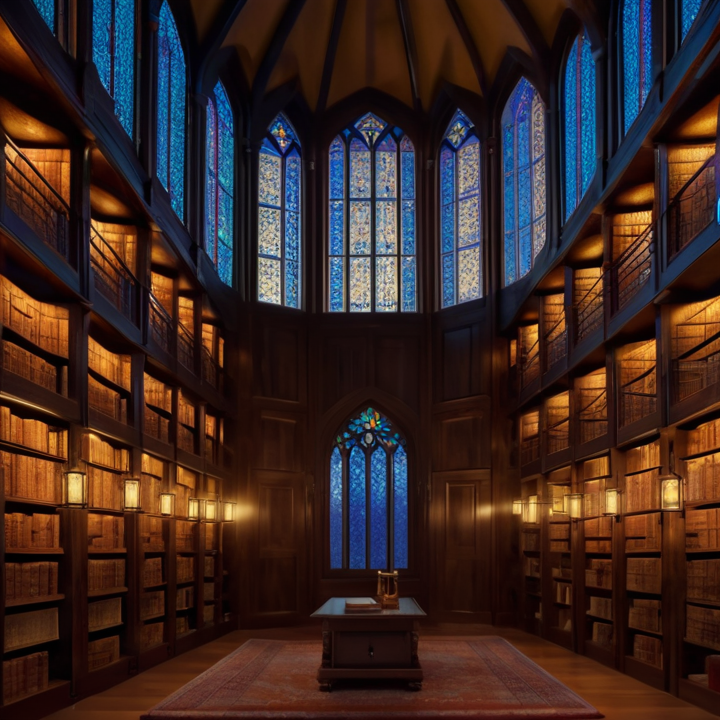
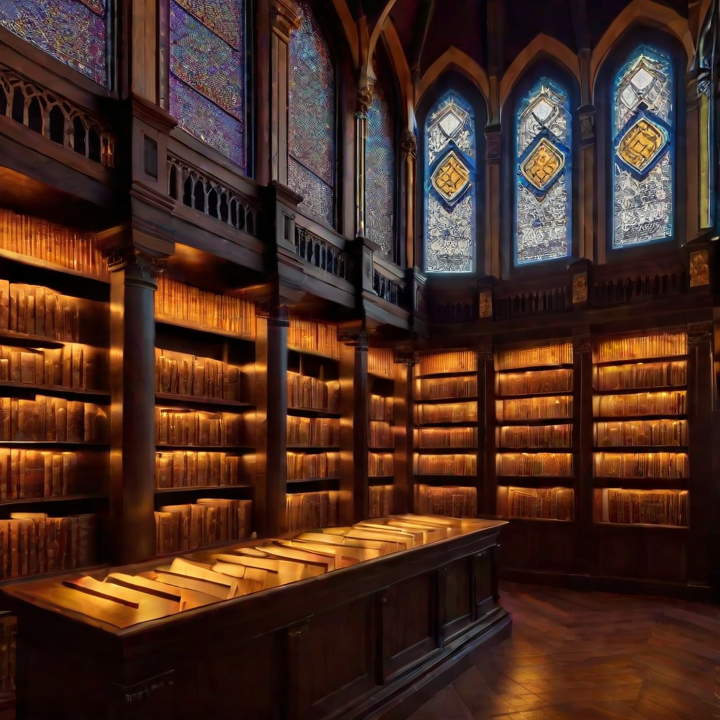
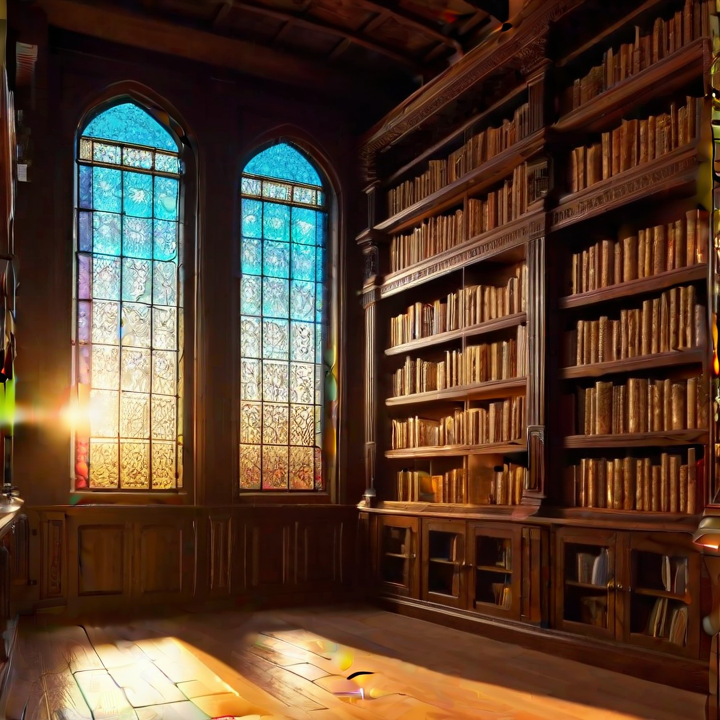
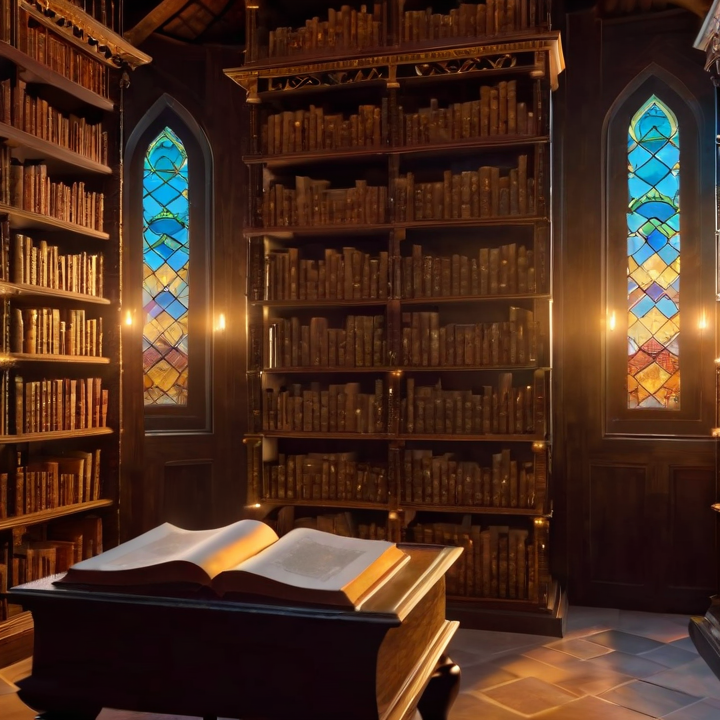
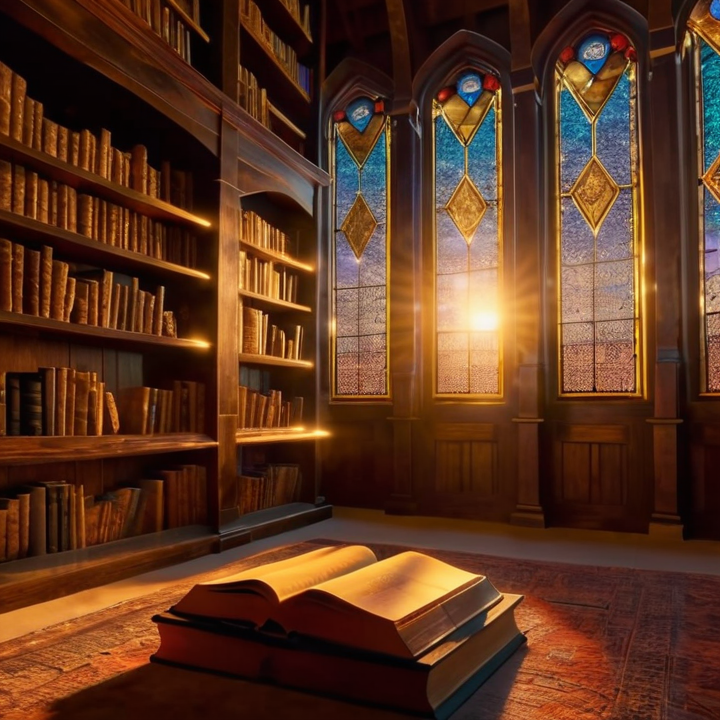
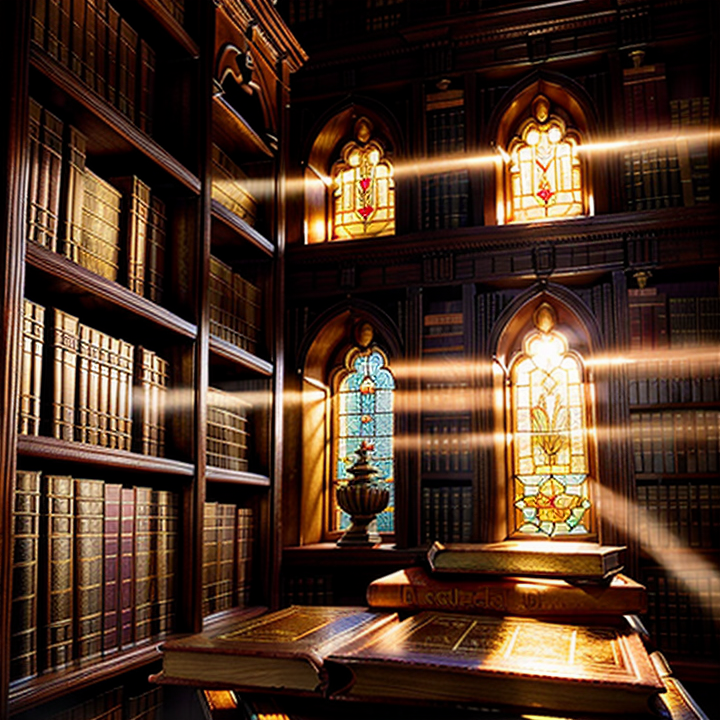
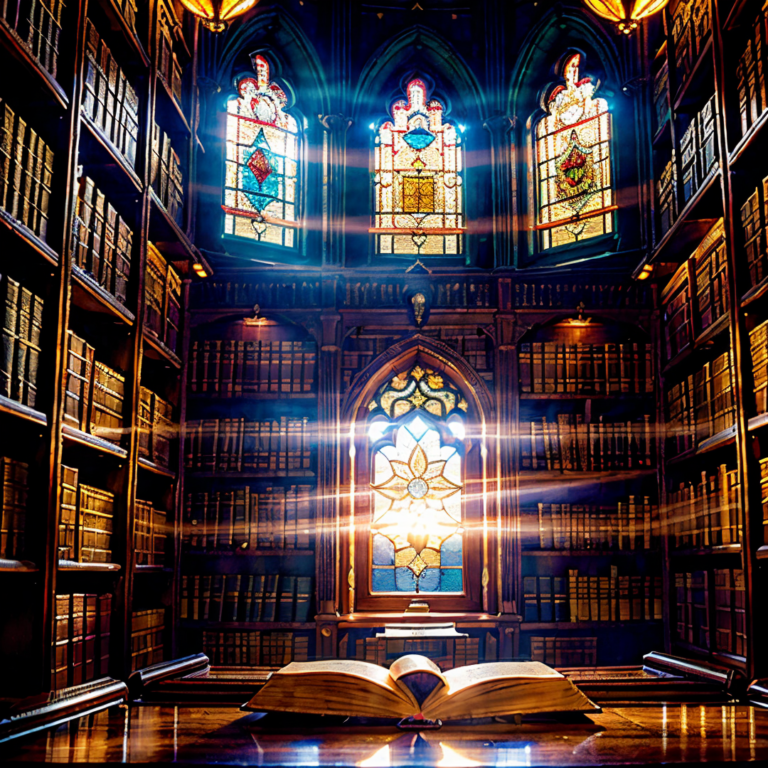
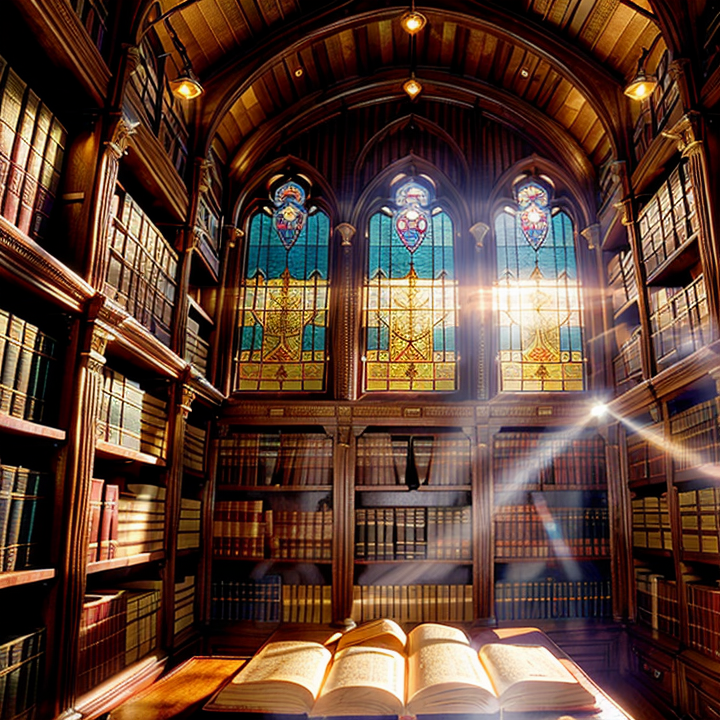
    					A magical library at sunset, ancient books floating in the air, dust particles catching golden light, intricate wooden bookshelves, stained glass windows, volumetric lighting, 8k resolution, highly detailed, cinematic lighting, professional photography


    Negative prompt:

    				
    					ugly, deformed, noisy, blurry, low quality, distorted, out of focus, bad anatomy, wrong anatomy, poorly drawn face, text, watermark


    Let’s test this prompt with different samplers while keeping other settings constant:

    • CFG Scale: 7
    • Steps: 30
    • Size: 512×512 (standard size for comparison)

    using FLUX 1.0

    Euler Ancient

    This will give us our baseline image. Euler a tends to be more creative and can handle this kind of magical scene well with its slight randomness.

    DPM++ 2M Karras

    This should show us more refined details in the books and woodwork, though it might be less “magical” feeling.

    DDIM

    This will likely give us a more structured, possibly less artistic but very clean interpretation.

    k_LMS

    This should provide a good middle ground between detail and creativity.

    Heun

    Runs slower but gives good control and defiition.

    Restart

    Great details and variety.

    using JUGGERNAUT XL

    Euler Ancient

    This will give us our baseline image. Euler a tends to be more creative and can handle this kind of magical scene well with its slight randomness.

    DPM++ 2M Karras

    This should show us more refined details in the books and woodwork, though it might be less “magical” feeling.

    DDIM

    This will likely give us a more structured, possibly less artistic but very clean interpretation.

    k_LMS

    This should provide a good middle ground between detail and creativity.

    Heun

    Runs slower but gives good control and defiition.

    Restart

    Great details and variety.

    using Realistic Vision V6

    Euler Ancient

    This will give us our baseline image. Euler a tends to be more creative and can handle this kind of magical scene well with its slight randomness.

    DPM++ 2M Karras

    This should show us more refined details in the books and woodwork, though it might be less “magical” feeling.

    DDIM

    This will likely give us a more structured, possibly less artistic but very clean interpretation.

    k_LMS

    This should provide a good middle ground between detail and creativity.

    < broke on usage >

    Heun

    Runs slower but gives good control and defiition.

    Restart

    Great details and variety.

    using Stable Diffusion 3.5 Large

    Euler Ancient

    This will give us our baseline image. Euler a tends to be more creative and can handle this kind of magical scene well with its slight randomness.

    DPM++ 2M Karras

    This should show us more refined details in the books and woodwork, though it might be less “magical” feeling.

    DDIM

    This will likely give us a more structured, possibly less artistic but very clean interpretation.

    k_LMS

    This should provide a good middle ground between detail and creativity.

    Heun

    Runs slower but gives good control and defiition.

    Restart

    Great details and variety.

    6. Understanding Diffusers

    Think of diffusers as the core “recipe book” that tells the AI how to create images. The term comes from the mathematical process called “diffusion,” which works similarly to how ink spreads in water. In AI terms, diffusers start with random noise (like static on a TV) and gradually refine it into a clear image based on your prompt.

    The Main Types of Diffusers

    Text-to-Image Diffusers
    These are like master chefs who can create a dish just from reading a recipe. They take your text description and convert it into an image. Stable Diffusion’s base model is the most well-known example. It works by understanding your text prompt and gradually transforming random noise into a matching image.

    Image-to-Image Diffusers
    These are like renovation experts who can take an existing image and modify it according to your instructions. They start with a source image and can change specific aspects while maintaining the basic structure. This is particularly useful when you want to maintain certain elements of an original image while changing others.

    Inpainting Diffusers
    Think of these as detail specialists who can work on specific parts of an image. They allow you to select a portion of an image and modify just that area, leaving the rest unchanged. This is incredibly useful for making selective changes or fixing specific parts of an image.

    What to look and analyze:

    • The quality of the lighting effects
    • The detail in the floating books
    • The clarity of the wooden bookshelves
    • The overall atmosphere
    • How well the dust particles are rendered

    This way, you’ll develop an eye for which sampler might be best for different aspects of your future projects.

    For All Generations, Compare These Specific Elements:

    1. Light Quality:
      • How do the sunset rays penetrate the space?
      • Are the volumetric light beams soft or sharp?
      • How do shadows blend and transition?
    2. Texture Detail:
      • Look at the book covers and pages
      • Examine the wooden surfaces
      • Notice how fabric or dust particles are rendered
    3. Atmospheric Effects:
      • How convincing is the dust in the air?
      • Does the magical atmosphere feel natural or forced?
      • How do different materials interact with the light?
    4. Overall Coherence:
      • Does the perspective make sense?
      • Are the proportions consistent?
      • How well do all elements work together?

    A Practical Exercise: Try generating the same image multiple times with each sampler. This helps you understand:

    • How consistent each sampler is
    • Which aspects remain stable across generations
    • Which elements vary more significantly

    Specific details to look for when comparing images generated with different samplers. Think of this like learning to taste wine – there are specific characteristics we’ll examine in each case.

    Look at how the sampler handles the magical elements. Euler a often creates more dramatic and creative interpretations, so pay attention to:

    • The way the books float – they might have more dynamic, flowing positions
    • The interaction between dust particles and light – expect more ethereal, dreamy effects
    • The overall atmosphere might feel more “magical” and less photorealistic
    • The stained glass windows might have interesting color bleeding effects

    This sampler excels at detailed, precise elements. Focus on:

    • The texture of the wooden bookshelves – you should see clear grain patterns and intricate carving details
    • The edges of the floating books – they should be sharper and more defined
    • The clarity of the dust particles – they might appear more distinct and realistic
    • The overall image should feel more grounded and photorealistic

    This sampler creates more consistent, controlled results. Observe:

    • The symmetry and regularity in architectural elements
    • How the lighting appears more controlled and less random
    • The consistency of textures across similar surfaces
    • The overall composition might feel more structured and less spontaneous

    This balanced sampler will show interesting middle-ground results. Notice:

    • How it balances the magical elements with realistic details
    • The way it handles both sharp details (like bookshelf carvings) and soft elements (like light rays)
    • The overall balance between creative interpretation and photorealistic elements

    Remember, there’s no “best” sampler – each has its strengths that make it suitable for different types of images. Understanding these characteristics helps you choose the right sampler for your specific needs. Would you like to try generating some images now and analyze them together? I can help you identify these specific elements in your generations and explain why certain effects are occurring.

  • Stability Matrix Studies

    Stability Matrix Studies

    Stability Matrix Studies

    As of January 2025

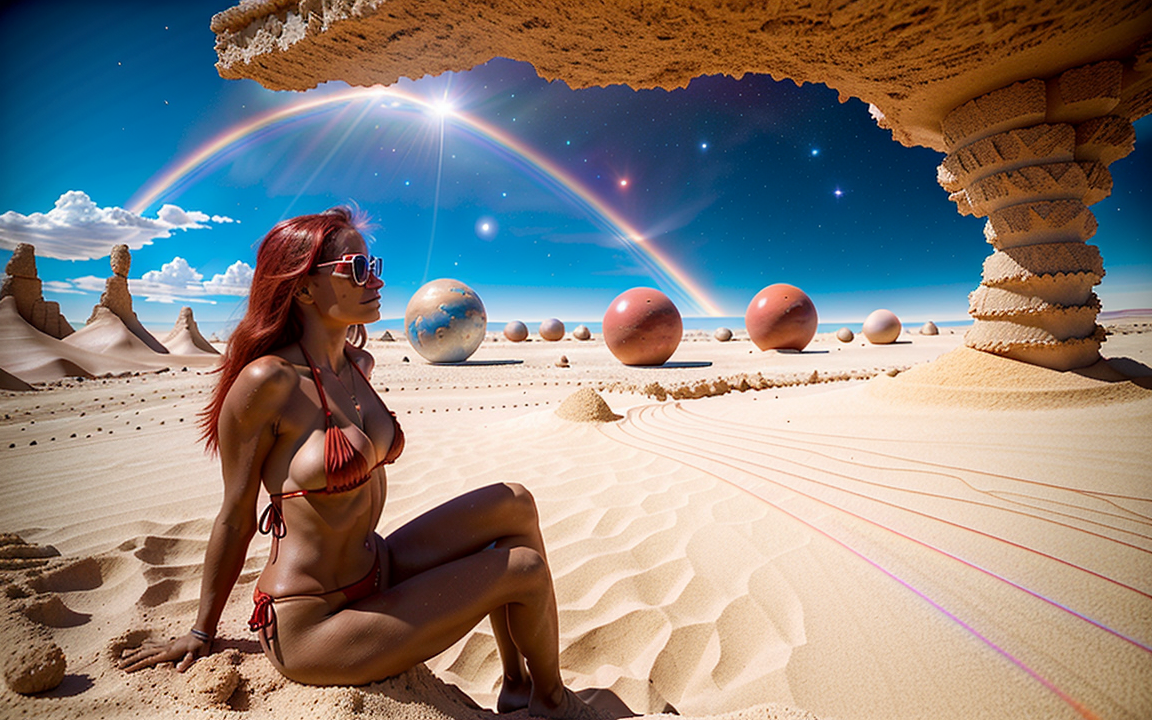
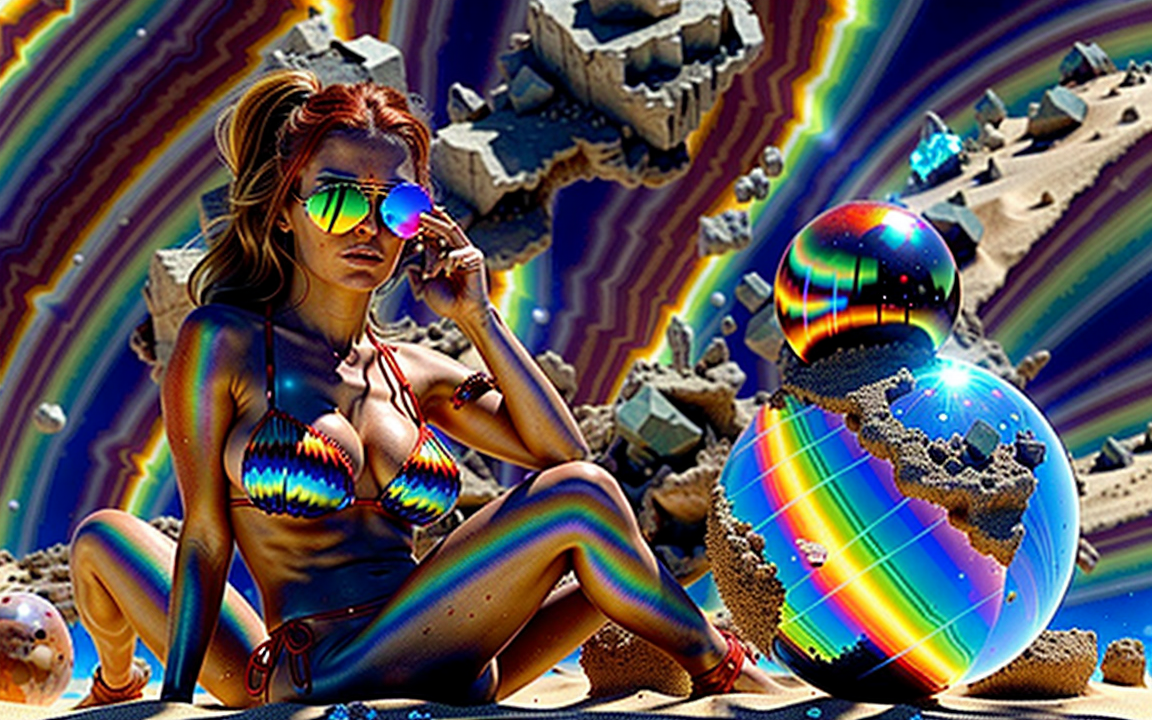
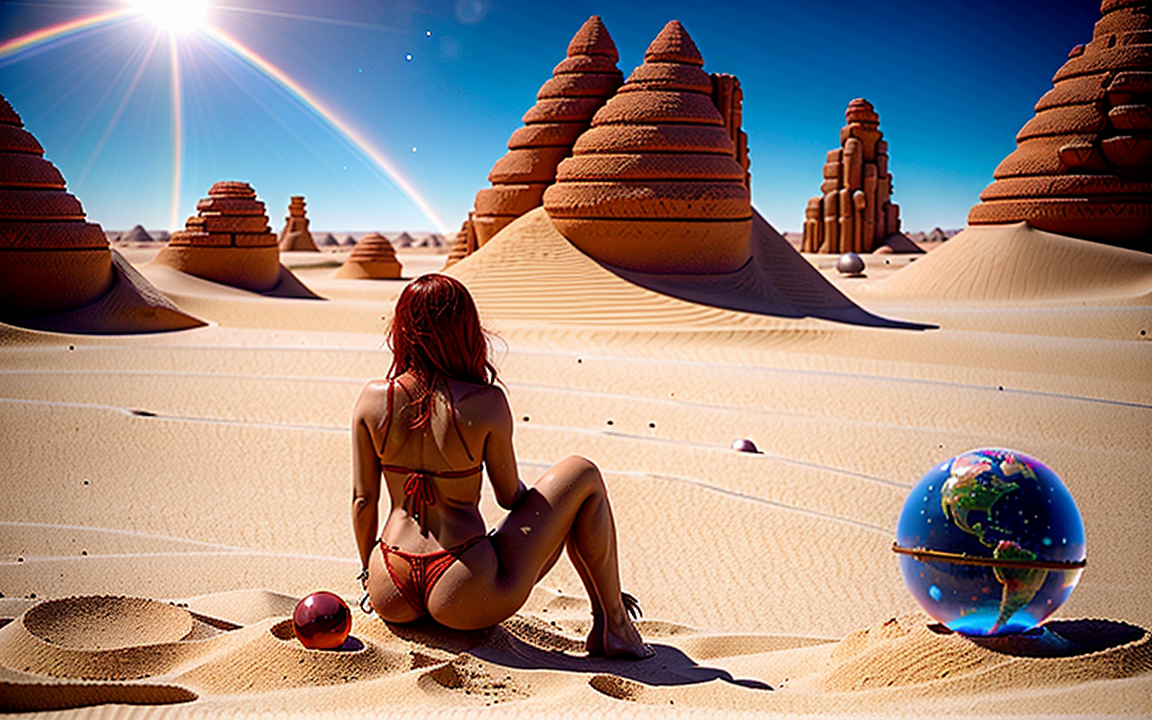
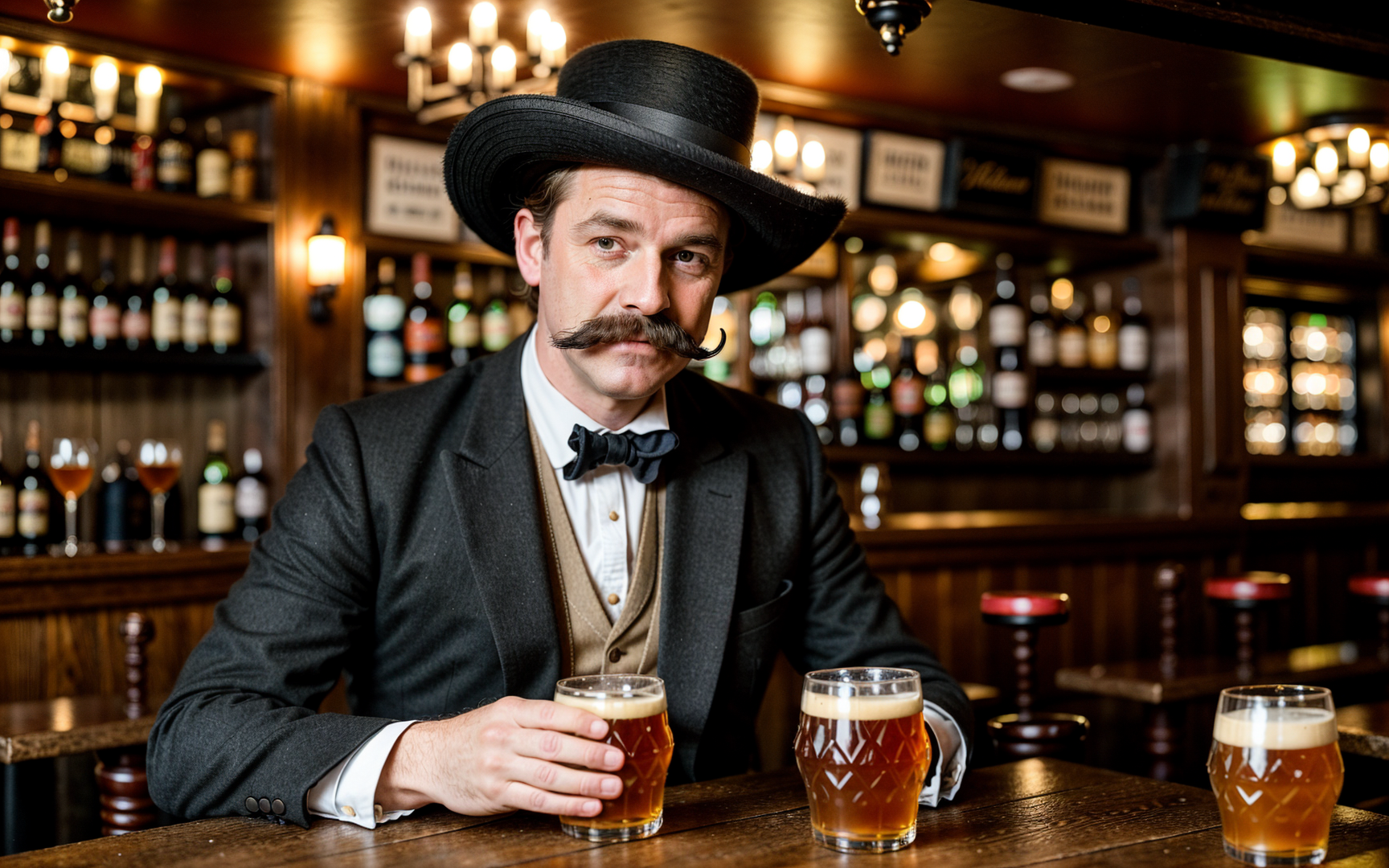
    Using the same prompt to generate image and study the different Engines, VAES and Samplers.

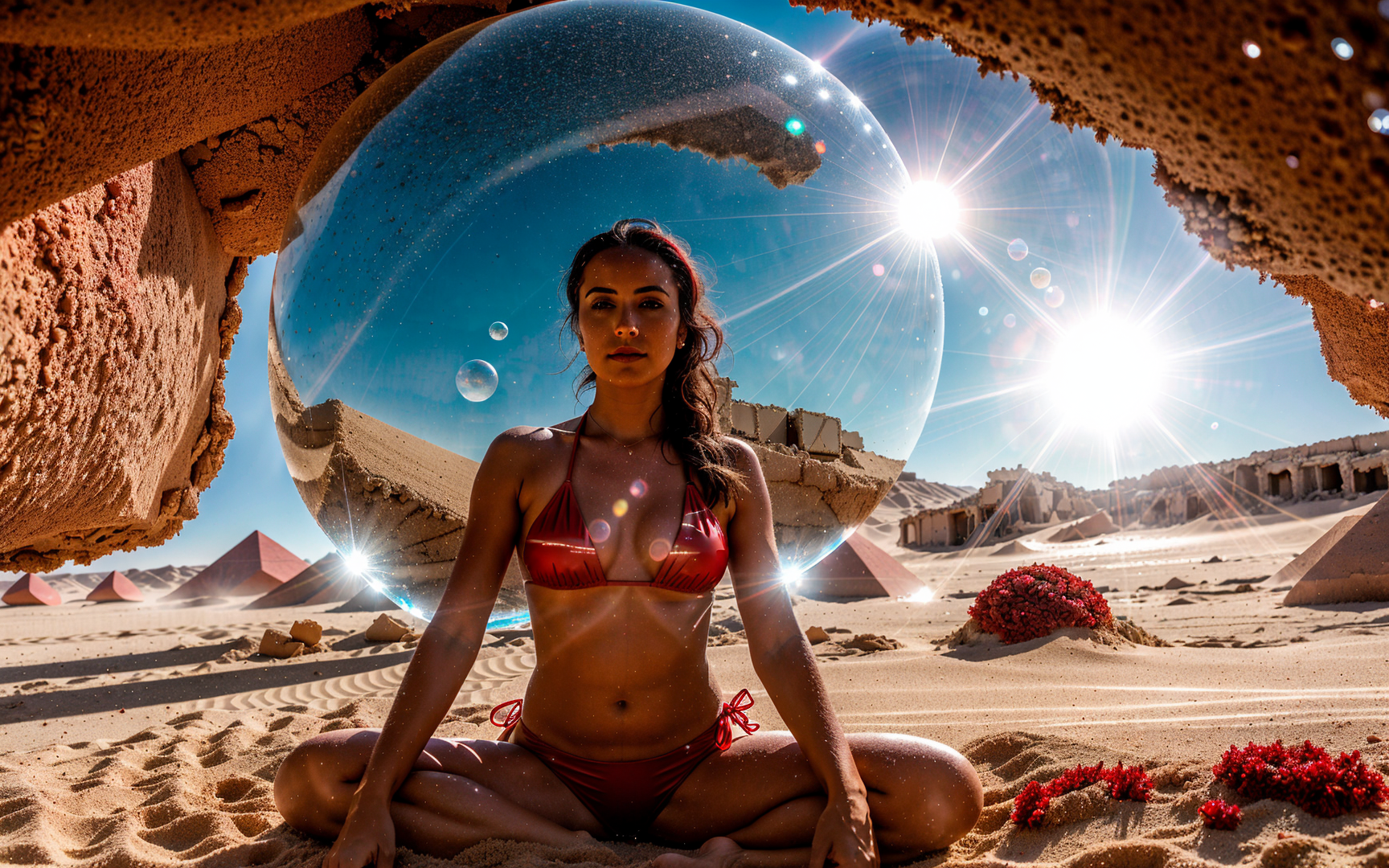
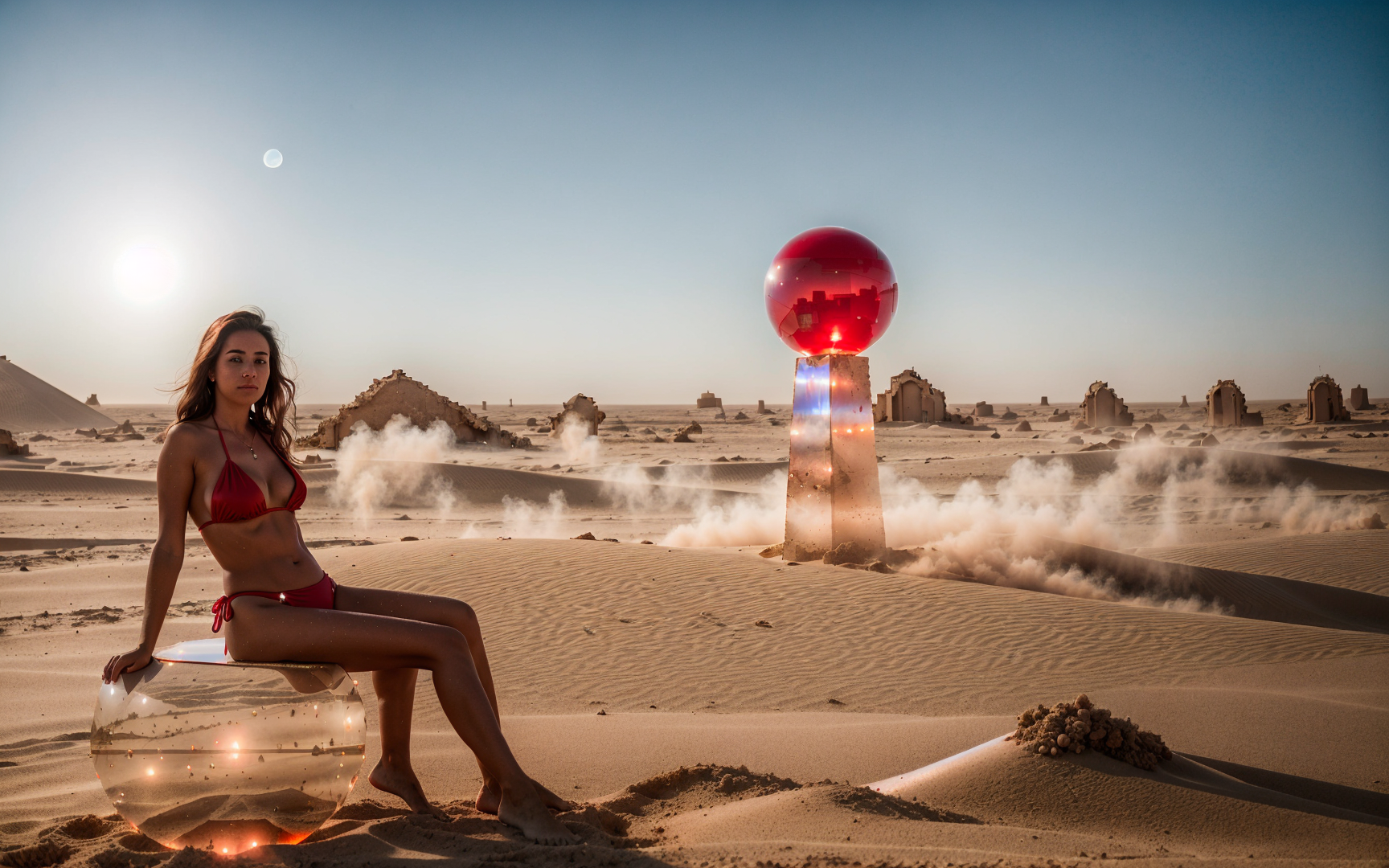
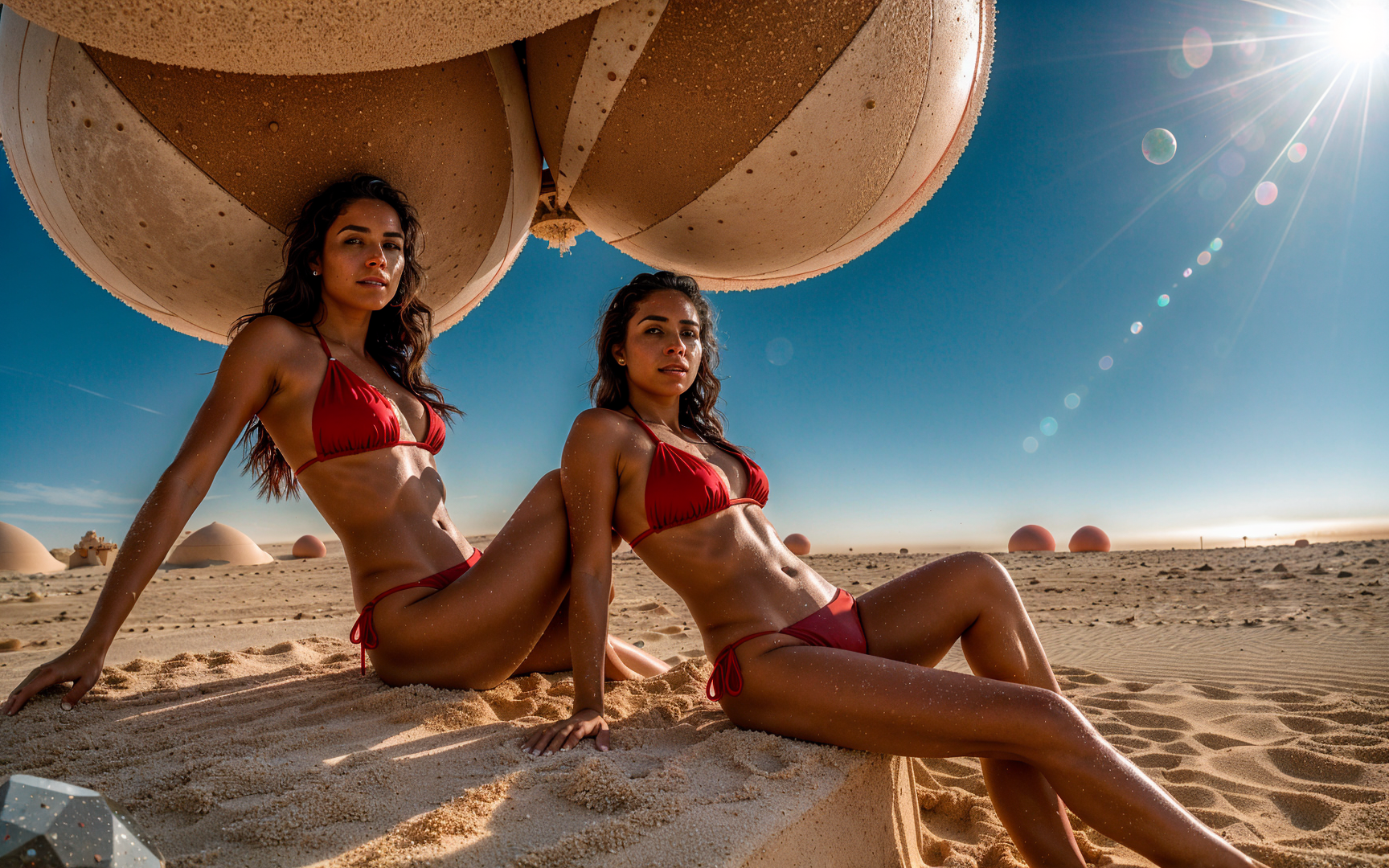
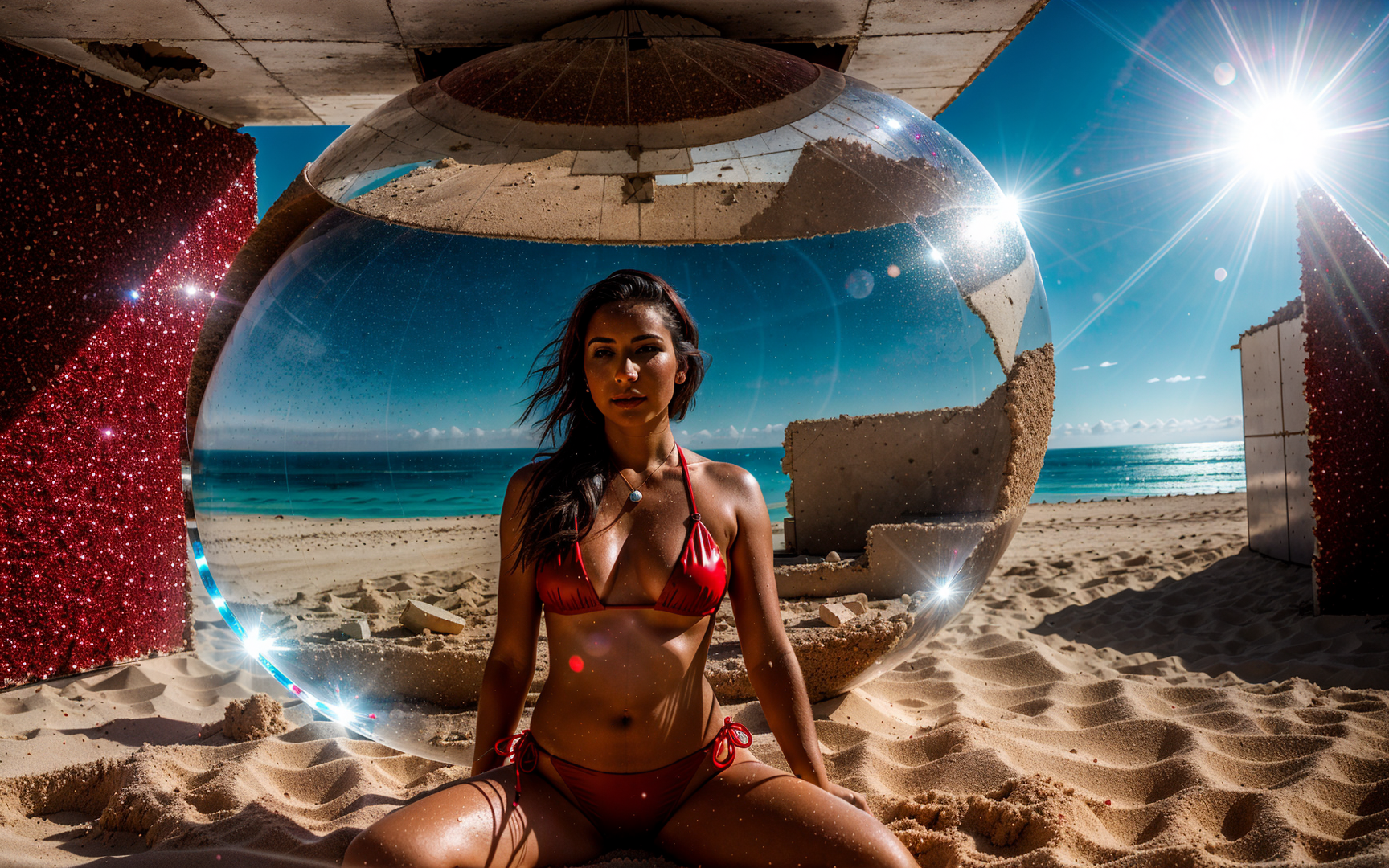
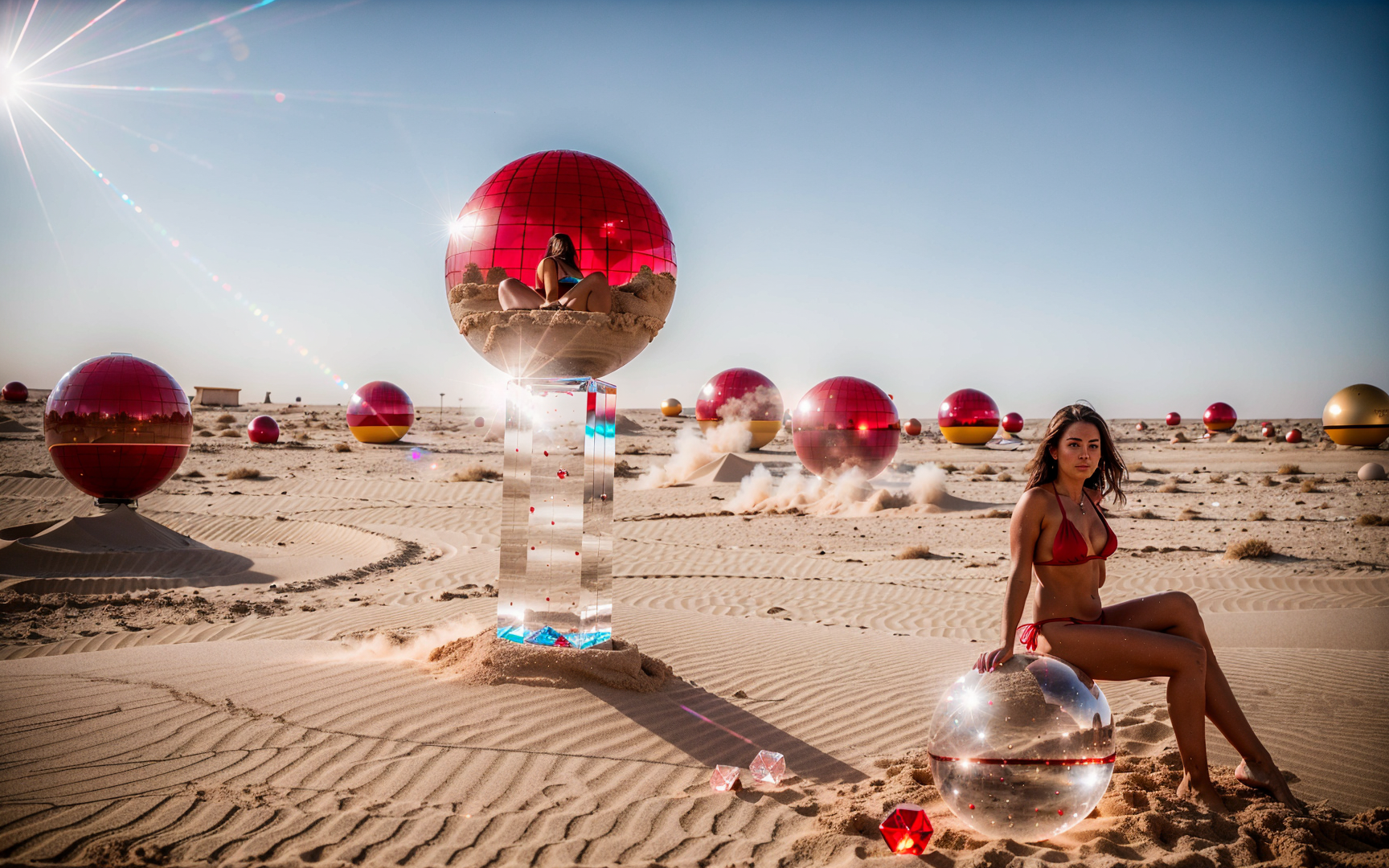
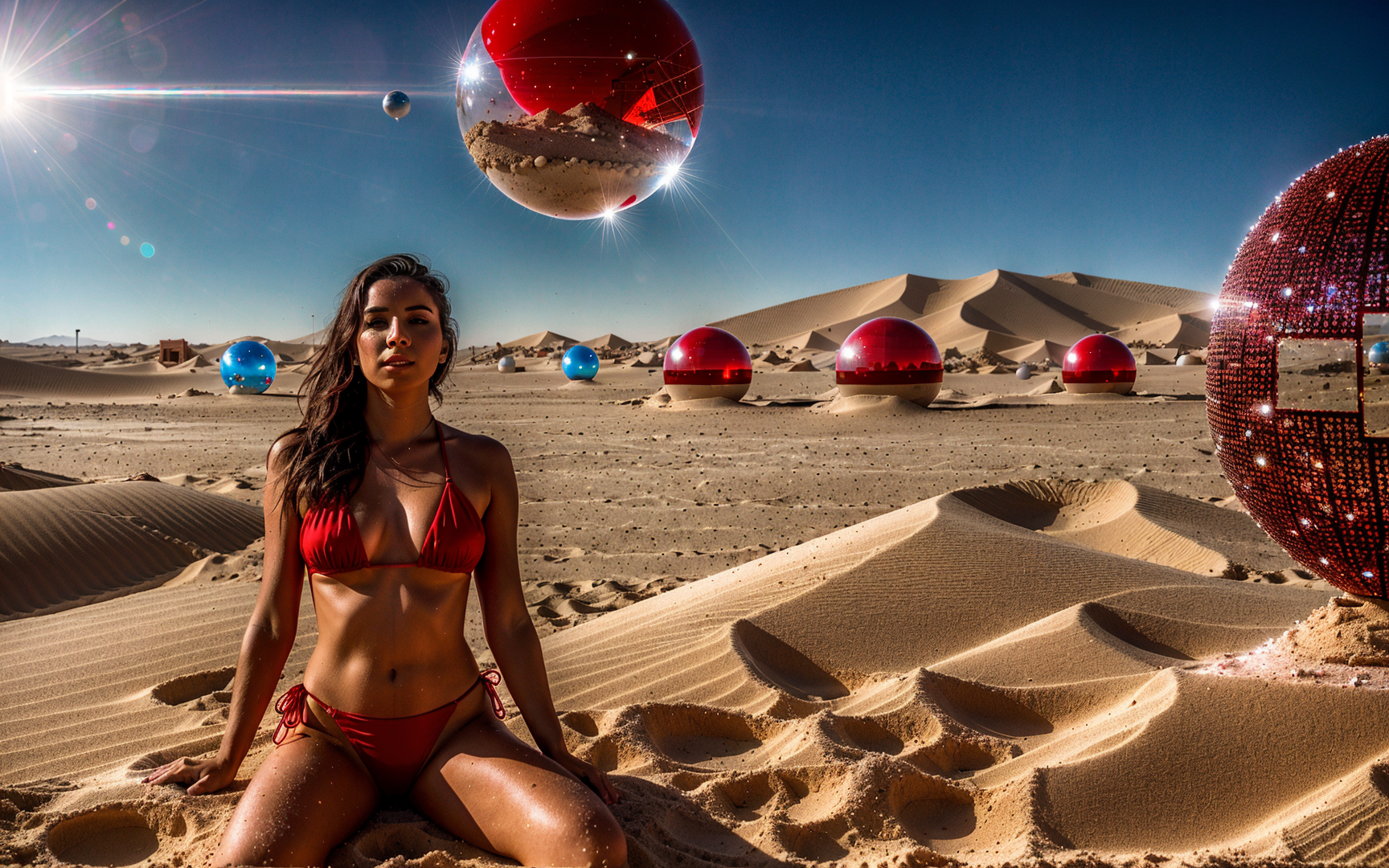
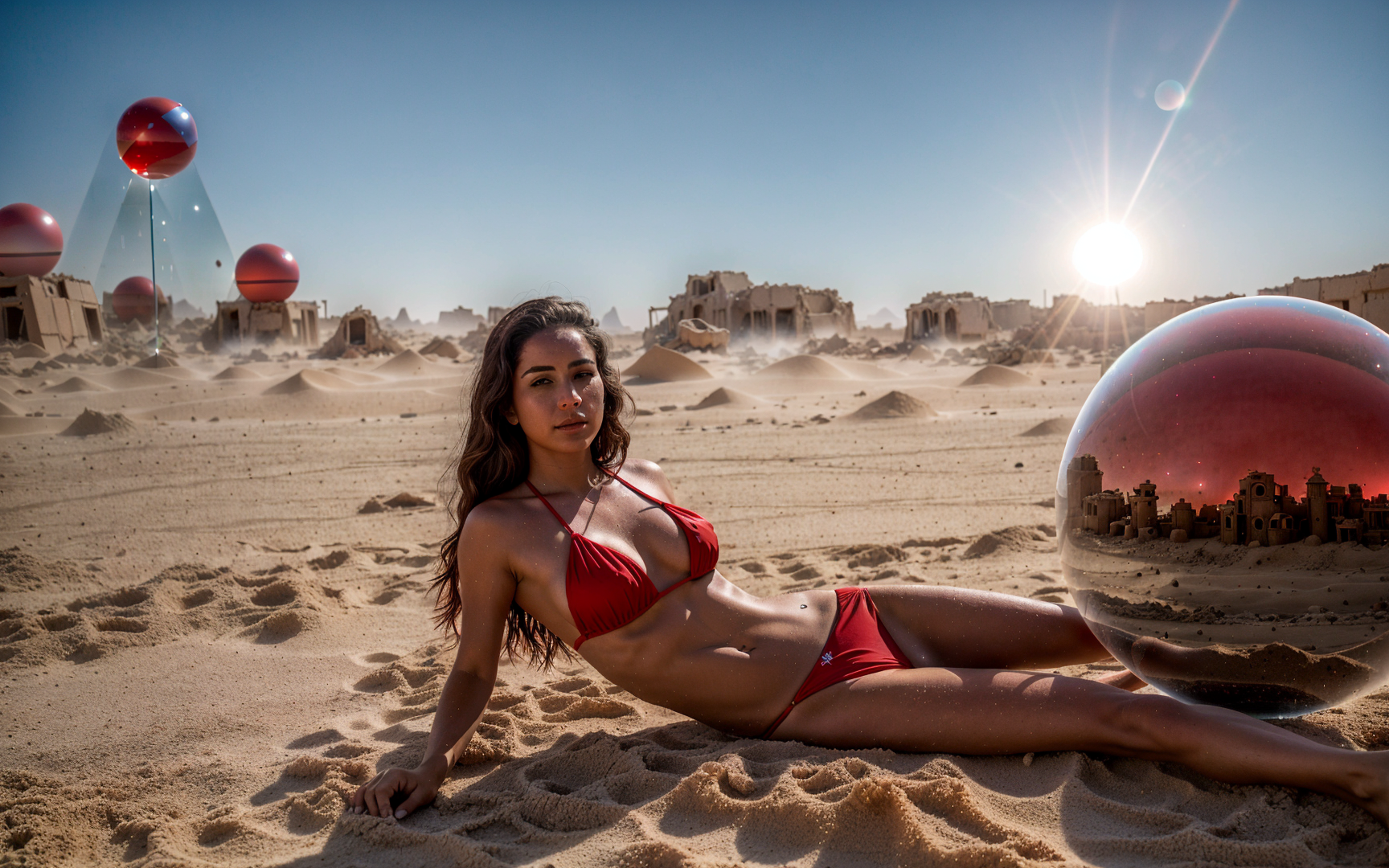
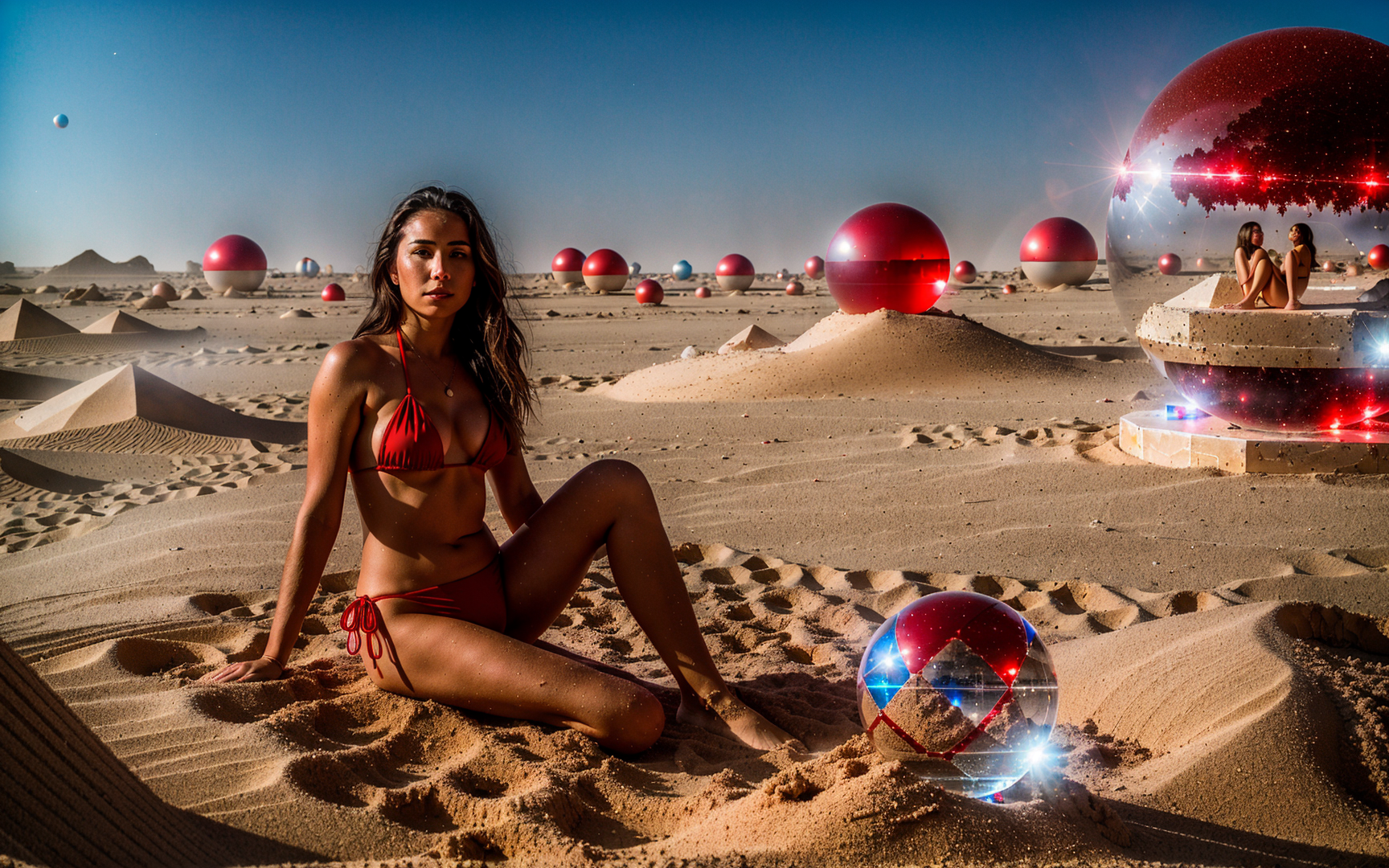
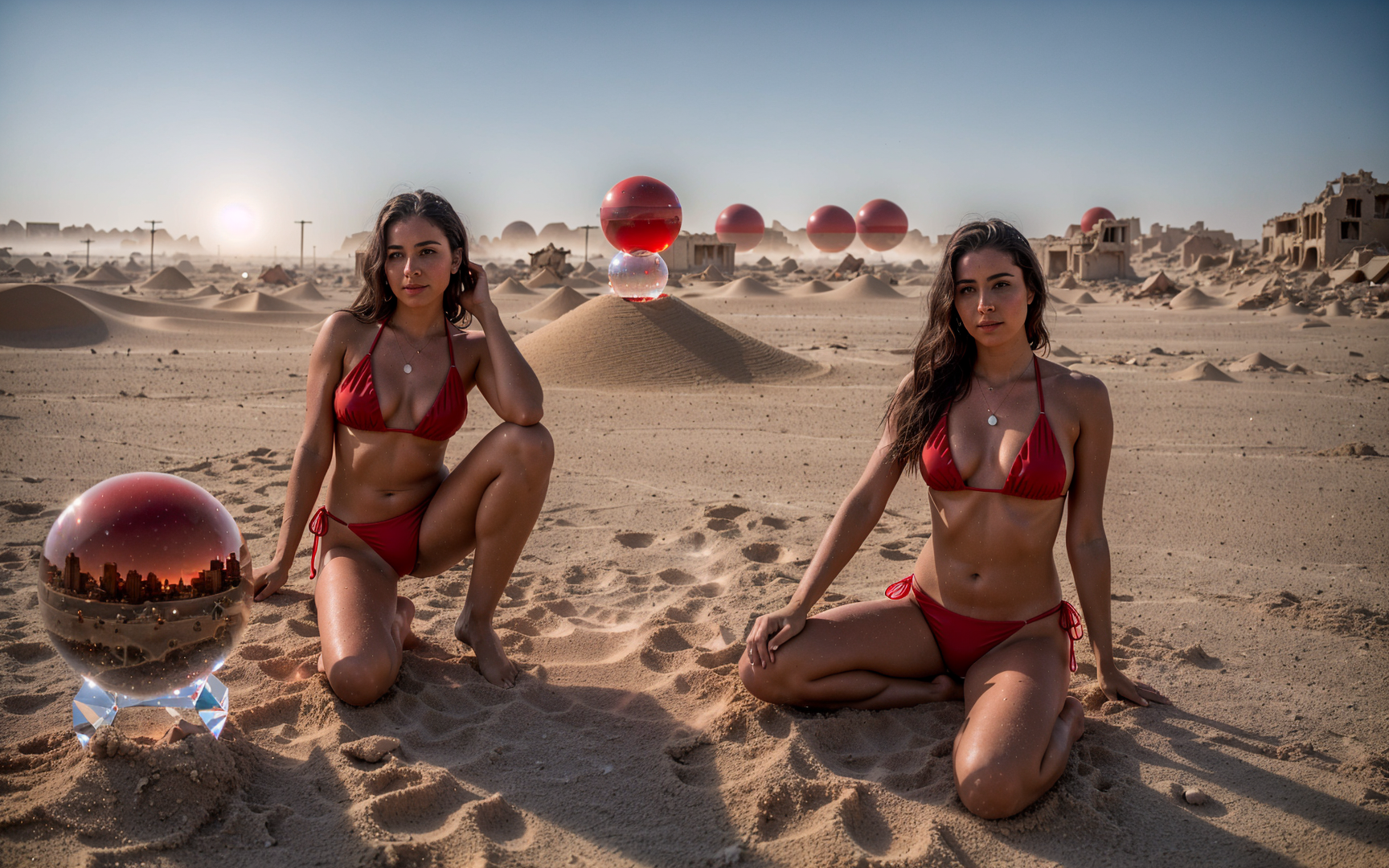
    Prompt 1: one single woman wearing a red bikini is sitting on top of a clear transparent crystal sphere, dystopian world in ruins, sand and dust

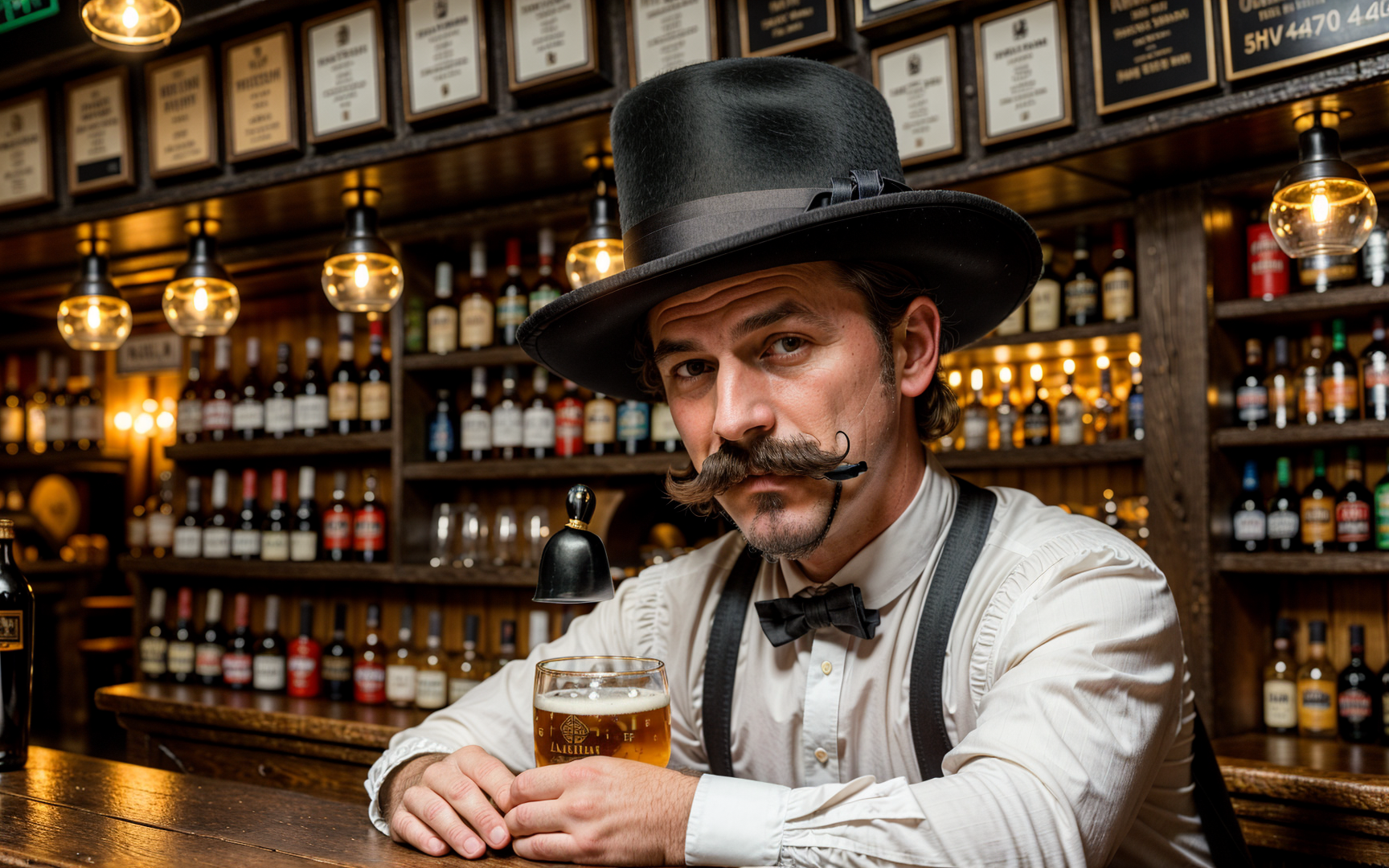
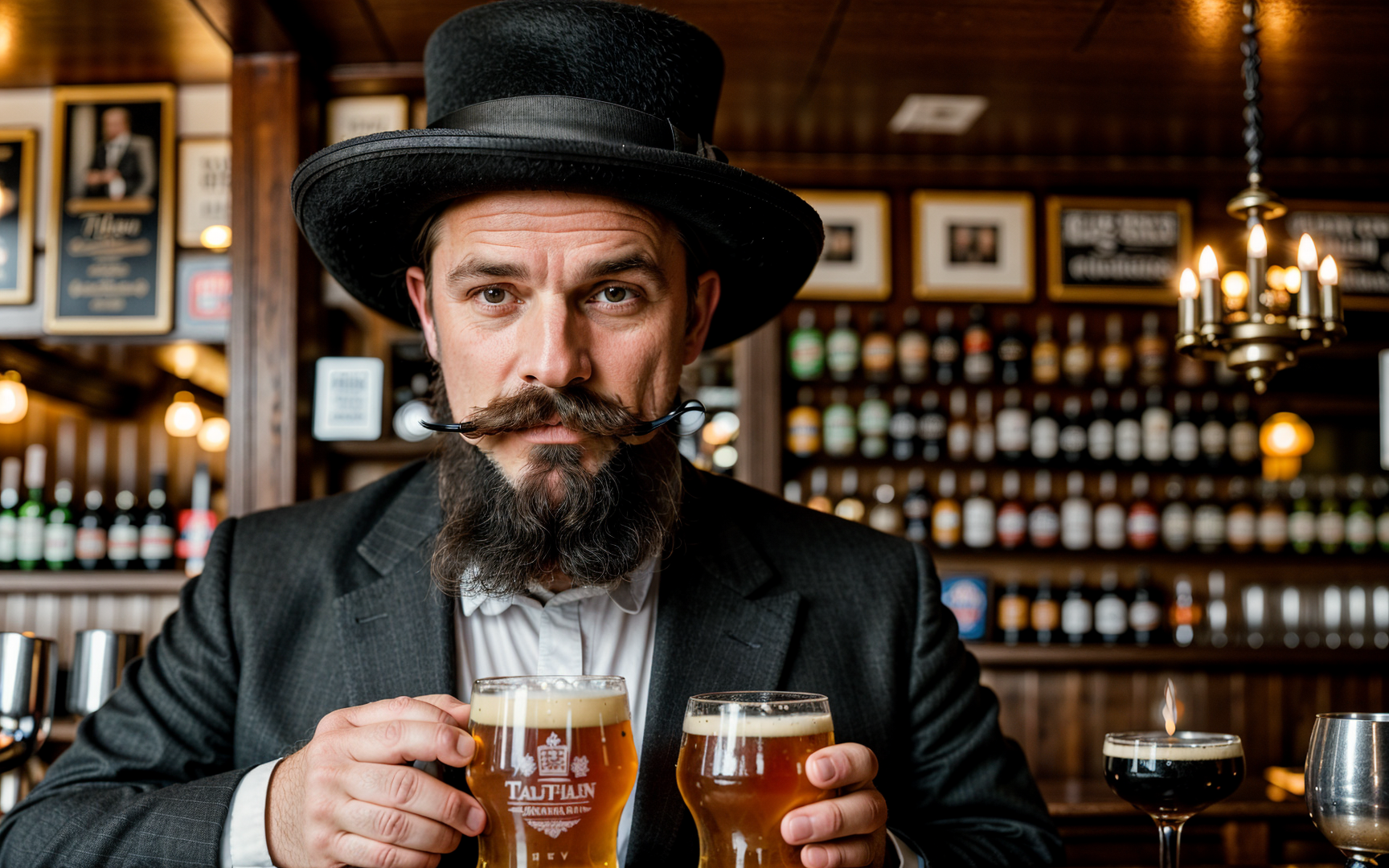
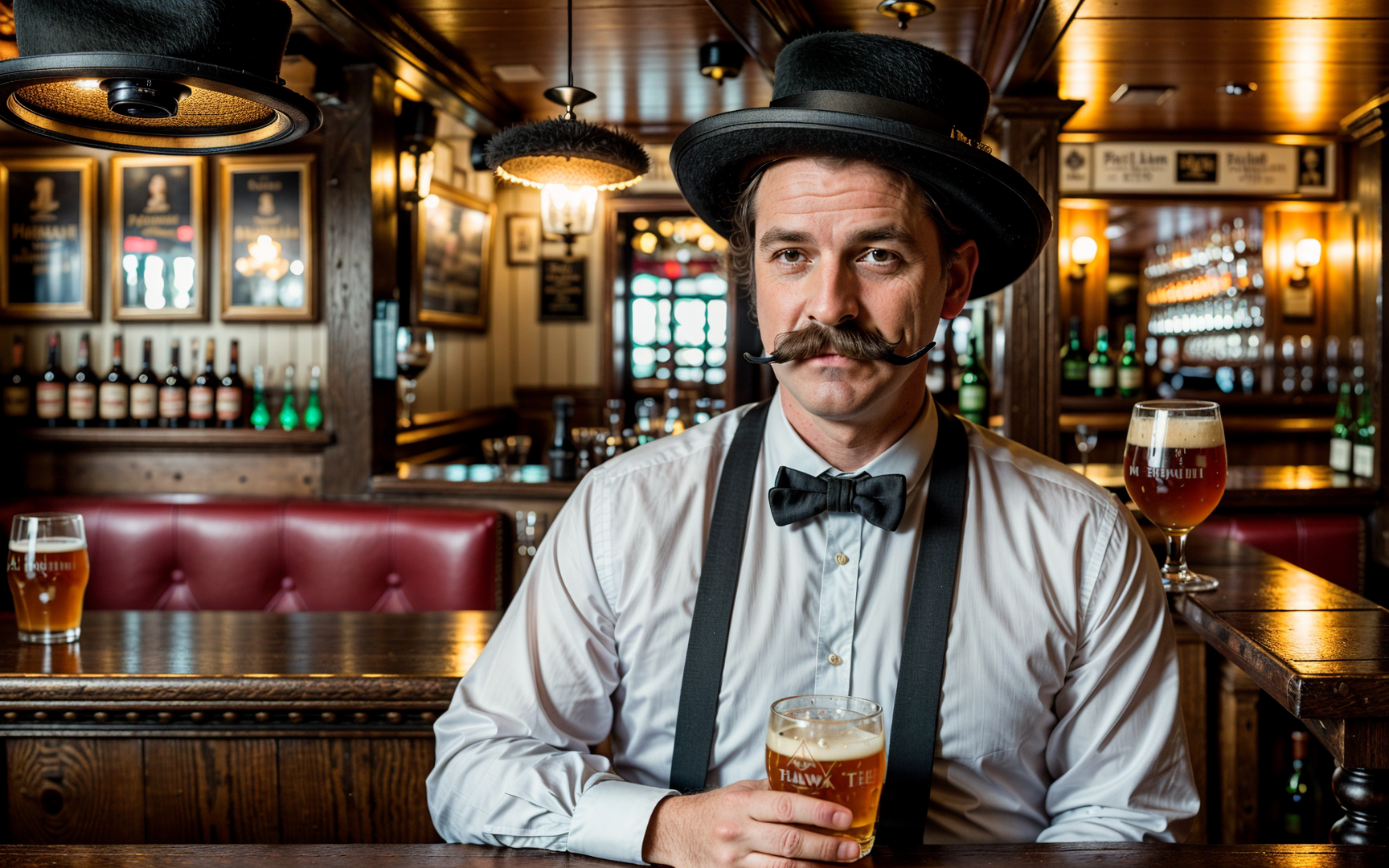
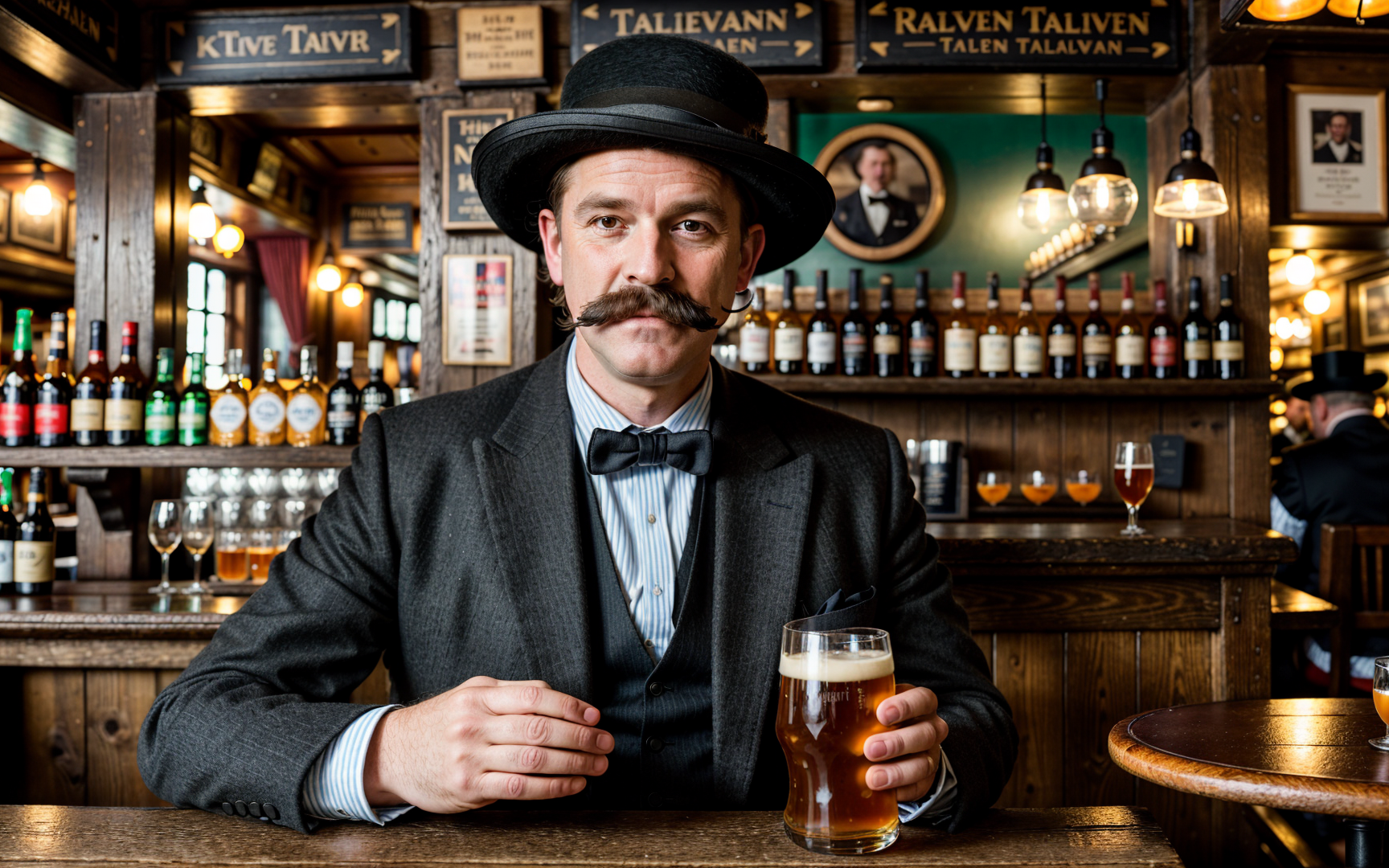
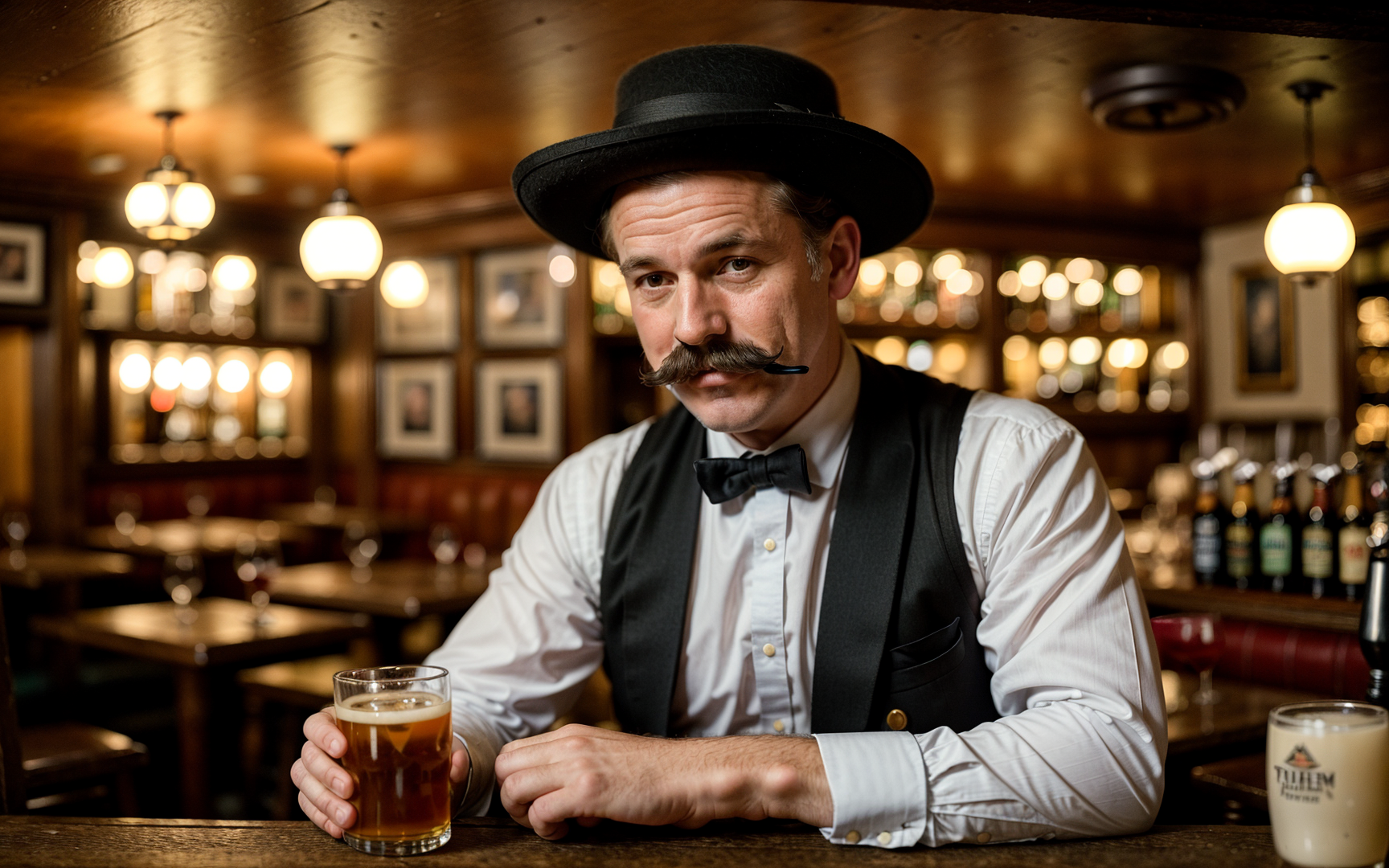
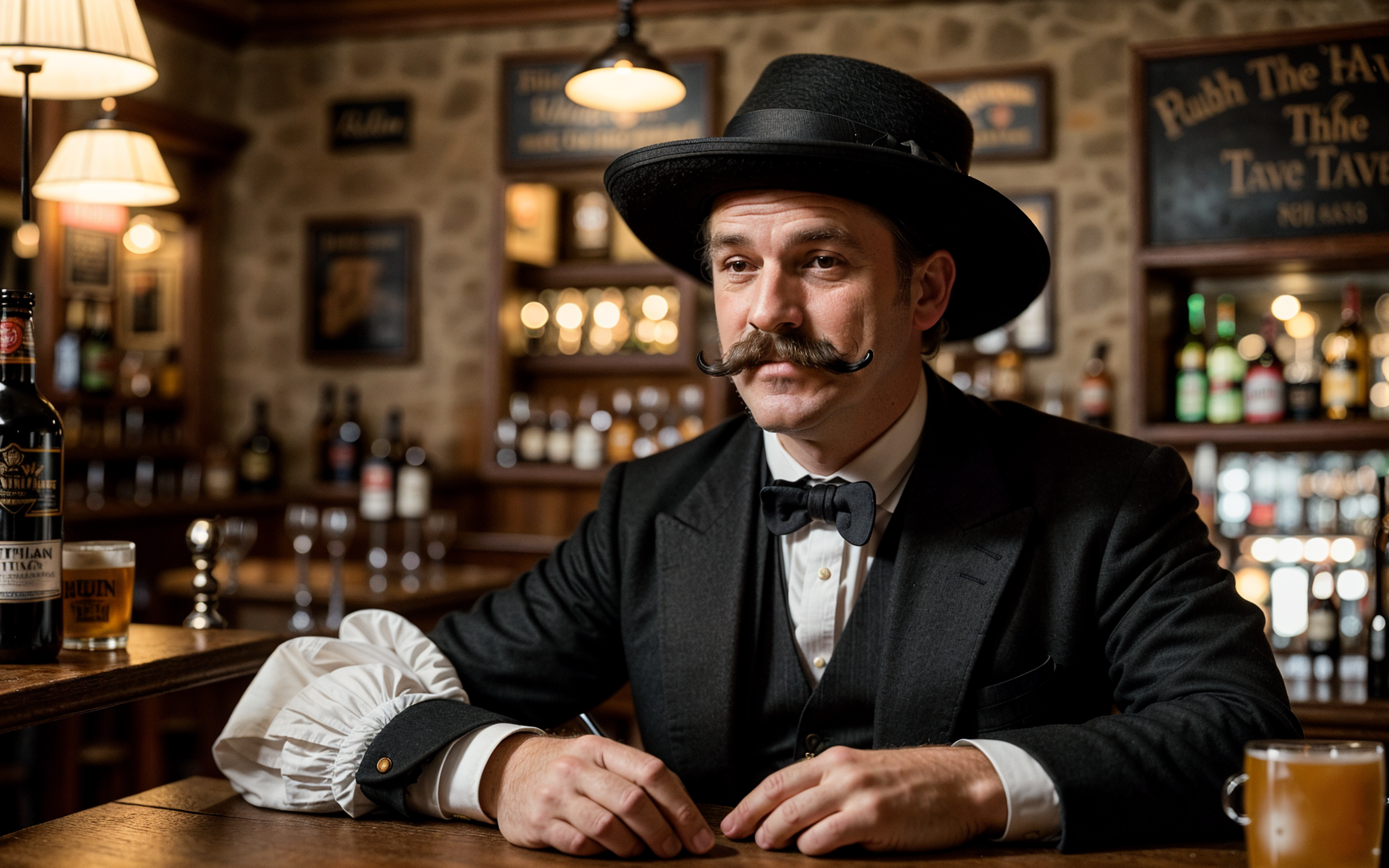
    Prompt 2: portrait of an english gentleman with moustache wearing a black hat, pub tavern environment

    According to developer: Realistic Vision V6.0 (B2 – Full Re-train) Status (Updated: Apr. 4, 2024):

    – Training Images: +3400 (B1: 3000)
    – Training Steps: +724k (B1: 664k)
    – Approximate percentage of completion: ~30%

    Recommendations for using the Hyper model:
    Sampler = DPM SDE++ Karras or another / 4-6+ steps
    CFG Scale = 1.5-2.0 (the lower the value, the more mutations, but the less contrast)

    Hires. fix with 4x-UltraSharp upscaler
    Denoising strength 0.25-0.45
    Upscale by 1.1-2.0
    Clip Skip 1-2

    Recommended prompt:

    				
    					RAW photo, subject, 8k uhd, dslr, soft lighting, high quality, film grain, Fujifilm XT3


    Negative prompt:

    				
    					    (deformed iris, deformed pupils, semi-realistic, cgi, 3d, render, sketch, cartoon, drawing, anime), text, cropped, out of frame, worst quality, low quality, jpeg artifacts, ugly, duplicate, morbid, mutilated, extra fingers, mutated hands, poorly drawn hands, poorly drawn face, mutation, deformed, blurry, dehydrated, bad anatomy, bad proportions, extra limbs, cloned face, disfigured, gross proportions, malformed limbs, missing arms, missing legs, extra arms, extra legs, fused fingers, too many fingers, long neck, UnrealisticDream


    Model:

    VAE:

    Sampler:

    Steps:

    CFG Scale:

    Realistic Vision V6.0 B1

    V5.1 Hyper

    Euler + Karras

    200

    4

    Model:

    VAE:

    Sampler:

    Steps:

    CFG Scale:

    Realistic Vision V6.0 B1

    V5.1 Hyper

    DPM++ SDE Karras

    64

    4

    Model:

    VAE:

    Sampler:

    Steps:

    CFG Scale:

    Realistic Vision V6.0 B1

    V5.1 Hyper

    DPM++ SDE Karras

    64

    4

    Model:

    VAE:

    Sampler:

    Steps:

    CFG Scale:

    Realistic Vision V6.0 B1

    V5.1 Hyper

    DPM++ SDE Karras

    64

    4

    Model:

    VAE:

    Sampler:

    Steps:

    CFG Scale:

    Realistic Vision V6.0 B1

    V5.1 Hyper

    DPM++ SDE Karras

    64

    4

    Model:

    VAE:

    Sampler:

    Steps:

    CFG Scale:

    Realistic Vision V6.0 B1

    V5.1 Hyper

    DPM++ SDE Karras

    30

    1.5

    Model:

    VAE:

    Sampler:

    Steps:

    CFG Scale:

    Realistic Vision V6.0 B1

    V5.1 Hyper

    DPM++ SDE Karras

    30

    1.5

    Model:

    VAE:

    Sampler:

    Steps:

    CFG Scale:

    Realistic Vision V6.0 B1

    V5.1 Hyper

    DPM++ SDE Karras

    30

    8

    Model:

    VAE:

    Sampler:

    Steps:

    CFG Scale:

    Realistic Vision V6.0 B1

    V5.1 Hyper

    DPM++ SDE Karras

    30

    8

    Model:

    VAE:

    Sampler:

    Steps:

    CFG Scale:

    Realistic Vision V6.0 B1

    V5.1 Hyper

    Euler + Karras

    200

    4

    Model:

    VAE:

    Sampler:

    Steps:

    CFG Scale:

    Realistic Vision V6.0 B1

    V5.1 Hyper

    DPM++ SDE Karras

    64

    4

    Model:

    VAE:

    Sampler:

    Steps:

    CFG Scale:

    Realistic Vision V6.0 B1

    V5.1 Hyper

    DPM++ SDE Karras

    64

    4

    Model:

    VAE:

    Sampler:

    Steps:

    CFG Scale:

    Realistic Vision V6.0 B1

    V5.1 Hyper

    DPM++ SDE Karras

    30

    8

    Model:

    VAE:

    Sampler:

    Steps:

    CFG Scale:

    Realistic Vision V6.0 B1

    V5.1 Hyper

    DPM++ SDE Karras

    30

    8

    Model:

    VAE:

    Sampler:

    Steps:

    CFG Scale:

    Realistic Vision V6.0 B1

    V5.1 Hyper

    DPM++ SDE Karras

    20

    1.5

    Model:

    VAE:

    Sampler:

    Steps:

    CFG Scale:

    Realistic Vision V6.0 B1

    V5.1 Hyper

    DPM++ SDE Karras

    20

    1.5

    According to developer:

    Recommended prompt:

    				
    					RAW photo, subject, 8k uhd, dslr, soft lighting, high quality, film grain, Fujifilm XT3


    Negative prompt:

    				
    					    (deformed iris, deformed pupils, semi-realistic, cgi, 3d, render, sketch, cartoon, drawing, anime), text, cropped, out of frame, worst quality, low quality, jpeg artifacts, ugly, duplicate, morbid, mutilated, extra fingers, mutated hands, poorly drawn hands, poorly drawn face, mutation, deformed, blurry, dehydrated, bad anatomy, bad proportions, extra limbs, cloned face, disfigured, gross proportions, malformed limbs, missing arms, missing legs, extra arms, extra legs, fused fingers, too many fingers, long neck, UnrealisticDream


    According to developer:

    Recommended prompt:

    				
    					RAW photo, subject, 8k uhd, dslr, soft lighting, high quality, film grain, Fujifilm XT3


    Negative prompt:

    				
    					    (deformed iris, deformed pupils, semi-realistic, cgi, 3d, render, sketch, cartoon, drawing, anime), text, cropped, out of frame, worst quality, low quality, jpeg artifacts, ugly, duplicate, morbid, mutilated, extra fingers, mutated hands, poorly drawn hands, poorly drawn face, mutation, deformed, blurry, dehydrated, bad anatomy, bad proportions, extra limbs, cloned face, disfigured, gross proportions, malformed limbs, missing arms, missing legs, extra arms, extra legs, fused fingers, too many fingers, long neck, UnrealisticDream
    				
    			
  • One Model, Many Styles. Cat-Woman edition.

    One Model, Many Styles. Cat-Woman edition.

    One Model, Many Styles. Cat-Woman edition.

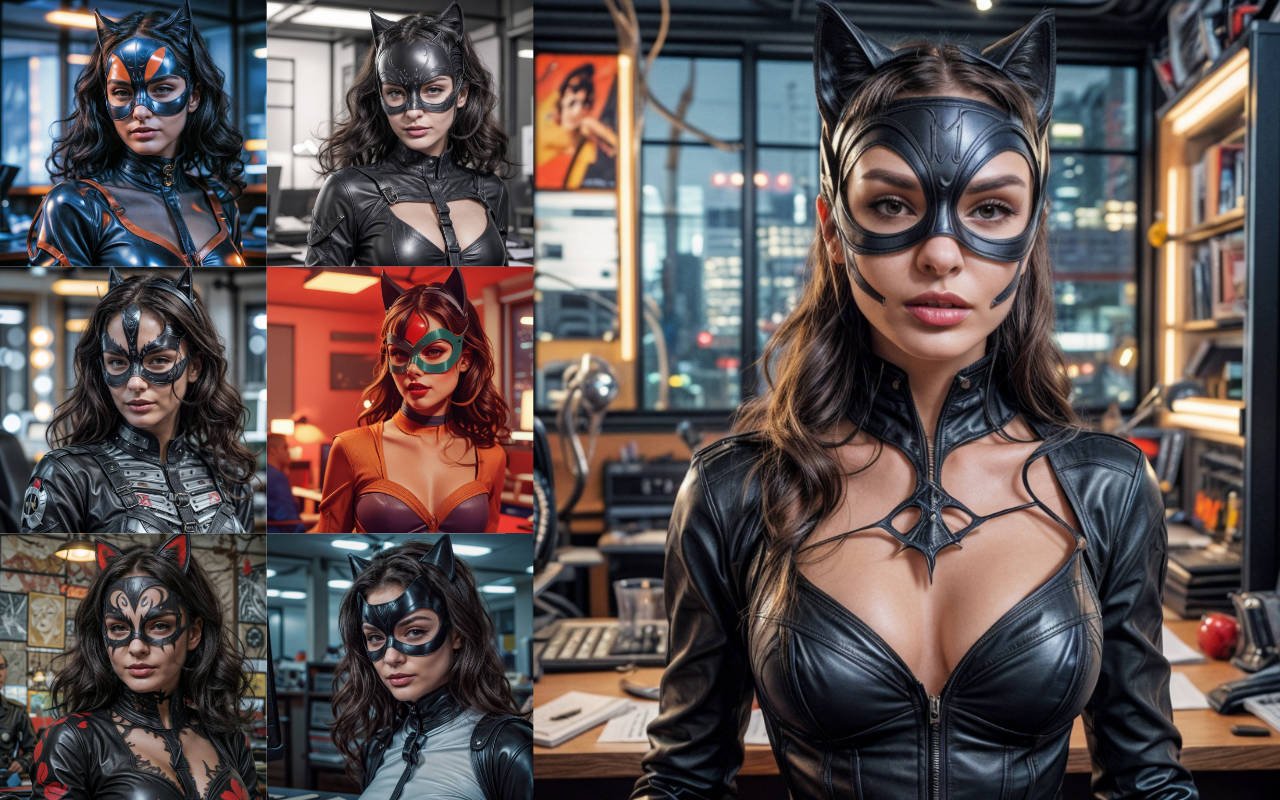
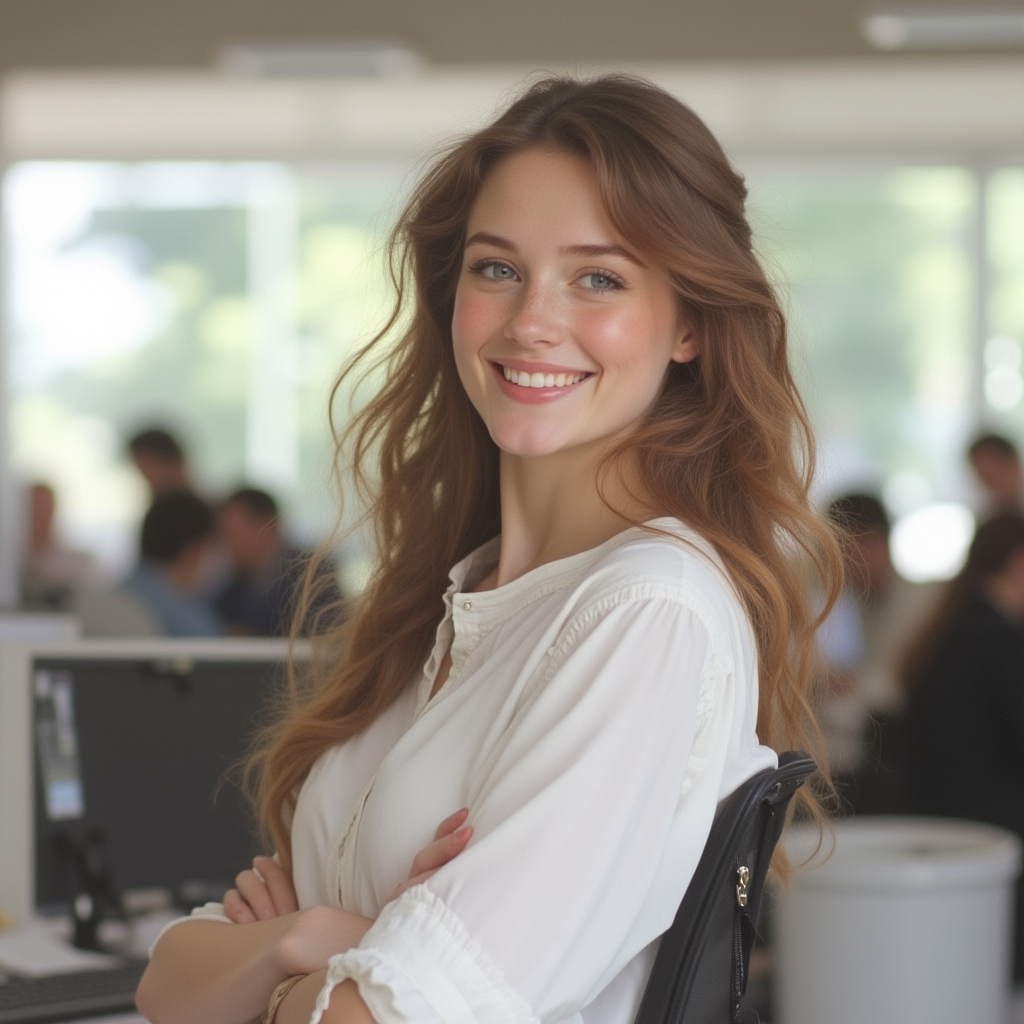
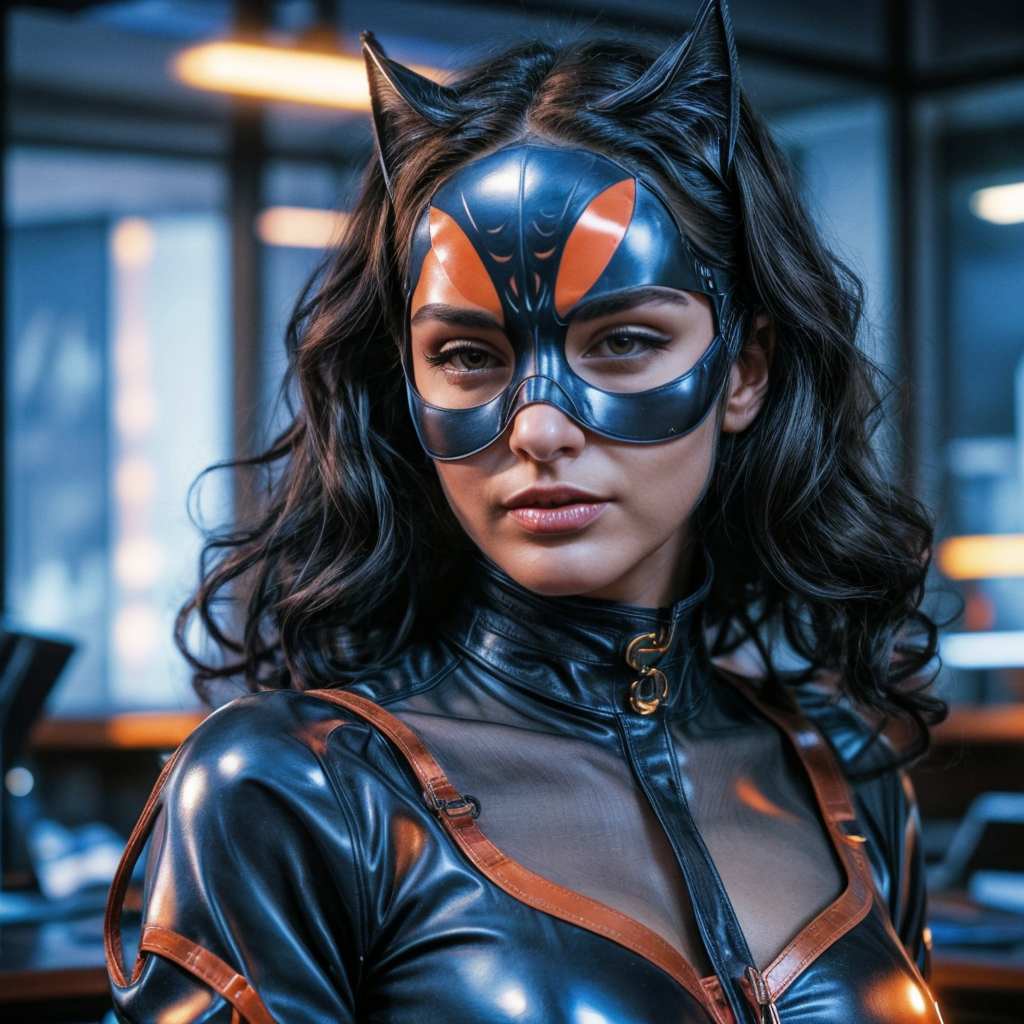
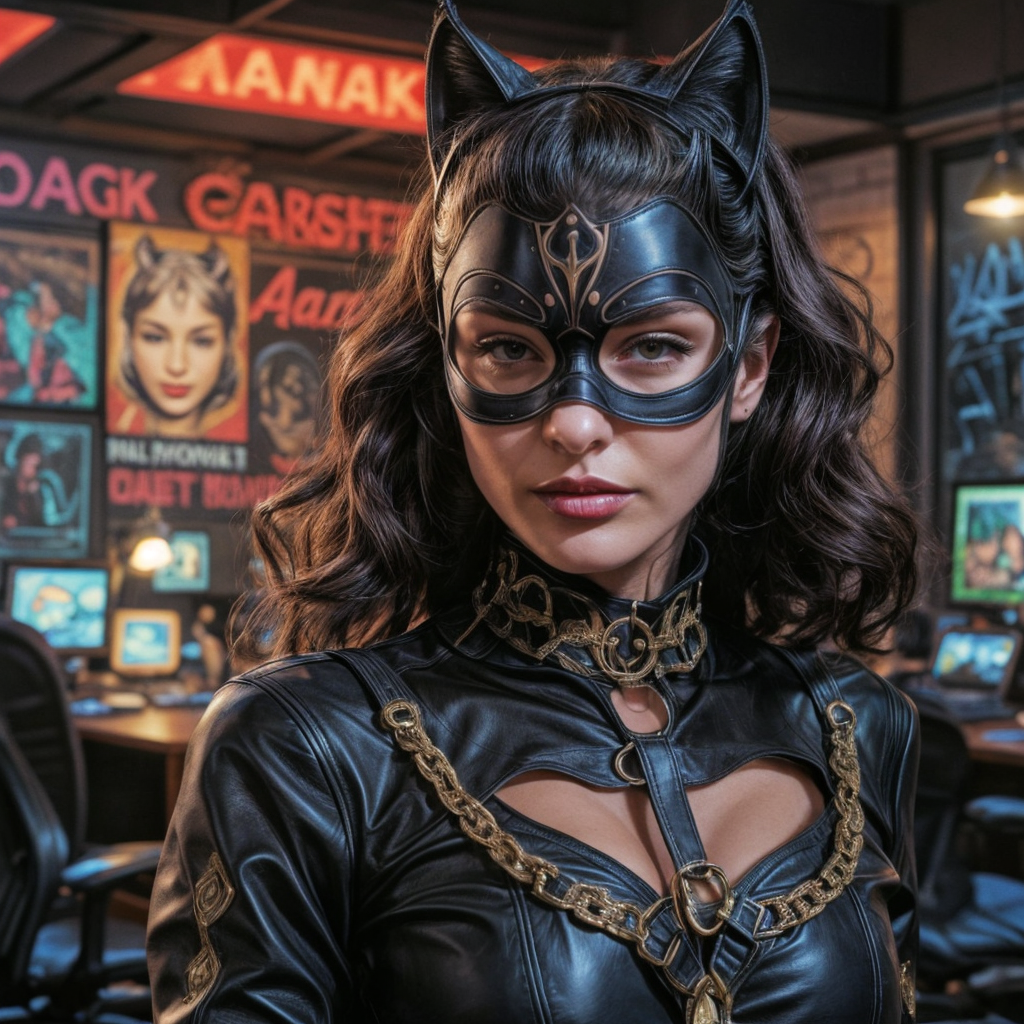
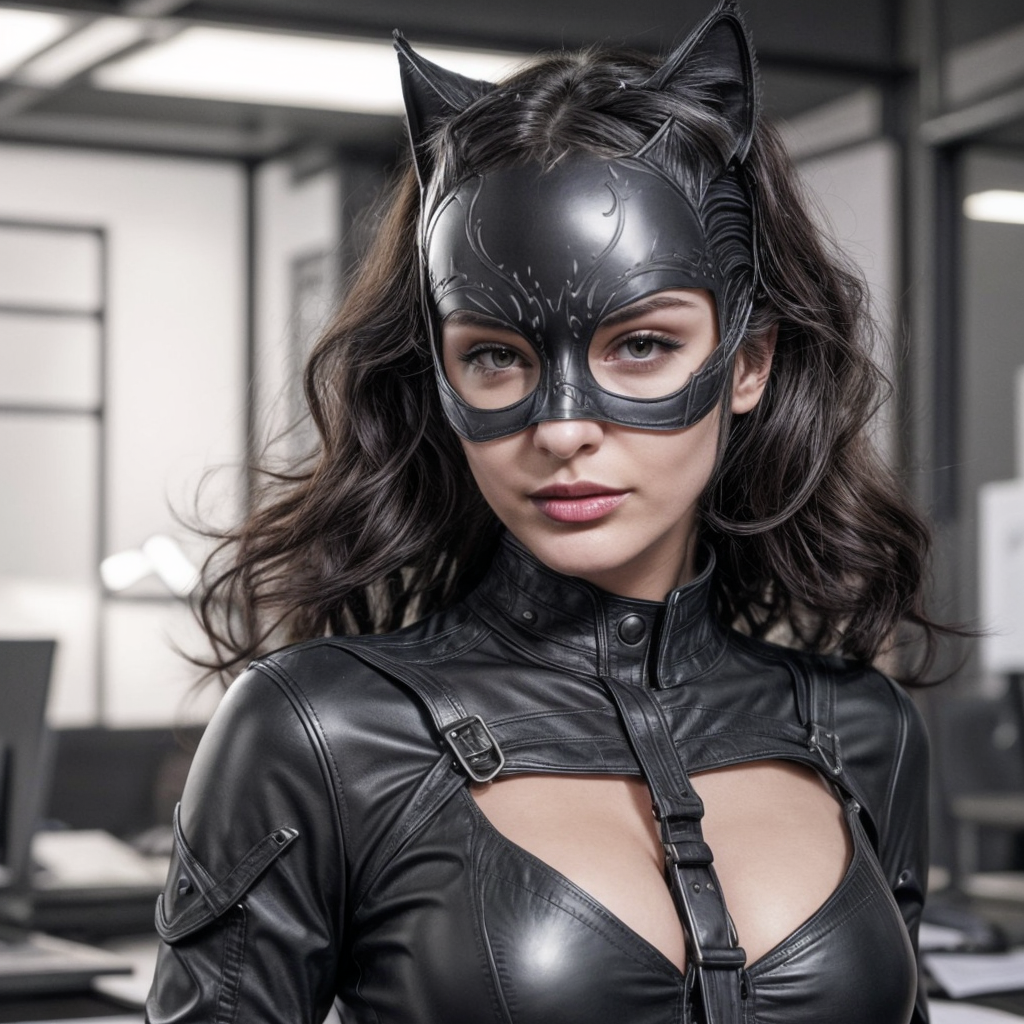
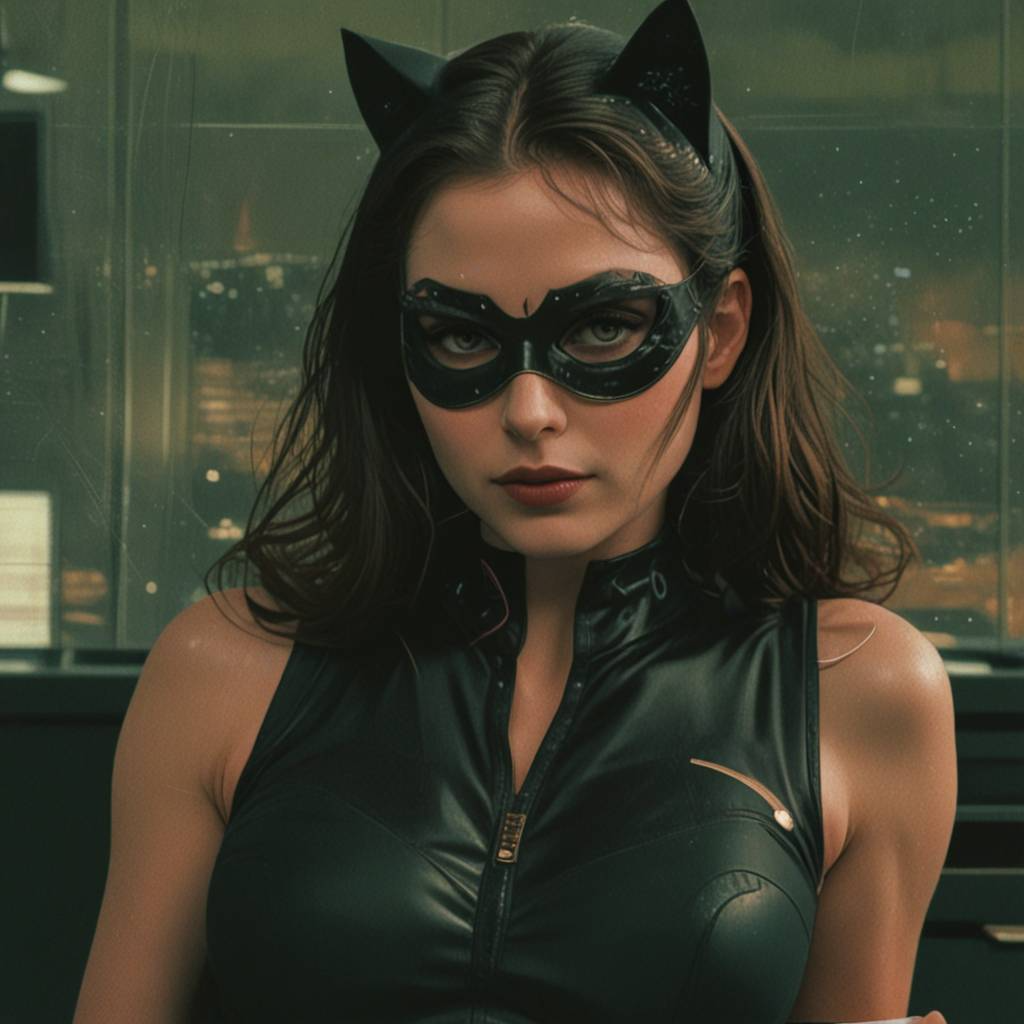
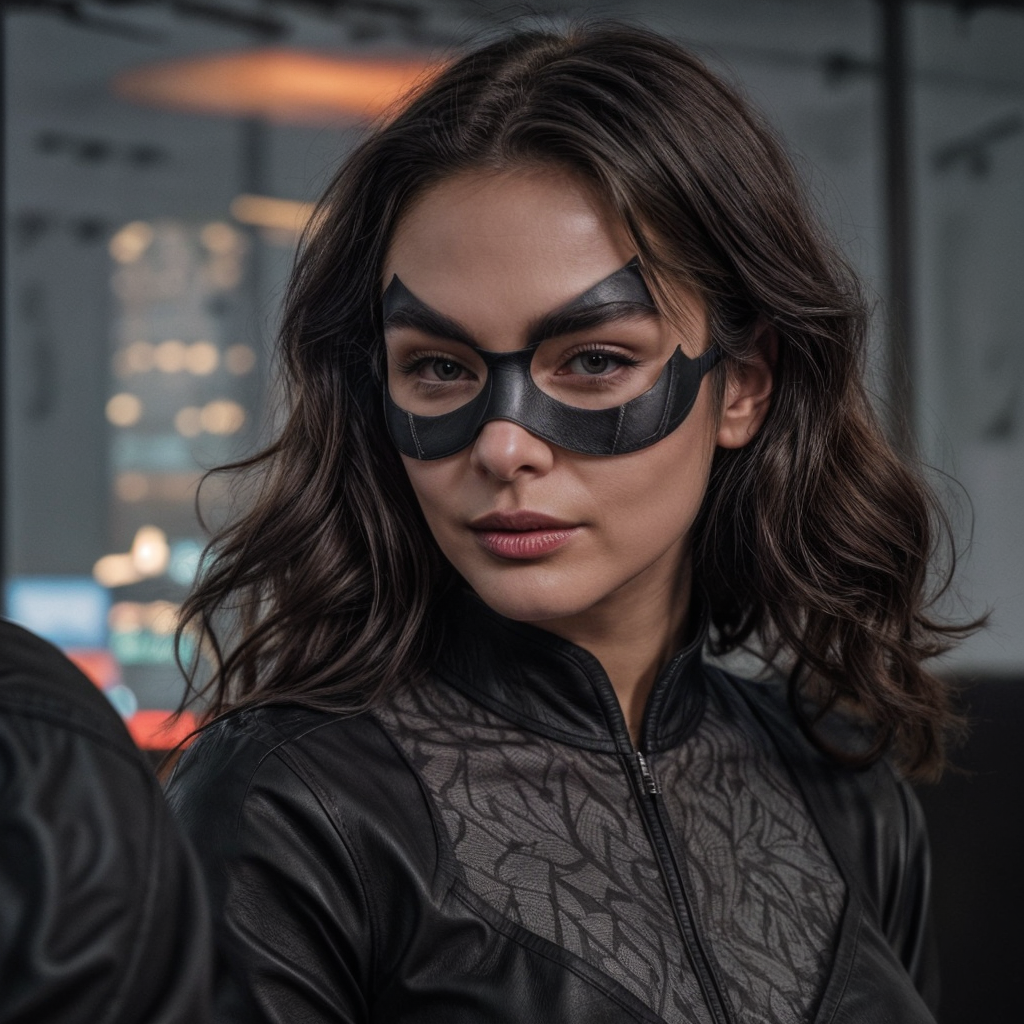
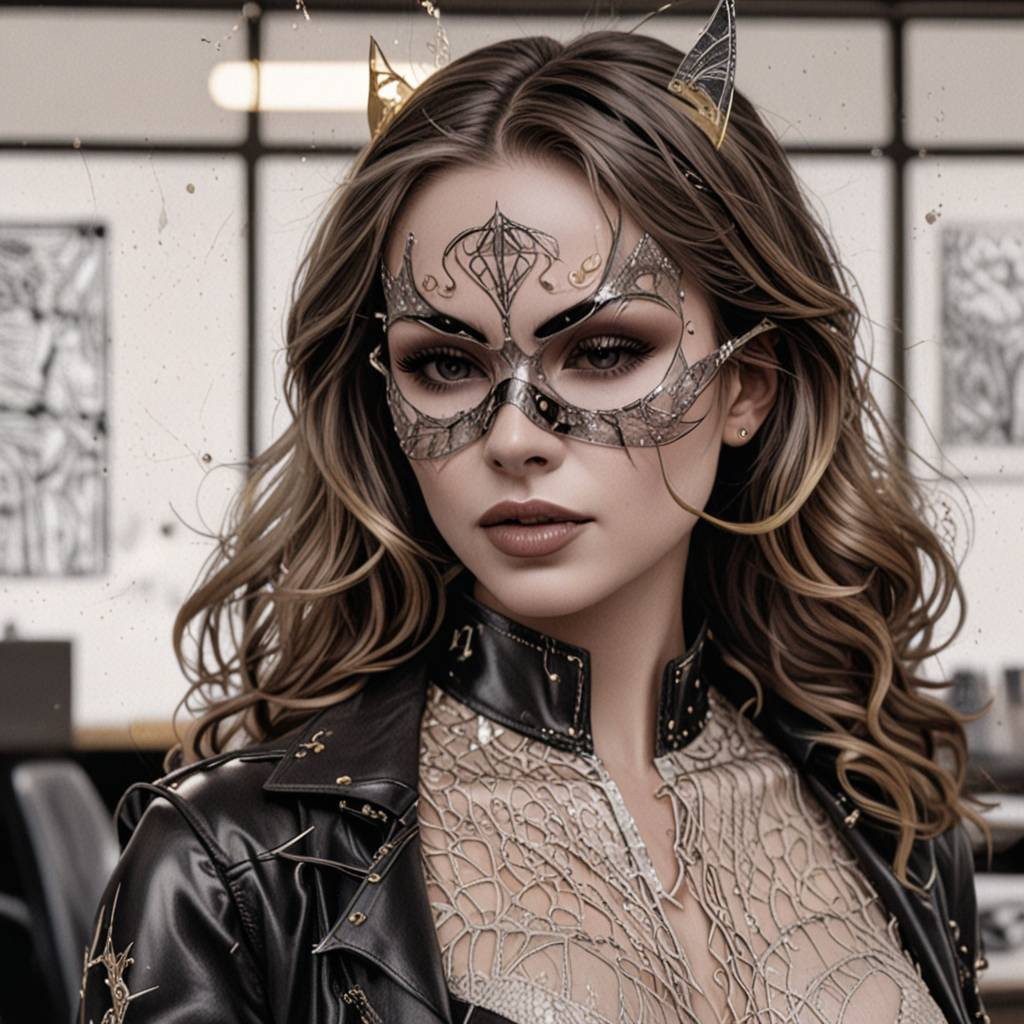
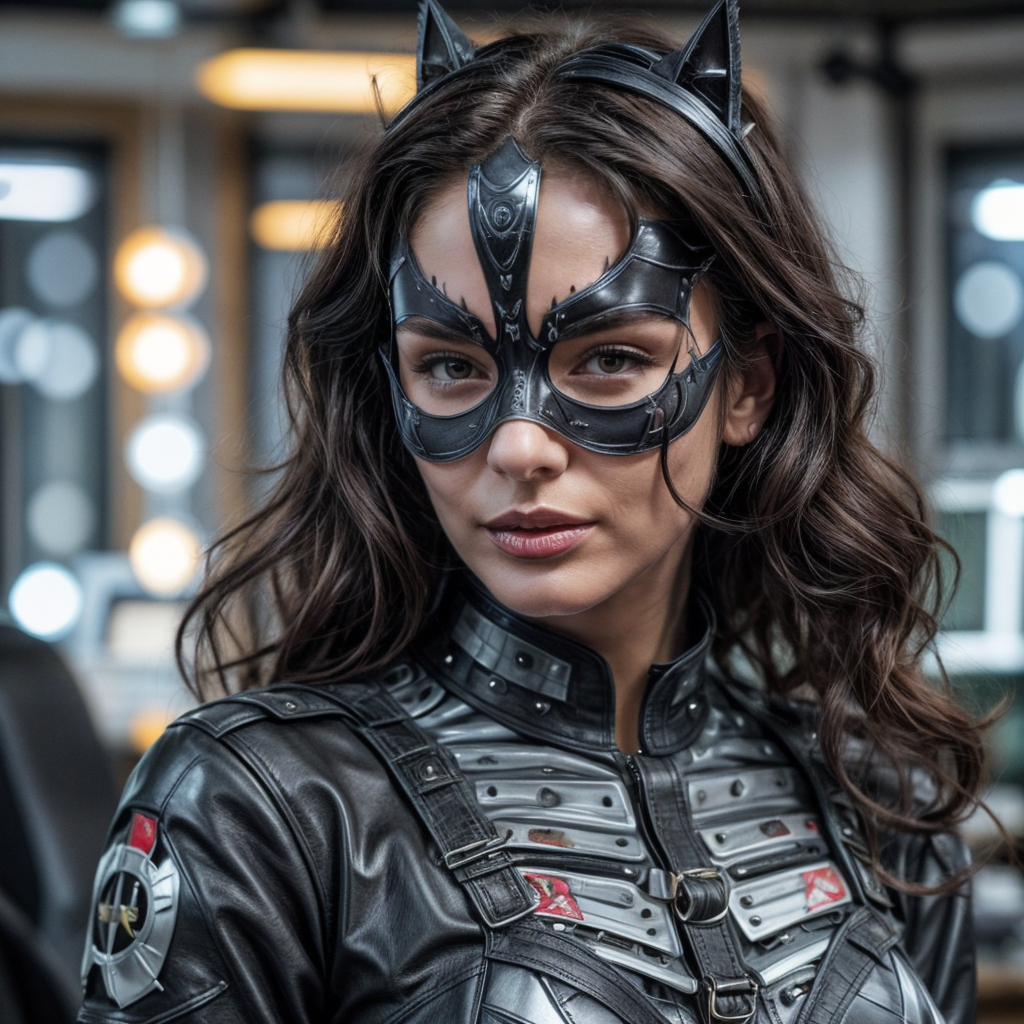
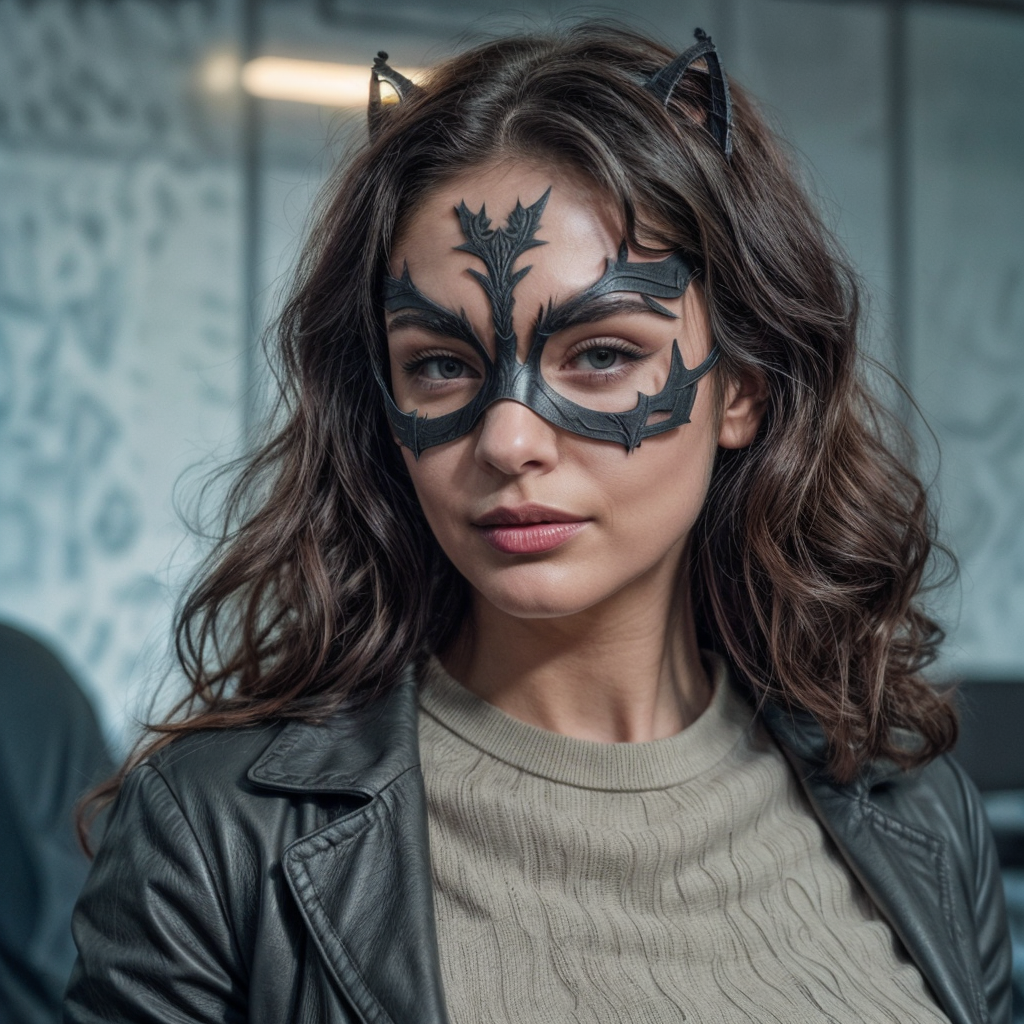
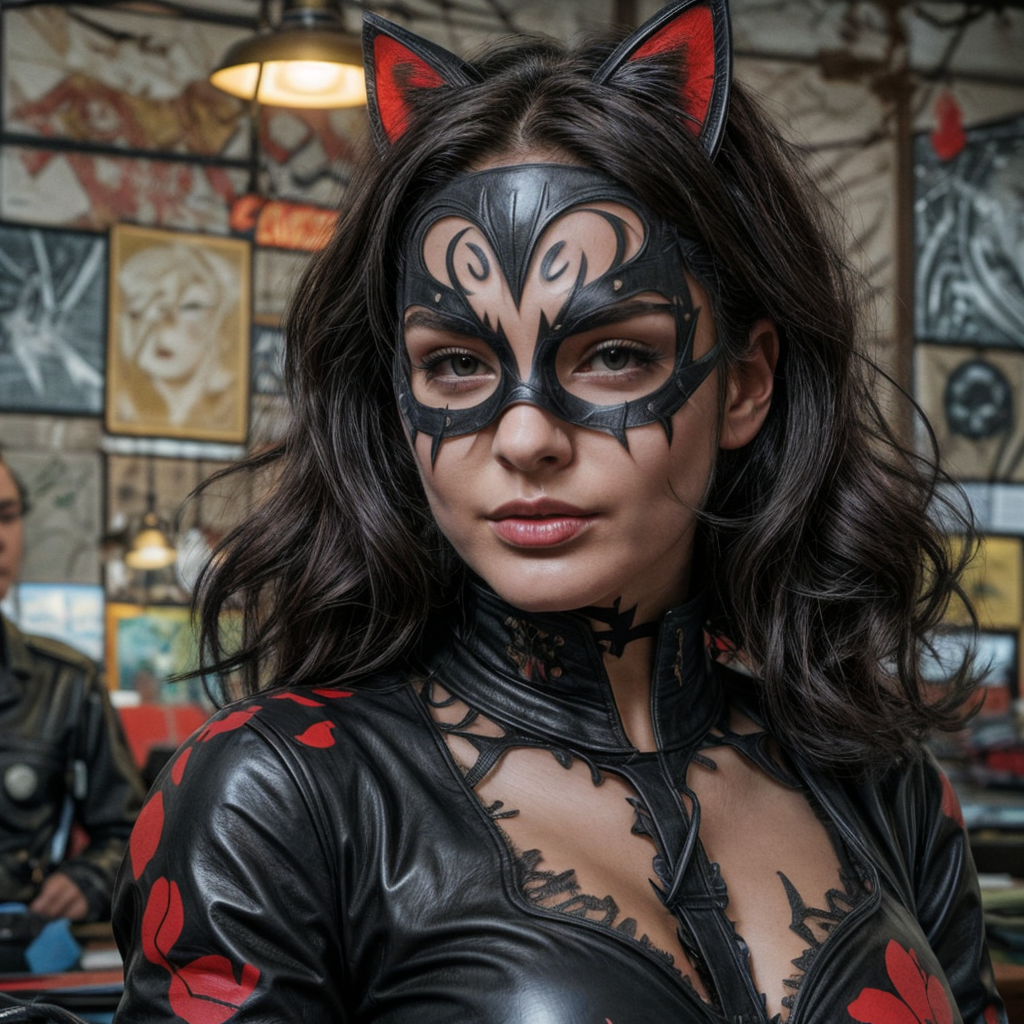
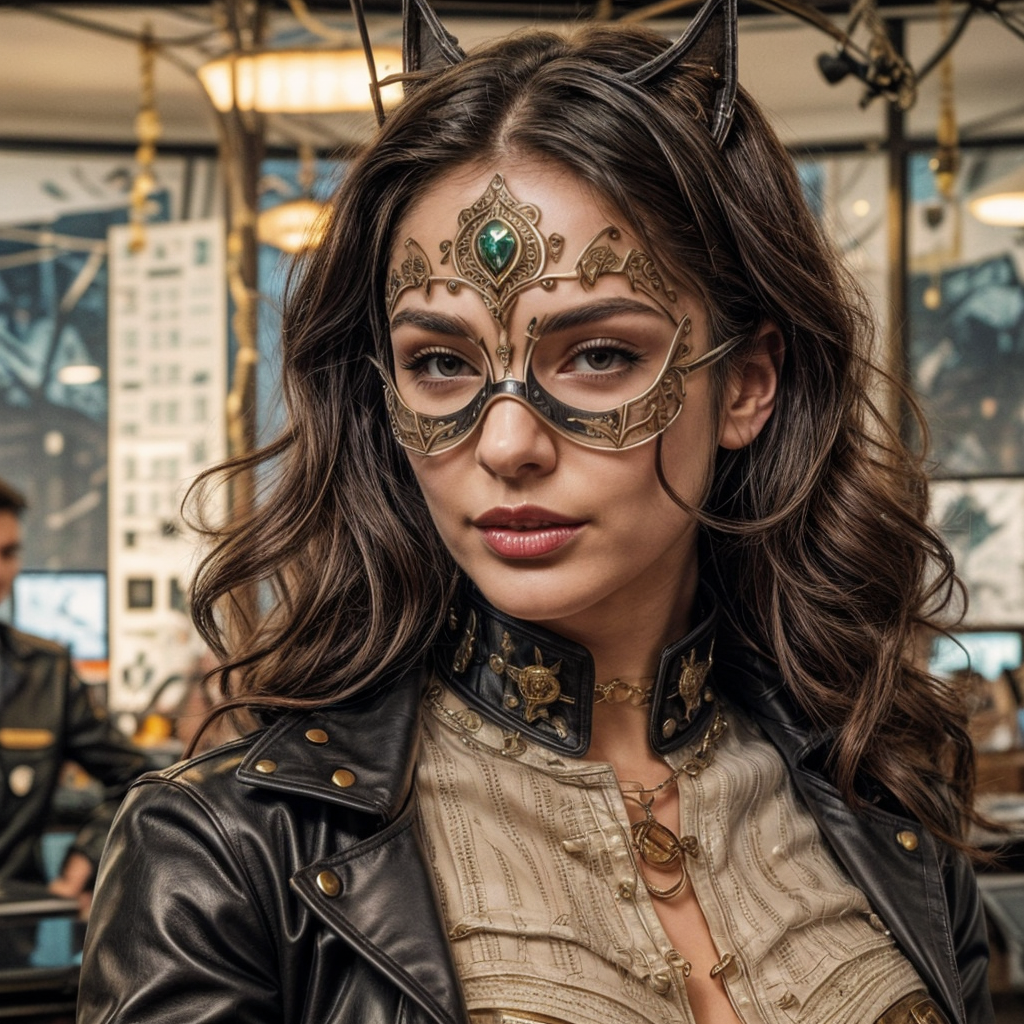
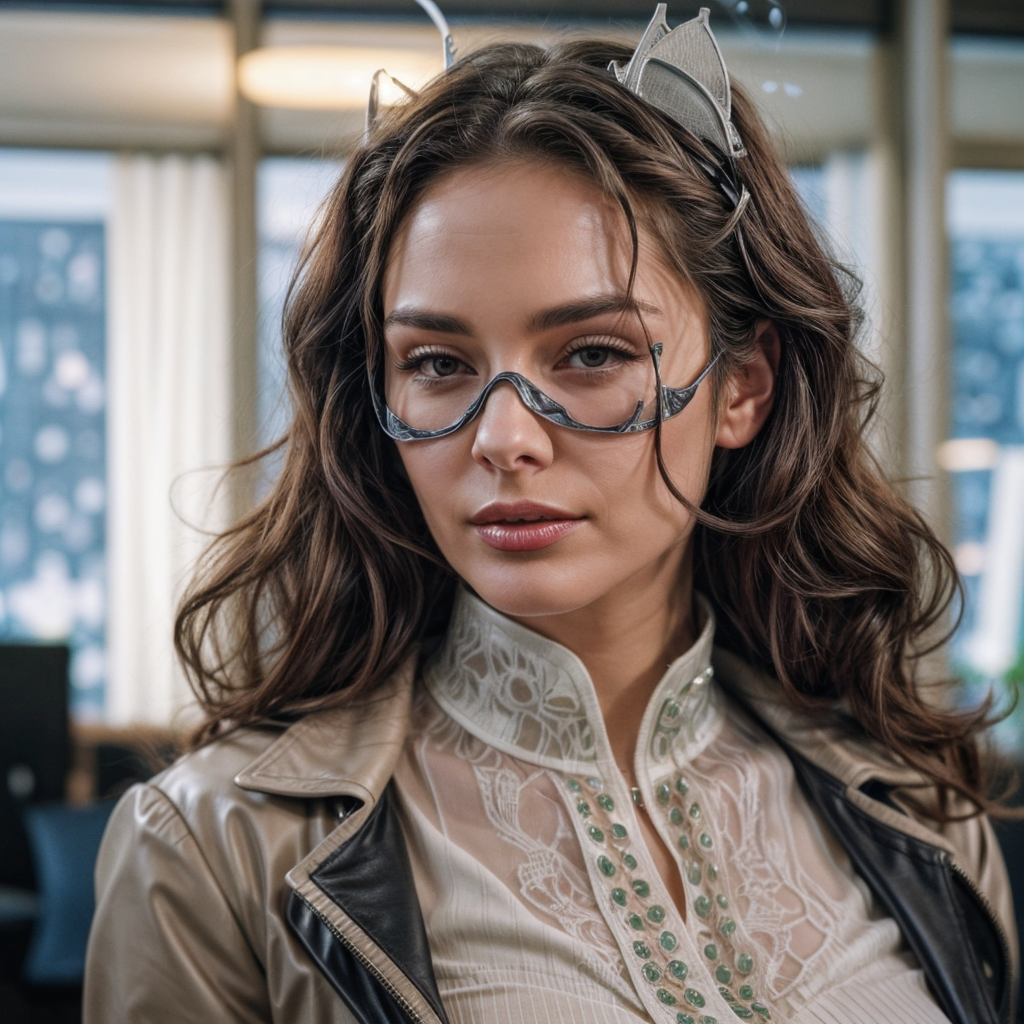
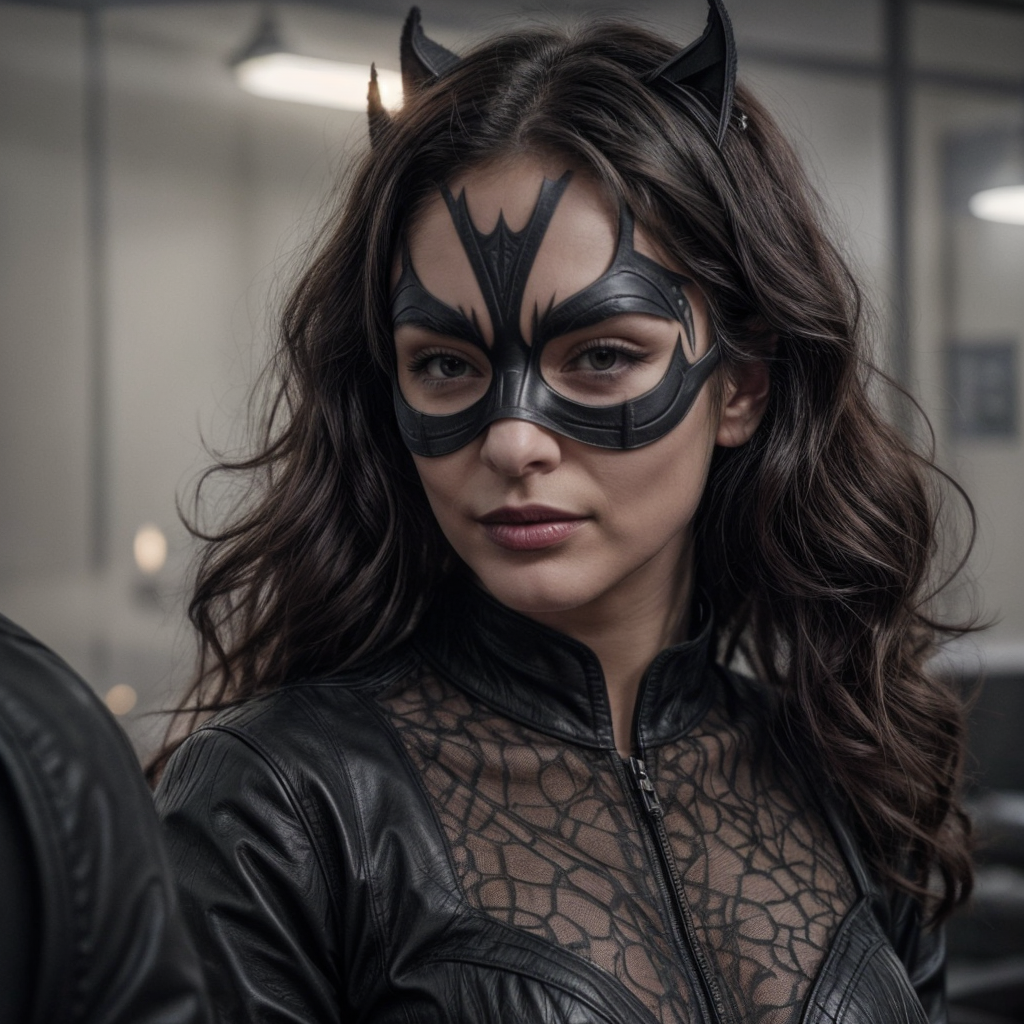
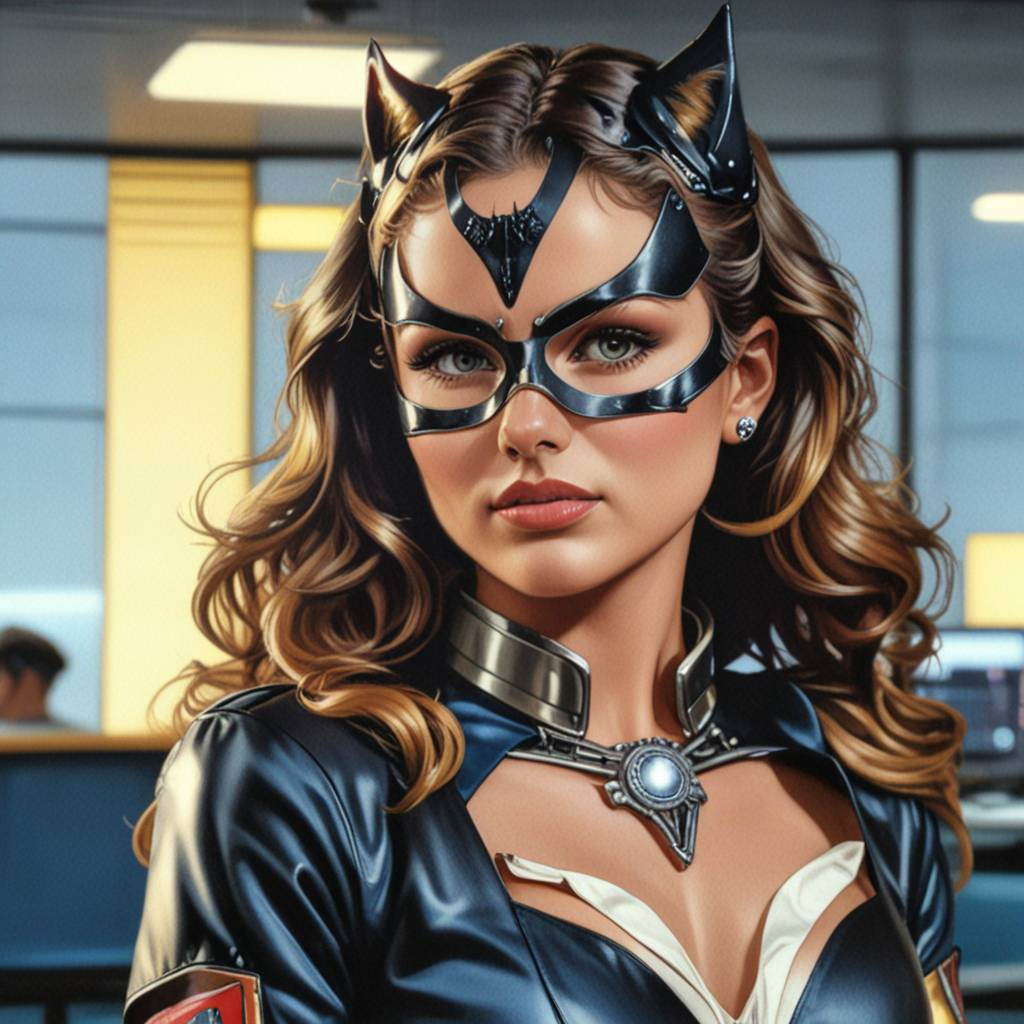
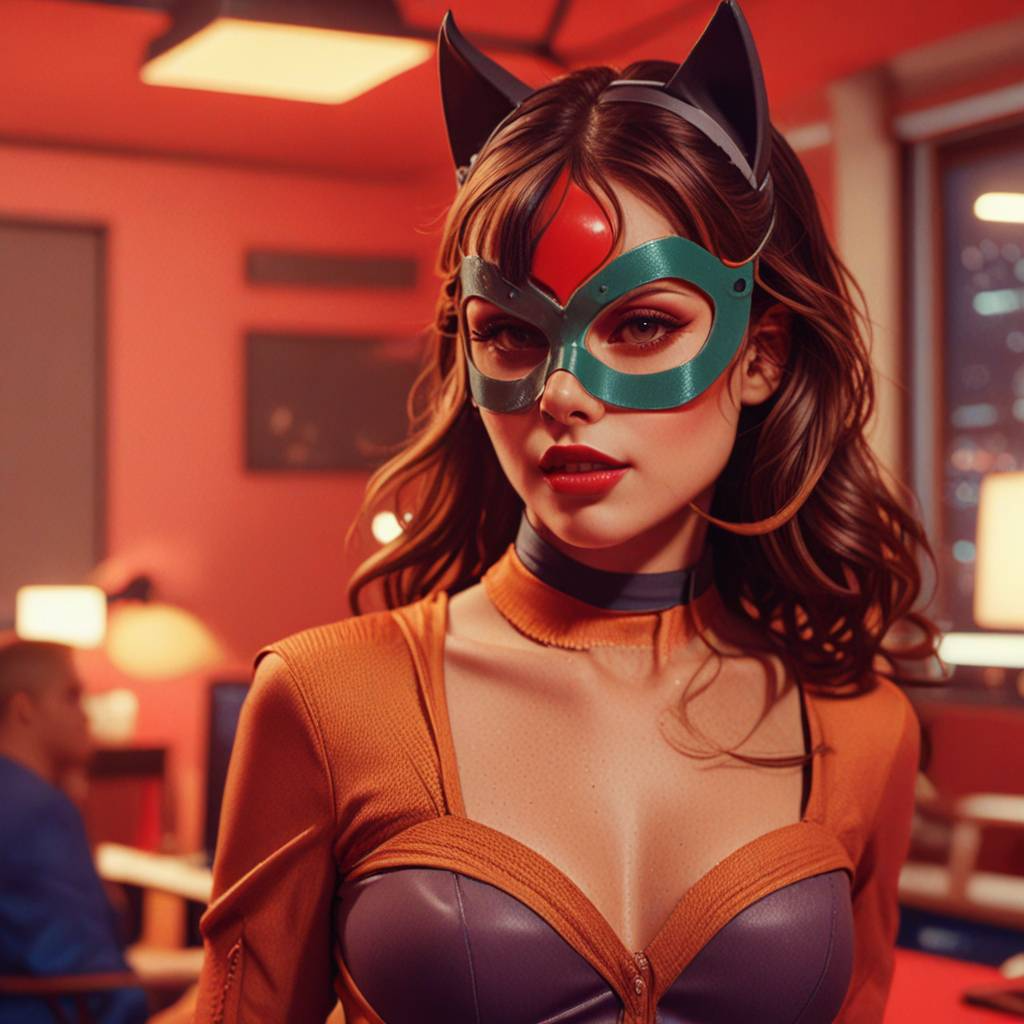
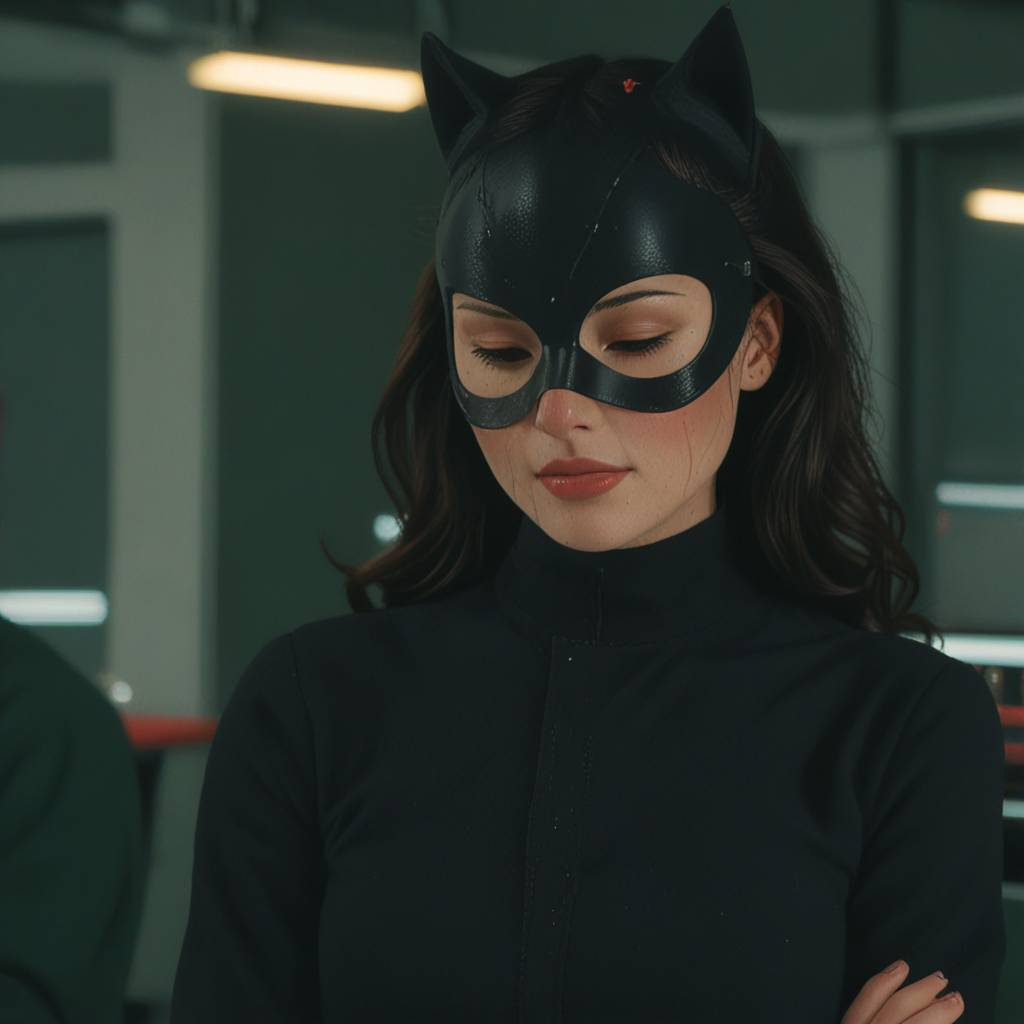
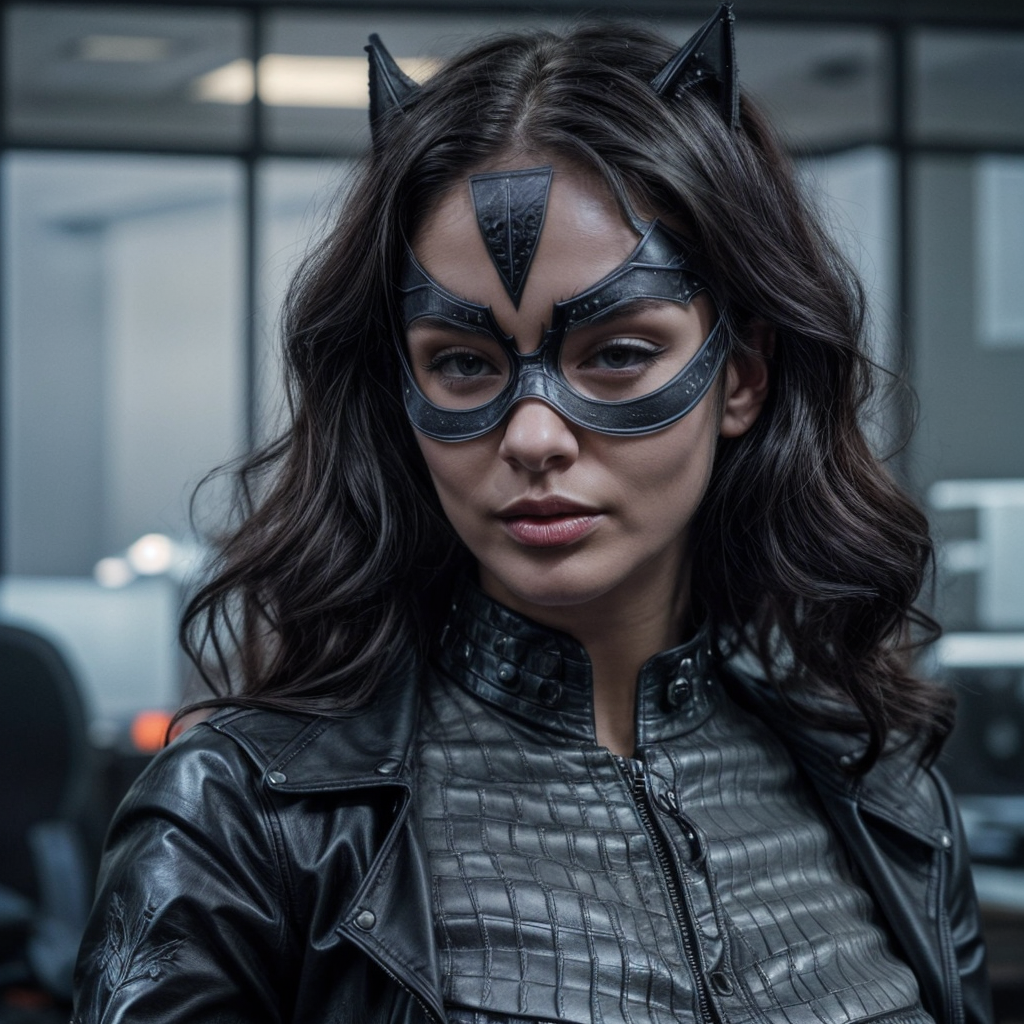
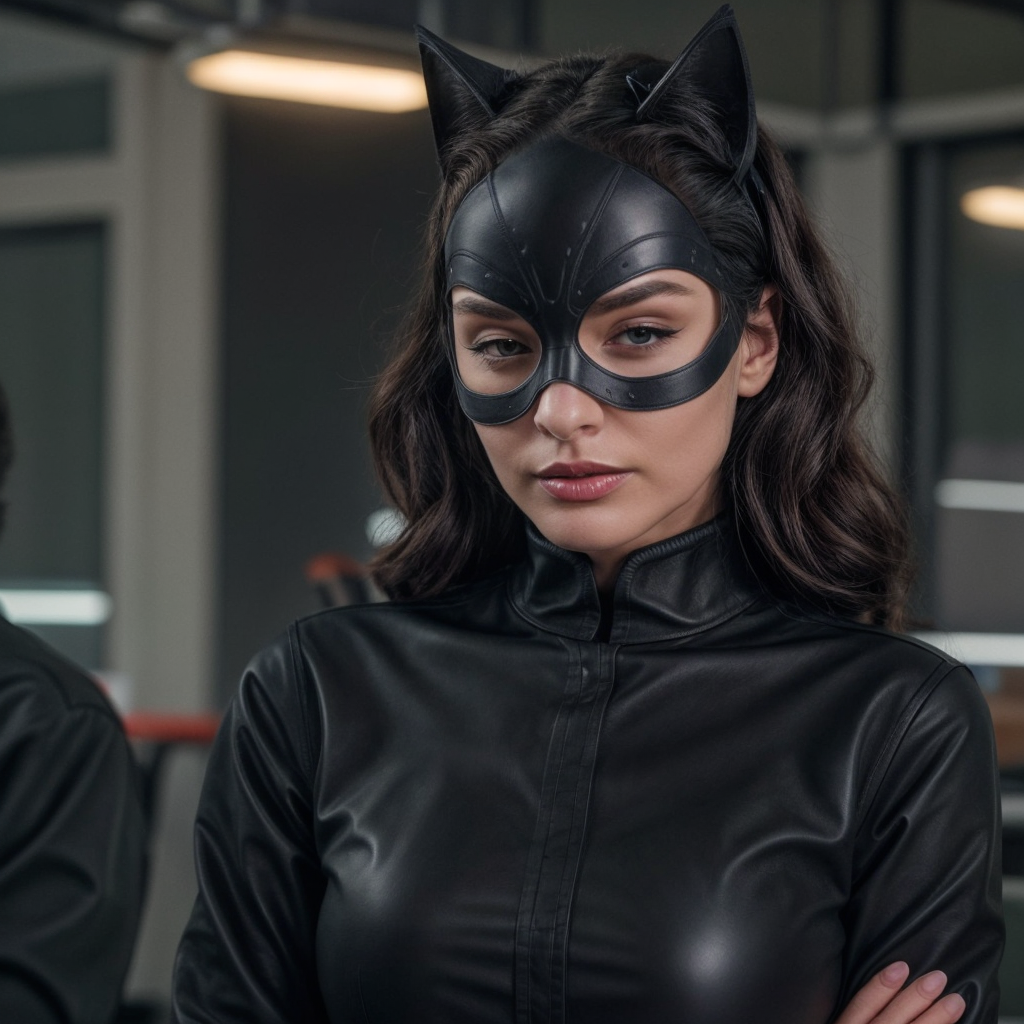
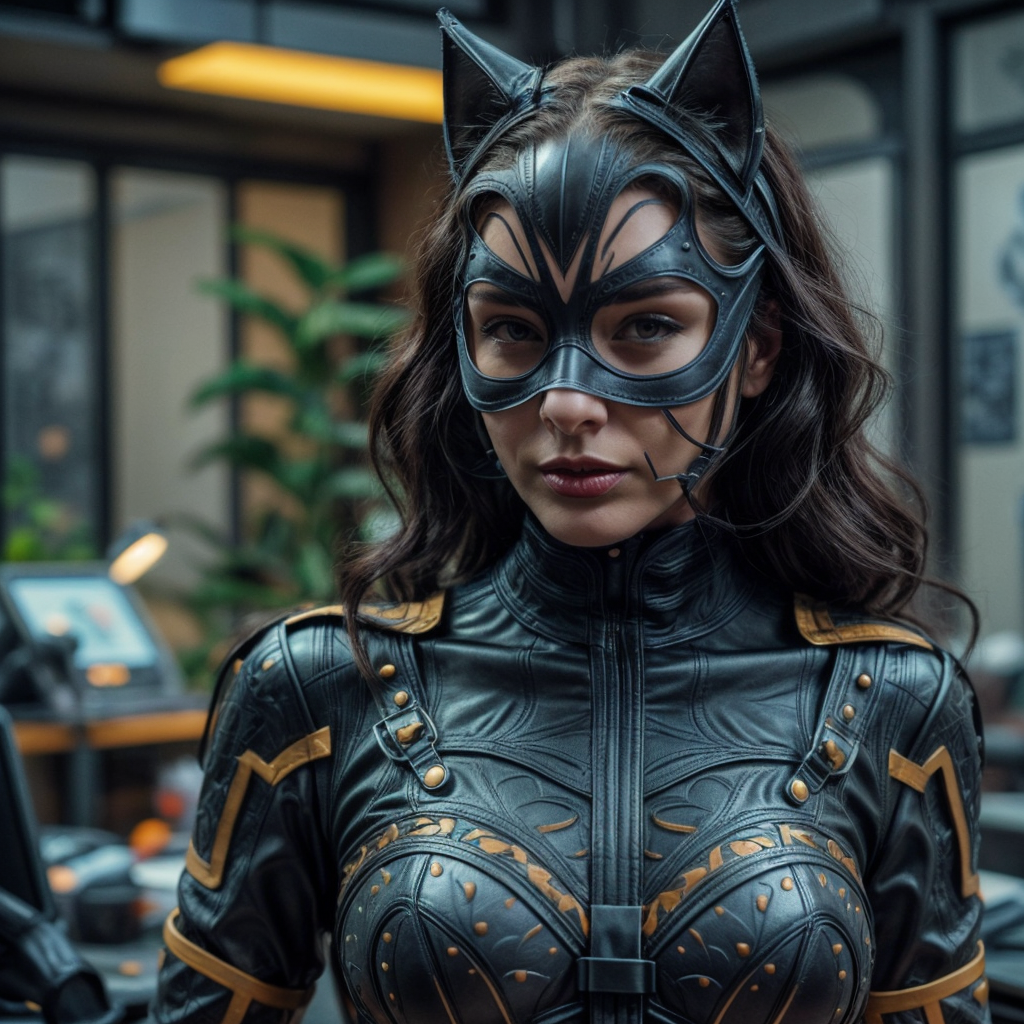
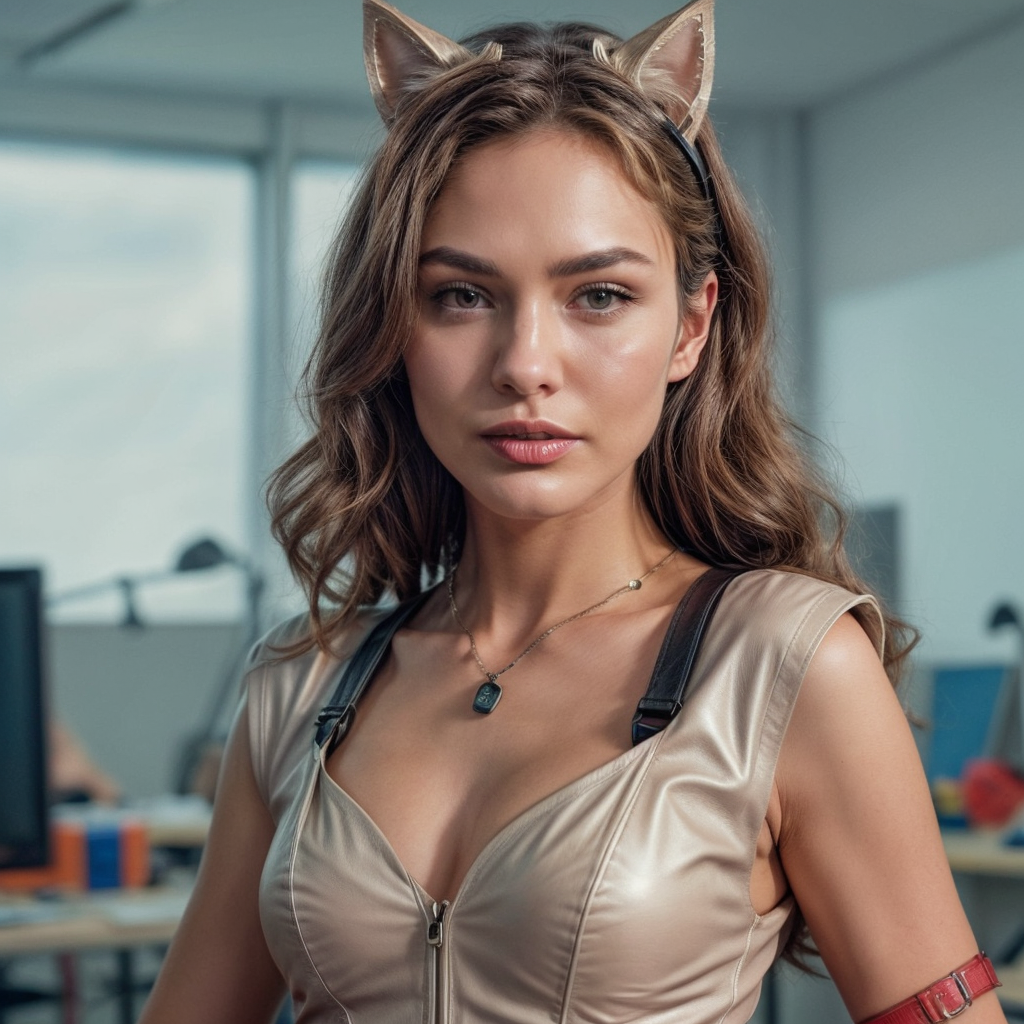
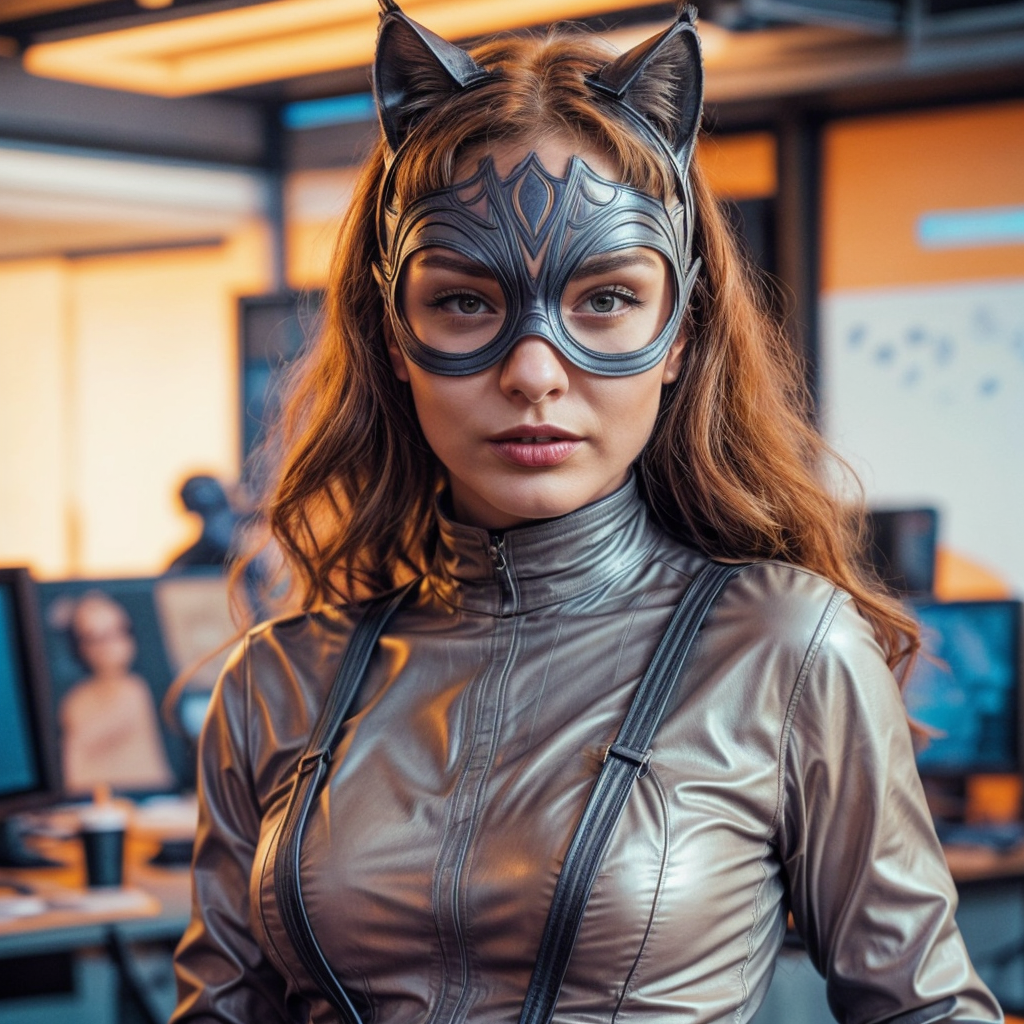
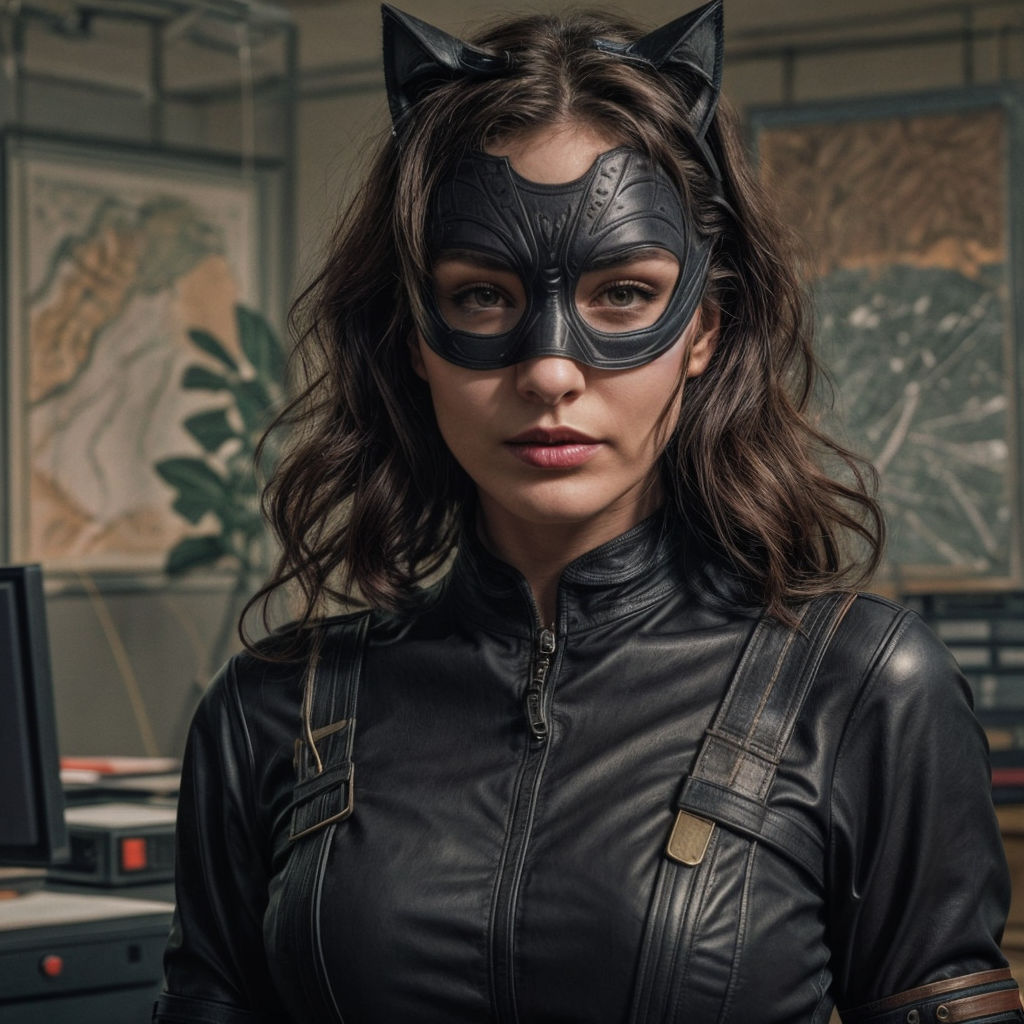
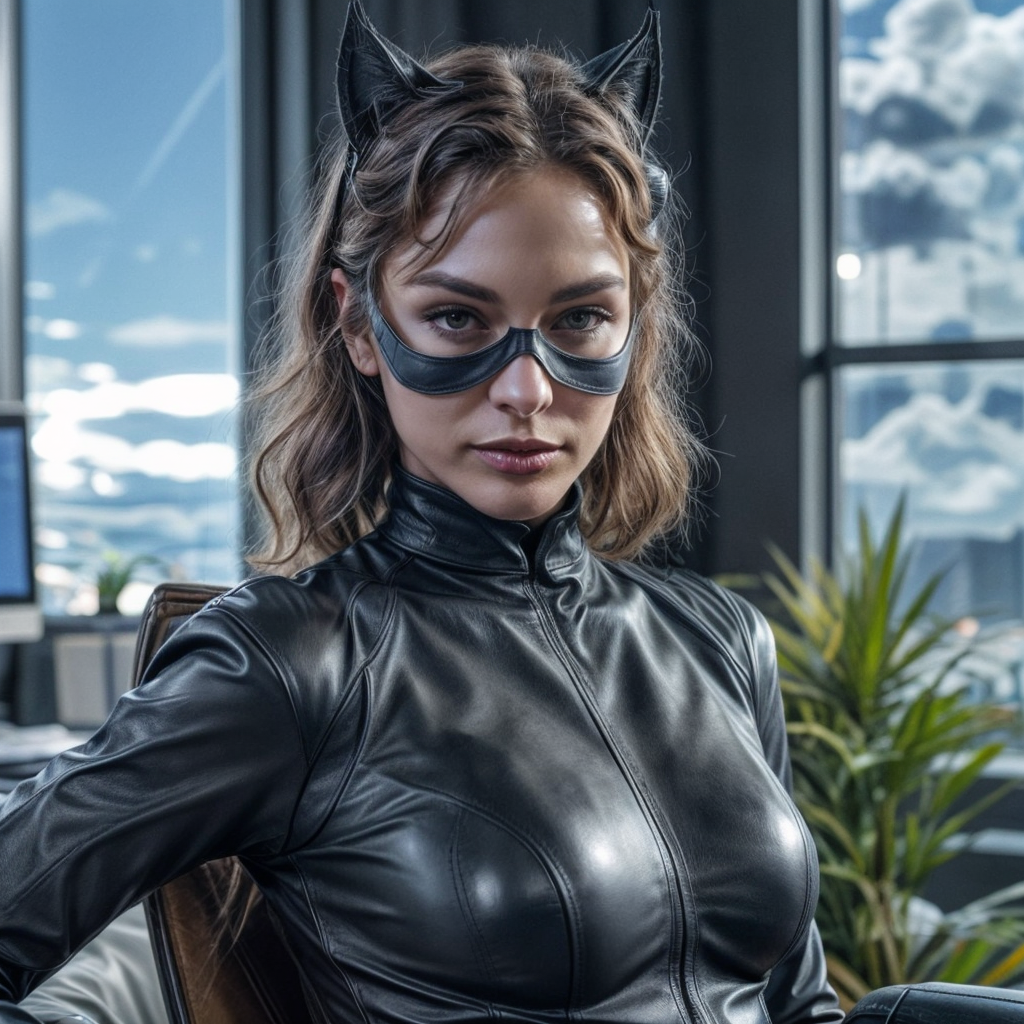
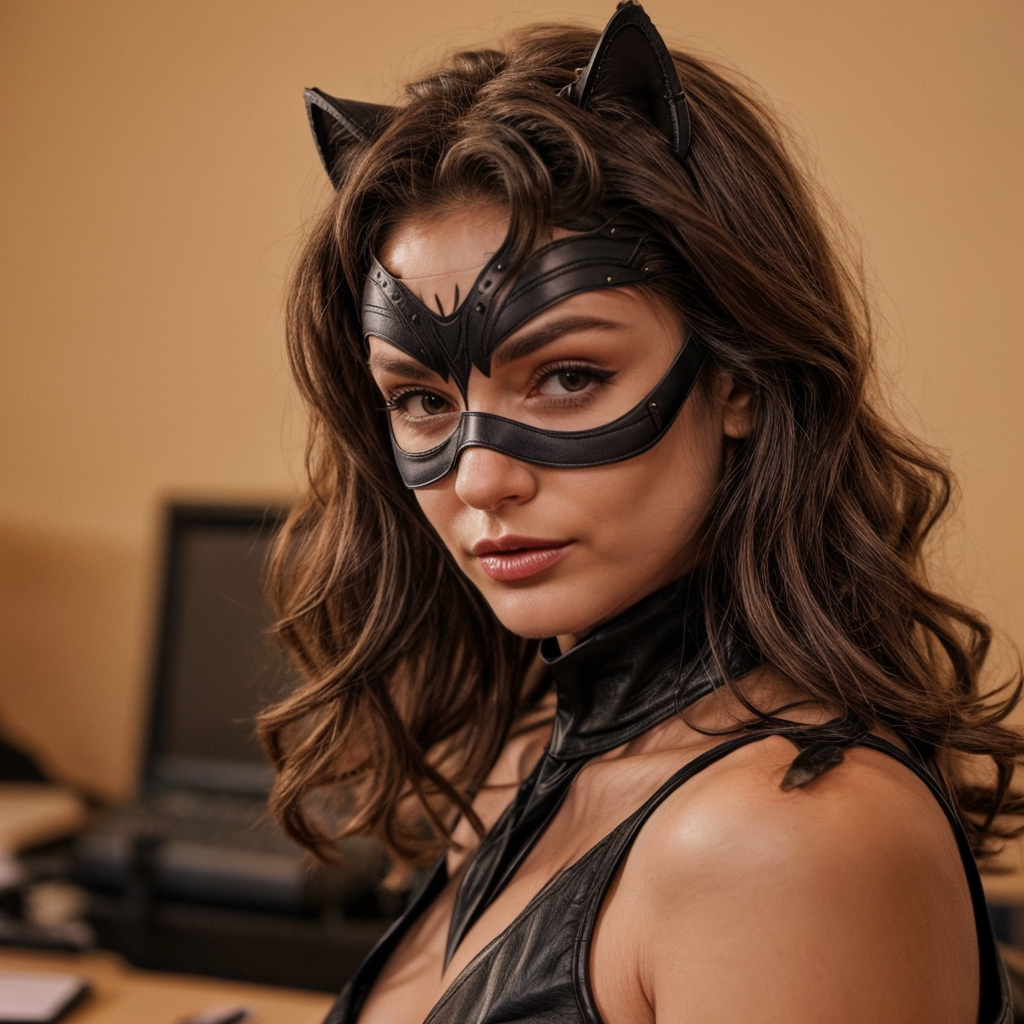
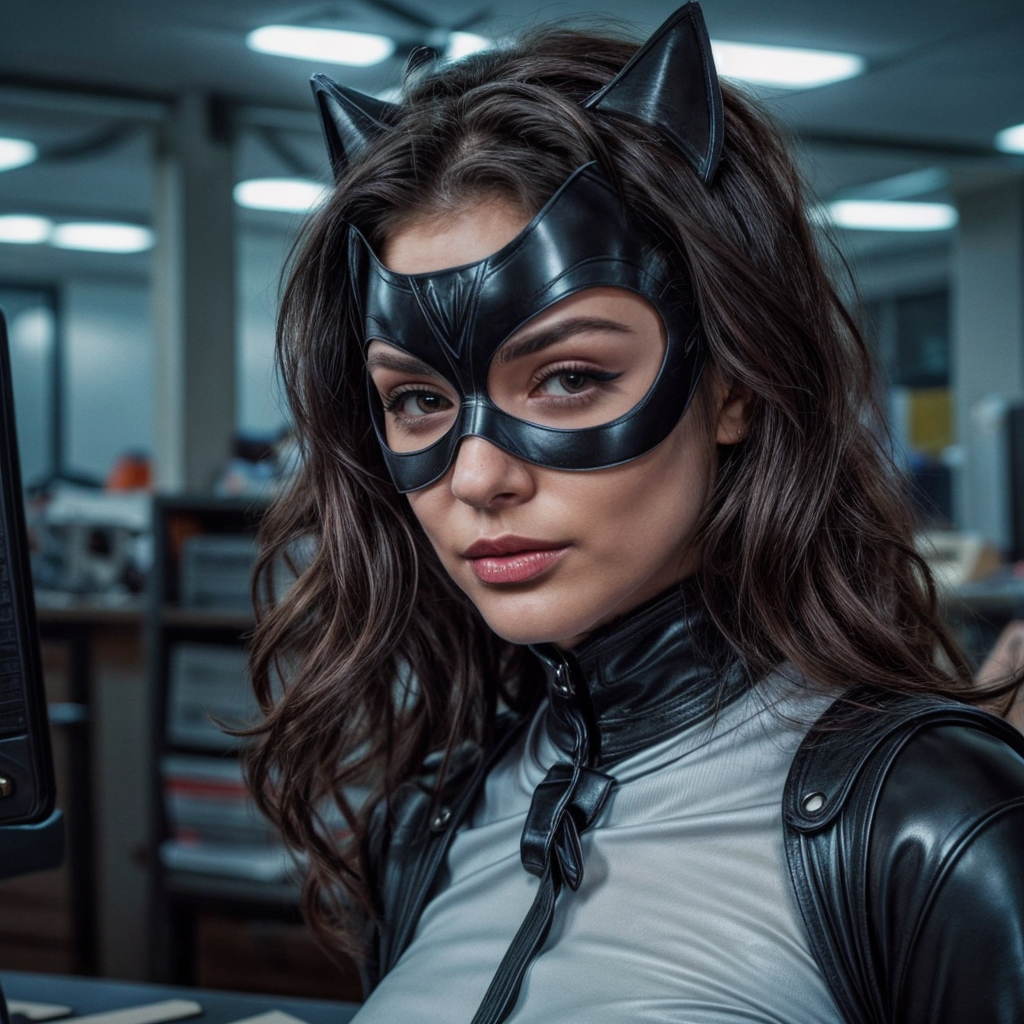
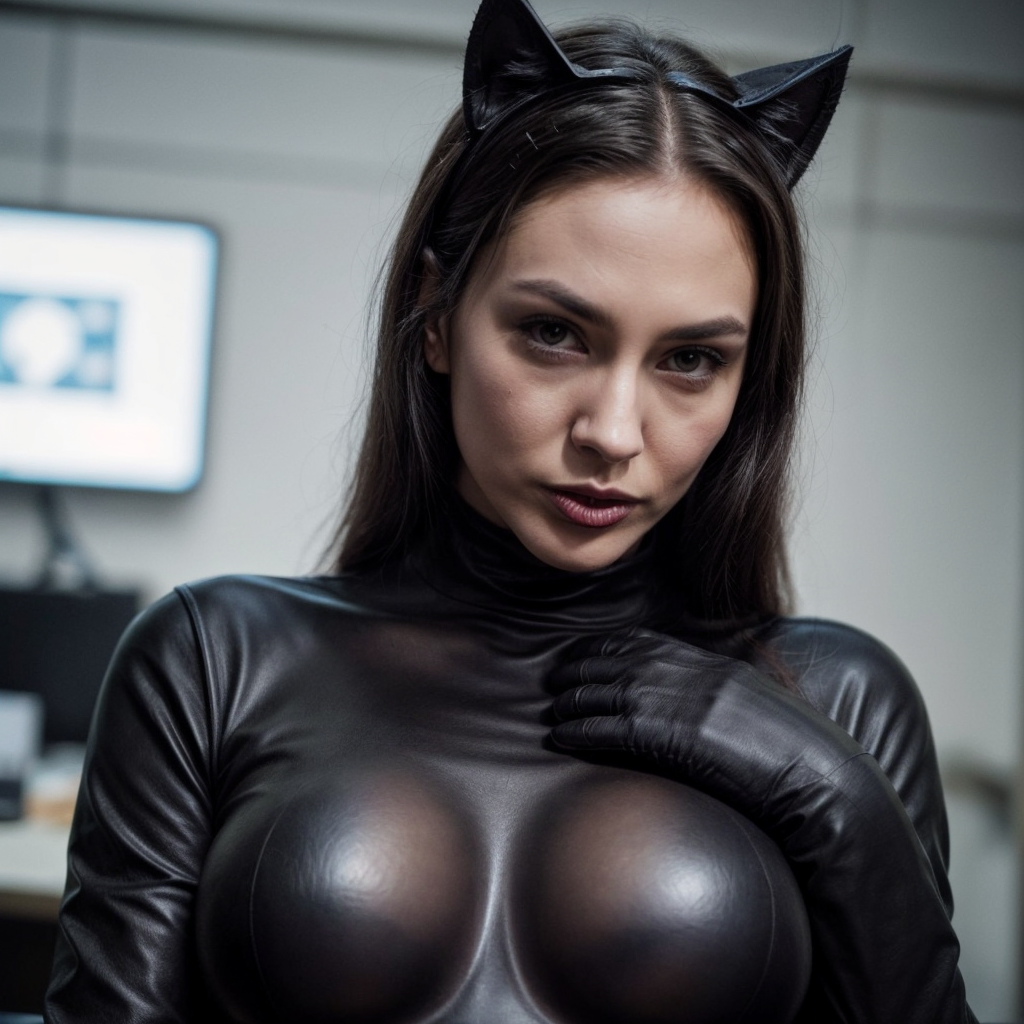
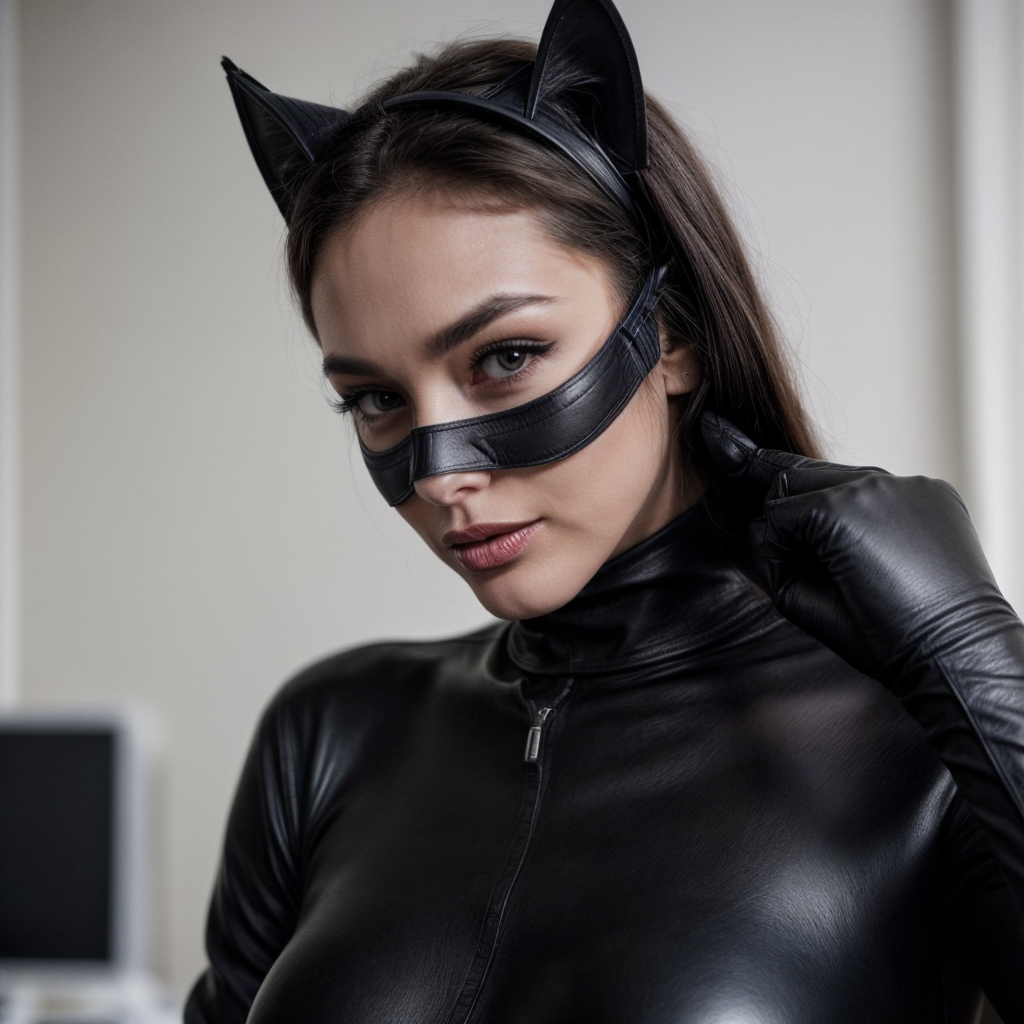
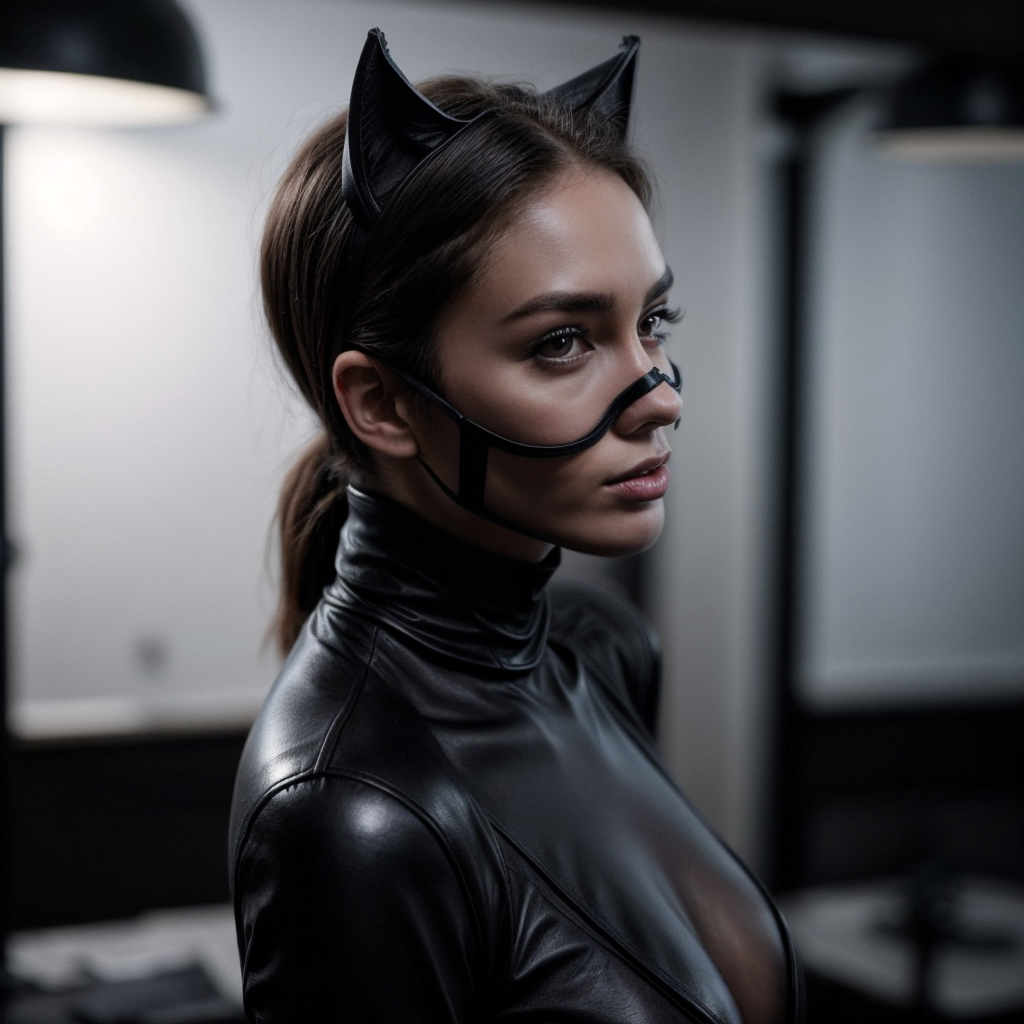
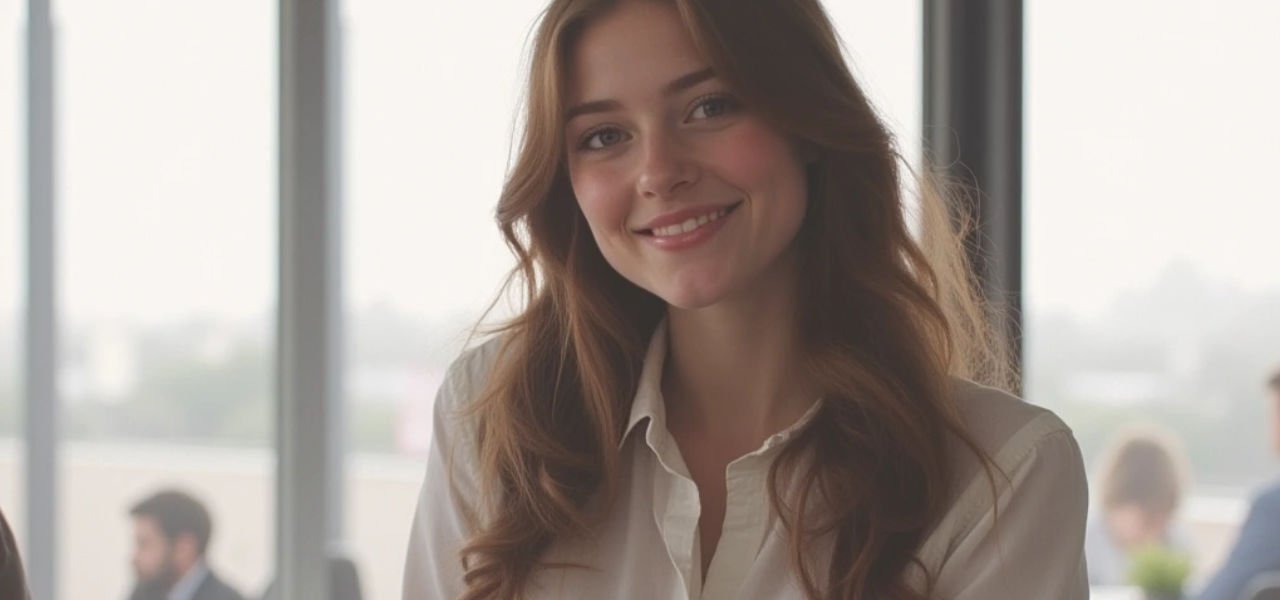
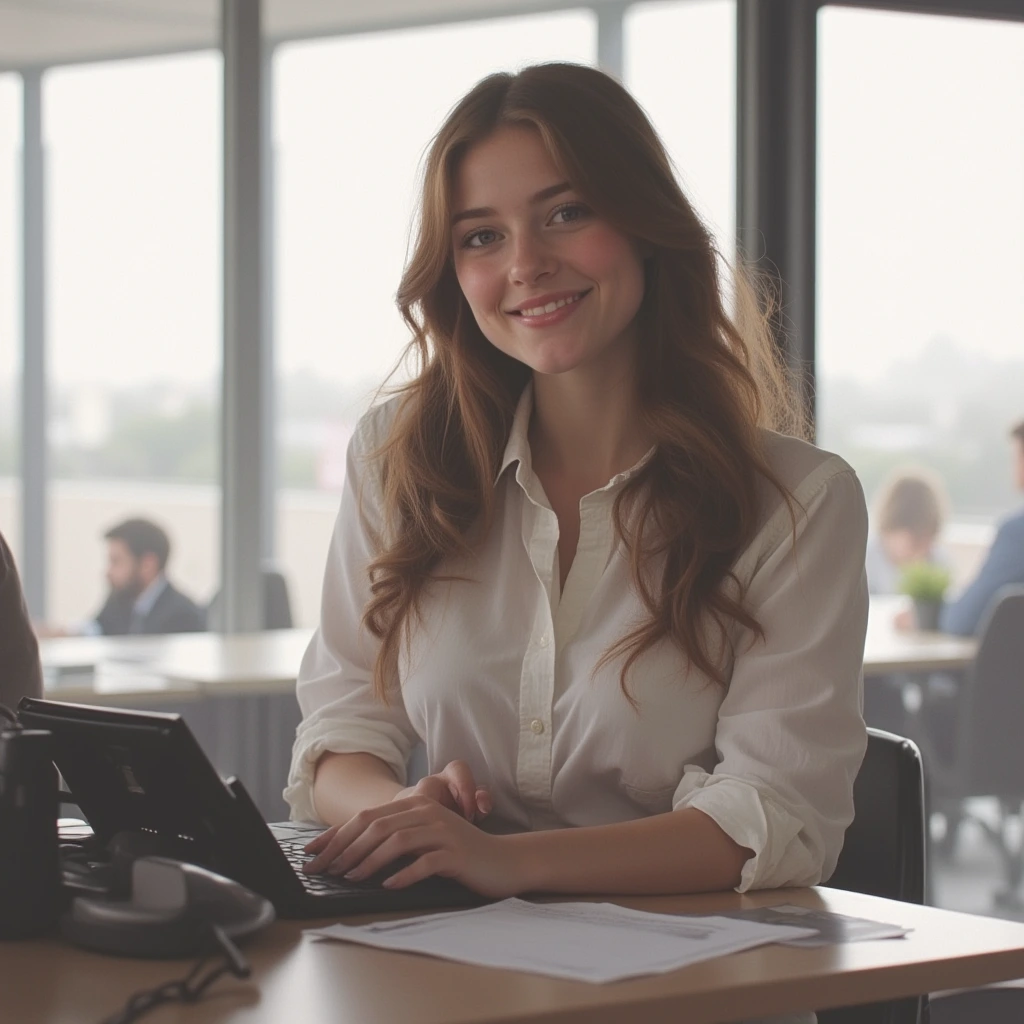
    Base image generated using AI of a smiling woman in an office, then, additional prompting to generate new image. Prompt in Krea.ai: catwoman wearing all black leather mask and uniform in a night office

    Using the original generated image but experimenting with several different styles.

    Here is the outcome.

    To some extent, applying various styles to a starting generated image may lead to experimentation on overall mood, aspect, epoch, atmosphere and much more.

    That is specially true when researching clothing styles, uniforms or accessories. By the style applied, you get results from different generations and decades.

    While still images are yet some years ahead from animated results, the outcomes are pretty impressive for the low amount of investment, time and needed knowledge of tool.

  • Exploring the World of Generative Video AI: The Cool, the Creative, and the Crazy Unwanted Results

    Exploring the World of Generative Video AI: The Cool, the Creative, and the Crazy Unwanted Results

    subject: generative ai

    date: AUG 2024

    news

    Exploring the World of Generative Video AI: The Cool, the Creative, and the Crazy Unwanted Results

    You know, I know, everybody knows: Artificial intelligence is everywhere, especially in creative fields like art, music, and now, video production. Generative video AI is one of the hottest trends, allowing creators to bring their imaginations to life with just a few clicks. 

    But as with any early-stage-cutting-edge technology, things don’t always go as planned. Sometimes, the results are  more “unexpected” than you might hope.

    Here I want to share and briefly discuss my studies using two of the major platforms today for generative videos: Runway Ml and Krea.ai

    1. How unwanted results are produced

    Take a look at this generated image by Midjourney.

    The prompt was pretty simple: a young beautiful secretary smiling in a modern office.

    Now, take a look at the generated videos below. The given prompt was the same, but sadly ignored: zoom out.

    Technology: RunWay ML

    Technology: Krea.ai

    Altough RunWay ML’s result seems more appropriate and close to reality, still looks artificial enough for us to spot right on it was generated and not really captured.

    Given the same base image to generate results, both platforms generated unwanted results.
    But why does this happen?

    Overinterpretation of Input

    Generative AIs rely on the data they’ve been trained on, and sometimes they overinterpret the input given. For example, when you provide a vague or abstract prompt, the AI might pull in unrelated concepts from its training data, leading to results that are unpredictable, thus, generating chaotic results. Ask for a video of a “dog playing in the park,” and you might end up with a video of a dog playing poker at a picnic table.

    context limitations

    AI doesn’t always grasp context as a human would. It’s great at recognizing patterns and generating content based on them, but it might miss the subtle nuances of a request. For example, if you’re creating a video about a “cool breeze on a summer day,” the AI might focus too much on the word “cool” and give you snowy landscapes instead. Not exactly what you were going for.

    Technical Glitches

    AI, at the end of the day, is still software. And like all software, it can, and will, have bugs. 

    These technical glitches can manifest as weird visual distortions, mismatched audio, or even completely nonsensical outputs.

    Embracing the Chaos: Why Unwanted Results Can Be a Good Thing

    While unwanted results can be frustrating, they’re also part of the fun of working with generative video AI. These surprises can inspire new ideas, push creative boundaries, and even lead to happy accidents that can become the highlight of your project.

    Plus, they remind us that while AI is incredibly powerful, it’s still a long way from replacing human creativity. Human imagination is, still, something that was not yet deciphered nor programmed into machines. Yet.

    Her eare more examples of unwanted results. Sorry, but these are hedious!

    Woman looses her arms completely and there is no way the bike would stand up without any support or driver’s feet.

    Here the background and camera movements change so much that gives the viewer labyrinthine.

    Unrealistic hair movent in wind, plus her left hand has erratic behavior.

    Ready to bring your ideas to life?
    I’m here to help

    © Claudio Beck 2024. All rights reserved.

    CURRENTLY, OPEN TO NEW PROJECTS.

  • The High-End Generative AI Bikini Collection

    The High-End Generative AI Bikini Collection

    The High-End Generative AI Bikini Collection

    Style features to maintain consistency

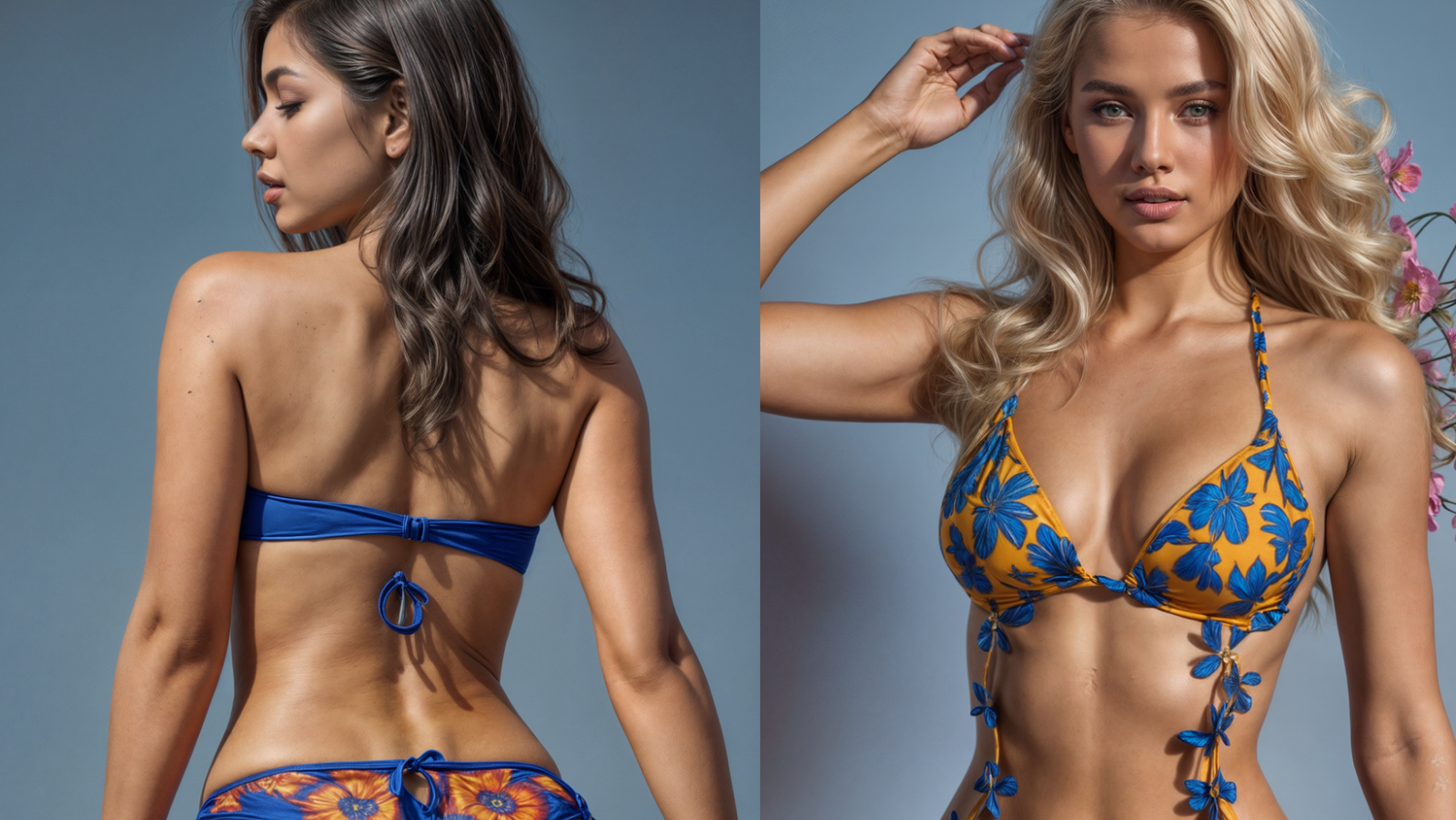
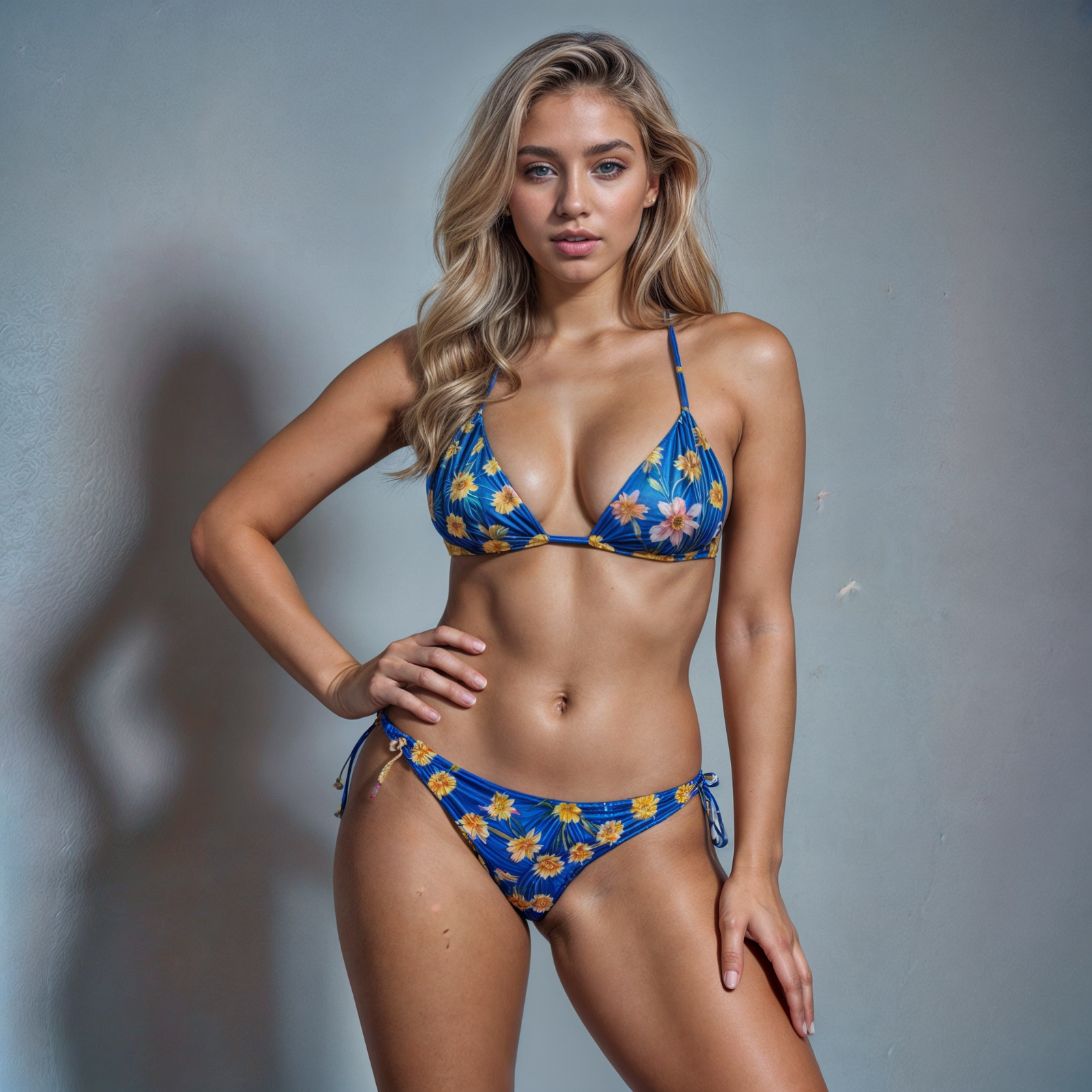
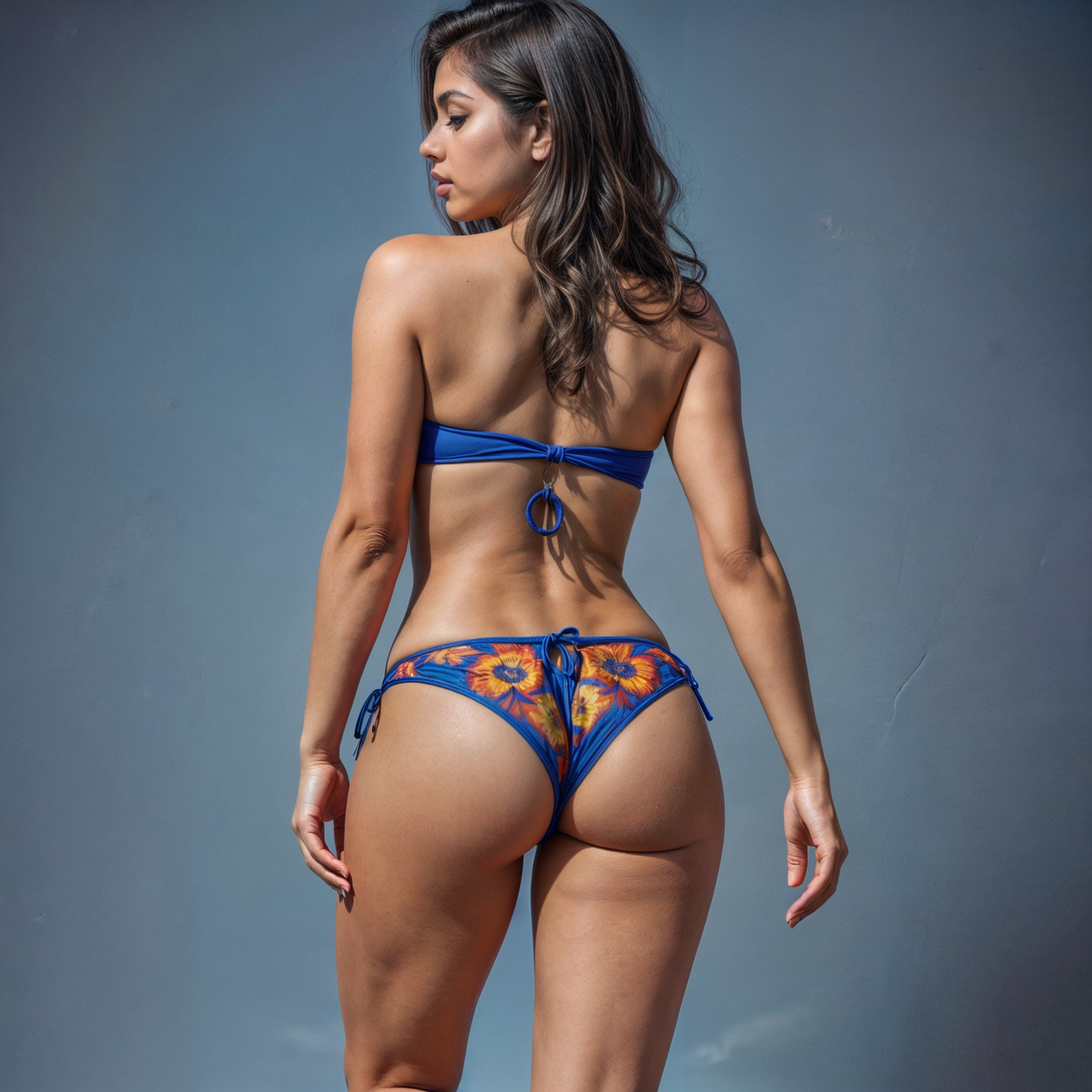
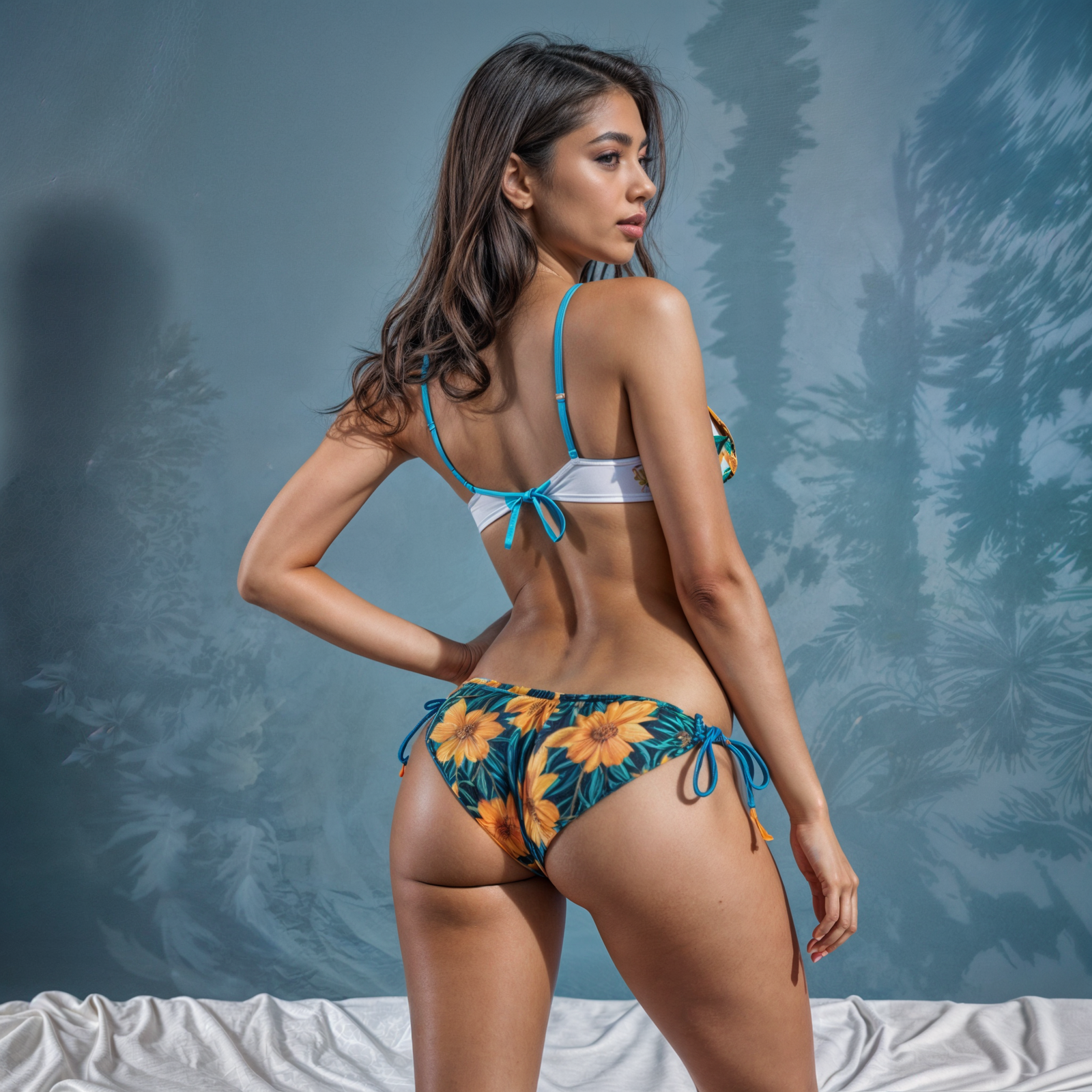
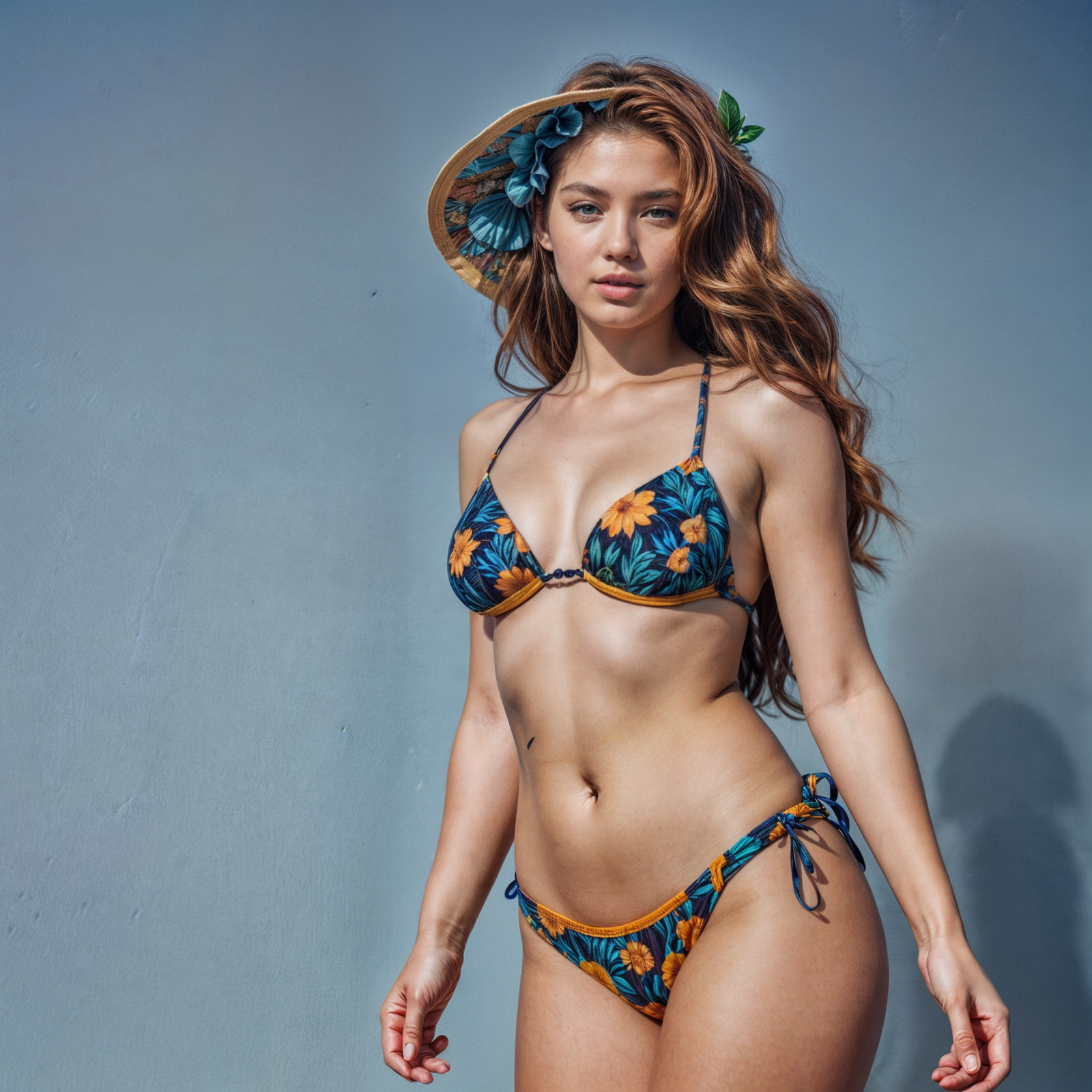
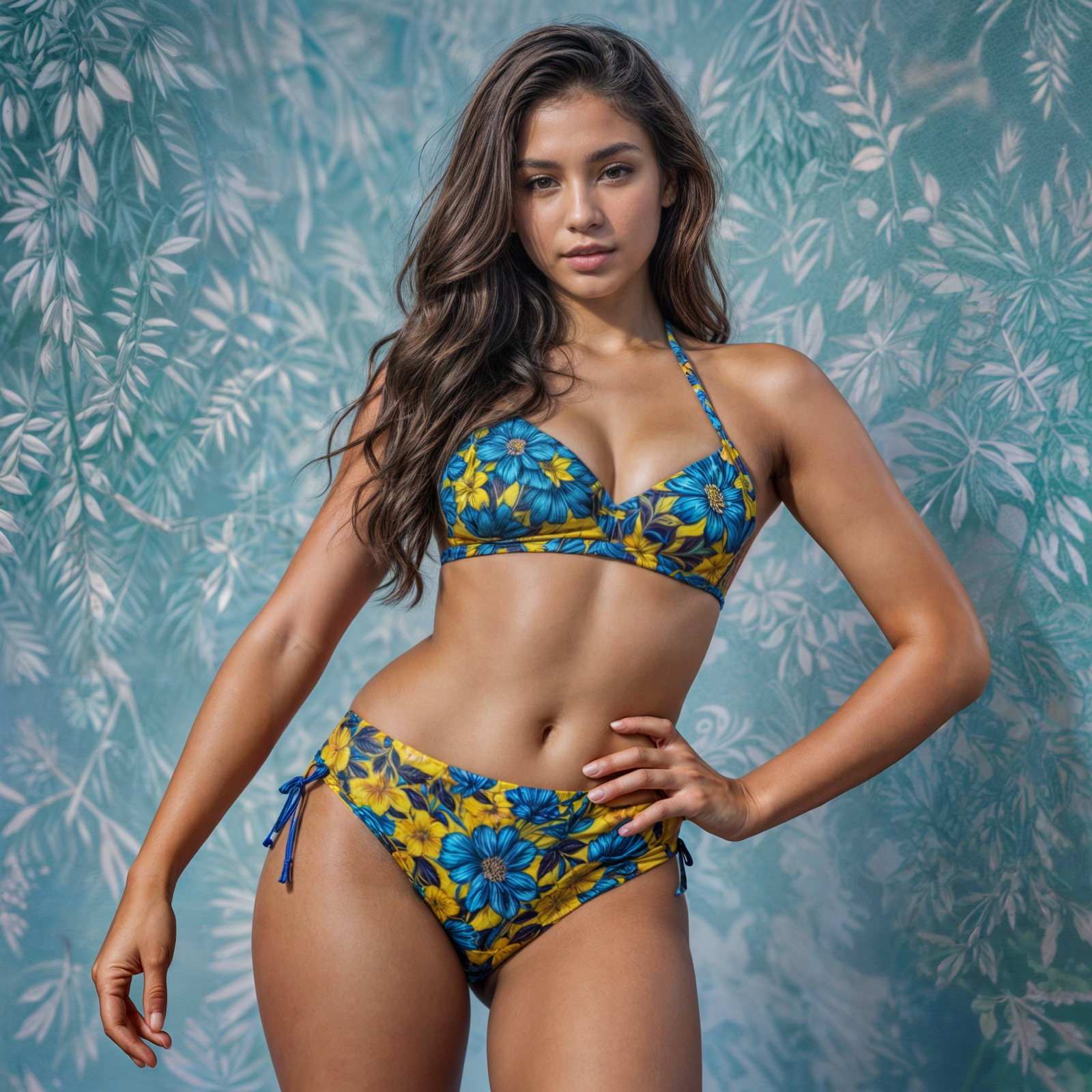
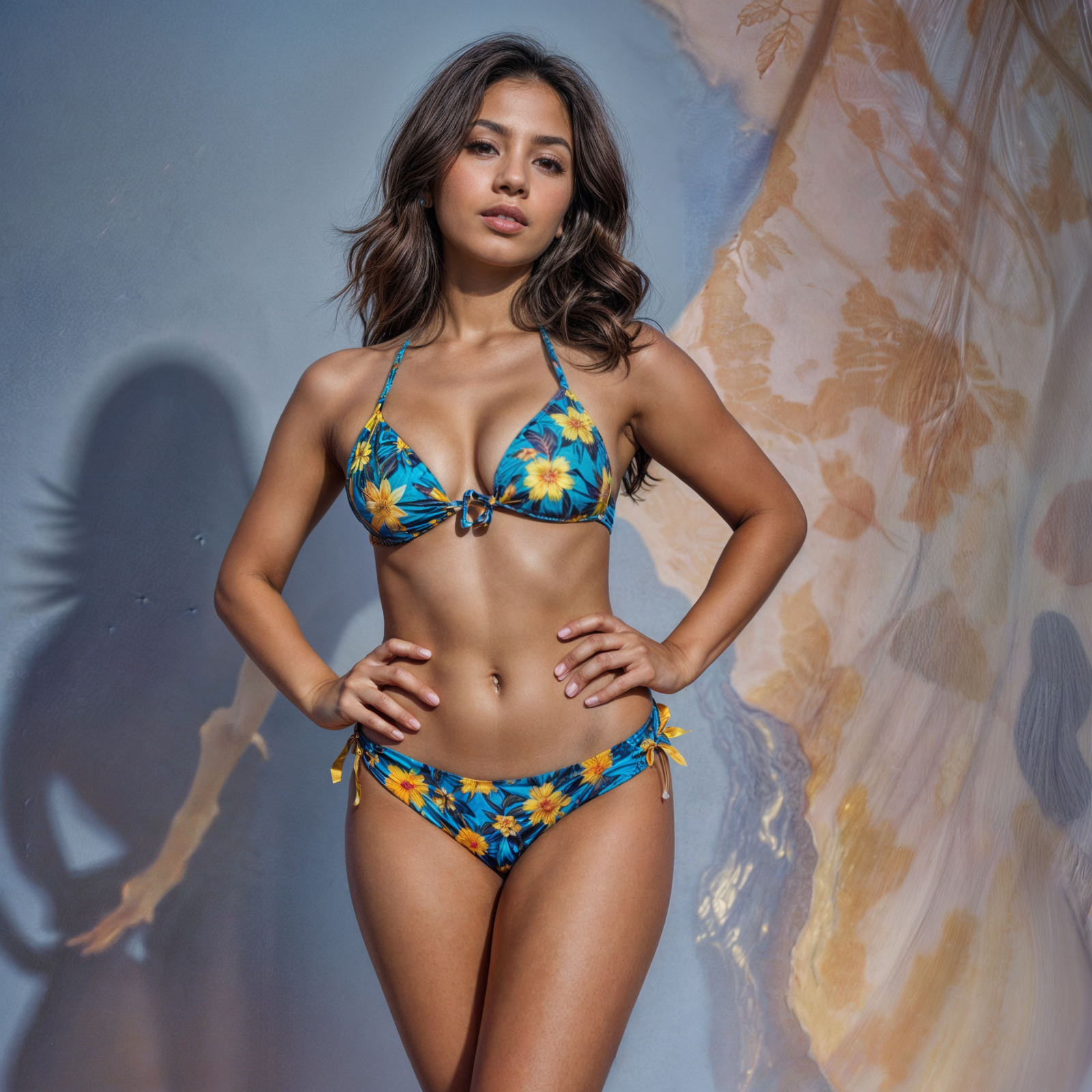
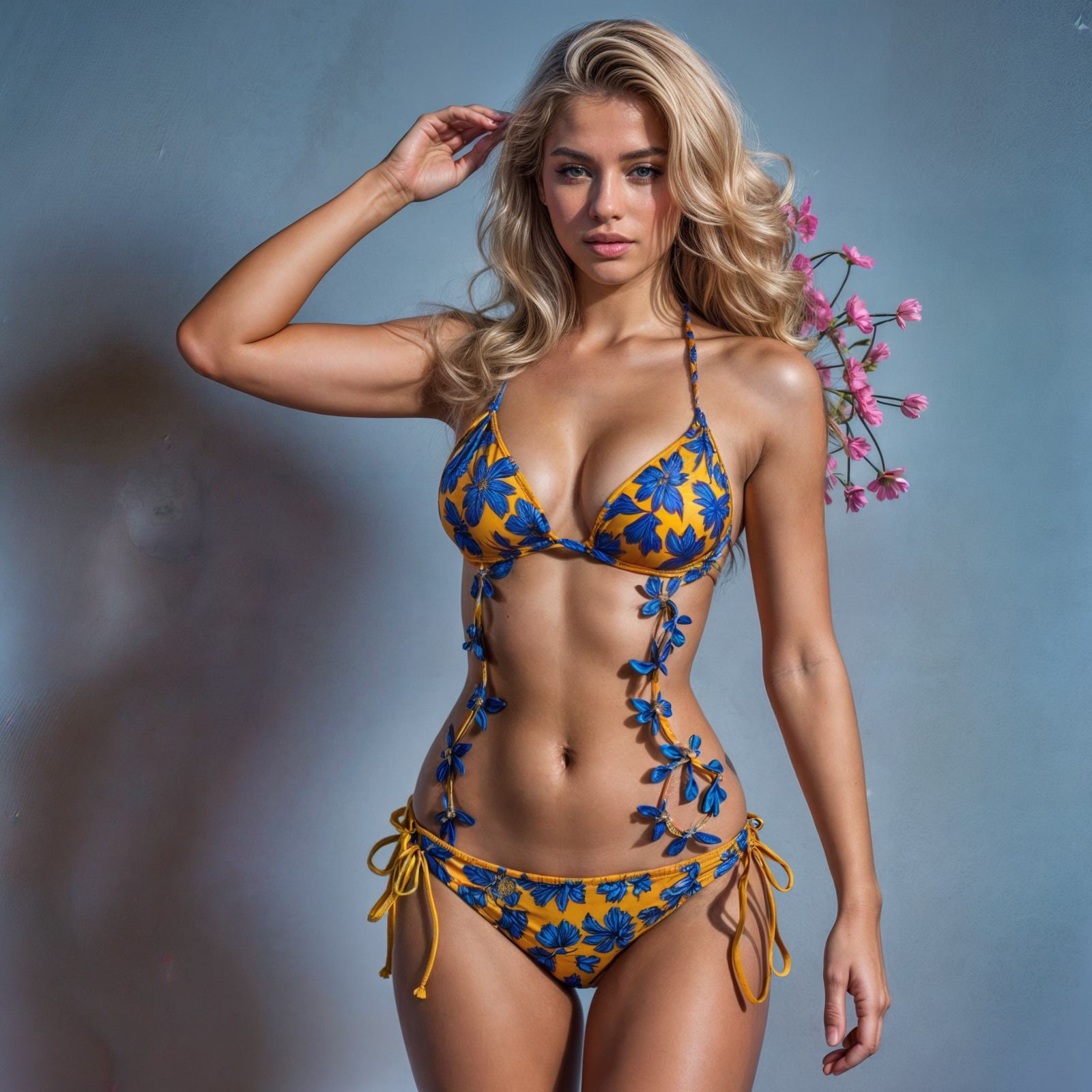
    Generative art has taken a leap forward with platforms like Krea.ai, which are now capable of creating stunningly realistic images that could easily grace the pages of a calendar.

    /Imagine a collection of beautiful women in bikinis, each photo looking like it belongs to the same stylish photo shoot.

    Krea.ai’s new style presets make this possible by ensuring consistency across a series of images, giving them a cohesive look that feels like a curated collection. What I did is to create a flower pattern bikini collection, everything in under an hour.

    Applying these style presets means that you can generate a series of images that maintain a consistent aesthetic. That is dope!

    This fits well for creating a collection that looks like it was shot by the same professional photographer.

    The images are not just realistic but also possess a certain artistic flair that makes them stand out. The sharp skin texture and anatomically corrected proportions, the hair samples and even the shadow projections on background and self-projected shadows are on the most high quality level ever. Incredible!

    Generative AI tools are becoming increasingly popular for creating such collections.

    For instance, a wide array of AI-generated images, including those of women in bikinis, can be immediately be available for commercial use and in high quality up to 8K.

    If you’re looking to create a calendar featuring these AI-generated images, the process is now more streamlined than ever.

    With the right prompts and style presets, you can ensure that each image not only looks impressive on its own but also fits seamlessly into the overall theme of your project.

    These bikini models do not exist. Images were created with Midjourney and Krea.

    #GenerativeArt #AIArt #BikiniCollection #KreaAI #StylePresets #AestheticConsistency #AIPhotography #DigitalArt #ArtisticExpression #CalendarDesign

    .

  • Generative Videos: the early wave is hit on

    Generative Videos: the early wave is hit on

    subject: generative ai

    date: apr 2024

    news

    Generative Videos: the early wave is hit on

    Generative Videos are the new wave of premature tech. While static images are in their shining glory with the astonishing Midjourney version 6, videos on the other hand are very sloppy and full of bugs that we once saw in the earlier versions of generative images. With this said, I`m pretty sure that, in a year or so, generative videos are going to go viral, accessible to all, and be part of our daily social media lives.

    Technology: Runway

    Technology: Deep Dream

    Technology: Deep Art IO

    Technology: Deep Dream

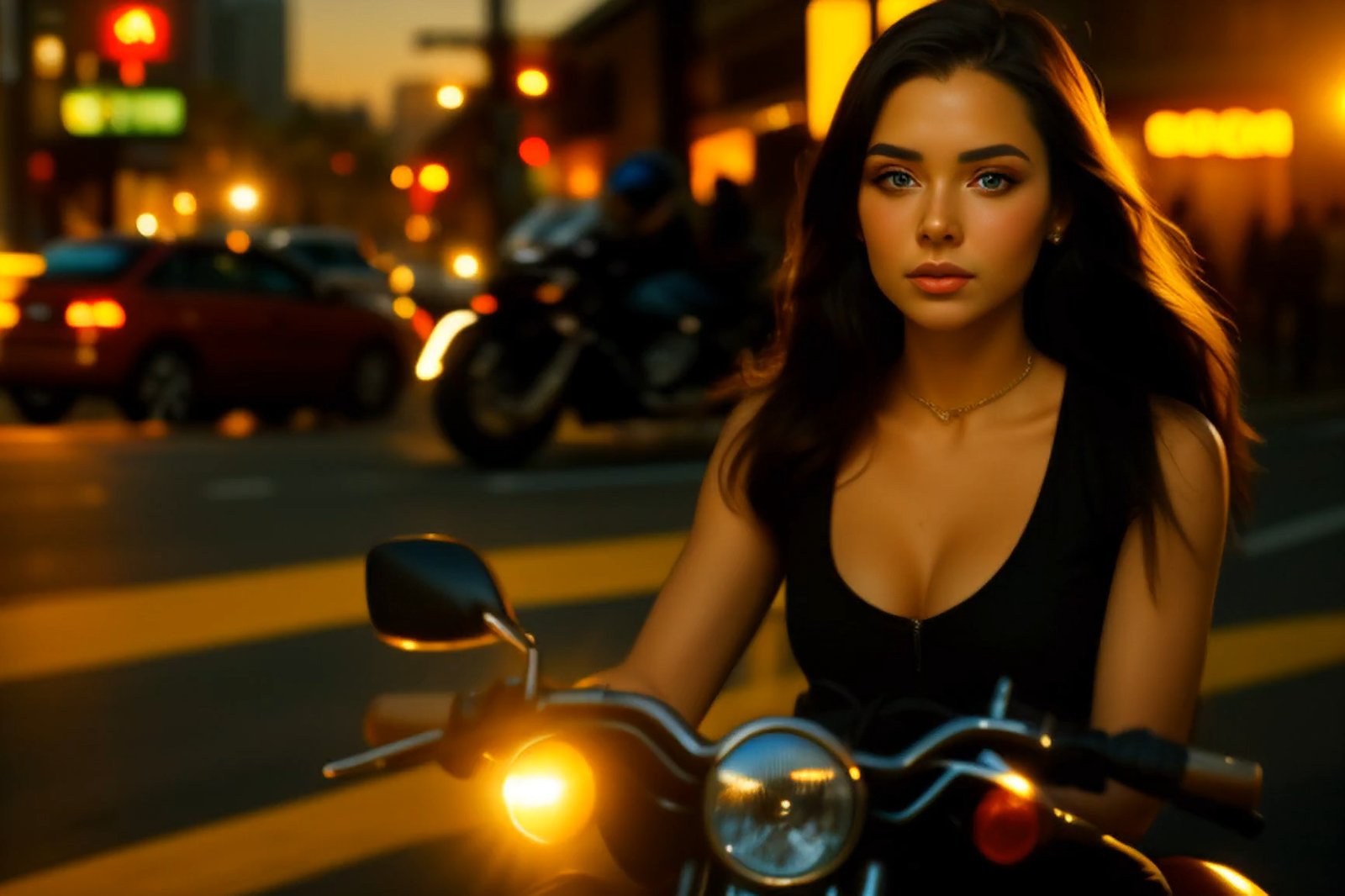
    Above, is my attempt to generate a short video using the following prompt: portrait of a beautiful young woman with brown long hair riding a motorbike in downtown Miami at sunset. Feature film, cinematographic, and very realistic.

    Ready to bring your ideas to life?
    I’m here to help

    © Claudio Beck 2024. All rights reserved.

    CURRENTLY, OPEN TO NEW PROJECTS.

plugins premium WordPress