Category: news

  • Z-Image Prompt Assist

    Z-Image Prompt Assist

    Z-Image Prompt Assist

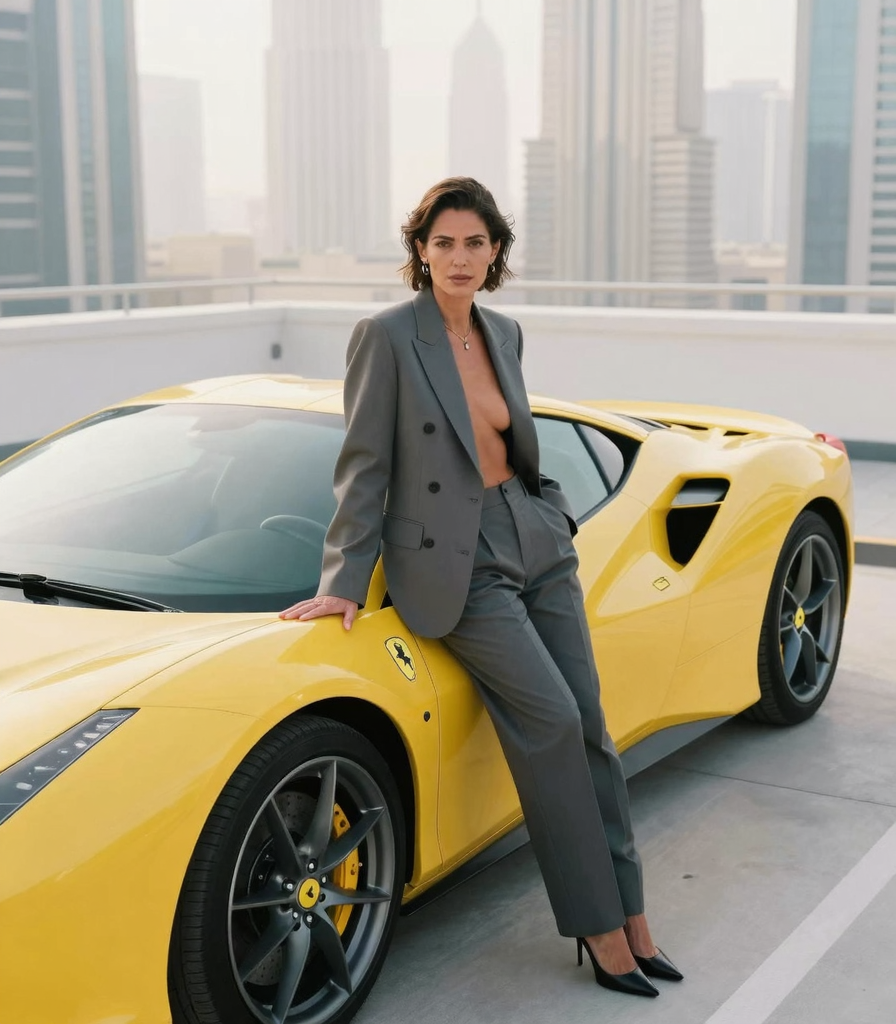
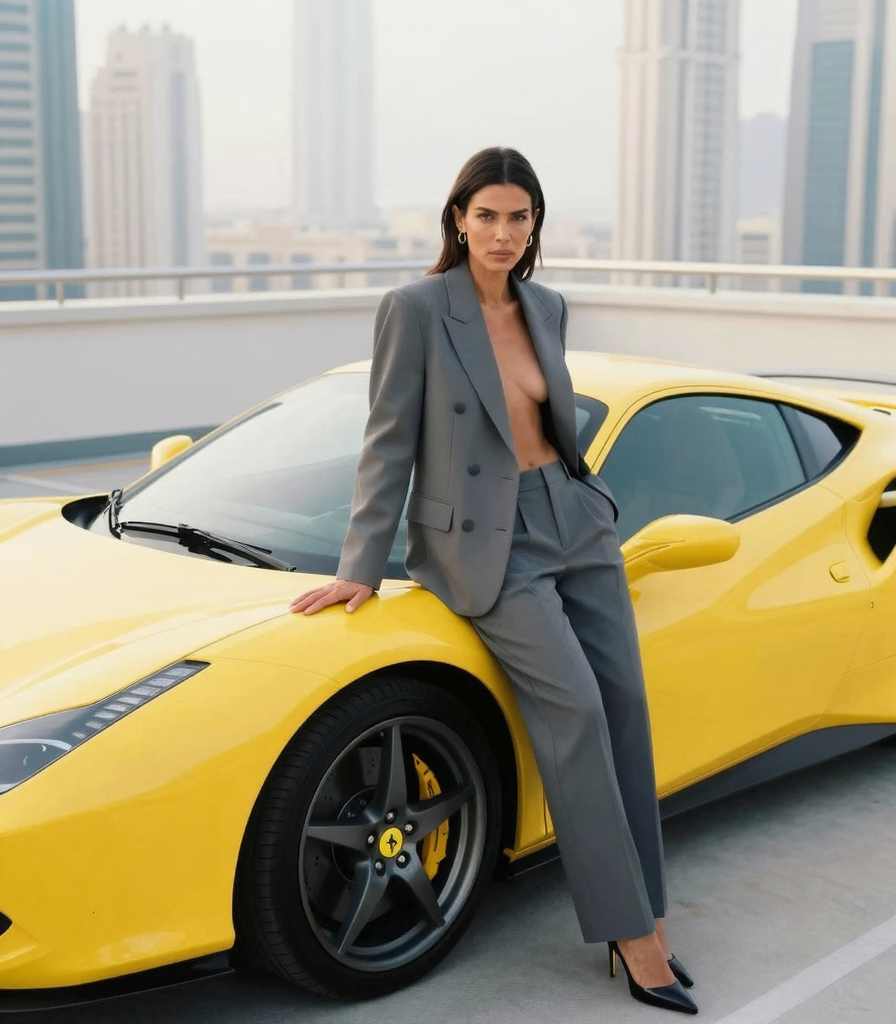
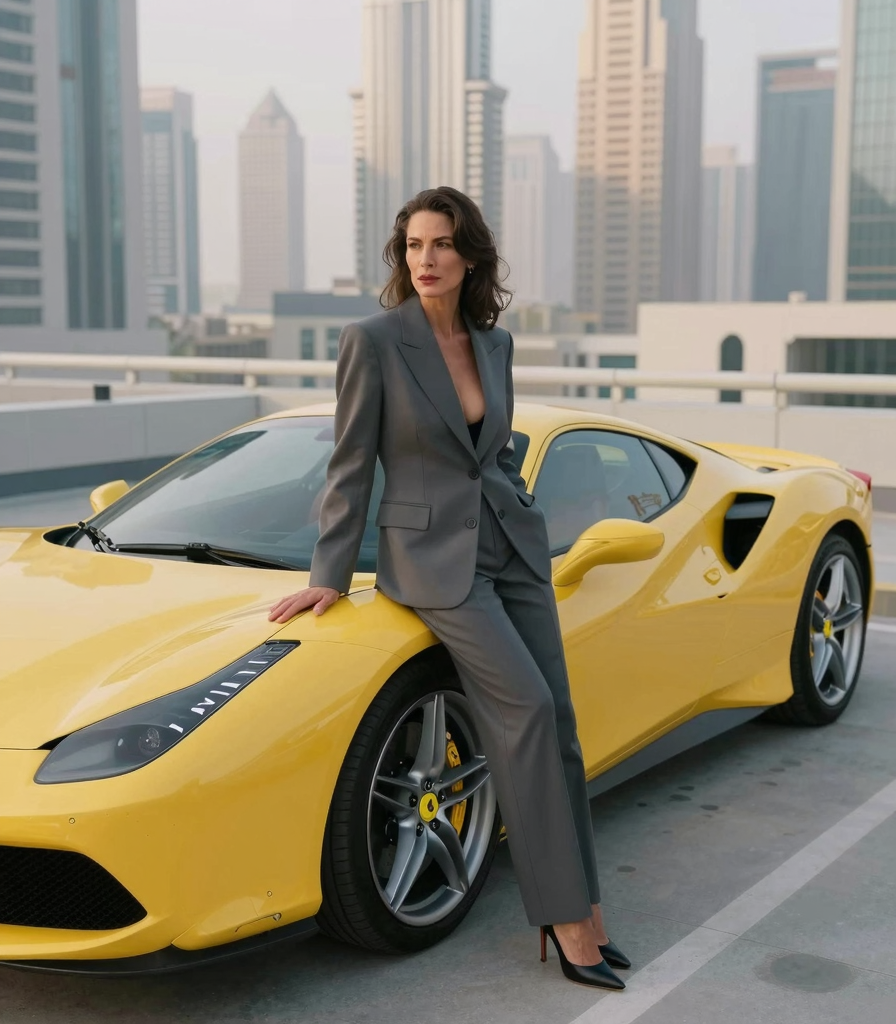
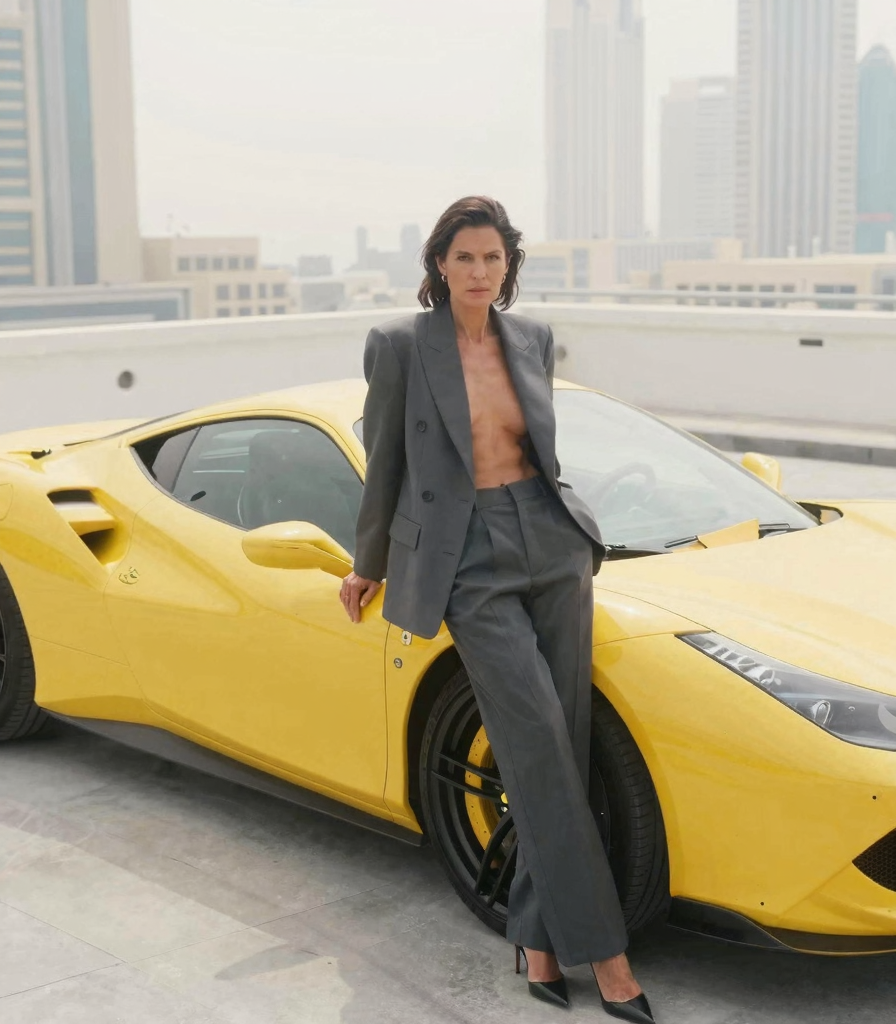
    Benchmark comparison chart of all aesthetics offered via “PASS” and how Z-IMAGE failed most of them.

    comfyui

    generative ai

    Comparison

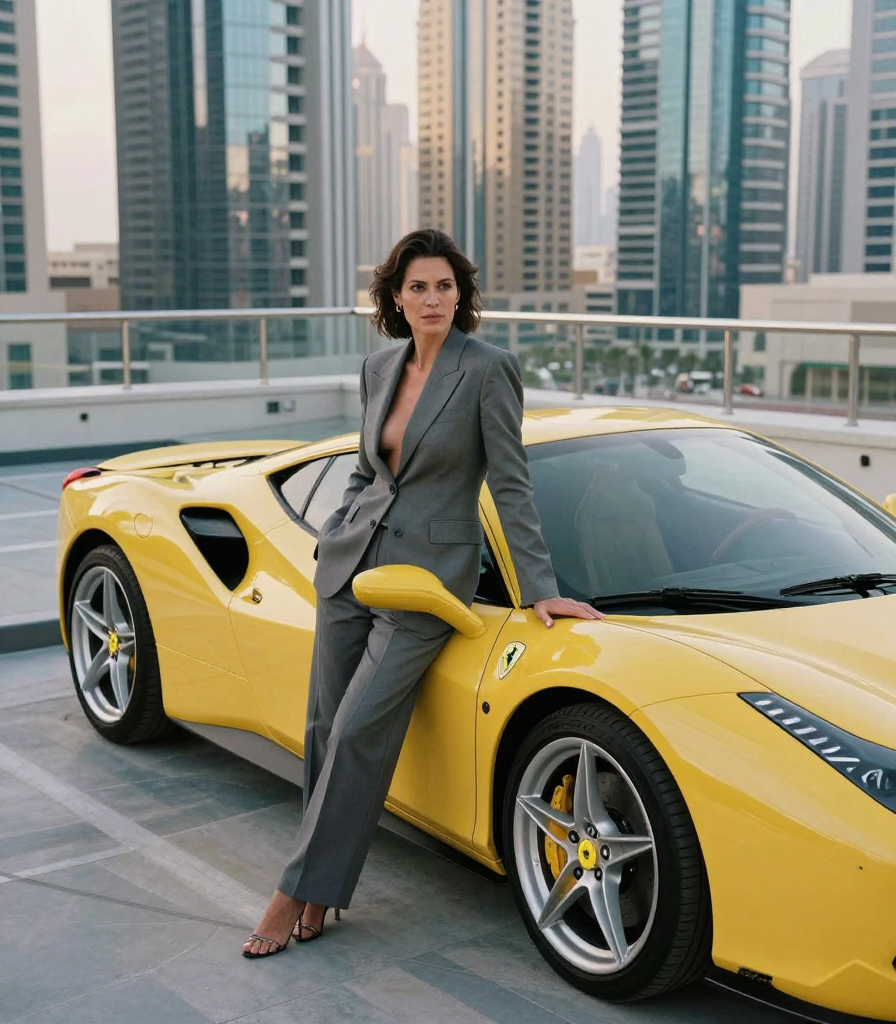
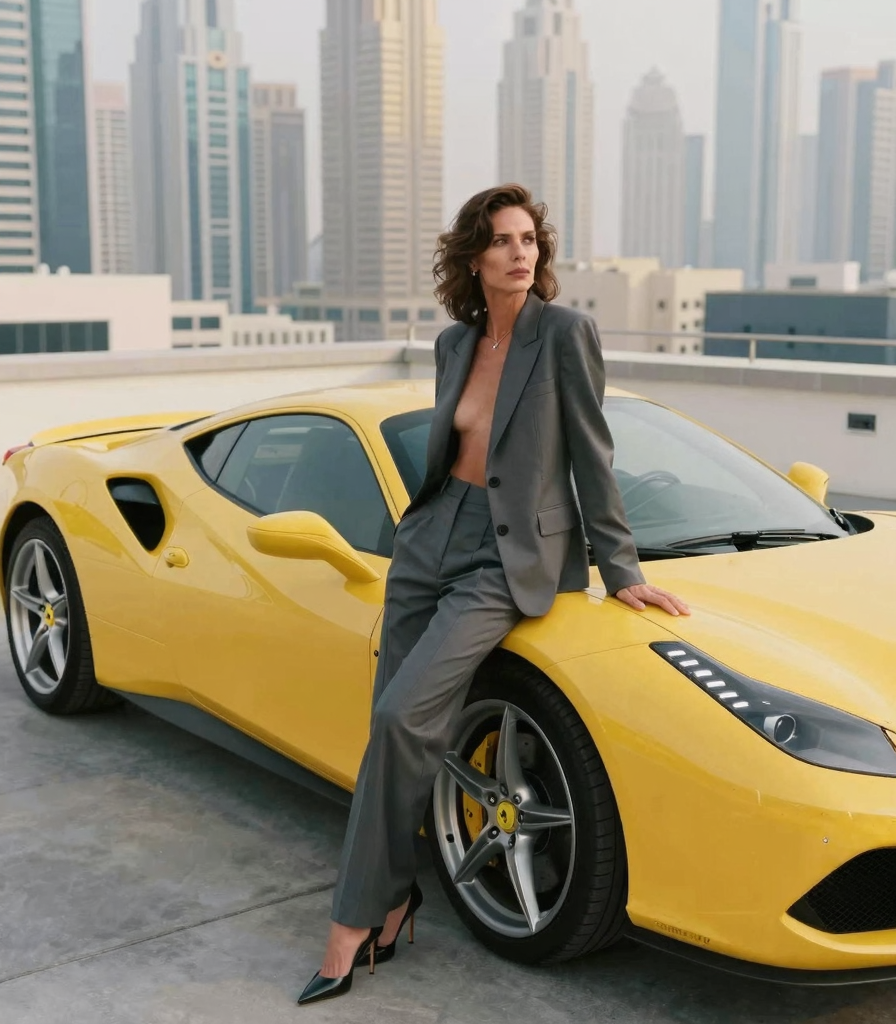
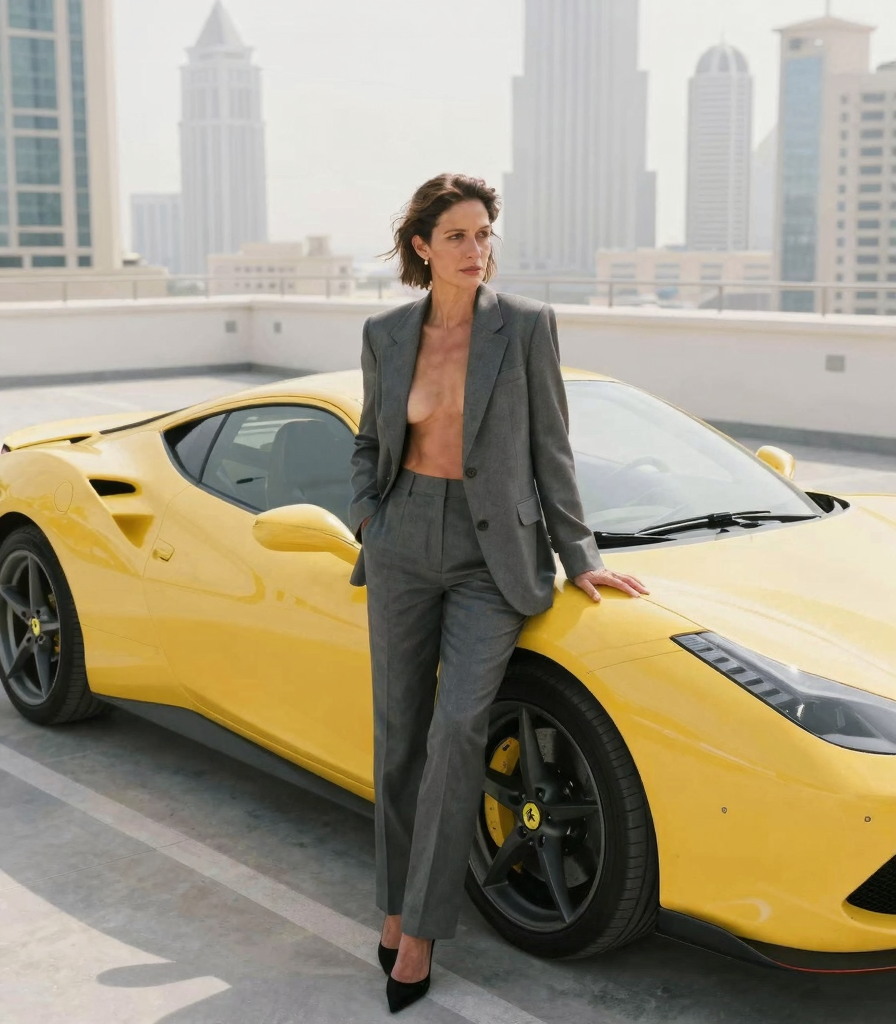
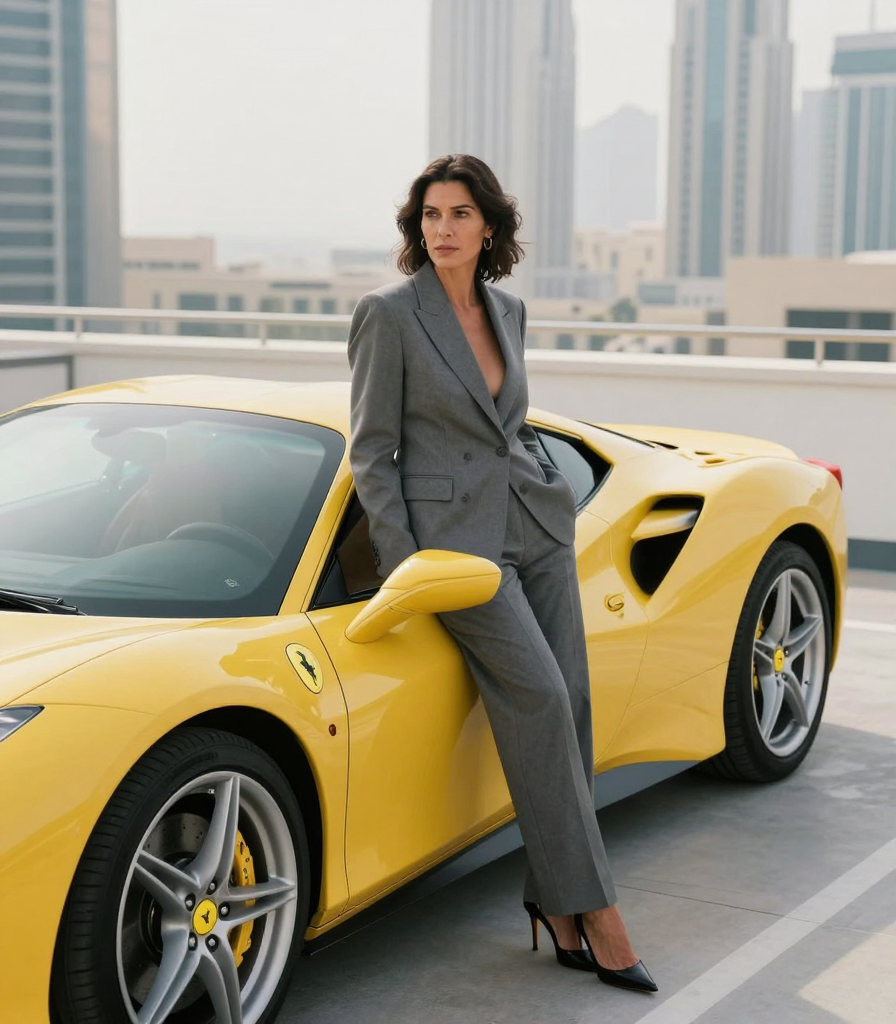
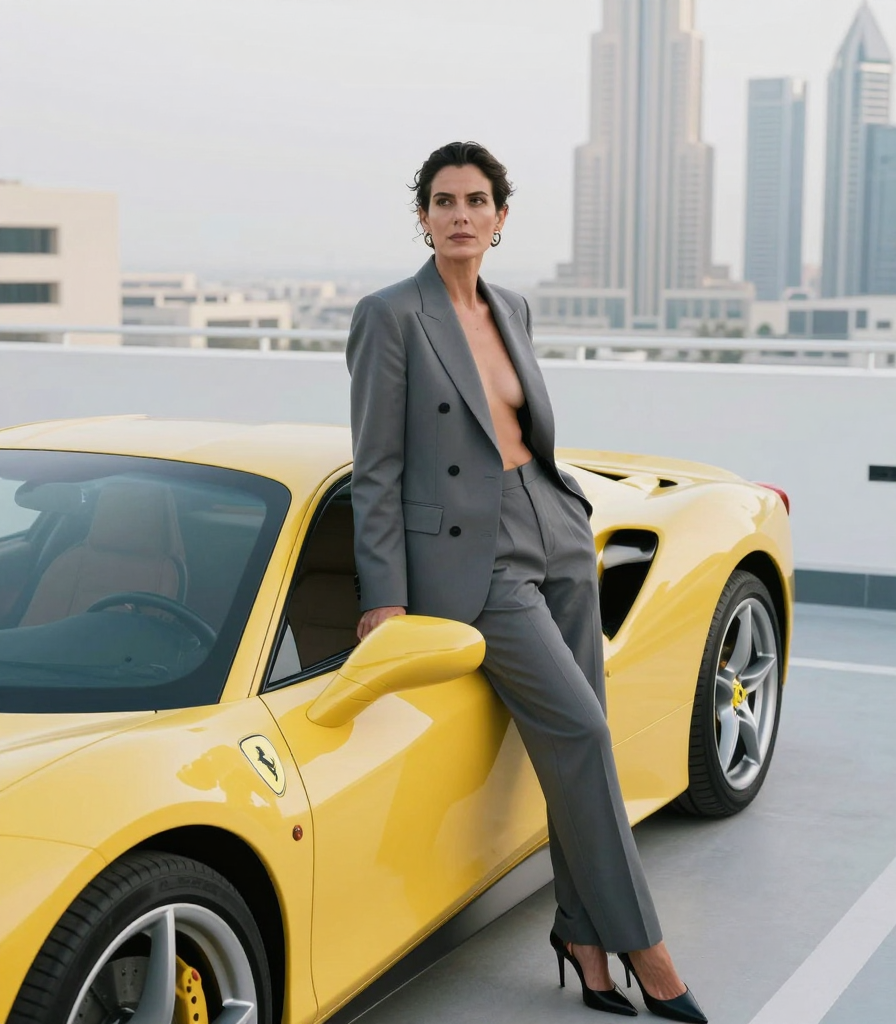
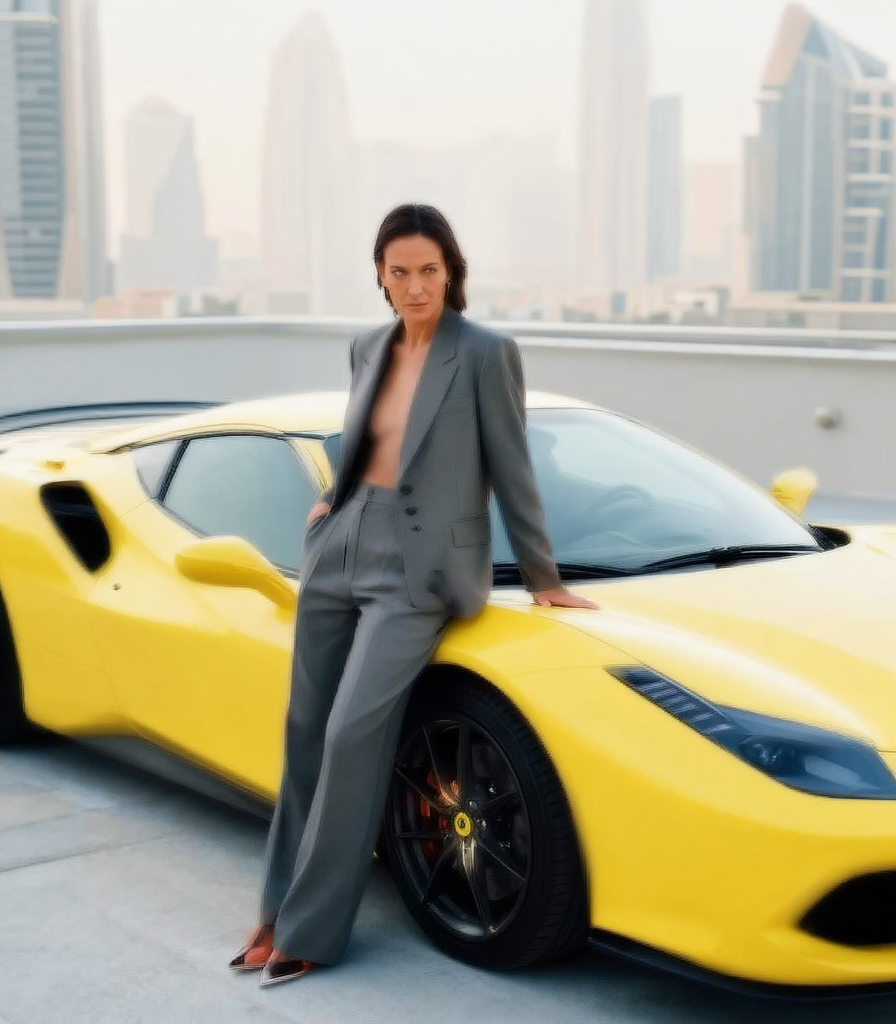
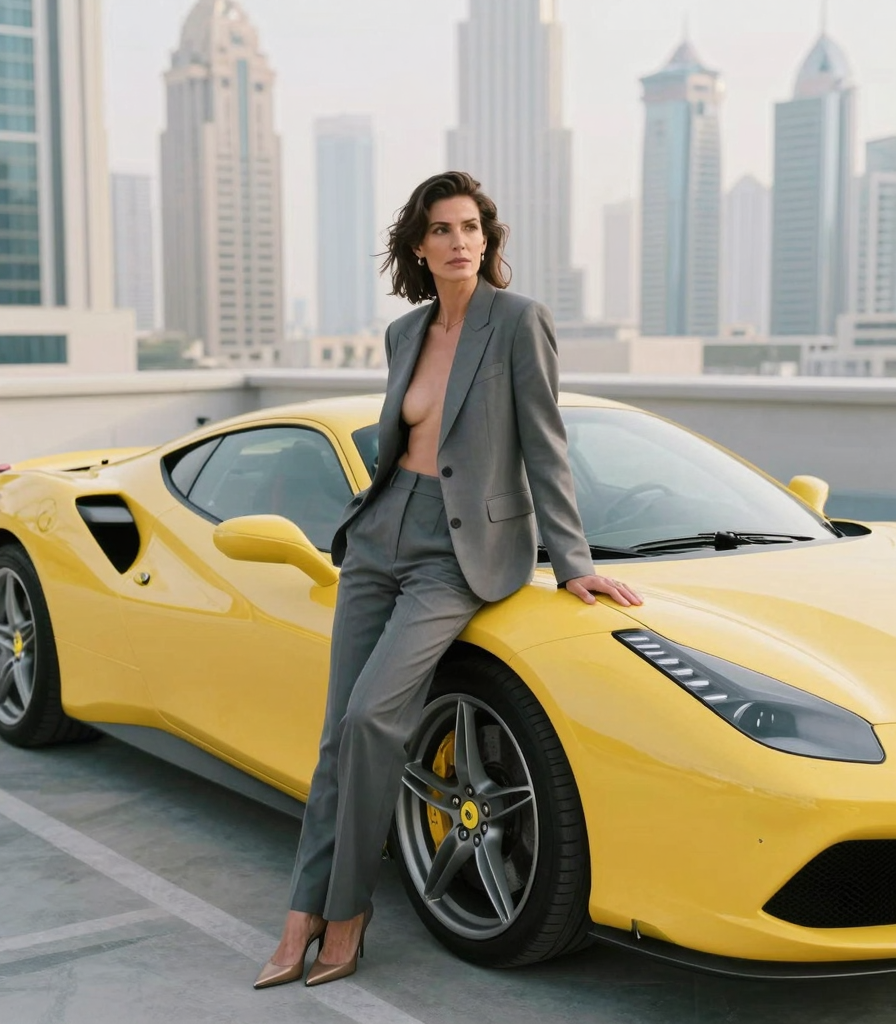
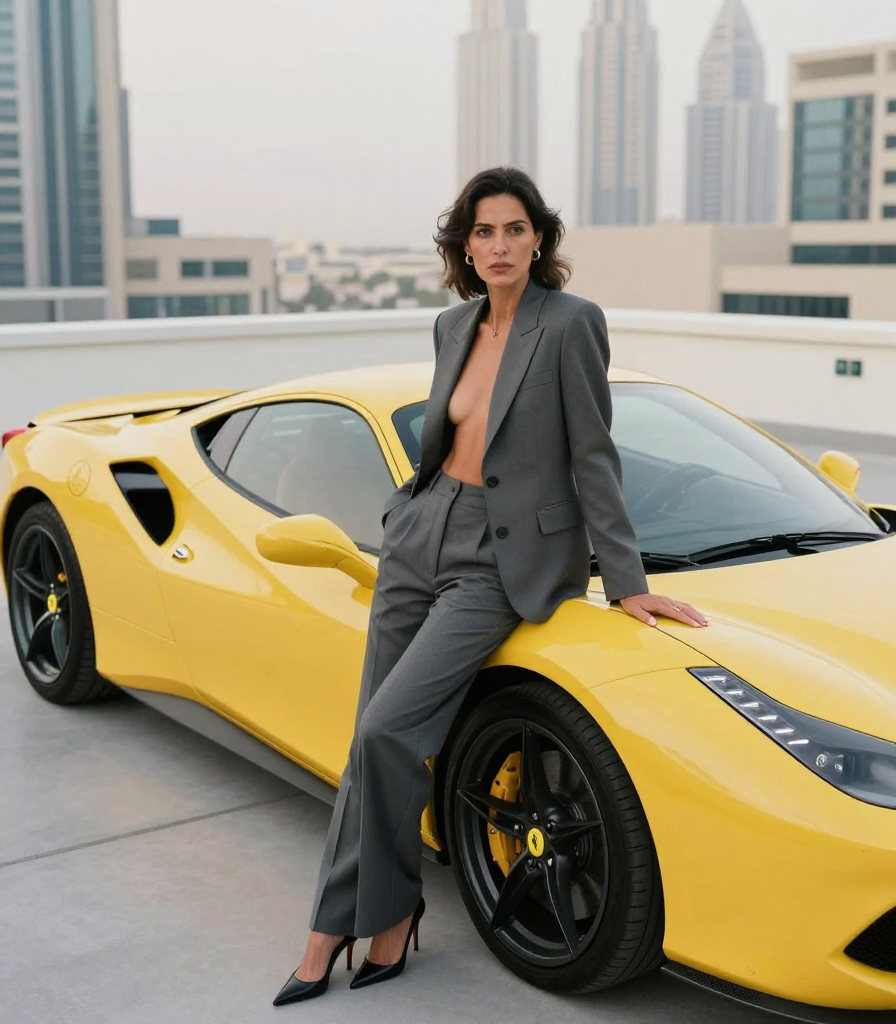
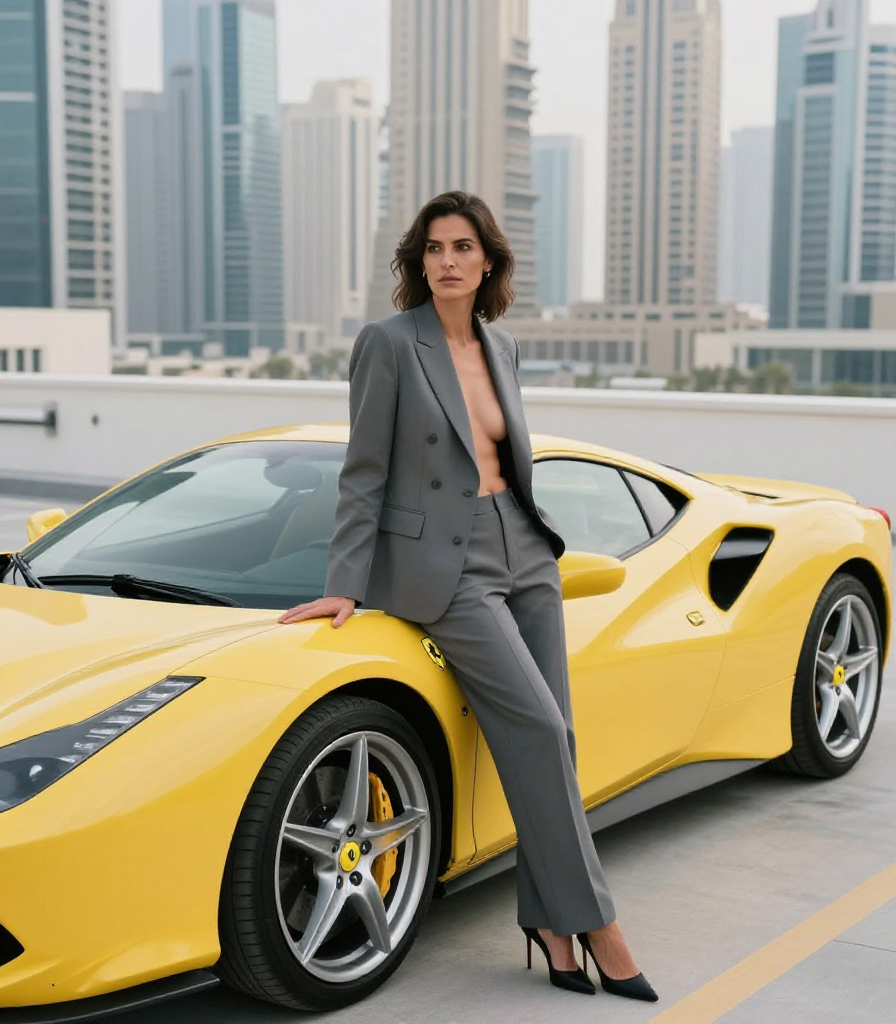
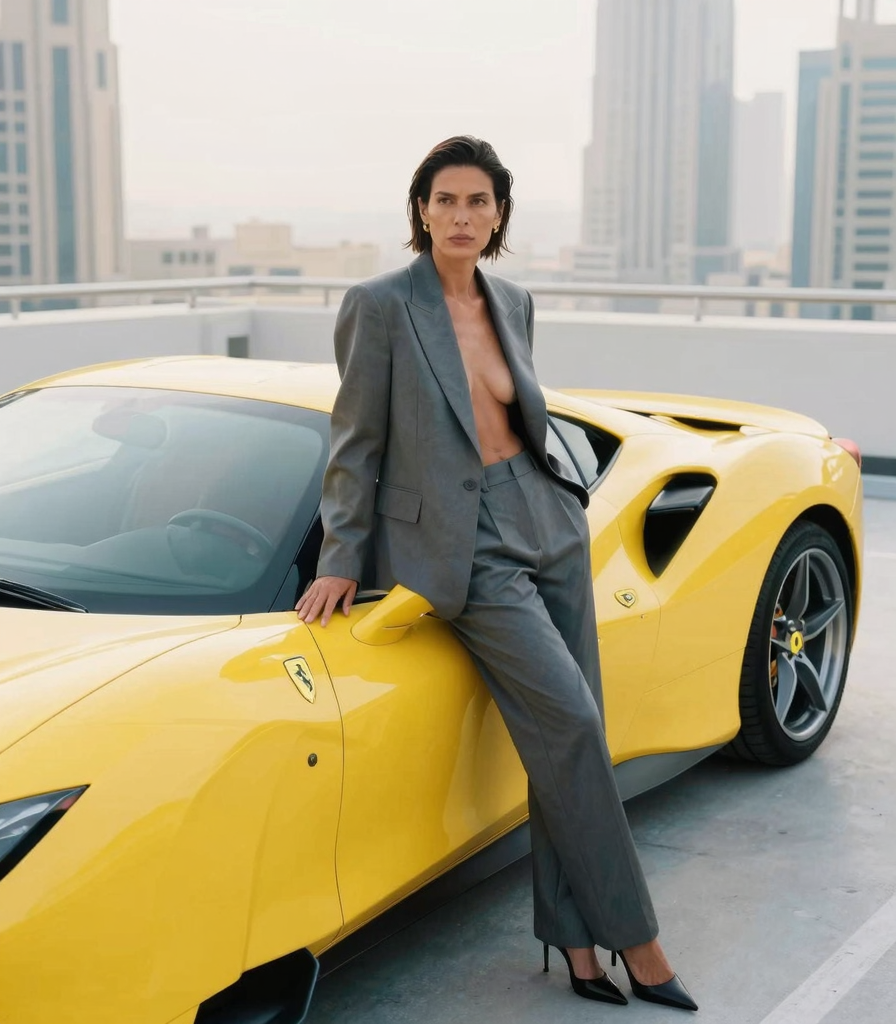
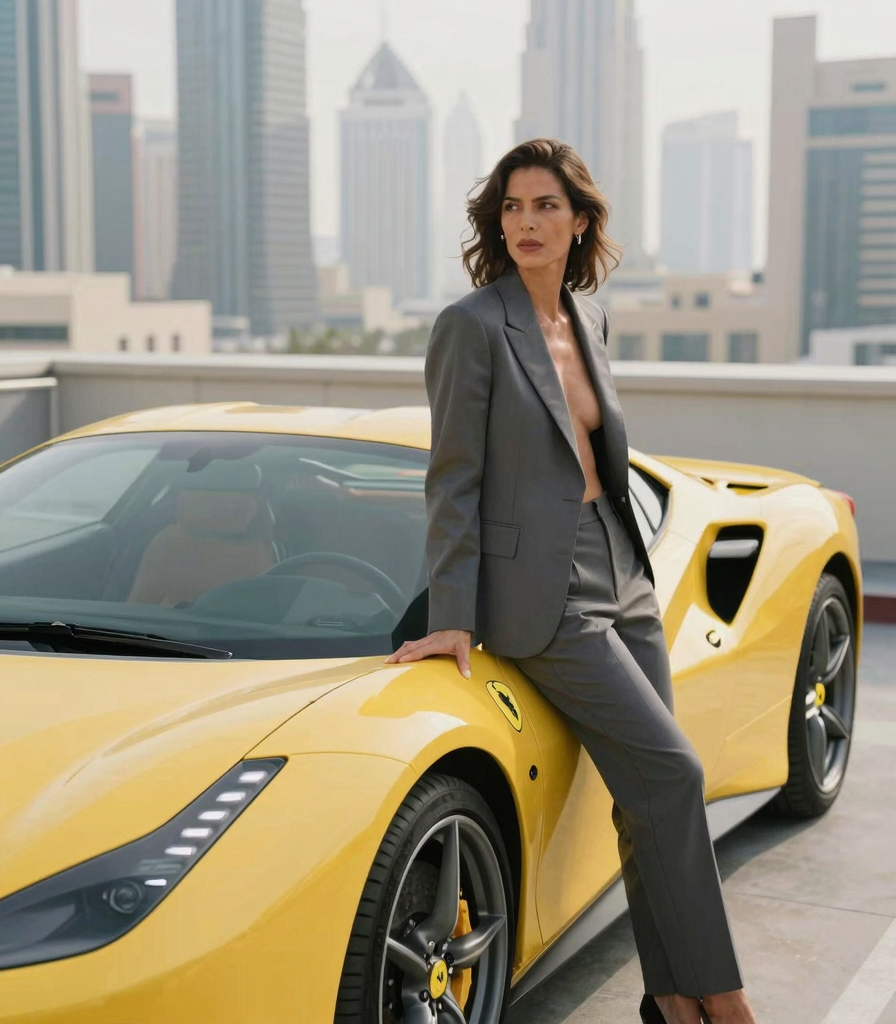
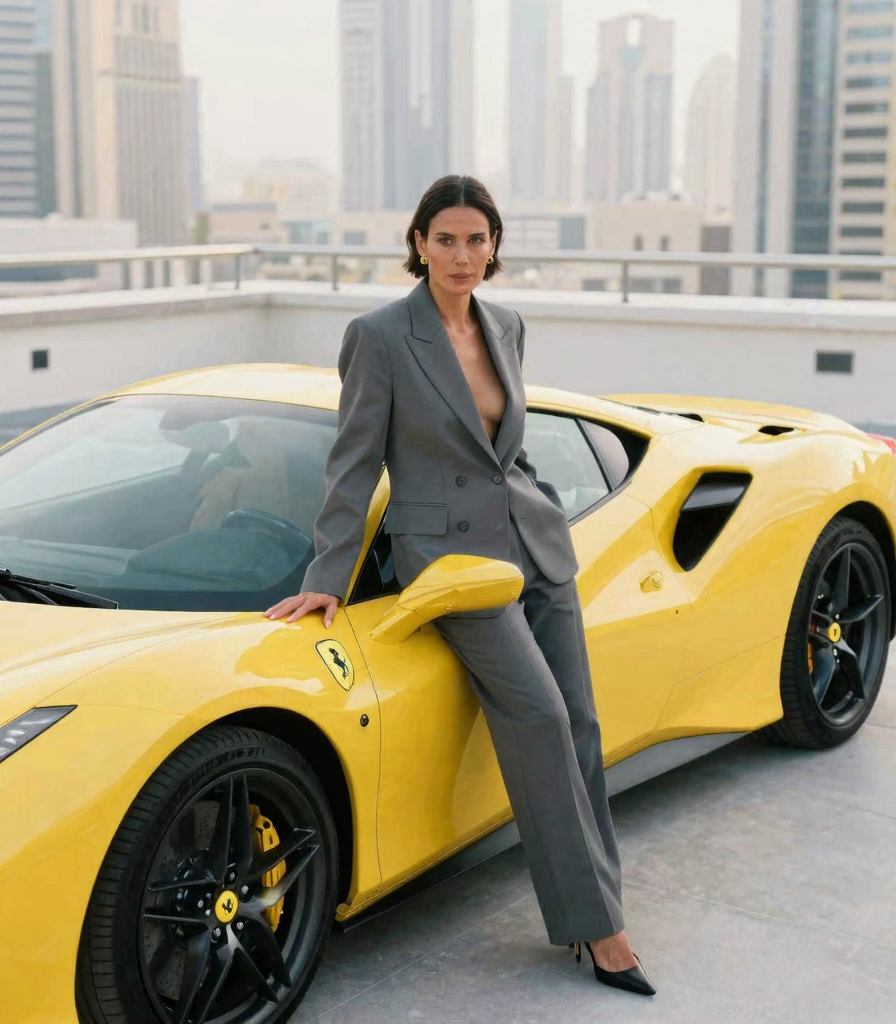
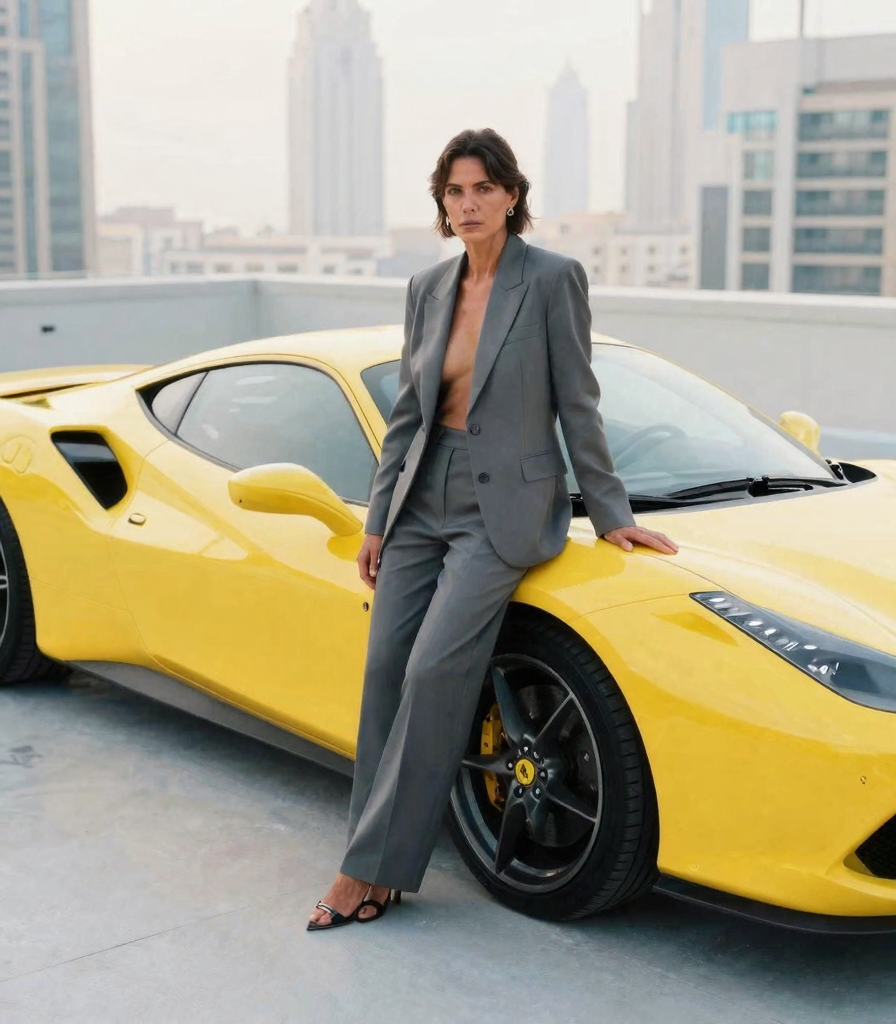
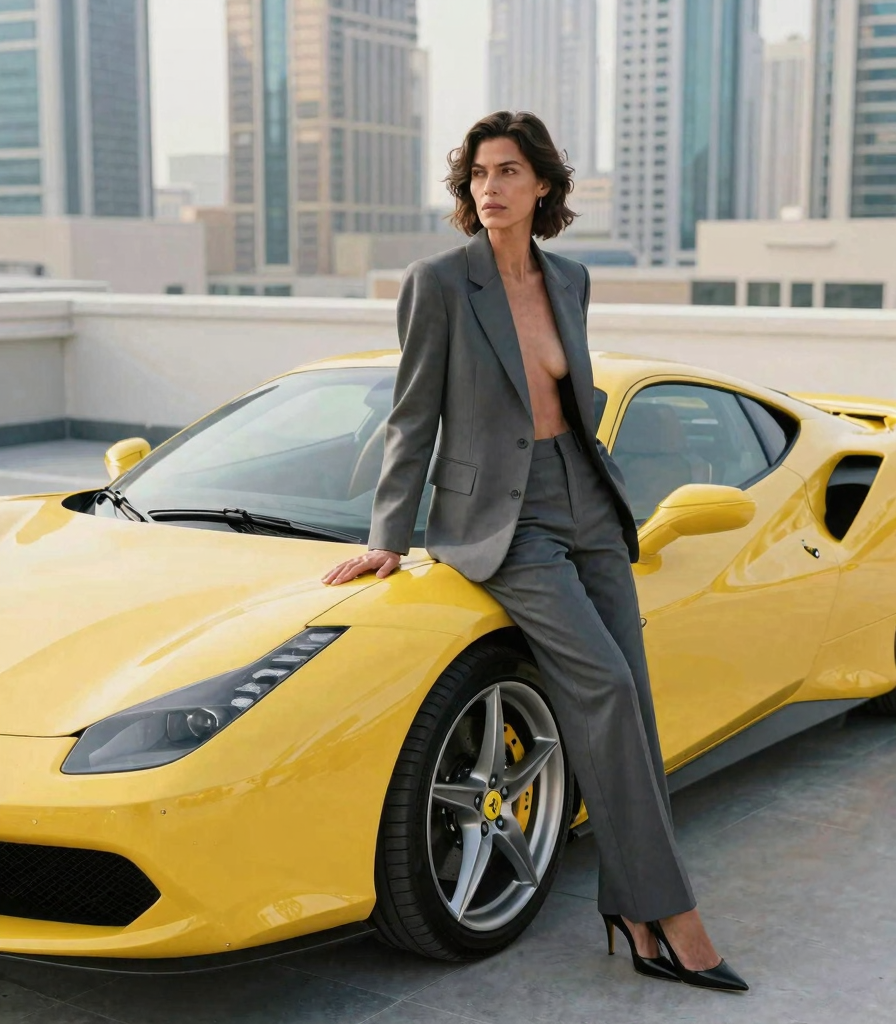
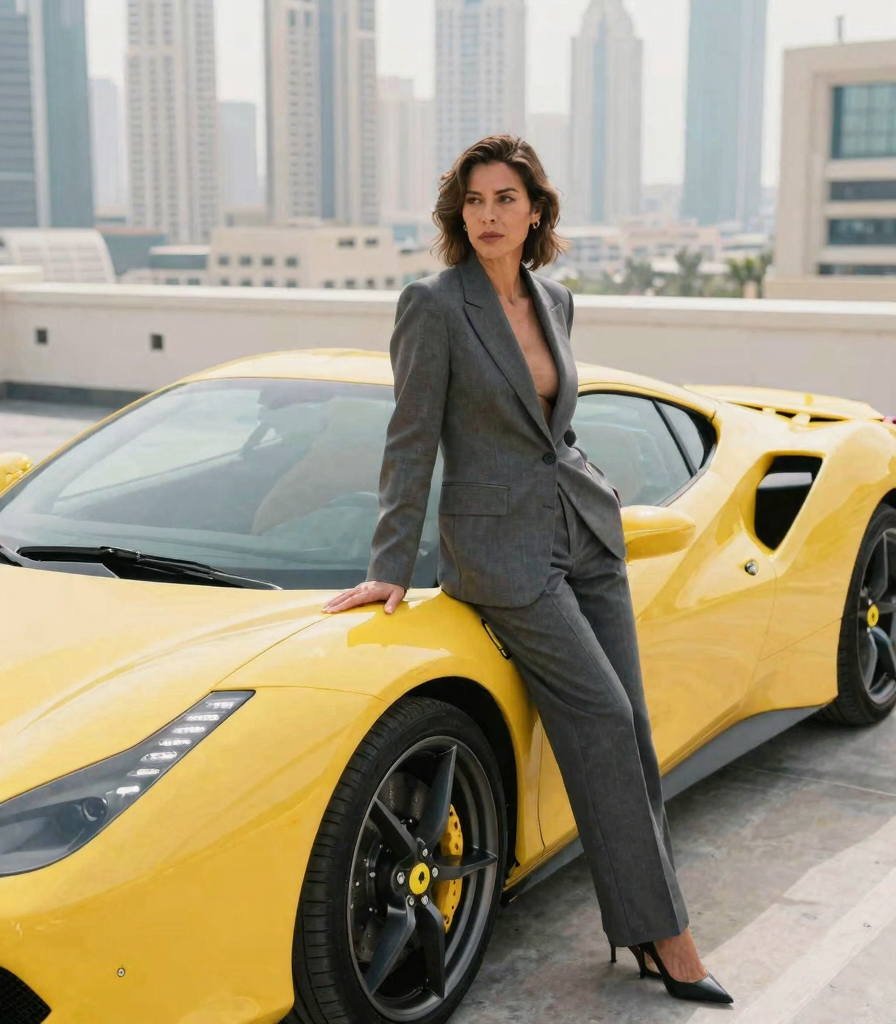
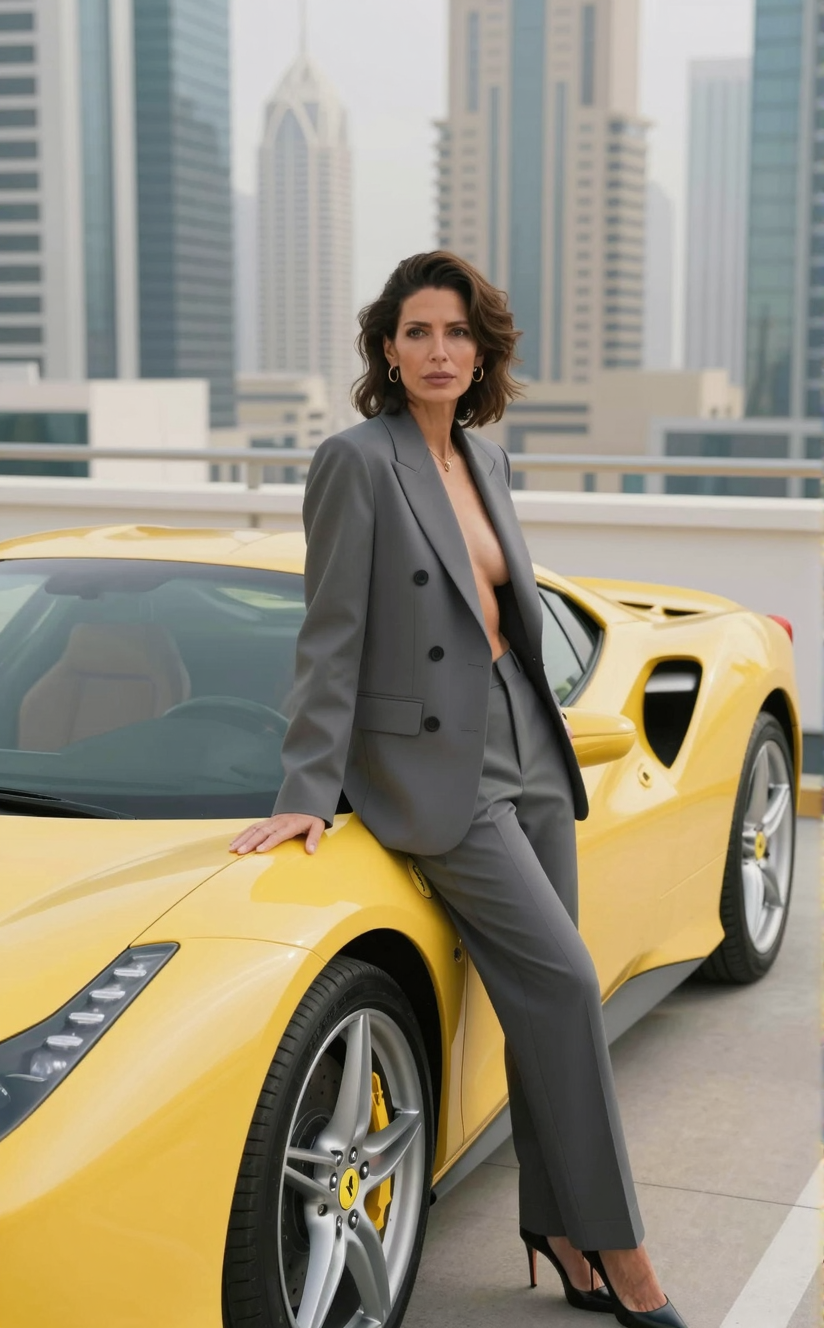
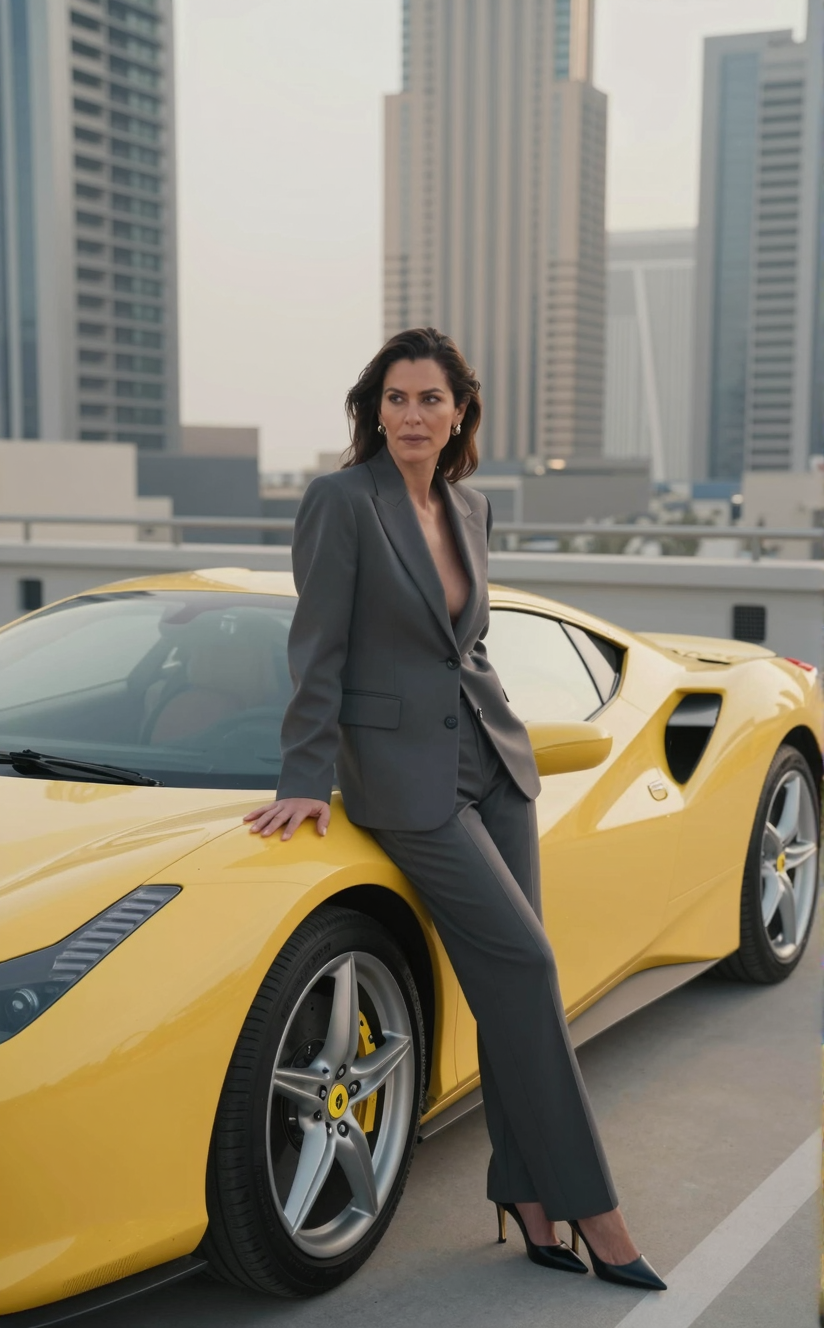
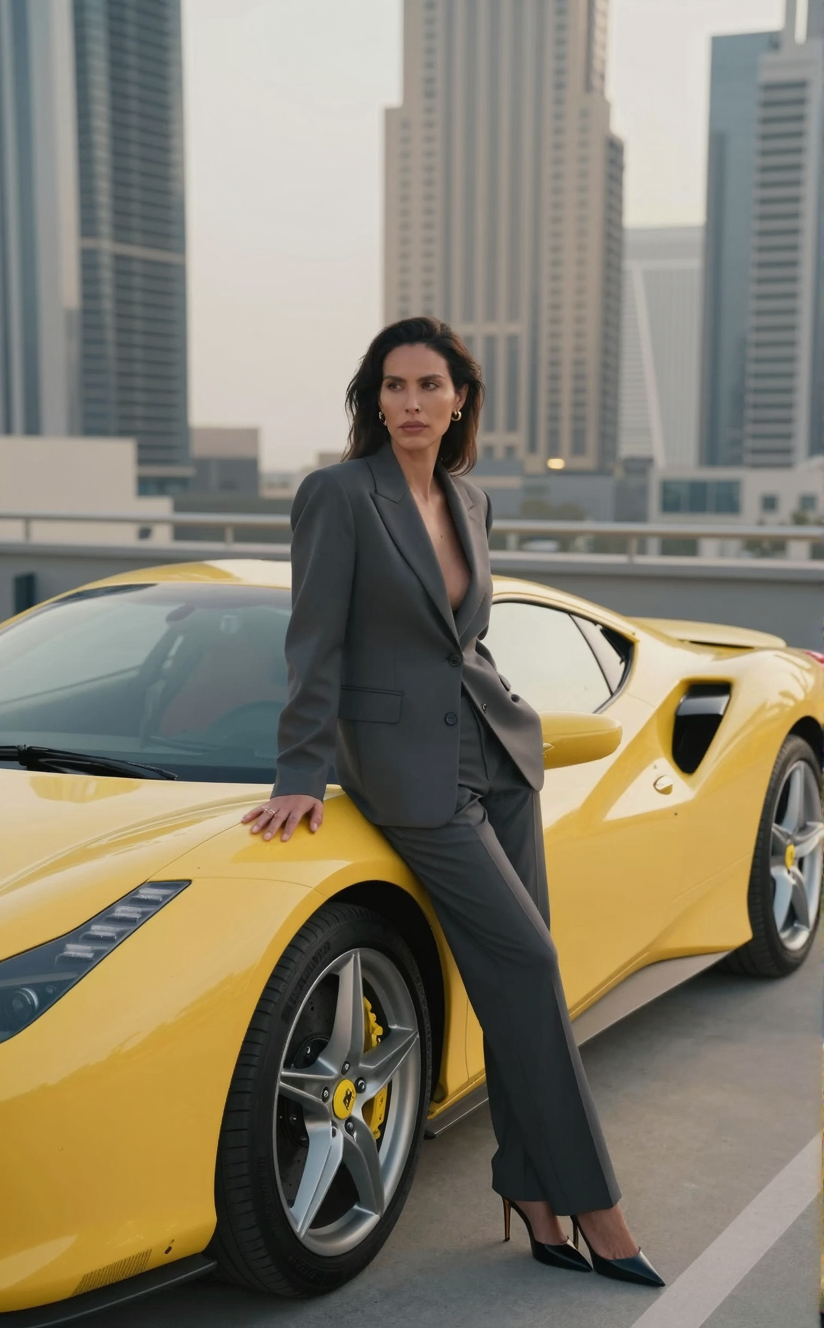
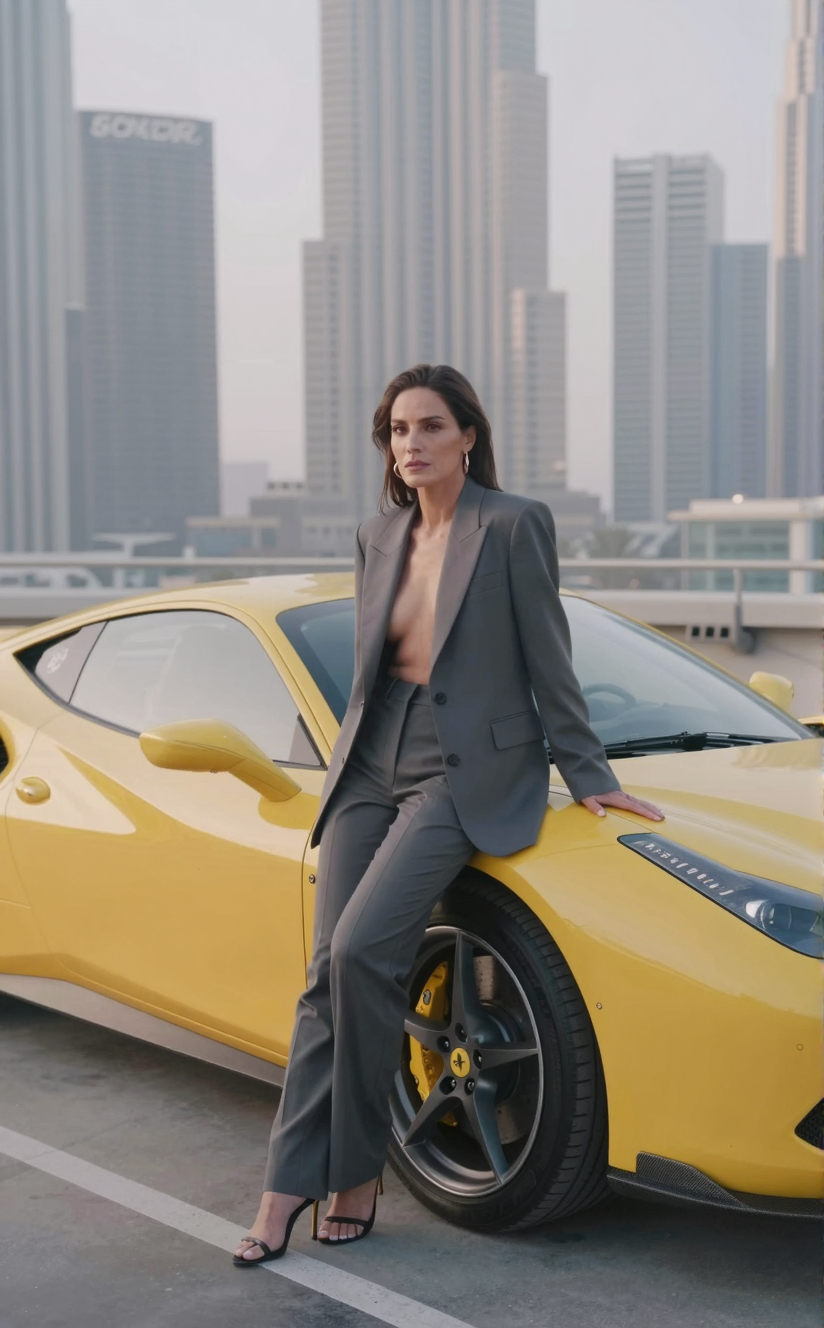
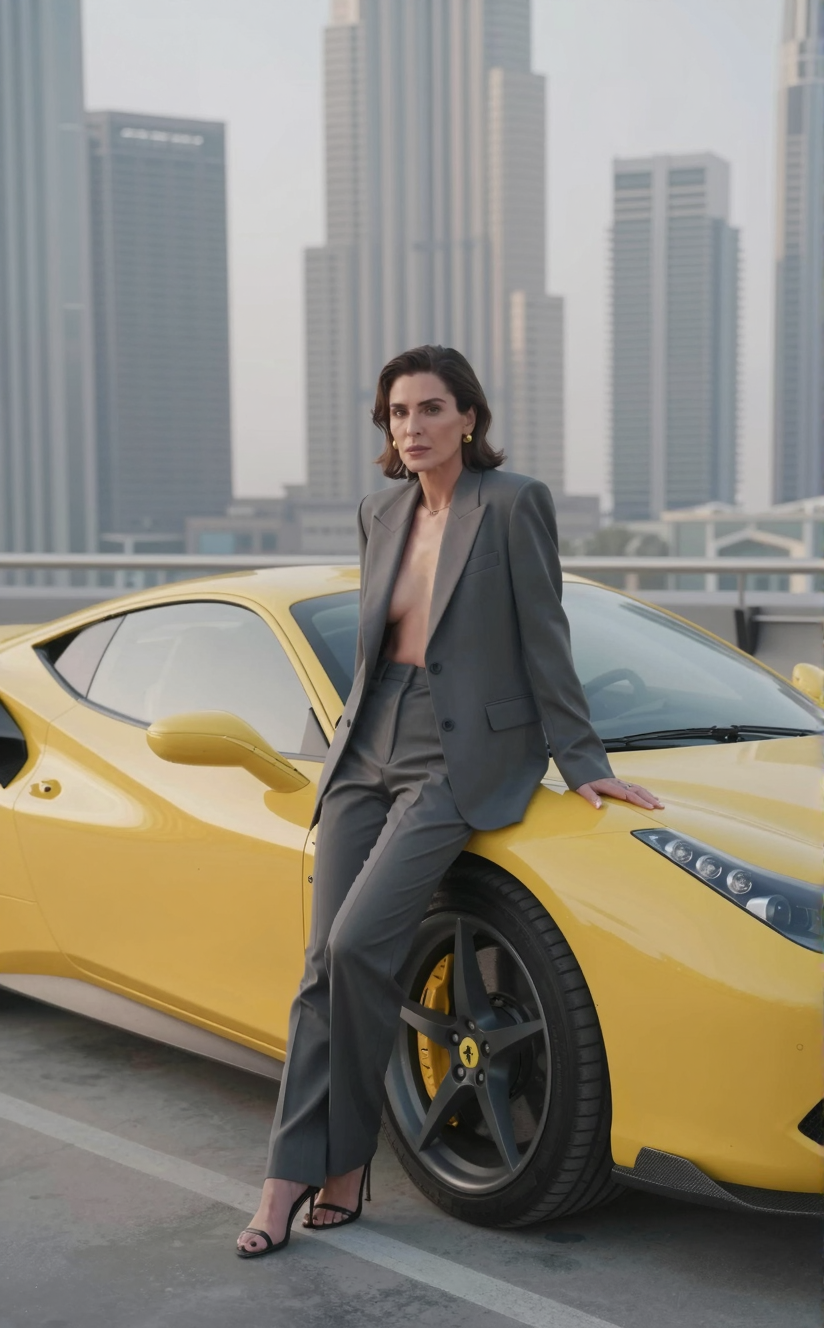
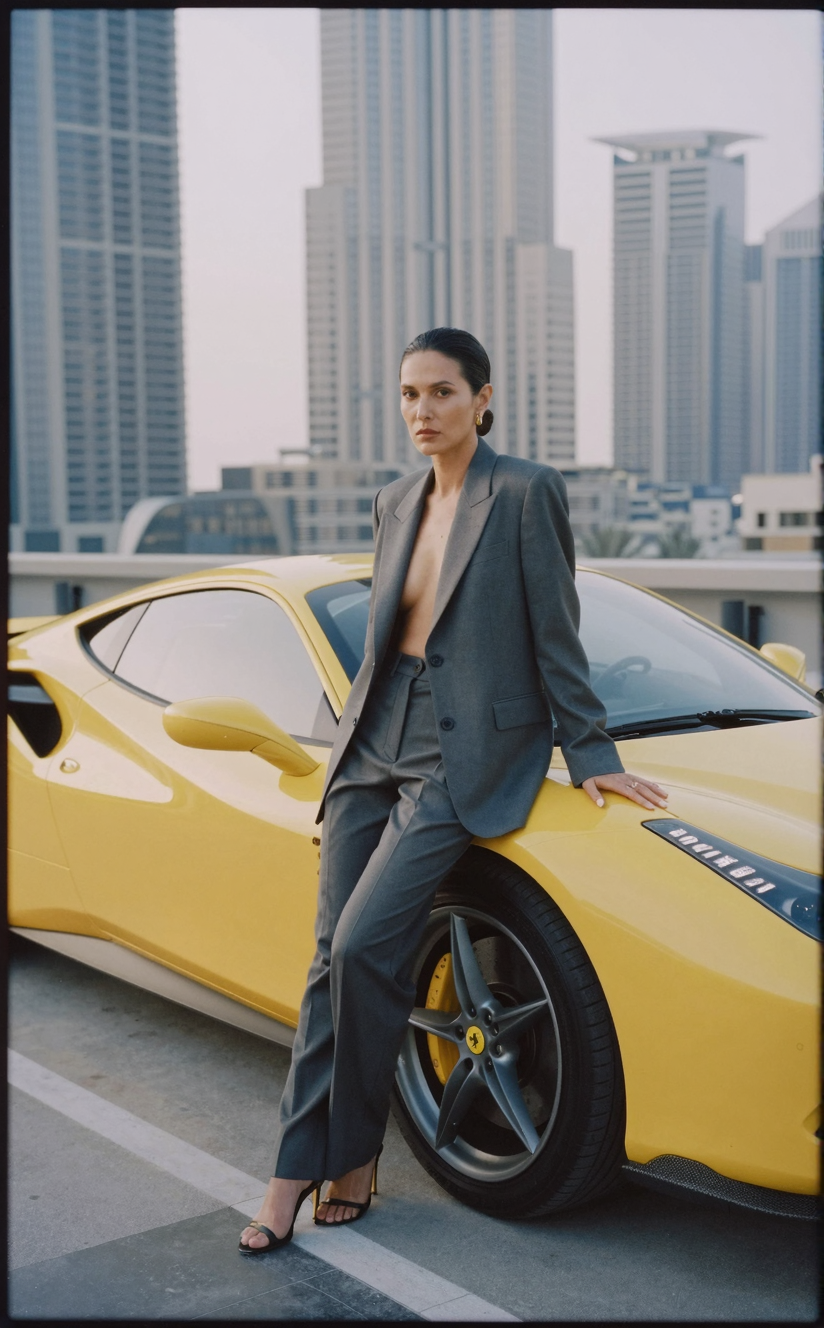
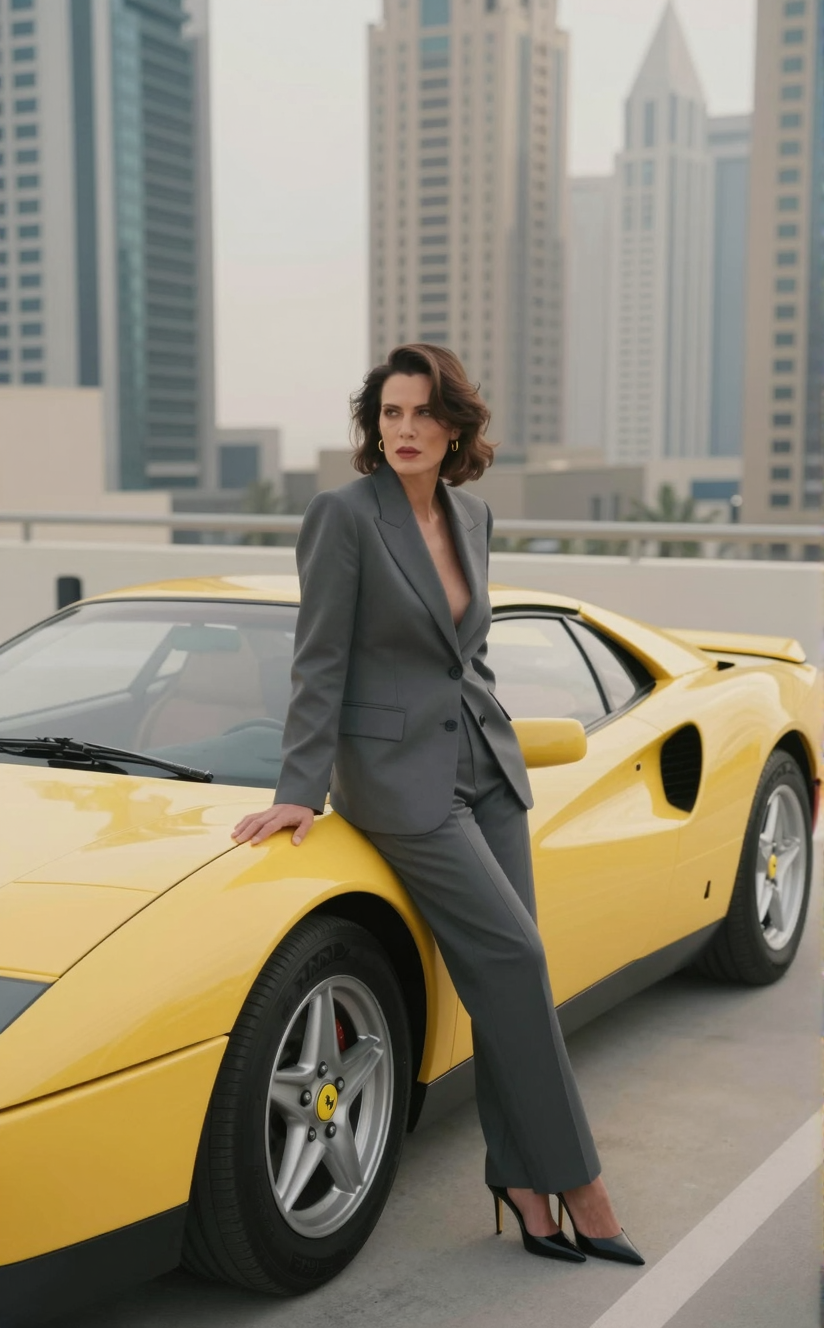
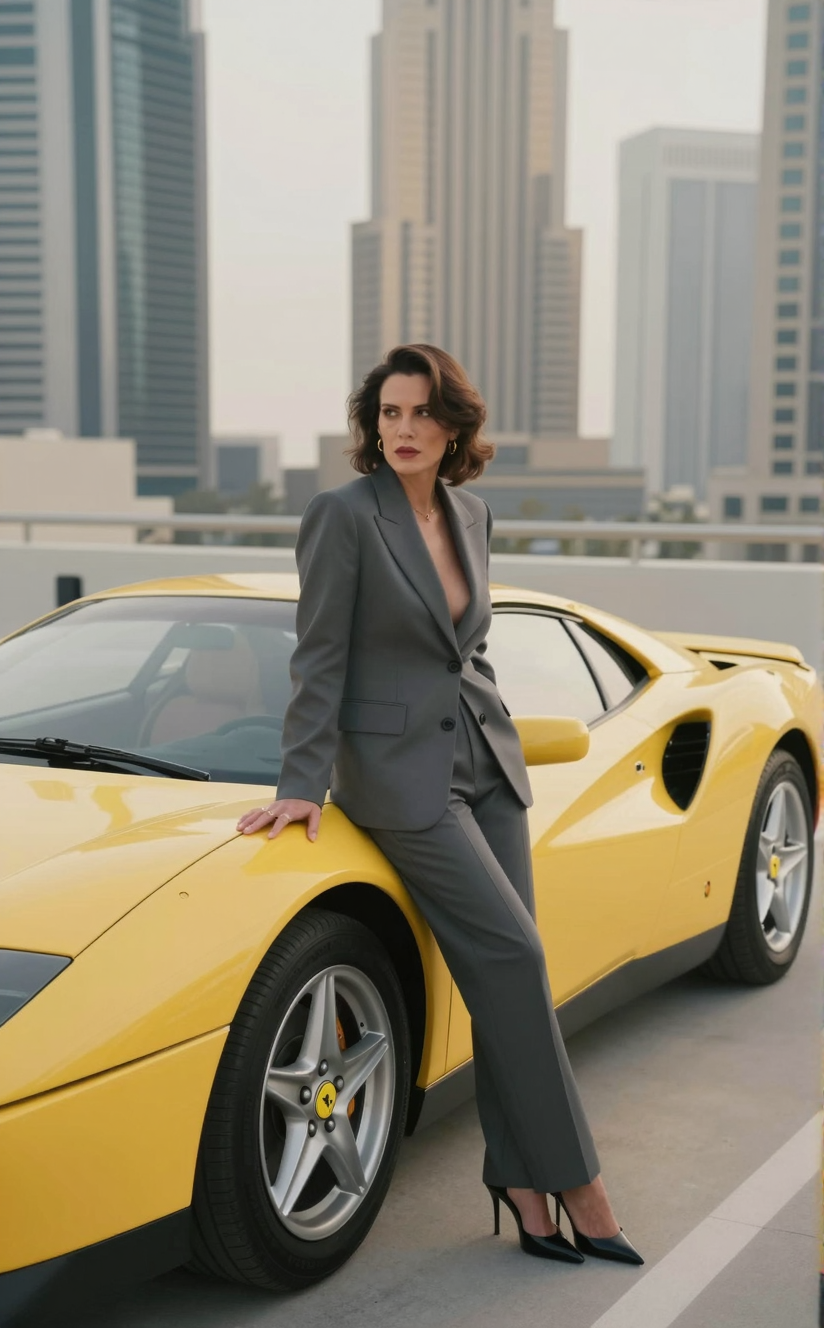
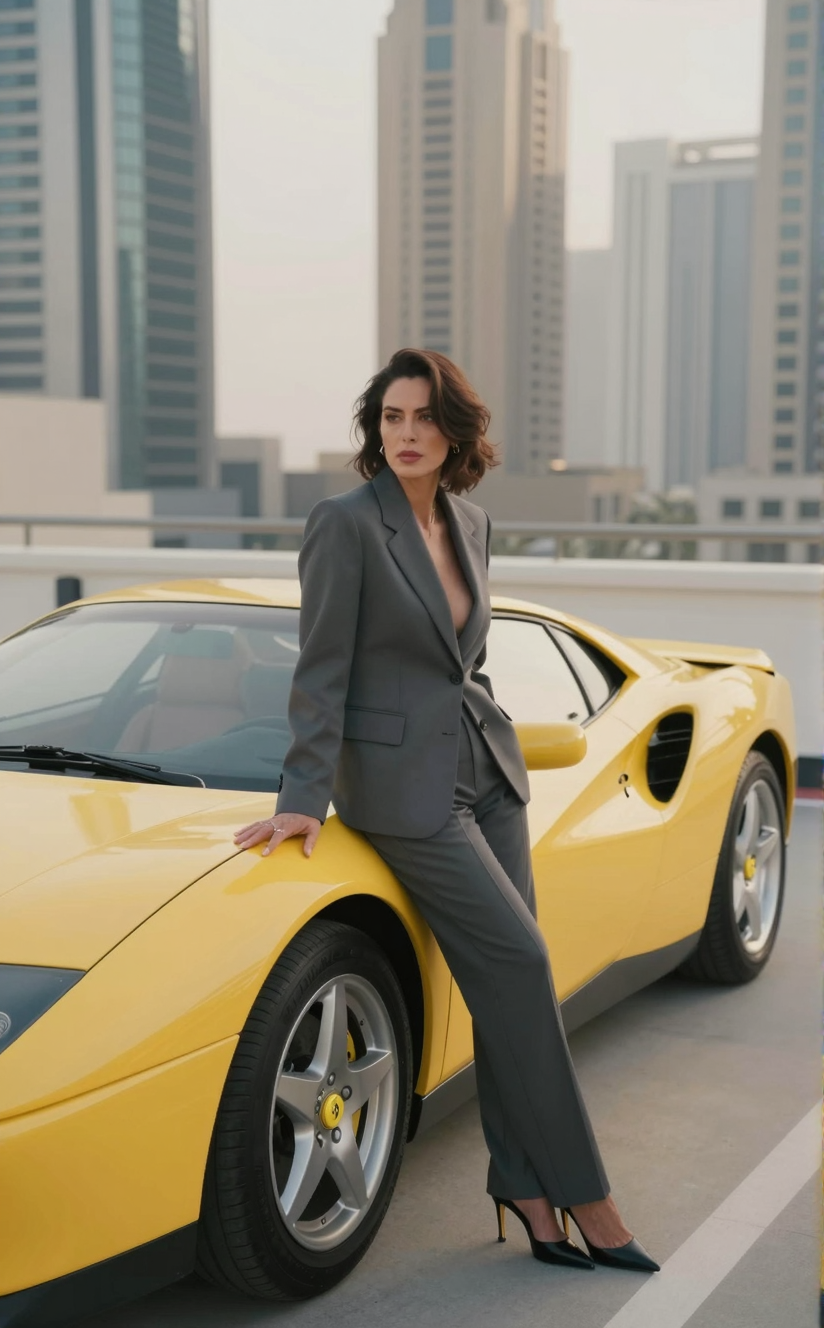
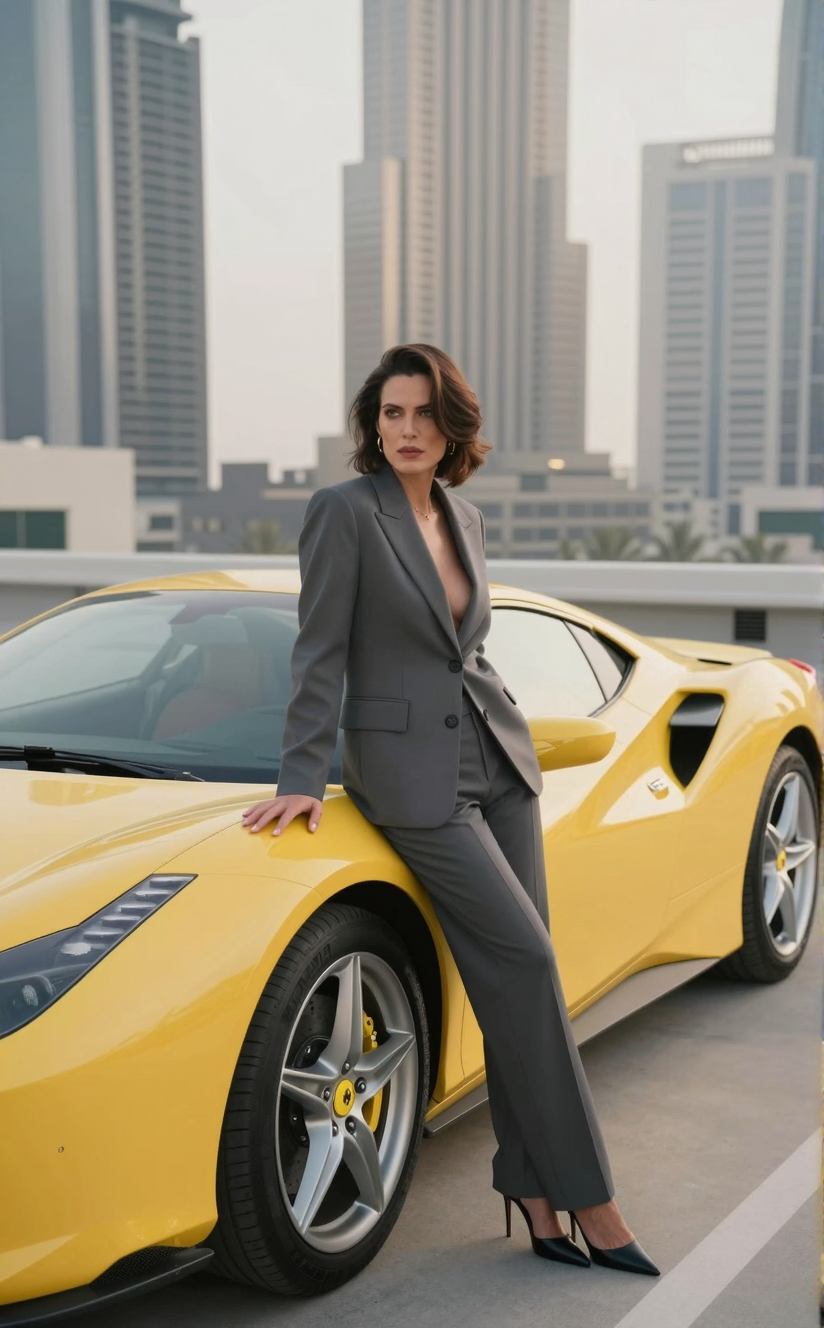
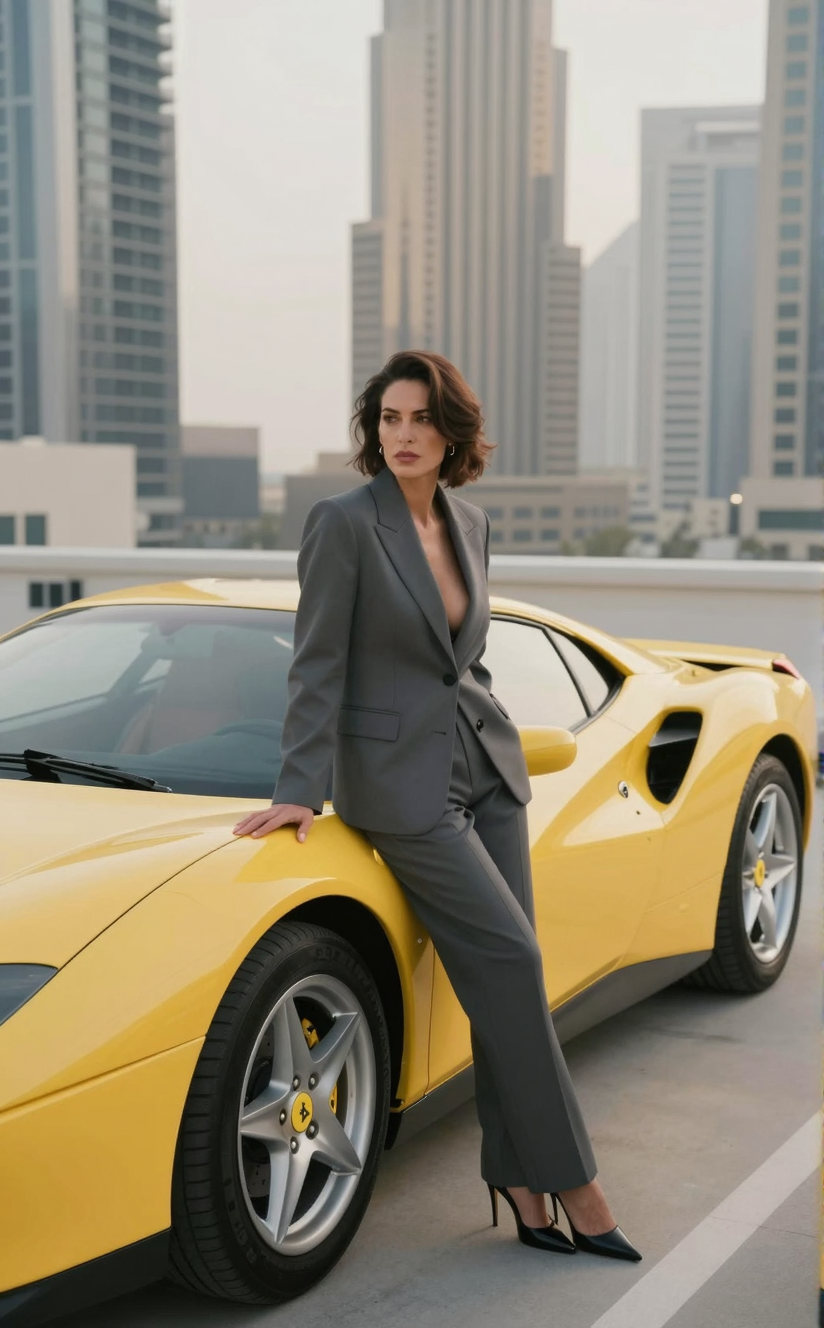
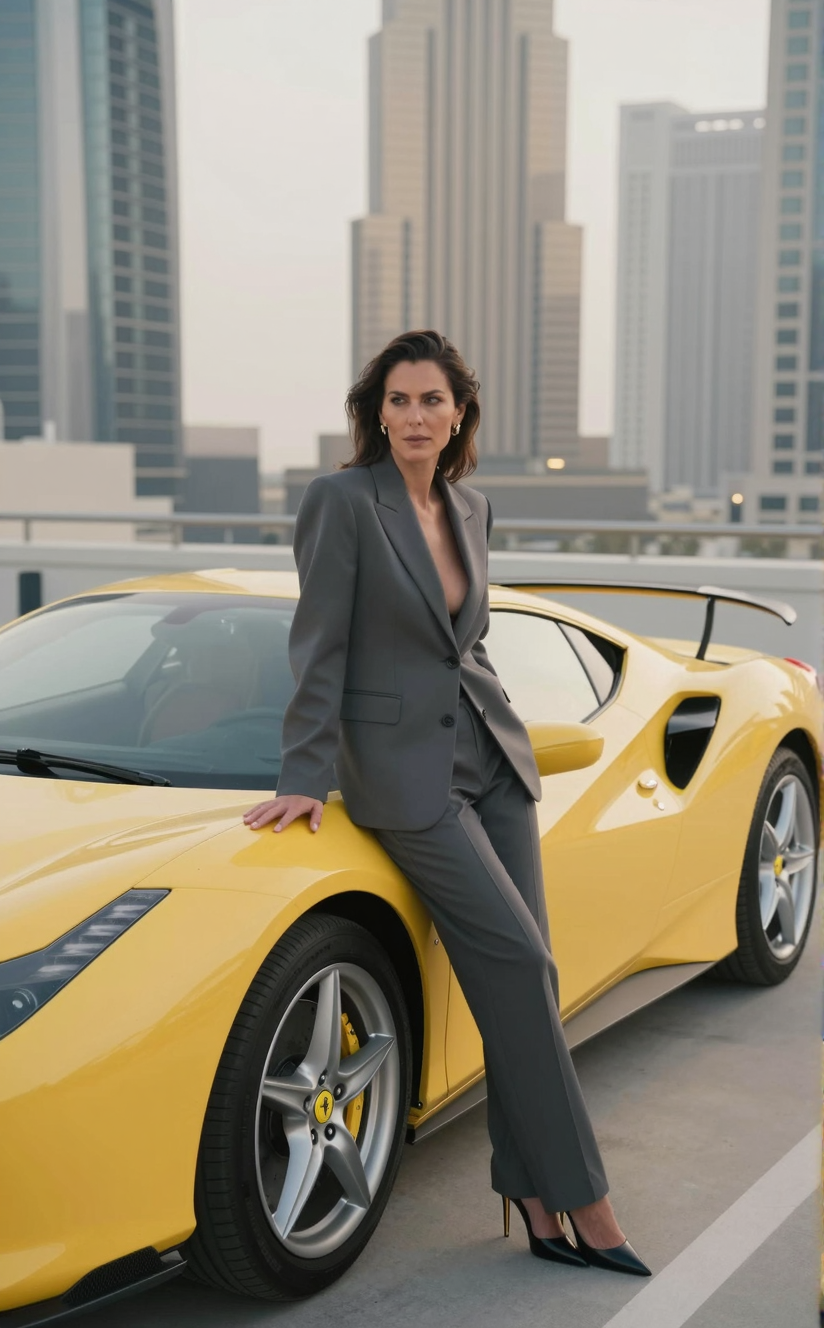
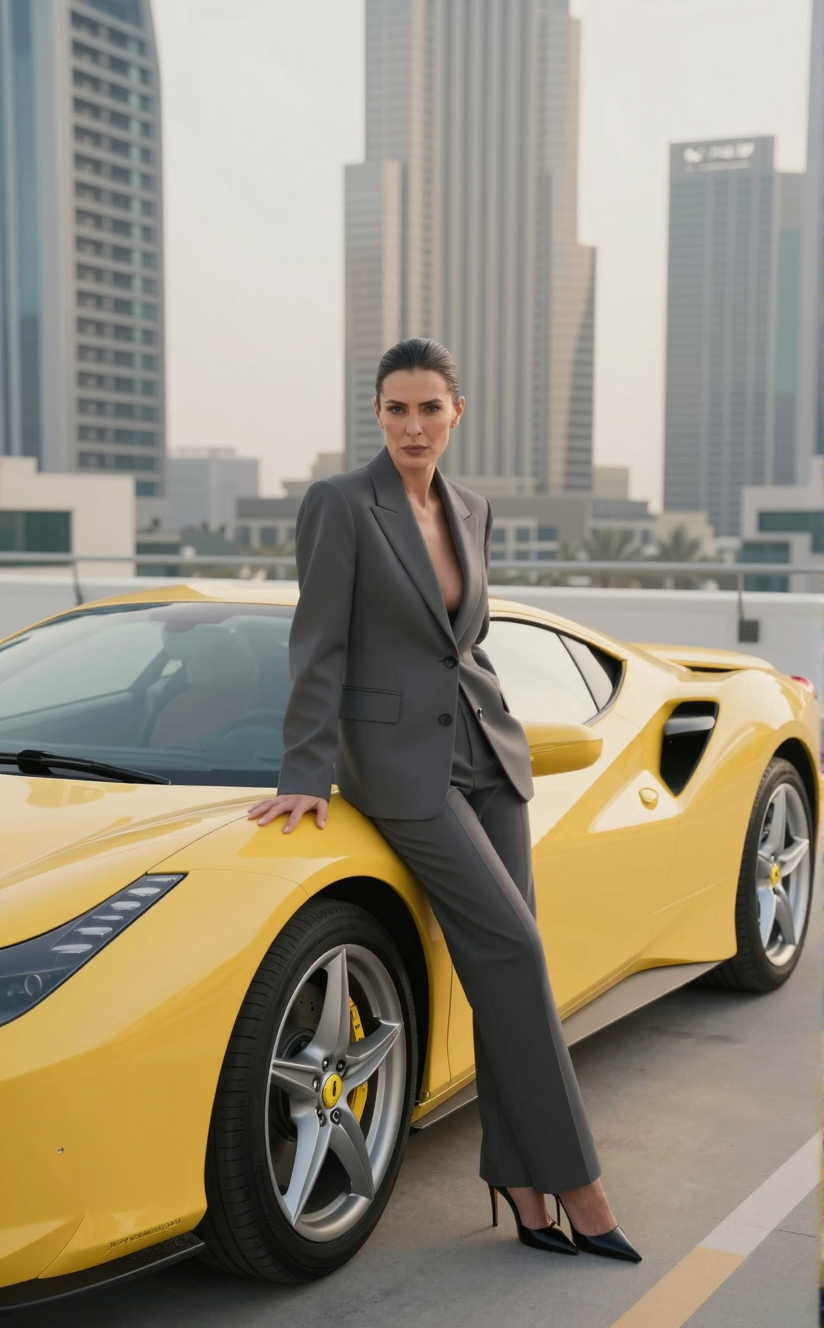
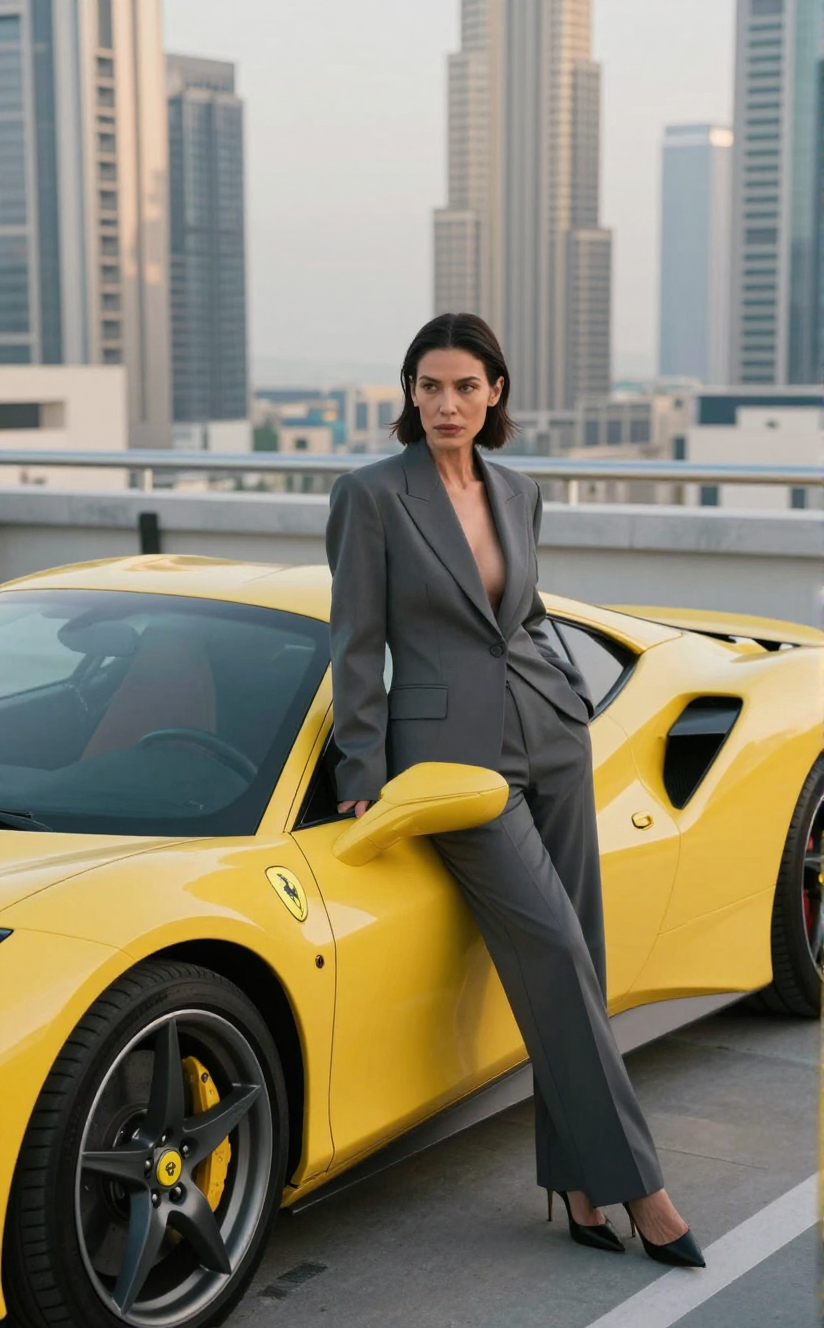
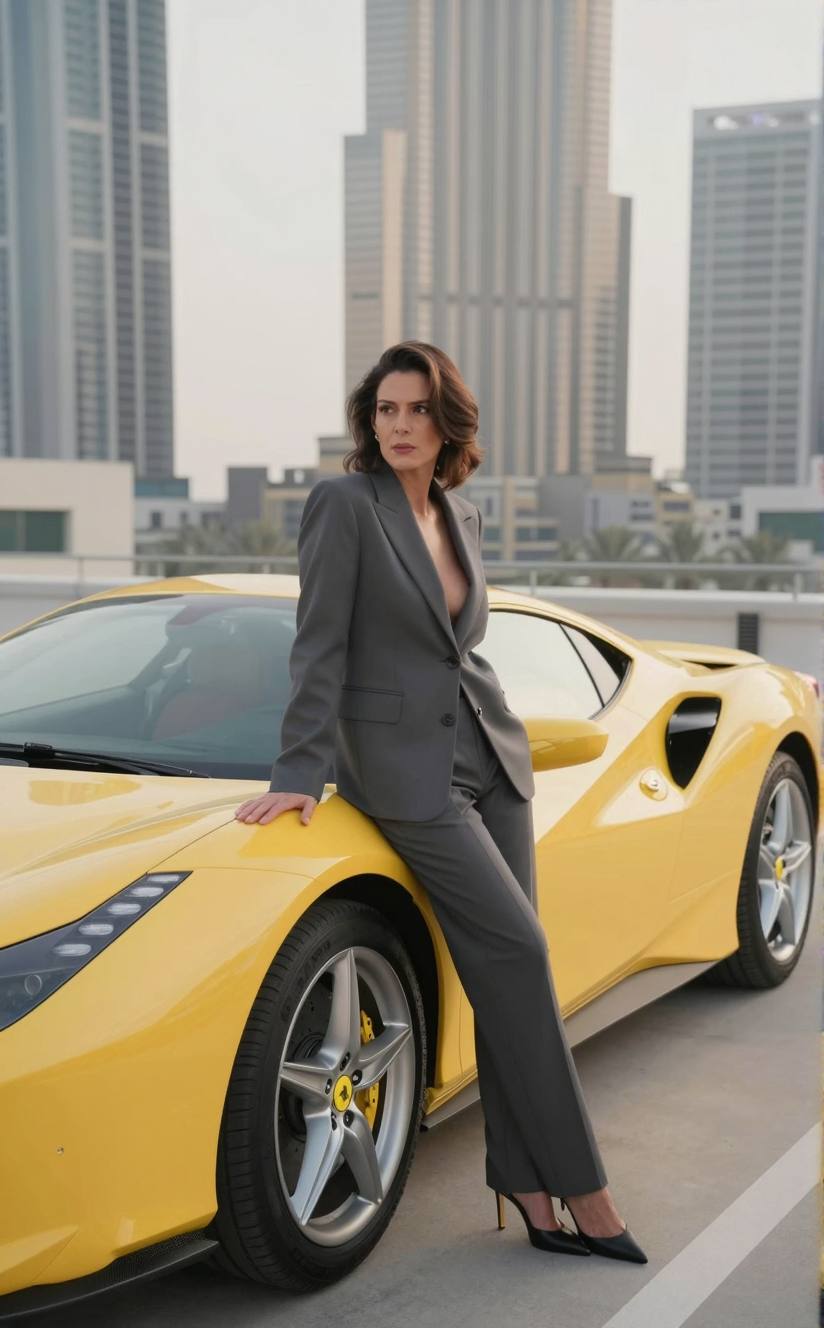
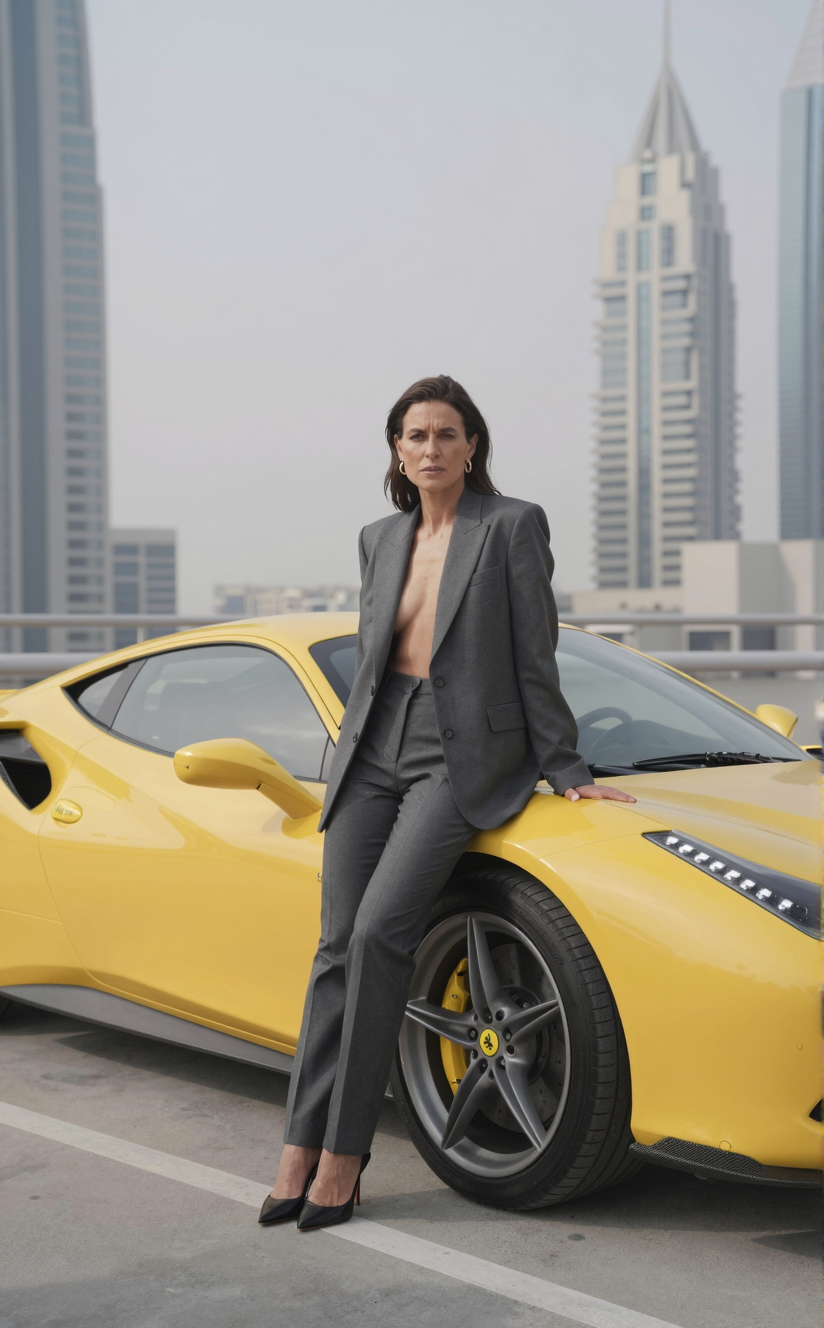
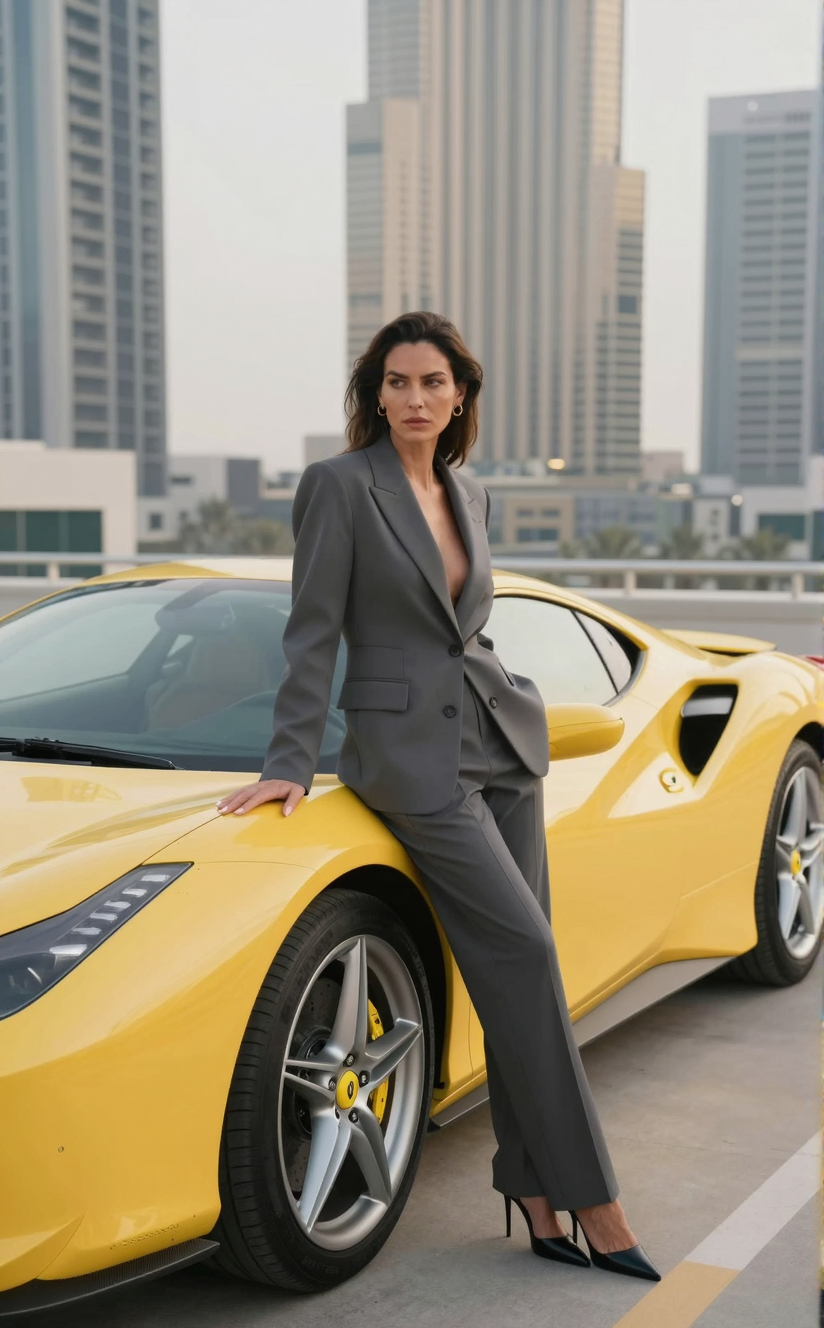
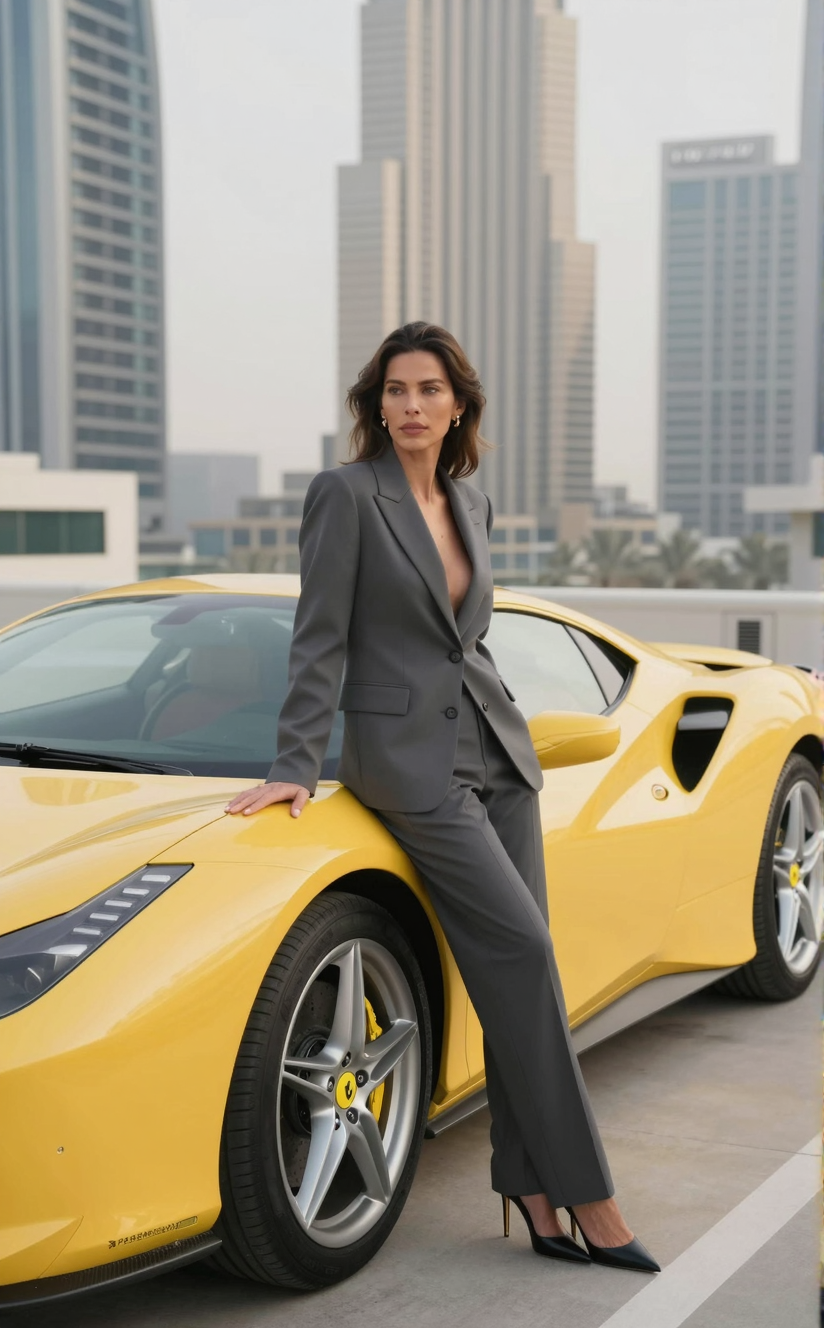
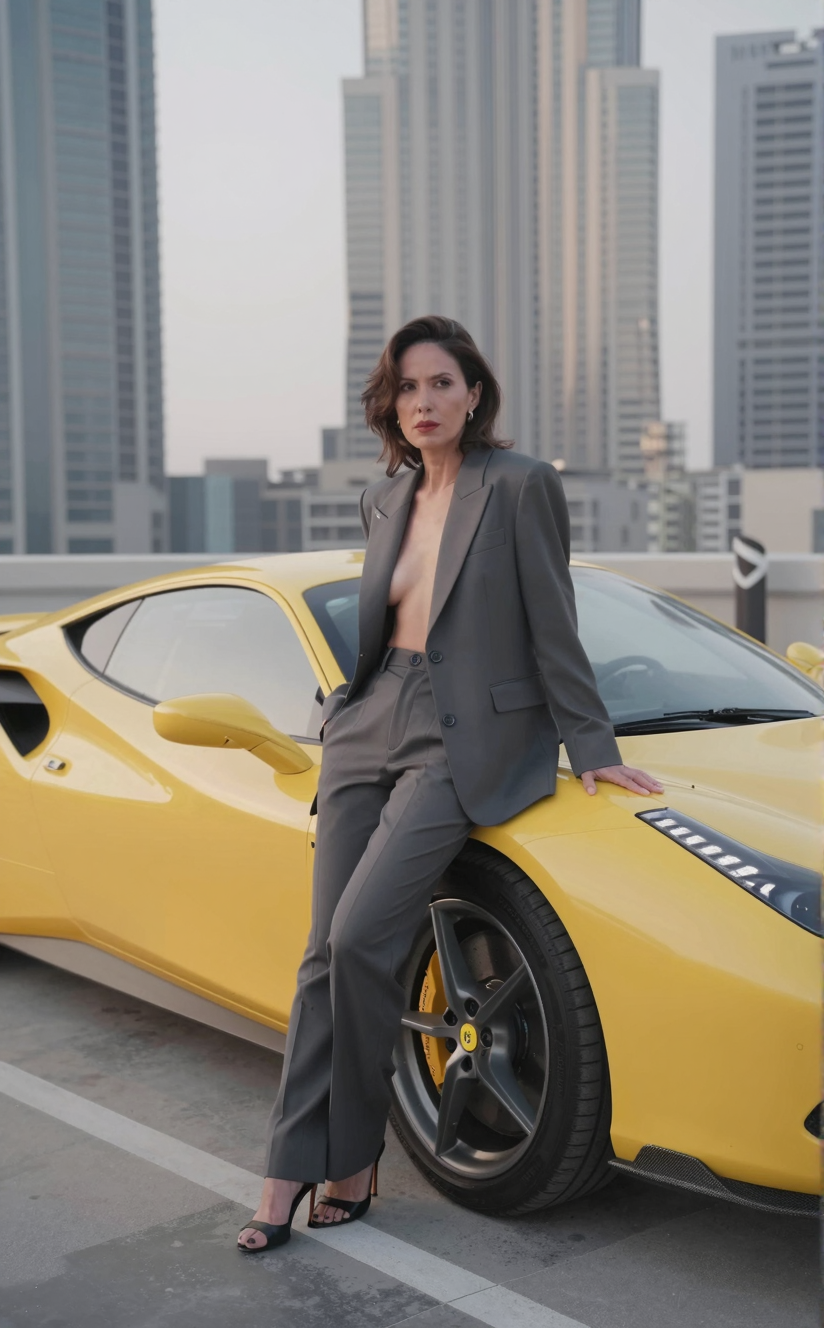
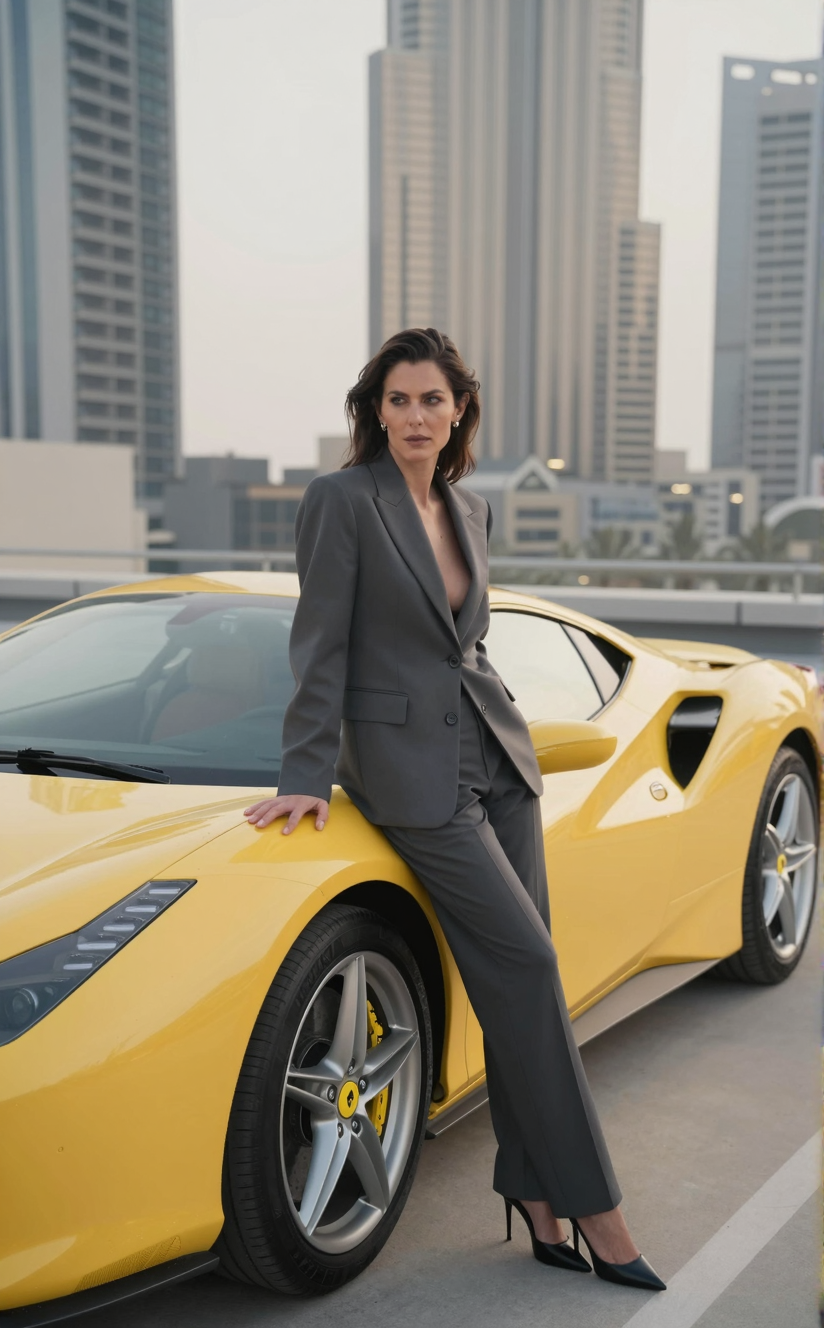
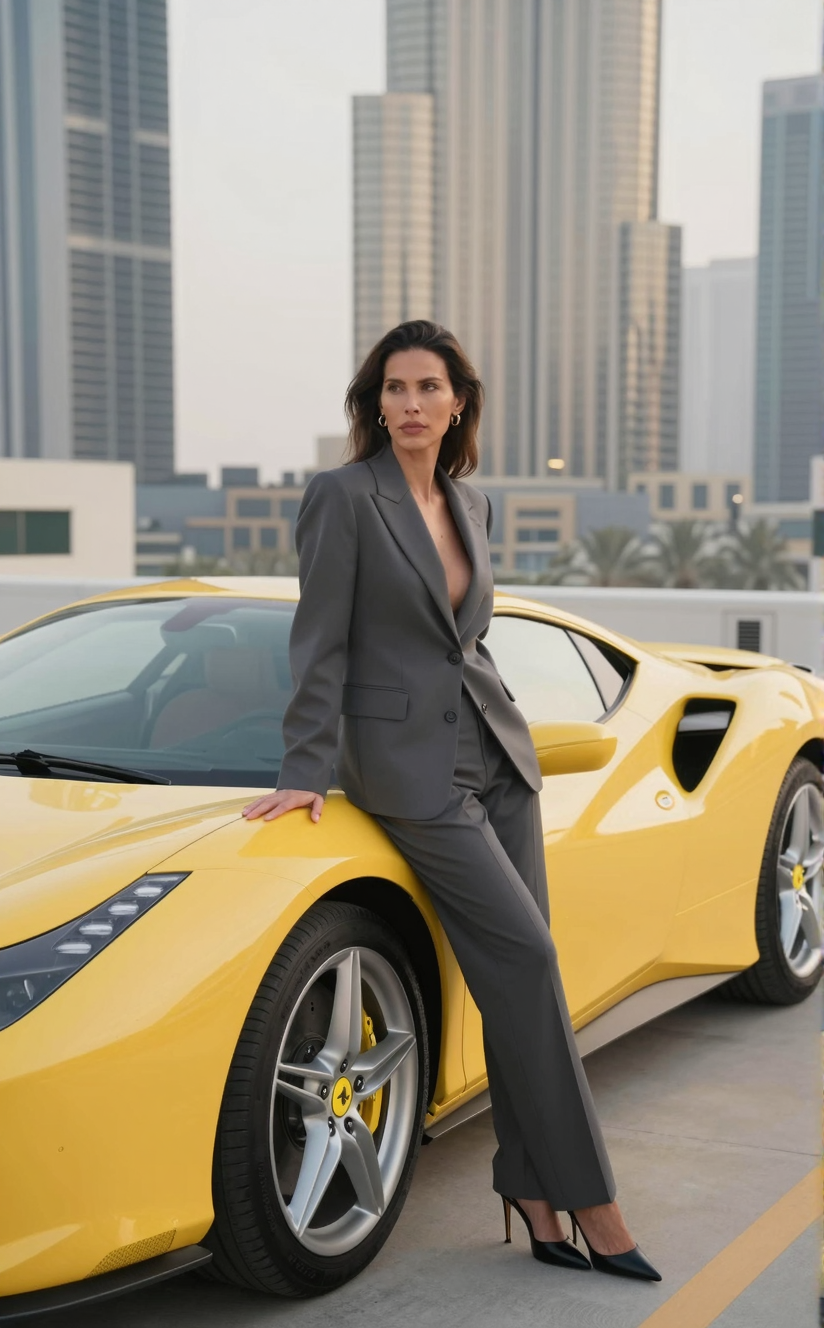
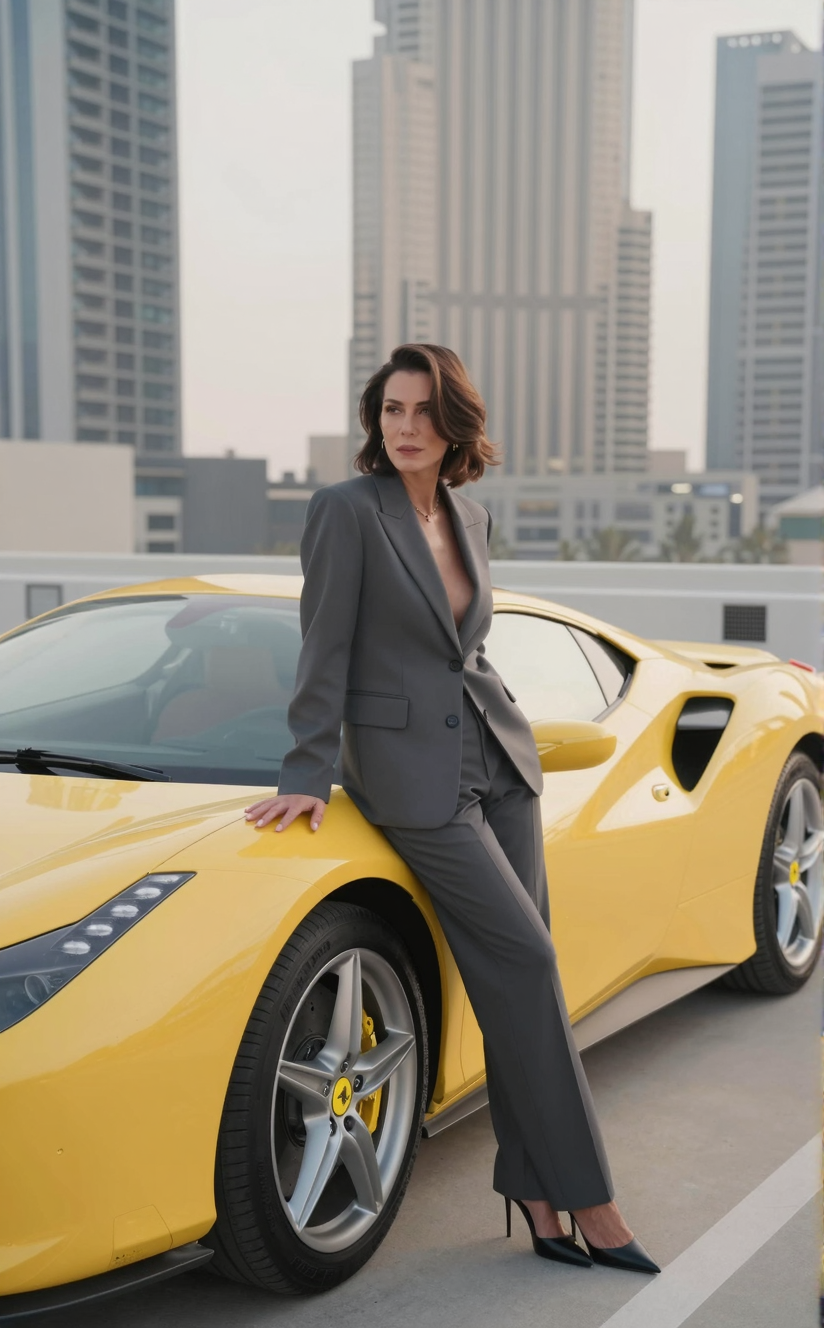
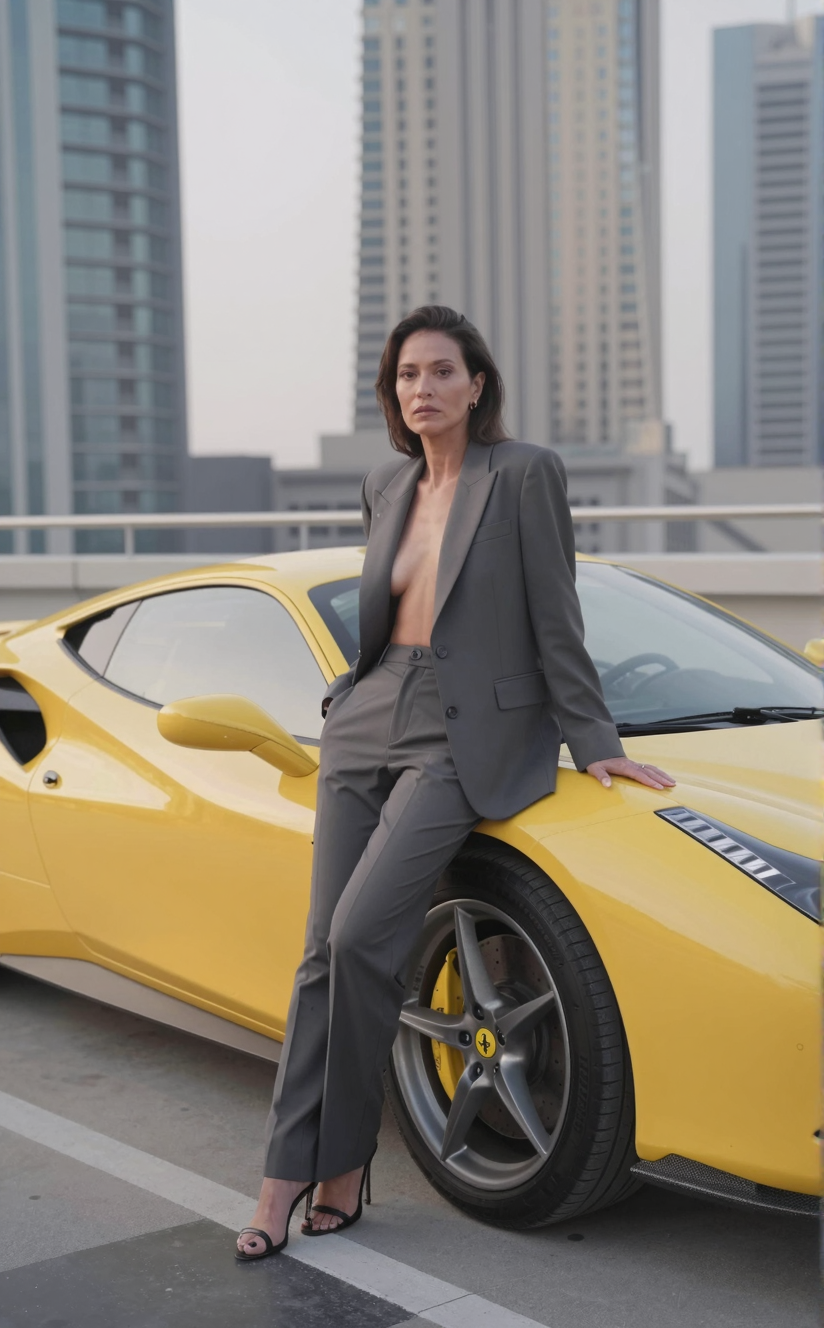
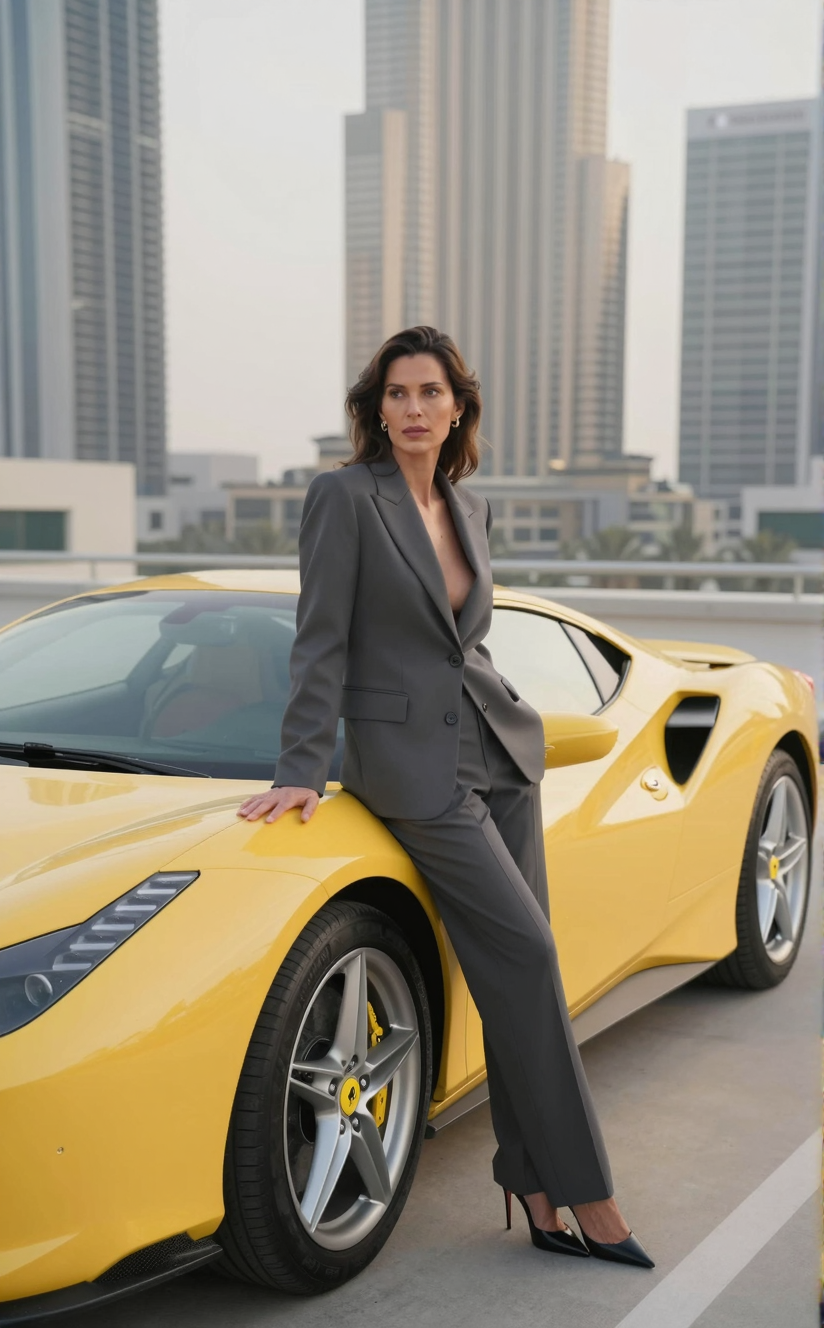
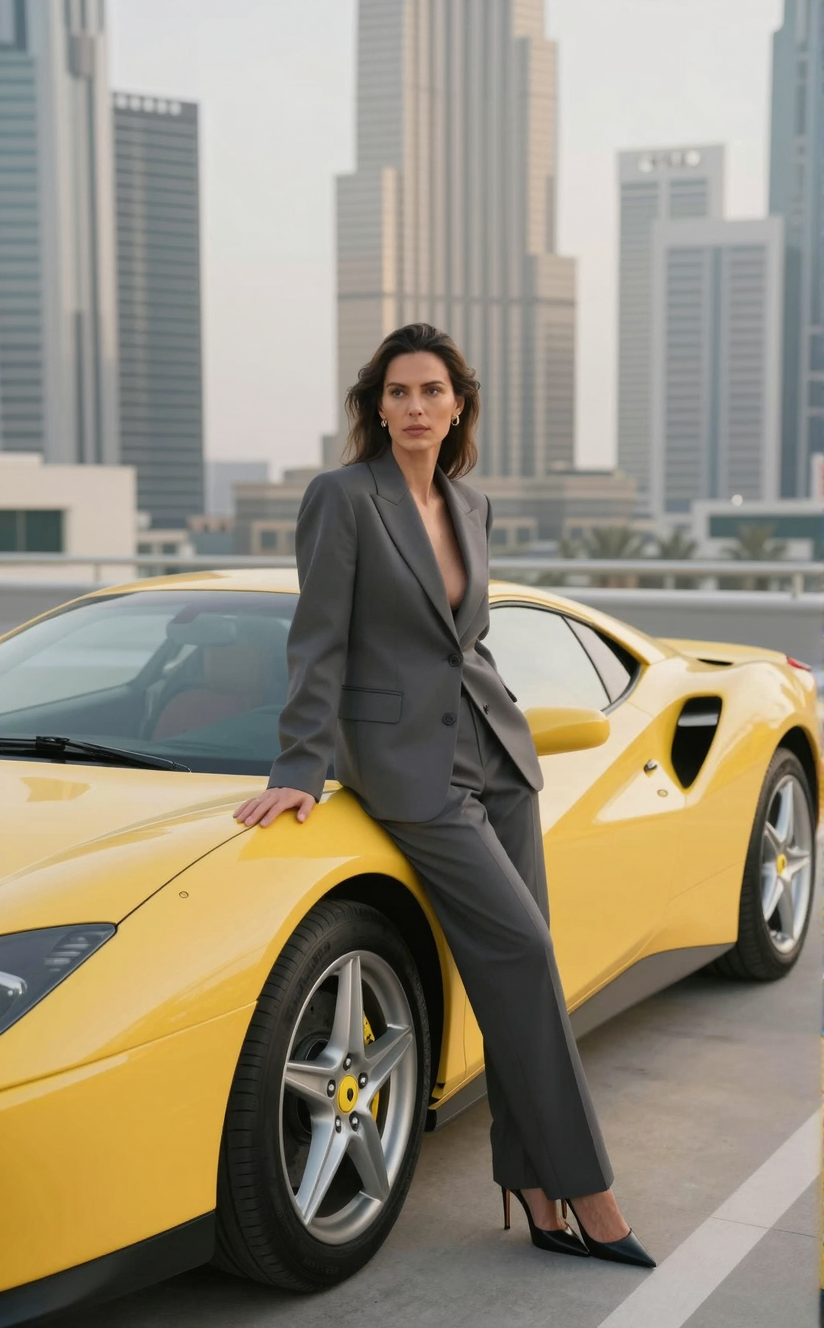
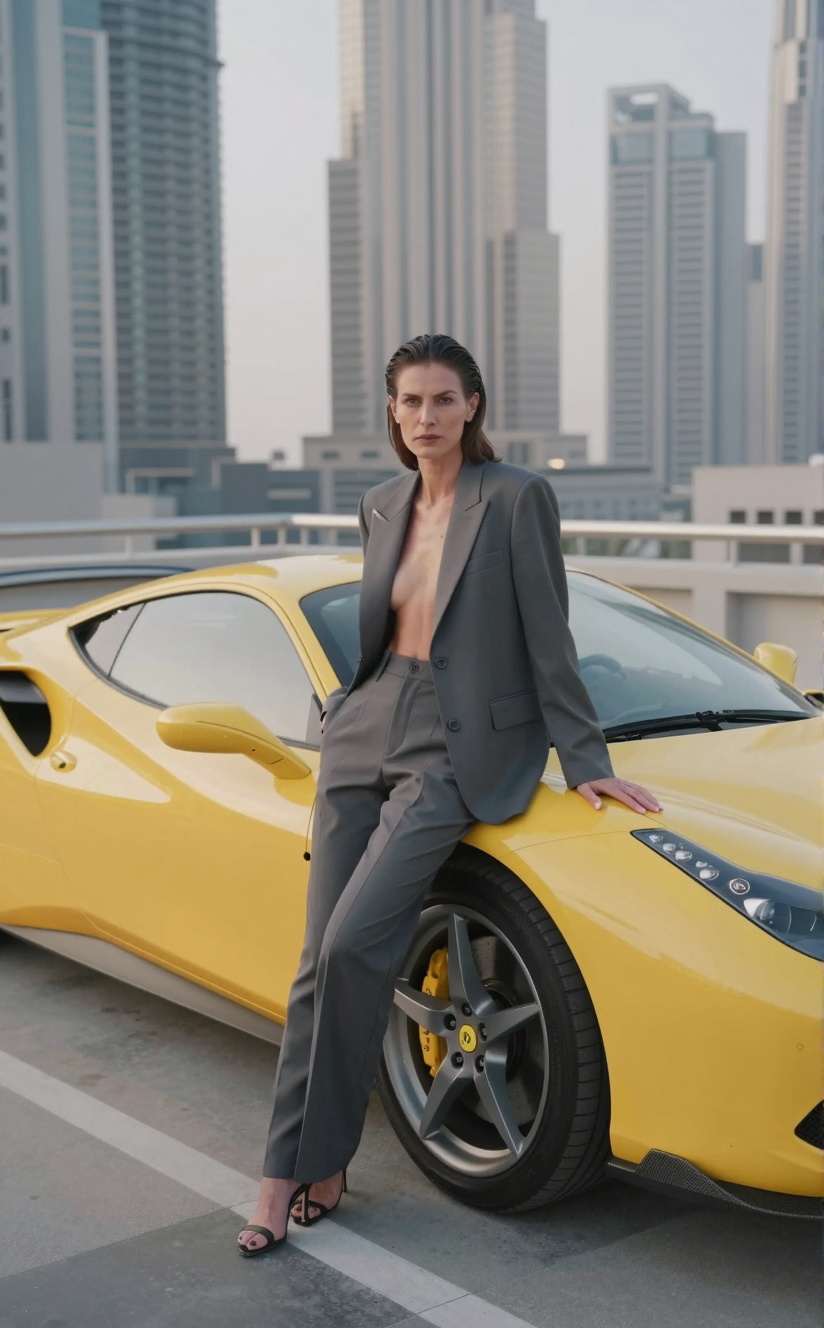
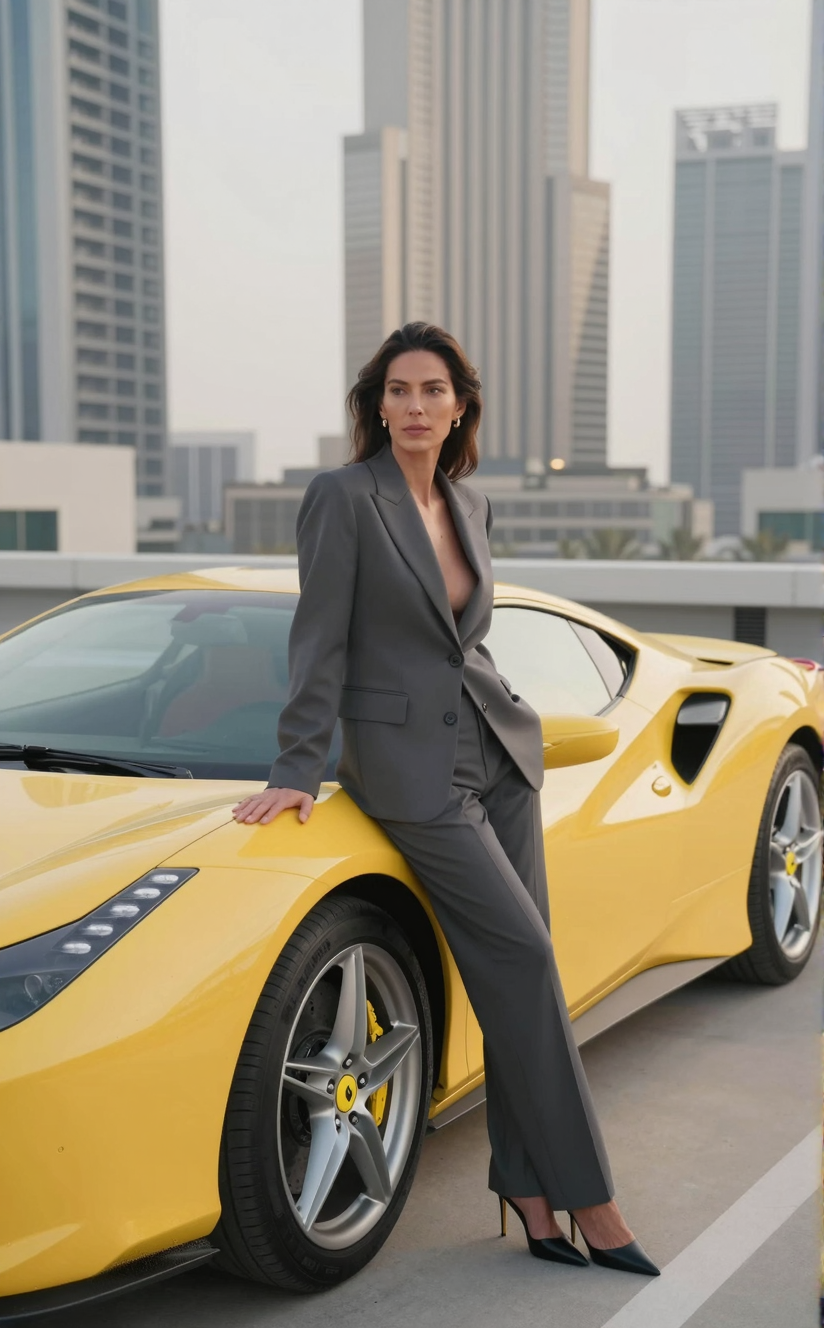
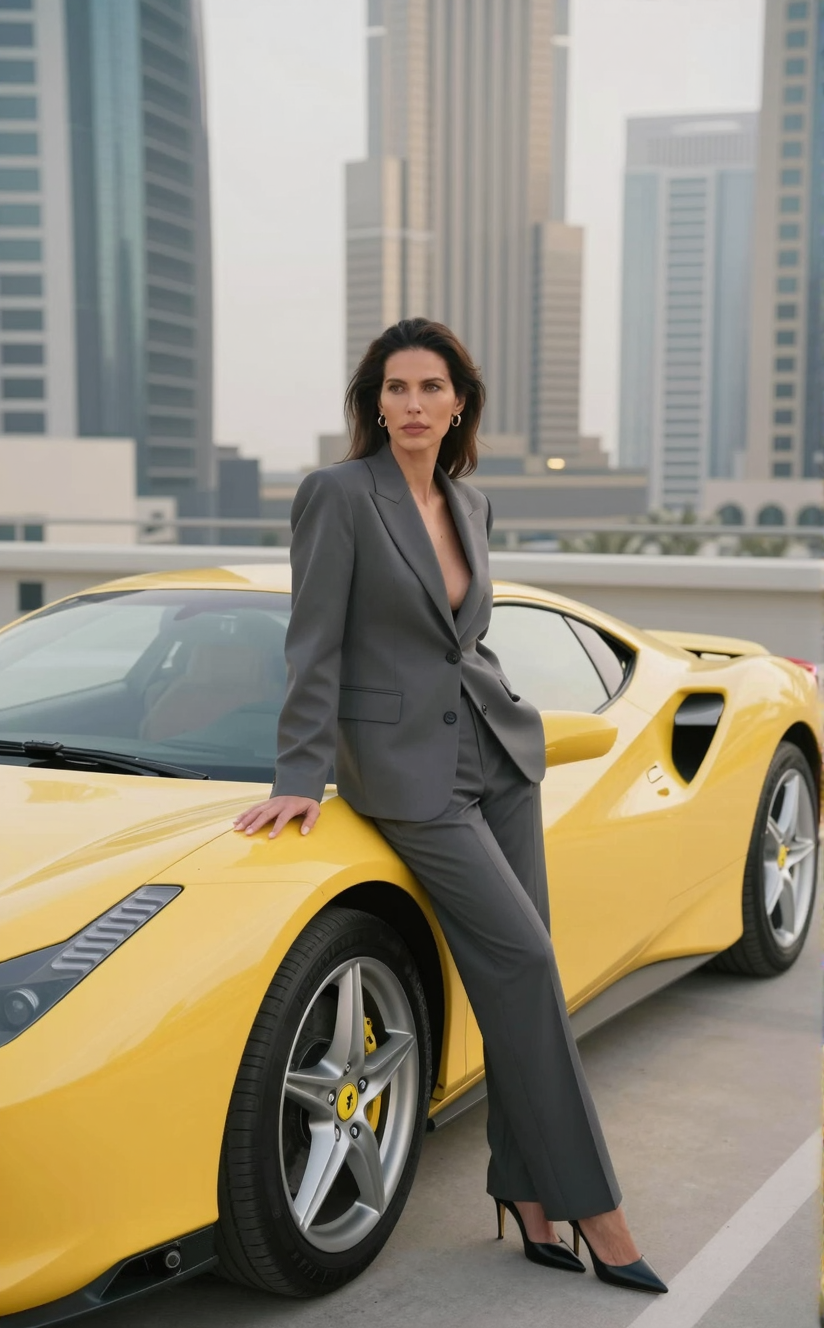
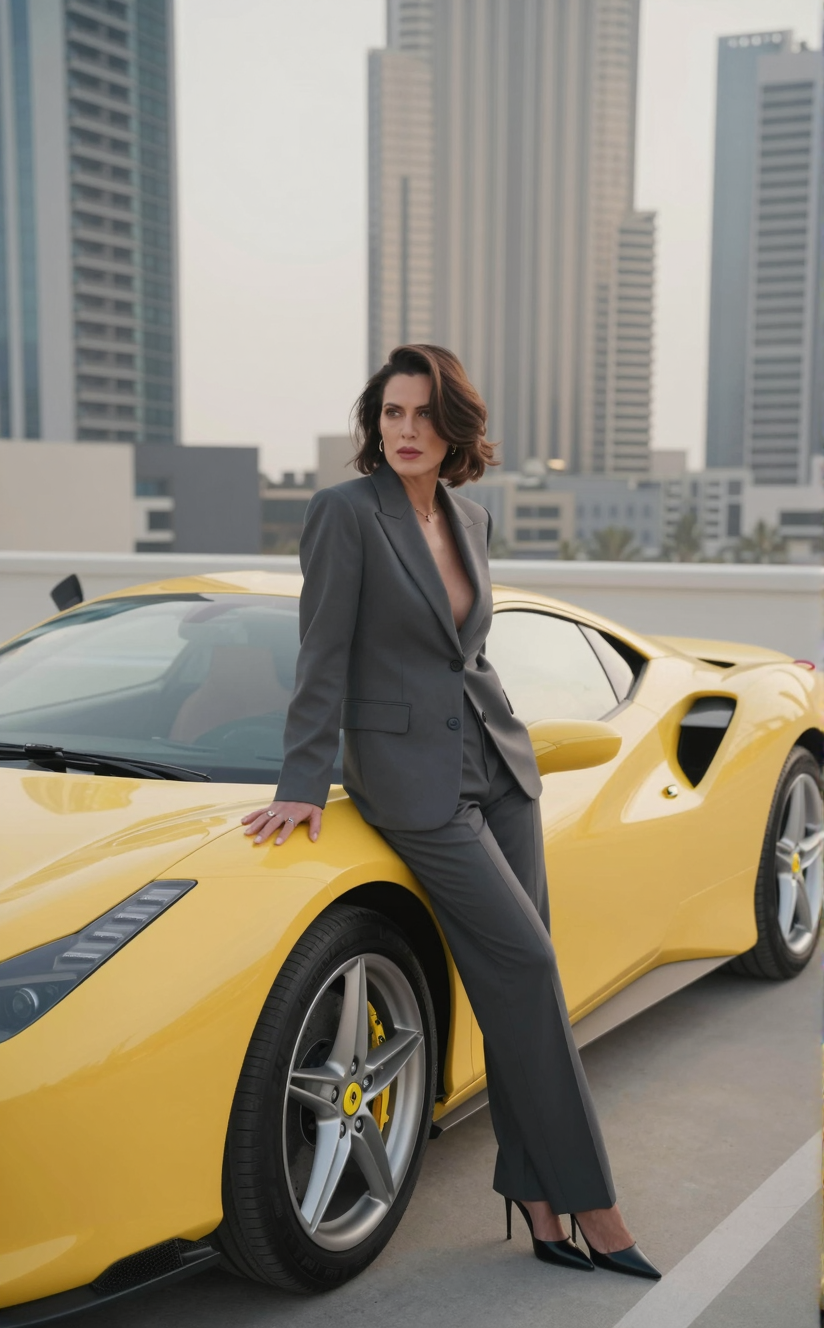
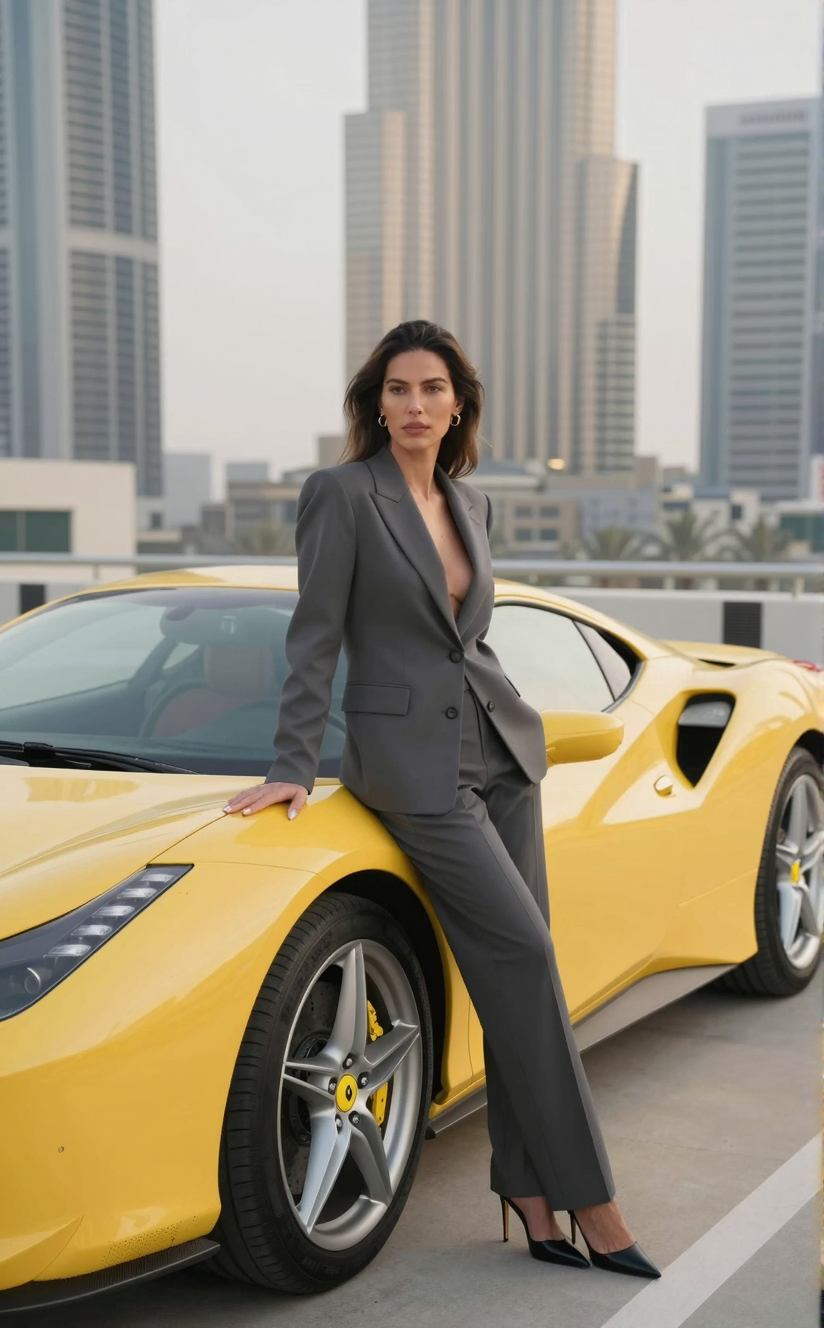
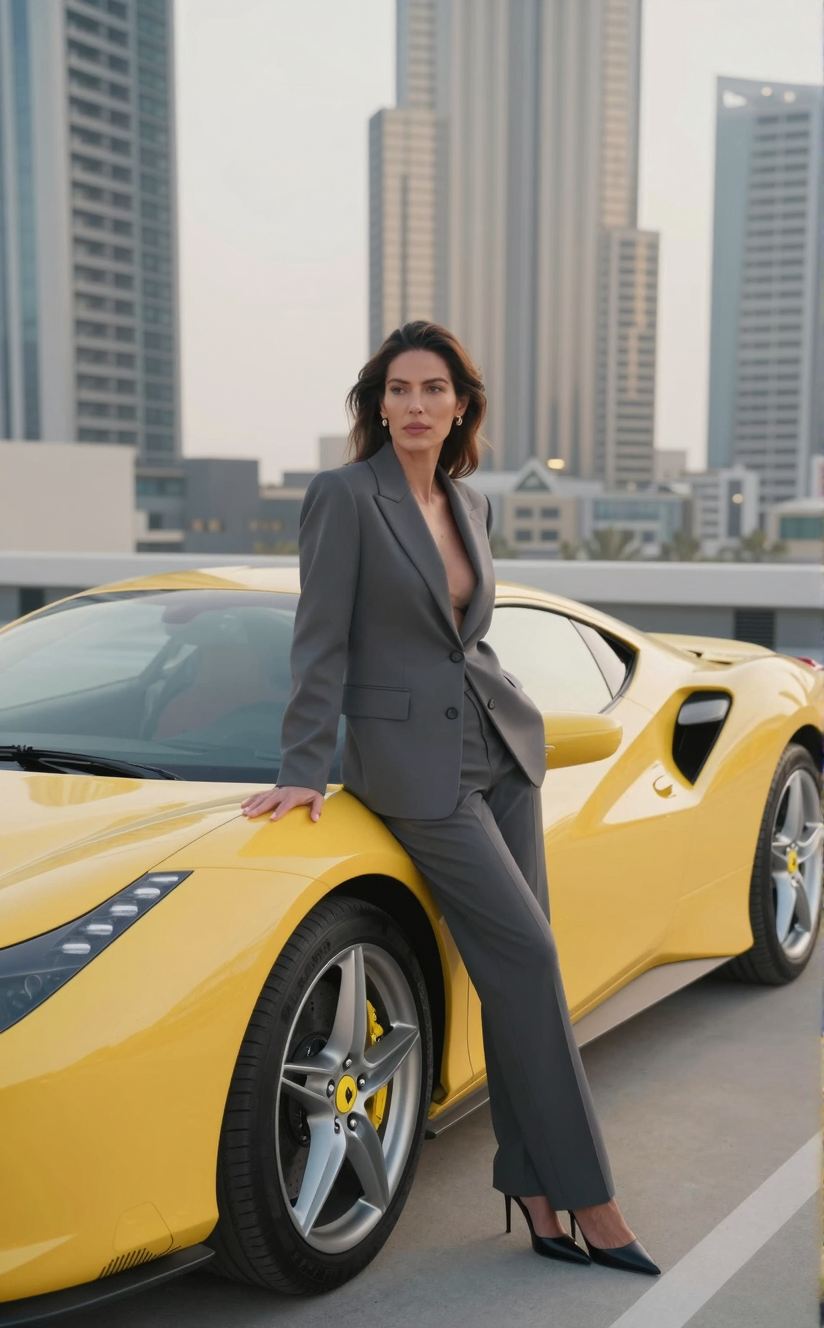
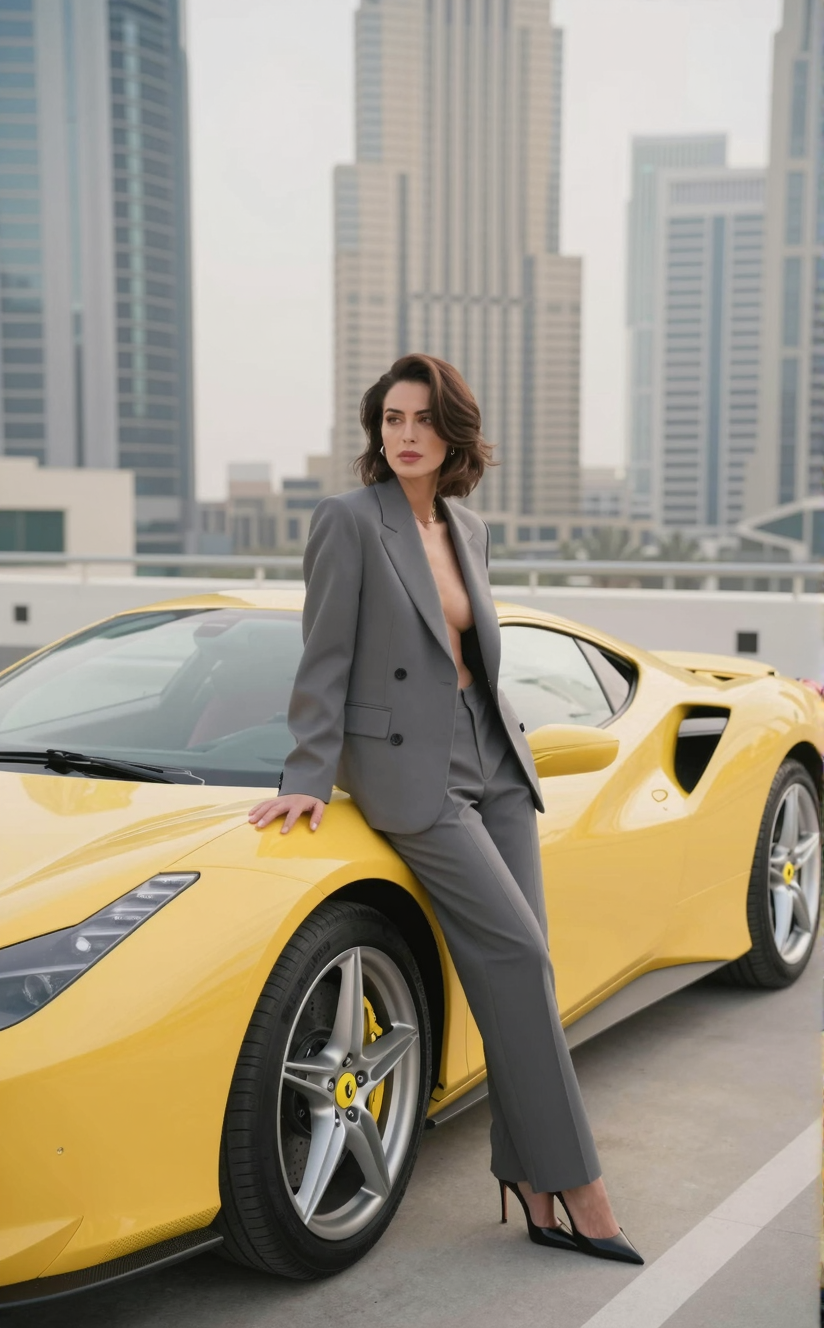
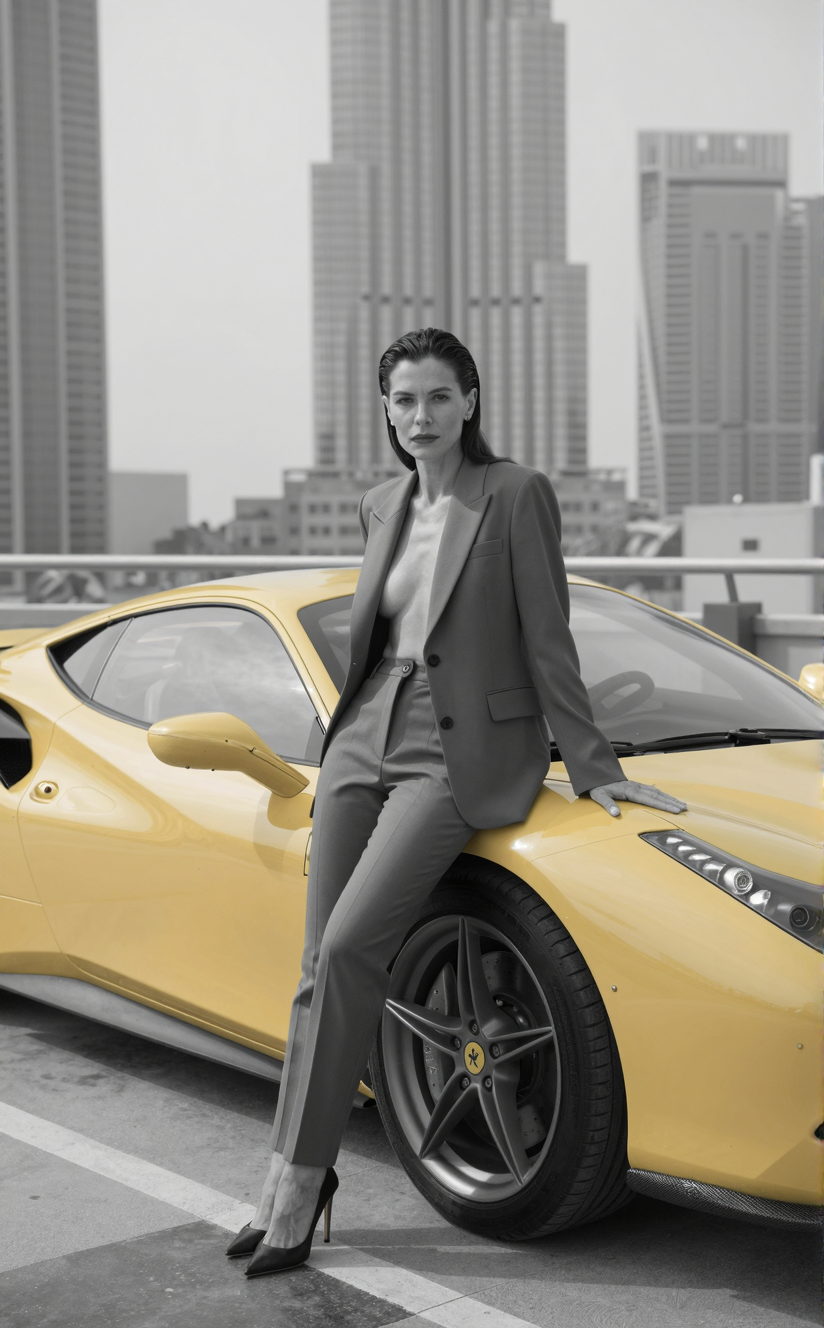
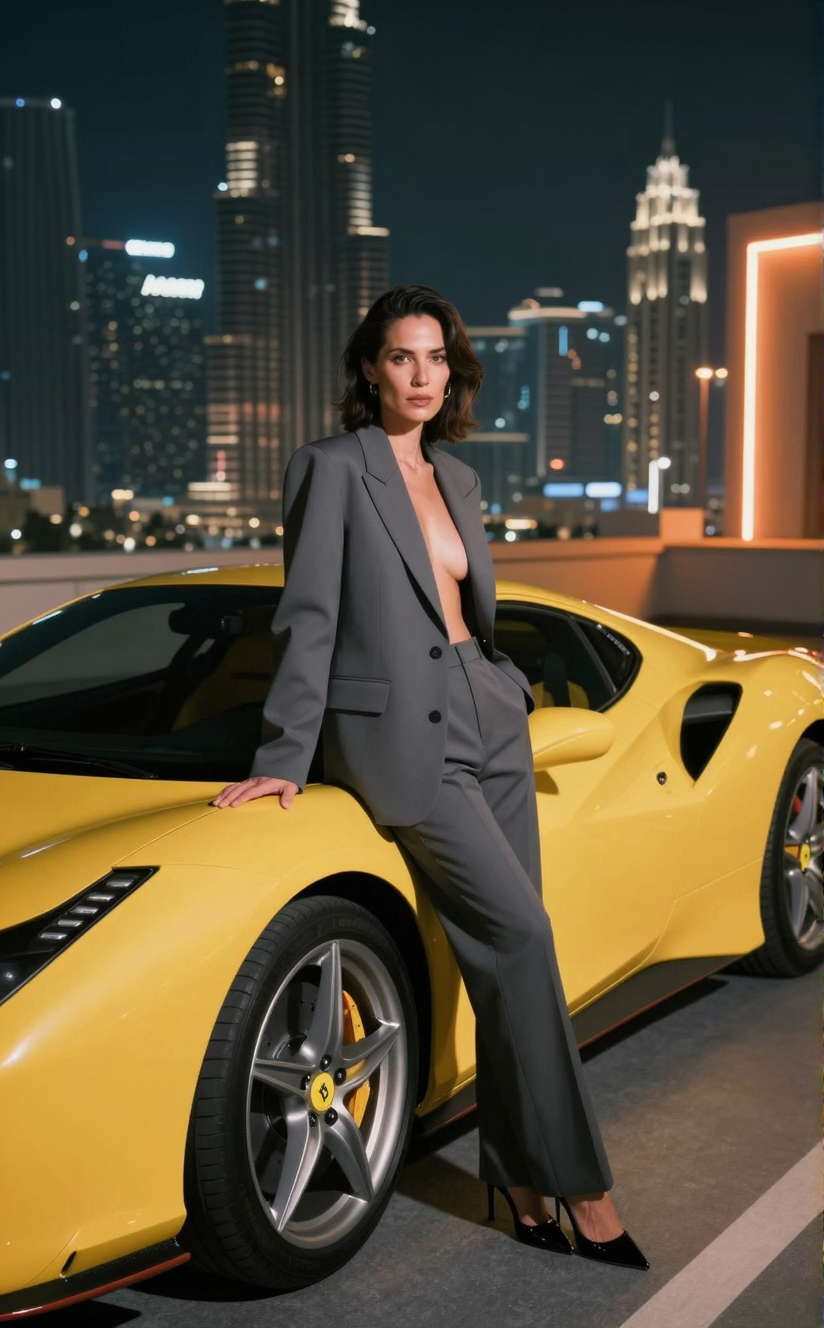
    This is a comparison benchmark running Z-Image Turbo model testing the various Genre options found in my latest toll Prompt Assistant v1.1, affectionately nicknamed PASS.

    For the sake of testing purposes, I am using exactly the same prompt, same seed, the same sampler, same scheduler and same resolution of 824 x 1328 ( 1536 x 2048 would have been ideal ). The only change will be on the initial aesthetic value that will be note on each image caption.

    I hope this comparision can be somewhat useful to understand what genre means in generative art. You are invited to play around with the PASS tool and use to guide your future generations with JSon and Long string text outputs ready to be copied and pasted nto your workflow.

    Z-Image using Sampler DMPP_SDE + Scheduler BETA
    Z-Image using DMPP_SDE + BETA
    Z-Image using Sampler DMPP_SDE + Scheduler BETA
    Z-Image using EULER_ANCESTRAL + DDIM UNIFORM

    Prompt to be used

    				
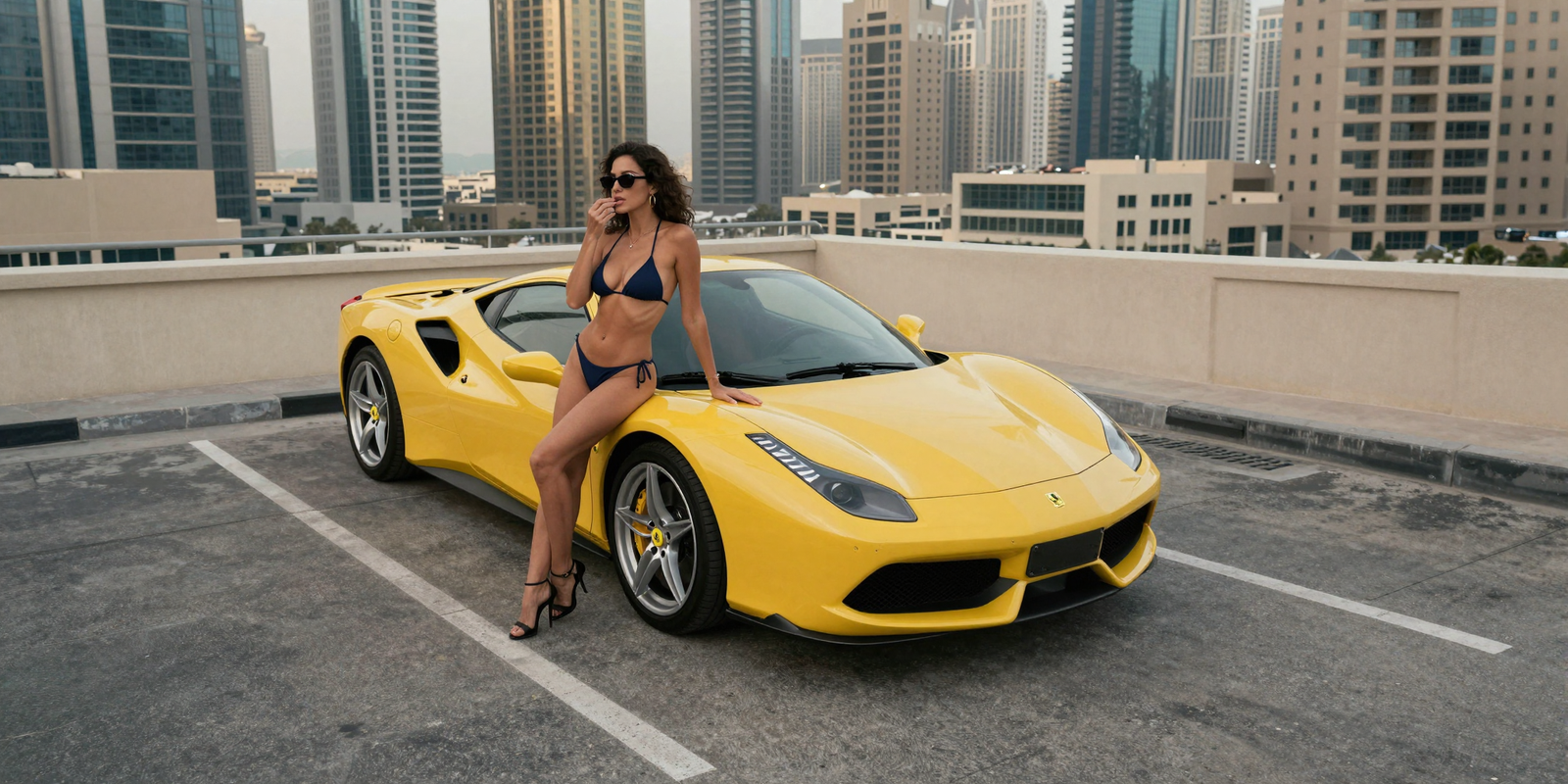
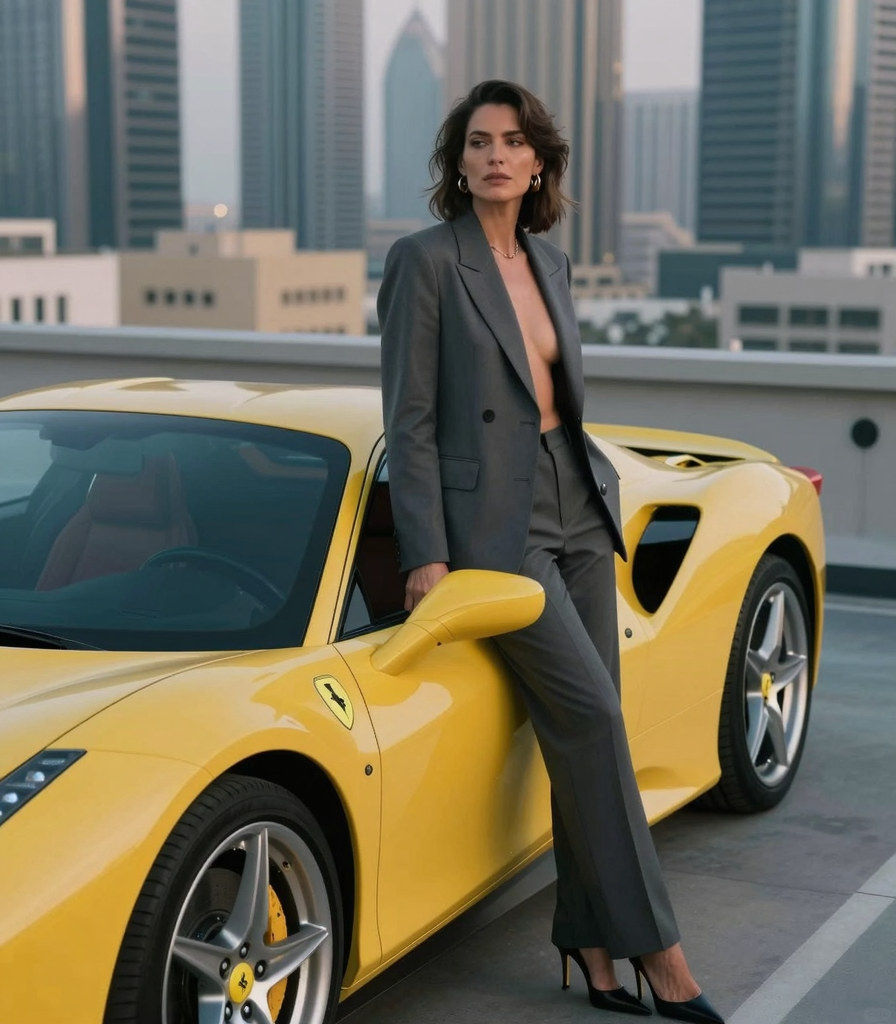
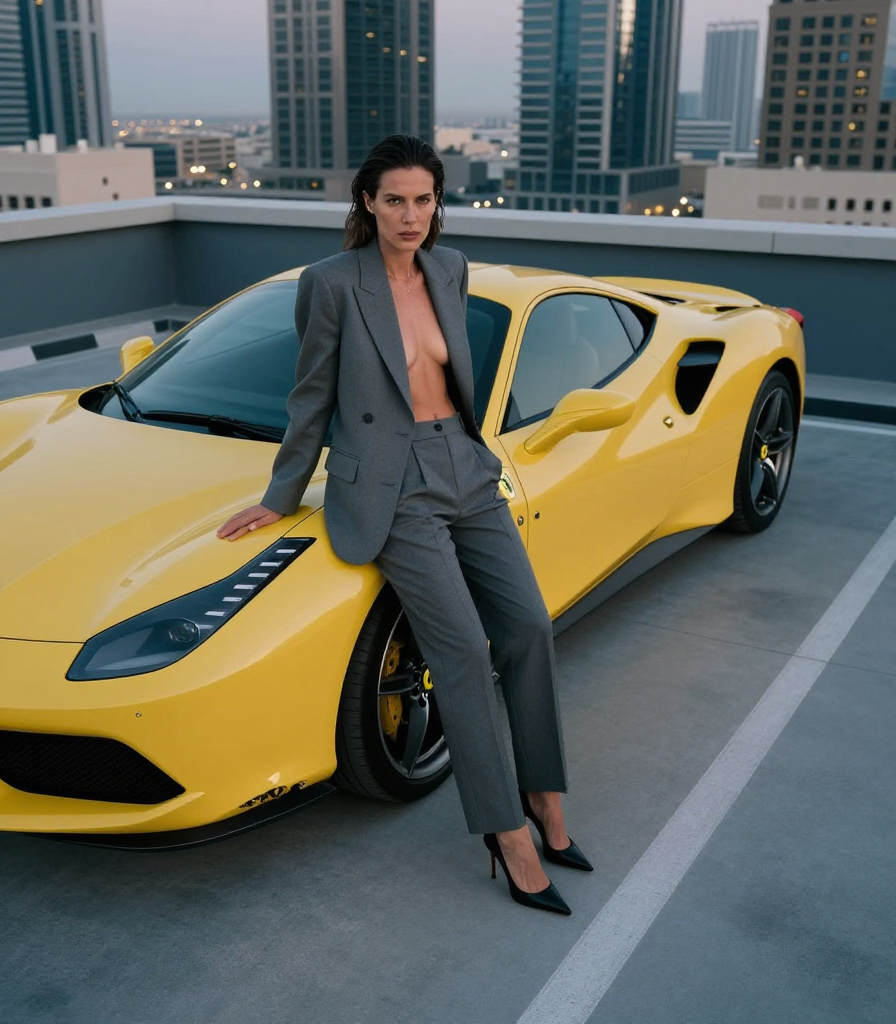
    					Photorealistic, Bright / Airy aesthetic. Subject: A 40yr female Mixed Latino-European minimalist (wearing a matte grey suit without shirt underneath, long trousers and high-heels), pose: leaning on her car, intense gaze expression. Featuring: a Ferrari (yellow with pristine body conditions). Scene set in a skyscrapper rooftop in Dubai with soft diffused light. Technical: high angle, shot on Hasselblad medium format, 50mm lens.


    WHAT I LEARNED FROM THIS BENCHMARK

    Z-Image Turbo excels in beautiful photorealistic images of daily subjects as long it stays within a cinematic / editorial portraiture realm.

    When experimenting with more artistic and edgy prompts pushing the aesthetics far away from the common reality, Z-Image Turbo starts to fail and ignores these prompt instructions, as if it is addicted or trained only to a certain aesthetic only.

    Z-Image can not follow specific Aesthetic/Genre prompts.

    Z-IMAGE BEST SAMPLER + SCHEDULER RESULTS

    DDIM + DDIM_UNIFORM
    DMPP_SDE + BETA
    DMPP_SDE + KARRAS

    Sampler + scheduler comparison – all native combinations

    DDIM + SIMPLE
    DDIM + SGM_UNIFORM
    DDIM + KARRAS
    DDIM + EXPONENTIAL
    DDIM + BETA
    DDIM + NORMAL
    DDIM + DDIM_UNIFORM
    DDIM + LINEAR_QUADRATIC
    DDIM + KL_OPTIMAL
    EULER + SIMPLE
    EULER + SGM_UNIFORM
    EULER + KARRAS
    EULER + EXPONENTIAL
    EULER + BETA
    EULER + NORMAL
    EULER + DDIM_UNIFORM
    EULER + LINEAR_QUADRATIC
    EULER + KL_OPTIMAL
    EULER ANCESTRAL + SIMPLE
    EULER ANCESTRAL + SGM_UNIFORM
    EULER ANCESTRAL + KARRAS
    EULER ANCESTRAL + EXPONENTIAL
    EULER ANCESTRAL + BETA
    EULER ANCESTRAL + NORMAL
    EULER ANCESTRAL + DDIM_UNIFORM
    EULER ANCESTRAL + LINEAR_QUADRATIC
    EULER ANCESTRAL + KL_OPTIMAL
    DMPP_SDE + SIMPLE
    DMPP_SDE + SGM_UNIFORM
    DMPP_SDE + KARRAS
    DMPP_SDE + EXPONENTIAL
    DMPP_SDE + BETA
    DMPP_SDE + NORMAL
    DMPP_SDE + DDIM_UNIFORM
    DMPP_SDE + LINEAR_QUADRATIC
    DMPP_SDE + KL_OPTIMAL
    Bright / Airy
    Bright / Airy
    Moody
    Moody
    Dark
    Dark
    Soft / Dreamy
    Soft / Dreamy
    Ethereal
    Ethereal
    Analog / Film Grain
    Analog / Film Grain
    Vintage
    Vintage
    Retro
    Retro
    Nostalgic
    Nostalgic
    Vaporwave
    Vaporwave
    Synthwave
    Synthwave
    Cyberpunk
    Cyberpunk
    Futuristic
    Futuristic
    Dystopian
    Dystopian
    Utopian
    Utopian
    Minimalist
    Minimalist
    Maximalist
    Maximalist
    Clean
    Clean
    Grunge
    Grunge
    Gothic
    Gothic
    Luxury
    Luxury
    Cozy
    Cozy
    Street Style
    Street Style
    Whimsical
    Whimsical
    Surreal
    Surreal
    Psychedelic
    Psychedelic
    Glitch
    Glitch
    Y2K
    Y2K
    Dark Academia
    Dark Academia
    Light Academia
    Light Academia
    Neon
    Neon
    Pastel
    Pastel
    Monochrome
    Monochrome

    Just aesthetics is not enough

    The benchmark proved that by changing just the aesthetics value will cause no identifiable changes to the output result. Z-Image can not understand the aesthetic value on it’s own, rather you have to change completely one portion of the prompt to ensure the aesthetic is described in more words.

    Take a closer look on the next examples with comparison on aesthetics word value and whole portion prompt rewriting.

    Important note: Styles like surreal, glitch, dystopian and others similar that pushes a very specific appeal to the end result will absolutely not be considered by Z-Image rendering this model useless if your intent is anything other than Editorial / Street / Cinematic or Photorealistic.

    Neon
    Neon
    Neon + Extra prompting
    Neon + Extra prompting

    Final veridict

    By no means I am assuming that Z-Image Turbo has severe flaws, rather pin-pointing that this model seems to be built to attend a specific use: realism for editorial, cinematic and street photography featuring humans.

    Rendering objects can be complex for Z-Image and logos and specific parts details on objects can not be handled properly. For example: the vehicle is identifiable as a Ferrari but the logo, emblem and details on the wheels, handles and front lights are completely mishandled.

    Some of the details flaws can be rebuilt with upscaling techniques or even inpainting, thus, requiring an extra process to fix it.

  • Short Guide on Generating Perfect Product Imagery with AI for Small Business

    Short Guide on Generating Perfect Product Imagery with AI for Small Business

    Short Guide on Generating Perfect Product Imagery with AI for Small Business

    Using AI to generate the perfect shot or product placement of your product

    comfyui

    generative ai

    Product visualization

    The goal for any local or small-scale retailer is to produce content that performs two distinct roles: it must stop the scroll on social media and answer technical questions on the product page.

    For many small business owners, the primary barrier to digital growth isn’t the quality of the product—it’s the quality of the content. Capturing the rich texture of a fine leather purse or the subtle sheen of hardware requires a level of photographic skill, studio lighting, and post-production that is often financially out of reach for a lean operation. Without these professional visuals, even the most premium items can appear “homemade” on a storefront, which can inadvertently signal a lack of credibility and lead to lower conversion rates.

    Artificial Intelligence has fundamentally changed this dynamic, democratizing high-end production for local retailers. Instead of requiring a physical studio and a professional crew, business owners can now use AI as a digital art director and editor. By leveraging generative models, you can take a basic, well-lit photo from your smartphone and transform it into a sophisticated asset library. AI solves the perennial challenges of staging, lighting, and perspective, allowing small brands to present a visual identity that rivals global luxury houses at a fraction of the cost.

    From Smartphone to Storefront, build Brand Narrative and Lifestyle Context one Step at a time

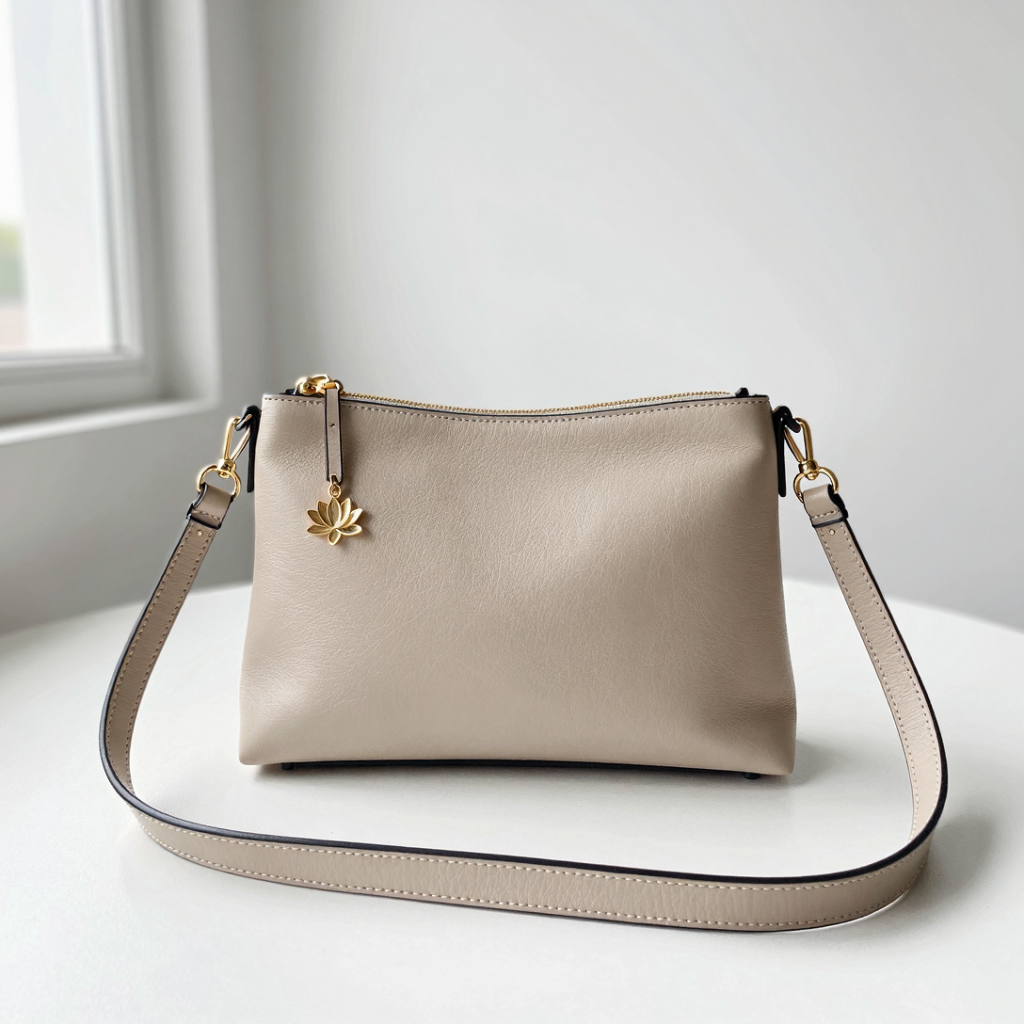
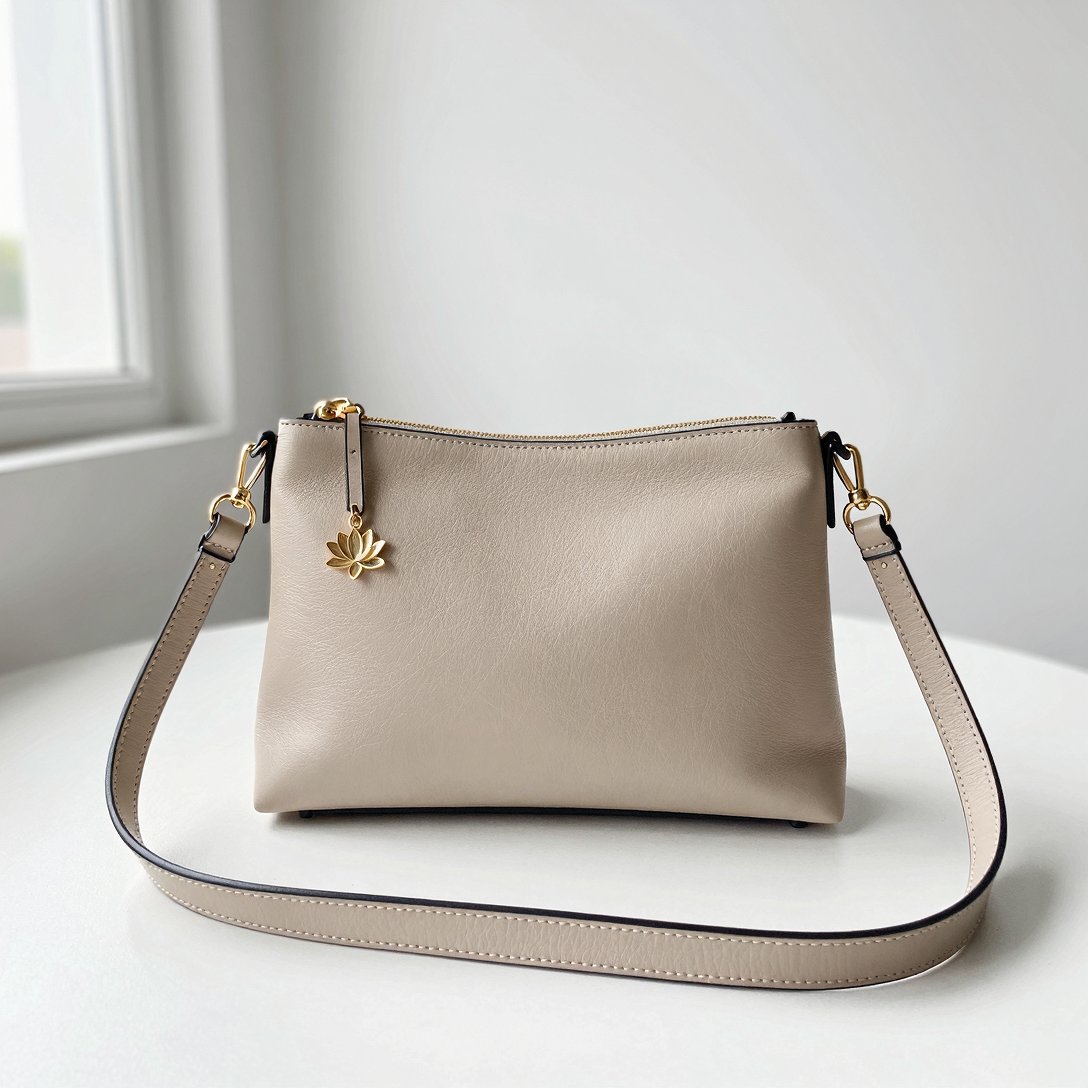
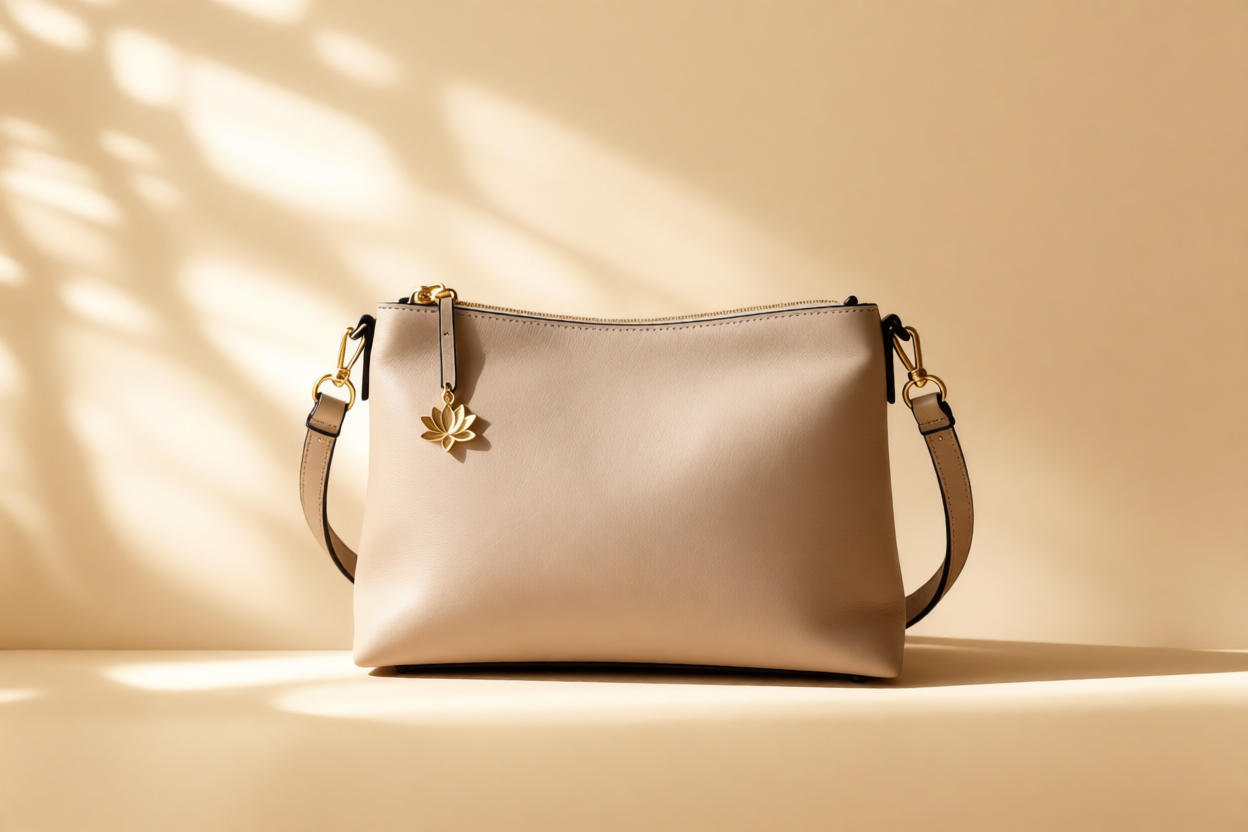
    Light beige leather handbag with gold-tone hardware and a lotus charm
    iPhone shot of the product taken by a person with no photography expertise

    1. Starting point

    For platforms like Instagram and TikTok, the goal is “aspirational storytelling.” The product needs to look like it belongs in the hands of your ideal customer.

    Using various AI models and workflows, we can take that basic iPhone photo and transplant the purse into a high-end, realistic setting without losing the integrity of the original leather texture, features, dimensions, details and other characteristics.

    ◄ Take the example here on the left: the purse was shot on iPhone using basic camera settings and natural lighting. The picture itself is not bad, would suffice for Marketplace or other online selling markets, but certainly is not good enough for a social media ad or e-commerce presentation.

    2. The German, the Chinese and the American Models

    The original image has to have some correction done. By adding some dynamic characteristics to the main element we can better grab the attention of the audience. But how/which AI Model to use?

    In order to accomplish that, we have to remove the background, change the camera lens length, maybe even change the angle a little bit. Adding more context to the image means choosing a scenario and a story to tell.

    As of January 2026 there are three main AI Edit Models competitors on the market: Flux Kontext is the German AI model, Qwen Edit is the Chinese AI model and Gemini Nano Banana  is the popular American AI model. All of them have pros and cons which let us adjust through a prompt all the changes we need. Take a look at the comparison pictures below using the same edit requests.

    Click images to see larger version.

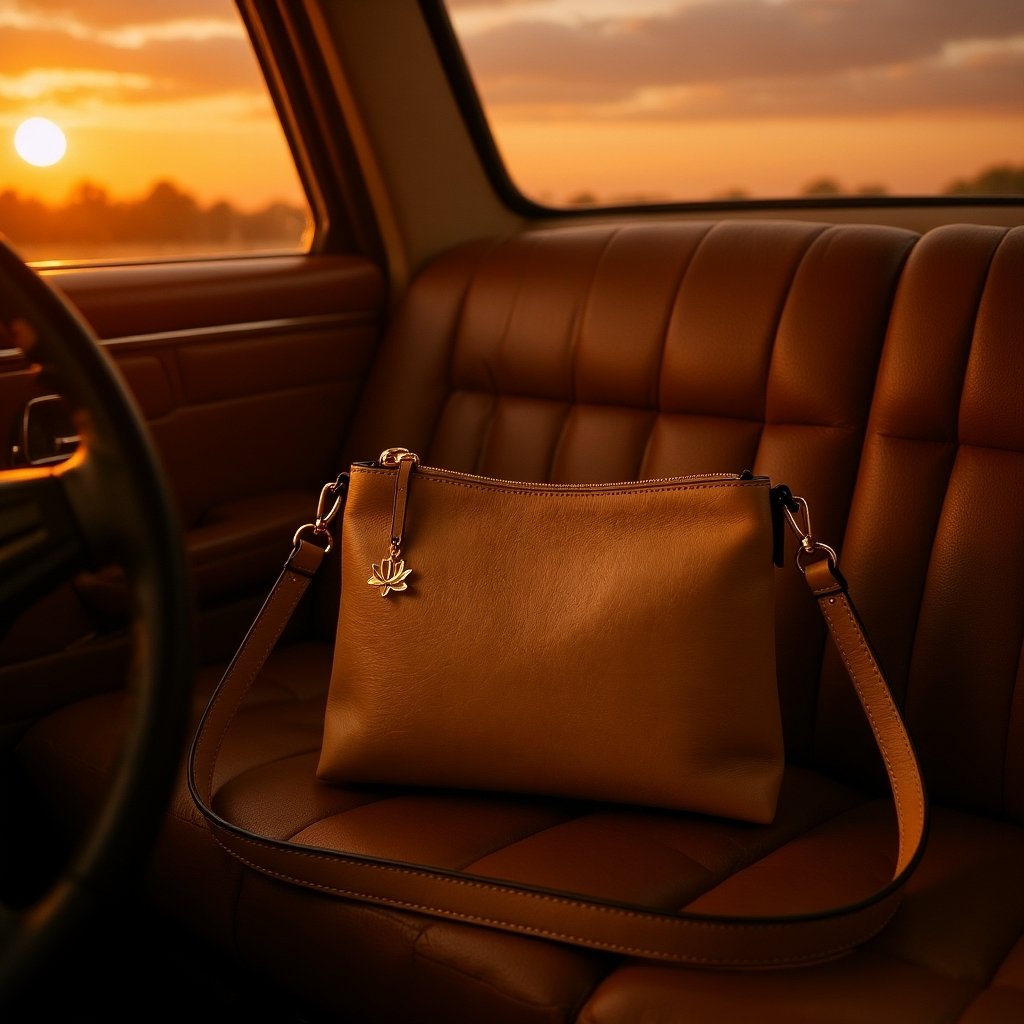
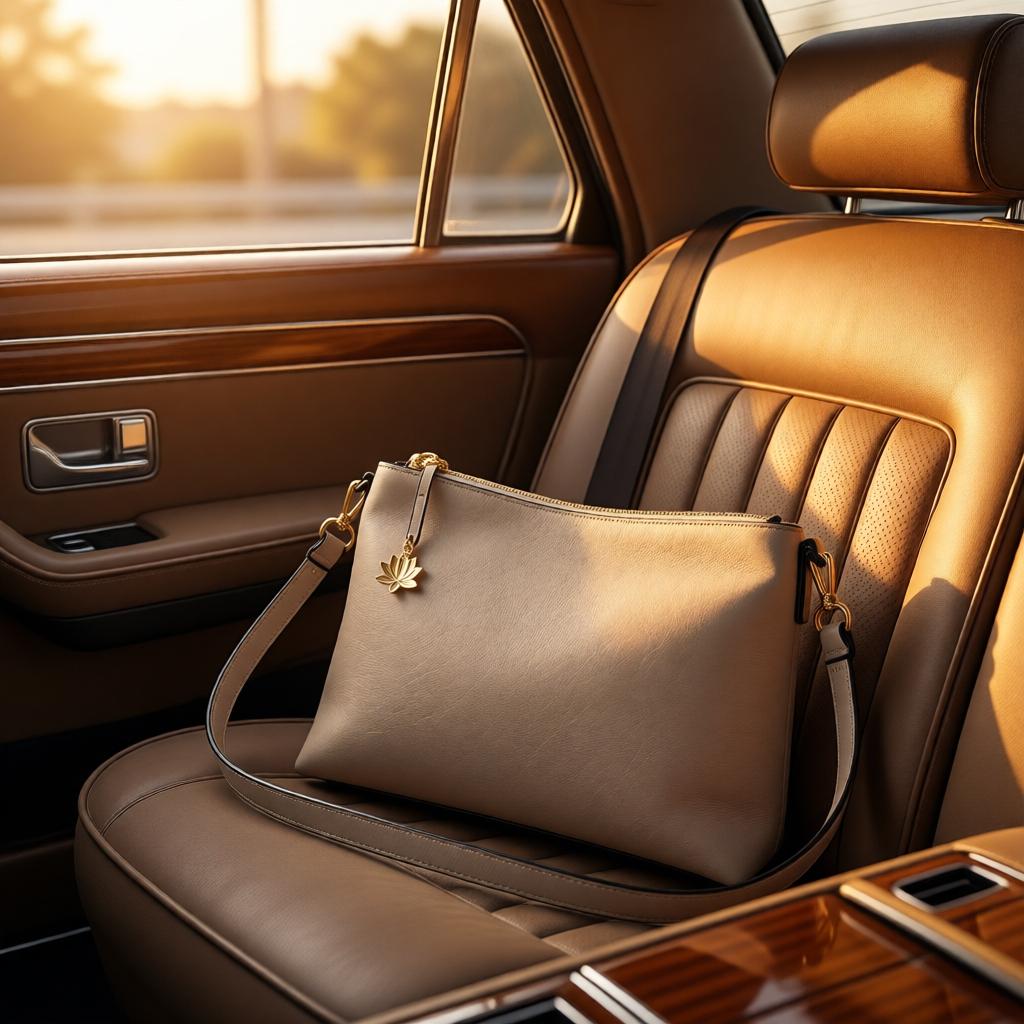
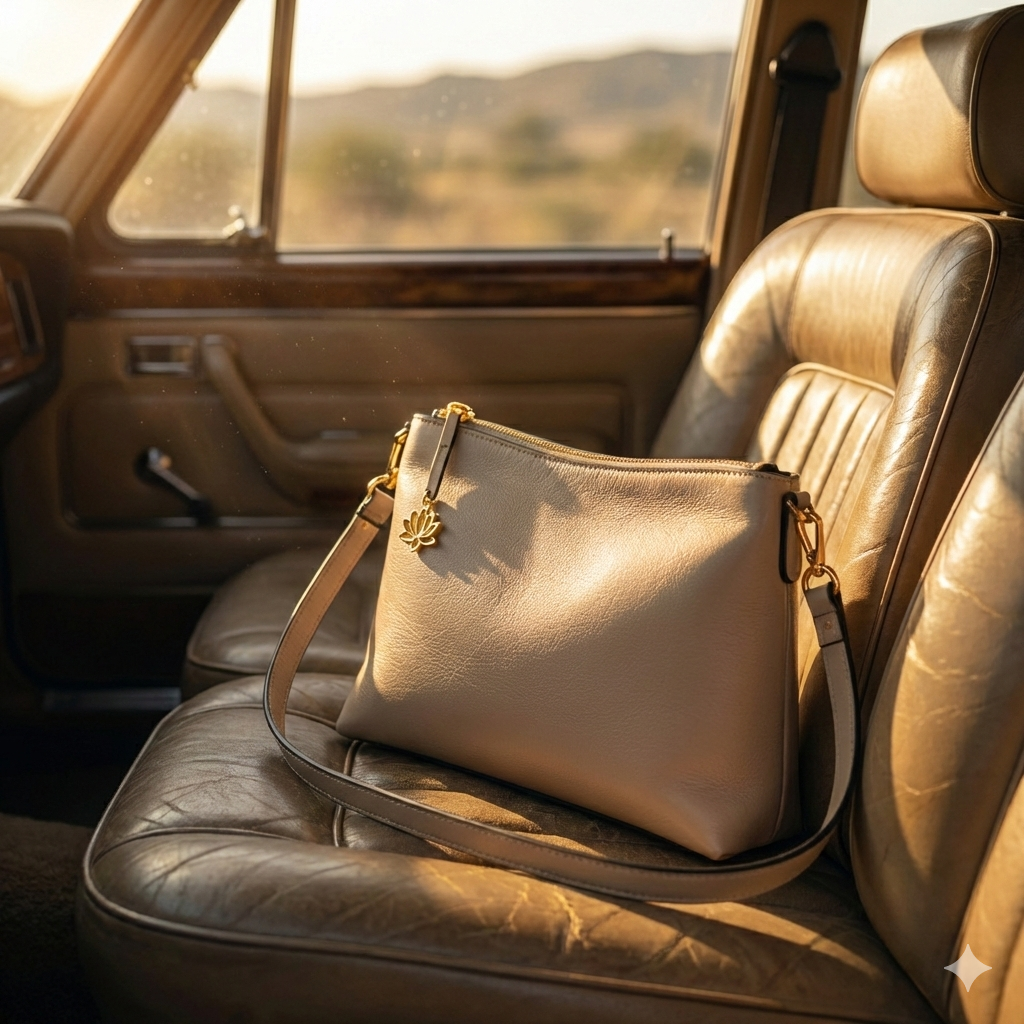
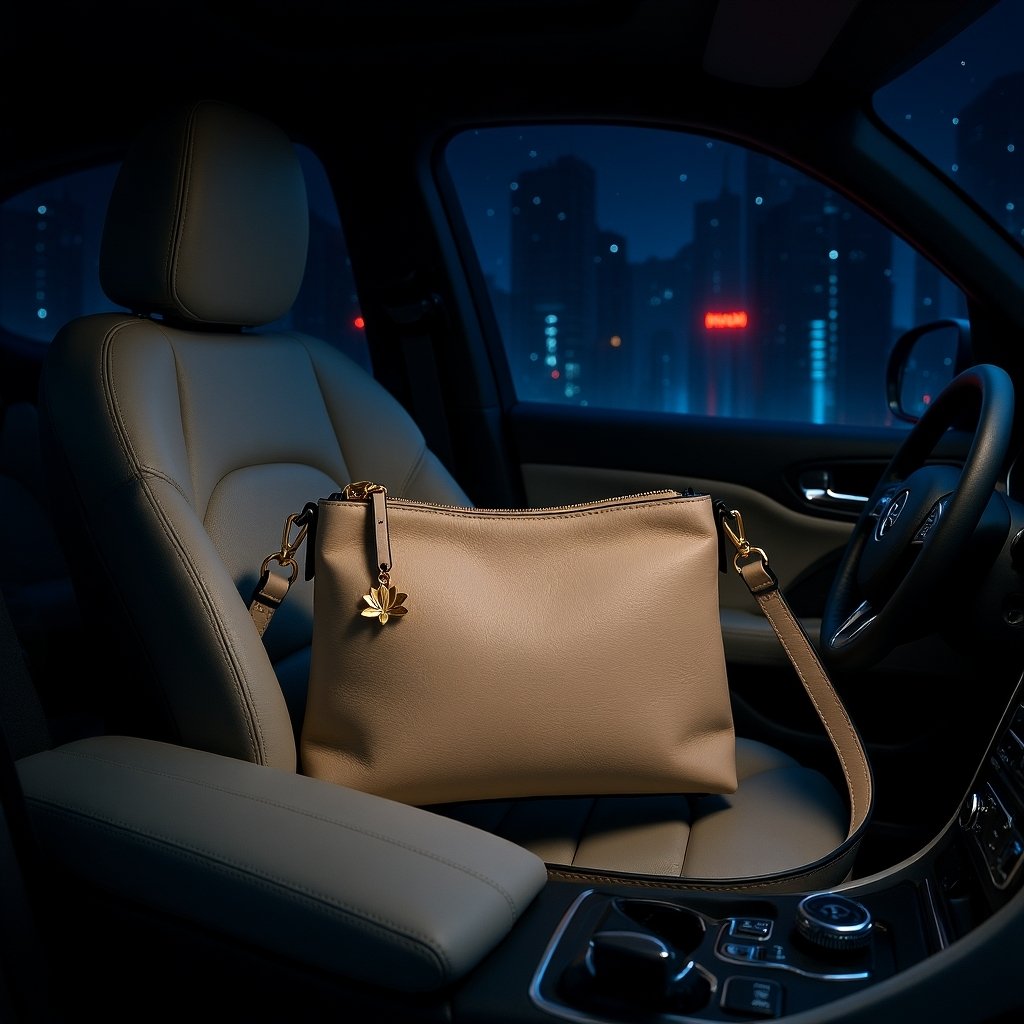
    Beige leather crossbody bag with a gold lotus charm sitting on the worn leather seat of a vintage car during golden hour.
    Edit generated with Flux Kontext – German model
    Beige leather crossbody bag with a gold lotus charm sitting on the worn leather seat of a vintage car during golden hour
    Edit generated using Qwen – Chinese model
    Beige leather crossbody bag with a gold lotus charm sitting on the worn leather seat of a vintage car during golden hour.
    Edit generated using Gemini – American model

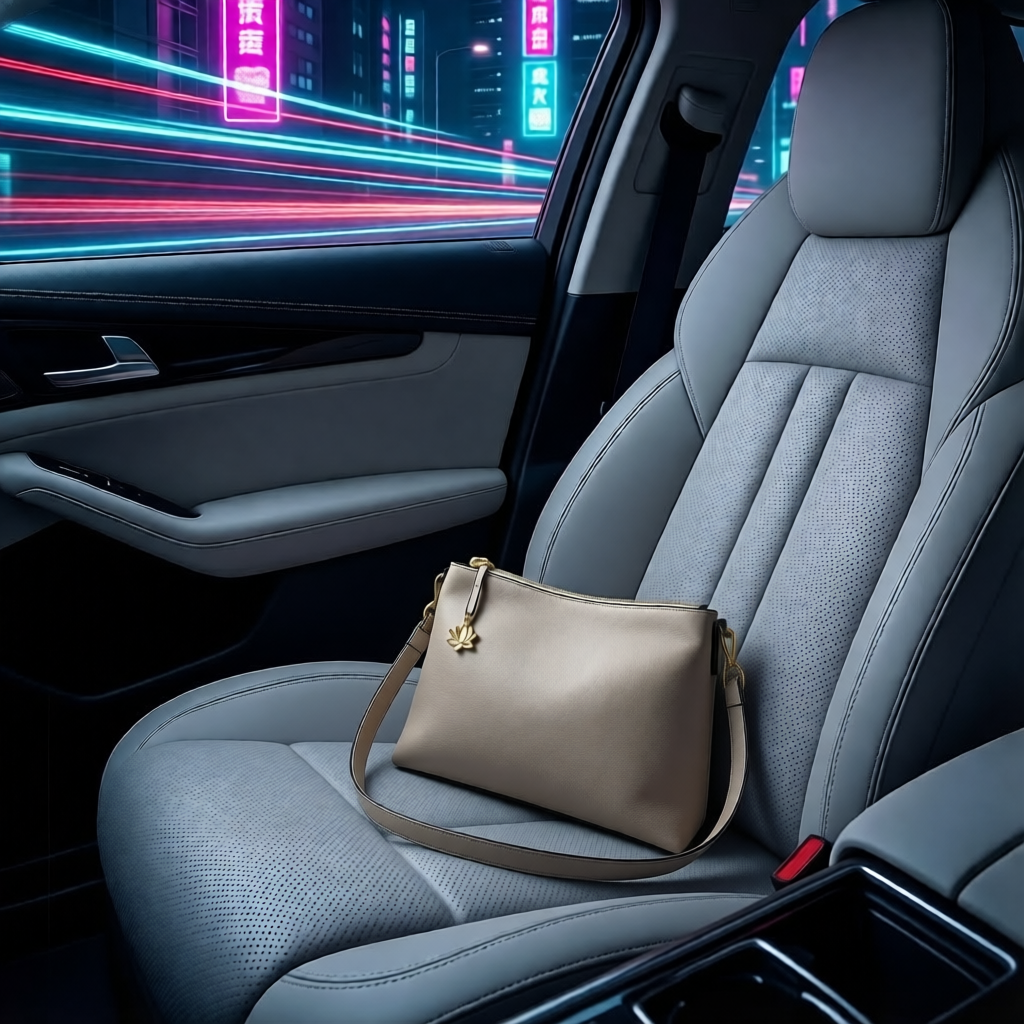
    Although all three results looks good, they are far beyond something professional. The dimension of the purse is affected and even the background looks distorted or way too much artificial. The overall mood, light technique and camera angle seems good, but placing the product requires more steps. For that, we are going to add extremely targeted details in the prompting.

    All of them need obvious adjusts, including the purse dimensions that are way too off.

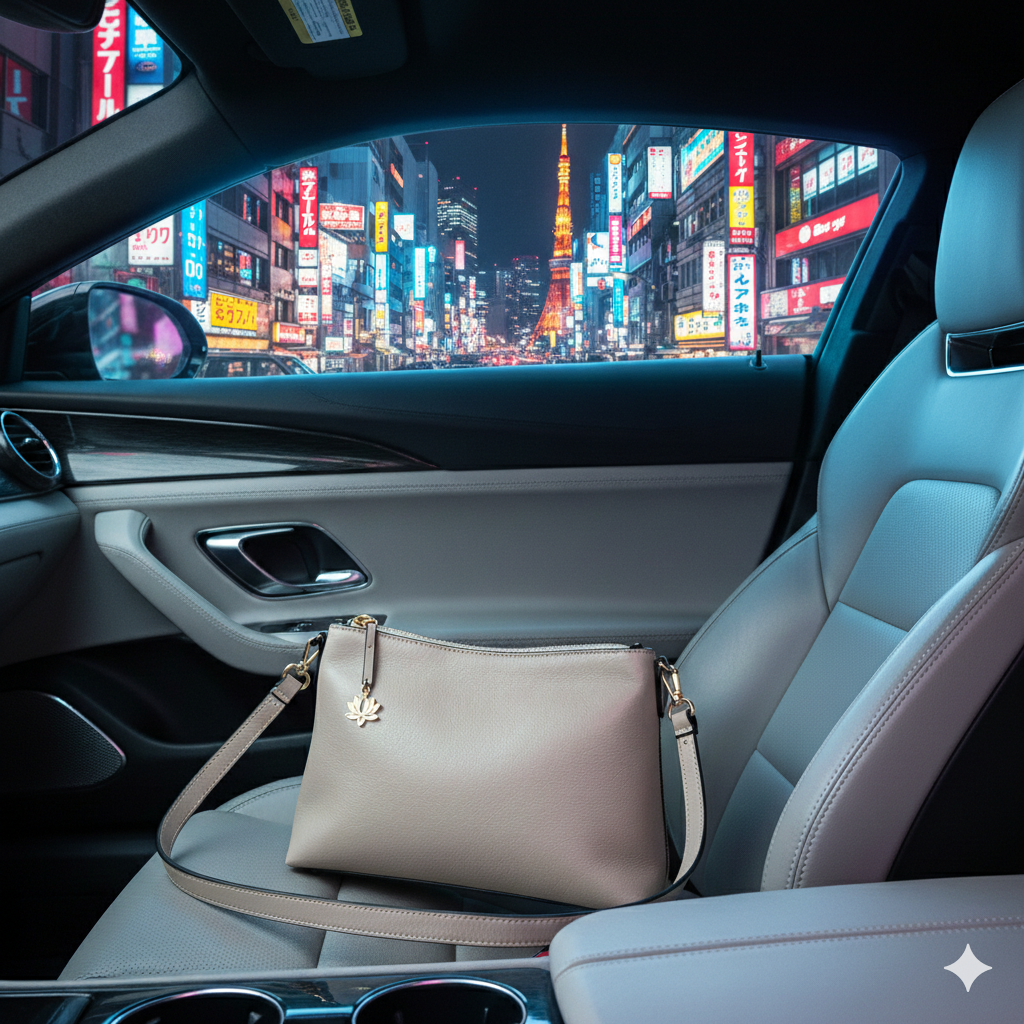
    A fashion photography showing this light tan beige textured leather handbag with its gold lotus charm resting on the light grey leather passenger seat of a sports luxury car. Neon and artificial city lights streams through the side window, creating a bit of chromatic aberration and highlighting the rich textures of the bag and the modern car interior. The atmosphere is cyberpunk and cinematic. Sharp details, sharp textures.
    Edited with Flux – German model
    Purse is smaller – Qwen Edit – Chinese version
    Futuristic background is removed and changed to a night scene in Tokyo – Gemini – American version

    3. Reshooting the product for professional usage

    Light beige leather handbag with gold-tone hardware and a lotus charm
    Original iPhone shot

    High-quality, professional images are rewarded by search engine algorithms. By using AI to generate clean, high-resolution catalog shots, you improve your chances of appearing in Google Image Search. When you name these files descriptively, you are actively building an SEO foundation that brings local customers directly to your door.

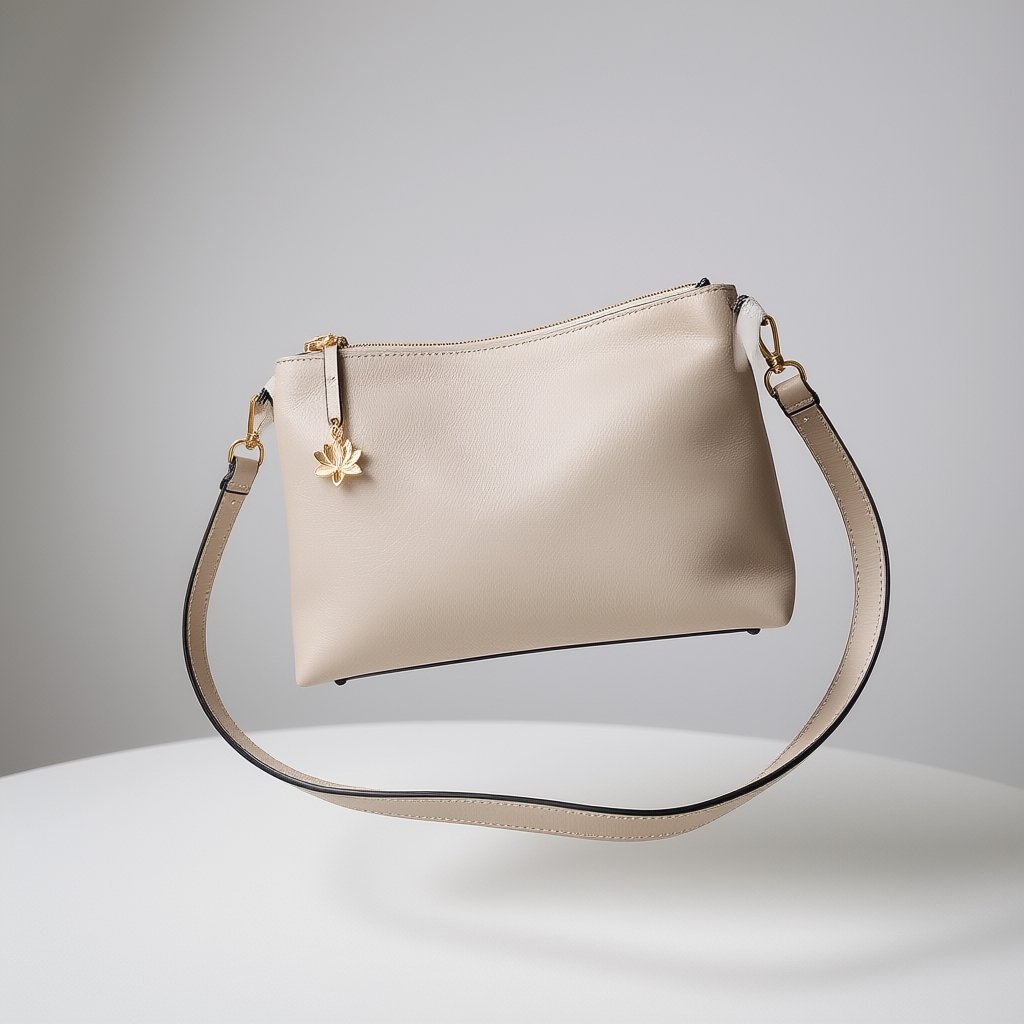
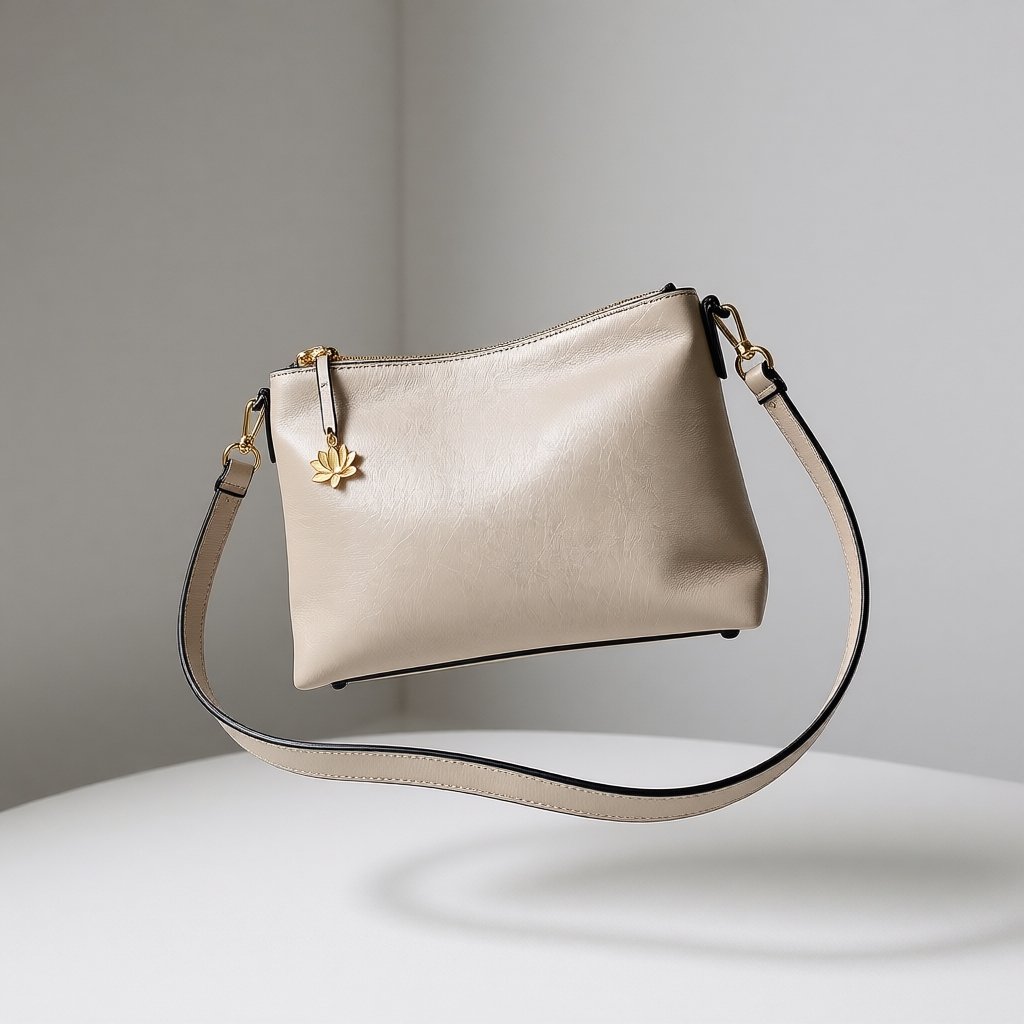
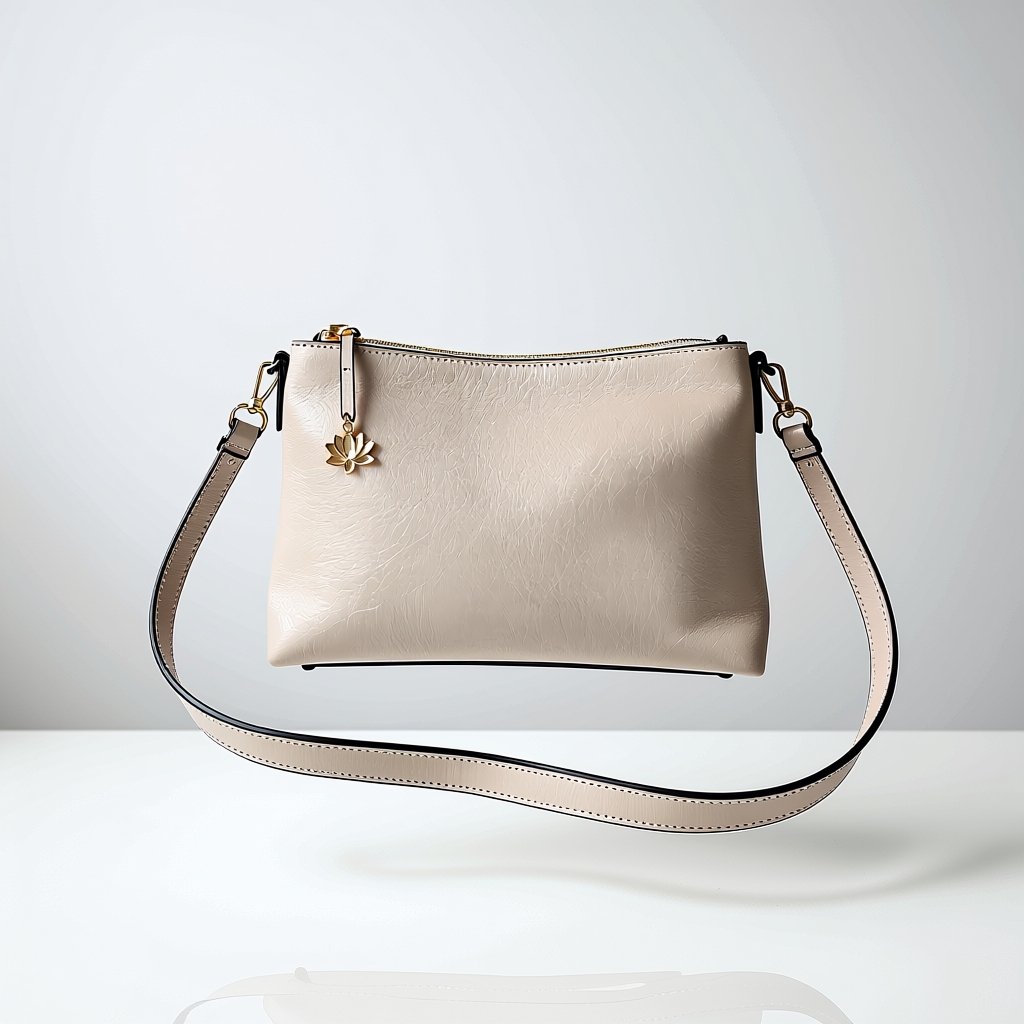
    Beige leather handbag with a gold lotus charm floating in a minimalist, bright studio setting with soft lighting.
    Edit using DEIS Sampler
    Beige leather handbag with a gold lotus charm floating in a minimalist, bright studio setting with soft lighting.
    Edit using EULER Sampler
    Beige leather handbag with a gold lotus charm floating in a minimalist, bright studio setting with soft lighting.
    Edit using DMPP_2M Sampler

    The “levitating” approach for this product goes hand in hand with its premise. This is why we are going to make further edits and use this idea as our main central point to promote this product.

    Light beige leather handbag with gold-tone hardware and a lotus charm
    Original product shot on iPhone

    +

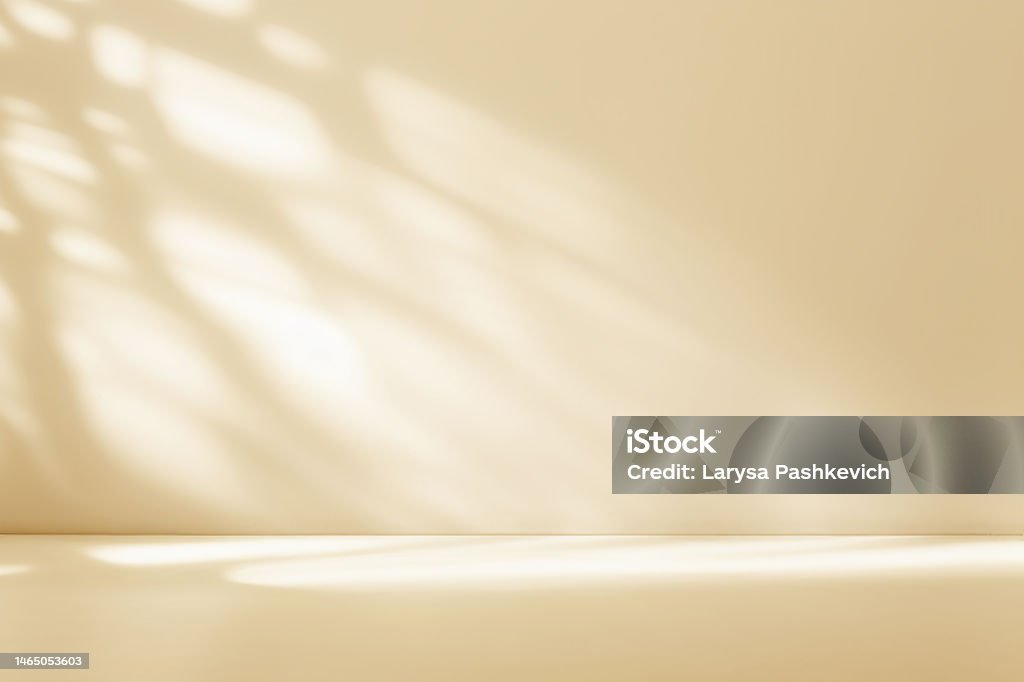
    Minimalistic abstract gentle light beige background for product presentation with light andand intricate shadow from the window and vegetation on wall.
    Background image on sale on iStockPhoto

    All of them are loosing quality as new generations are made. Once the right posing is found, we have to take it to an upscale model.

    The product was placed on the chosen background and all the merge details were taken care of by the AI model
    Added a pair of plants to contrast and counterbalance the composition, so it does not look flat and even.
    Edited with Gemini - Changed product position and added text element
    Changed product position and added text element
    Edited with Gemini - Changed logo texture
    Changed logo texture
    Upscaled final image ready to be used for a social media ad
  • Z-Image Comparison Test

    Z-Image Comparison Test

    Z-Image Comparison test

    benchmark on model shift / steps / scheduler

    Just a few days after Flux 2 hiting the AI scene on end November 2025, the chinese came along and shove both feet at the door with this Qwen based fast model called Z-Image that excels in realistic portraits, celebrities and landmarks.

    This my personal comparison chart to benchmark its features and this is my attempt to understand what each node does and what each settings affects the generated result. Follow along to check it for yourself too.

    Seed = fixed
    Steps = see comparison below
    CFG = 1 (will adhere strictly to the prompt, without deviations)
    Sampler = res_multistep (suggested by the model’s author)
    Scheduler = simple (suggested by the model’s author)
    Denoise = 1

    No LORAS, no extra nodes

    Timestamps are based on a GeForce 3080TI 12 GB RAM

    Positive Prompt below / Negative Prompt = none

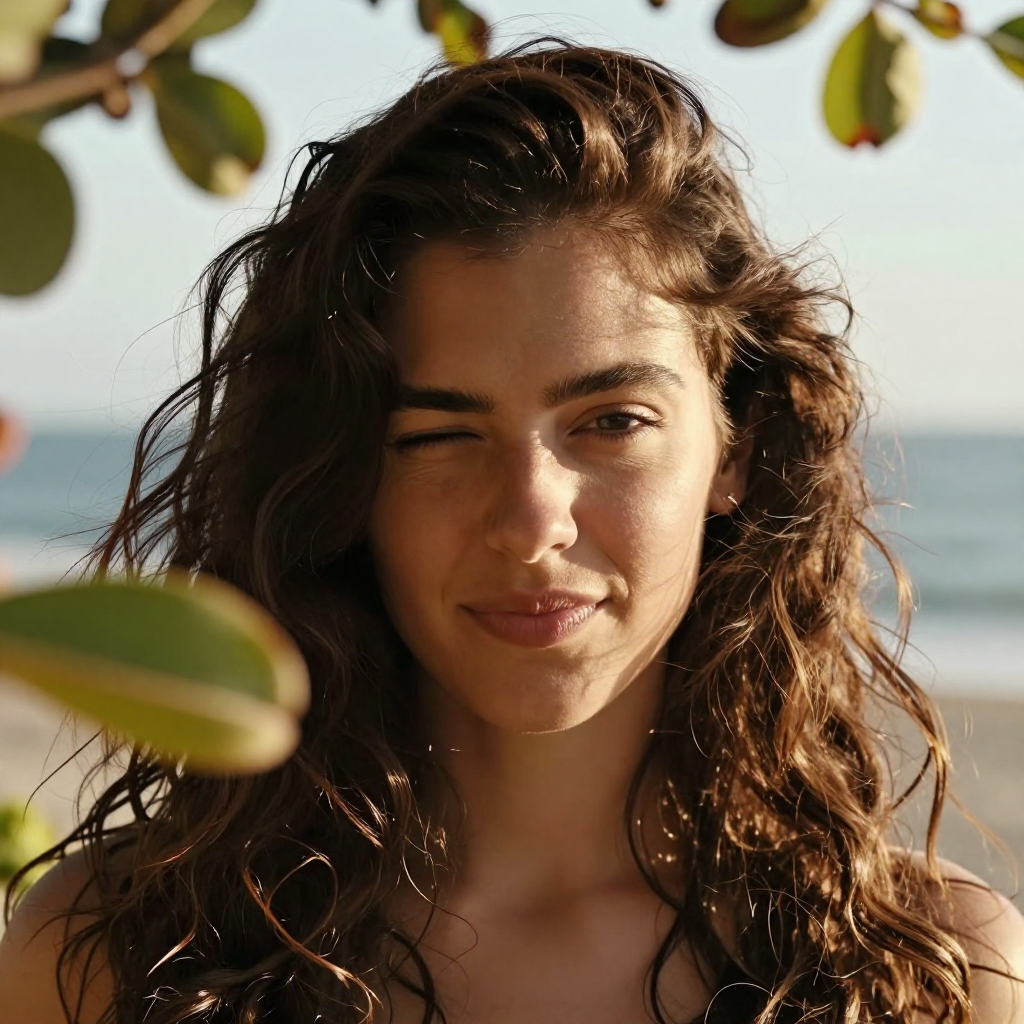
    steps

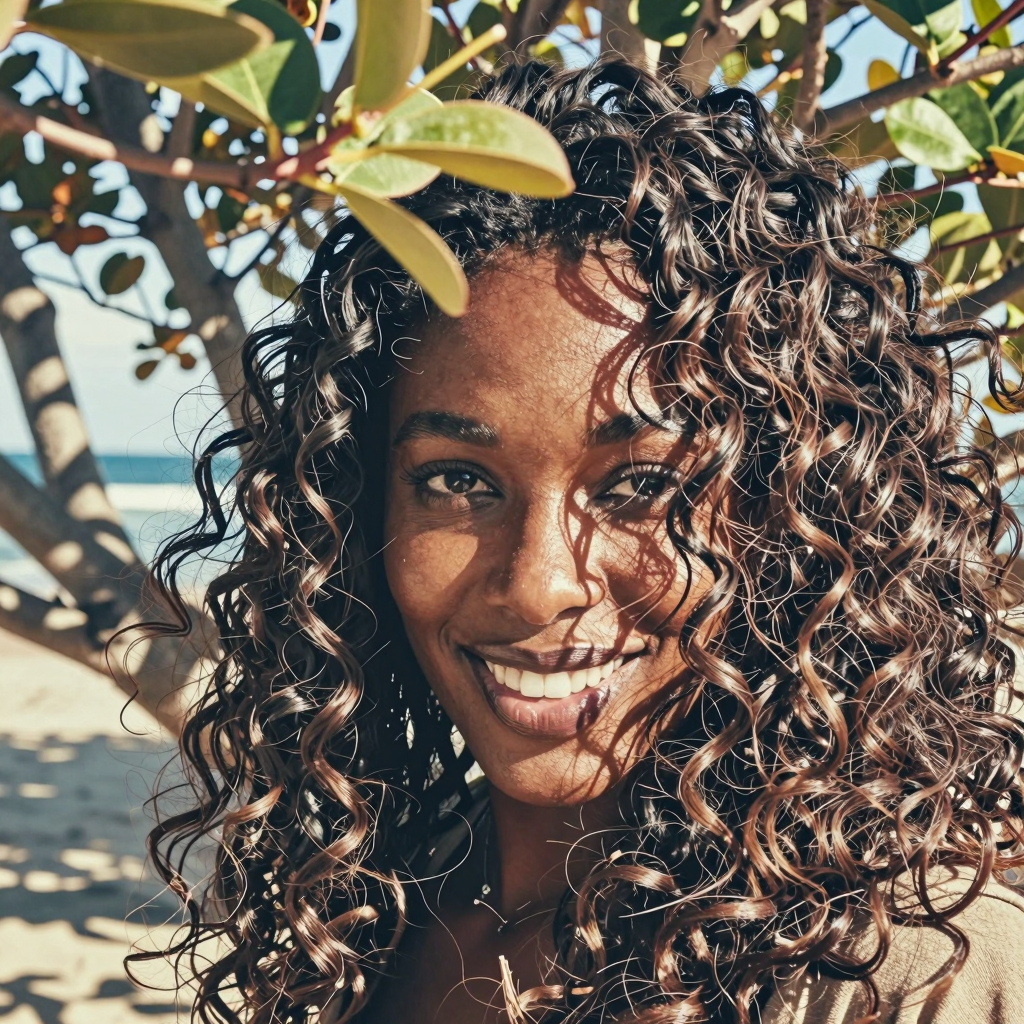
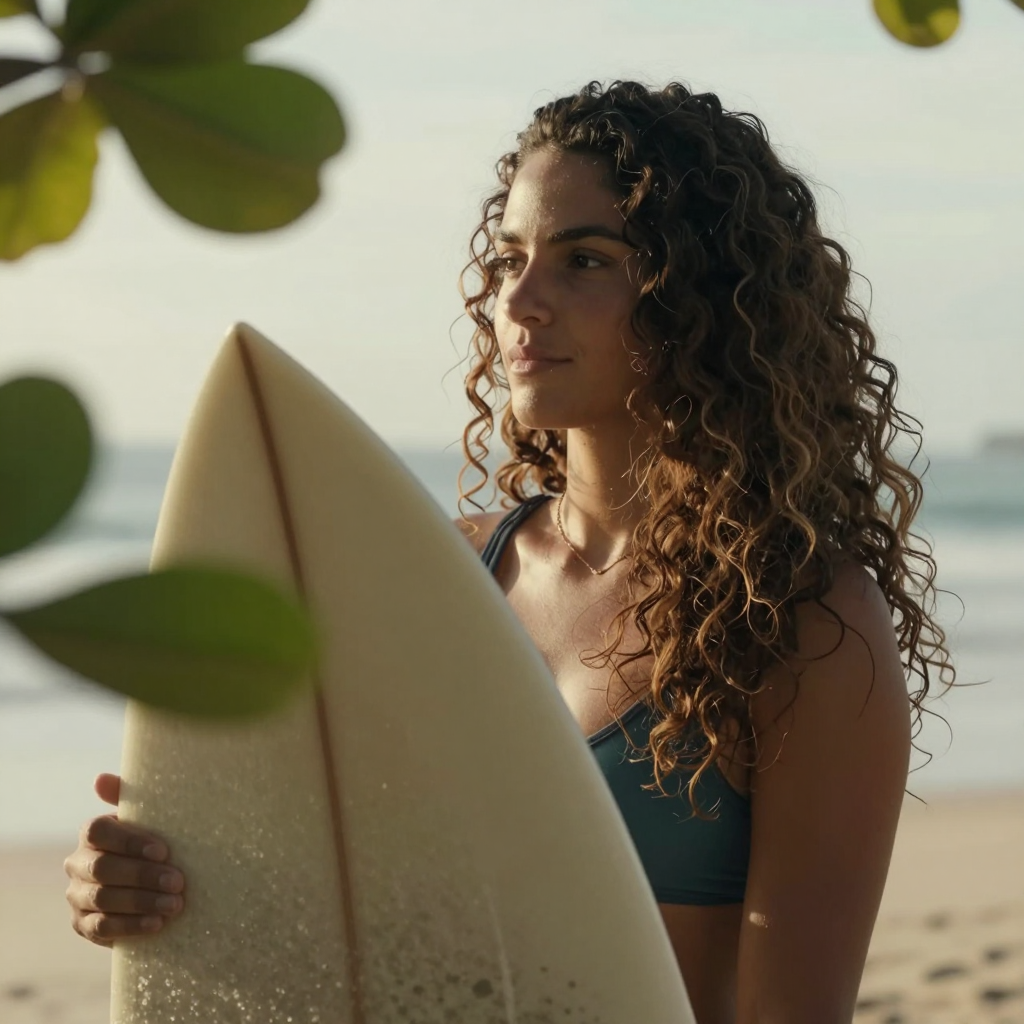
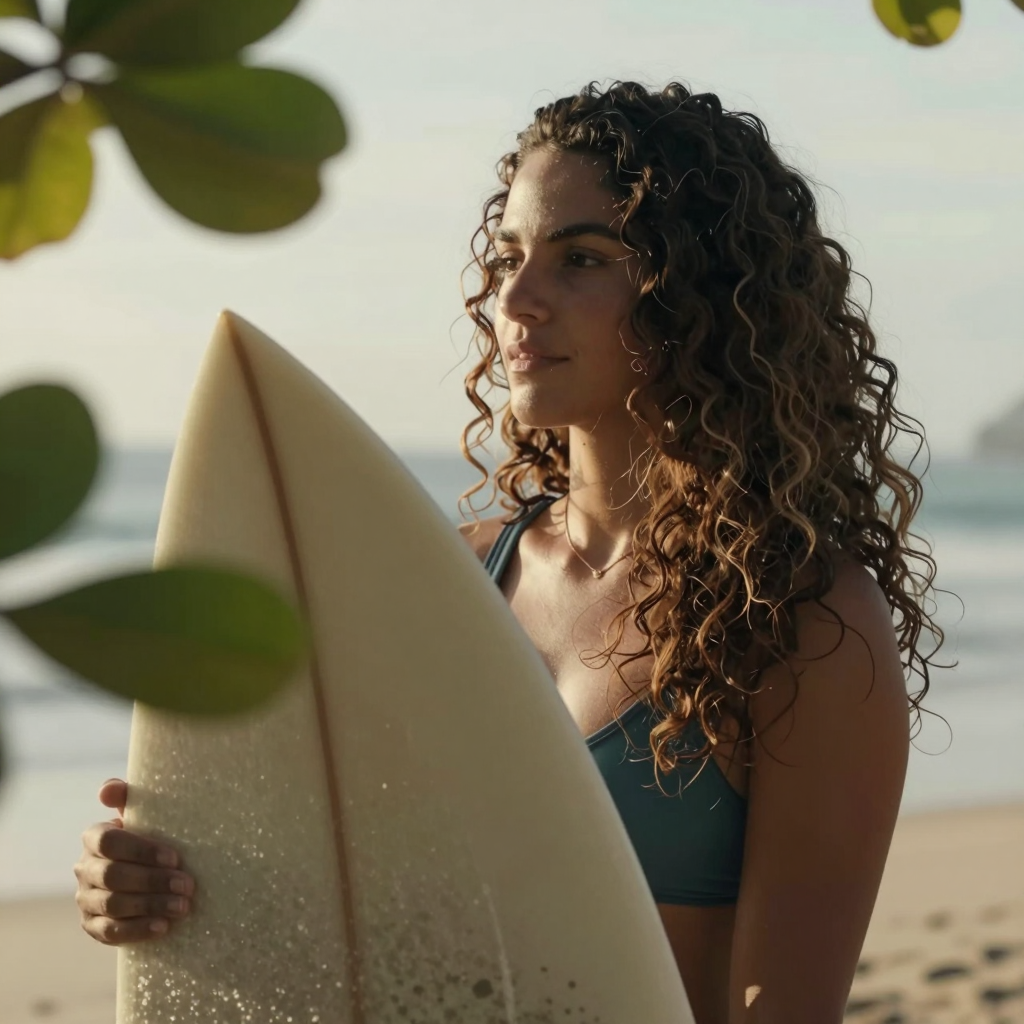
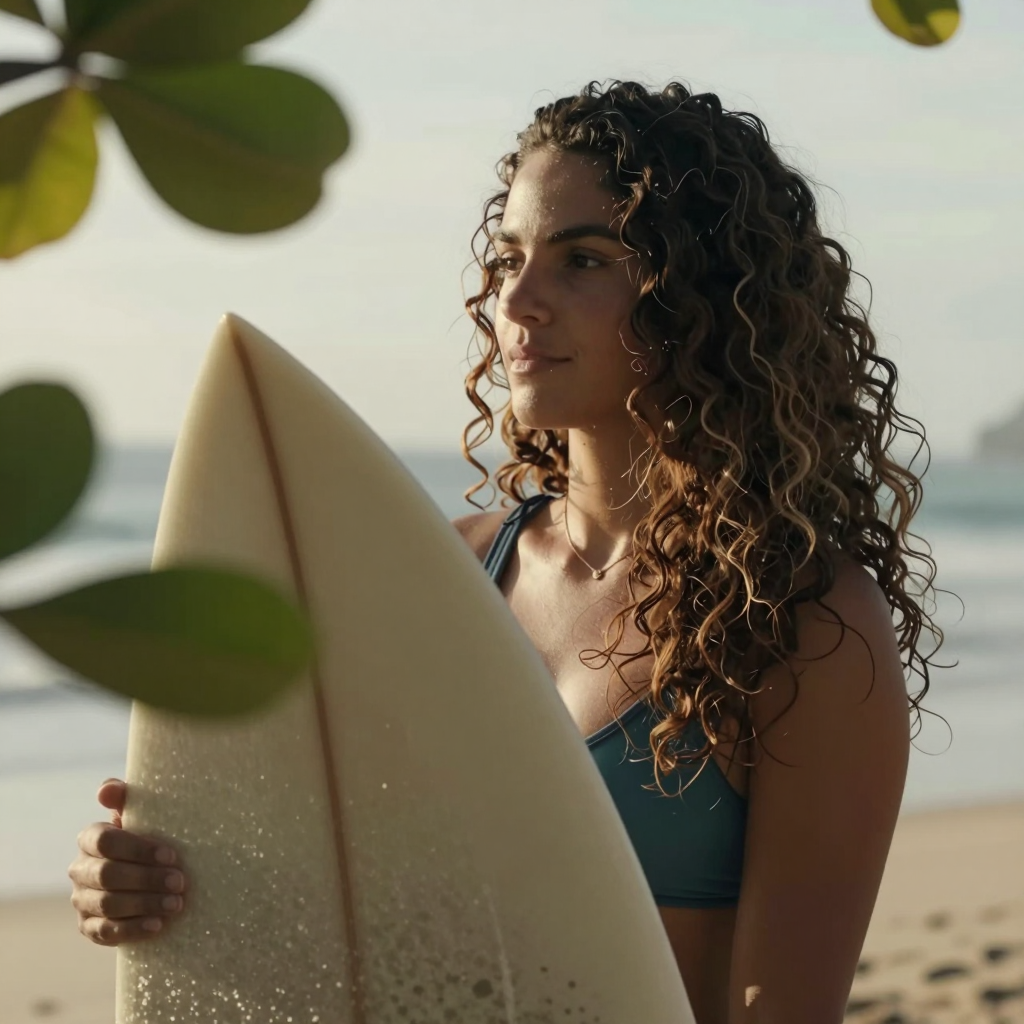
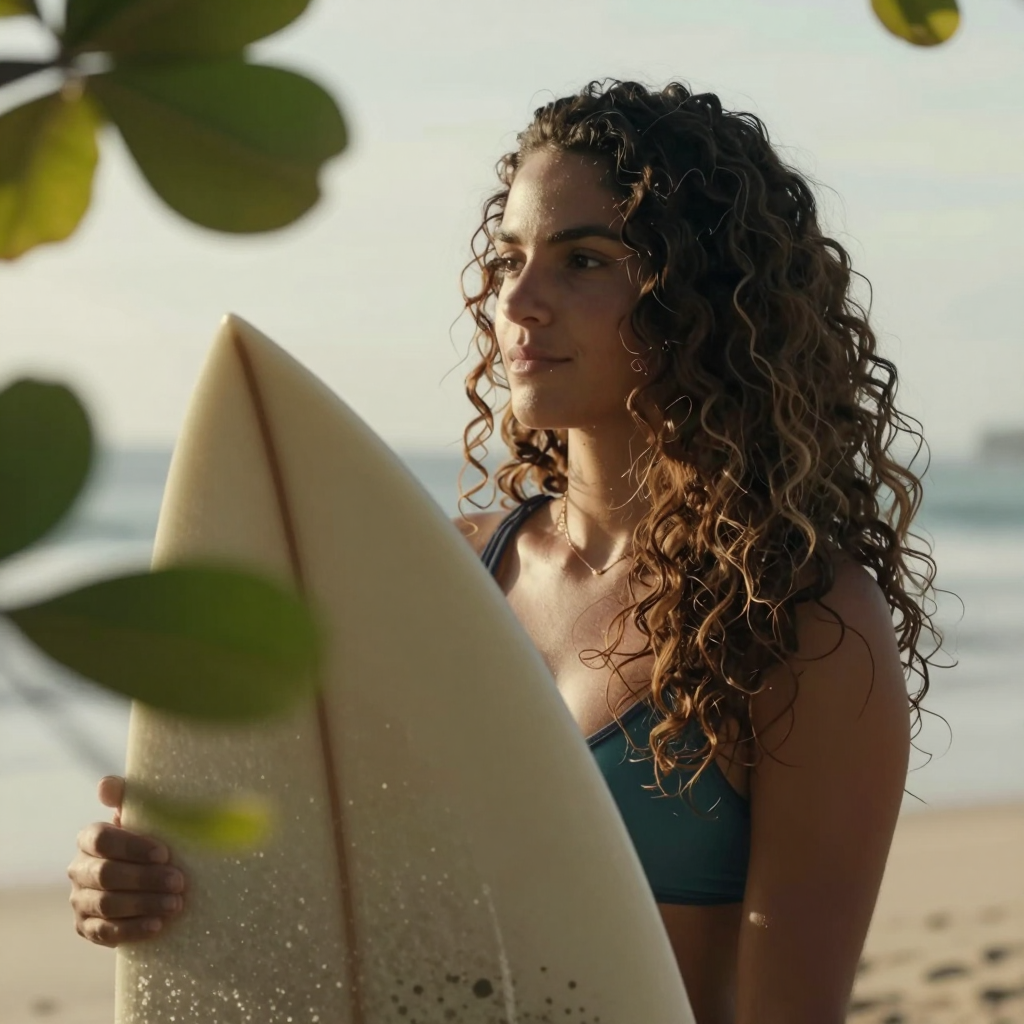
    Steps means how many times the latent space will be calculated before delivering the final output. Z-Image is a fast model and was developed to use less steps. Here, I found the best results are between 8 and 12. Less steps generates too few details, more steps generates extra noise and some inconsistencies, mainly on the hair.

    				
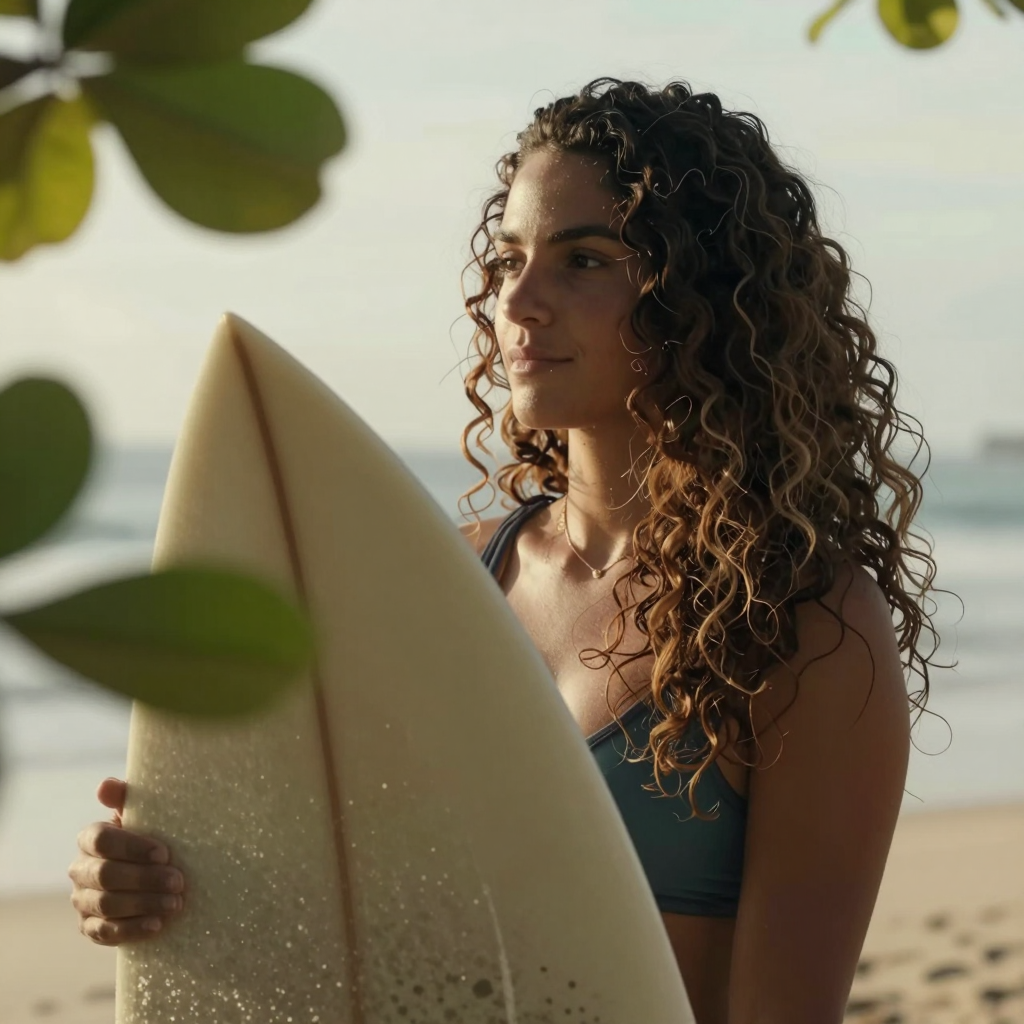
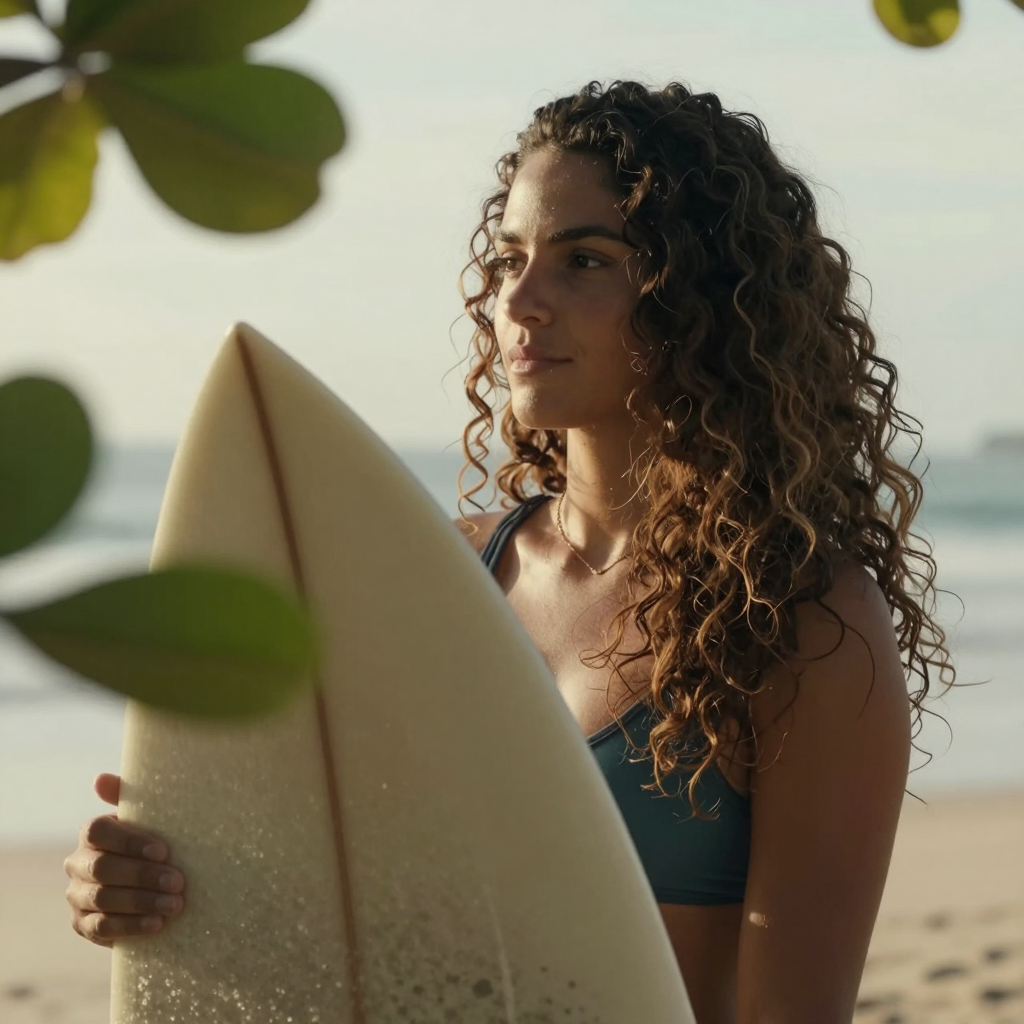
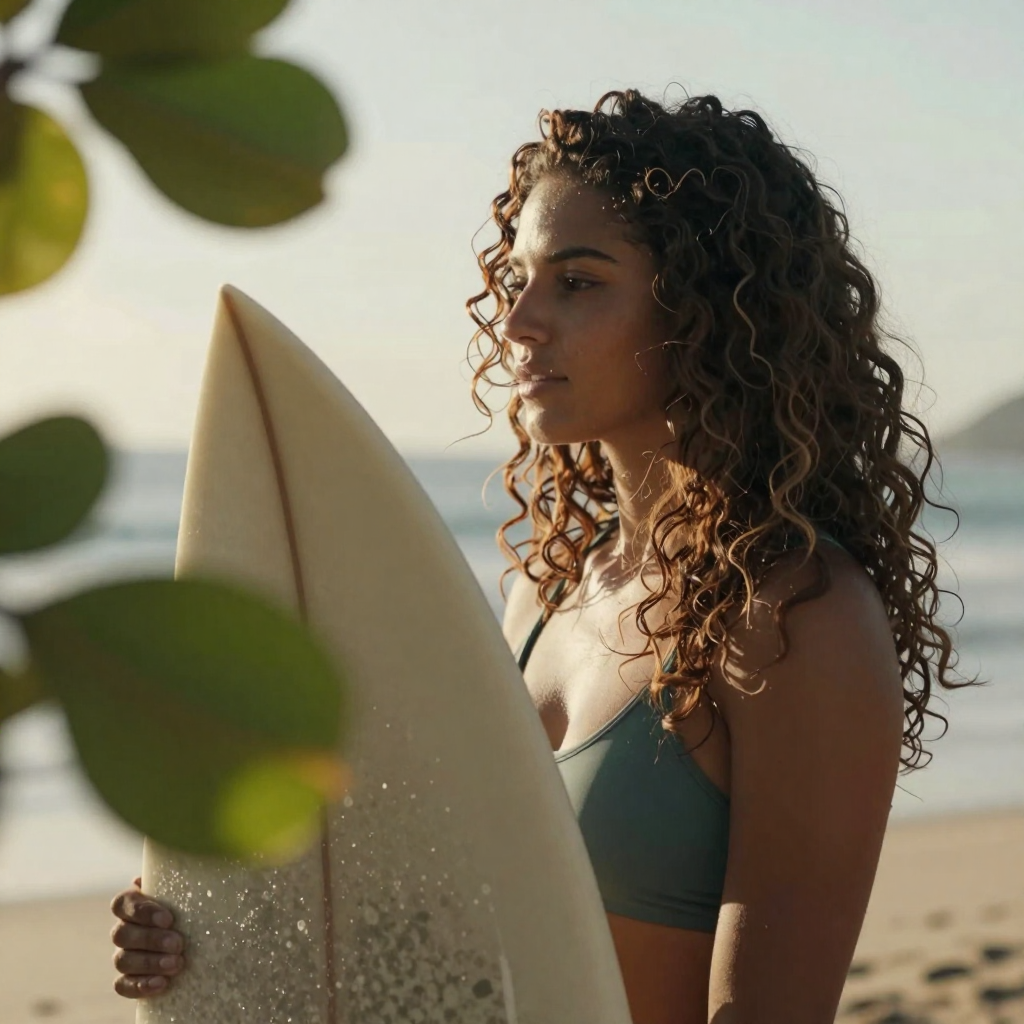
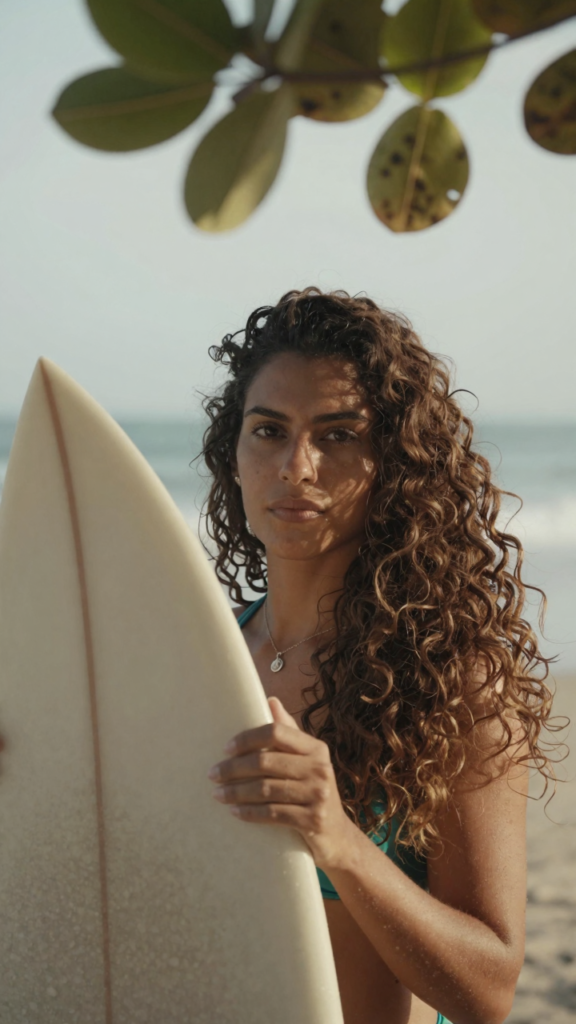
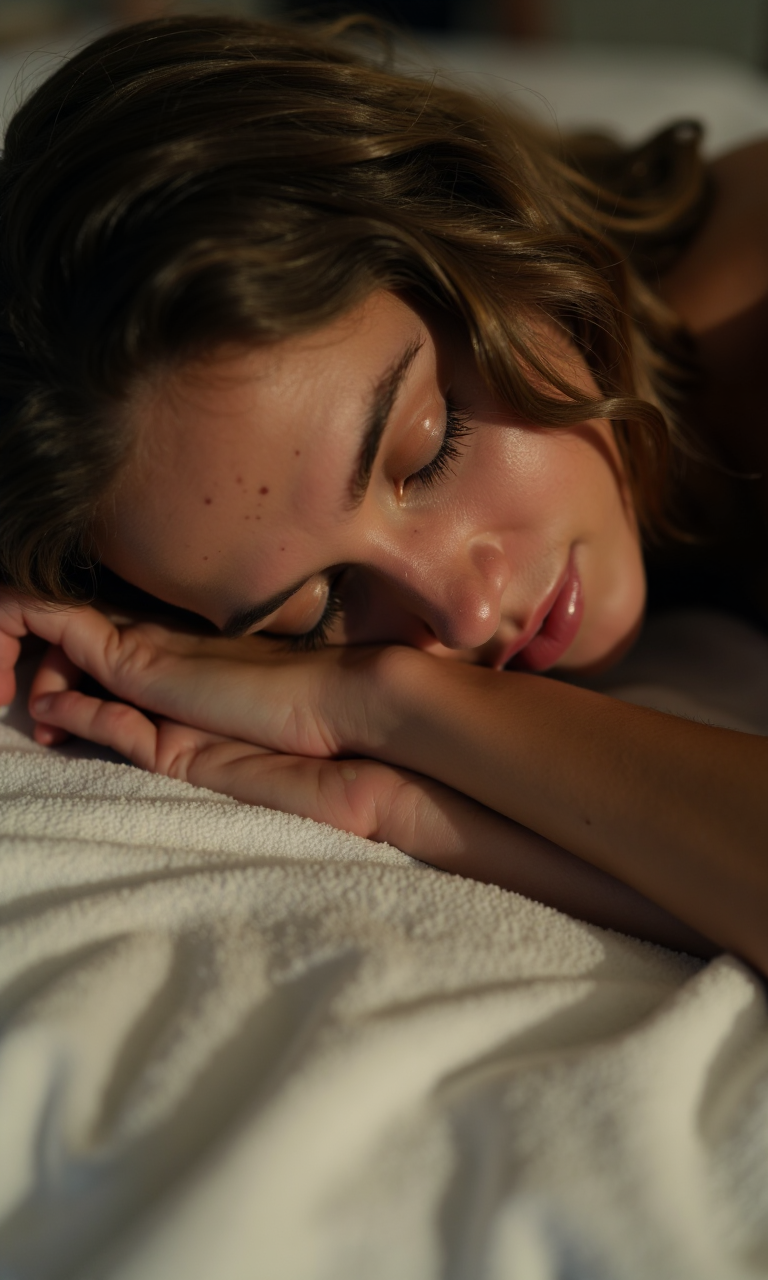
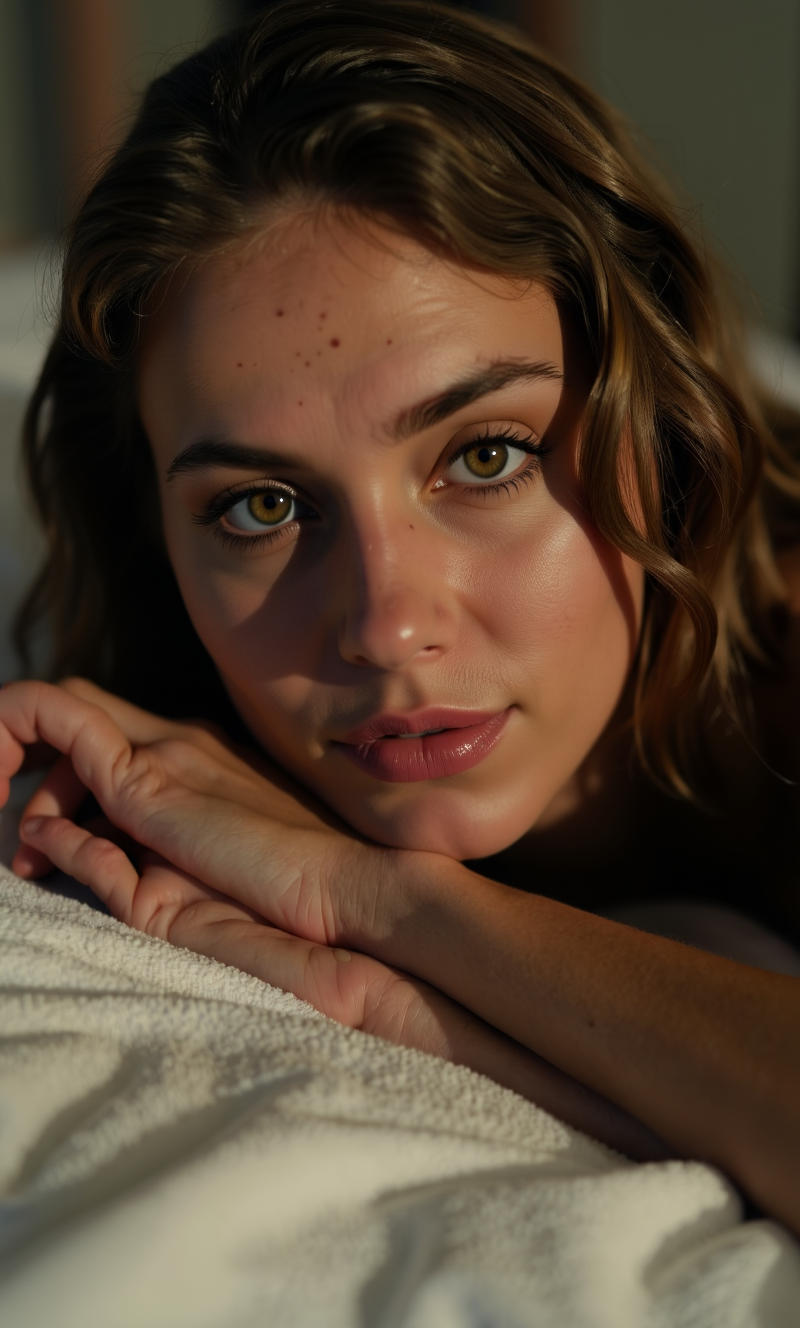
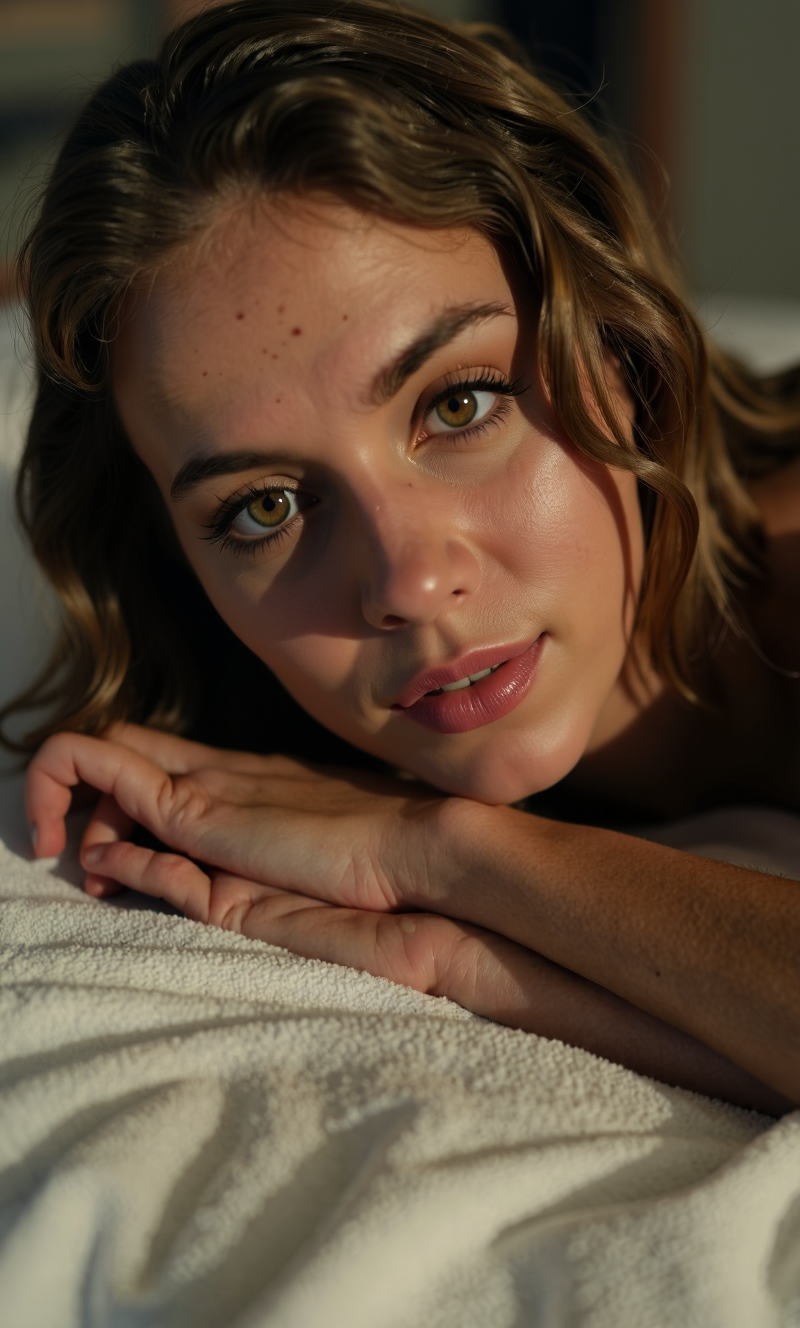
    					Latina female with thick wavy hair, blinking to the camera, there are some out of focus tree leaves in front of her. Breezy seaside light, warm tones, cinematic close-up.


    Steps 4
    Time 7″

    Steps 8
    Time 12″

    Steps 12
    Time 18″

    Steps 24
    Time 26″

    Steps 32
    Time 44″

    Steps 50
    Time 68″

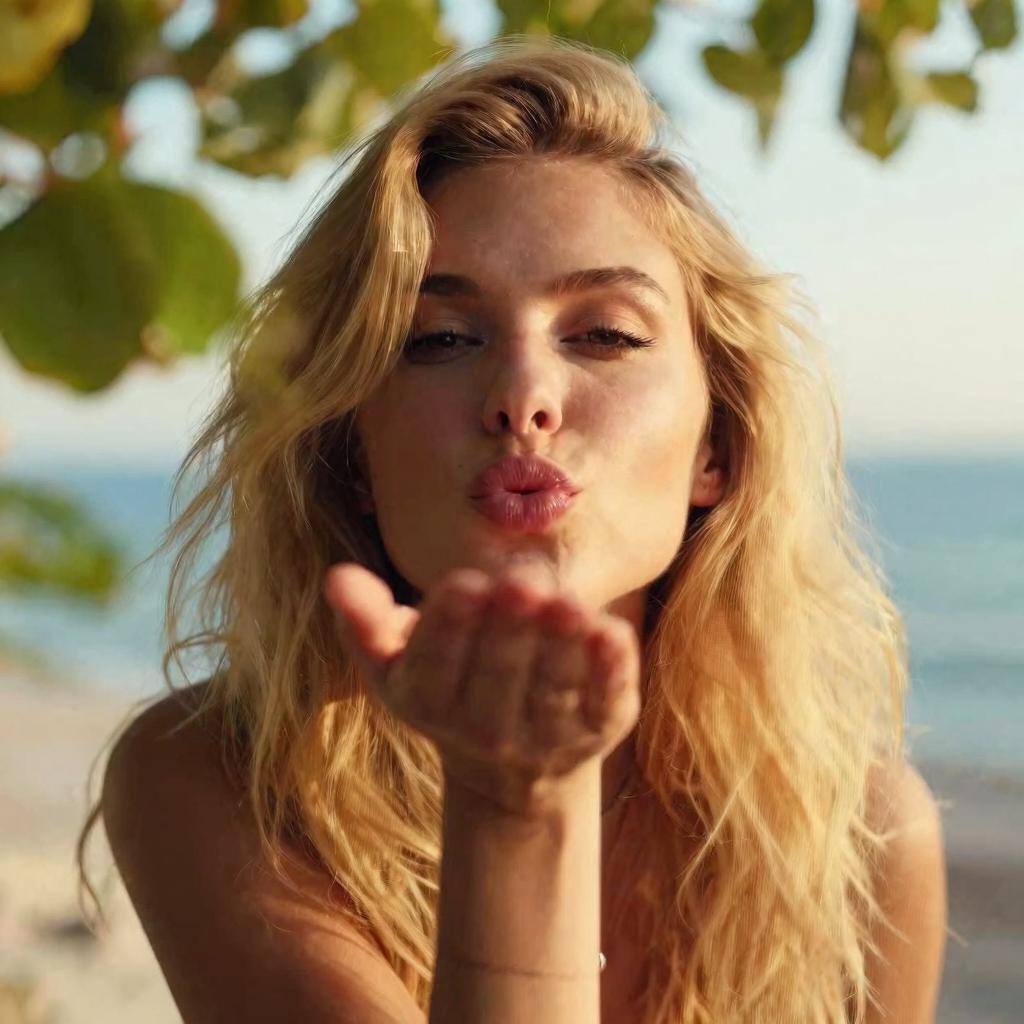
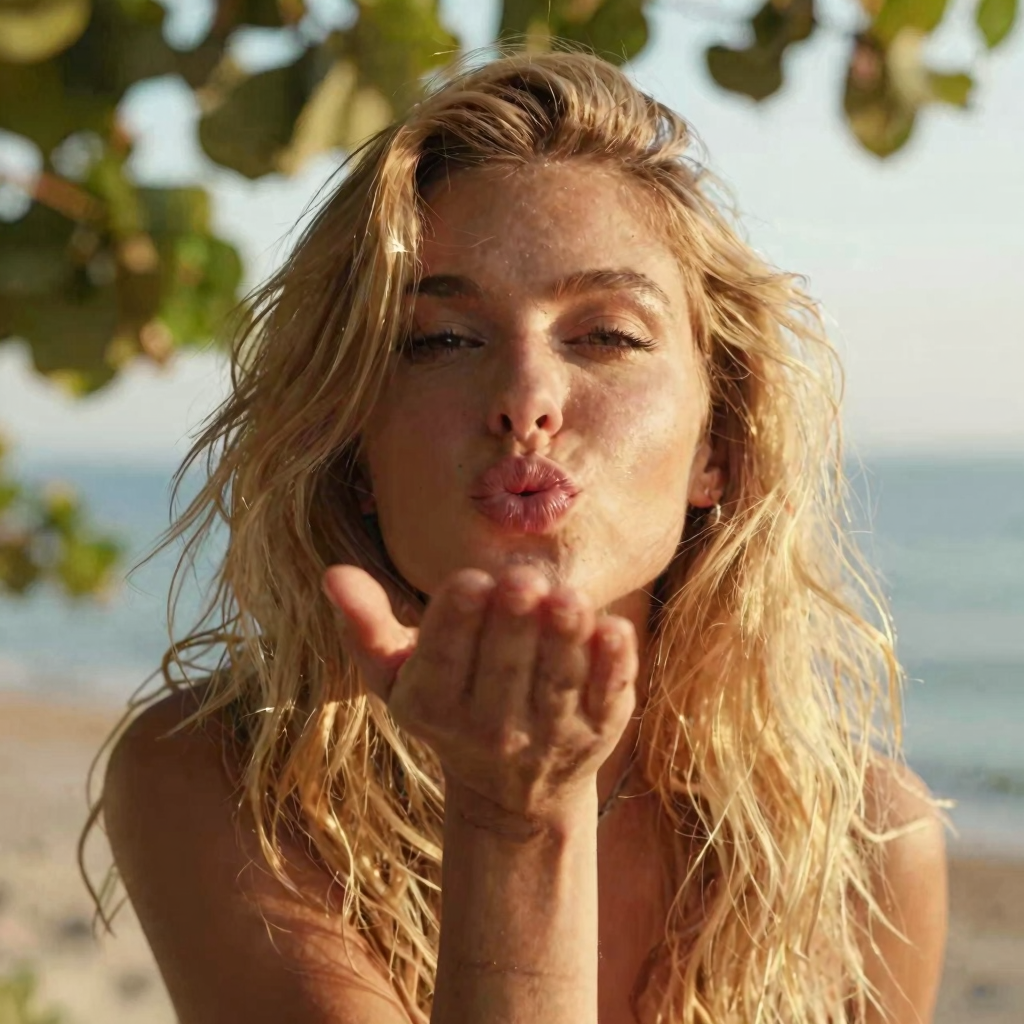
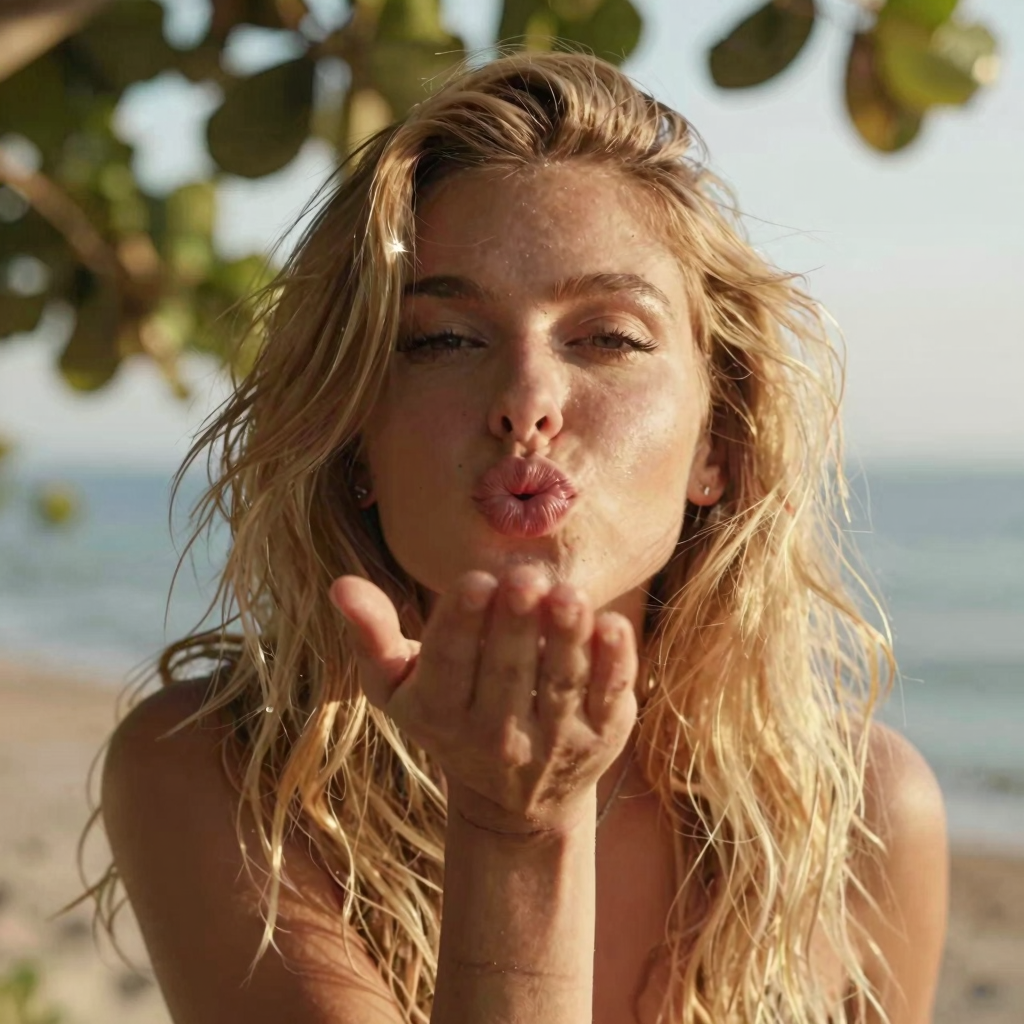
    Model shift

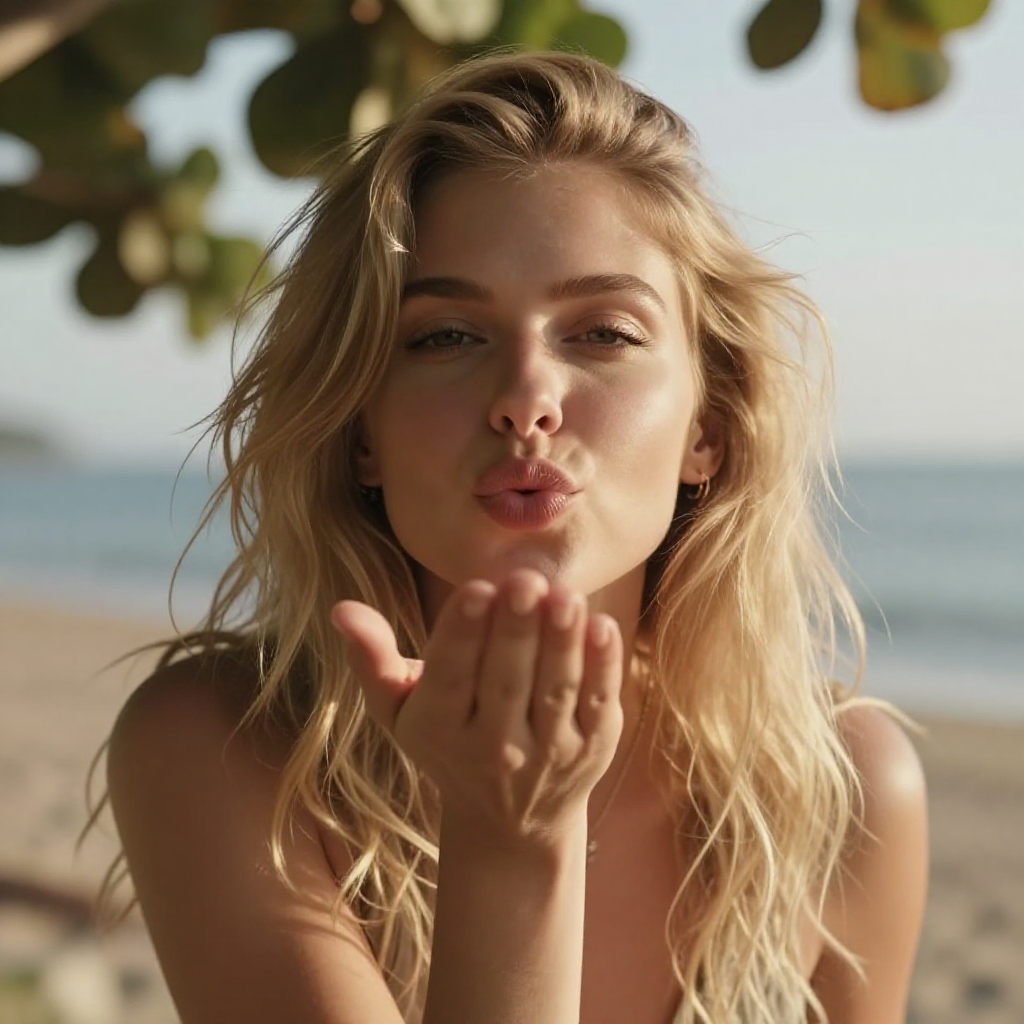
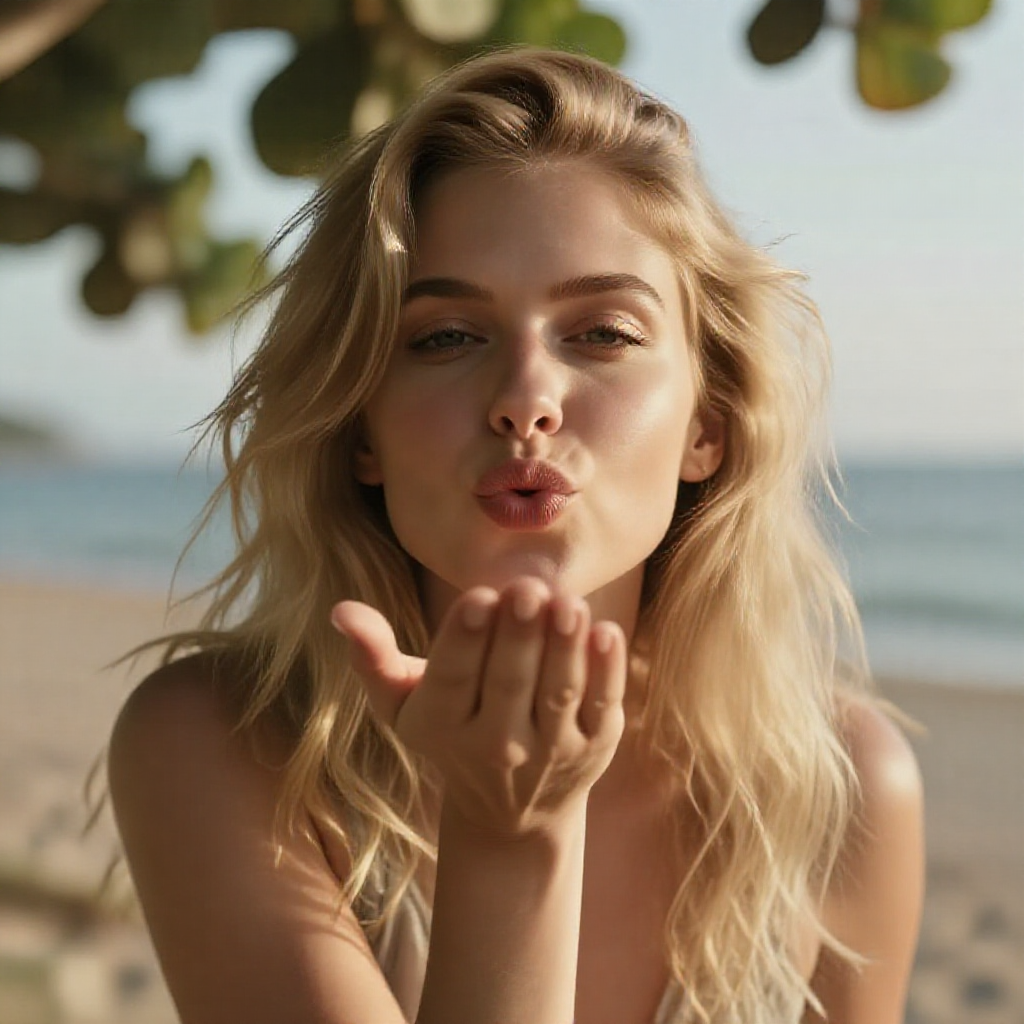
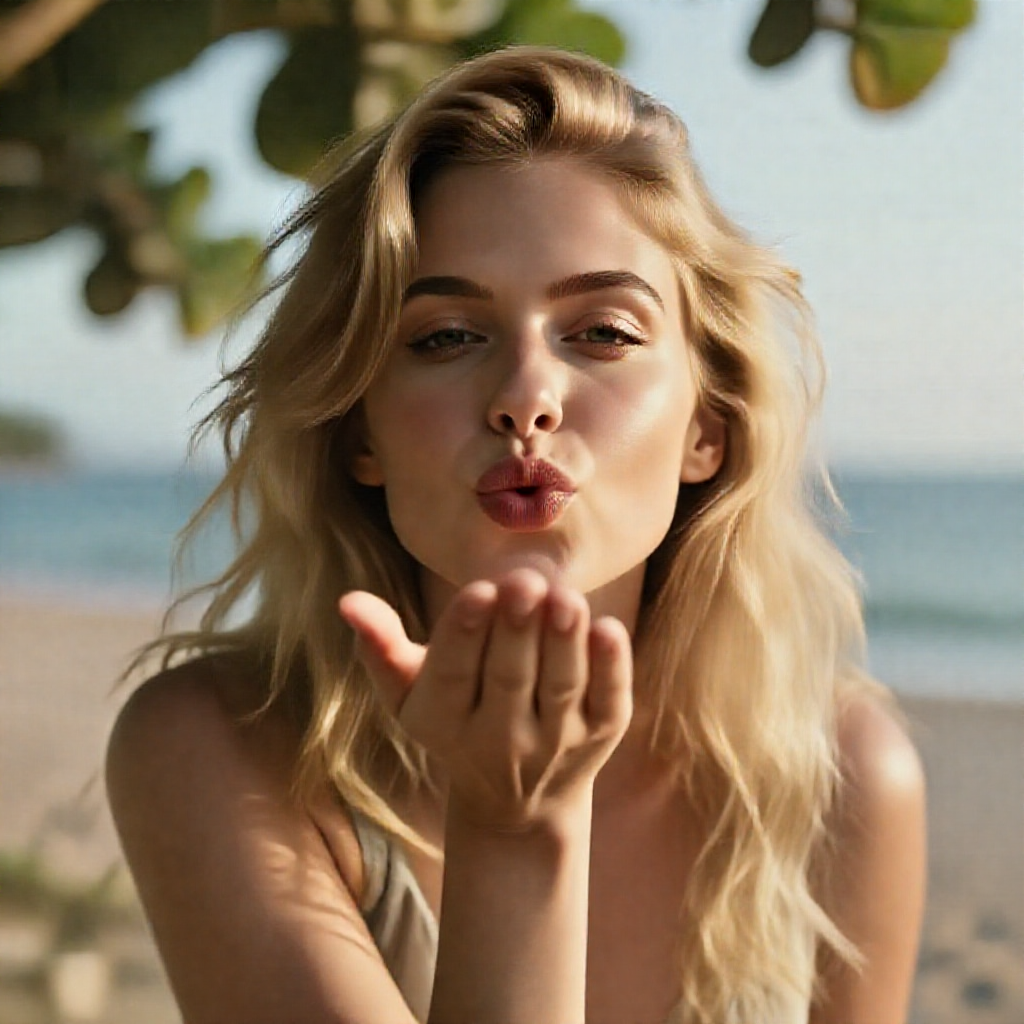
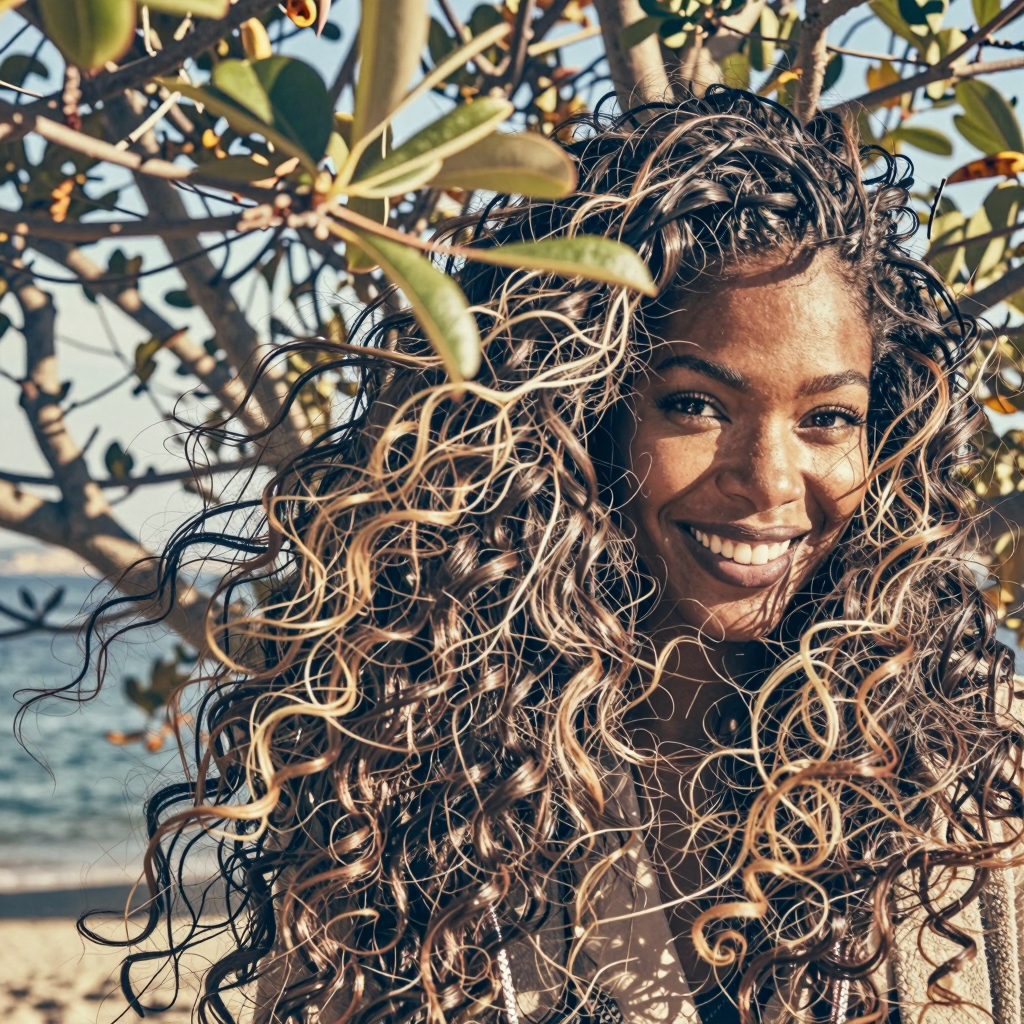
    Model Shift node means how noise or how polished the output will be. The lower the value, more artifacts will be present, the greater the value, more waxy the result. The model’s author recommends using Model Shift value = 3. All generations below were using 9 steps.

    				
    					Blonde female with thick wavy hair, is sending a cute kiss to the camera, there are some out of focus tree leaves in front of her. Breezy seaside light, warm tones, cinematic close-up.


    Model Shift 0.2
    Time 14″

    Model Shift 0.5
    Time 14″

    Model Shift 1
    Time 14″

    Model Shift 2
    Time 18″

    Model Shift 3
    Time 14″

    Model Shift 2
    Time 18″

    Model Shift 30
    Time 14″

    Model Shift 100
    Time 18″

    Denoise

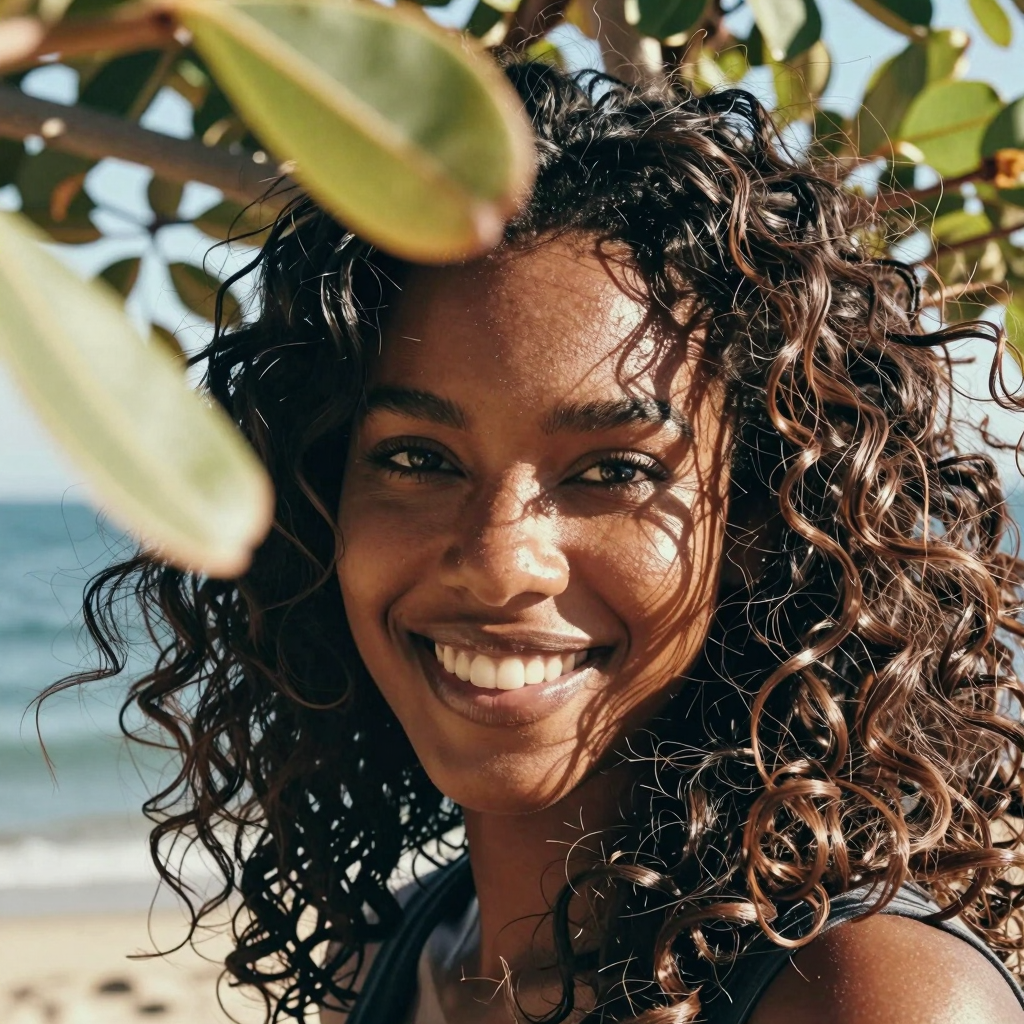
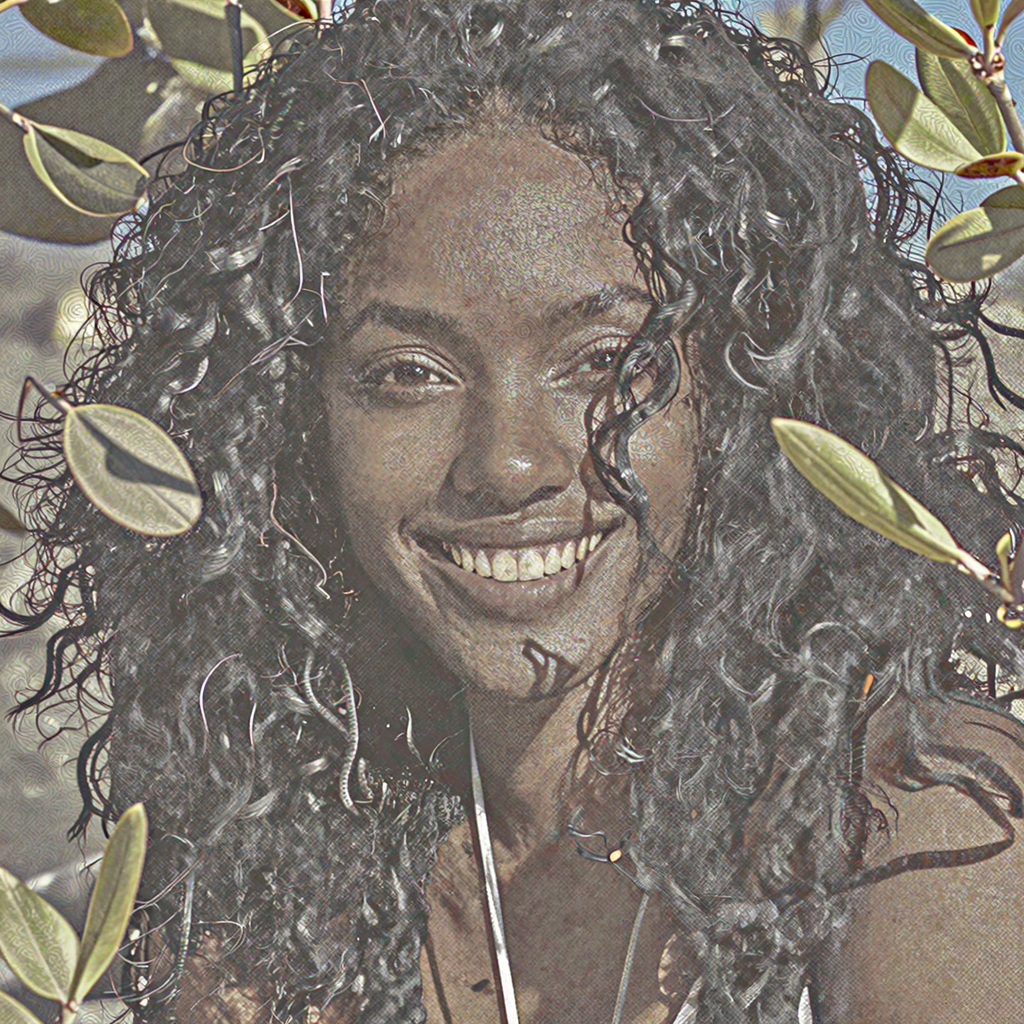
    Noise means how soon must the model’s latent space calculations stop before processing the final output. The model’s author recommends using Noise value = 1. All generations below were using 9 steps and shift 3. Very interesting to see how noise greatly affects the output.

    				
    					Black female with thick wavy hair, is spontaneously smiling to the camera, there are some out of focus tree leaves in front of her. Breezy seaside light, warm tones, cinematic close-up.


    Denoise 1
    Time 14″

    Denoise 0.9
    Time 14″

    Denoise 0.8
    Time 14″

    Denoise 0.7
    Time 13″

    Denoise 0.6
    Time 13″

    Denoise 0.5
    Time 13″

    Sampler

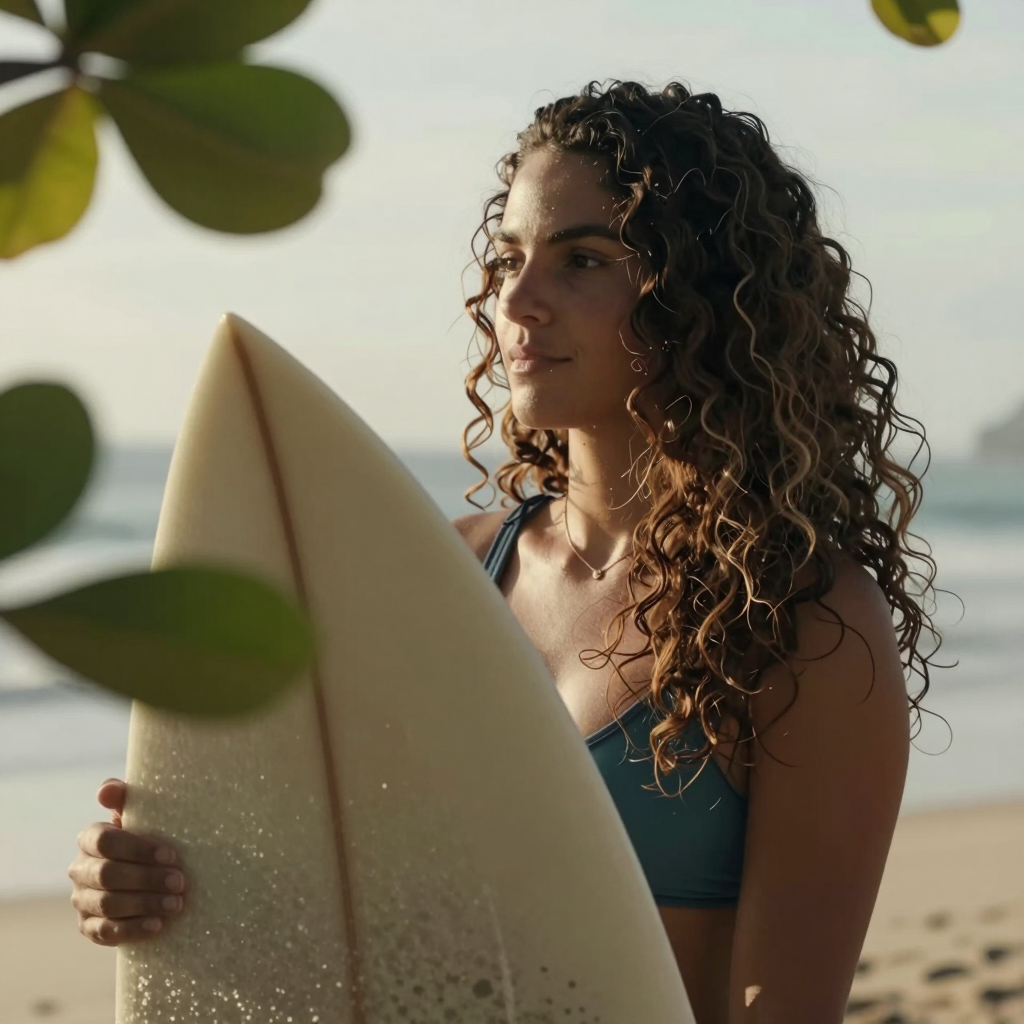
    Sampler means the agent technology that will interpret the latent space according to the scheduler model and convert to a visual output. Each agent has it’s own algorithm and will influence mainly the time it needs to generate the final output, with some minor subtle aspect changes.  The model’s author recommends using sampler = res_multistep. More noticeable are the light streaks on her arm and the out of focus leaves. All generations below were using 9 steps and shift 3.

    				
    					Brazilian female with thick wavy hair, is holding her surf board, there are some out of focus tree leaves in front of her. Breezy seaside light, warm tones, cinematic close-up.


    Sampler res_multistep
    Time 19″

    Sampler euler
    Time 13″

    Sampler heun
    Time 24″

    Sampler dmpp_2m
    Time 14″

    Sampler ipndm
    Time 13″

    Sampler deis
    Time 13″

    Sampler ddim
    Time 13″

    Sampler res_5s
    Time 64″

    Sampler res_6s_ode
    Time 76″

  • RES4LYF Sampler Comparison Chart

    RES4LYF Sampler Comparison Chart

    RES4LYF Sampler Comparison Chart

    All the ClownsharKSampler compared side by side

    comfyui

    generative ai

    Comparison

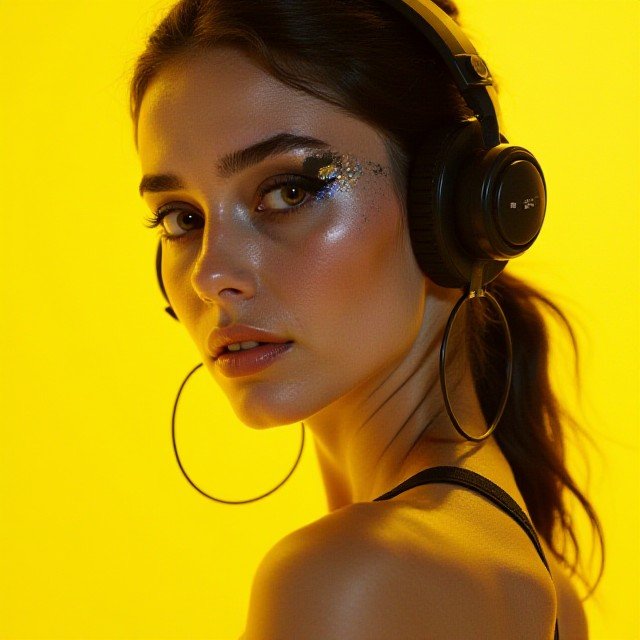
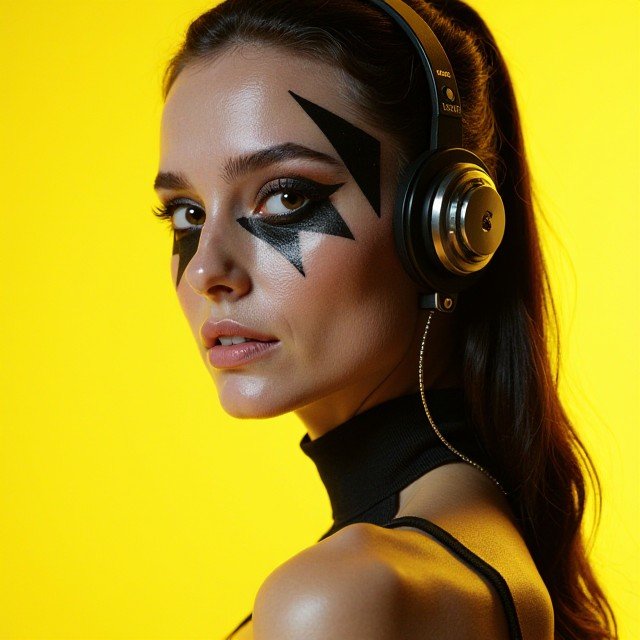
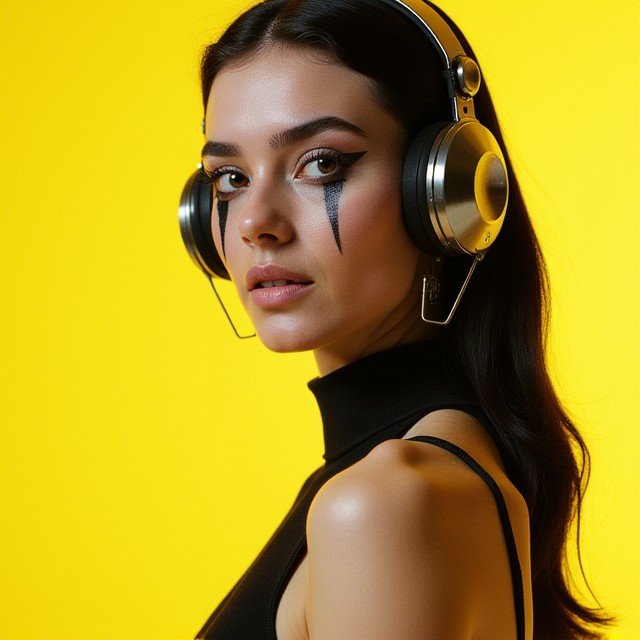
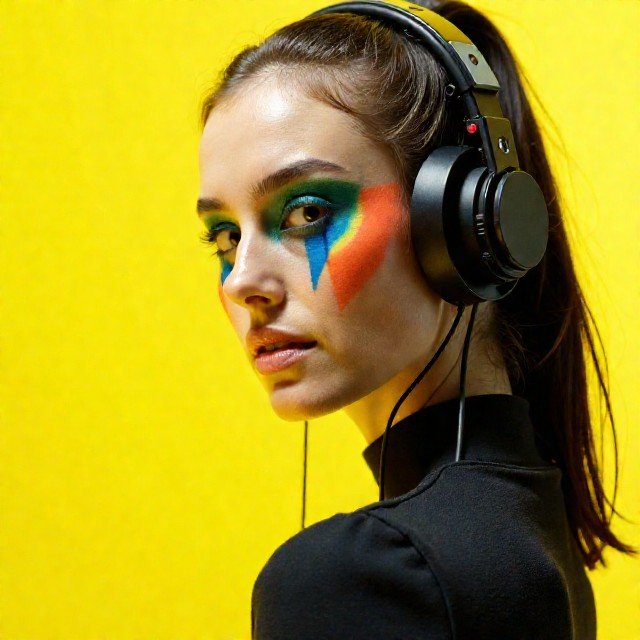
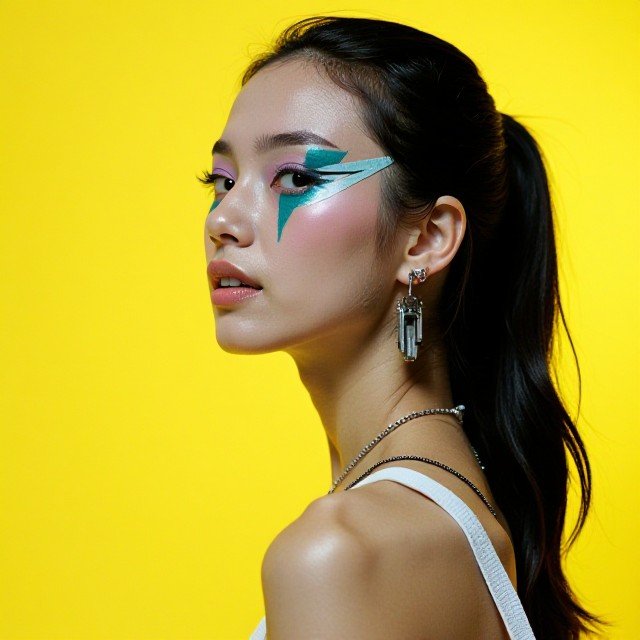
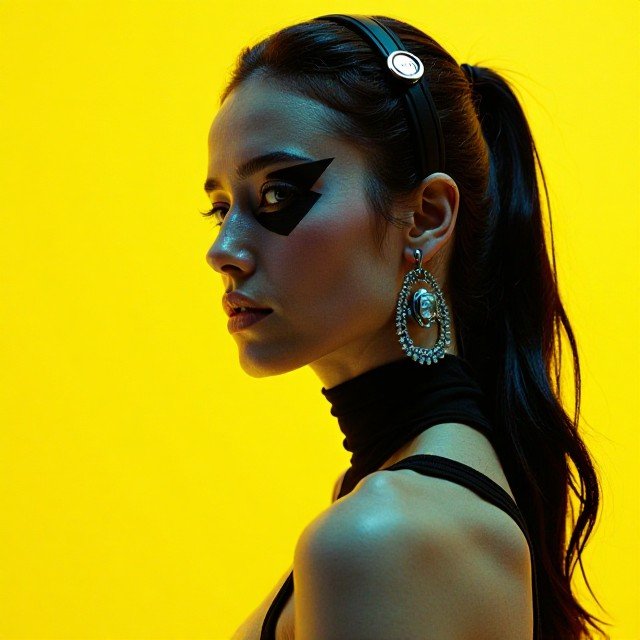
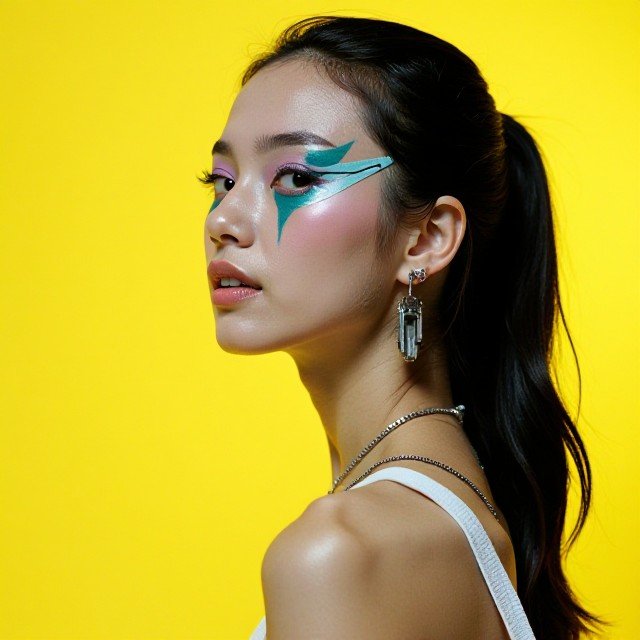
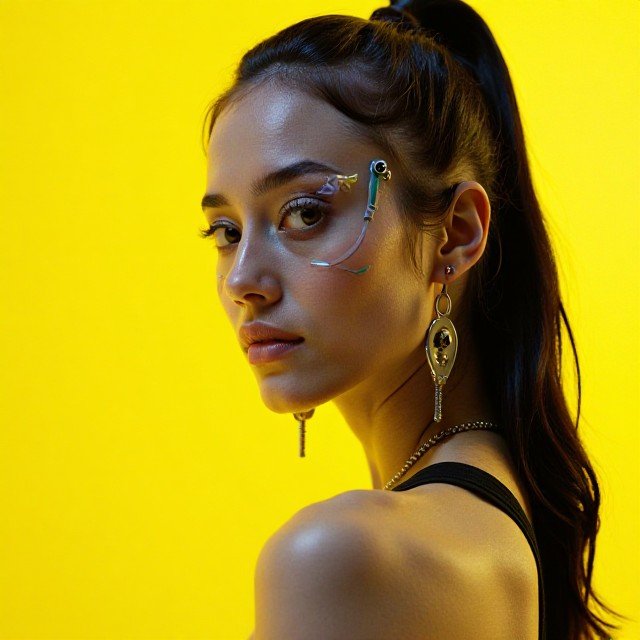
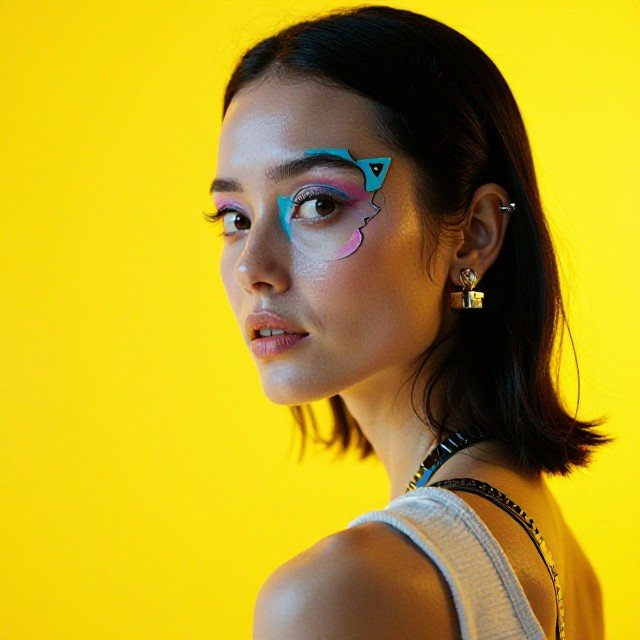
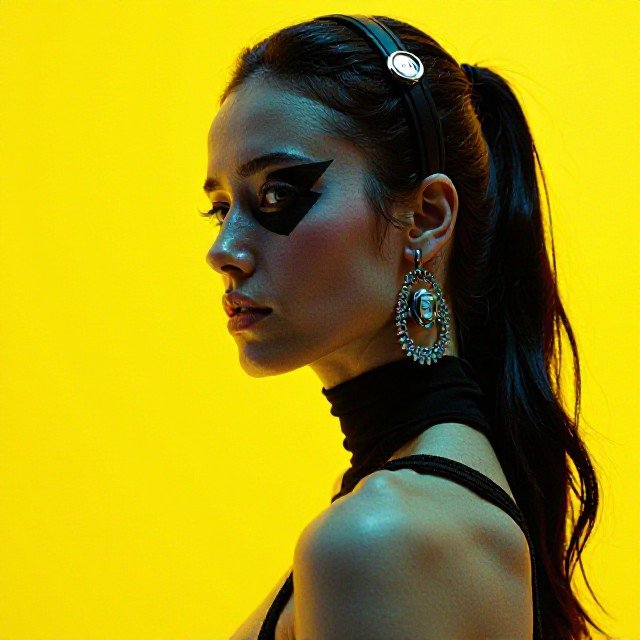
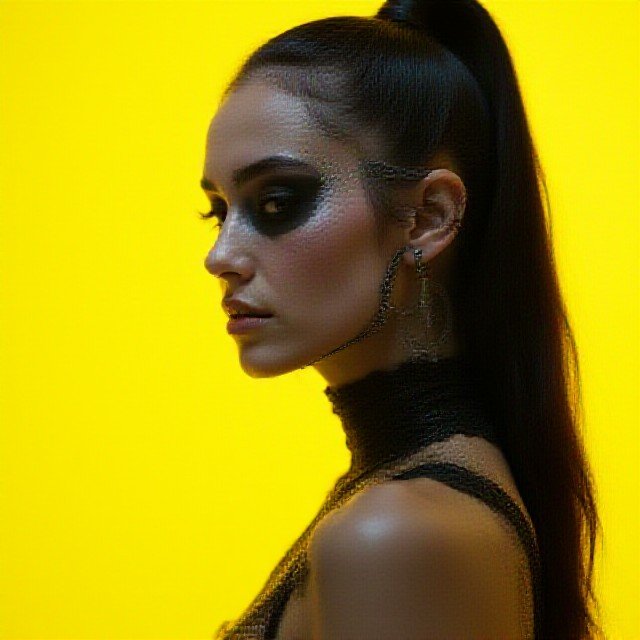
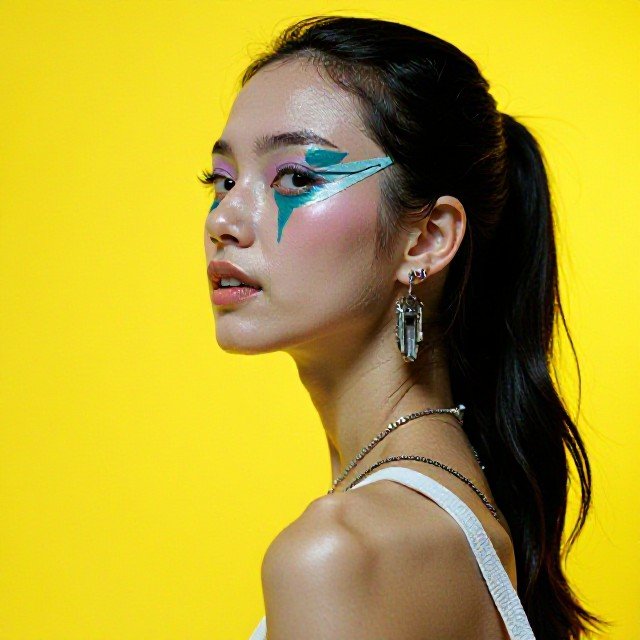
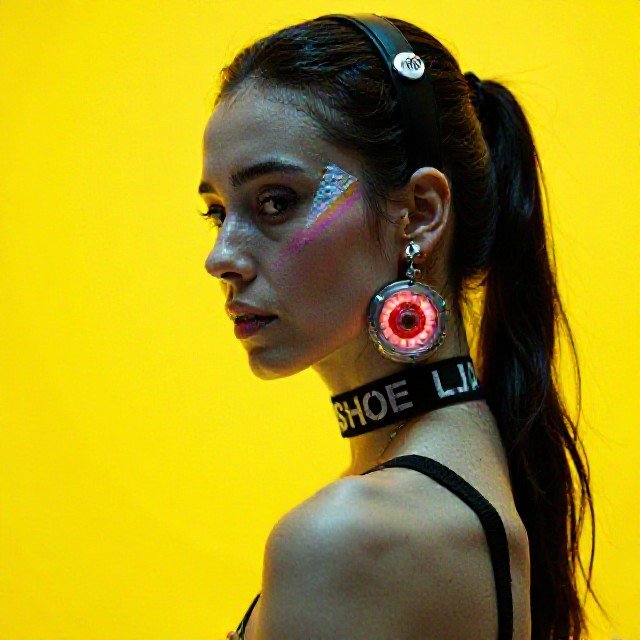
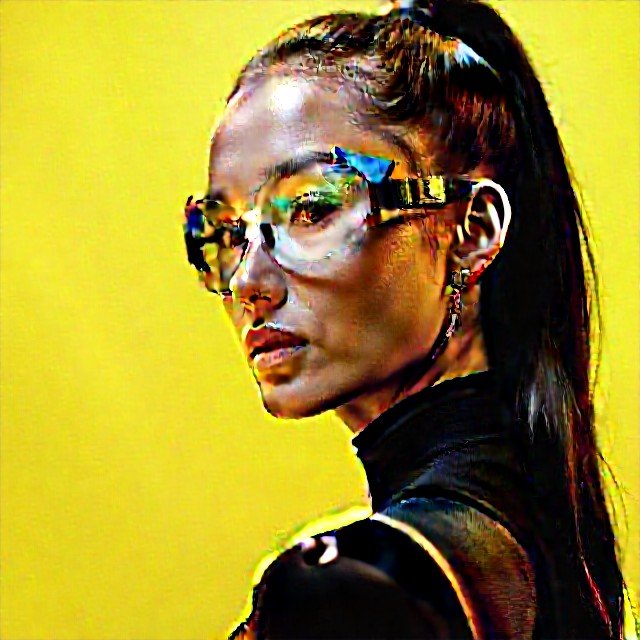
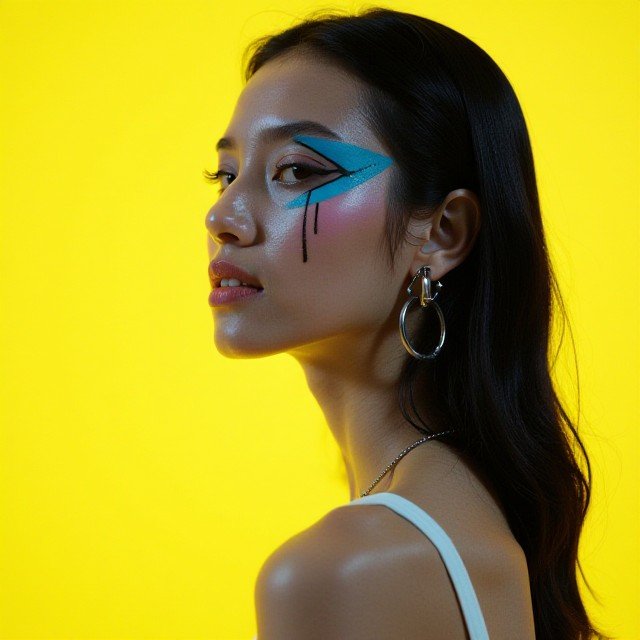
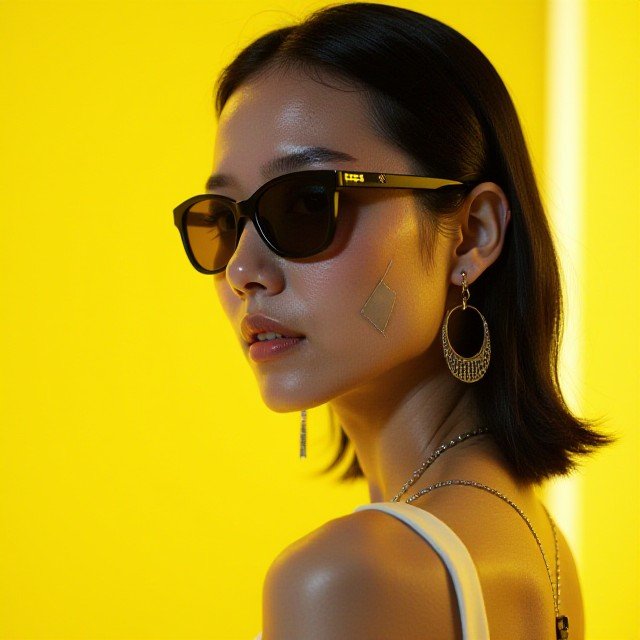
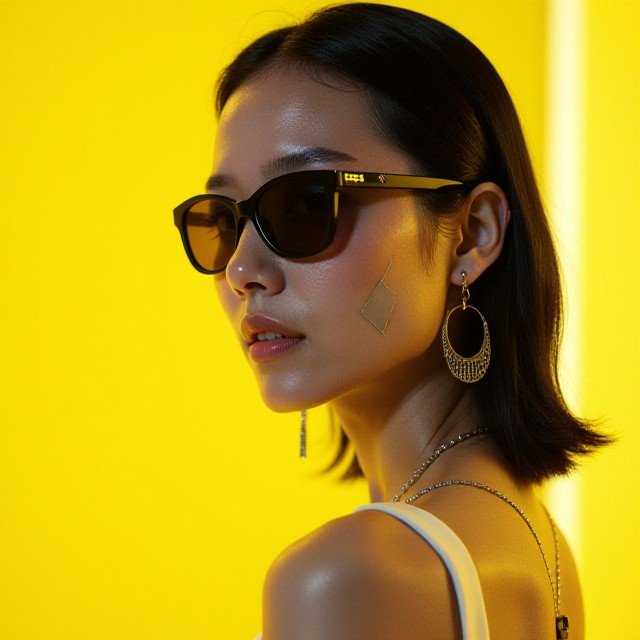
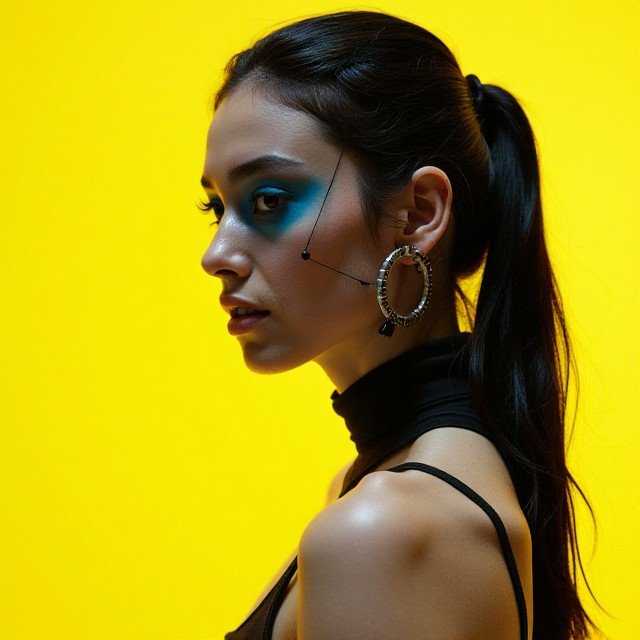
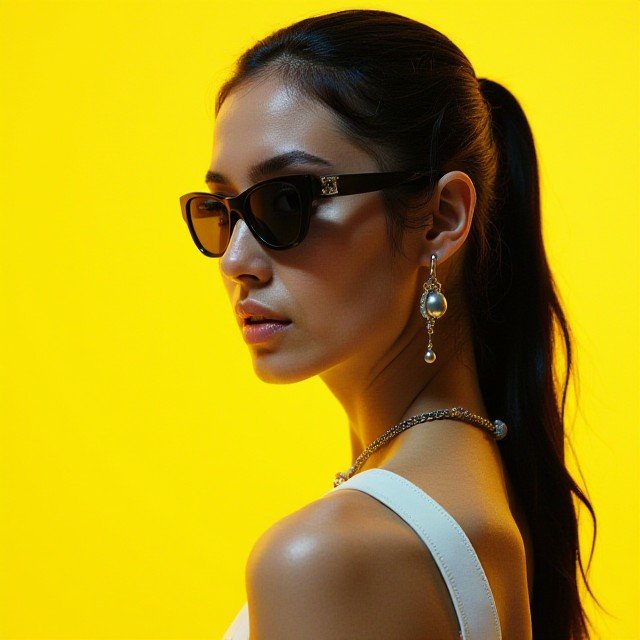
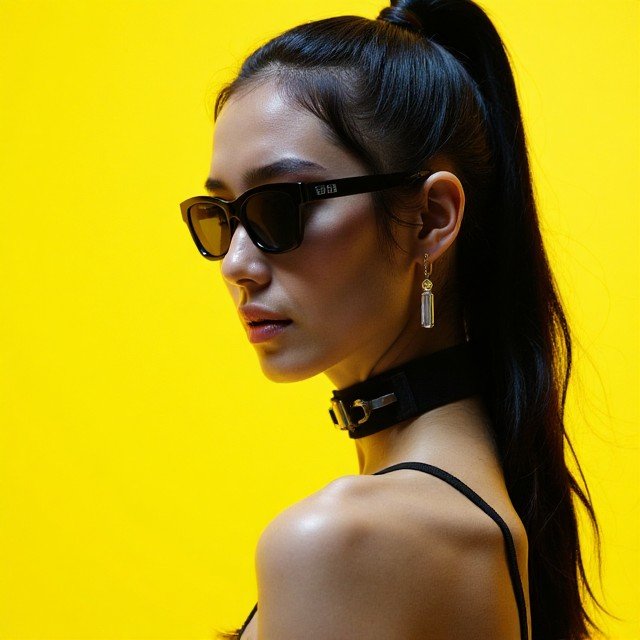
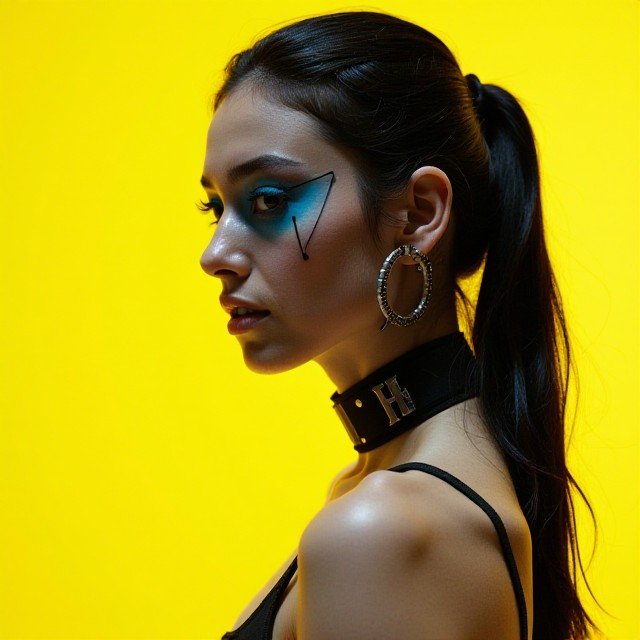
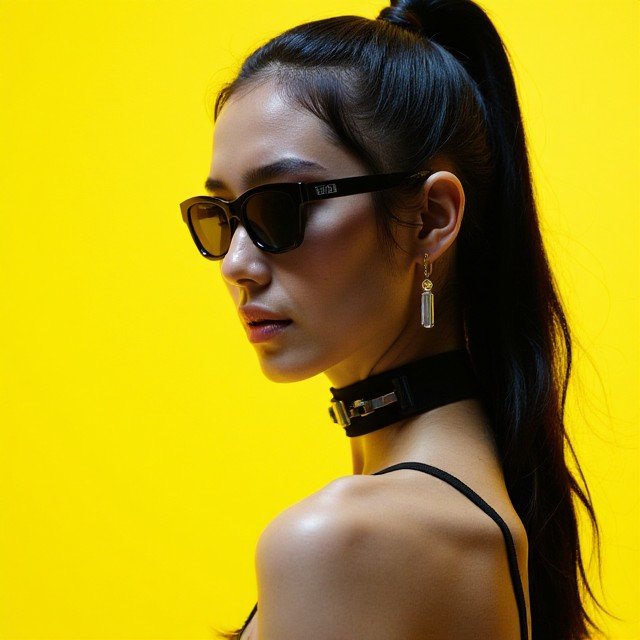
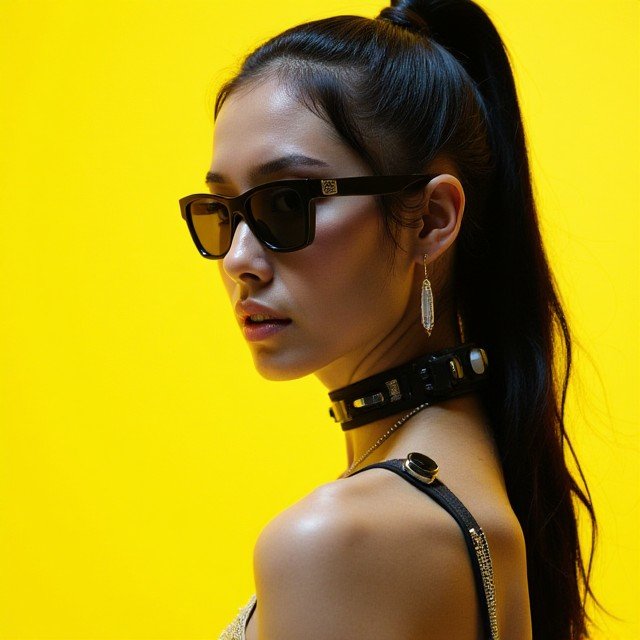
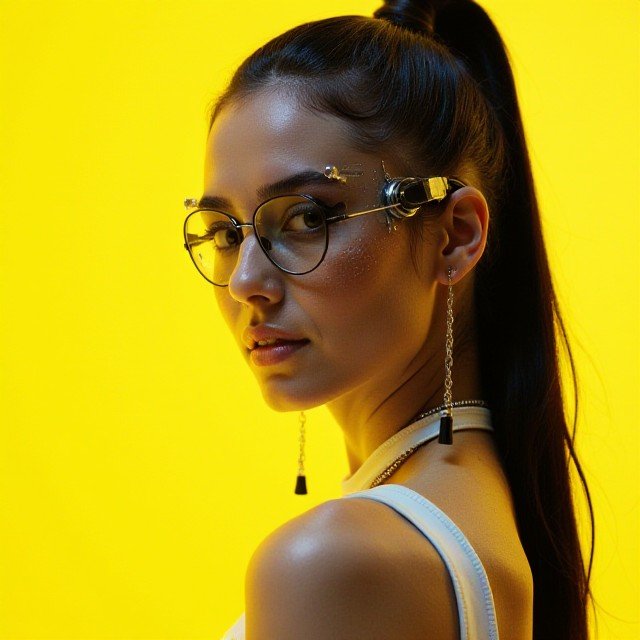
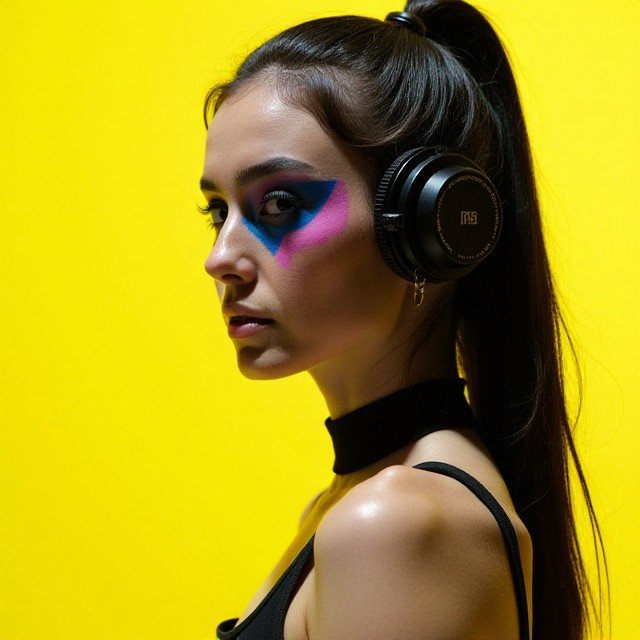
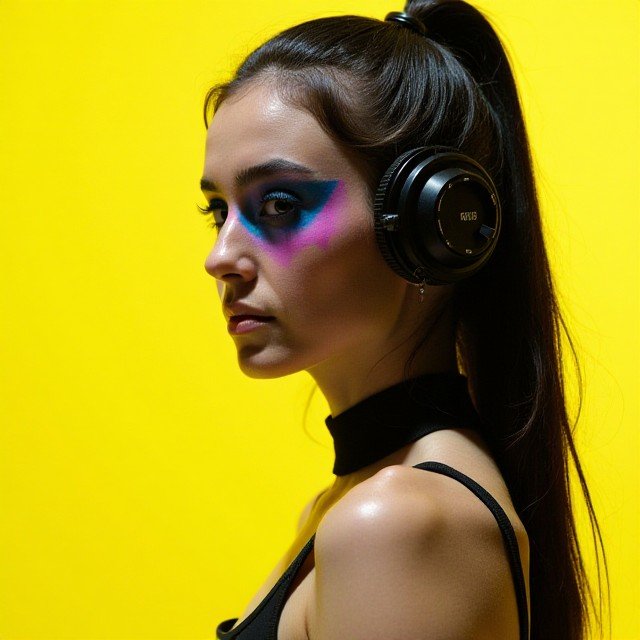
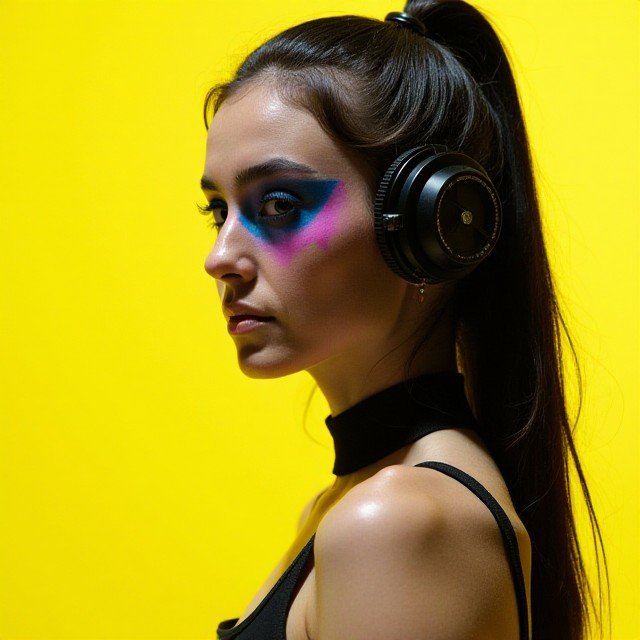
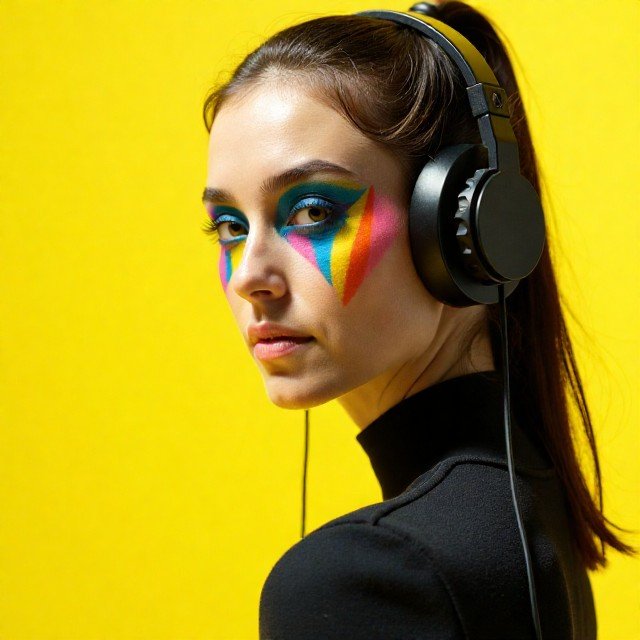
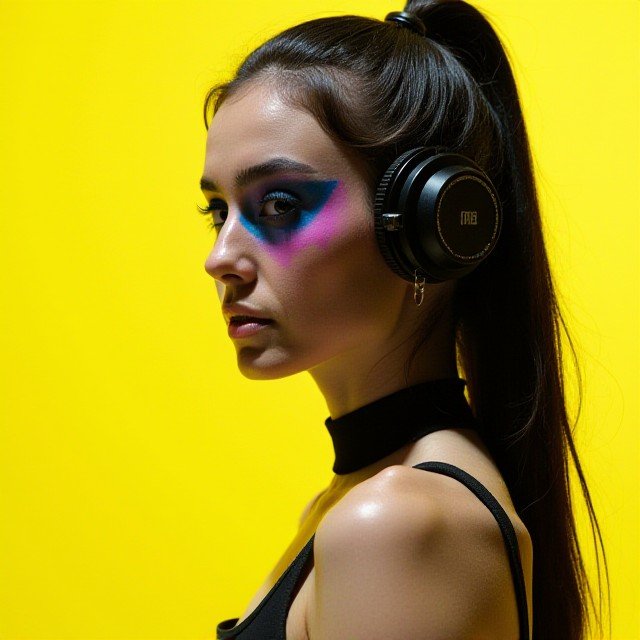
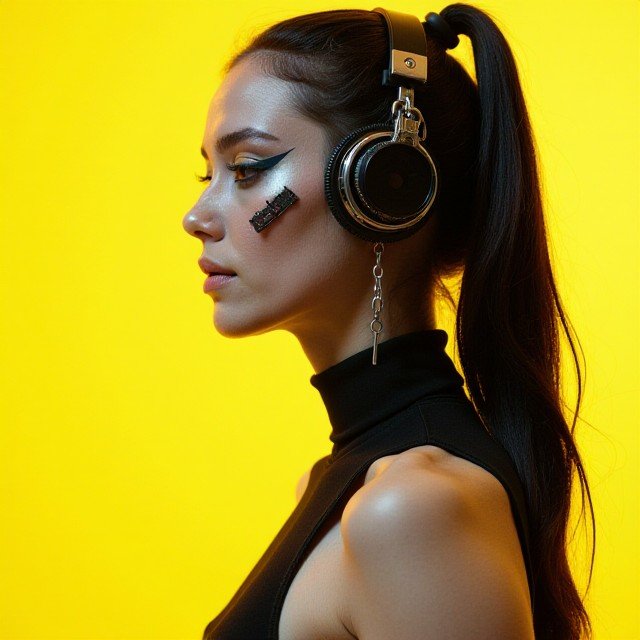
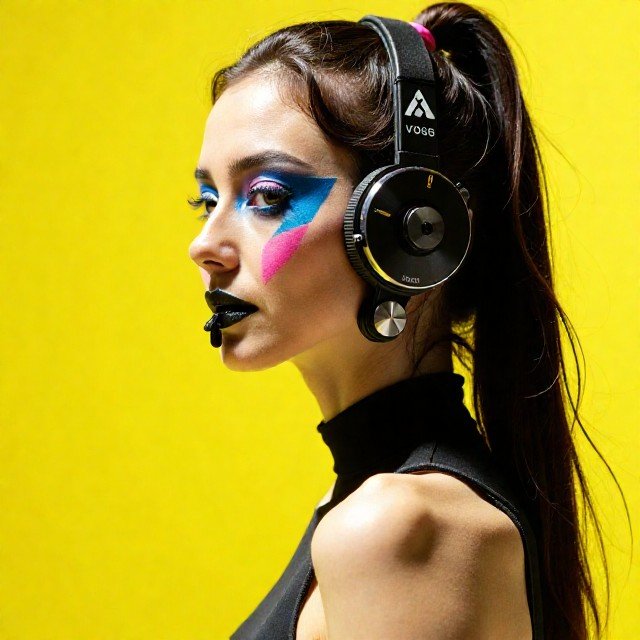
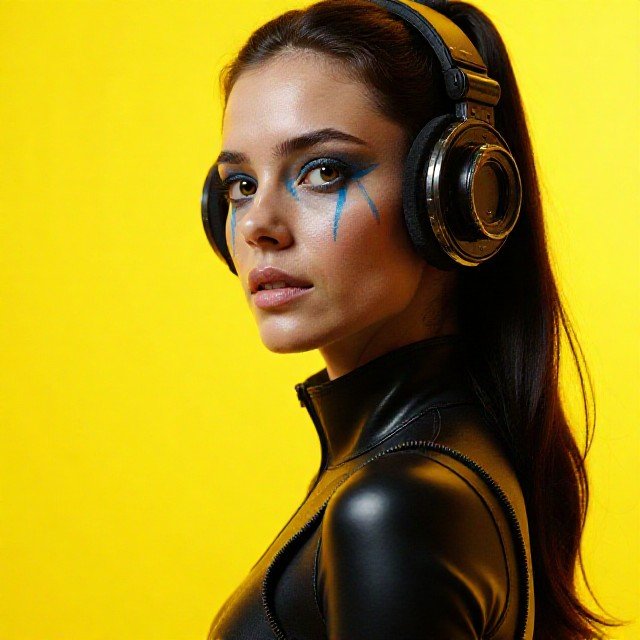
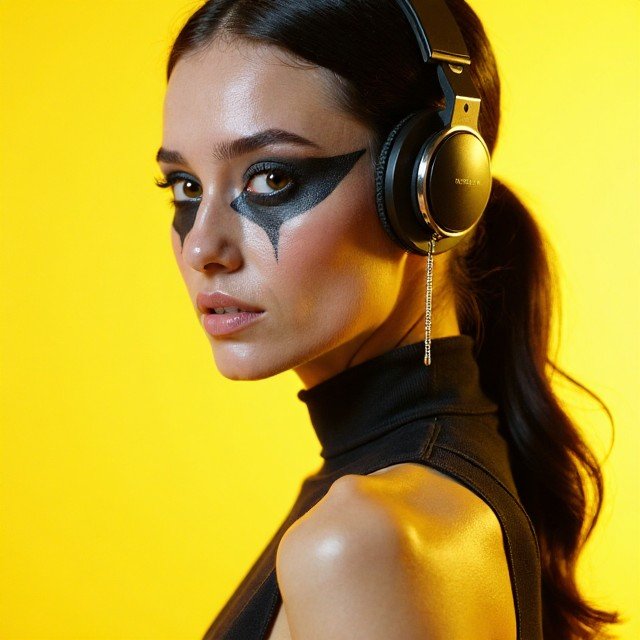
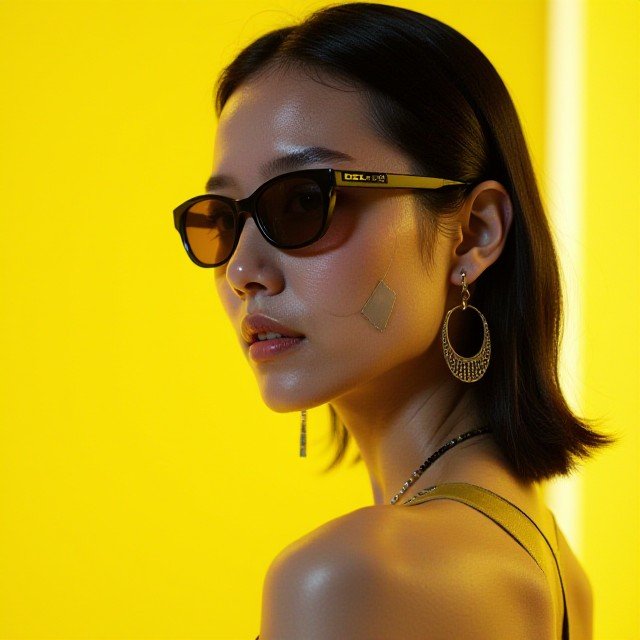
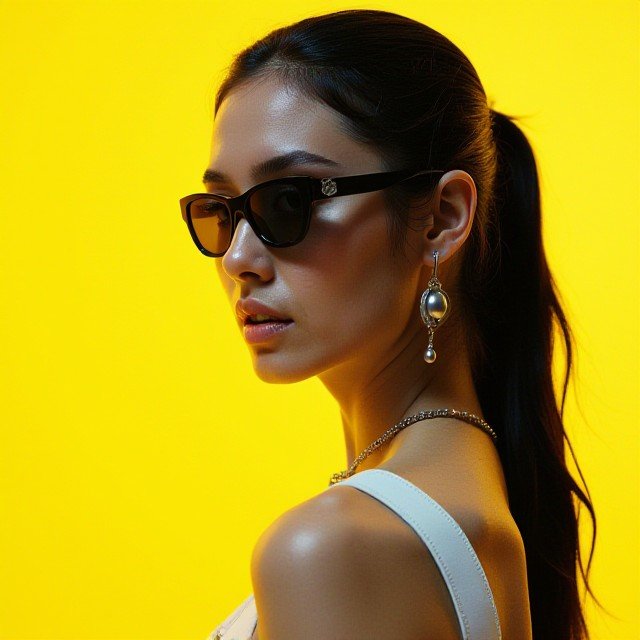
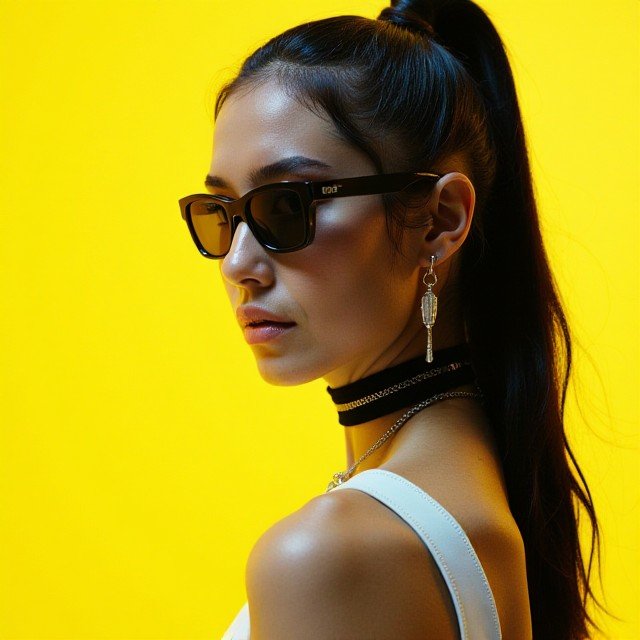
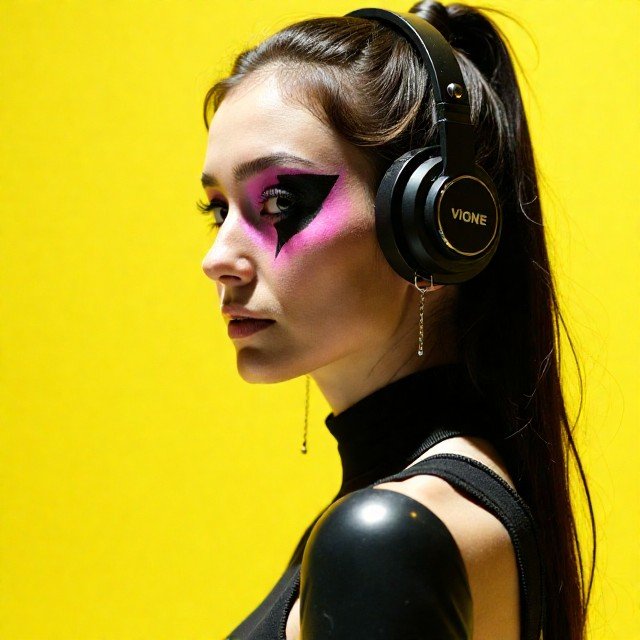
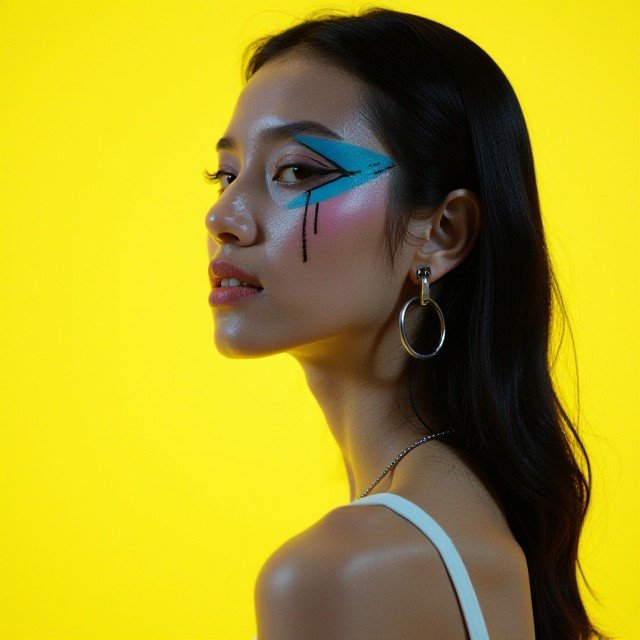
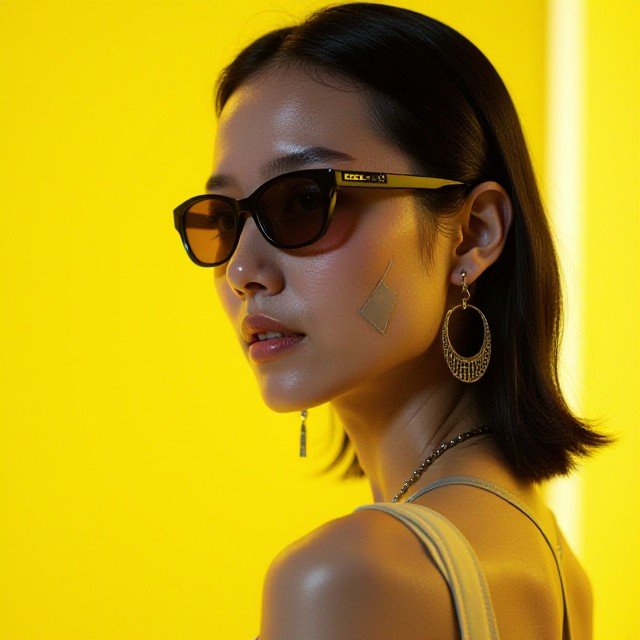
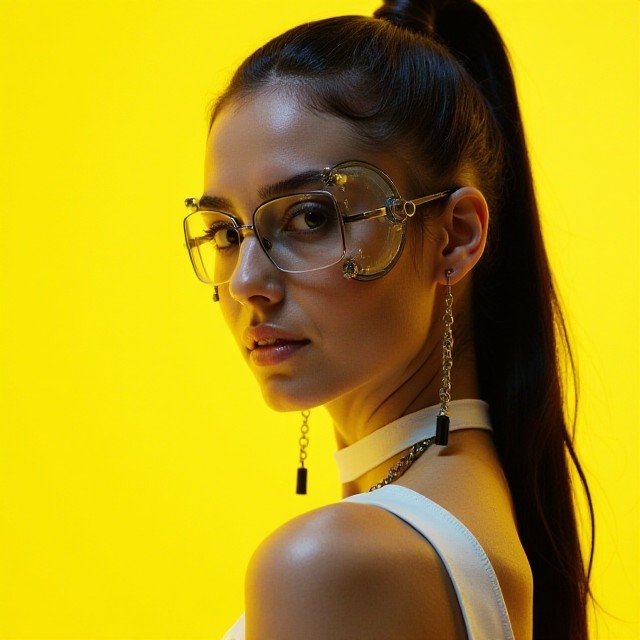
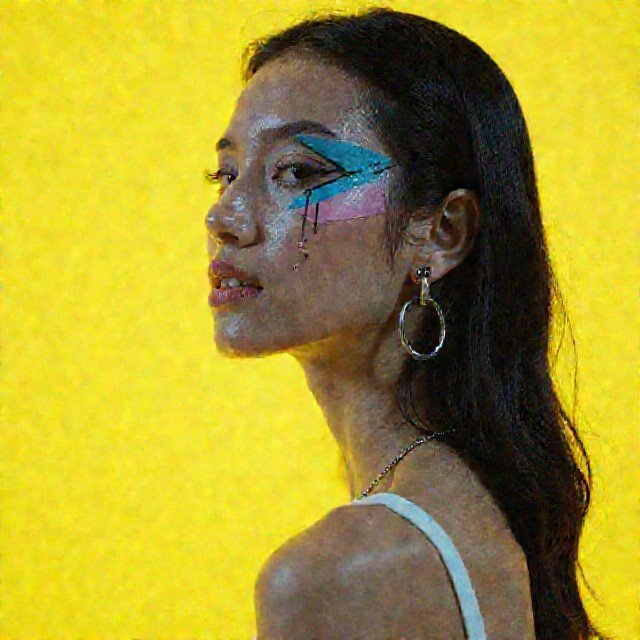
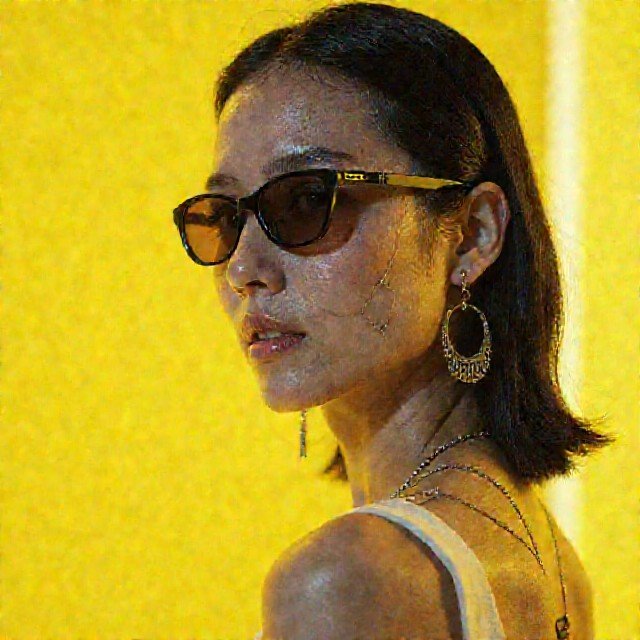
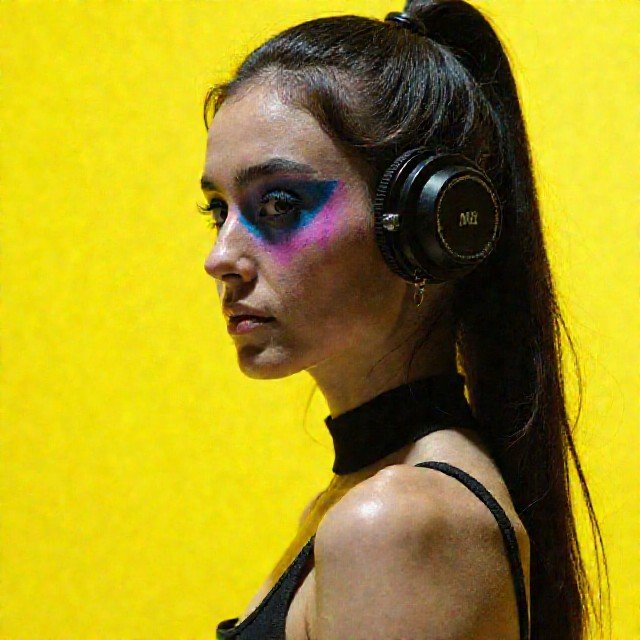
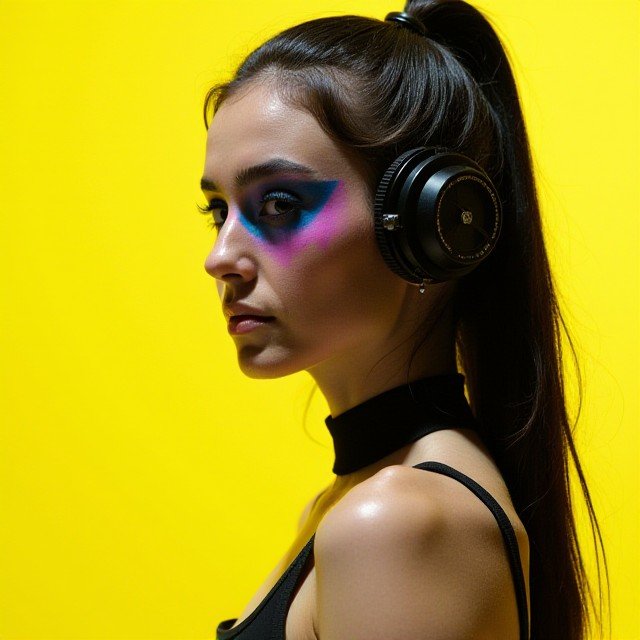
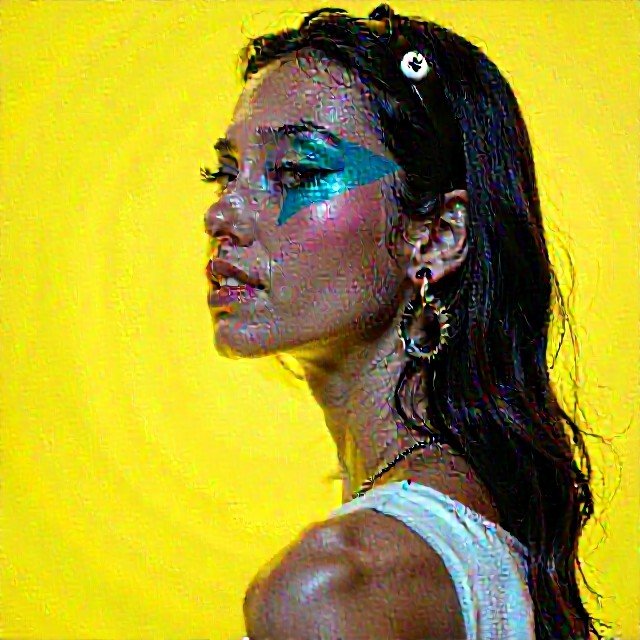
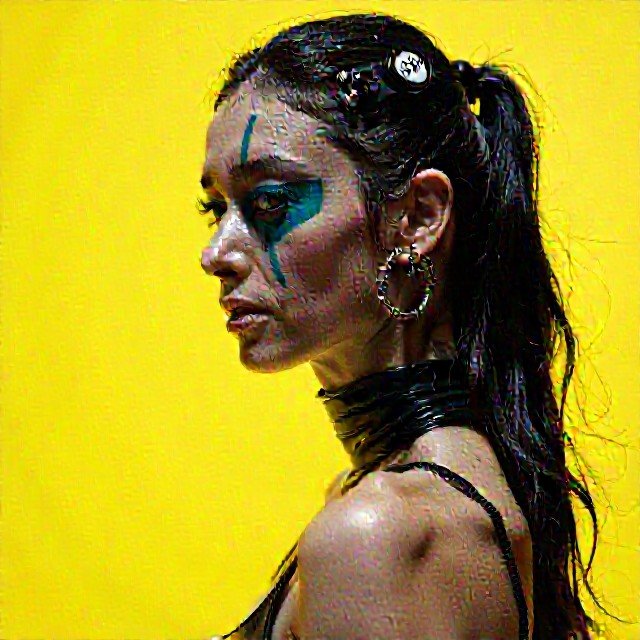
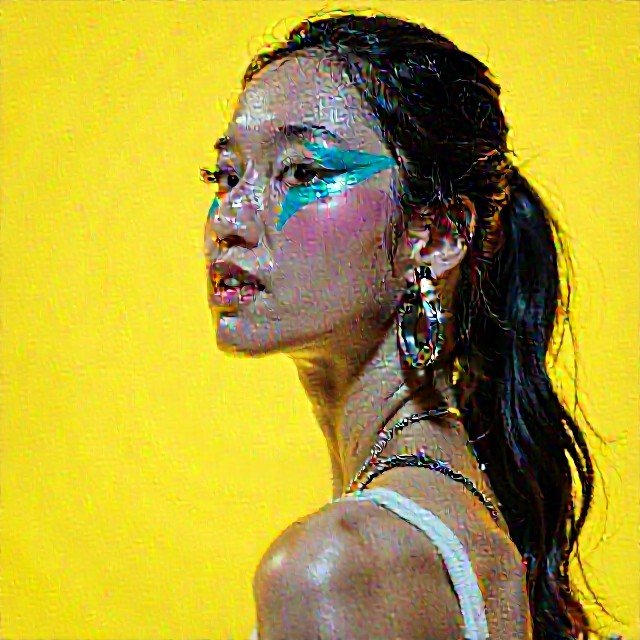
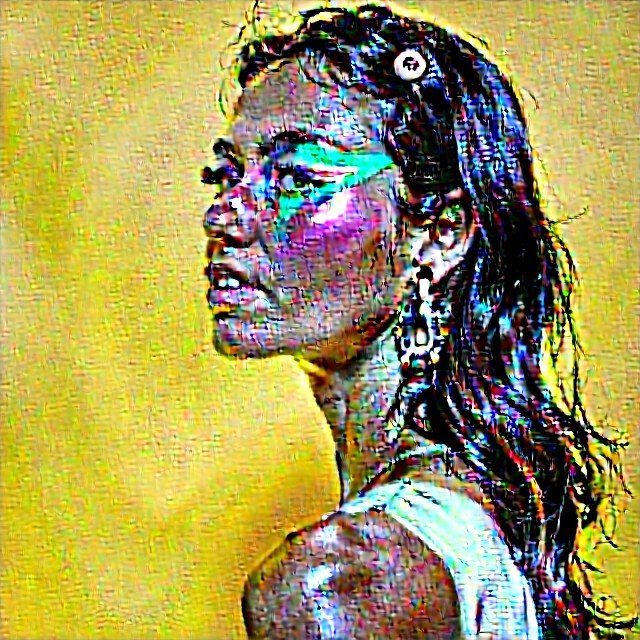
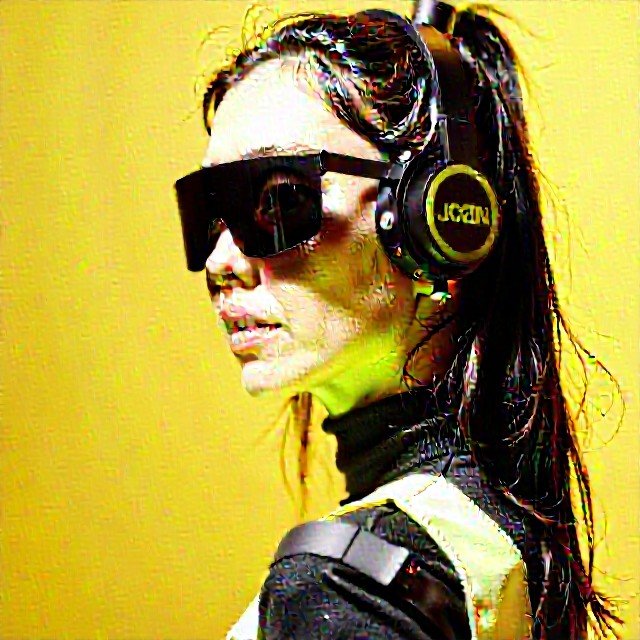
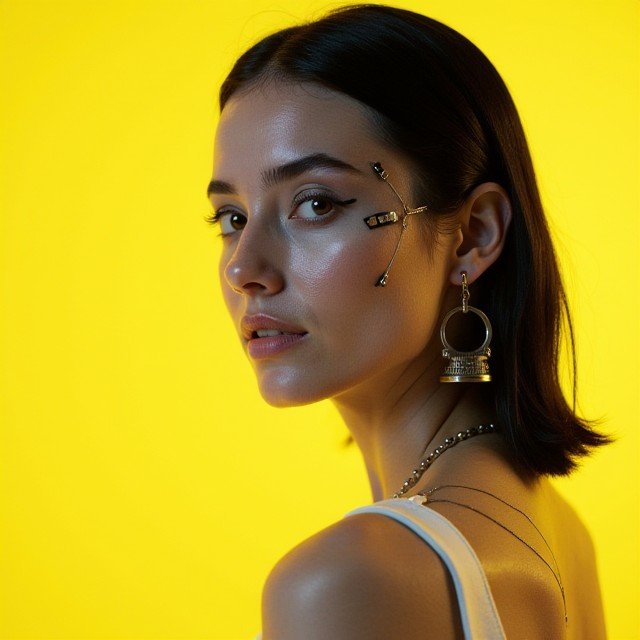
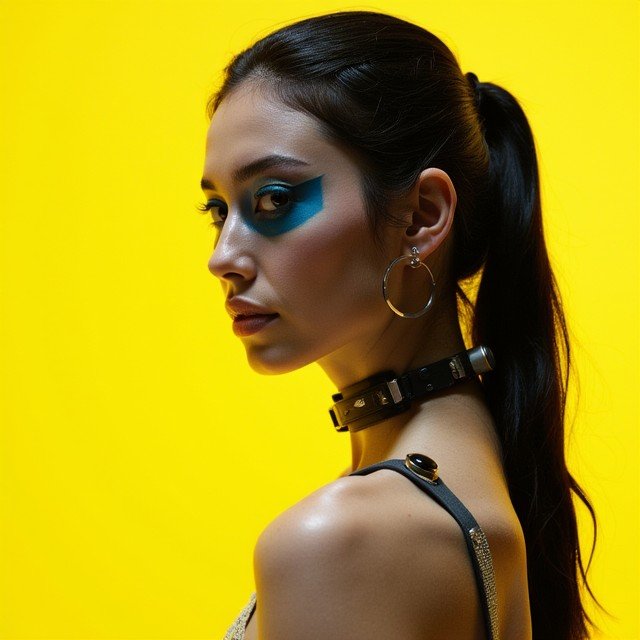
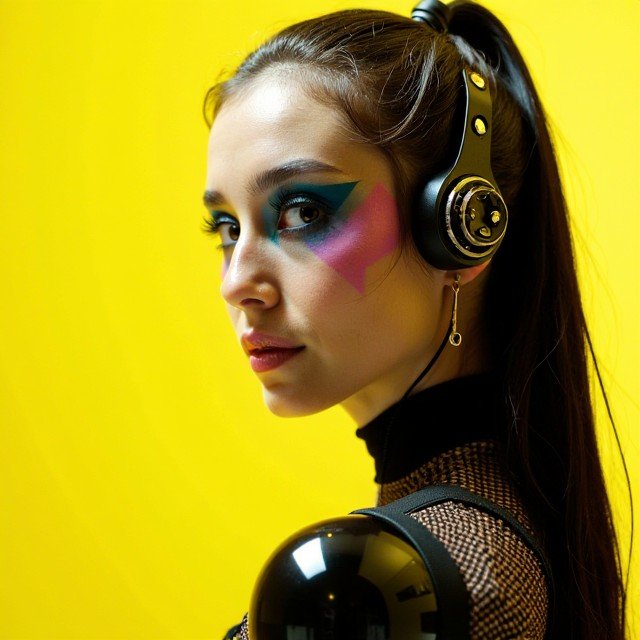
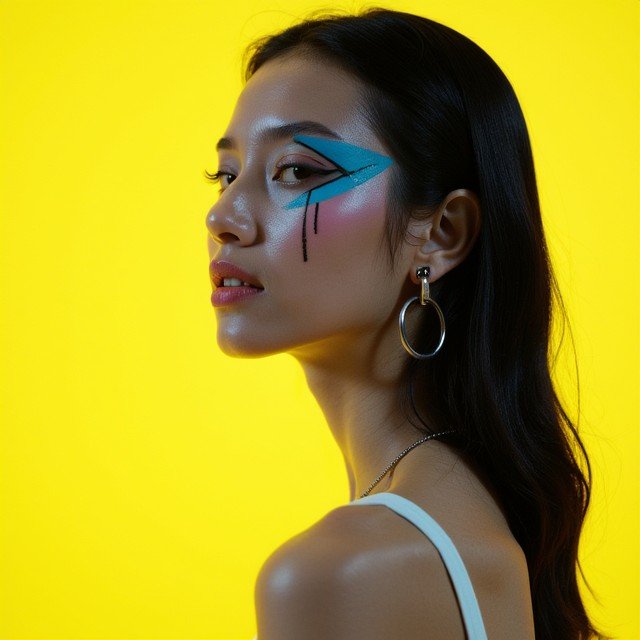
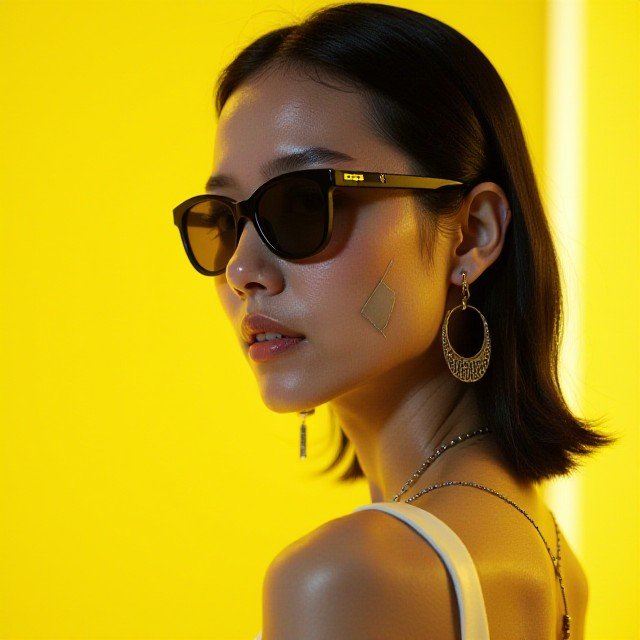
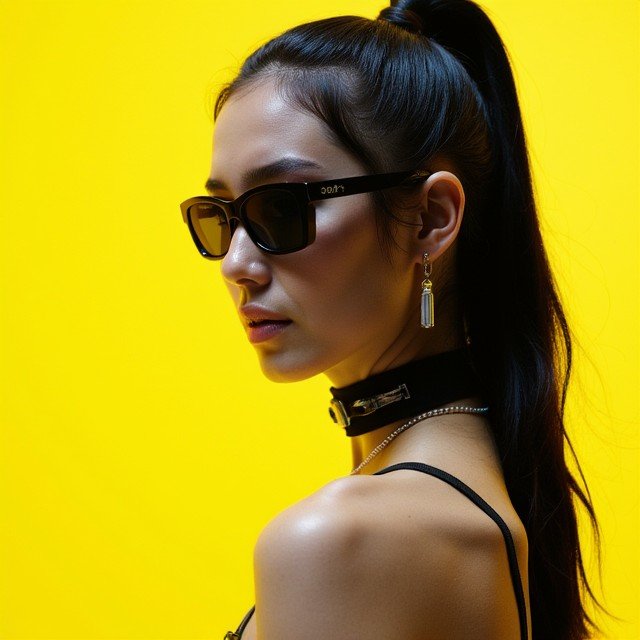
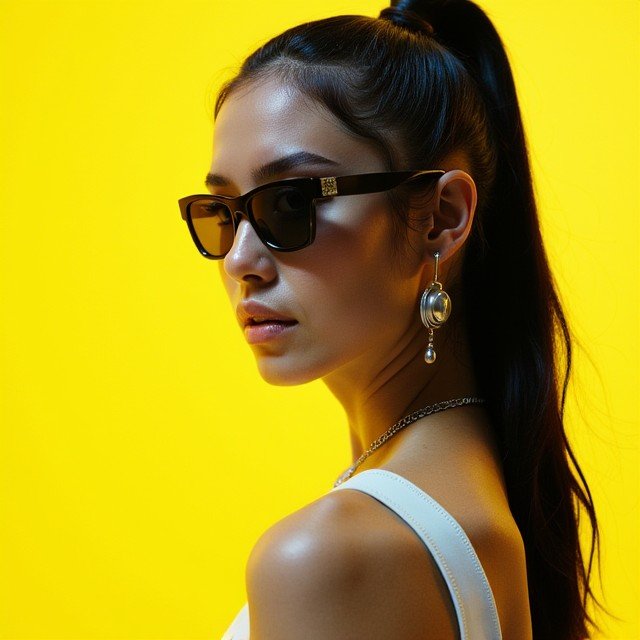
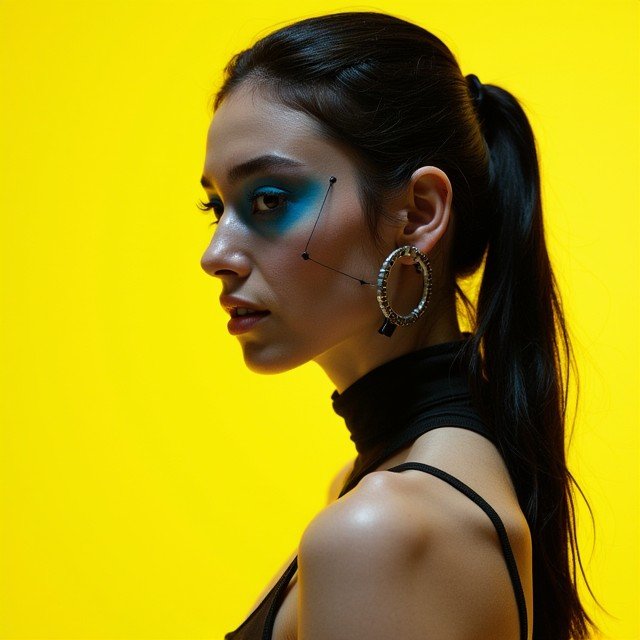
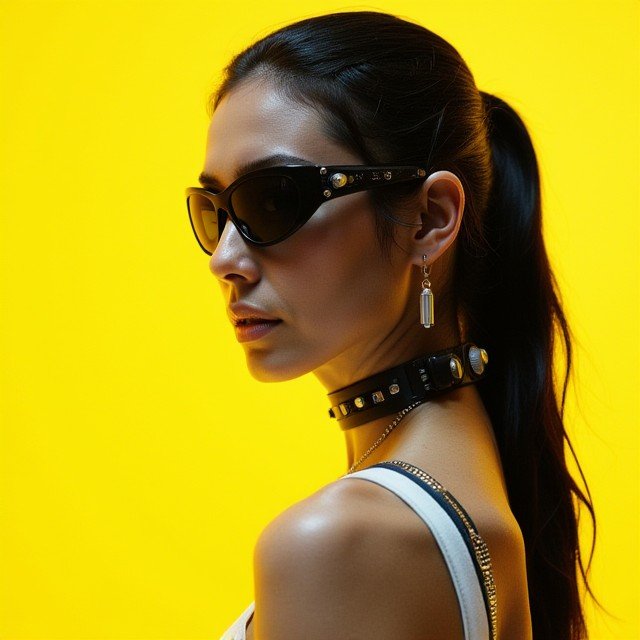
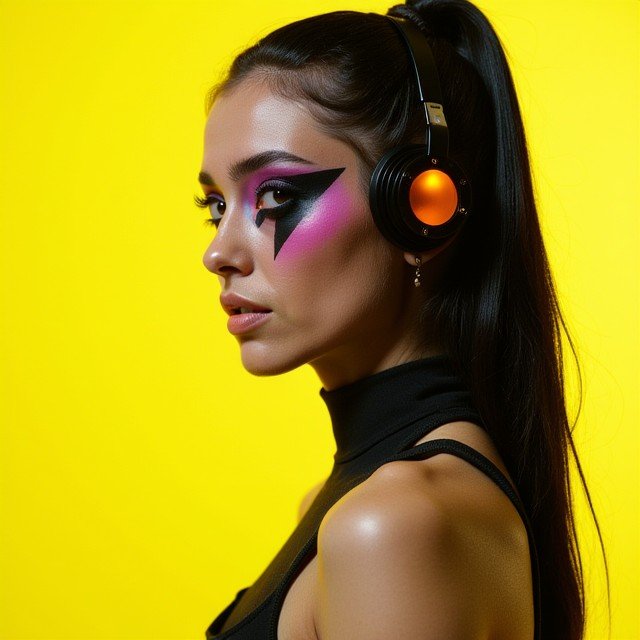
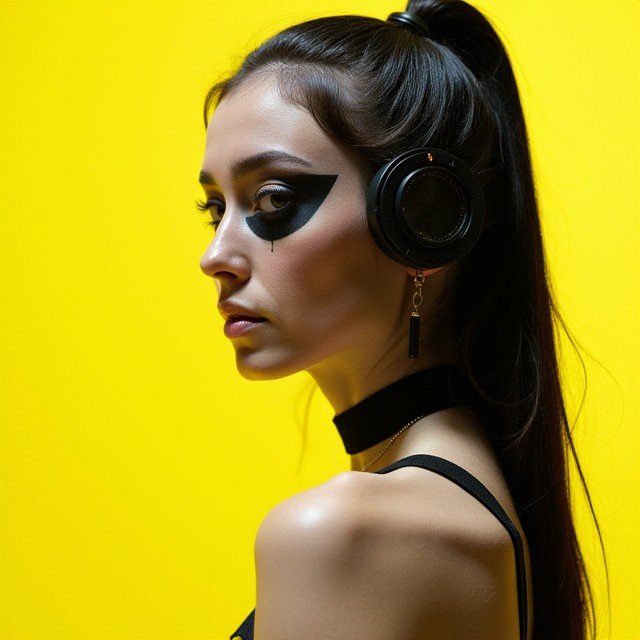
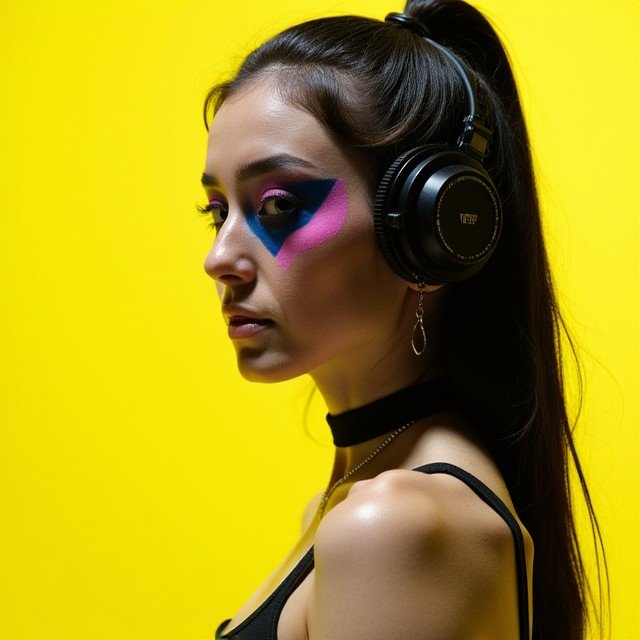
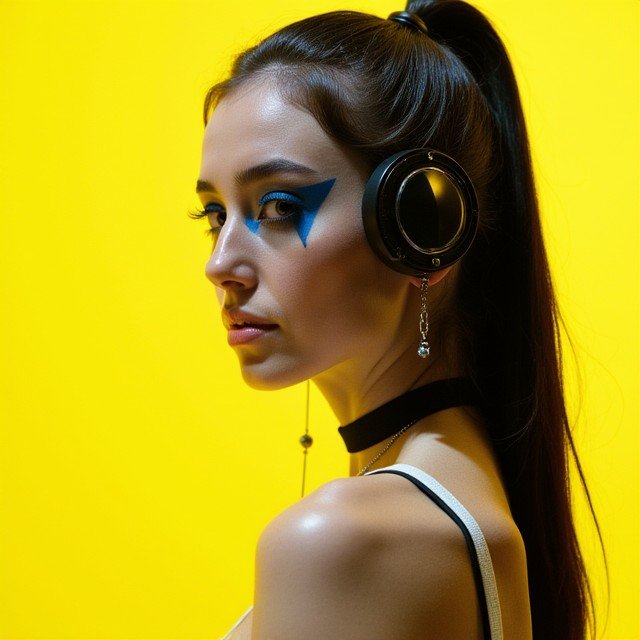
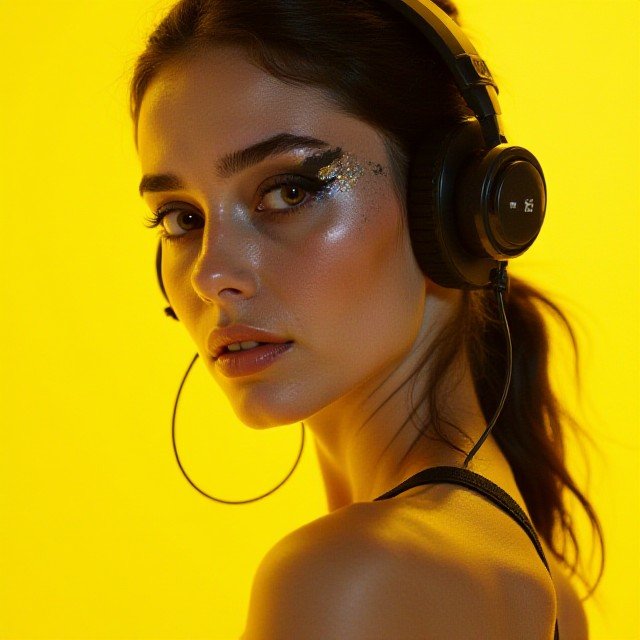
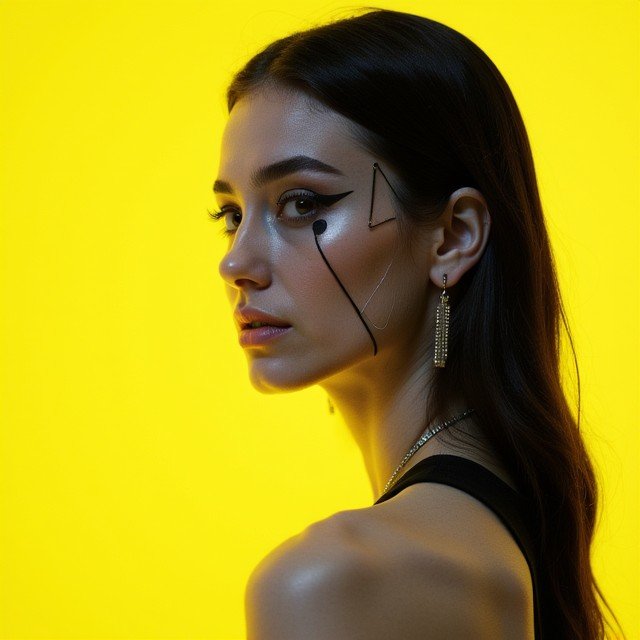
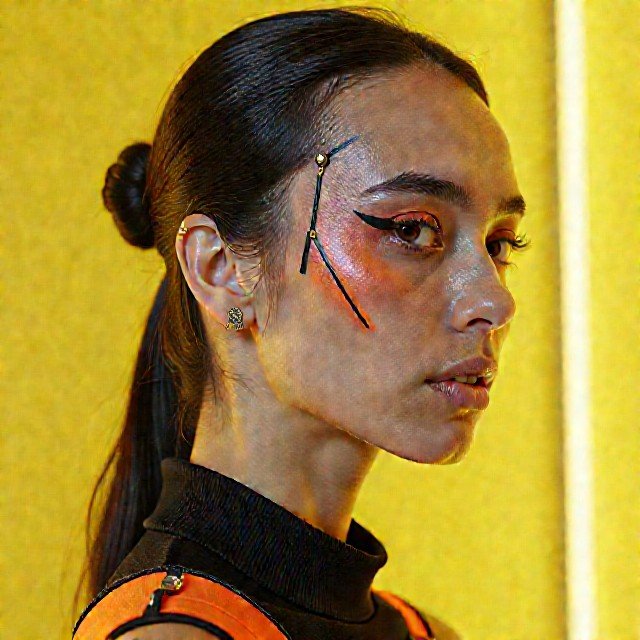
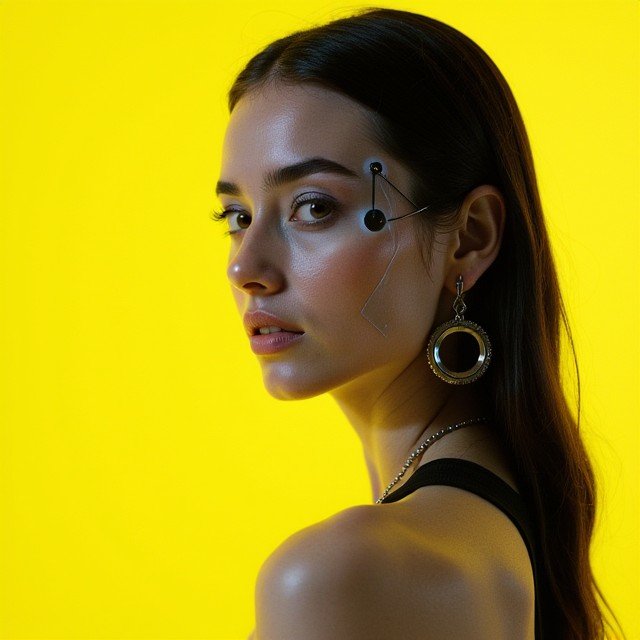
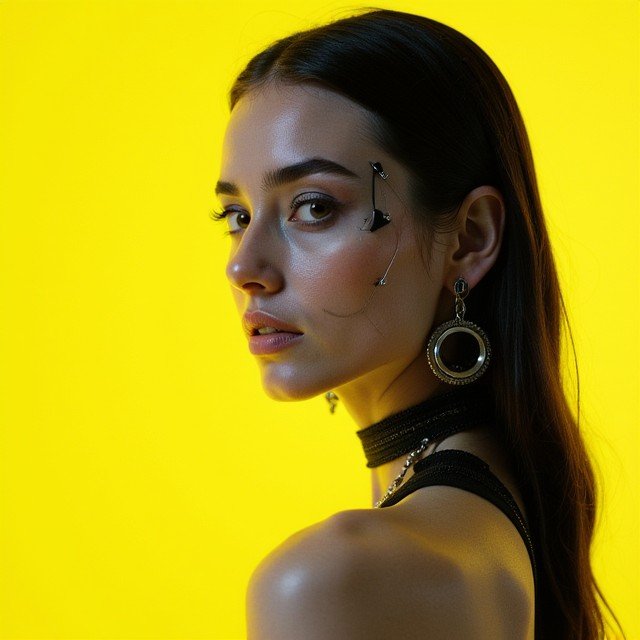
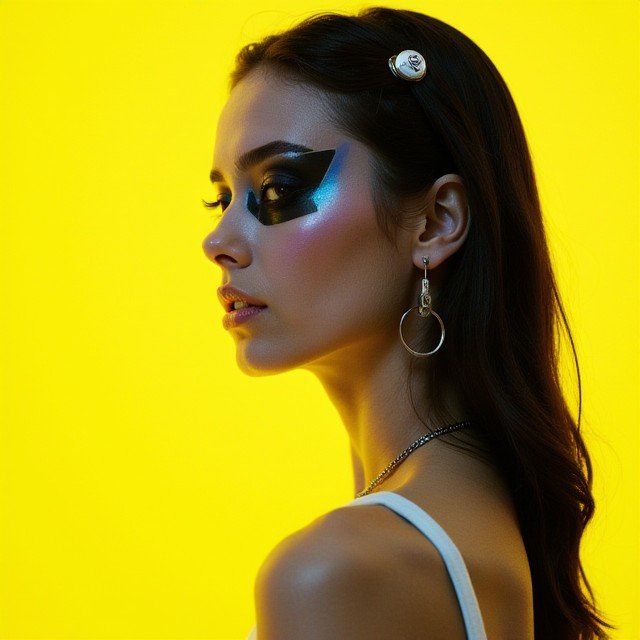
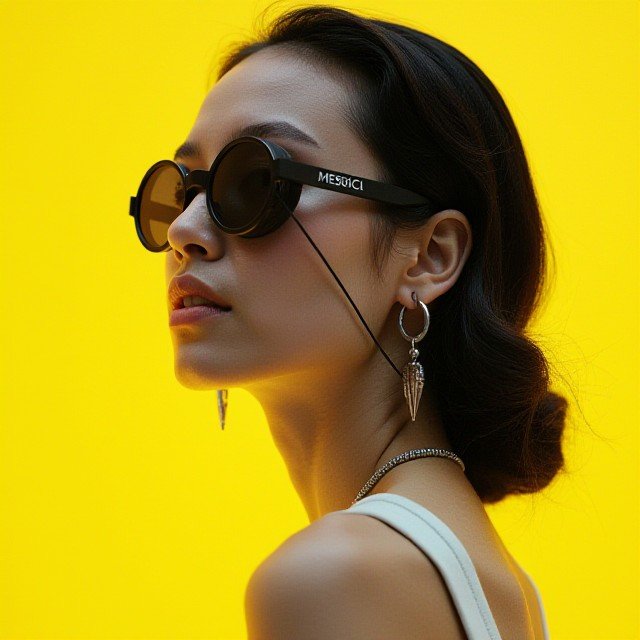
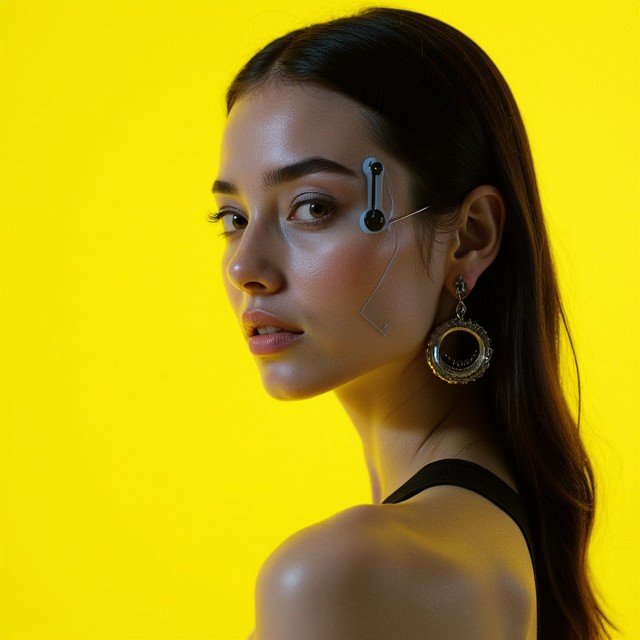
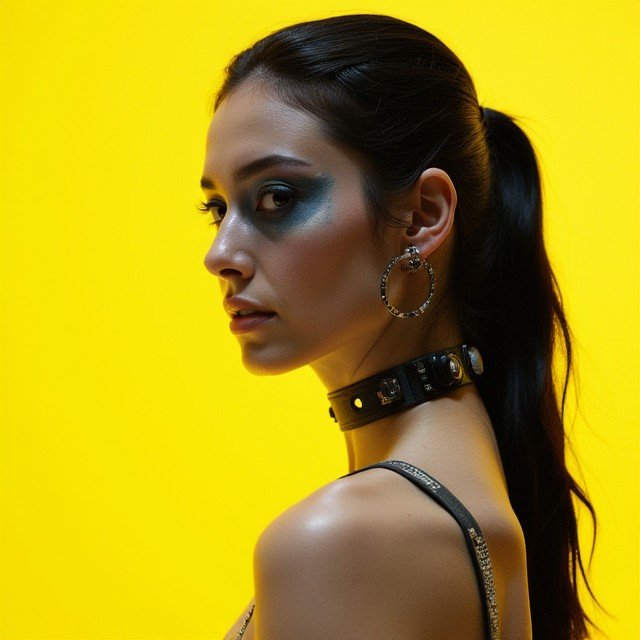
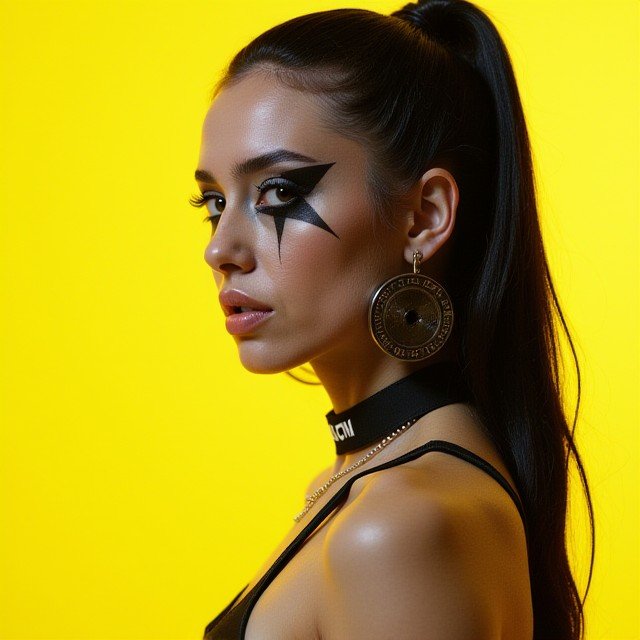
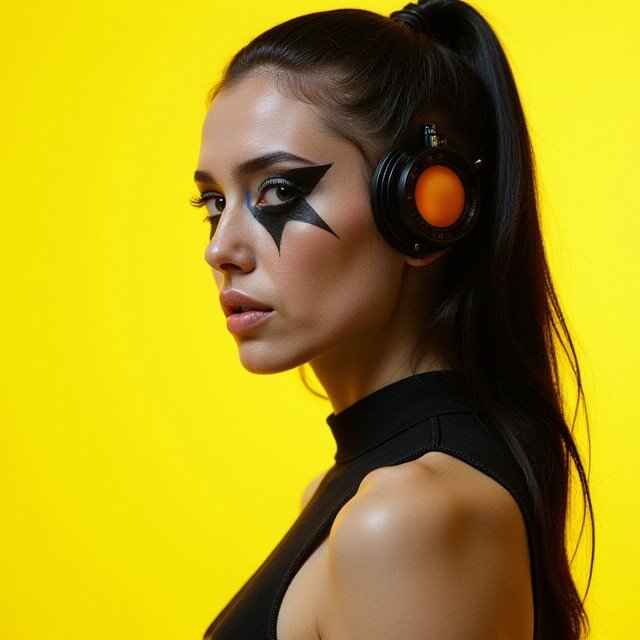
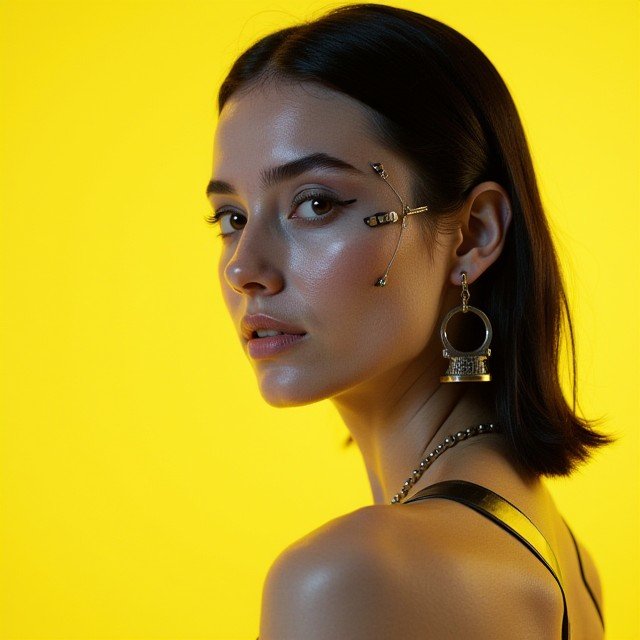
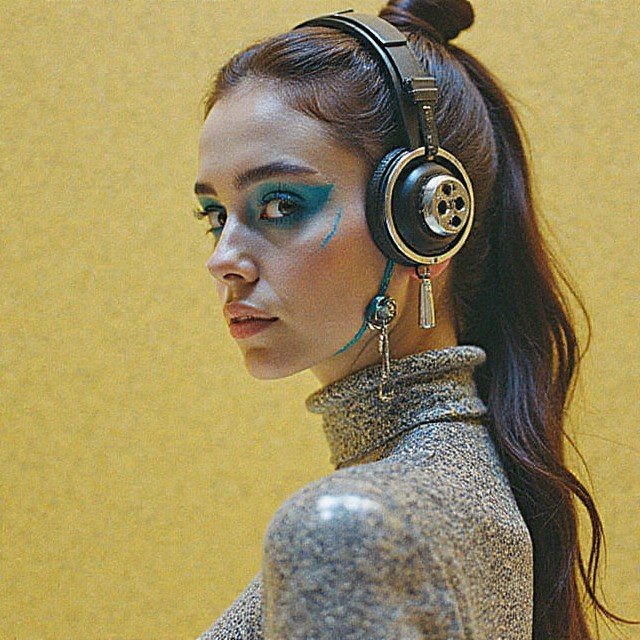
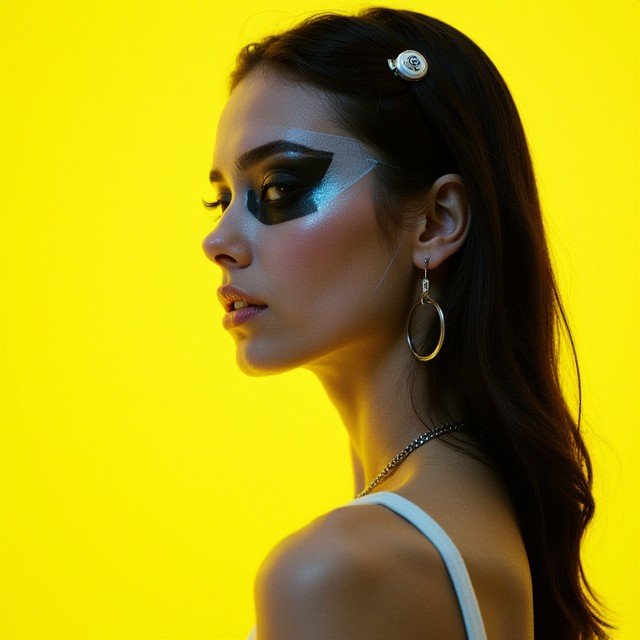
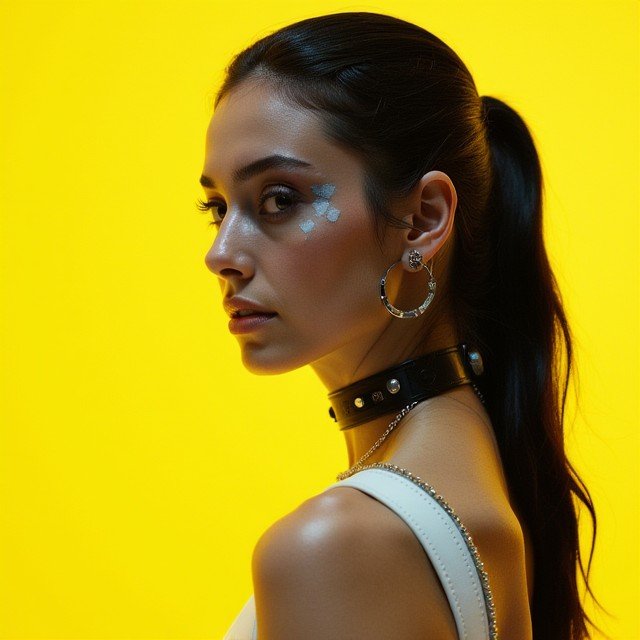
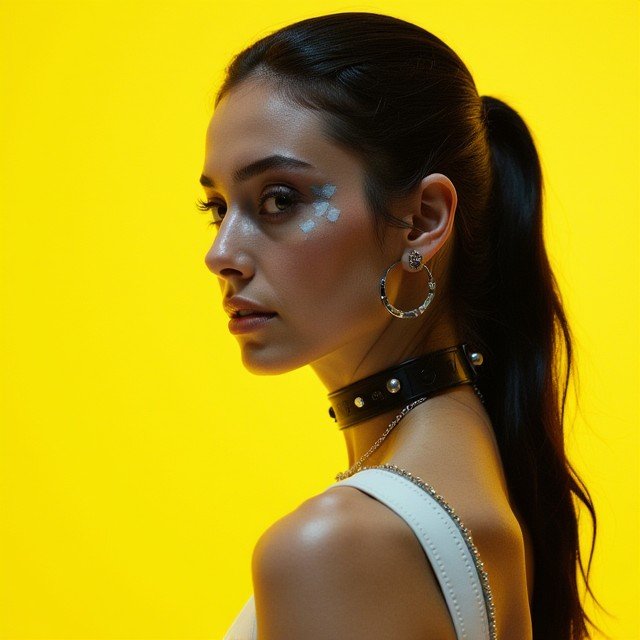
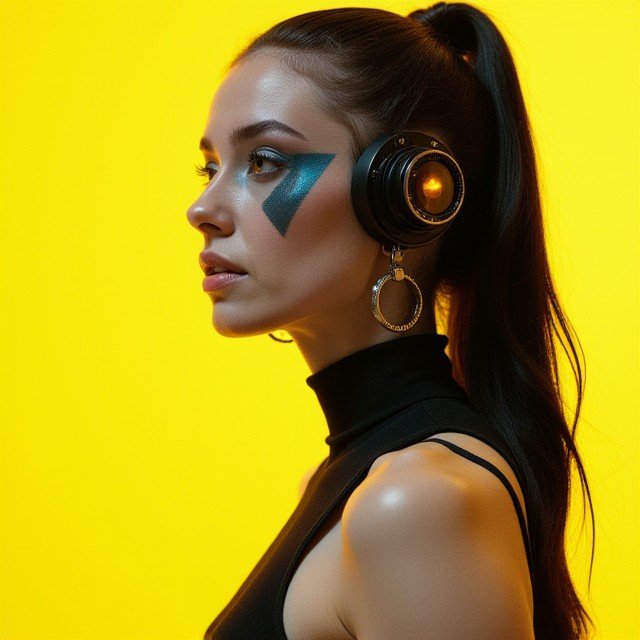
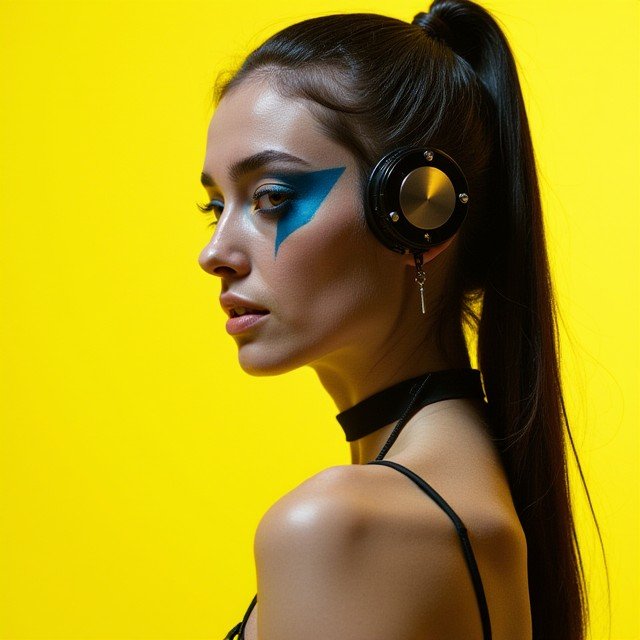
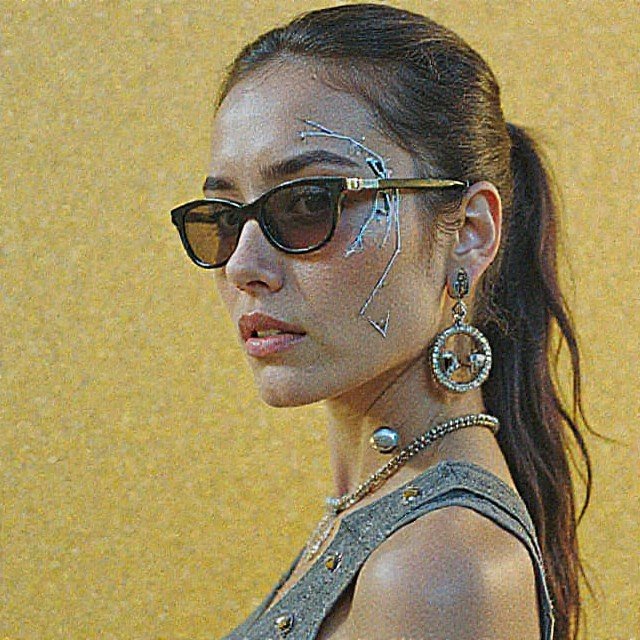
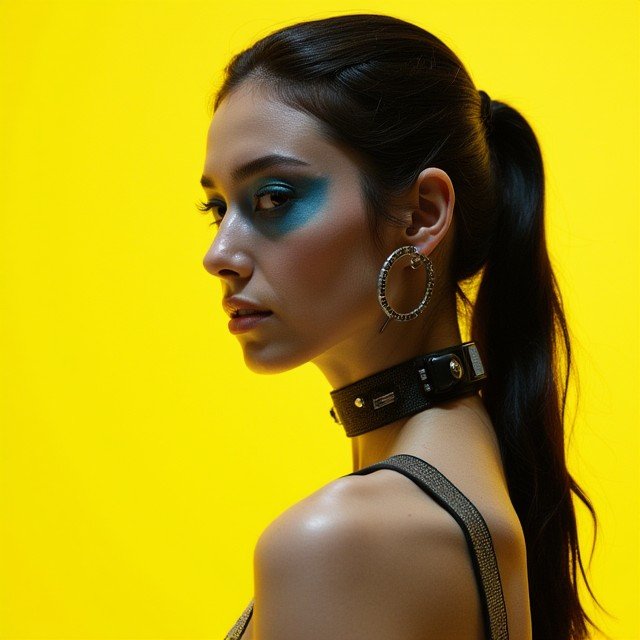
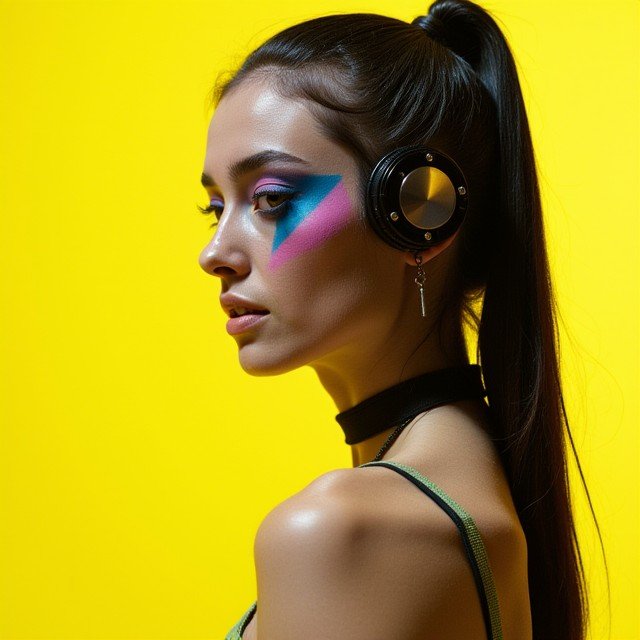
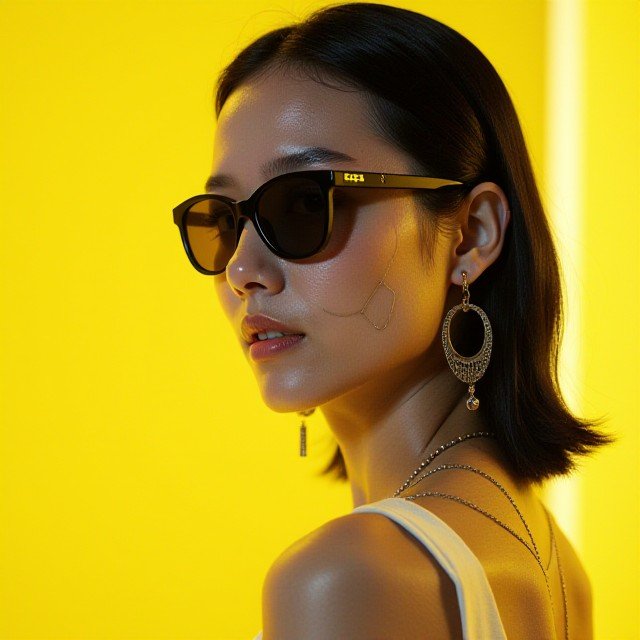
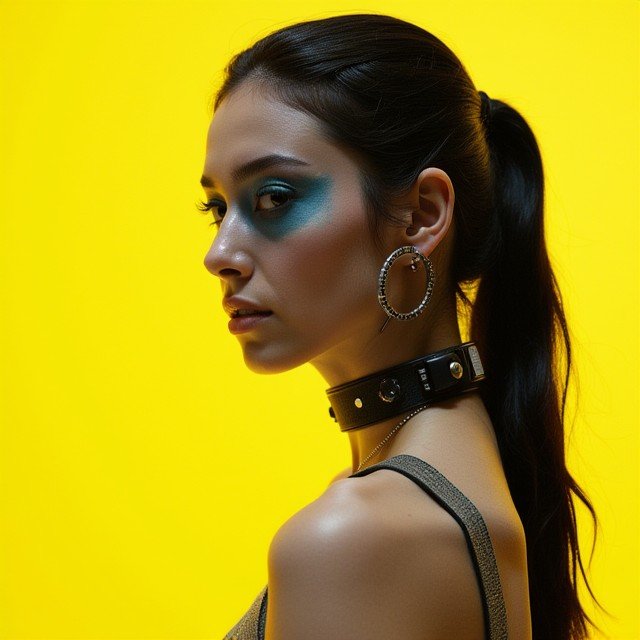
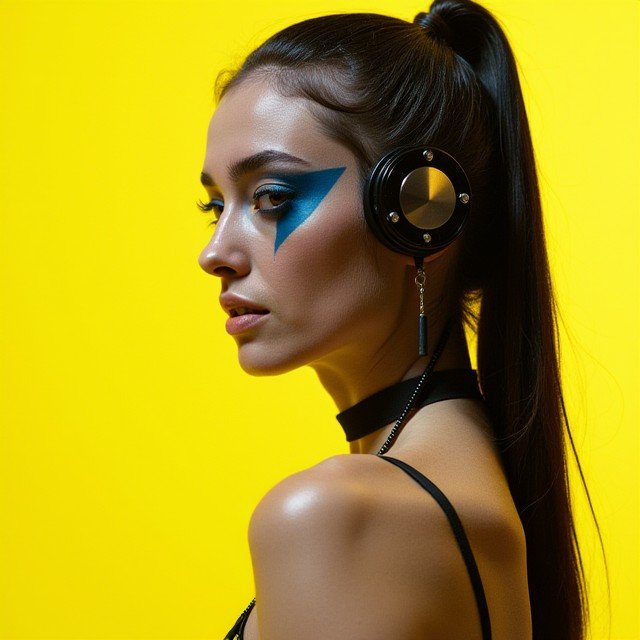
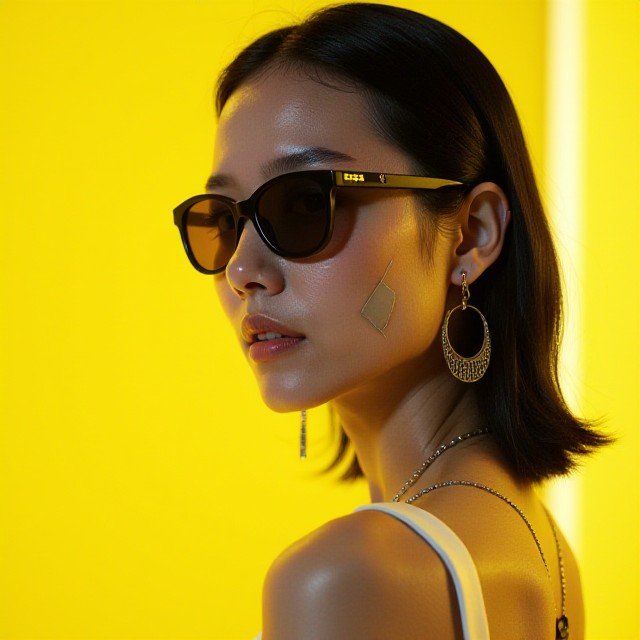
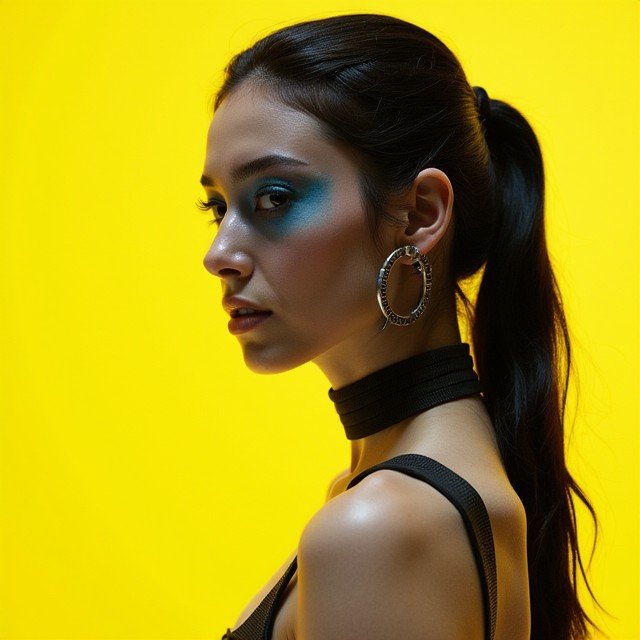
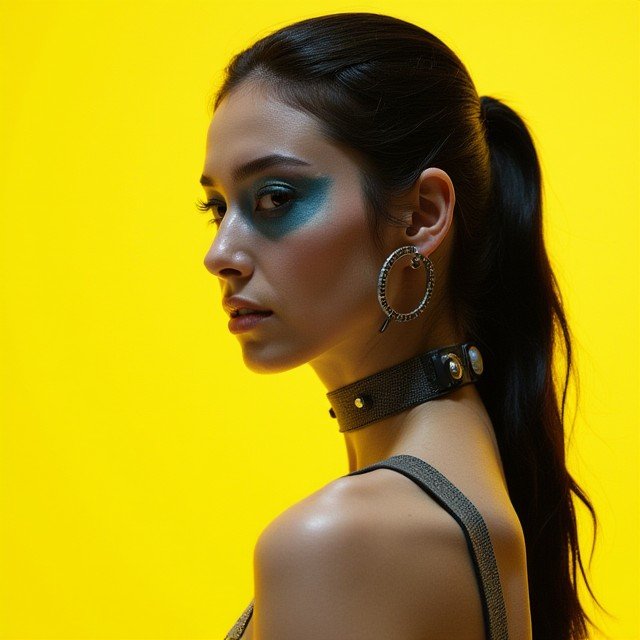
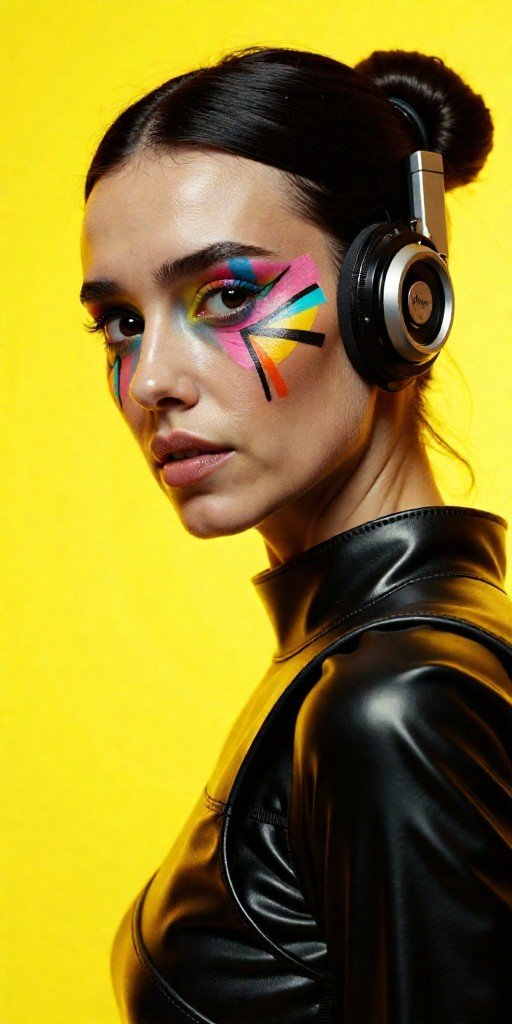
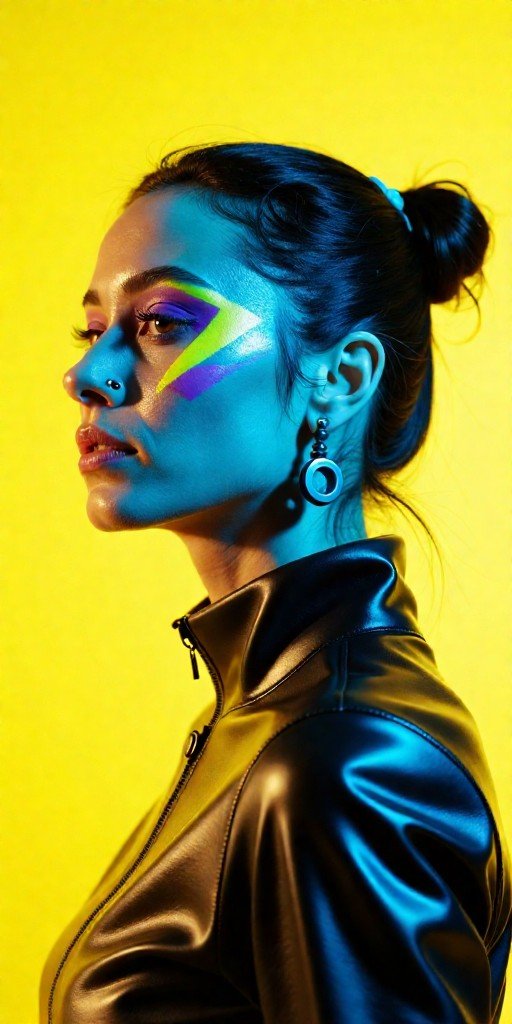
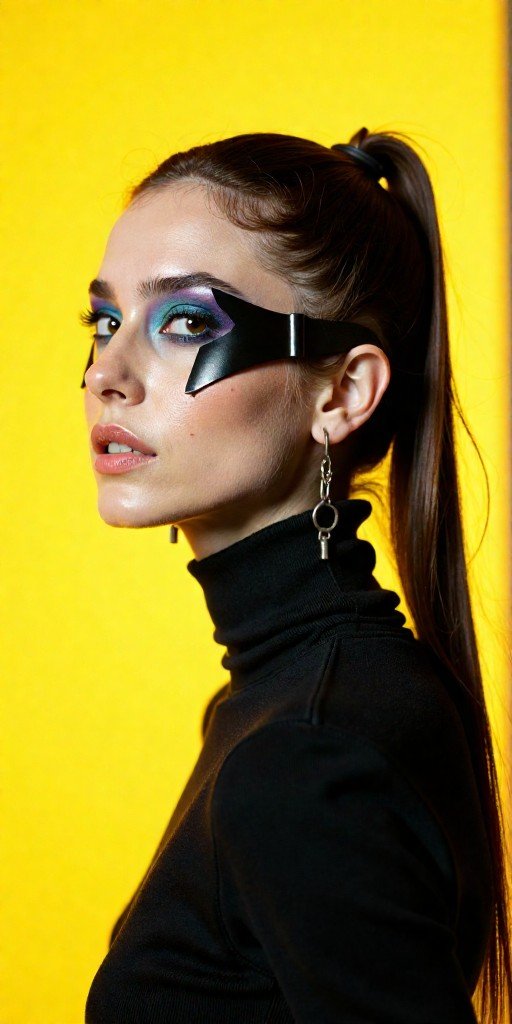
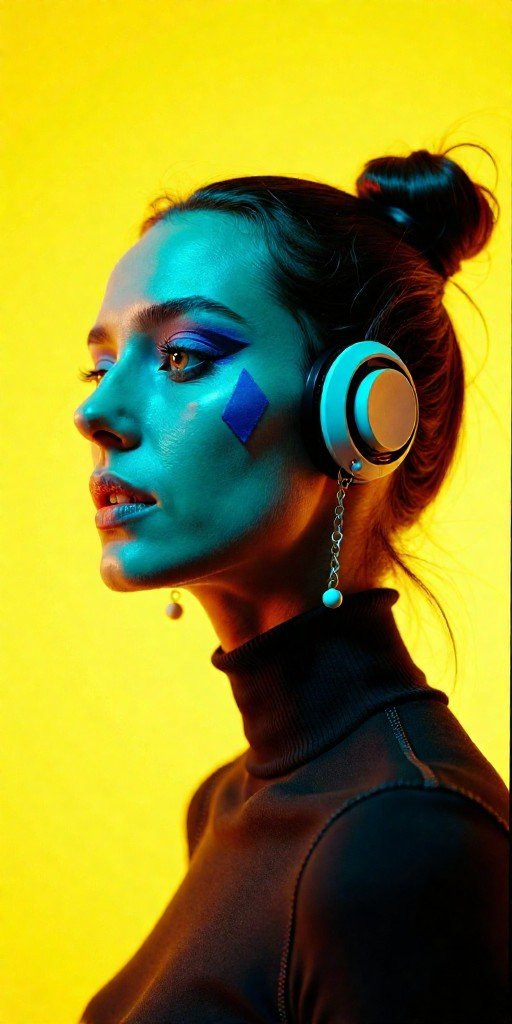
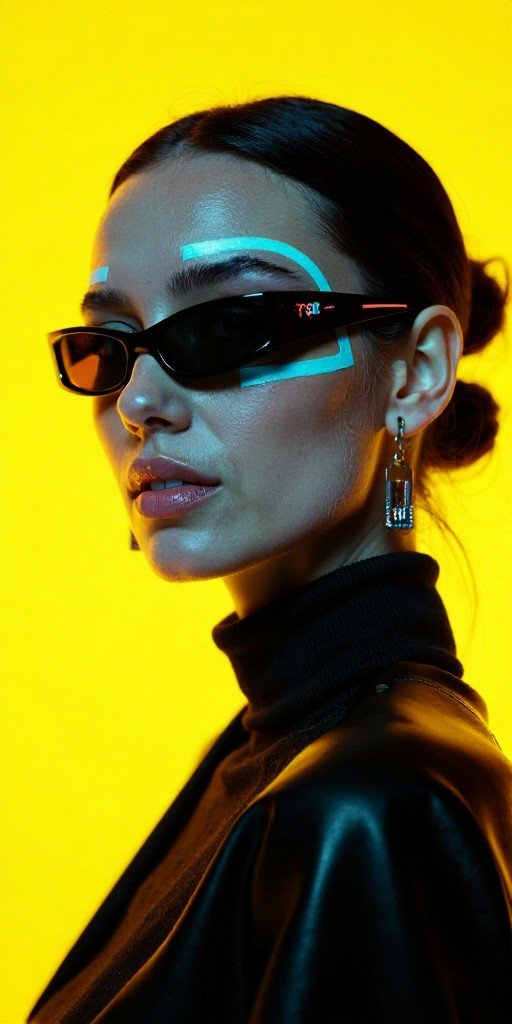
    Since RES4LYF was released and gained popularity for having almost a hundred samplers using ClownSharkSampler, I decided to test each one of them to the same prompt and resolution in an attempt to find the most sharp and realistic generative render.

    Positive promtp used:

    				
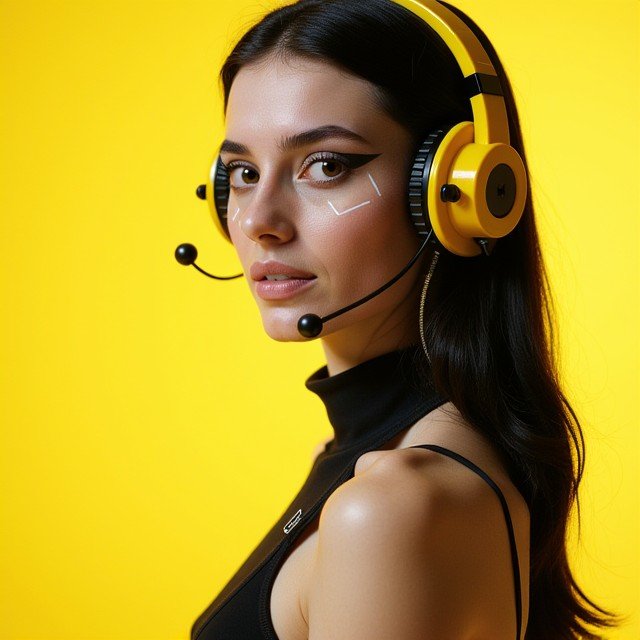
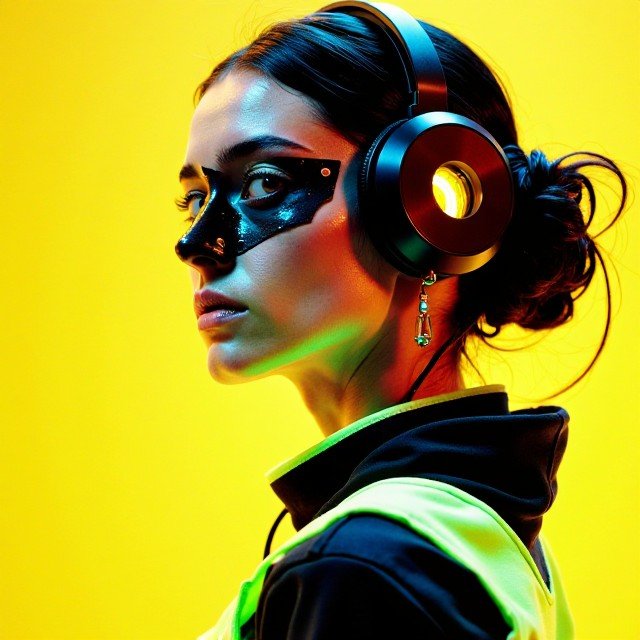
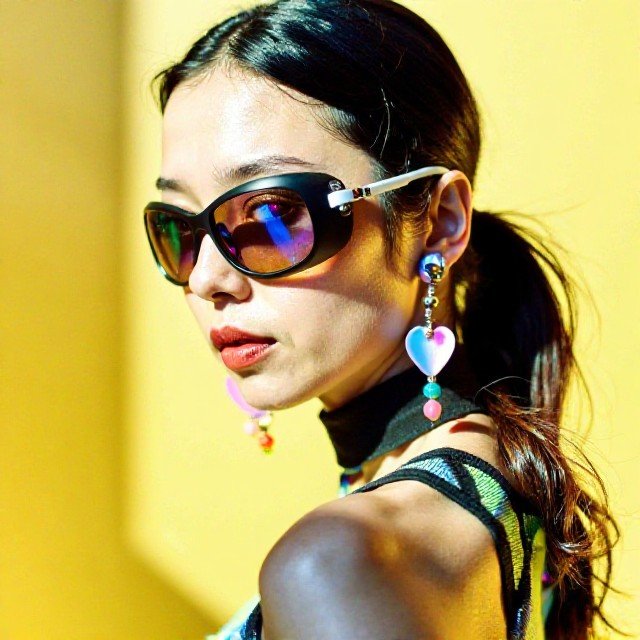
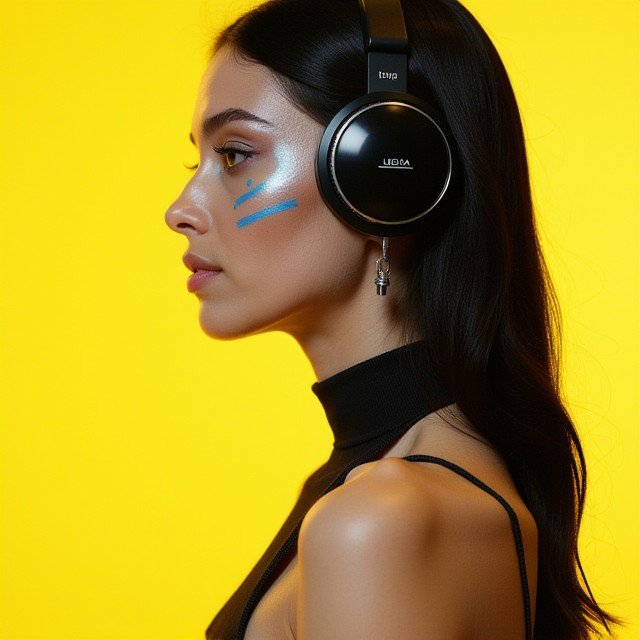
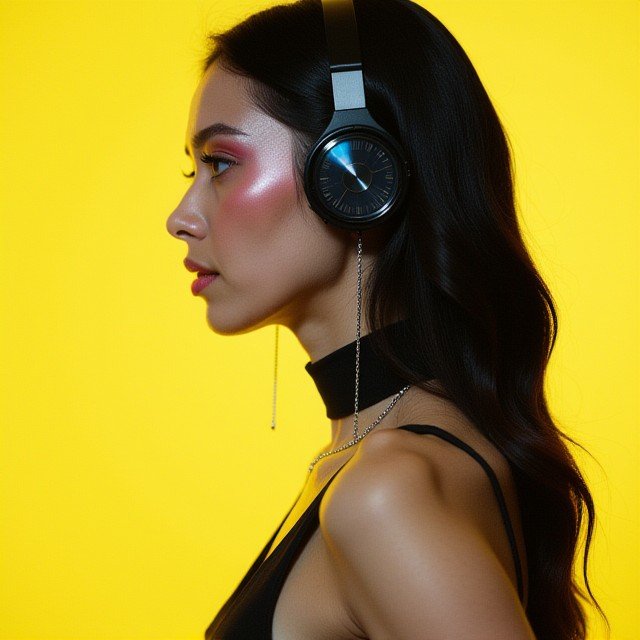
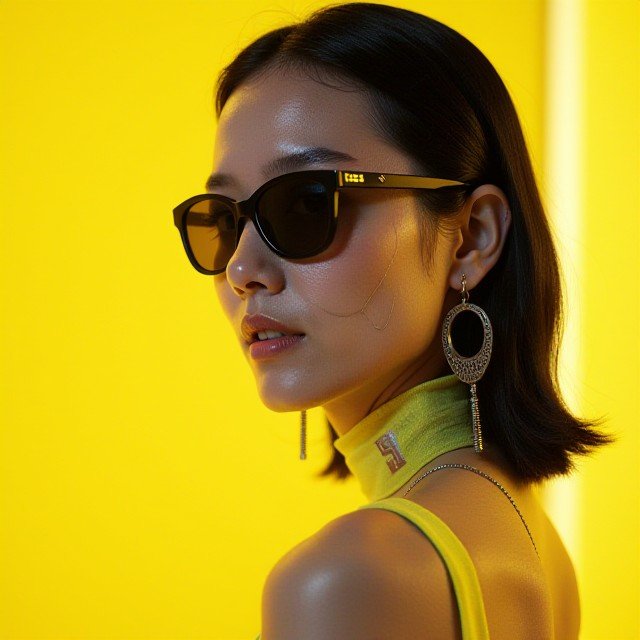
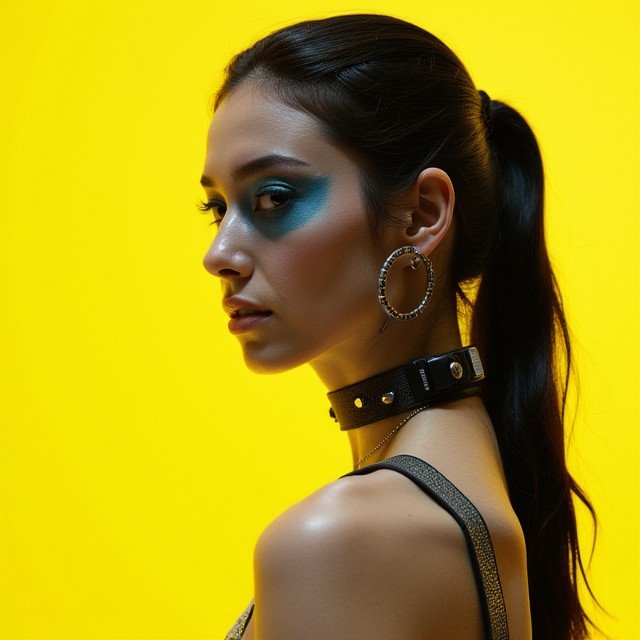
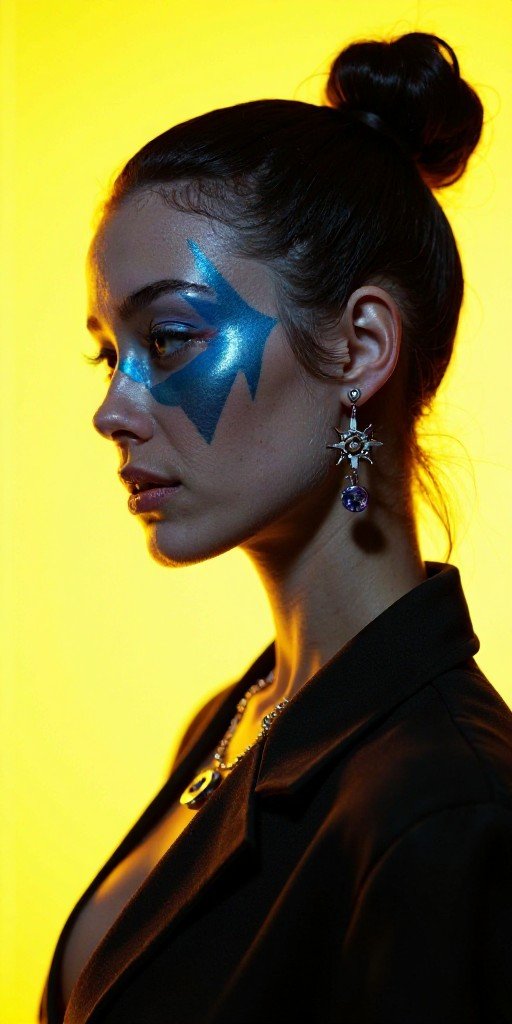
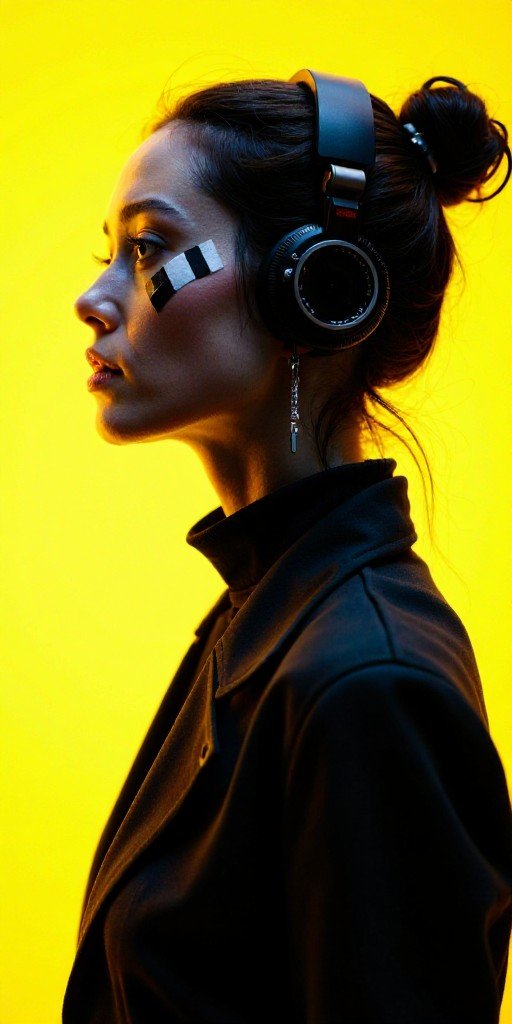
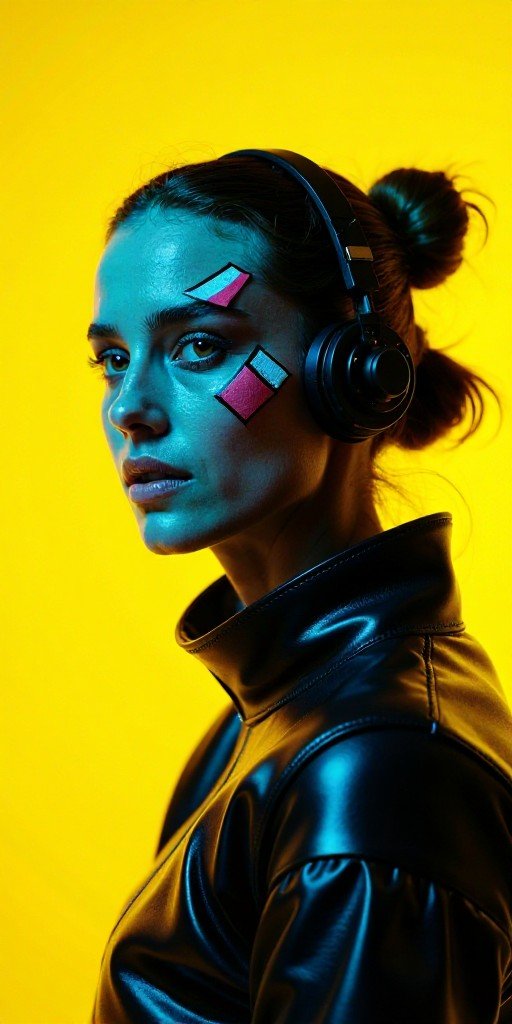
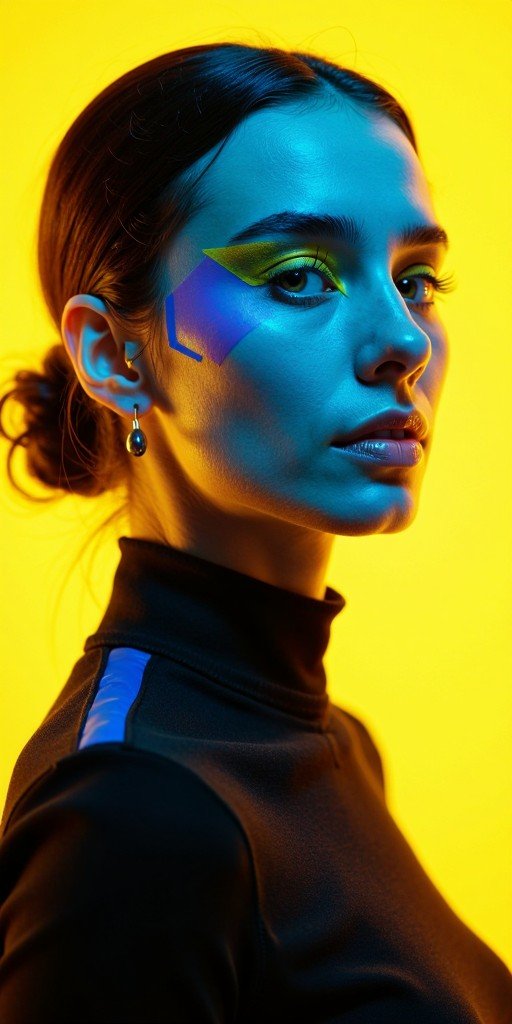
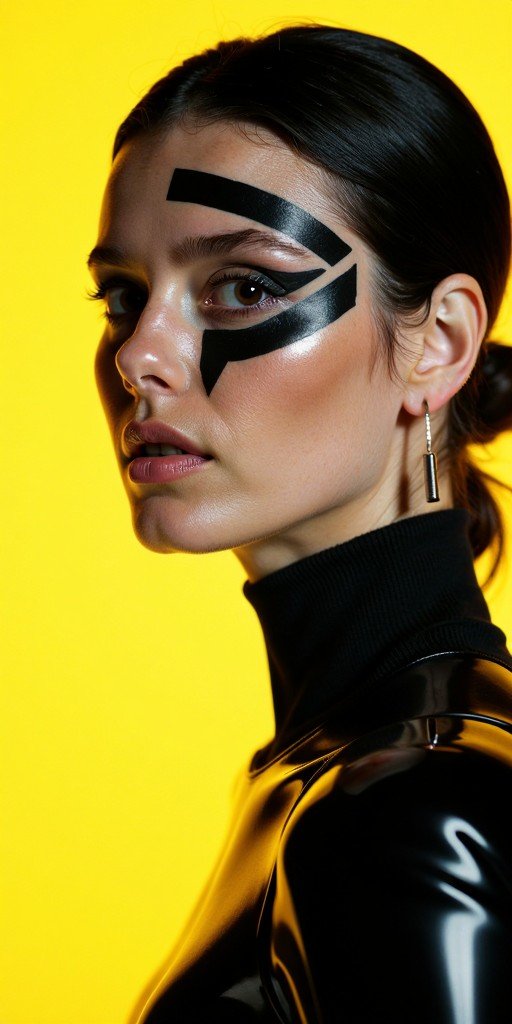
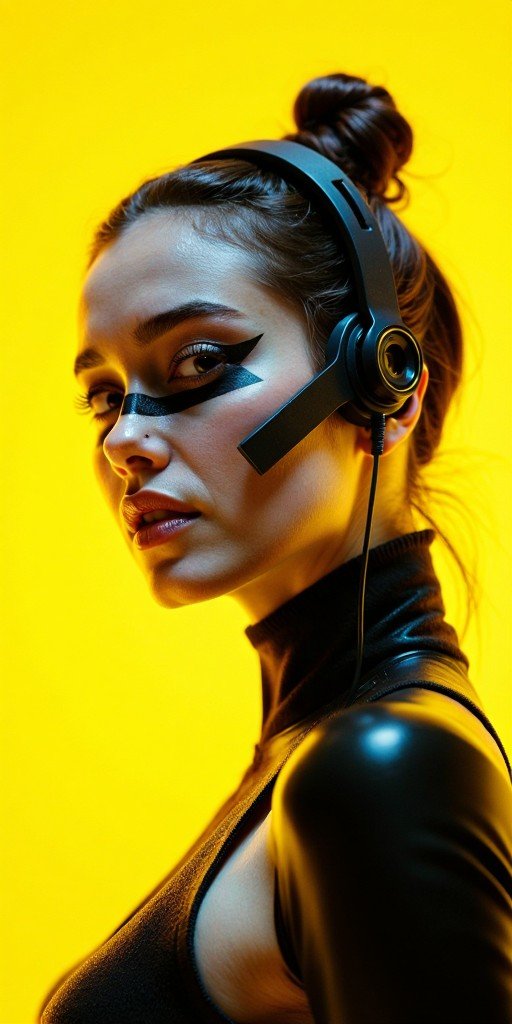
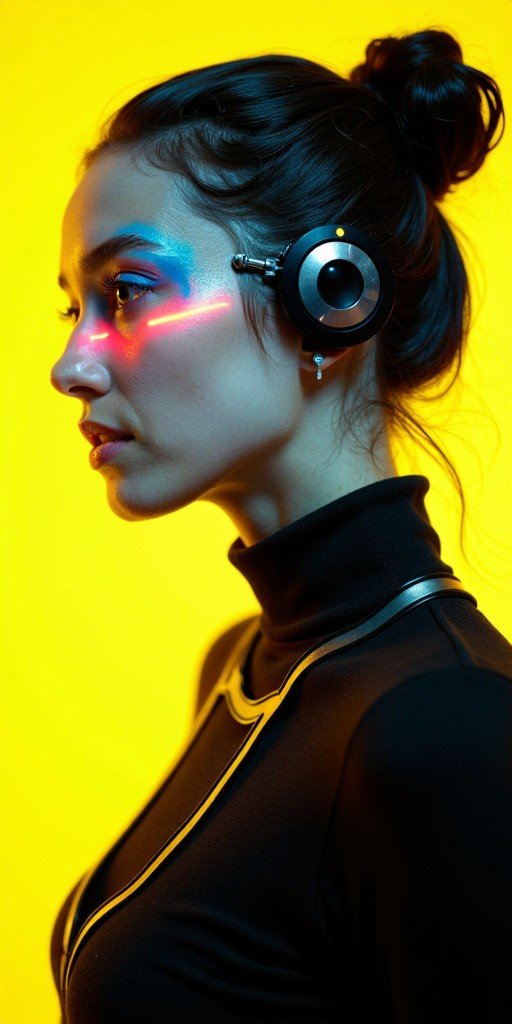
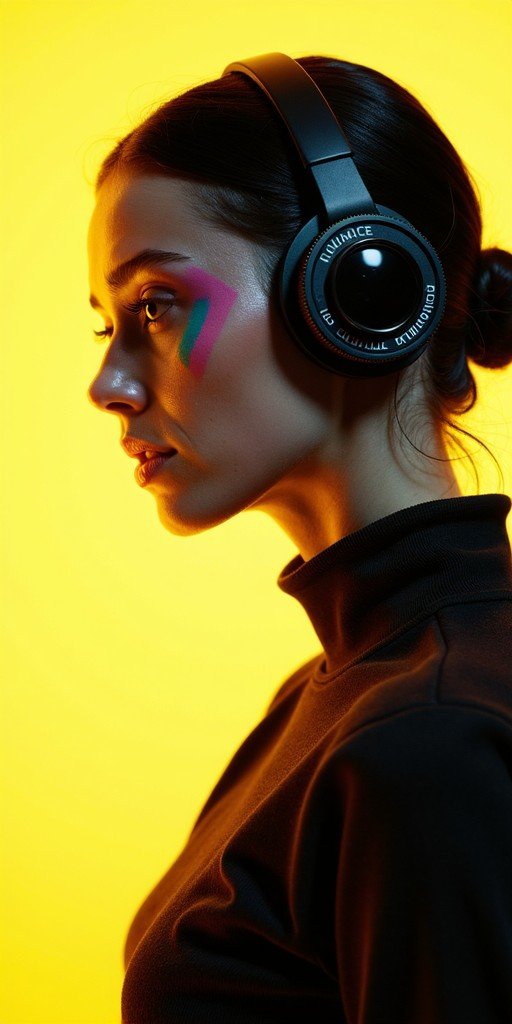
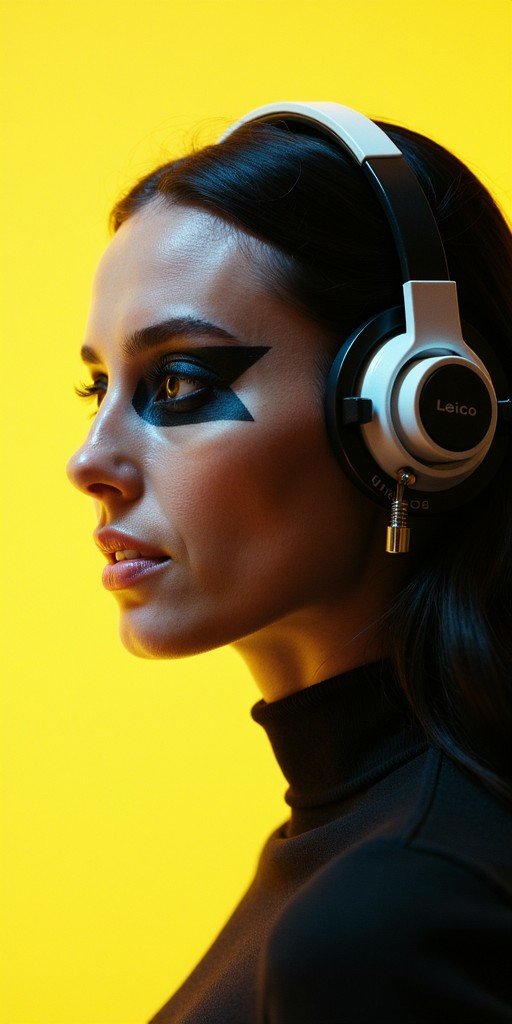
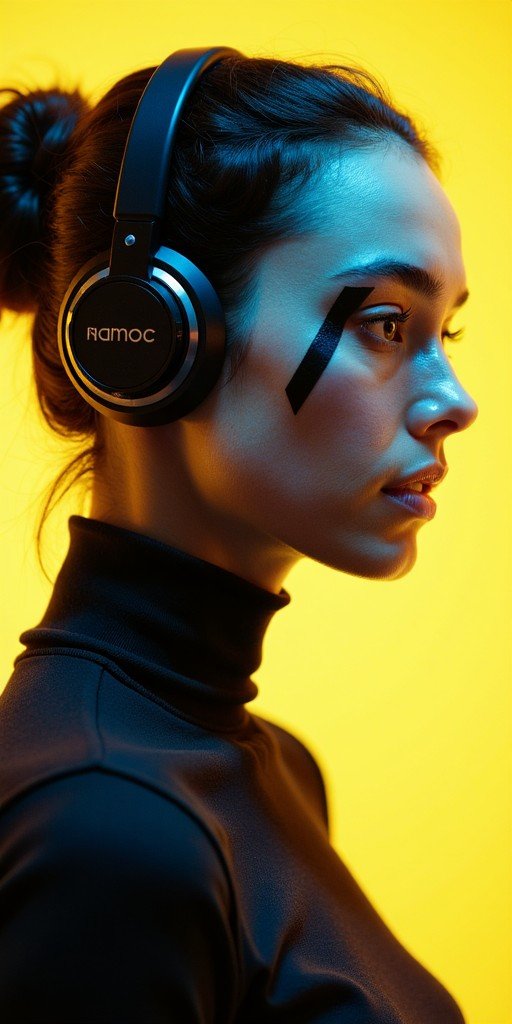
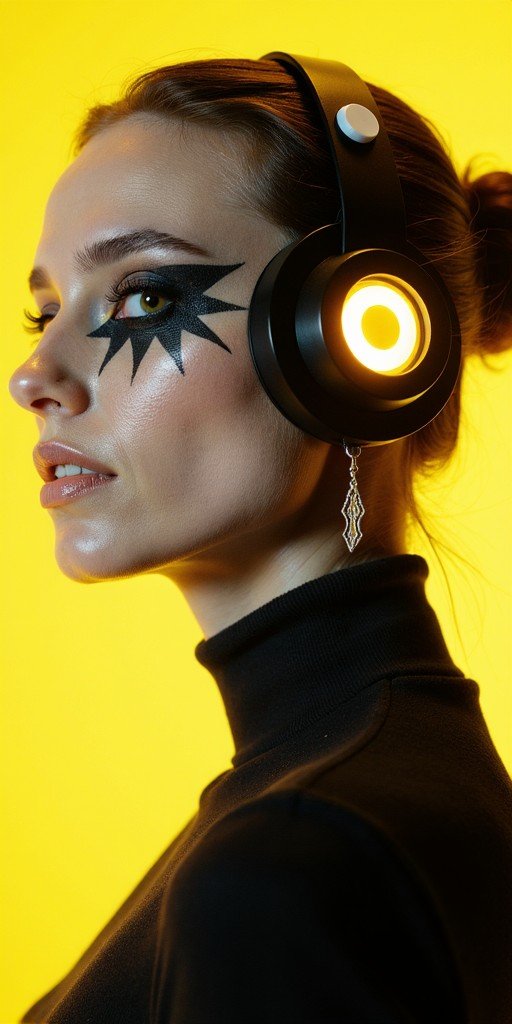
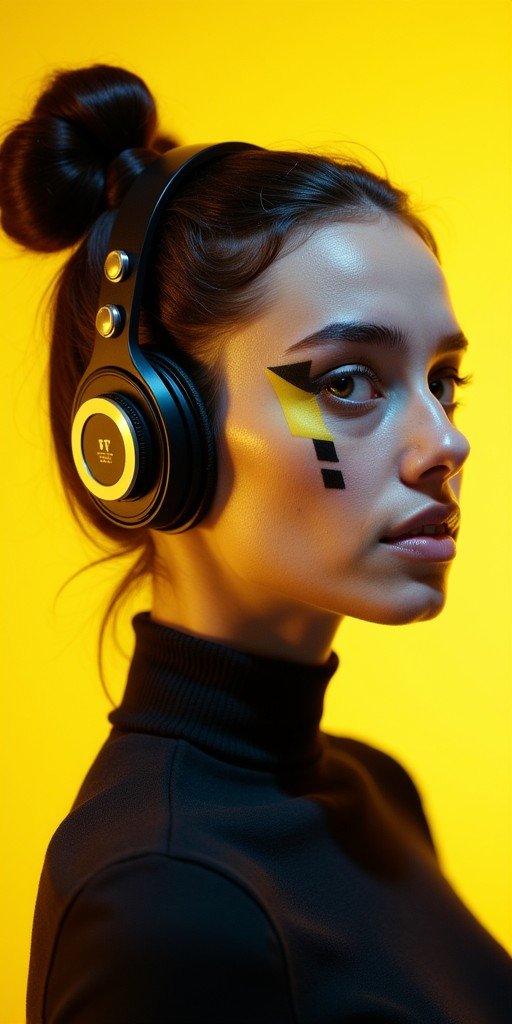
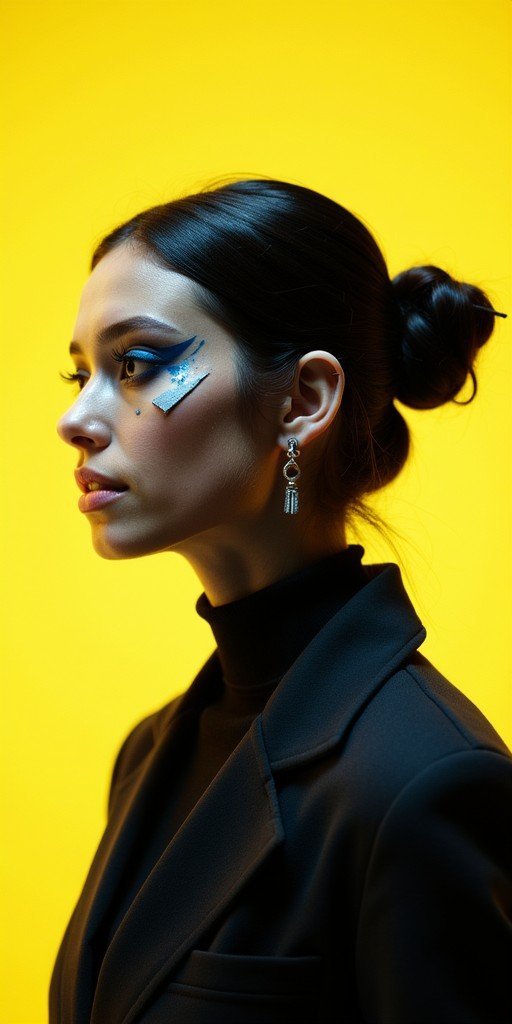
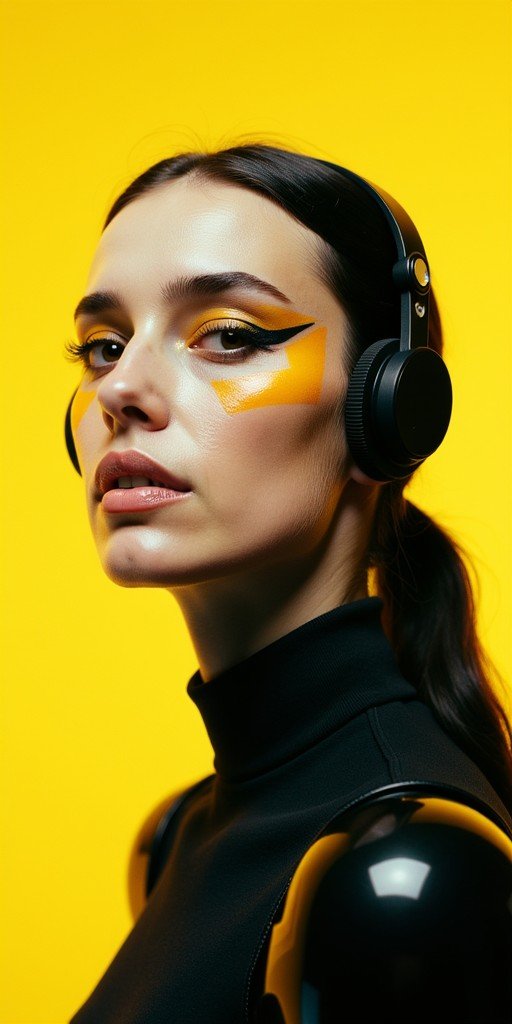
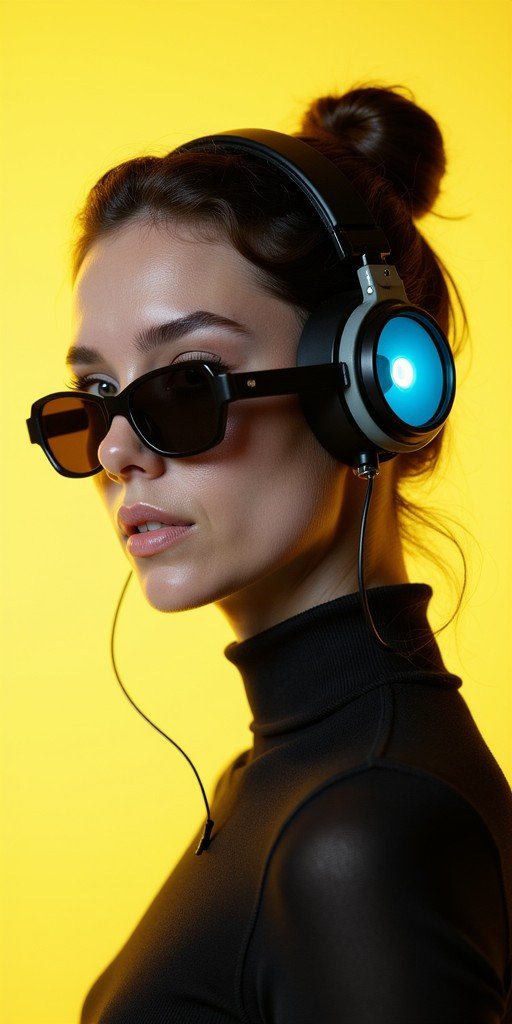
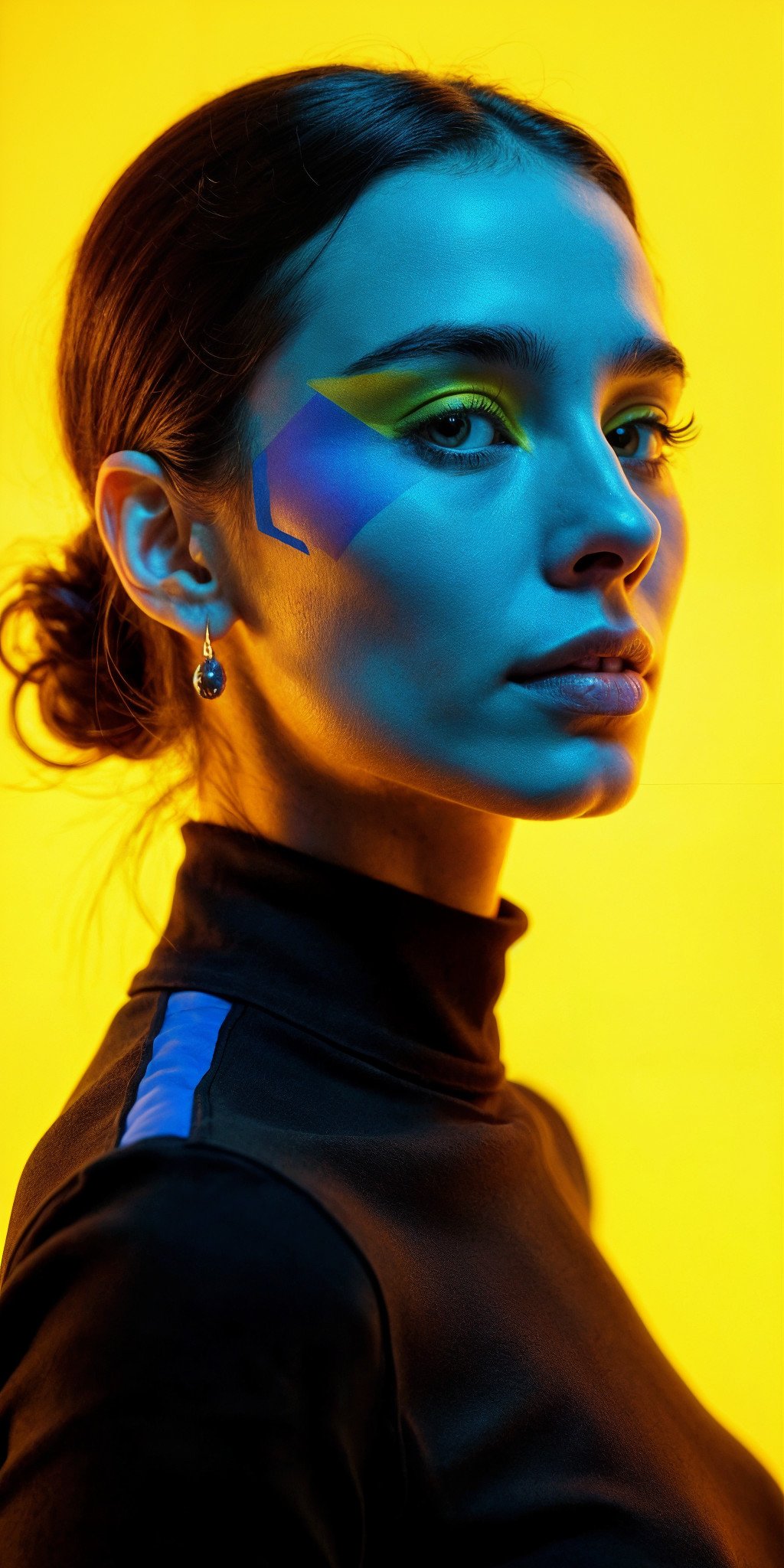
    					In a futuristic world, there is this beautiful woman wearing heavy make-up in geometric shapes. She is standing in front of a neutral vibrant yellow background, while the dynamic city lights casts high contrasting light on her face and mechanical parts. This is a portrait shot on Leica M6 using 85 mm lens. The skin texture is very sharp to the pore-level and has some imperfections. Film grain. fluxlisimo_cinematic


    Official workflow JSON: download from GitHub

    Model: flux1-dev-fp8.safetensors
    Clip 1: clip_l.safetensors
    Clip 2: t5xxl_fp16.safetensors
    VAE: ae.safetensors
    LORA: 3d_illustration + fluxlisimo_cinematic + grain_scape
    Dimension: 640 x 640
    Flux Conditioning: 1.5
    Fixed Seed: 347746757495977
    Steps: 16
    eta: 0.8
    Scheduler: normal
    Rendered using GTX 3080

    Veredict

    Fastest
    Exponential DDIM and Linear Euler in  24,5 seconds

    Veredict

    Best quality and prompt adeherence
    Linear rk6_7s in 167 seconds

    Veredict

    Very good result I
    Fully implicit radau_iia_7s in 227,5 seconds

    Veredict

    Very good result II
    Exponential Res_4_Minchev in 95 seconds

    All samplers compared side to side

    Below you will find each Sampler Algorithm Method followed by the sampler’s name and the time (in seconds) it took to generate/render a 640 x 640 px image on a GTX 3080 10GB.

    Overall selected samplers for good resulting

    At the end of this Article you will find some generations using the Samplers I am electing as the best out-coming results. These generations were rendered at 24 steps and at 512 x 1024 px on a GTX 3080 10GB. Jump directly to this section.

    Multistep

    Res_2m, Res_3m, Dpmpp_2m, Dpmpp_3m, Abnorsett_2m, Abnorsett_3m, Abnorsett_4m, Deis_2, Deis_3m, DEis_4m

    multistep
    res_2m
    29”

    multistep
    res_3m
    36”

    multistep
    dpmpp_2m
    29”

    multistep
    dpmpp_3m
    36”

    multistep
    abnorsett_2m
    29”

    multistep
    abnorsett_3m
    32”

    multistep
    abnorsett_4m
    42”

    multistep
    deis_2m
    28”

    multistep
    deis_3m
    36”

    multistep
    deis_4m
    47”

    Exponential

    Res2, Res3, Res4, Res5, res6, Res8, Res10, Res 15, Res16, etdrk2, etdrk3, dpmpp, lawson, ddim

    exponential
    res_2s
    47”

    exponential
    res_2s_stable
    47,5”

    exponential
    res_2s_rkmk2e
    47”

    exponential
    res_3s
    70”

    exponential
    res_3s_non-monotonic
    69,5”

    exponential
    res_3s_alt
    70,5”

    exponential
    res_3s_cox_matthews
    70”

    exponential
    res_3s_lie
    71”

    exponential
    res_3s_sunstar
    71,5”

    exponential
    res_3s_strehmel_weinner
    92,5”

    exponential
    res_3s_krogstadt
    92,5”

    exponential
    res_4s_cox_matthews
    93,5”

    exponential
    res_4s_cfree4
    93”

    exponential
    res_4s_friedli
    106”

    exponential
    res_4s_minchev
    95”

    exponential
    res_4s_munthe-kaas
    91”

    exponential
    res_5s
    116”

    exponential
    res_5s_hochbruck-ostermann
    115”

    exponential
    res_6s
    140”

    exponential
    res_8s
    187”

    exponential
    res_10s
    239”

    exponential
    res_15s
    366”

    exponential
    res_16s
    384”

    exponential
    etdrk2_2s
    46”

    exponential
    etdrk3_a_3s
    69”

    exponential
    etdrk3_b_3s
    69”

    exponential
    etdrk4_4s
    93,5”

    exponential
    etdrk3_4s_alt
    92”

    exponential
    dpmpp_2s
    47,5”

    exponential
    dpmpp_sde_2s
    47”

    exponential
    dpmpp_3s
    70”

    exponential
    lawson_2a_2s
    48”

    exponential
    lawson_2b_2s
    48”

    exponential
    lawson4_4s
    93”

    exponential
    lawson41-gen_4s
    93”

    exponential
    lawson41-gen-mod_4s
    92”

    exponential
    ddim
    24,5”

    Hybrid

    Pec423, pec 433, abnorsett, lawson

    hybrid
    pec423_2h3s
    47”

    hybrid
    pec433_2h3s
    70”

    hybrid
    abnorsett2_1h2s
    48”

    hybrid
    abnorsett3_2h2s
    47,5”

    hybrid
    lawson42-gen-mod_1h4s
    93”

    hybrid
    lawson42-gen-mod_2h4s
    94”

    hybrid
    lawson42-gen-mode_3h4s
    94”

    Linear

    ralston, midpoint, heun, houwen-wray, kutta, ssprk3, RK, bogacki_shampine, dormand-prince, tsi, euler

    linear
    ralston_2s
    47,5”

    linear
    ralston_3s
    71”

    linear
    ralston_4s
    93”

    linear
    midpoint_2s
    47”

    linear
    heun_2s
    48,5”

    linear
    heun_3s
    71”

    linear
    houwen-wray_3s
    71,5”

    linear
    kutta_3s
    71”

    linear
    ssprk3_3s
    71”

    linear
    ssprk4_4s
    110”

    linear
    rk38_4s
    95”

    linear
    rk4_4s
    93”

    linear
    rk6_7s
    167”

    linear
    bogacki_shampine_4s
    95”

    linear
    bogacki_shampine_7s
    165”

    linear
    dormand-prince_6s
    141”

    linear
    dormand-prince_13s
    318,5”

    linear
    tsi_7s
    167”

    linear
    euler
    24,5”

    Diagonal implicit

    irk_exp_diag, kraaijevanger_spijkjer, qin_zhang, pareschi_russo, crouzeix

    diagonal implicit
    irk_exp_diag_2s
    74”

    diagonal implicit
    kraaijevanger_spijkjer_2s
    74”

    diagonal implicit
    qin_zhang_2s
    74”

    diagonal implicit
    pareschi_russo_2s
    73”

    diagonal implicit
    pareschi_russo_alt_2s
    76”

    diagonal implicit
    crouzeix_2s
    74”

    diagonal implicit
    crouzeix_3s
    100”

    diagonal implicit
    crouzeix_3s_alt
    102”

    Fully implicit

    gauss_legendre, RADAU, lobatto

    fully implicit
    gauss_legendre_2s
    74”

    fully implicit
    gauss_legendre_3s
    101”

    fully implicit
    gauss_legendre_4s
    130”

    fully implicit
    gauss_legendre_5s
    160”

    fully implicit
    gauss_legendre_5s_ascending
    159”

    fully implicit
    radau_ia_2s
    73”

    fully implicit
    radau_ia_3s
    76”

    fully implicit
    radau_iia_2s
    74”

    fully implicit
    radau_iia_3s
    99,5”

    fully implicit
    radau_iia_3s_alt
    100”

    fully implicit
    radau_iia_5s
    164”

    fully implicit
    radau_iia_7s
    227,5”

    fully implicit
    radau_iia_9s
    303”

    fully implicit
    radau_iia_11s
    375”

    fully implicit
    lobatto_iiia_2s
    54”

    fully implicit
    lobatto_iiia_3s
    80”

    fully implicit
    lobatto_iiia_4s
    109,5”

    fully implicit
    lobatto_iib_2s
    54”

    fully implicit
    lobatto_iib_3s
    77,5”

    fully implicit
    lobatto_iib_4s
    103,5”

    fully implicit
    lobatto_iic_2s
    50,5”

    fully implicit
    lobatto_iic_3s
    78,5”

    fully implicit
    lobatto_iic_4s
    106,5”

    fully implicit
    lobatto_iic_star_2s
    51”

    fully implicit
    lobatto_iic_star_3s
    78”

    fully implicit
    lobatto_iid_2s
    51”

    fully implicit
    lobatto_iid_3s
    77,5”

    … end of the sampler’s list …

    Overall good results

    RES_4S_MINCHEV, DEIS_3M, RES_2M, RK6_7S, lobatto_iiib_4s, lobatto_iiic_4s

    exponential
    res_4s_minchev
    24 steps
    150”

    exponential
    res_4s_minchev
    24 steps
    151.5”

    exponential
    res_4s_minchev
    24 steps
    151,5”

    exponential
    res_4s_minchev
    24 steps
    157”

    multistep
    deis_3m
    24 steps
    60”

    multistep
    deis_3m
    24 steps
    60”

    multistep
    deis_3m
    24 steps
    59”

    multistep
    deis_3m
    24 steps
    59”

    multistep
    res_2m
    24 steps
    51”

    multistep
    res_2m
    24 steps
    51”

    multistep
    res_2m
    24 steps
    50”

    multistep
    res_2m
    24 steps
    51”

    linear
    rk6_7s
    24 steps
    275”

    linear
    rk6_7s
    24 steps
    169”

    linear
    rk6_7s
    24 steps
    169”

    linear
    rk6_7s
    24 steps
    296”

    fully implicit
    lobatto_iiib_4s
    24 steps
    169”

    fully implicit
    lobatto_iiib_4s
    24 steps
    169”

    fully implicit
    lobatto_iiib_4s
    24 steps
    175”

    fully implicit
    lobatto_iiib_4s
    24 steps
    173,5”

    fully implicit
    lobatto_iiic_4s
    24 steps
    170”

    fully implicit
    lobatto_iiic_4s
    24 steps
    167”

    fully implicit
    lobatto_iiic_4s
    24 steps
    174”

    fully implicit
    lobatto_iiic_4s
    24 steps
    166,5”

    End of the first study and batch comparison test.

    Workflow: {“id”: “72f6123a-4c3f-4675-9e45-86722ffa8aeb”, “revision”: 0, “last_node_id”: 22, “last_link_id”: 33, “nodes”: [{“id”: 13, “type”: “VAEDecode”, “pos”: [859.5225830078125, 217.15052795410156], “size”: [140, 46], “flags”: {}, “order”: 8, “mode”: 0, “inputs”: [{“name”: “samples”, “type”: “LATENT”, “link”: 12}, {“name”: “vae”, “type”: “VAE”, “link”: 13}], “outputs”: [{“name”: “IMAGE”, “type”: “IMAGE”, “links”: [14, 16]}], “properties”: {“cnr_id”: “comfy-core”, “ver”: “0.3.44”, “Node name for S&R”: “VAEDecode”}, “widgets_values”: [], “color”: “#322”, “bgcolor”: “#533”, “shape”: 1}, {“id”: 10, “type”: “CLIPTextEncode”, “pos”: [115.9236831665039, 642.4409790039062], “size”: [400, 200], “flags”: {“collapsed”: true}, “order”: 3, “mode”: 0, “inputs”: [{“name”: “clip”, “type”: “CLIP”, “link”: 7}], “outputs”: [{“name”: “CONDITIONING”, “type”: “CONDITIONING”, “links”: [9]}], “title”: “Negative Prompt”, “properties”: {“cnr_id”: “comfy-core”, “ver”: “0.3.44”, “Node name for S&R”: “CLIPTextEncode”}, “widgets_values”: [“”], “color”: “#322”, “bgcolor”: “#533”, “shape”: 1}, {“id”: 14, “type”: “SaveImageExtended”, “pos”: [1060, 210], “size”: [231.4296875, 718], “flags”: {}, “order”: 9, “mode”: 0, “inputs”: [{“name”: “images”, “type”: “IMAGE”, “link”: 14}, {“name”: “positive_text_opt”, “shape”: 7, “type”: “STRING”, “link”: null}, {“name”: “negative_text_opt”, “shape”: 7, “type”: “STRING”, “link”: null}], “outputs”: [], “properties”: {“cnr_id”: “save-image-extended-comfyui”, “ver”: “2.64.0”, “Node name for S&R”: “SaveImageExtended”}, “widgets_values”: [“RES4LYF_”, “sampler_name, cfg, steps, %F %H-%M-%S”, “comparisionbatch”, “”, “-“, “disabled”, false, “”, true, 4, “last”, true, true, “.jpg”, 90], “shape”: 1}, {“id”: 1, “type”: “ClownModelLoader”, “pos”: [-203.28634643554688, 222.3040313720703], “size”: [270, 266], “flags”: {}, “order”: 0, “mode”: 0, “inputs”: [], “outputs”: [{“name”: “model”, “type”: “MODEL”, “links”: [33]}, {“name”: “clip”, “type”: “CLIP”, “links”: [7, 28]}, {“name”: “vae”, “type”: “VAE”, “links”: [10, 13]}], “properties”: {“cnr_id”: “RES4LYF”, “ver”: “81fe5f4d02c1a86d4cbb1ef92c652055f574810a”, “Node name for S&R”: “ClownModelLoader”}, “widgets_values”: [“flux1-dev-fp8.safetensors”, “default”, “clip_l.safetensors”, “t5xxl_fp16.safetensors”, “.none”, “.none”, “flux”, “ae.safetensors”], “shape”: 1}, {“id”: 11, “type”: “FluxGuidance”, “pos”: [-211.47117614746094, 563.1766357421875], “size”: [270, 58], “flags”: {}, “order”: 1, “mode”: 0, “inputs”: [{“name”: “conditioning”, “type”: “CONDITIONING”, “link”: null}], “outputs”: [{“name”: “CONDITIONING”, “type”: “CONDITIONING”, “links”: null}], “properties”: {“cnr_id”: “comfy-core”, “ver”: “0.3.44”, “Node name for S&R”: “FluxGuidance”}, “widgets_values”: [1.5]}, {“id”: 22, “type”: “Lora Loader Stack (rgthree)”, “pos”: [120, 90], “size”: [271.8785095214844, 246], “flags”: {}, “order”: 4, “mode”: 0, “inputs”: [{“name”: “model”, “type”: “MODEL”, “link”: 33}, {“name”: “clip”, “type”: “CLIP”, “link”: 28}], “outputs”: [{“name”: “MODEL”, “type”: “MODEL”, “links”: [32]}, {“name”: “CLIP”, “type”: “CLIP”, “links”: [29]}], “properties”: {“cnr_id”: “rgthree-comfy”, “ver”: “944d5353a1b0a668f40844018c3dc956b95a67d7”, “Node name for S&R”: “Lora Loader Stack (rgthree)”}, “widgets_values”: [“3d-illustration.safetensors”, 0.5000000000000001, “fluxlisimo_cinematic_v1_FLUX.safetensors”, 0.8500000000000002, “GrainScape.safetensors”, 0.5000000000000001, “None”, 0], “color”: “#233”, “bgcolor”: “#355”, “shape”: 1}, {“id”: 9, “type”: “CLIPTextEncode”, “pos”: [111.22306060791016, 391.9552917480469], “size”: [418.7828674316406, 200], “flags”: {}, “order”: 6, “mode”: 0, “inputs”: [{“name”: “clip”, “type”: “CLIP”, “link”: 29}], “outputs”: [{“name”: “CONDITIONING”, “type”: “CONDITIONING”, “links”: [8]}], “title”: “Positive Prompt”, “properties”: {“cnr_id”: “comfy-core”, “ver”: “0.3.44”, “Node name for S&R”: “CLIPTextEncode”}, “widgets_values”: [“In a futuristic world, there is this beautiful woman wearing heavy make-up in geometric shapes. She is standing in front of a neutral vibrant yellow background, while the dynamic city lights casts high contrasting light on her face and mechanical parts. This is a portrait shot on Leica M6 using 85 mm lens. The skin texture is very sharp to the pore-level and has some imperfections. Film grain. fluxlisimo_cinematic”], “color”: “#232”, “bgcolor”: “#353”, “shape”: 1}, {“id”: 15, “type”: “PreviewImage”, “pos”: [1320, 200], “size”: [508.1442565917969, 708.9977416992188], “flags”: {}, “order”: 10, “mode”: 0, “inputs”: [{“name”: “images”, “type”: “IMAGE”, “link”: 16}], “outputs”: [], “properties”: {“cnr_id”: “comfy-core”, “ver”: “0.3.44”, “Node name for S&R”: “PreviewImage”}, “widgets_values”: [], “shape”: 1}, {“id”: 19, “type”: “Note”, “pos”: [840, 530], “size”: [210, 88], “flags”: {}, “order”: 2, “mode”: 0, “inputs”: [], “outputs”: [], “properties”: {}, “widgets_values”: [“347746757495977n347746757495977”], “color”: “#432”, “bgcolor”: “#653”, “shape”: 1}, {“id”: 12, “type”: “VAEEncodeAdvanced”, “pos”: [116.57431030273438, 690.6495361328125], “size”: [270, 278], “flags”: {}, “order”: 5, “mode”: 0, “inputs”: [{“name”: “image_1”, “shape”: 7, “type”: “IMAGE”, “link”: null}, {“name”: “image_2”, “shape”: 7, “type”: “IMAGE”, “link”: null}, {“name”: “mask”, “shape”: 7, “type”: “IMAGE”, “link”: null}, {“name”: “latent”, “shape”: 7, “type”: “LATENT”, “link”: null}, {“name”: “vae”, “shape”: 7, “type”: “VAE”, “link”: 10}], “outputs”: [{“name”: “latent_1”, “type”: “LATENT”, “links”: null}, {“name”: “latent_2”, “type”: “LATENT”, “links”: null}, {“name”: “mask”, “type”: “MASK”, “links”: null}, {“name”: “empty_latent”, “type”: “LATENT”, “links”: [11]}, {“name”: “width”, “type”: “INT”, “links”: null}, {“name”: “height”, “type”: “INT”, “links”: null}], “properties”: {“cnr_id”: “RES4LYF”, “ver”: “81fe5f4d02c1a86d4cbb1ef92c652055f574810a”, “Node name for S&R”: “VAEEncodeAdvanced”}, “widgets_values”: [“false”, 512, 1024, “red”, false, “4_channels”], “color”: “#322”, “bgcolor”: “#533”, “shape”: 1}, {“id”: 4, “type”: “ClownsharKSampler_Beta”, “pos”: [553.3905639648438, 220.2578887939453], “size”: [270, 662], “flags”: {}, “order”: 7, “mode”: 0, “inputs”: [{“name”: “model”, “shape”: 7, “type”: “MODEL”, “link”: 32}, {“name”: “positive”, “shape”: 7, “type”: “CONDITIONING”, “link”: 8}, {“name”: “negative”, “shape”: 7, “type”: “CONDITIONING”, “link”: 9}, {“name”: “latent_image”, “shape”: 7, “type”: “LATENT”, “link”: 11}, {“name”: “sigmas”, “shape”: 7, “type”: “SIGMAS”, “link”: null}, {“name”: “guides”, “shape”: 7, “type”: “GUIDES”, “link”: null}, {“name”: “options”, “shape”: 7, “type”: “OPTIONS”, “link”: null}], “outputs”: [{“name”: “output”, “type”: “LATENT”, “links”: [12]}, {“name”: “denoised”, “type”: “LATENT”, “links”: null}, {“name”: “options”, “type”: “OPTIONS”, “links”: null}], “properties”: {“cnr_id”: “RES4LYF”, “ver”: “81fe5f4d02c1a86d4cbb1ef92c652055f574810a”, “Node name for S&R”: “ClownsharKSampler_Beta”}, “widgets_values”: [0.7000000000000002, “multistep/res_2m”, “normal”, 28, -1, 1, 1.0000000000000002, 586933988910742, “randomize”, “standard”, true], “color”: “#223”, “bgcolor”: “#335”, “shape”: 1}], “links”: [[7, 1, 1, 10, 0, “CLIP”], [8, 9, 0, 4, 1, “CONDITIONING”], [9, 10, 0, 4, 2, “CONDITIONING”], [10, 1, 2, 12, 4, “VAE”], [11, 12, 3, 4, 3, “LATENT”], [12, 4, 0, 13, 0, “LATENT”], [13, 1, 2, 13, 1, “VAE”], [14, 13, 0, 14, 0, “IMAGE”], [16, 13, 0, 15, 0, “IMAGE”], [28, 1, 1, 22, 1, “CLIP”], [29, 22, 1, 9, 0, “CLIP”], [32, 22, 0, 4, 0, “MODEL”], [33, 1, 0, 22, 0, “MODEL”]], “groups”: [], “config”: {}, “extra”: {“ds”: {“scale”: 1.2884080000000004, “offset”: [-62.504483003015366, -106.68595565476912]}, “frontendVersion”: “1.23.4”, “VHS_latentpreview”: false, “VHS_latentpreviewrate”: 0, “VHS_MetadataImage”: true, “VHS_KeepIntermediate”: true}, “version”: 0.4, “seed_widgets”: {“4”: 7}}
    RES4LYF ClownsharKSampler

    Comparison chart generated on 19/20 July 2025

  • New Flux 1 Kontext Dev free to use workflow and examples

    New Flux 1 Kontext Dev free to use workflow and examples

    New Flux 1 Kontext Dev free to use workflow and examples

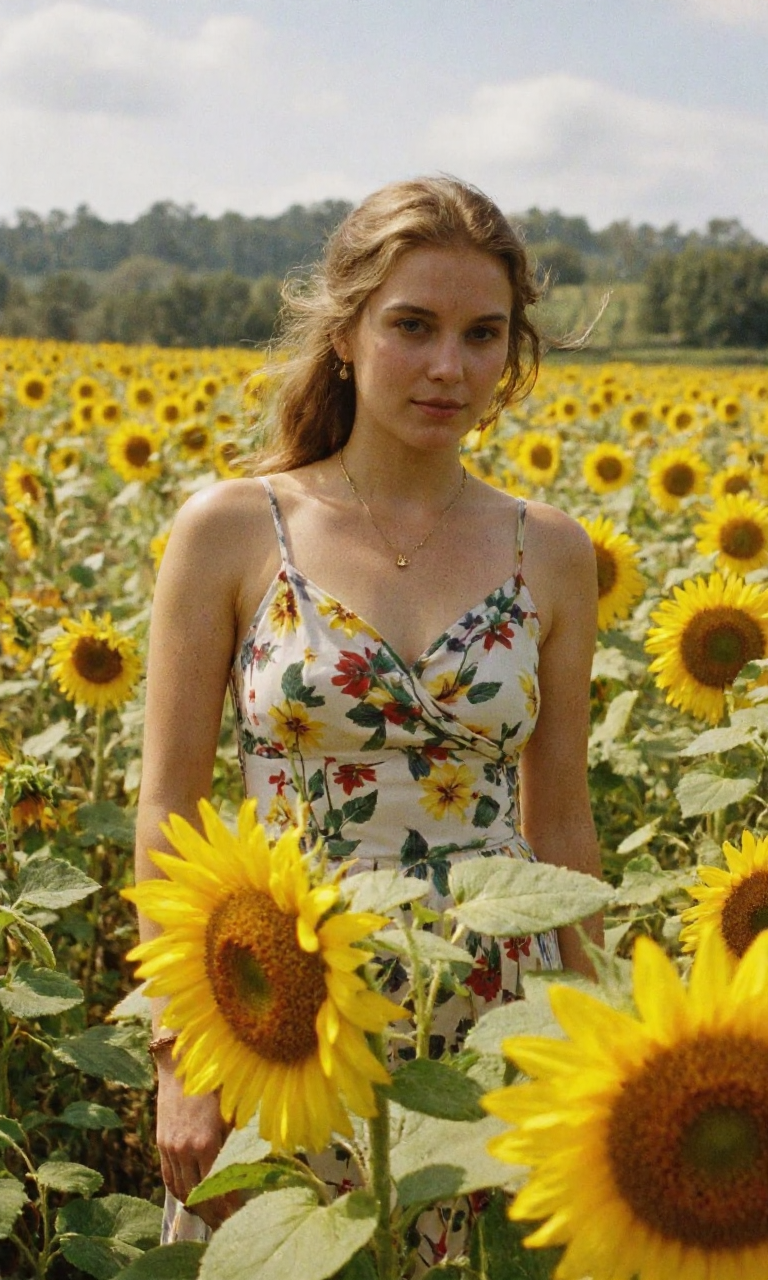
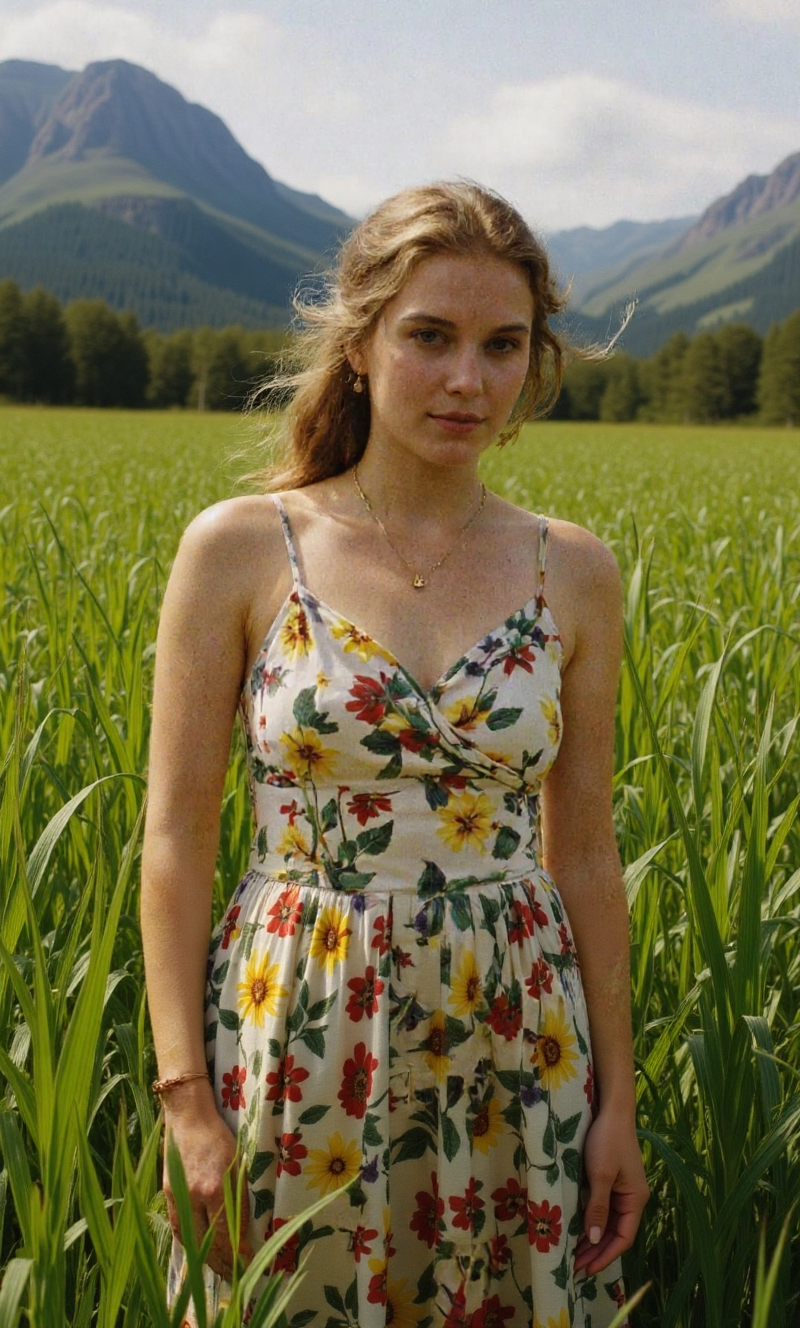
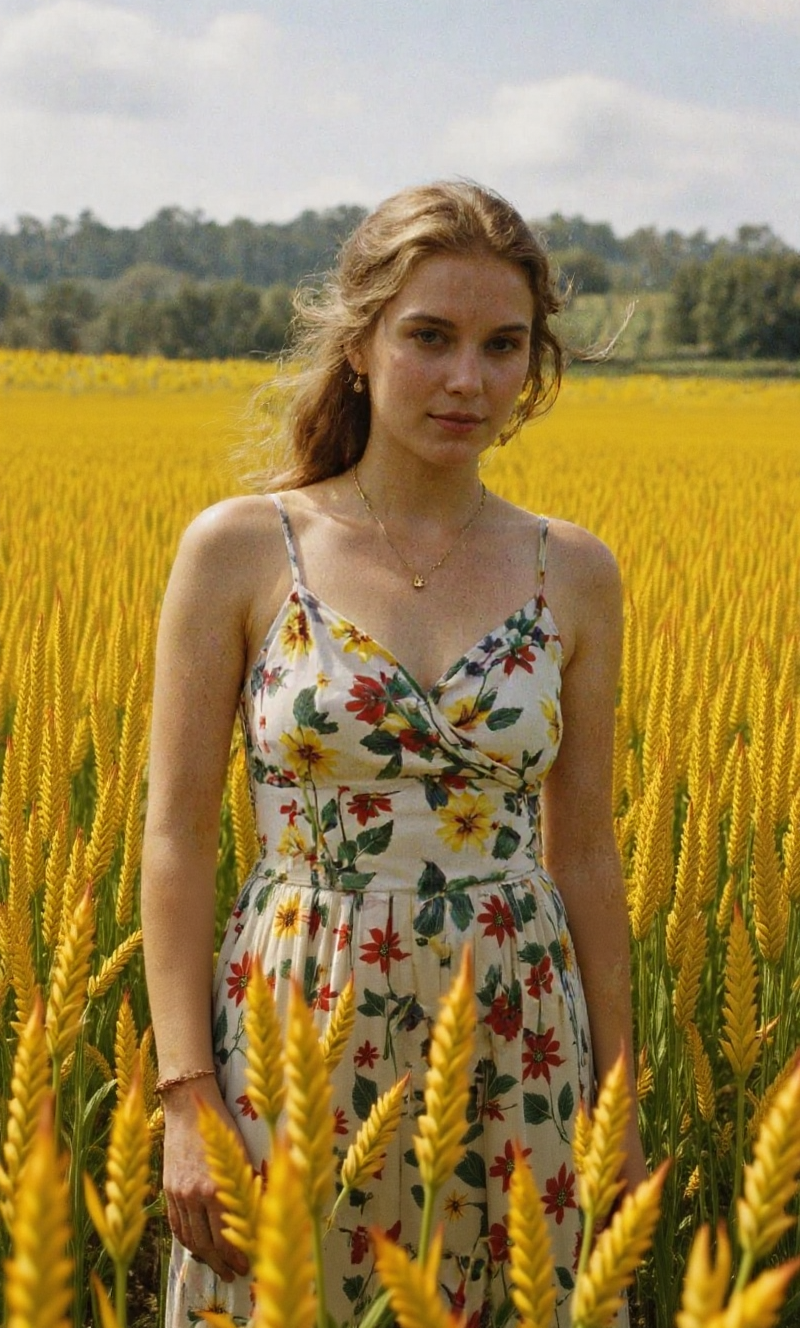
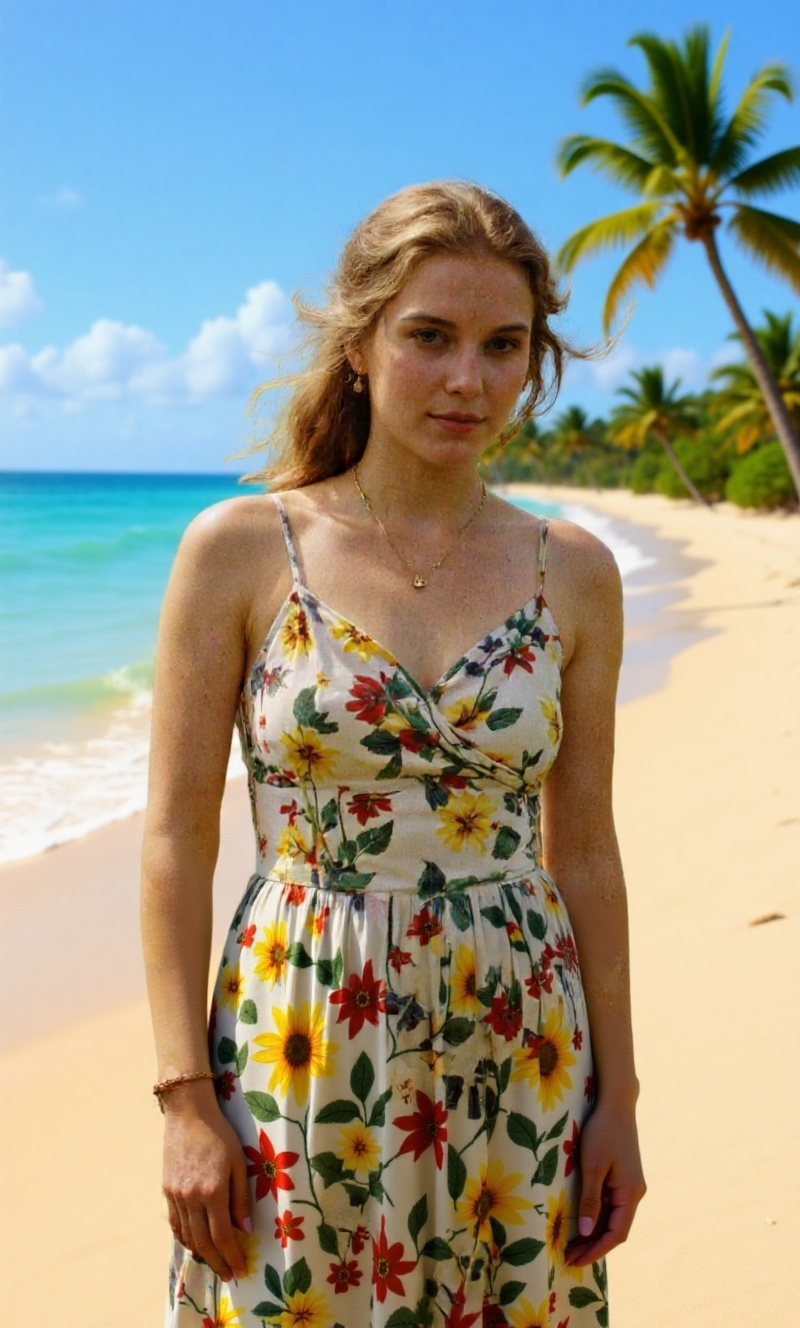
    Flux Kontext was only available as a paid service through several online APIs but on June 2025 the free version was released under the name of FLUX 1 Kontext Dev and can be run locally, aka, using Comfy UI or Diffusers.

    What Kontext does is what most of us from the AI community were waiting for over the last years: generate changes to images while maintaining consistency. And that’s a game-changer in the history of generative AI.

    See below some practical examples where I noted the Sampler technology used as well.

    For a complete installation guide and basic workflows, refer to the official page here: https://docs.comfy.org/tutorials/flux/flux-1-kontext-dev

    Original image generated
    with Fluxmania

    Kontext “opened hazel eyes” generated
    with Deis sampler

    Kontext “opened hazel eyes” generated
    with DMPP 2M sampler

    Original image generated
    with Fluxmania and GrainScape LORA

    Kontext “tall grass field in Scottland” generated
    with IPNDM sampler

    Kontext “golden wheat crops” generated
    with IPNDM sampler

    Kontext “paradisiac beach in Philipines” generated
    with IPNDM sampler

    Original image generated
    with Fluxmania and GrainScape LORA

    Kontext “social suit, white shirt and long pants” generated
    with IPNDM sampler

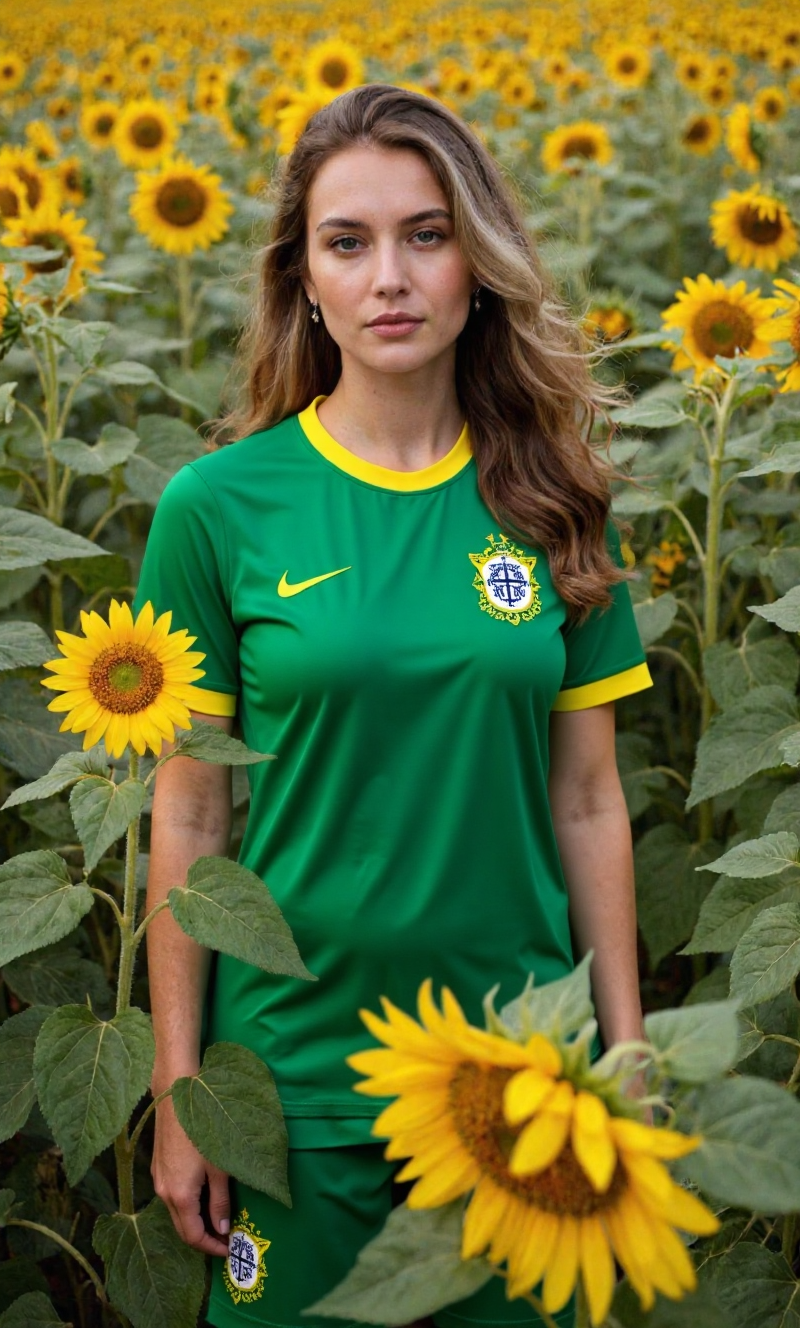
    Kontext “brazilian soccer uniform” generated
    with IPNDM sampler

    It is completely stunning how Kontext can handle the contextualization of its InPaint method and reading the whole image to a degree that can understand depth of field, noise, camera angle, character unique marks, posture, color grading and more.

    Important to note that the engine Flux Kontext Dev provided by Black Forest Labs, the original author, does not allow NSFW, nudity, erotic or pornographic generations. 

    The downside is that Kontext not yet can easily change facial expressions. When trying expressions such as angry, surprised or sensual, it does not comply. Changing the Sampler might fix that. See example below.

    Original image generated
    with Flux 1 Dev

    Kontext “surprised” or “angry” generated
    with any Sampler returns always with error

    Kontext “smile” generated
    with IPNDM sampler

    Kontext “looking in awe with mouth open” generated
    with Euler sampler

    Commercial application for real world use

    While playing around and messing with prompting is fun and leads to visually stunning results, there must have a more serious and commercial application point of view, otherwise, the technology would render useless for businesses.

    This is where the workflow of Kontext Dev lets us combine two images together and generates a single output with perfect matching colors and composition.

    See the examples below.

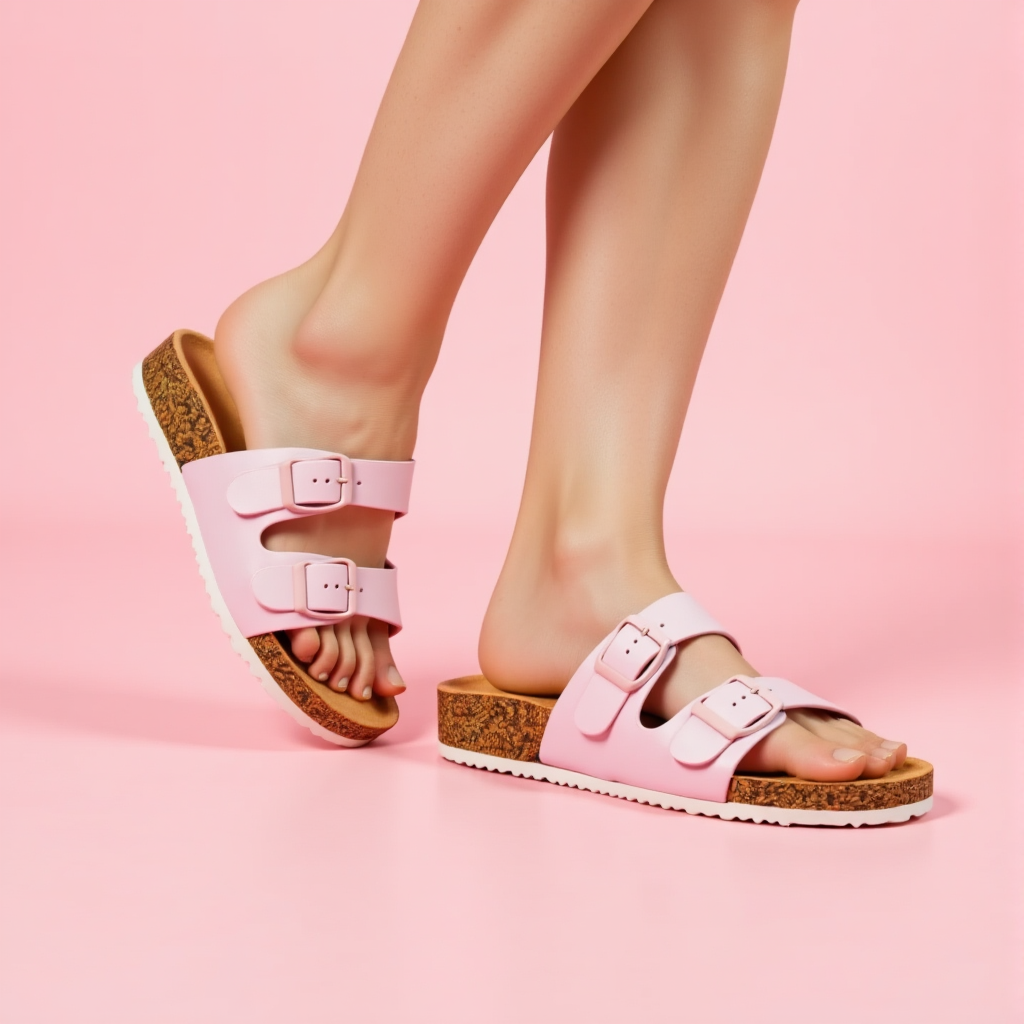
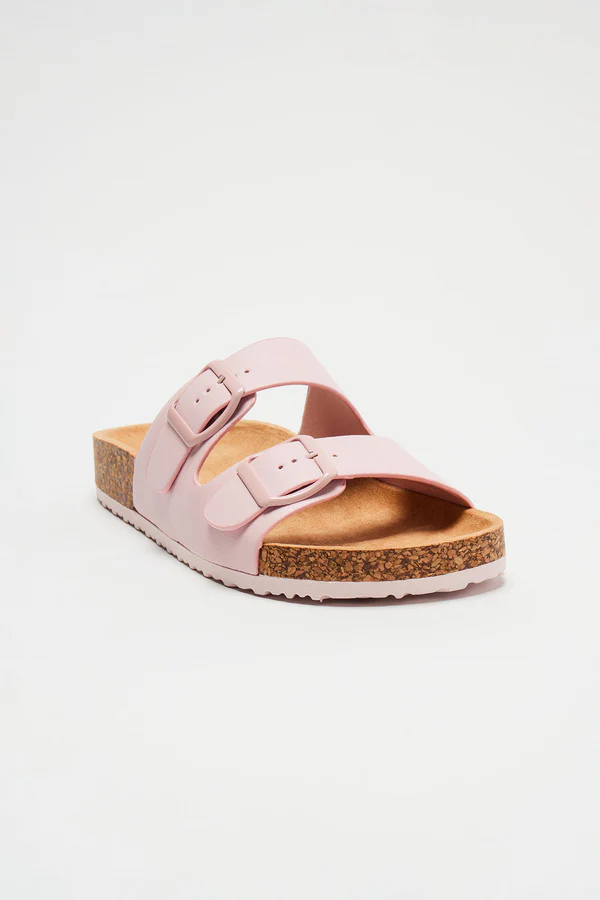
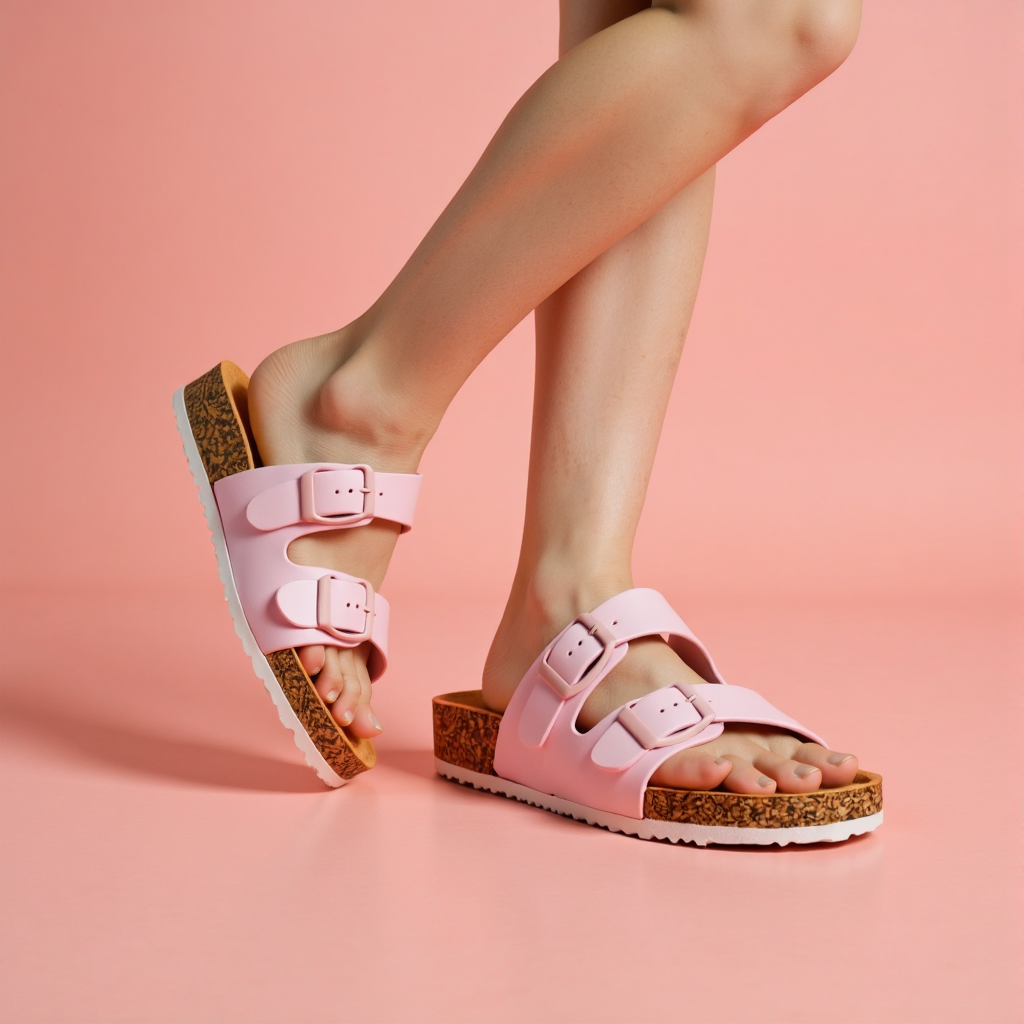
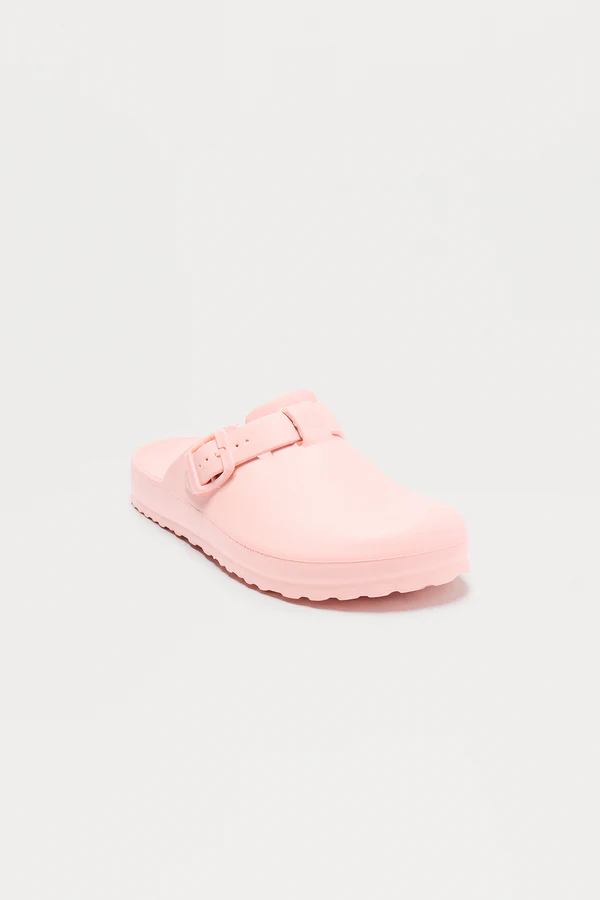
    Real photo of the product taken from Fashion Nova

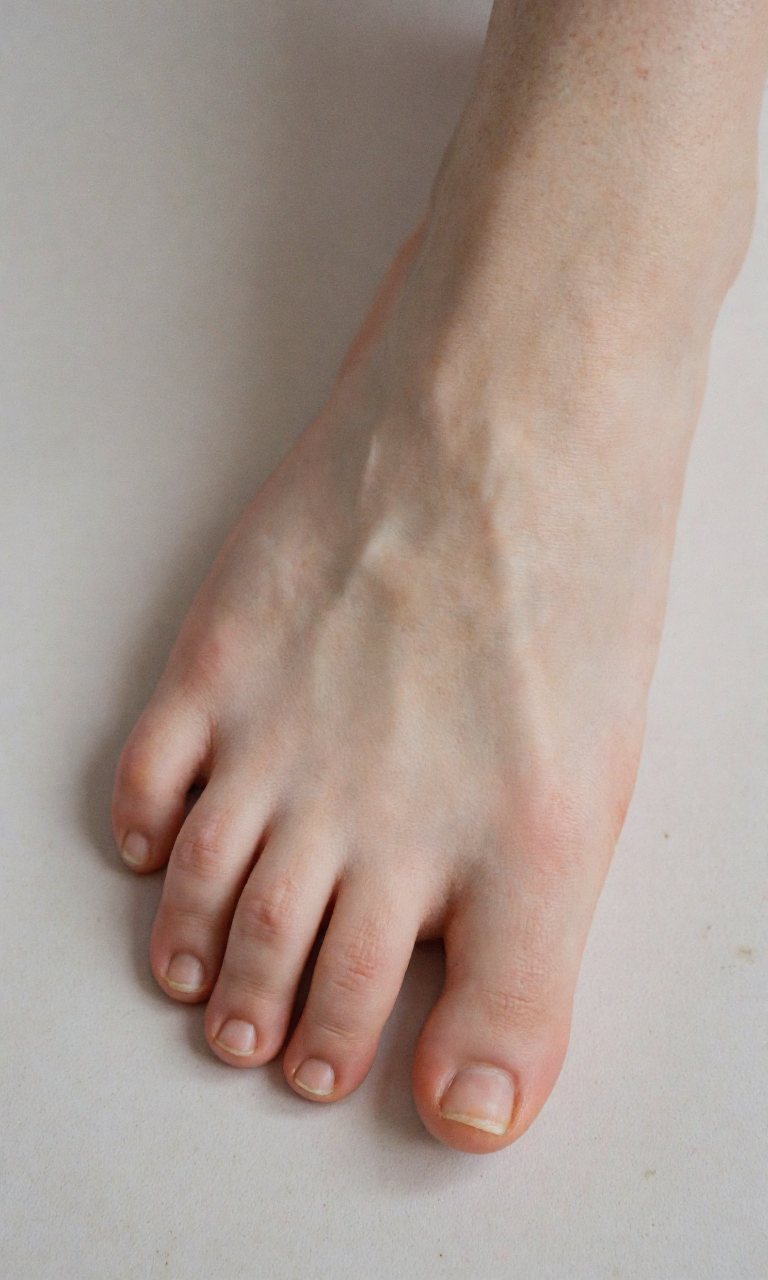
    Fluxmania Checkpoint generated
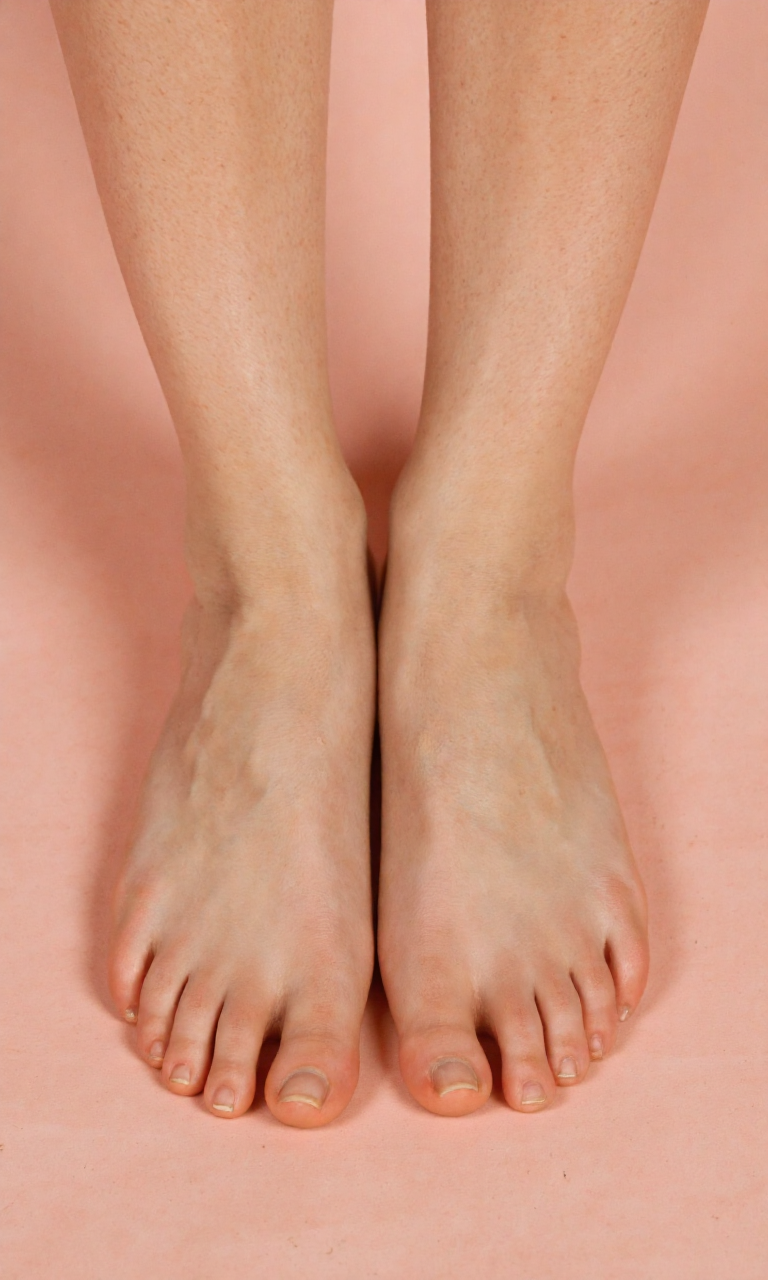
    female feet with Feet Model LORA

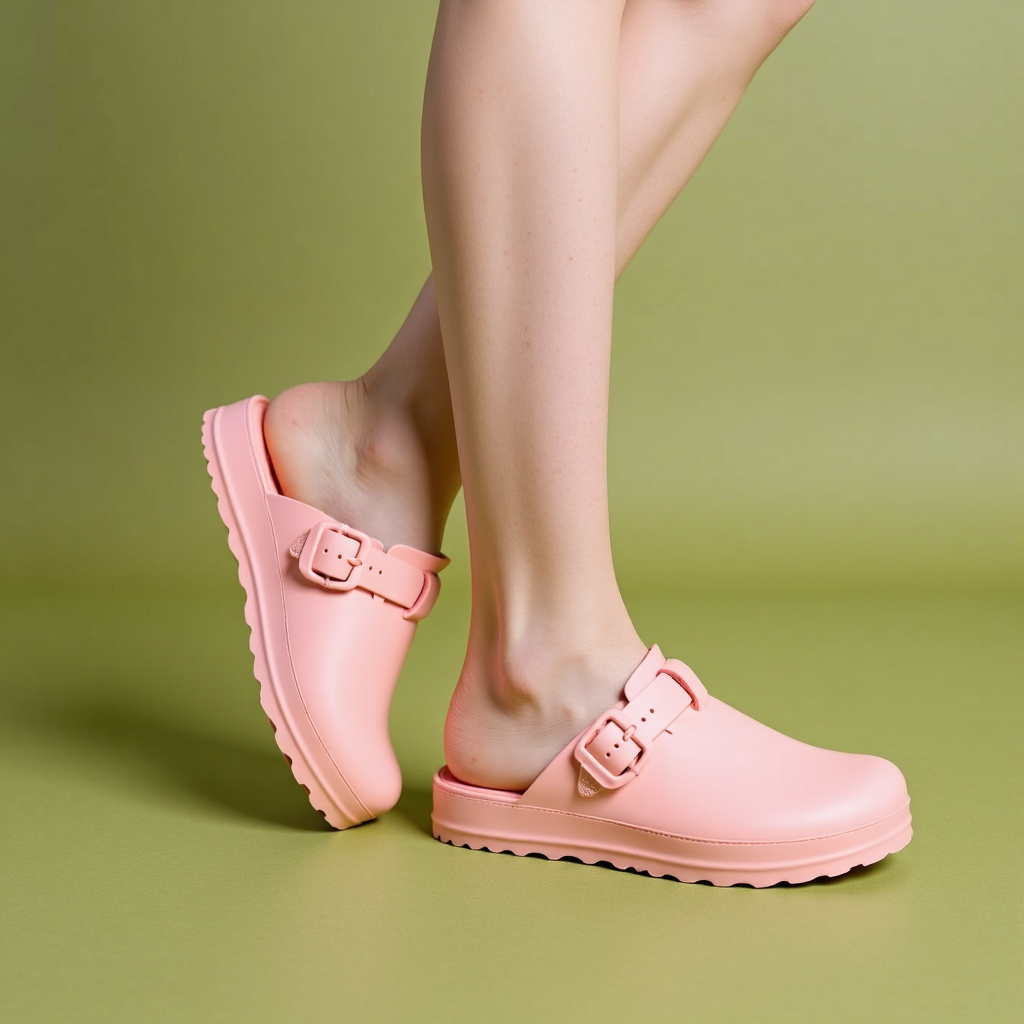
    Kontext combined generated
    with Euler sampler

    Real photo of the product taken from Fashion Nova

    Fluxmania Checkpoint generated
    female feet with Feet Model LORA

    Kontext combined generated
    with DPMPP 2M sampler

    Real photo of the product taken from Fashion Nova

    Fluxmania Checkpoint generated
    female feet with Feet Model LORA

    Kontext combined generated
    with DPMPP 2M sampler

    The results are not yet optimal because the sandal is rendered twice with the same strap position, on the left and on the right feet. Plus, it still somehow has something way too artificial to be used commercially. Maybe with fine prompting or stacking some LORAs to the workflow could generate better results.

    As take more time to study I will publish my findings on this website and LinkedIn.

  • Optimizing LinkedIn profile for growth and performance

    Optimizing LinkedIn profile for growth and performance

    Optimizing LinkedIn profile for growth and performance

    📌 Step 1: Post Consistently (Content Strategy)

    🎯 Post 3-5x per week (mix of formats):
    ✔ Text Posts (Thought leadership, questions, opinions)
    ✔ Images/Carousels (Tips, stats, infographics)
    ✔ Videos (Short-form, behind-the-scenes, value-driven)
    ✔ Articles/News (Comment on industry trends)

    🔹 Best Times to Post:

    • Weekdays (Tue-Thu), 8-10 AM or 6-8 PM (local time).
    • Use LinkedIn Scheduler (native tool) or Buffer/Hootsuite. 

     
    Tool:
    Crystal

    • Analyzes LinkedIn connections to suggest communication styles.
    • Helps tailor your profile & outreach messages.
       

    Tool: Peekalink

    • Generates AI-powered LinkedIn headlines and summaries.
       

    Tool: Canva (AI features)

    • Auto-generates professional banners and profile pics.
       

    Tool: Jasper (formerly Jarvis)

    • Writes LinkedIn posts, captions, and articles in seconds.
       

    Tool: OpusPro

    • Creates short videos from long content (great for LinkedIn).
       

    Tool: Hypefury

    • Optimizes post timing & captions based on engagement data.
       

    Tool: Loom

    • Records quick video updates to humanize your profile.

    📌 Step 2: Engage Authentically (Build Relationships)

    💬 Daily Engagement Routine:
    1️⃣ Like & Comment on top posts in your niche (add value, not just “Great post!”).
    2️⃣ Join & Engage in LinkedIn Groups (share insights, answer questions).
    3️⃣ Reply to Comments on your own posts (boosts engagement).
    4️⃣ Tag relevant people (when appropriate, but don’t overdo it).


    Tool:
    Expandi

    • Sets up automated LinkedIn drip campaigns (e.g., follow-up messages after connecting).
       

    Tool: Dux-Soup

    • Automates profile visits & personalized connection requests.
       

    Tool: PhantomBuster

    • Scrapes leads & automates likes/comments (use ethically).

    📌 Step 3: Grow Your Network Strategically

    🔍 Targeted Connection Strategy:
    ✅ Connect with:

    • Industry peers (alumni, conference attendees).
    • Potential clients/leads (follow & engage before requesting).
    • Influencers & thought leaders (comment on their posts first).

    🚫 Avoid:

    • Random bulk requests (LinkedIn may flag you).
    • Spammy messages (“Can I promote my product?”).

    🔹 Personalize Connection Requests:
    “Hi [Name], I noticed we both work in [industry] and loved your post on [topic]. Would love to connect!”


    Tool:
    MeetAlfred

    • Automates connection requests & follow-ups with personalization.
       

    Tool: Prospeo

    • Finds targeted leads based on job titles, companies, etc.

    Tool: Crystal

    • Suggests personalized outreach messages for each connection.

    📌 Step 4: Leverage LinkedIn Features

    ✨ Use These Tools to Stand Out:
    📌 Newsletters – Repurpose long-form posts into a weekly newsletter.
    📌 LinkedIn Live – Host quick Q&As or industry updates.
    📌 Polls & Stories – Engage your audience interactively.
    📌 SEO Optimization – Use keywords in your profile & posts (helps with discovery). 


    Tool:
    Repurpose.io

    • Turns YouTube videos into LinkedIn carousels/posts.

    Tool: OpusClip

    • Auto-cuts long videos into viral clips for LinkedIn.

    Tool: Jasper

    • Repurposes blog posts into LinkedIn threads.

    📌 Step 5: Track & Improve (Analytics)

    📊 Check Weekly Metrics:
    ✔ Post Engagement (Likes, Comments, Shares).
    ✔ Profile Views (Are people visiting your page?).
    ✔ Follower Growth (Are you gaining quality connections?).

    🔹 Double Down on What Works:

    • If carousels perform well, create more.
    • If video gets more comments, post more videos.


    Tool:
    Vaetas

    • Tracks LinkedIn post performance and suggests improvements.

    Tool: Vaetech Suite

    • Automates analytics reporting for LinkedIn growth.

    Tool: SocialBu

    • Aggregates engagement metrics across platforms (LinkedIn included).

    📌 Step 7: Monetize & Offer Value (Long-Term Growth)

    💰 Turn LinkedIn Presence into Opportunities:
    📌 Lead Magnet – Offer a free guide/checklist in your bio (use Linktree).
    📌 Consulting/Services – Showcase case studies & testimonials.
    📌 Affiliate/Products – Promote relevant offers subtly.

    🎯 Your 1-Week Action Plan

    1. Day 1-2: Optimize profile (photo, headline, about section).
    2. Day 3-4: Post 3x this week (text + image + video).
    3. Day 5-7: Engage daily (like/comment on 10+ posts, send 5 connection requests).


    By following these steps consistently, you’ll see steady growth in visibility, engagement, and opportunities.

    🎯 Quick-Start AI Workflow

    1. Optimize Profile → Crystal + Canva
    2. Post 3x/Week → Jasper + Hypefury
    3. Engage Daily → Dux-Soup (limited use)
    4. Grow Network → MeetAlfred + Prospeo
    5. Track Success → Vaetas + SocialBu
  • Flux Dev vs Fluxmania

    Flux 1 (dev) vs Flux GGUF vs Fluxmania

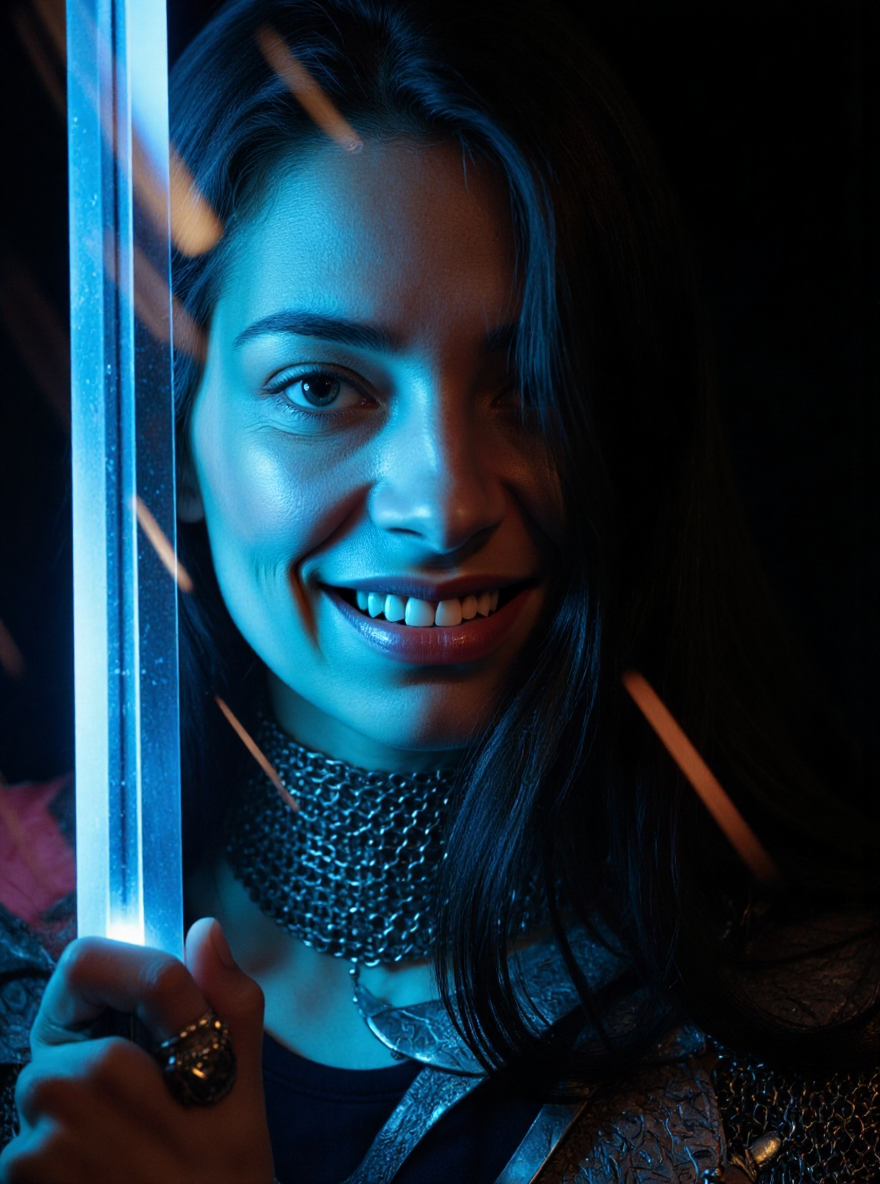
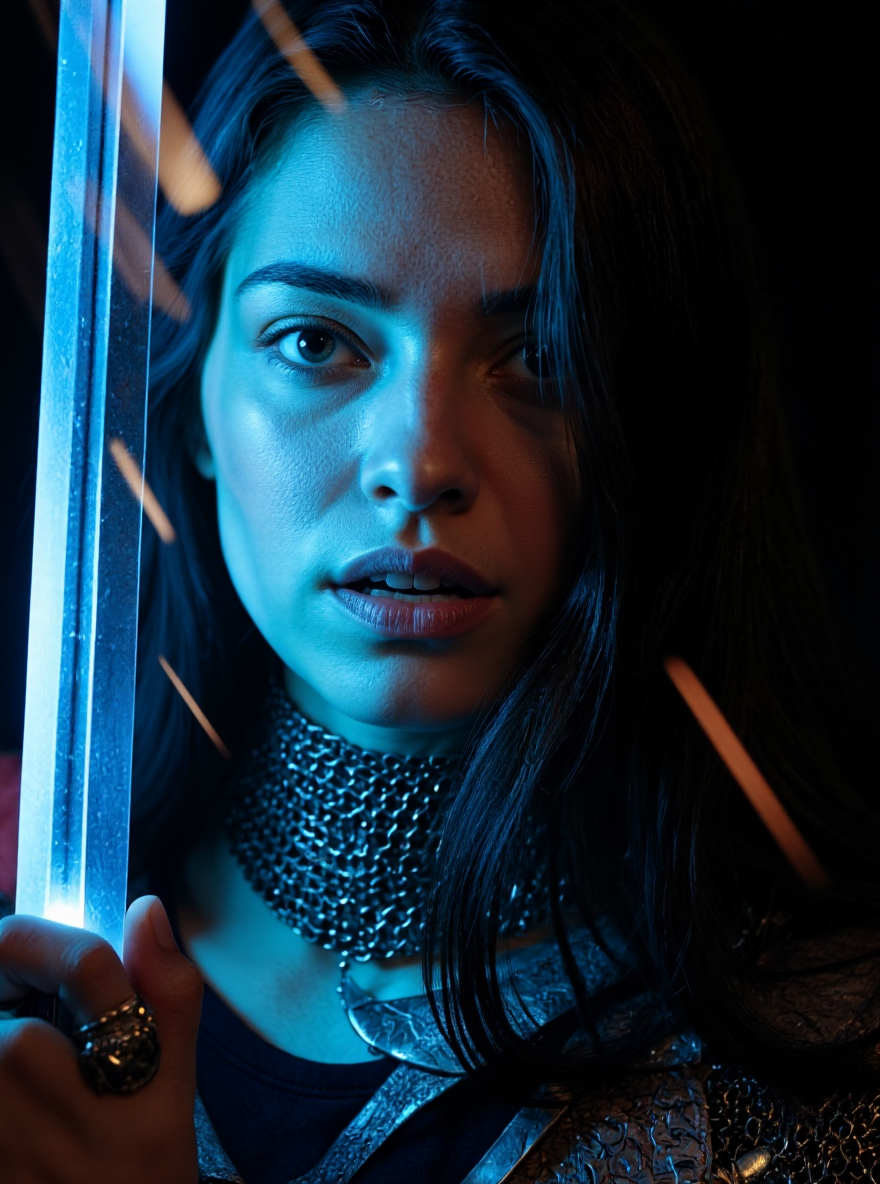
    I recently came across to people telling wonders about Fluxmania, a fine-tuned legacy checkpoint from Flux and available at Civiat.ai. The prunned model has 22,5GB but quantized versions are also available through GGUF formats.

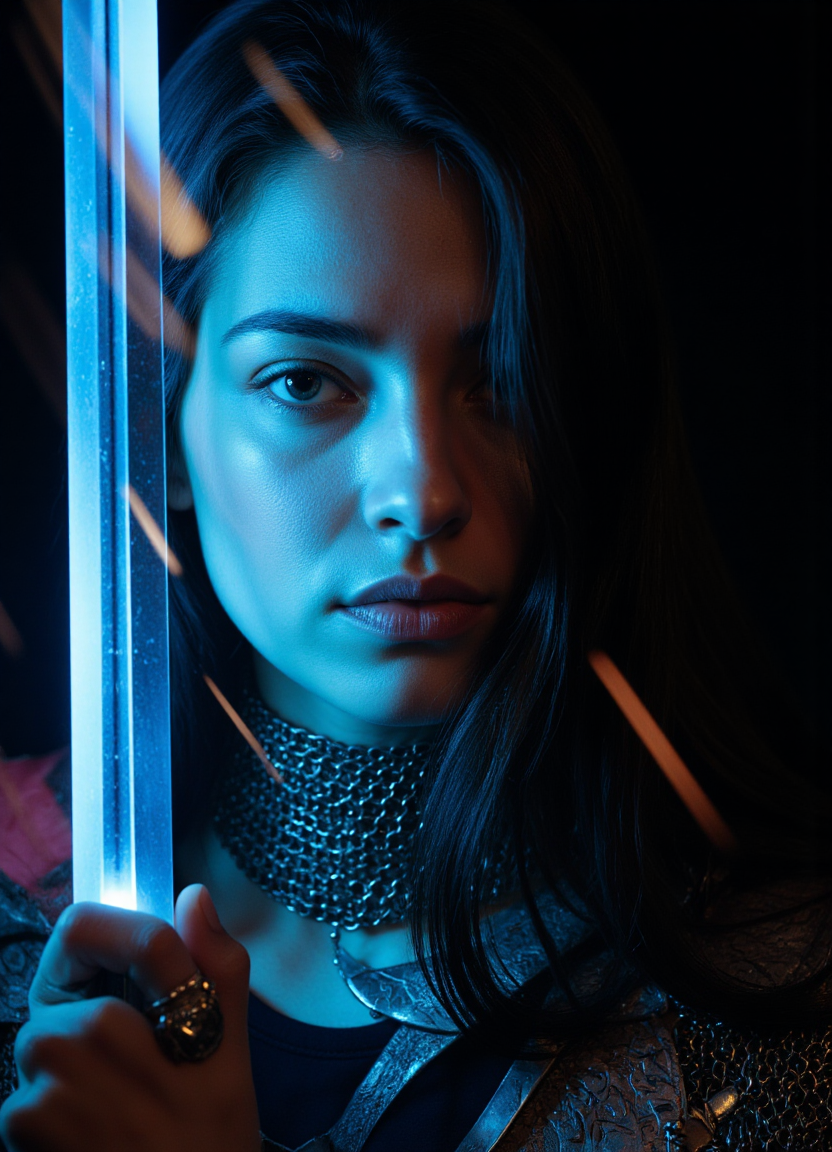
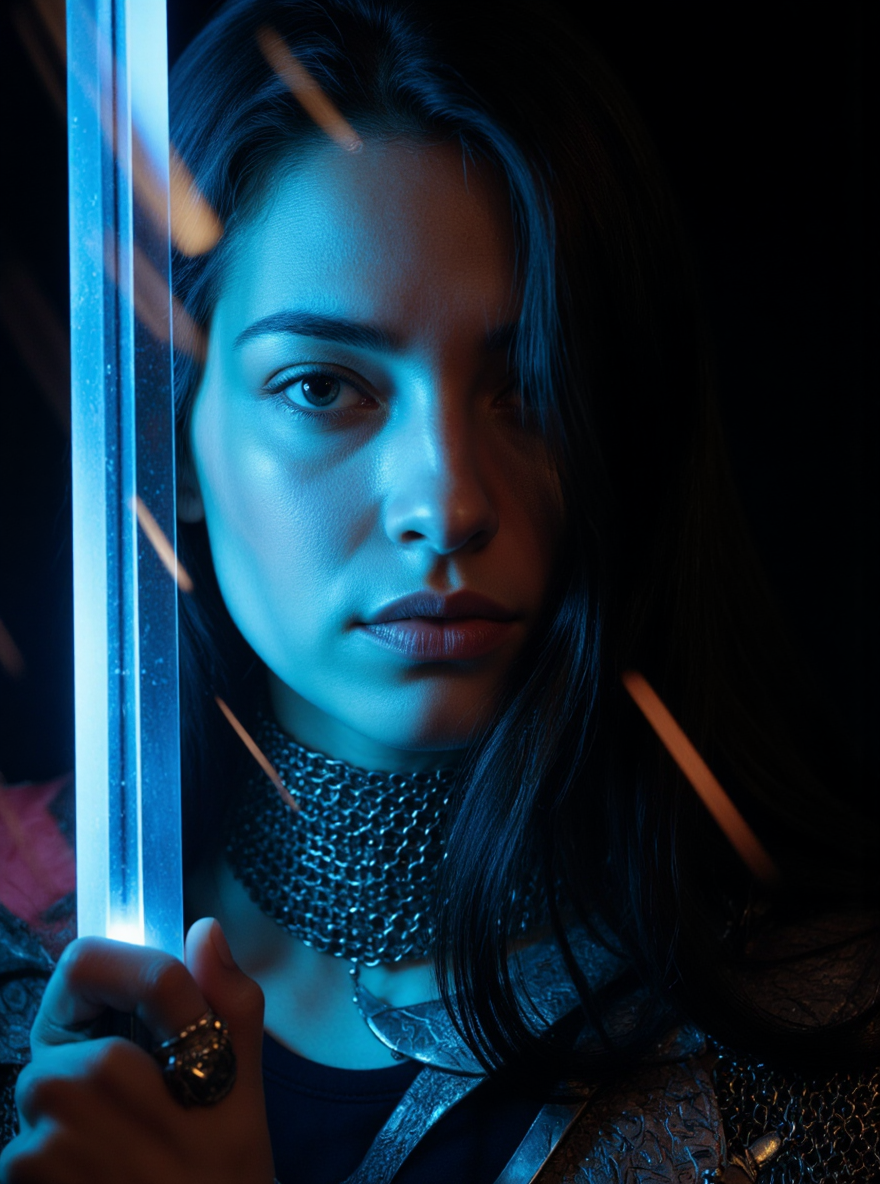
    This is my personal testings with direct comparision on Flux 1 Dev  against its own GGUF version against the Fluxmania Checkpoint.

    I am using Sampler Euler + Scheduler SGM_Unigform on 24 steps and CFG at 1.0 and same seed for every generation.

    				
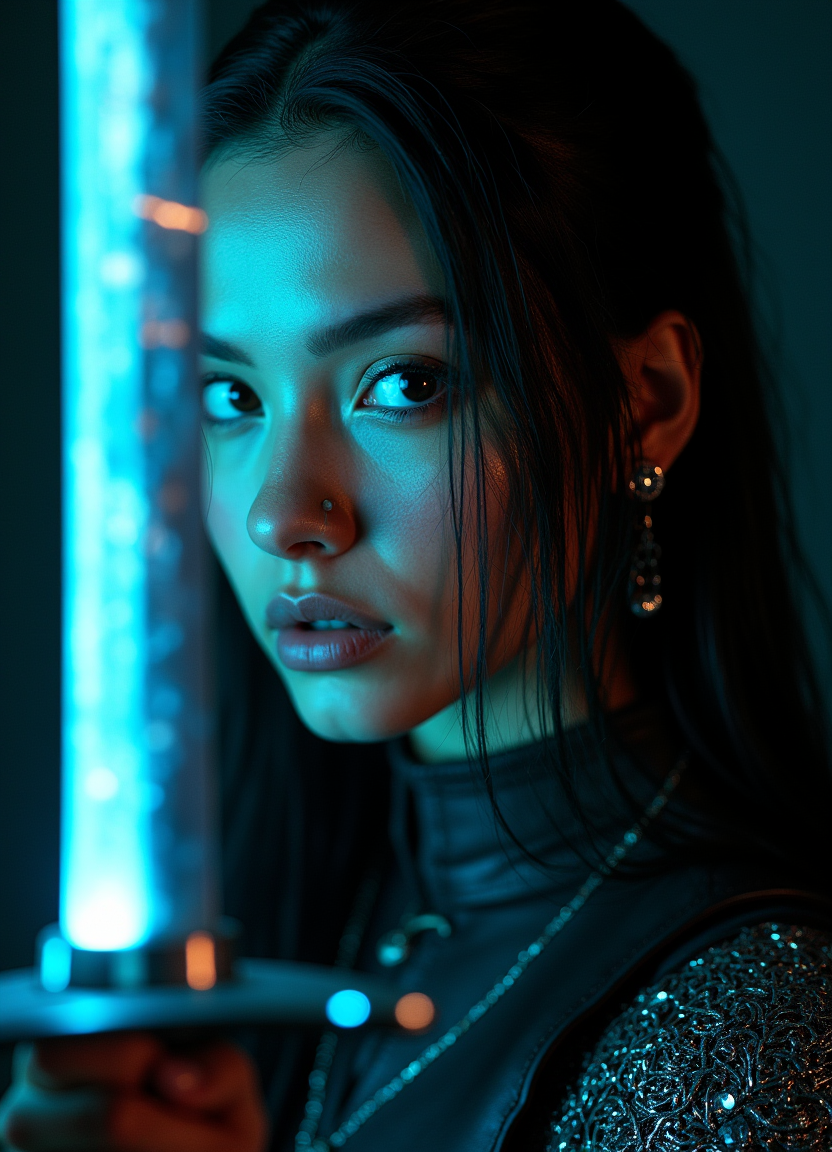
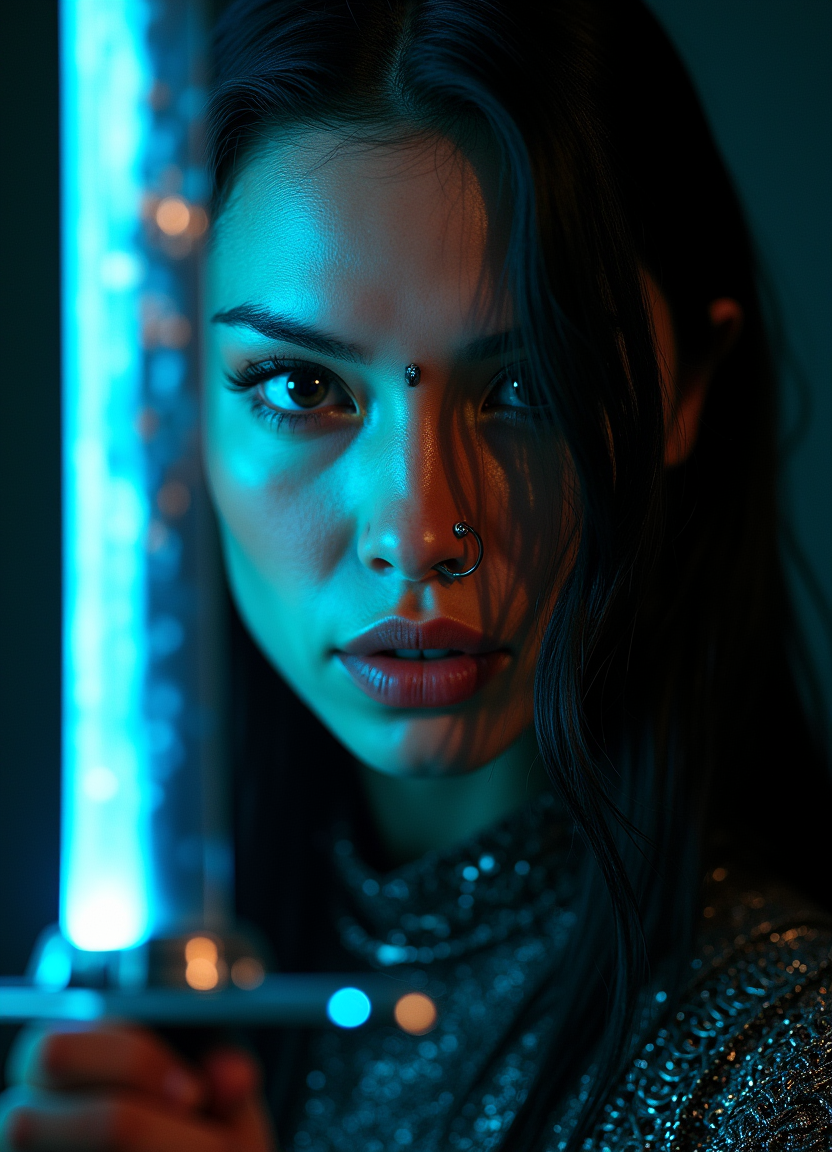
    					Close-up portrait of a woman with long black hair partially obscured by a glowing, motion-blurred sword held vertically in front of her face, dramatic light streaks crossing composition, low contrast, cinematic high dynamic range, highly detailed, intricate chainmail headpiece and septum ring, modern warrior aesthetic blending medieval armor with cyberpunk fashion, neon glow effects, futuristic armor textures, ambient lighting, dark background, film grain, sharp focus, contrasting cool and warm tones, moody atmosphere, detailed facial features, soft rim lighting, subtle lens flares, high-resolution realistic rendering, cinematic composition, depth of field, subtle reflections and metallic textures, dynamic motion blur, editorial style, hyper-realistic, 


    Flux 1 Dev
    774726078651743

    				
    					Close-up portrait of a woman with long black hair partially obscured by a glowing, motion-blurred sword held vertically in front of her face, dramatic light streaks crossing composition, low contrast, cinematic high dynamic range, highly detailed, intricate chainmail headpiece and septum ring, modern warrior aesthetic blending medieval armor with cyberpunk fashion, neon glow effects, futuristic armor textures, ambient lighting, dark background, film grain, sharp focus, contrasting cool and warm tones, moody atmosphere, detailed facial features, soft rim lighting, subtle lens flares, high-resolution realistic rendering, cinematic composition, depth of field, subtle reflections and metallic textures, dynamic motion blur, editorial style, hyper-realistic, 


    Flux 1 Dev Q8 GGUF
    774726078651743

    				
    					Close-up portrait of a woman with long black hair partially obscured by a glowing, motion-blurred sword held vertically in front of her face, dramatic light streaks crossing composition, low contrast, cinematic high dynamic range, highly detailed, intricate chainmail headpiece and septum ring, modern warrior aesthetic blending medieval armor with cyberpunk fashion, neon glow effects, futuristic armor textures, ambient lighting, dark background, film grain, sharp focus, contrasting cool and warm tones, moody atmosphere, detailed facial features, soft rim lighting, subtle lens flares, high-resolution realistic rendering, cinematic composition, depth of field, subtle reflections and metallic textures, dynamic motion blur, editorial style, hyper-realistic, 


    Fluxmania
    774726078651743

    				
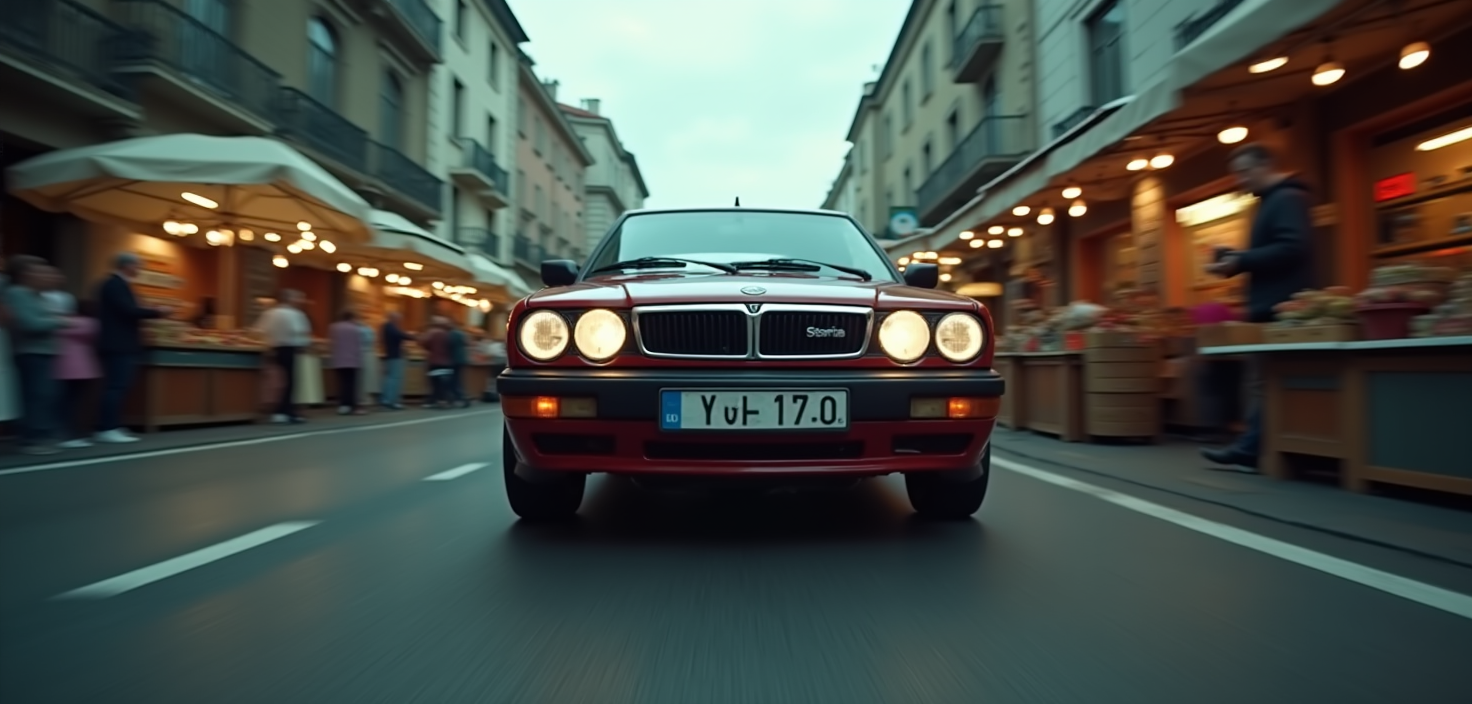
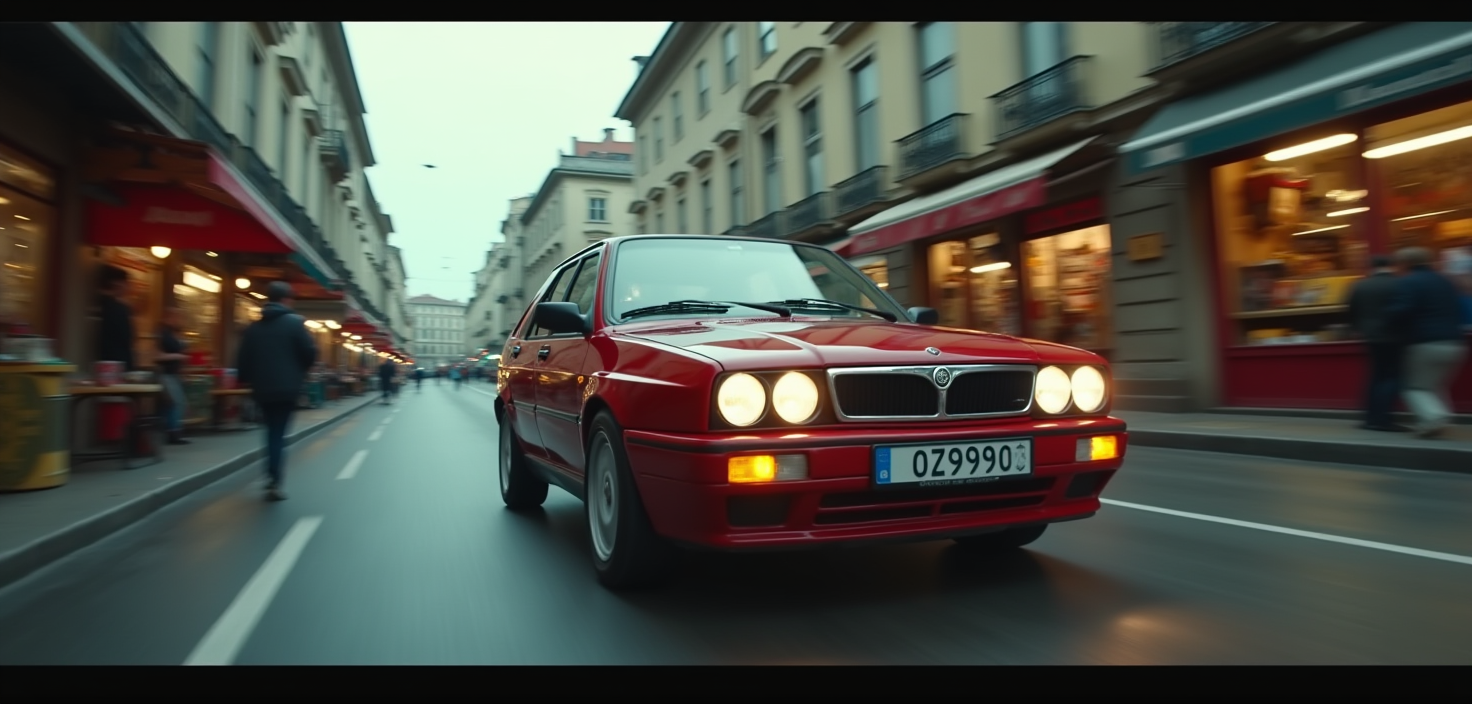
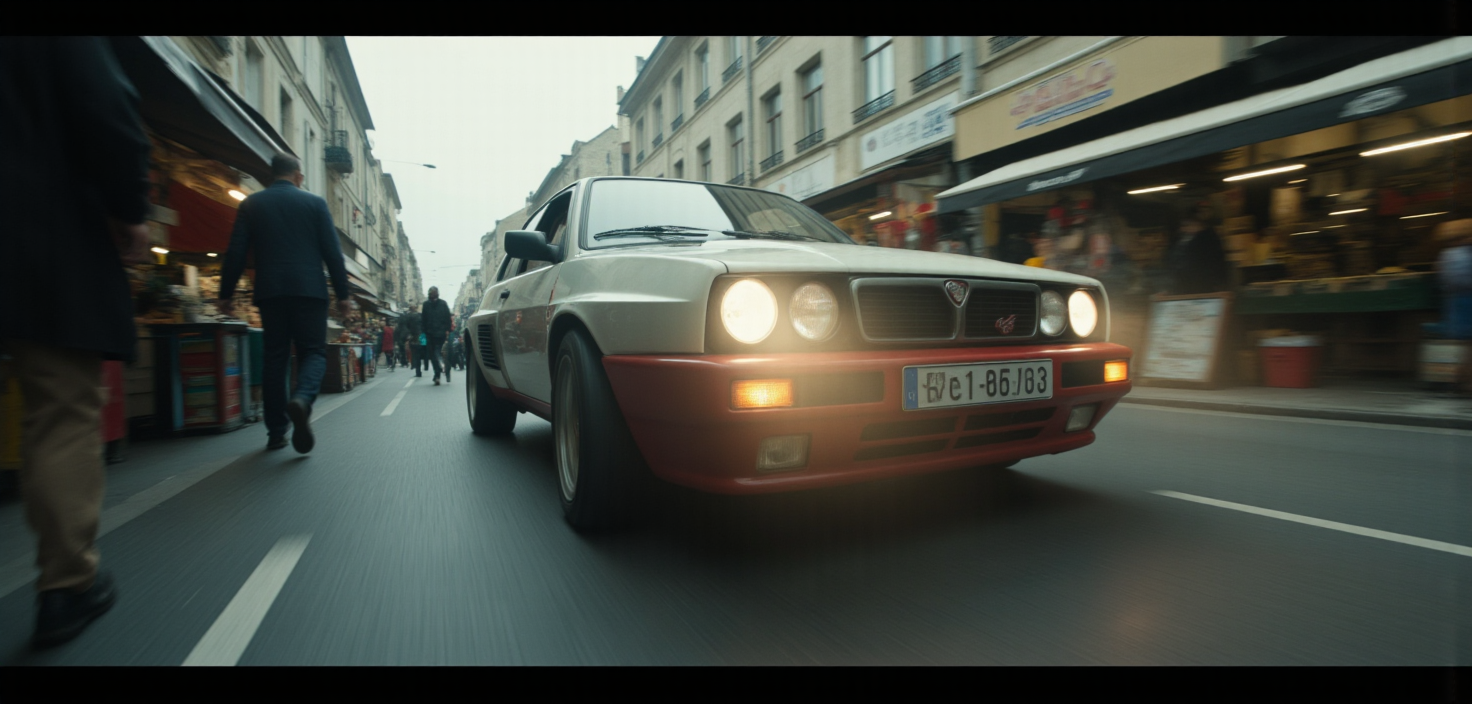
    					Low angle shot of a high-speeding Lancia Delta on a street crowded with street market under cloudy skies, diffused lighting, muted colors, film grain, sharp focus, contrasting cool and warm tones, moody atmosphere, soft lighting and shadows, subtle lens flares, high-resolution realistic rendering, dynamic composition, subtle reflections and metallic textures, dynamic motion blur, editorial style


    Flux 1 Dev
    911677283233535

    				
    					Low angle shot of a high-speeding Lancia Delta on a street crowded with street market under cloudy skies, diffused lighting, muted colors, film grain, sharp focus, contrasting cool and warm tones, moody atmosphere, soft lighting and shadows, subtle lens flares, high-resolution realistic rendering, dynamic composition, subtle reflections and metallic textures, dynamic motion blur, editorial style


    Flux 1 Dev Q8 GGUF
    911677283233535

    				
    					Low angle shot of a high-speeding Lancia Delta on a street crowded with street market under cloudy skies, diffused lighting, muted colors, film grain, sharp focus, contrasting cool and warm tones, moody atmosphere, soft lighting and shadows, subtle lens flares, high-resolution realistic rendering, dynamic composition, subtle reflections and metallic textures, dynamic motion blur, editorial style


    Fluxmania
    911677283233535

    				
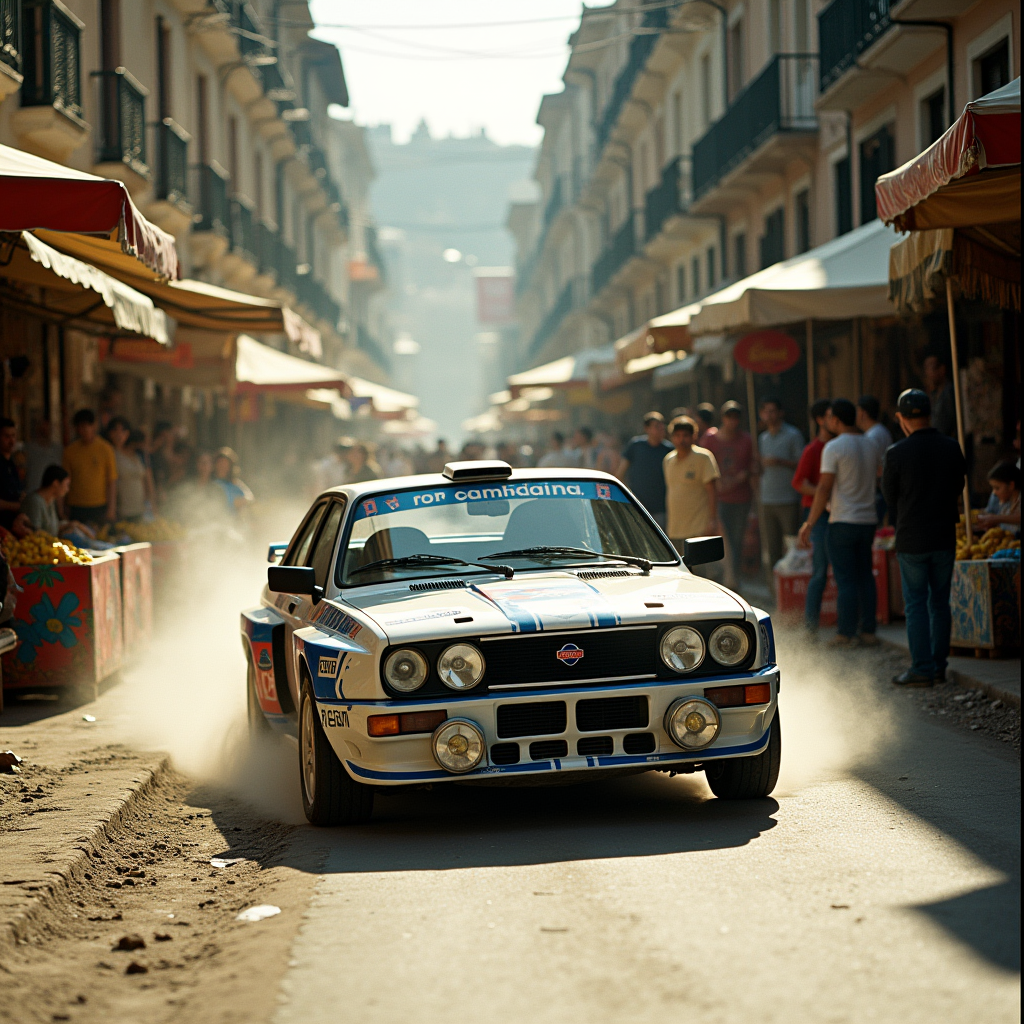
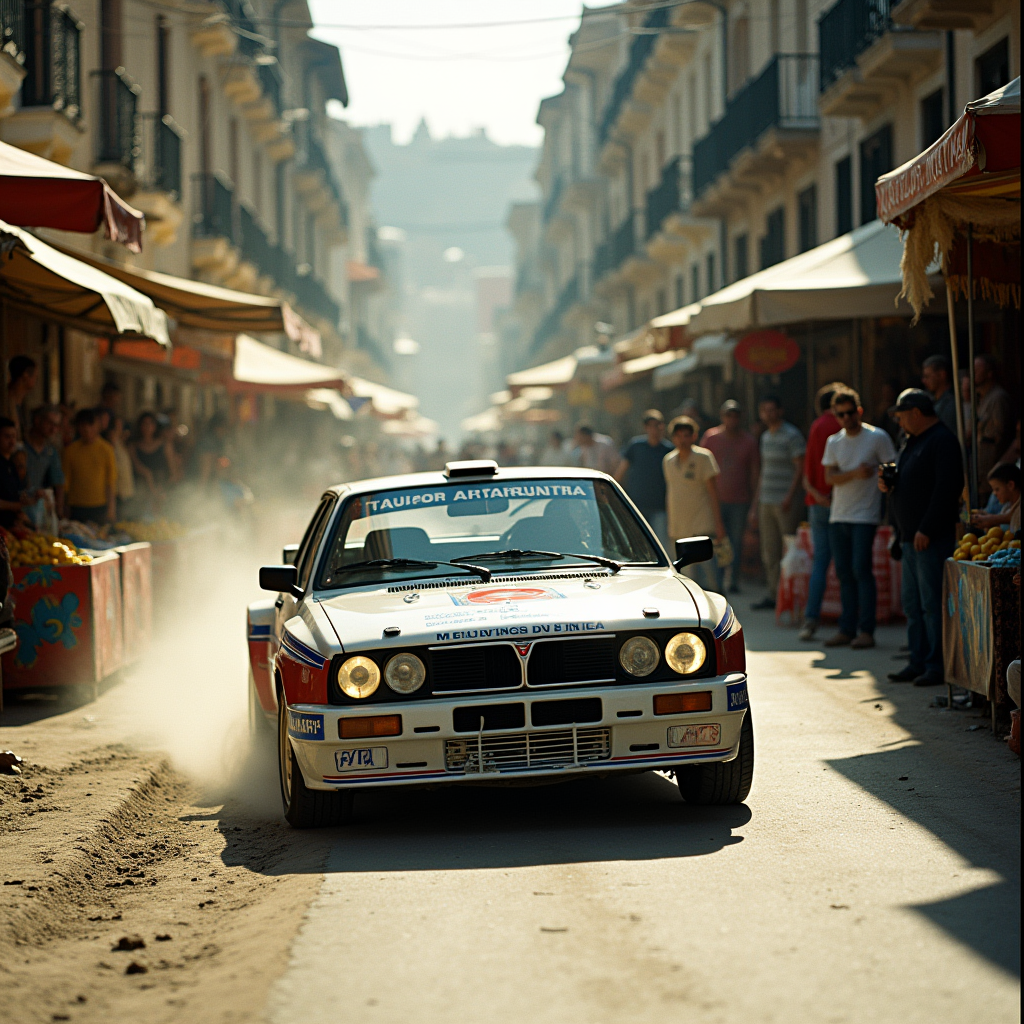
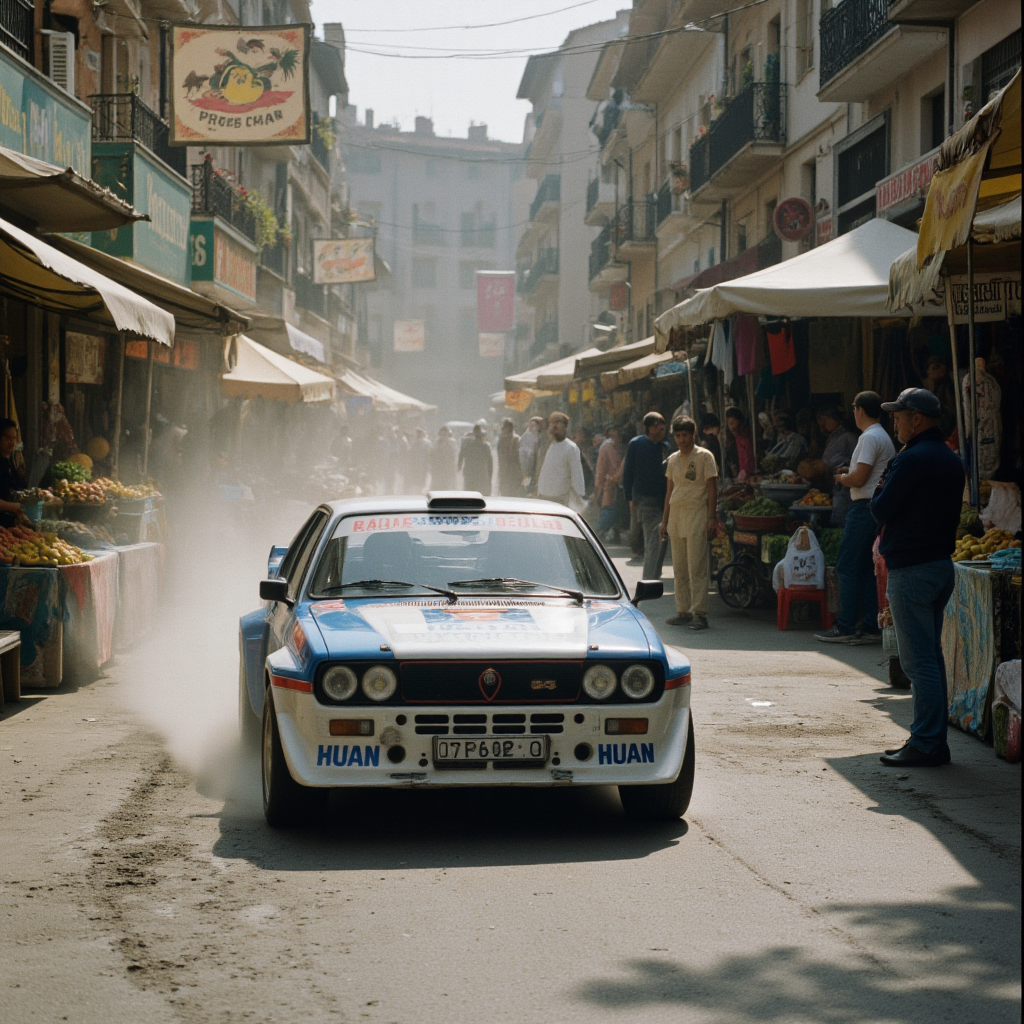
    					Eye level angle shot of Lancia Delta 4S rally posing parked in the middle of a crowded street under direct sunlight daylight with long casting shadows, vivid colors, film grain, sharp focus, contrasting cool and warm tones, 35mm Kodak Vision3 250D, vivid colors, cinematic dynamic range, moody atmosphere, subtle lens flares, high-resolution realistic rendering, dynamic composition, subtle reflections and metallic textures, dynamic motion blur, editorial style


    Flux 1 Dev
    27081982270819

    				
    					Eye level angle shot of Lancia Delta 4S rally posing parked in the middle of a crowded street under direct sunlight daylight with long casting shadows, vivid colors, film grain, sharp focus, contrasting cool and warm tones, 35mm Kodak Vision3 250D, vivid colors, cinematic dynamic range, moody atmosphere, subtle lens flares, high-resolution realistic rendering, dynamic composition, subtle reflections and metallic textures, dynamic motion blur, editorial style


    Flux 1 Dev Q8 GGUF
    27081982270819

    				
    					Eye level angle shot of Lancia Delta 4S rally posing parked in the middle of a crowded street under direct sunlight daylight with long casting shadows, vivid colors, film grain, sharp focus, contrasting cool and warm tones, 35mm Kodak Vision3 250D, vivid colors, cinematic dynamic range, moody atmosphere, subtle lens flares, high-resolution realistic rendering, dynamic composition, subtle reflections and metallic textures, dynamic motion blur, editorial style


    Fluxmania
    27081982270819

    				
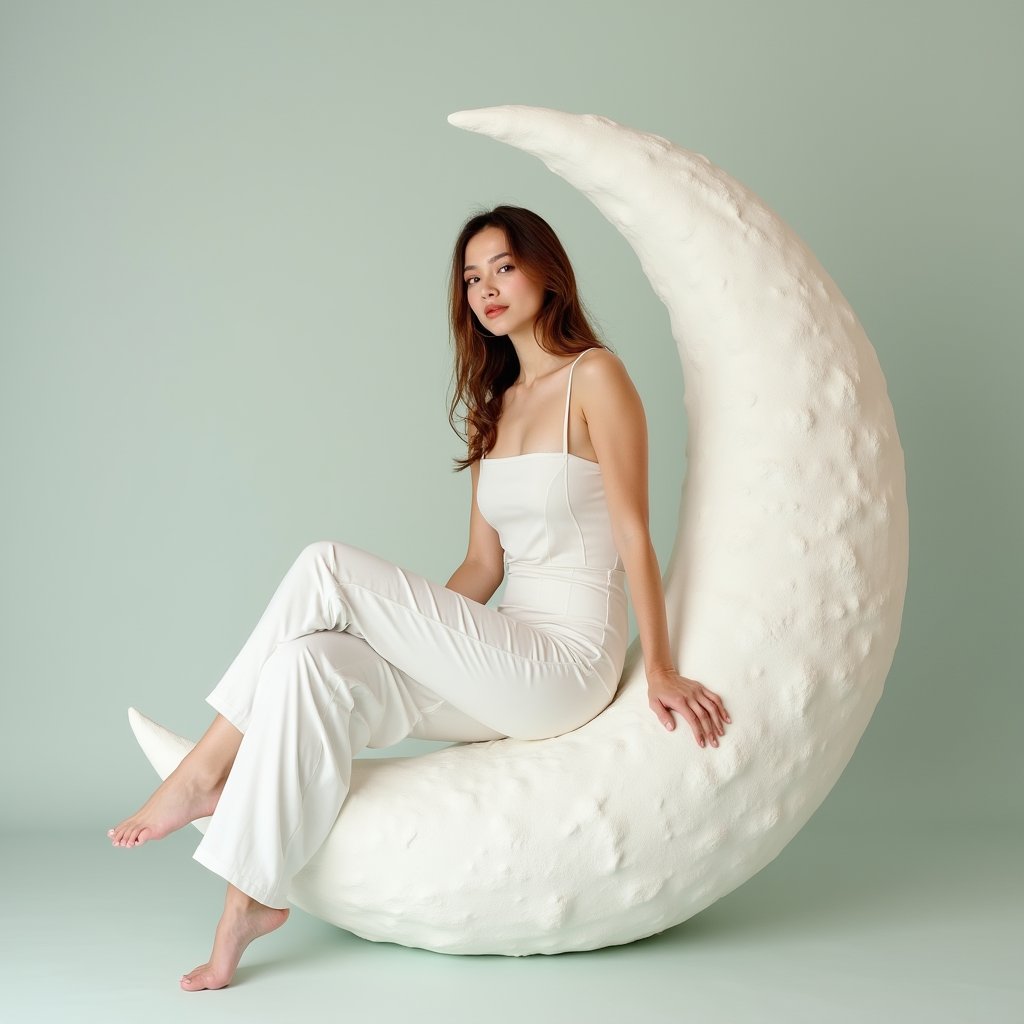
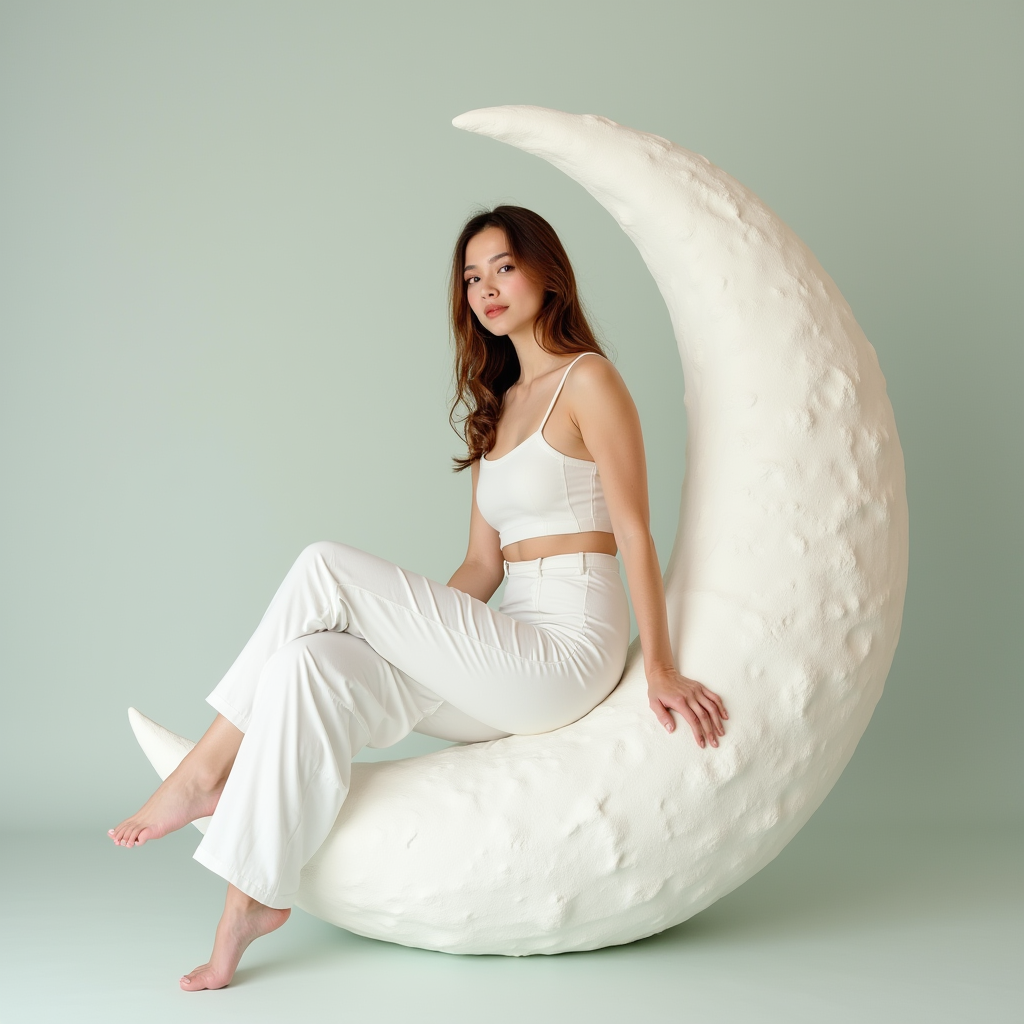
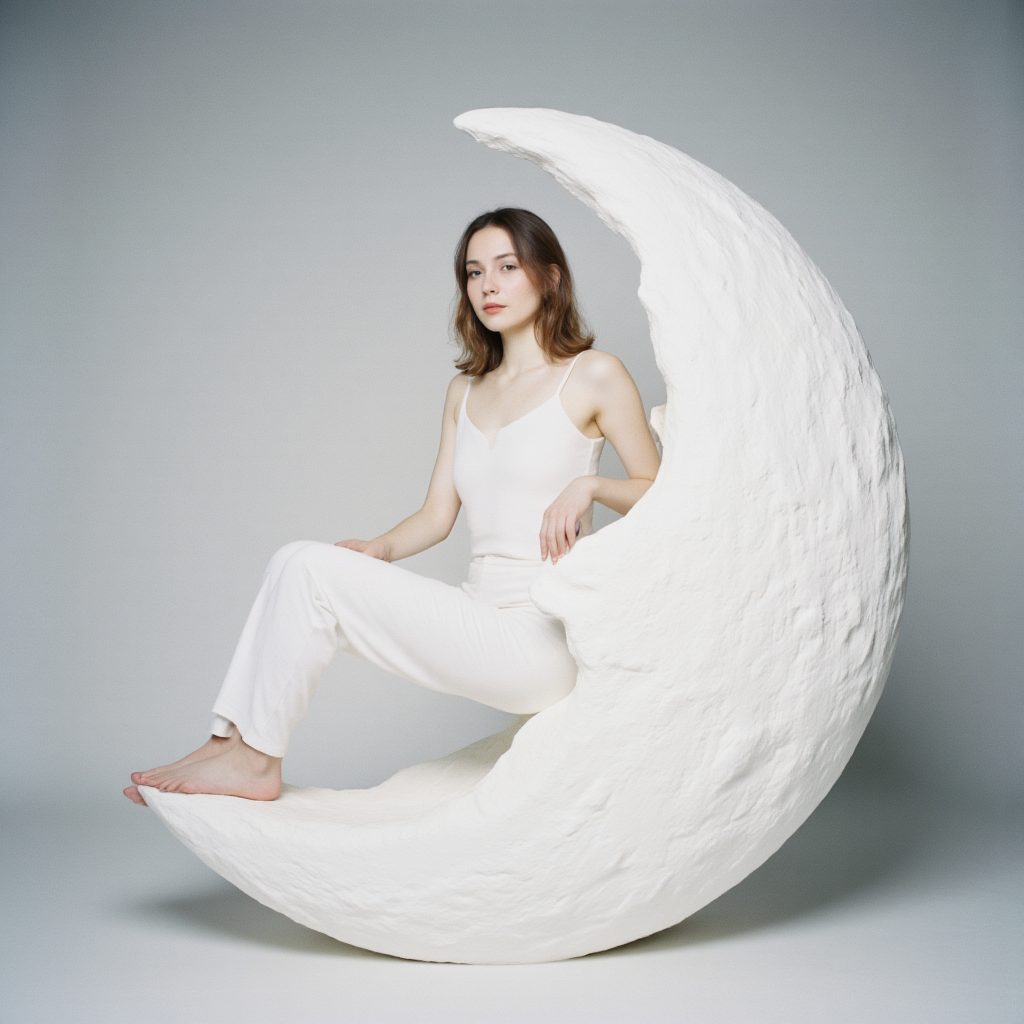
    					Editorial photography full body of a woman wearing an all-white minimalist outfit while posing sitting on a decorative moon in a studio backdrop simulating outter space. Studio light softbox lighting, professional product photography. natural skin texture. Kodak Portra 400, soft pastel tones, natural skin tones.


    Flux 1 Dev
    764863394705616

    				
    					Editorial photography full body of a woman wearing an all-white minimalist outfit while posing sitting on a decorative moon in a studio backdrop simulating outter space. Studio light softbox lighting, professional product photography. natural skin texture. Kodak Portra 400, soft pastel tones, natural skin tones.


    Flux 1 Dev Q8 GGUF
    764863394705616

    				
    					Editorial photography full body of a woman wearing an all-white minimalist outfit while posing sitting on a decorative moon in a studio backdrop simulating outter space. Studio light softbox lighting, professional product photography. natural skin texture. Kodak Portra 400, soft pastel tones, natural skin tones.


    Fluxmania
    764863394705616

  • Flux Schnell Q2 vs Q6 GGUF

    Flux Schnell Q2 vs Q6 GGUF

    Flux Schnell Q2 vs Q6 GGUF

    Q2

    Q6

    deis – normal

    deis – normal

    deis – beta

    deis – beta

    deis – sgm uniform

    deis – sgm uniform

    dpmm2 – beta

    dpmm2 – beta

    dpmm2 – exponential

    dpmm2 – exponential

    dpmm2 – karras

    dpmm2 – karras

    dpmm2 – normal

    dpmm2 – normal

  • How Brands Are Targeting Gen-Z with Reshaped Marketing Strategies

    How Brands Are Targeting Gen-Z with Reshaped Marketing Strategies

    How Brands Are Targeting Gen-Z with Reshaped Marketing Strategies

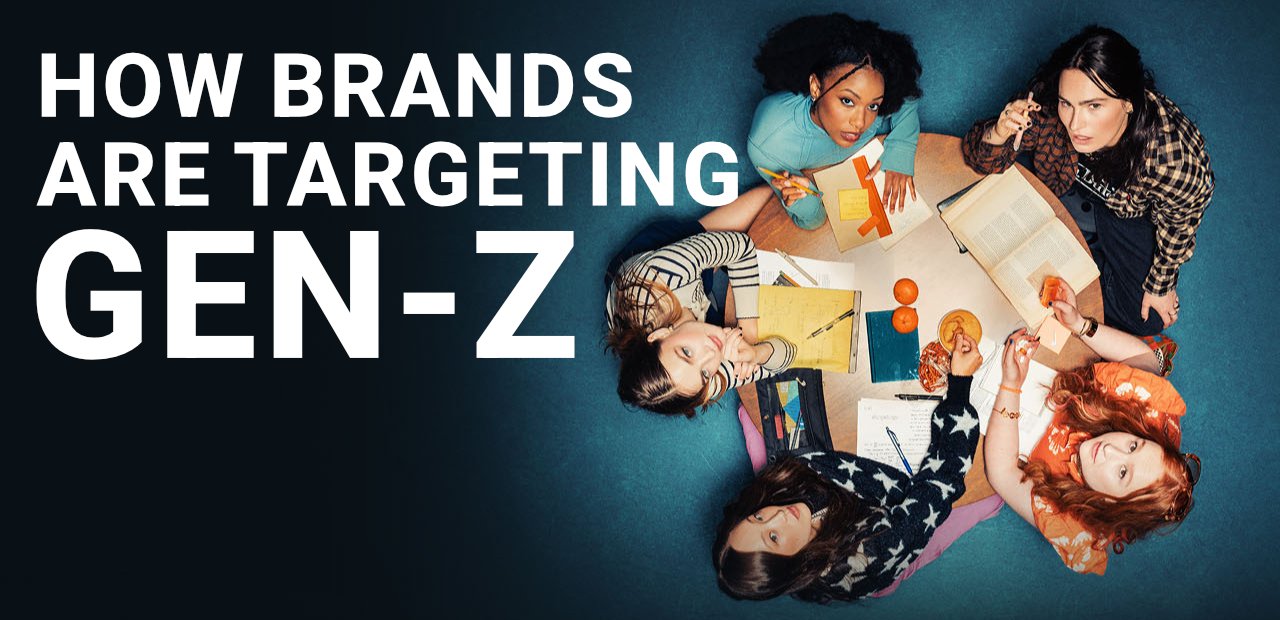
    Brands have to evolve and be flexible in order to stay relevant. This means trying out something never done before.

    The most controversial and difficult generation to retain attention and convince has to be the Gen-Z  for it is still being studied and for they have access to all information all the time, they are a not dumb generation as many think, but rather informed, maybe not by the official news media, but certainly informed.

    When dealing with Gen-Z the most important point is that brands and companies are not dealing with the consumer alone, but with a culture.

    Sony once famous for saying “We don’t follow the market, we create it.” in the 80s and 90s, sure needs to reevaluate that today.

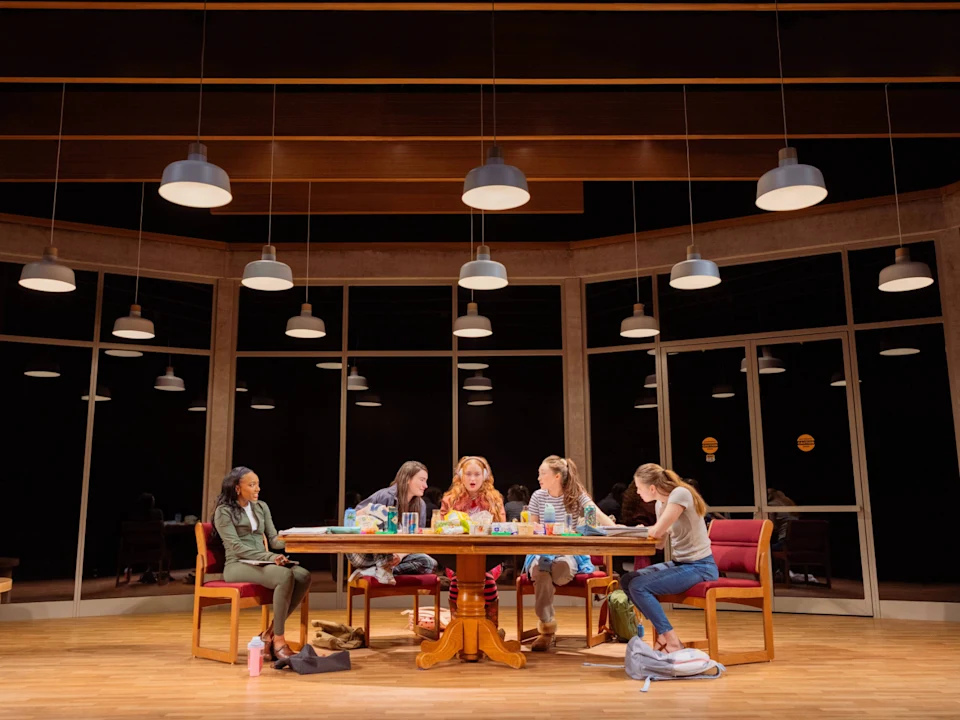
    broadway lowers its nose

    Broadway is undergoing a brand transformation. Long seen as a destination for upscale, older audiences, New York City’s theaters are now finding fresh appeal with Gen Z through influencer marketing and more accessible pricing strategies.

    This means their are investing in viral Tik Tok strategies to reach their target audience and had to repurpose the pricing lowering it to a more affordable and acceptable rate by this audience. You can buy tickets online around US$ 50 on their official website.

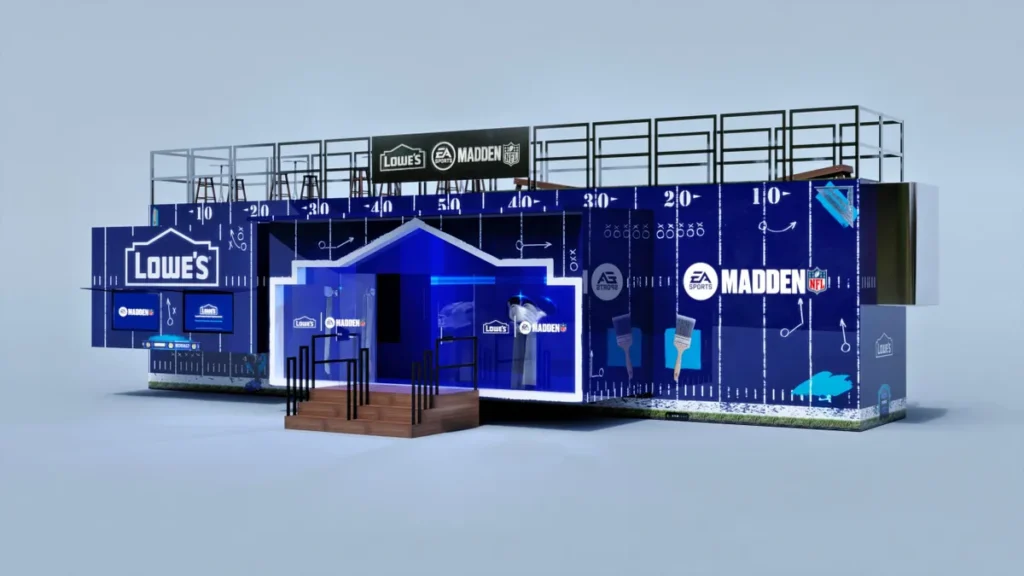
    LOWE’S and ea sports, inside video game advertising strategy

    American home improvement retailer LOWE’S is betting their marketing strategy in partnership with giant EA Sport Entertainment.

    They will have an inside video game advertising trying to reach target audience while playing NFL Madden ’25.

    The concept art above shows how the brand will be displayed inside the game as LOWE’S is already an NFL sponsor. Lowe’s is positioning the EA deal as an extension of its broader sports marketing strategy, but with a particular focus on digitally savvy young consumers. The company has started to reverse slumping sales but the home improvement category faces challenges amid a mounting trade war.

    Typical to video games partnerships, the tie-up is rooted in a need to reach Gen Z and young millennial shoppers who have made the hobby into a powerhouse of mainstream entertainment. Those cohorts are perceived as particularly fickle when it comes to brand loyalty, and Lowe’s is putting a spotlight on its MyLowe’s Rewards platform through the EA Sports franchises.

    You can read the original article at Marketing Dive.

  • Live Portrait AI

    Live Portrait AI

    Live Portrait AI

    This is LivePortrait AI and it lets you track a recorded face video or even real-time recording face, to animate a photo.

    I was playing around with this version and it’s still glitchy and funny, but in no time, it will be reliable enough for commercial and professional use.

    Official website: liveportrait.org/

plugins premium WordPress