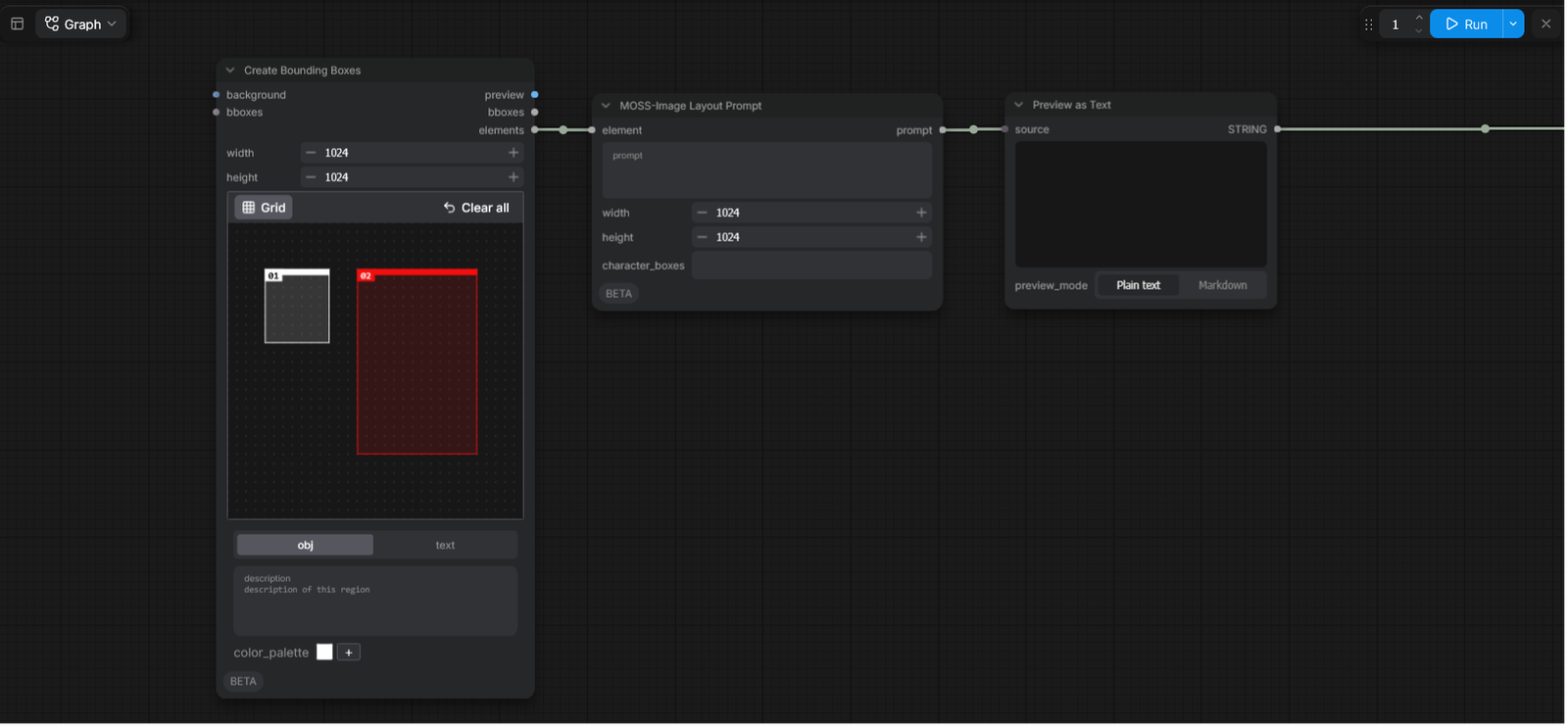
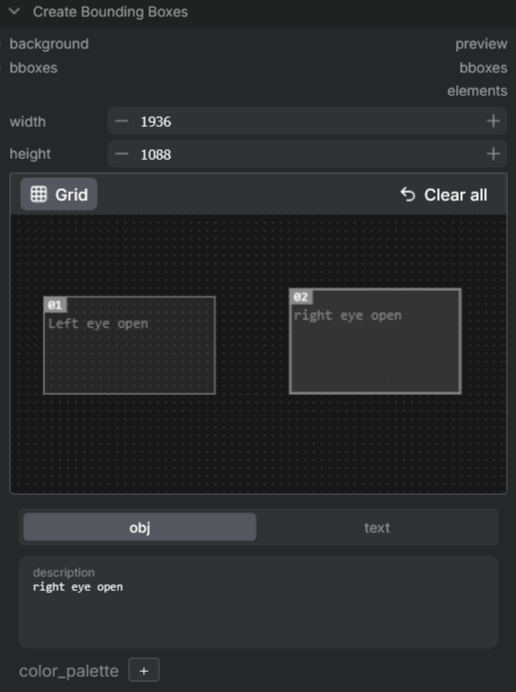
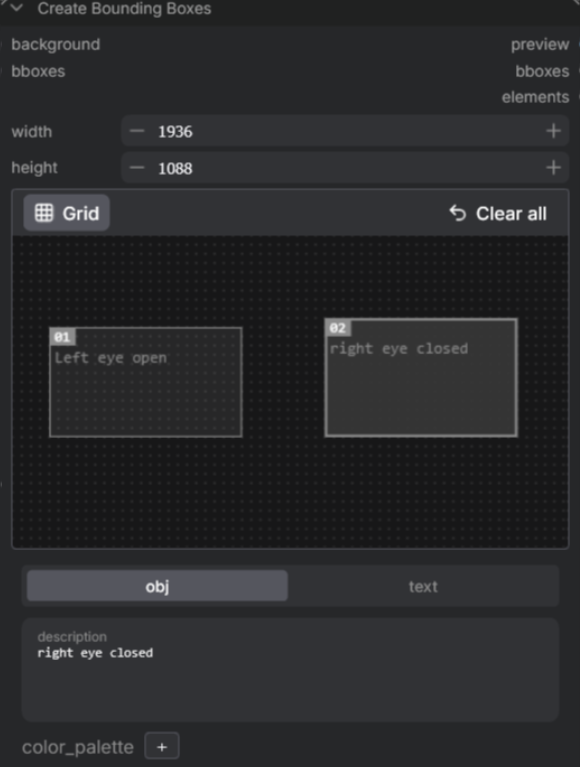
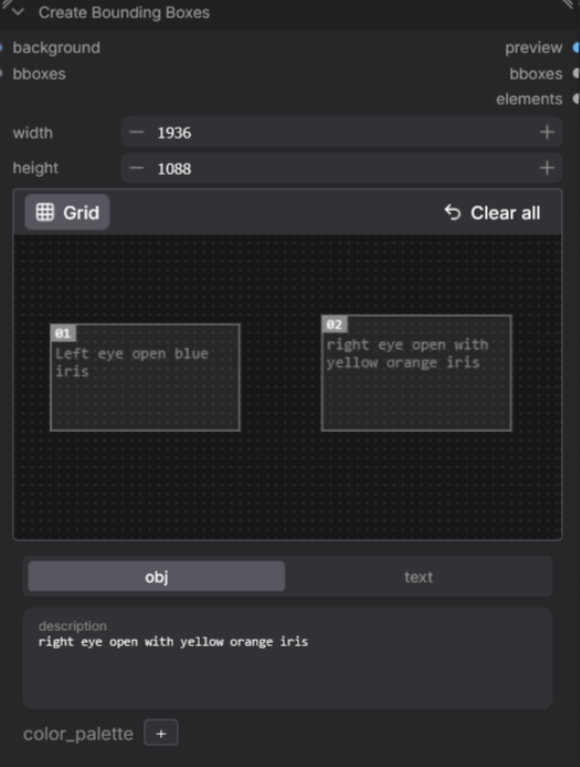
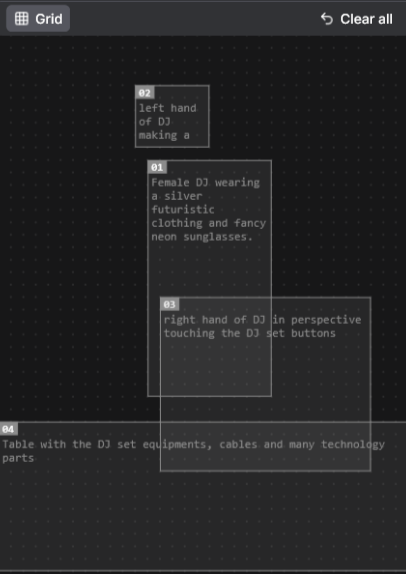
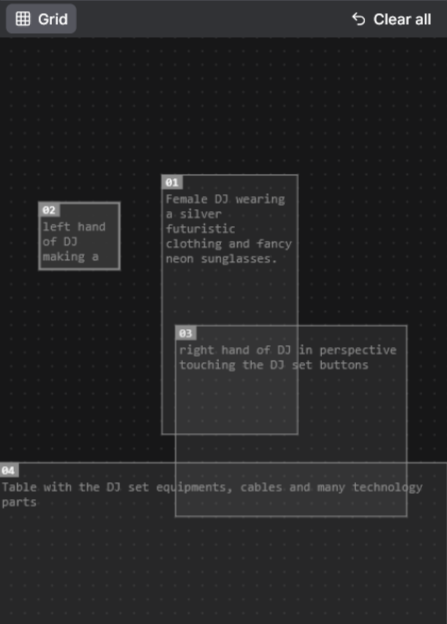
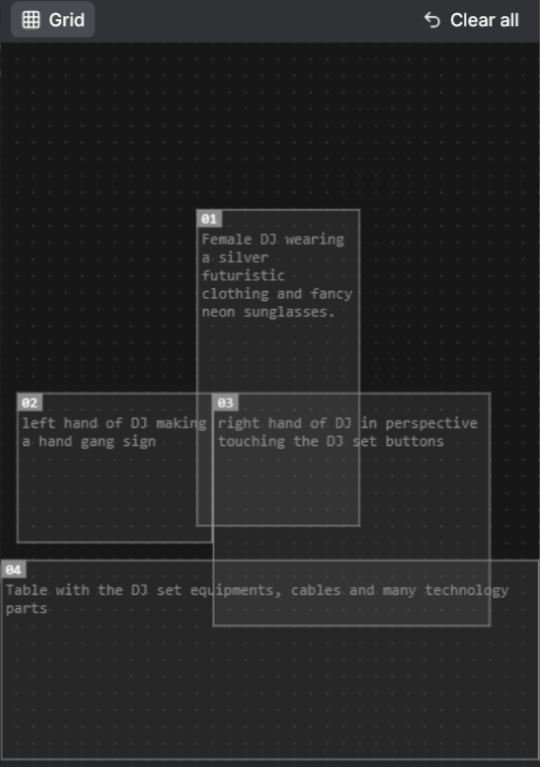
The workflow requires three new nodes to be setup. Double-click the empty area and choose the Create Bounding Box node, the MOSS-Image Layout Prompt node and the Prompt as Text node. From the first node you will connect the output Elements to the input Element, and the output Prompt to the input Source. To finish, you have to connect the output String to the input of your Positive Prompting, in this case would be Text to Image (MOSS Image).
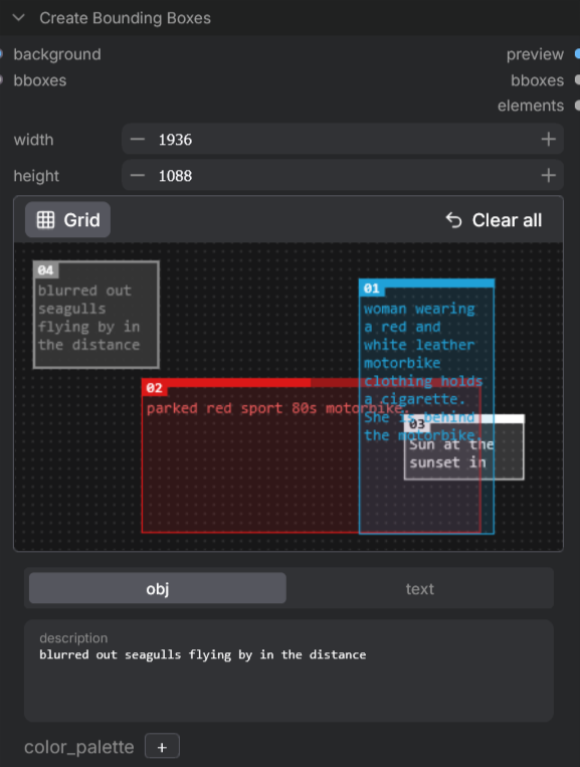
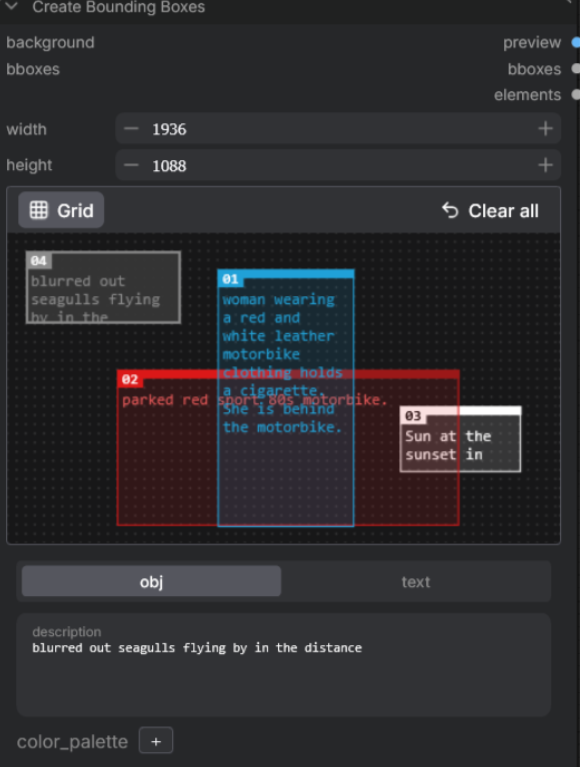
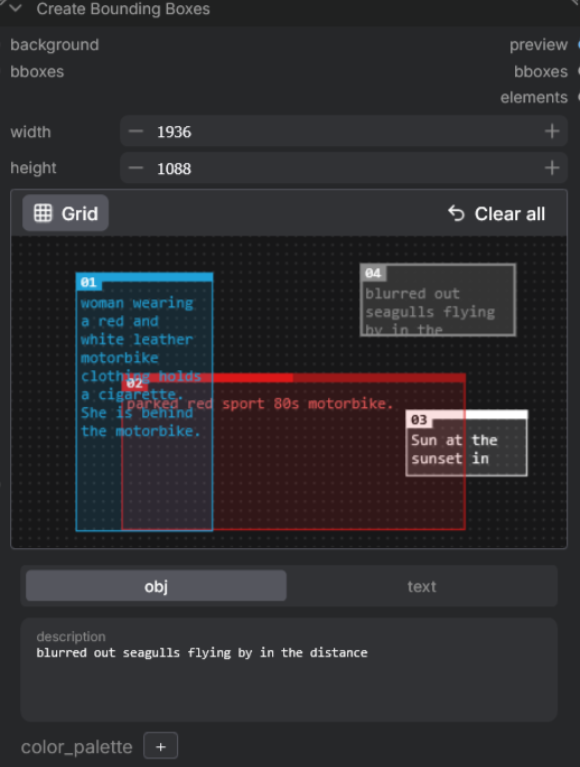
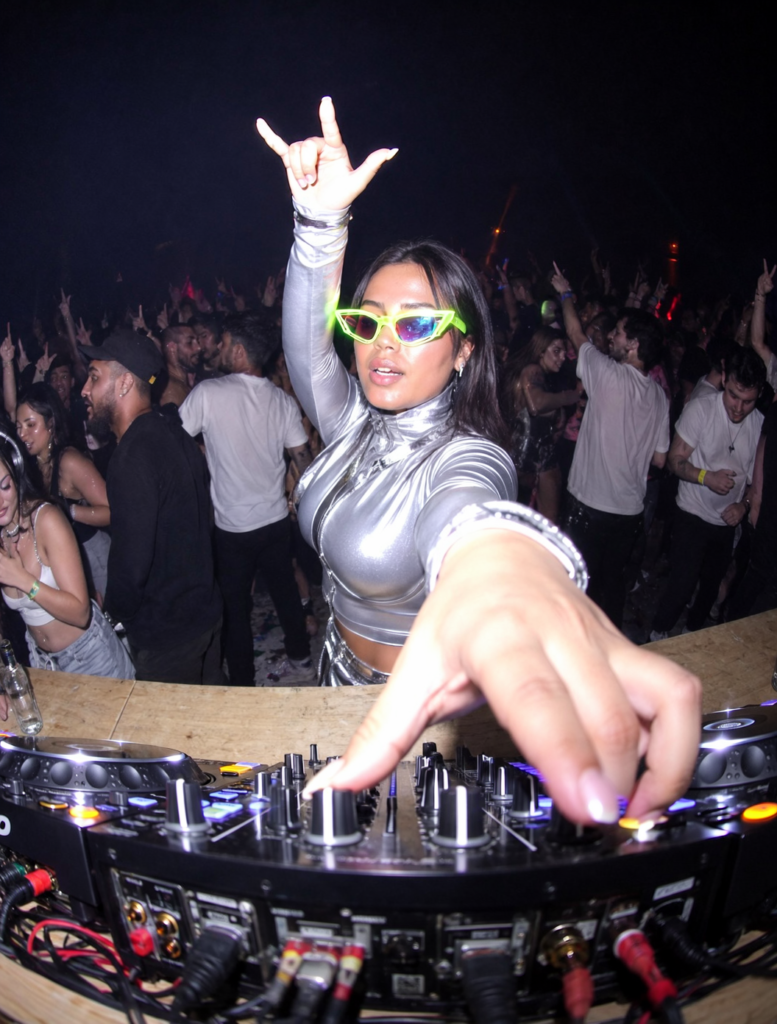
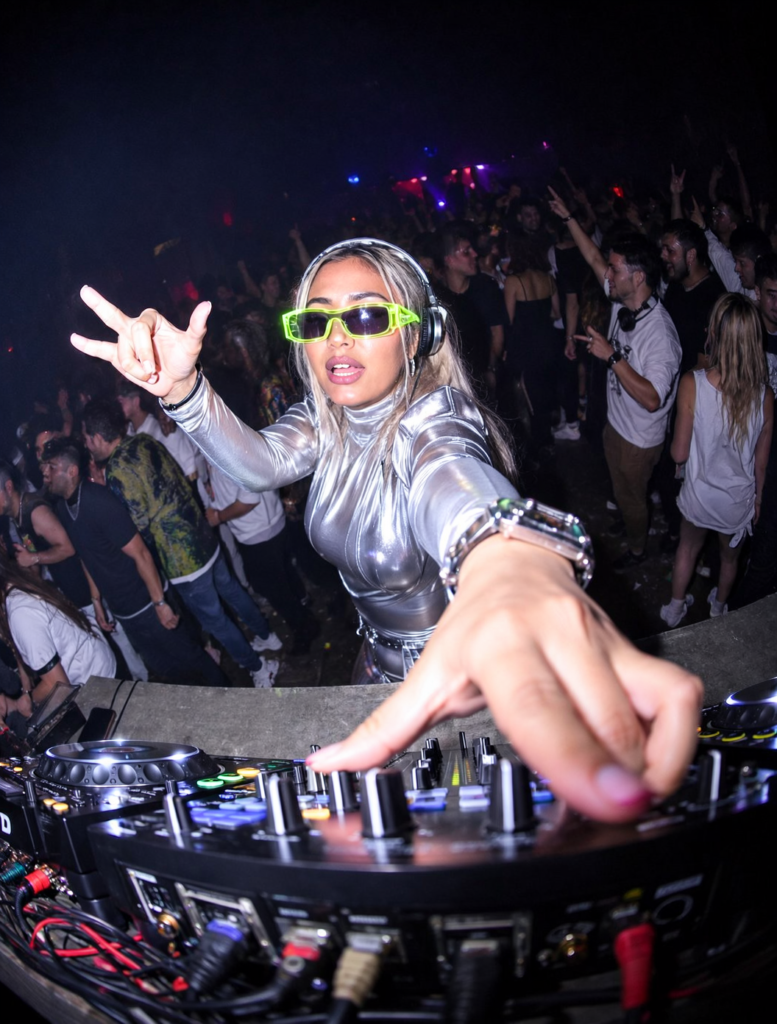
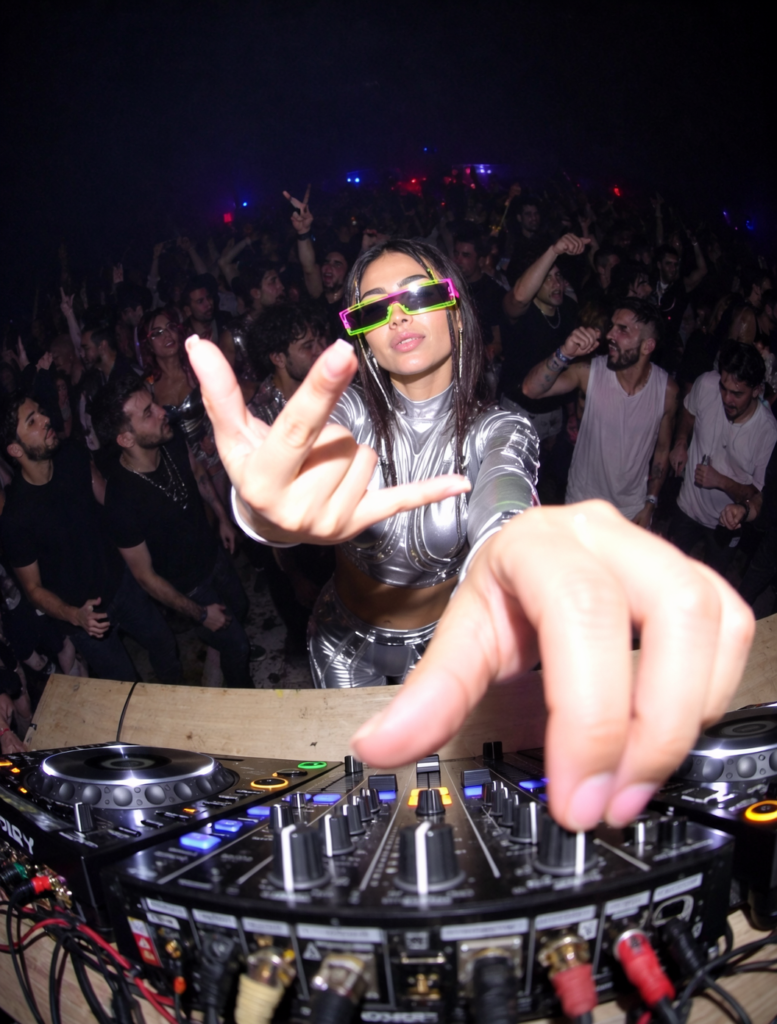
Once everything is setup, you can start prompting and drawing the rectangles inside the Bounding Box node. Check some examples of how the Bounding Box node can affect the composition.