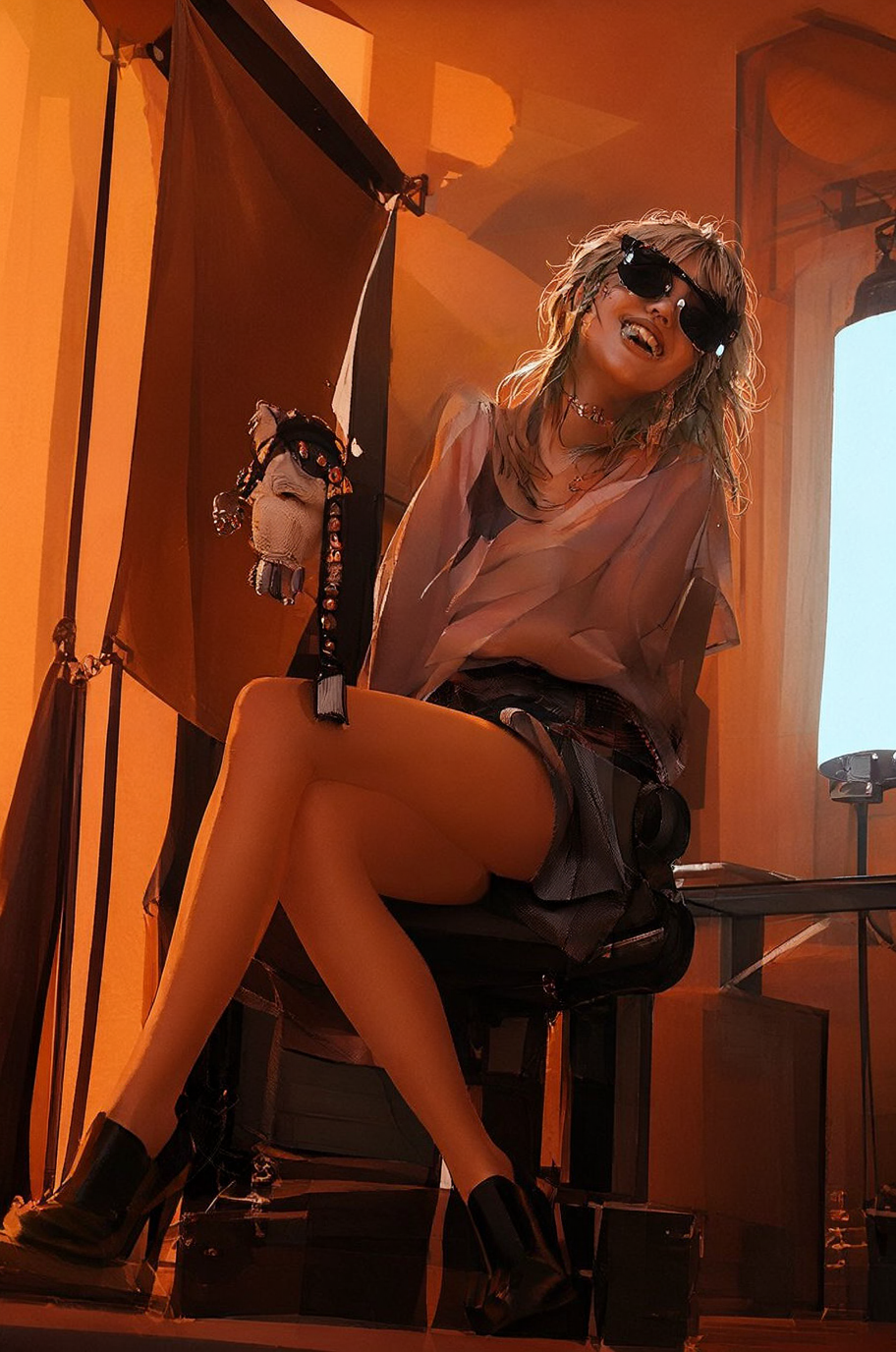
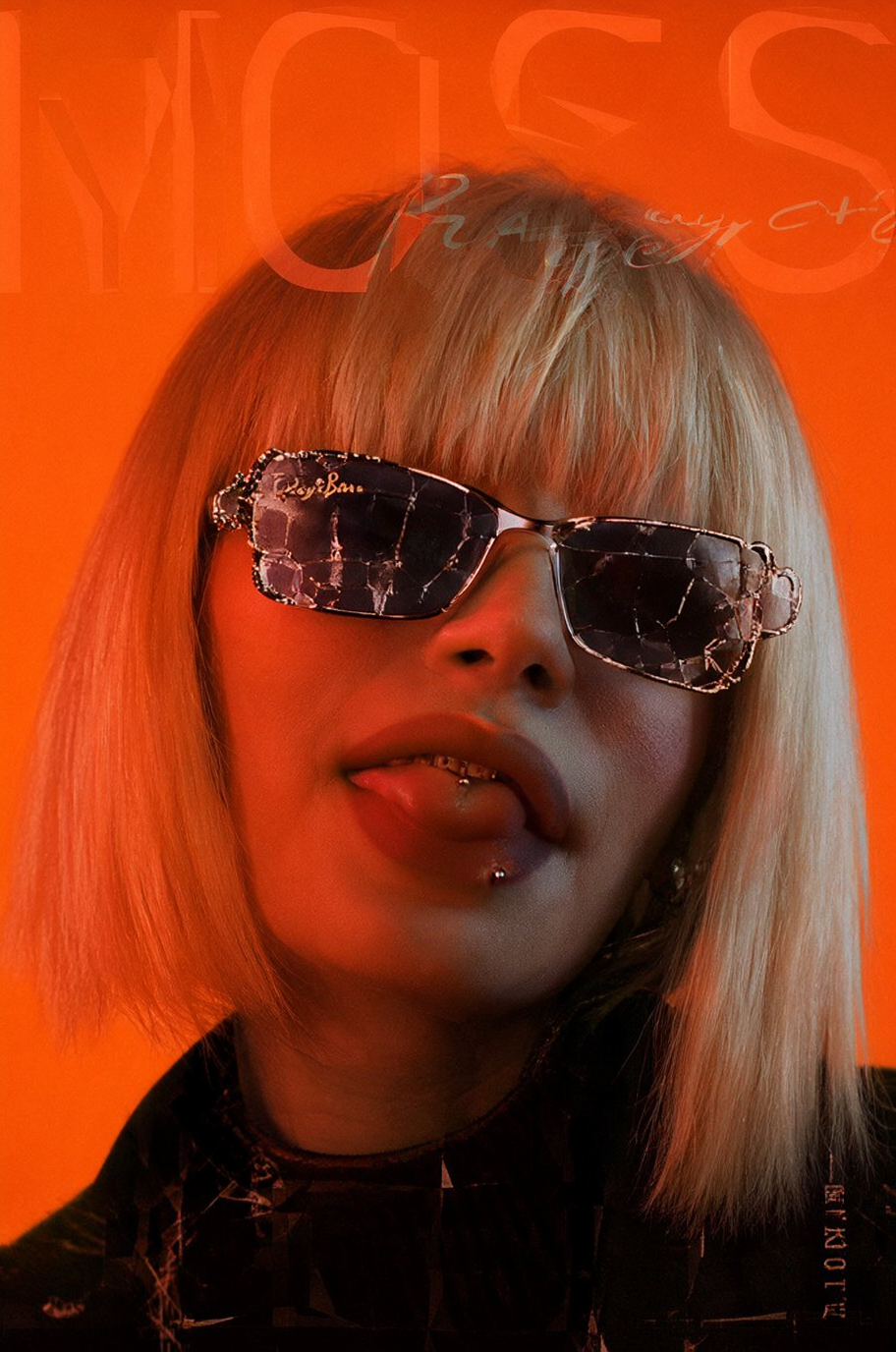
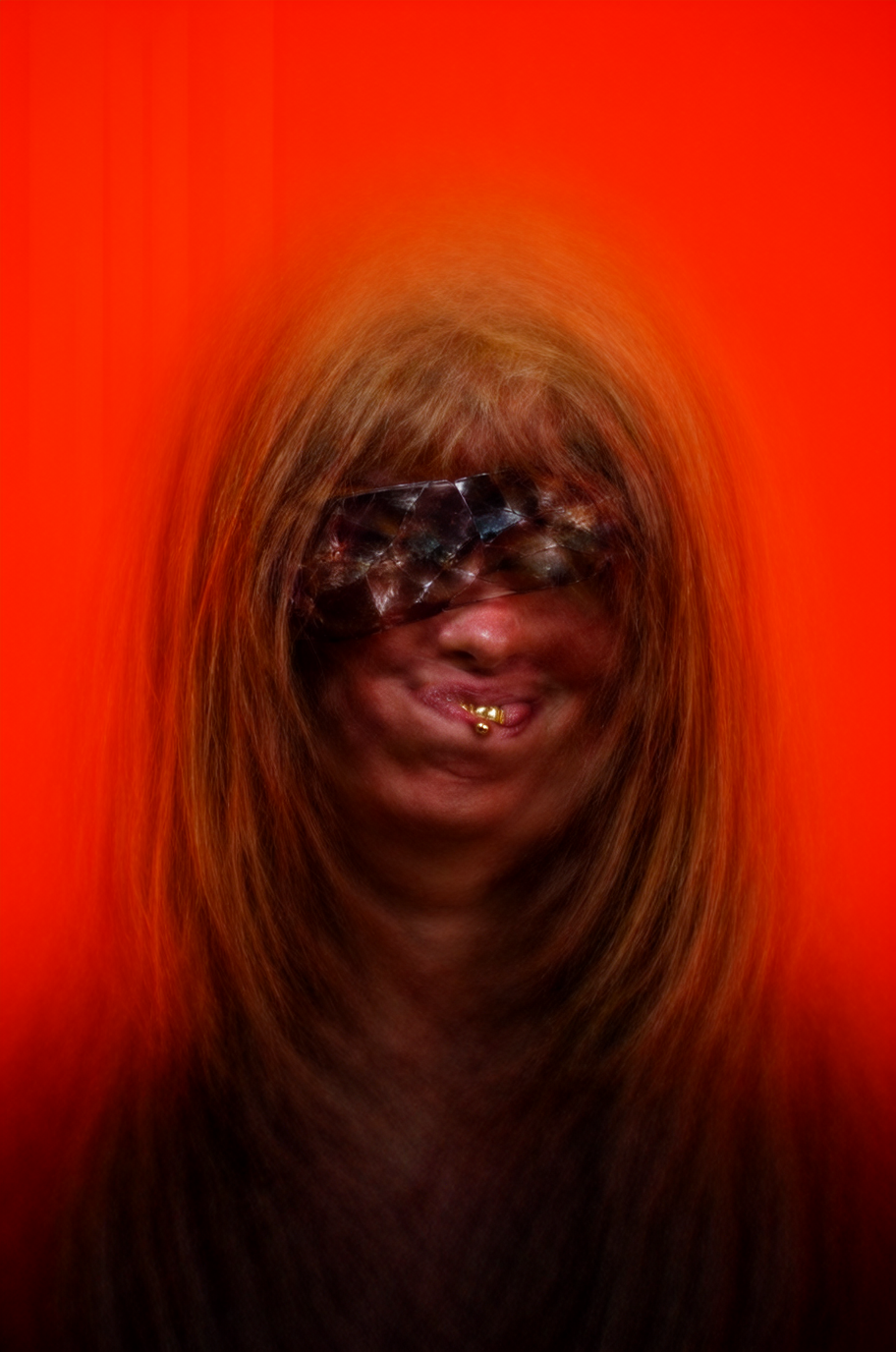
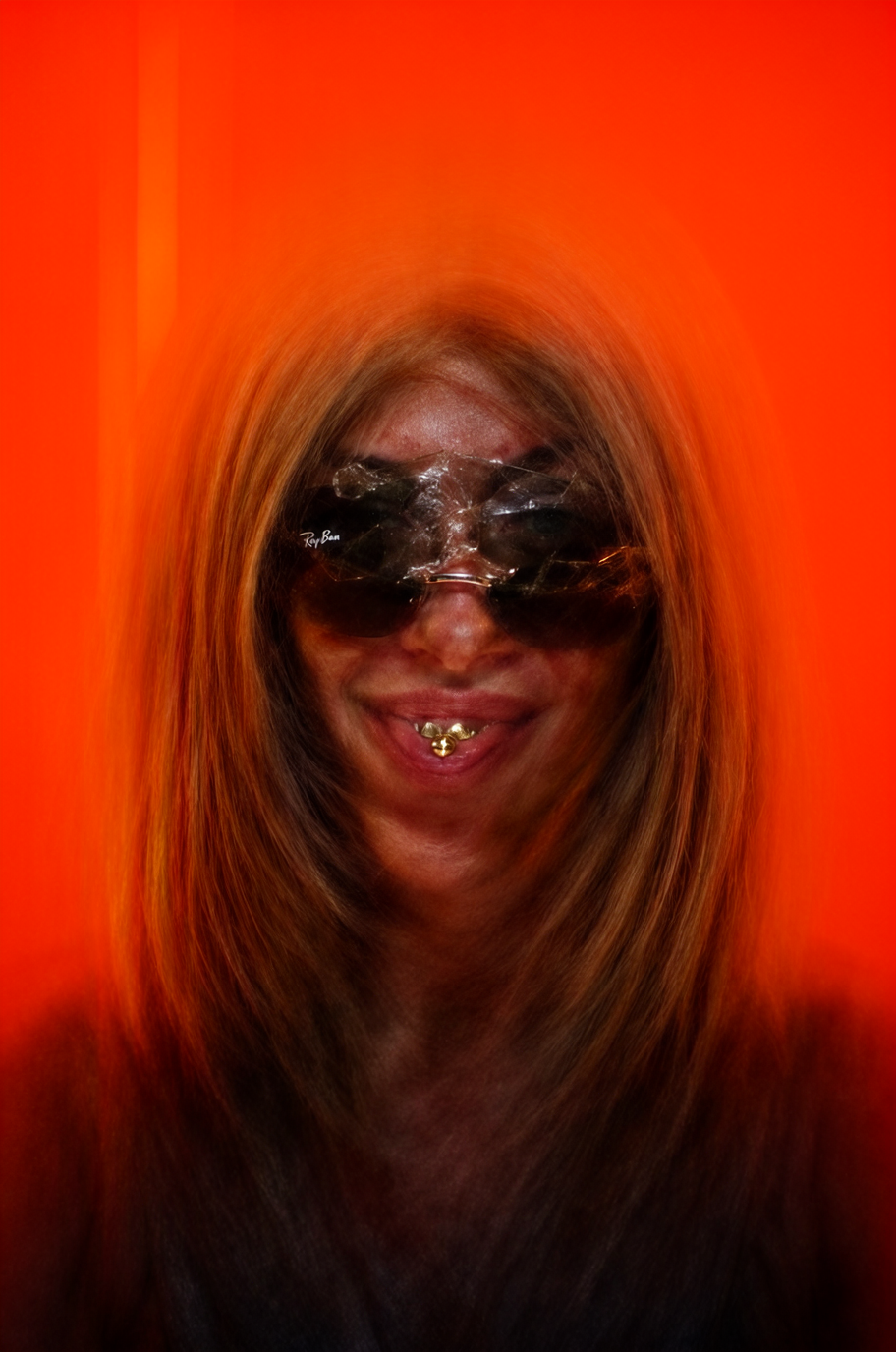
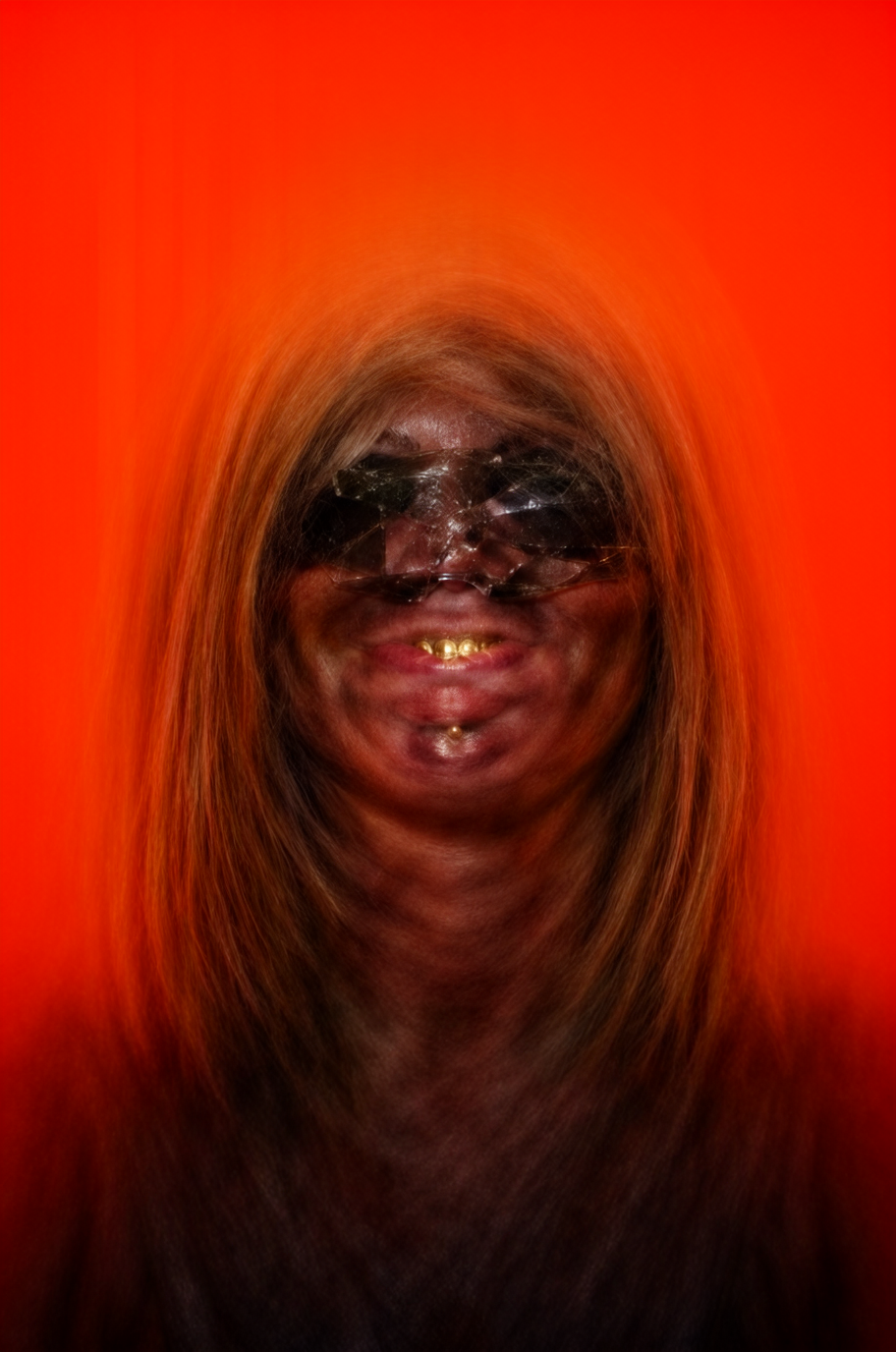
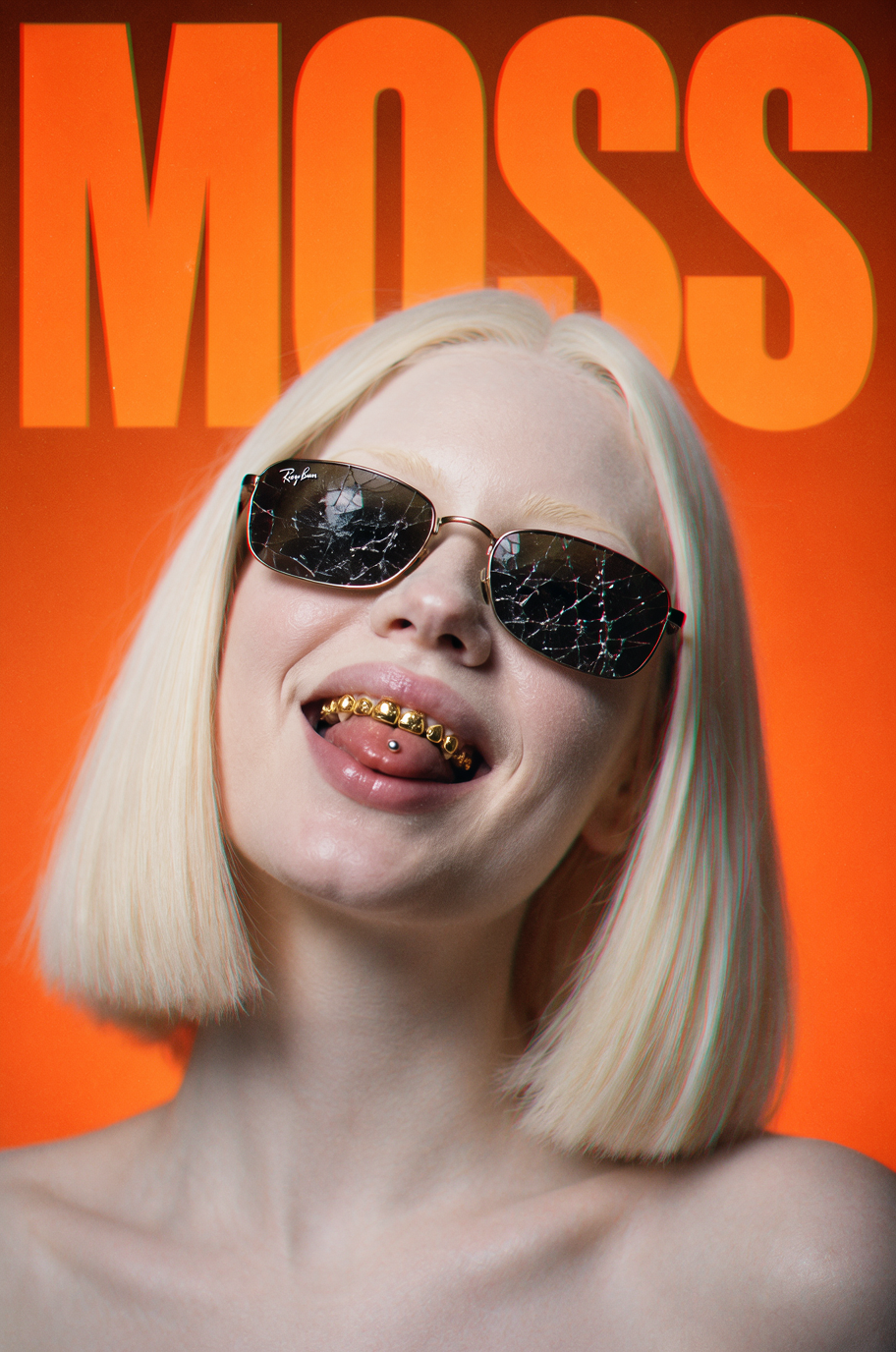
New Text-to-Image (t2i) models suddenly appears like in waves. This last season we had the surprisingly positive user rated Krea 2, Z-Image (and Turbo version) and then Qwen Image 2, bringing fantastic photorealist outputs to open image generators. Google’s Nano Banana 2 and GPT2 with extreme high quality outputs were listed on the paid platforms. Now, there is another model shining new to the community and some already claim to be the most realistic open Image-to-Text model to the date. It’s name is MOSS, it does support up to 4K tokens and it comes in two versions: MOSS Image SFT and MOSS Image Base. Both versions are available in ComfyUI, runs on entry-level GPUs and are capable of NSFW content.


MOSS Image SFT means supervised fine-tuned text-to-image model and is a version prone to render outputs a bit faster, although human faces tend to be similar or rendering less variations even in multiple render batches.
Moss Image Base means the original model intended to be tuned by the community and to be played along LORAs and other trainings. It was reported to offer more variations on similar rendered batches, but at a cost of rendering speed as it is supposed to use around 50 steps.
Based on my other successful article on RES4LYF Benchmarking written few months ago, I will reproduce here a similar approach in order to study and better understand how this model behaves.
You can download MOSS Image model files from Huggingface.
I find it easier to browse the Templates in ConfyUI (I use the portable version, less headache) and choose MOSS. It will ask to download all the needed files. You just have to move then into the appropriate folders as it is described in the provided workflow.
I’m running ComfyUI on a Windows PC with a Nvidia Geforce GTX 3080ti. For the sake of comparison, I will be using the exact same prompt, without prompt enhancing, the exact same seed and aspect ratios. I will be changing the sampler, the scheduler, the CFG and the steps amount. Let’s roll!
Here is the Positive Prompt:
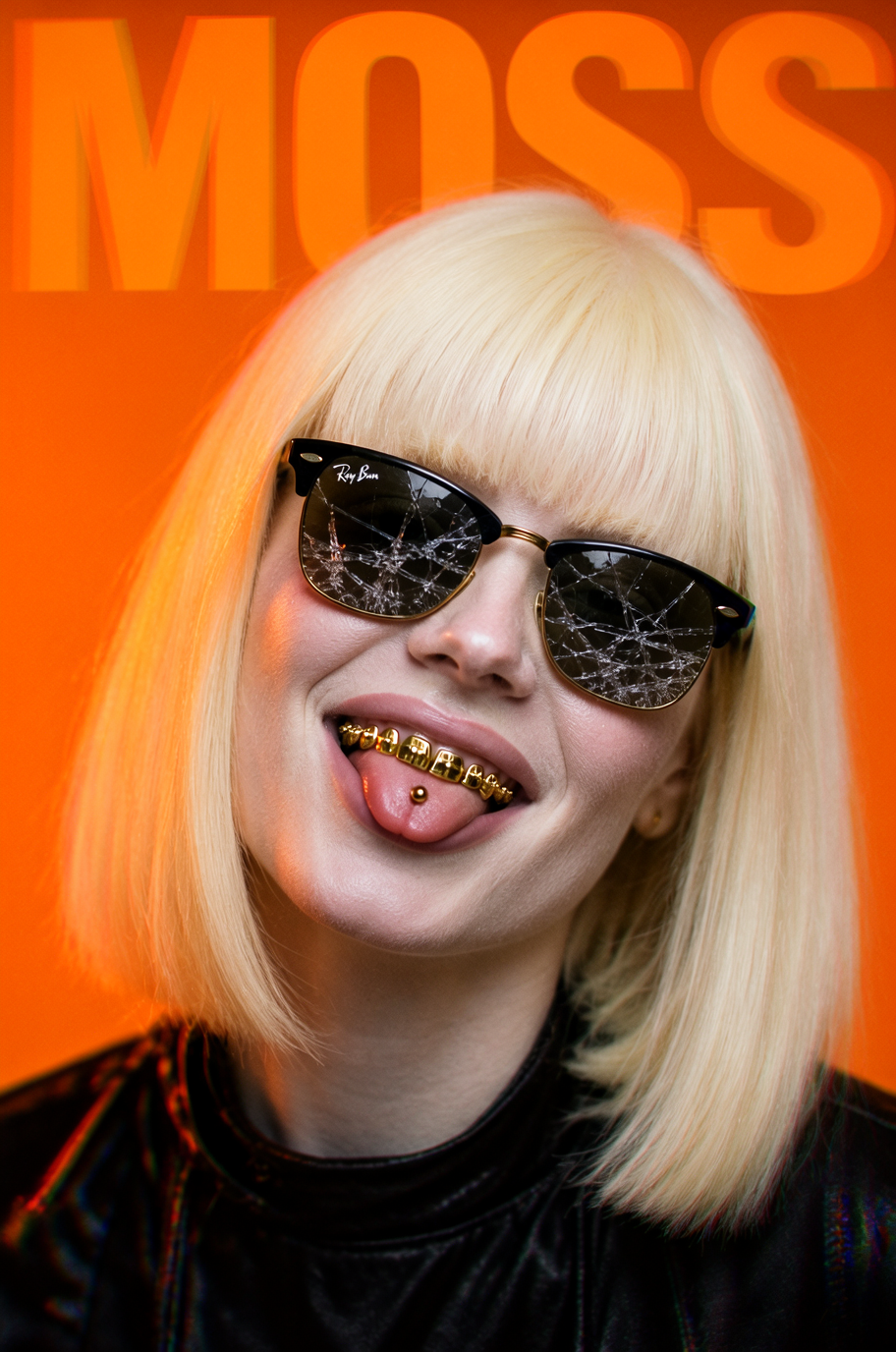
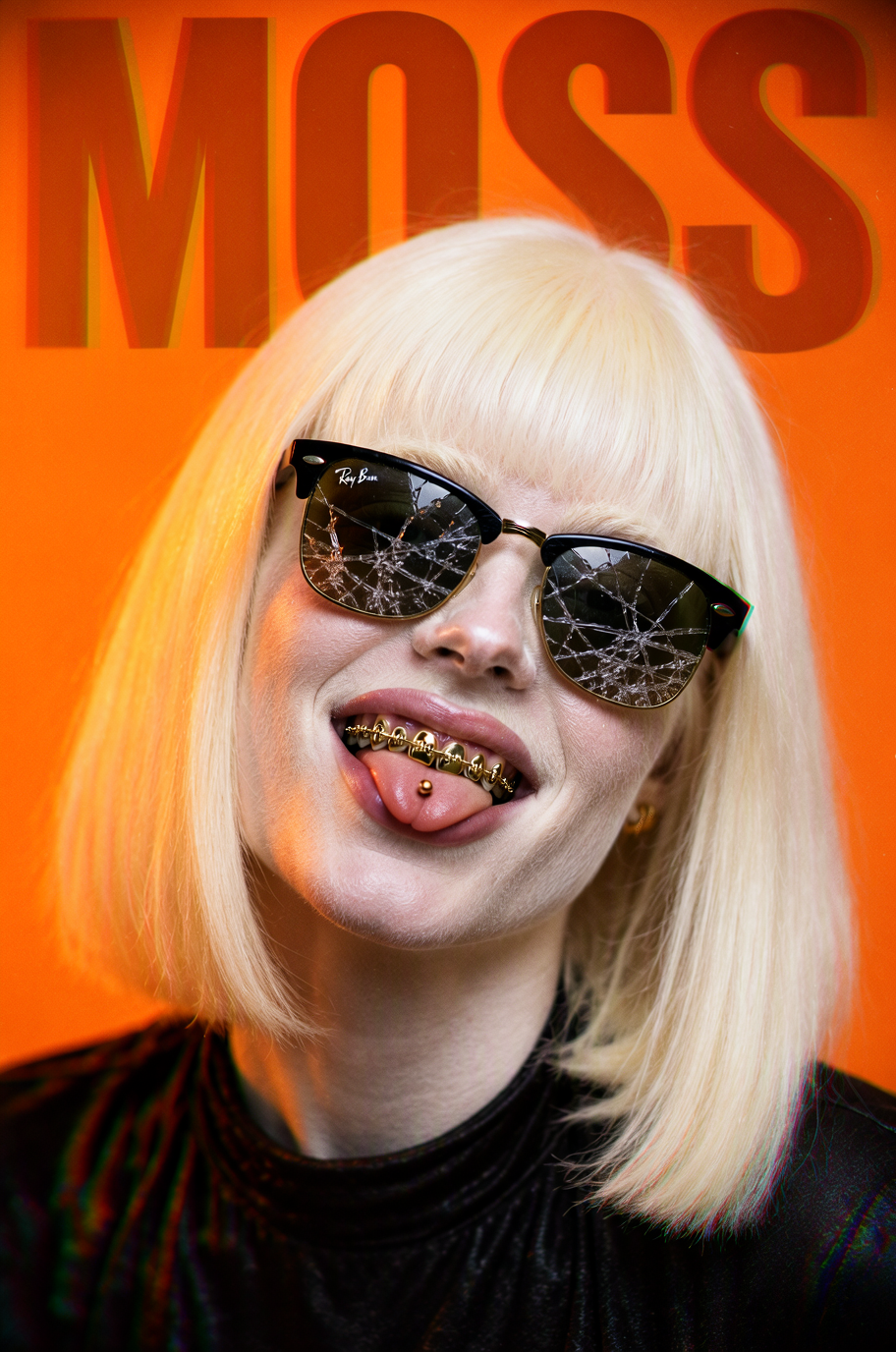
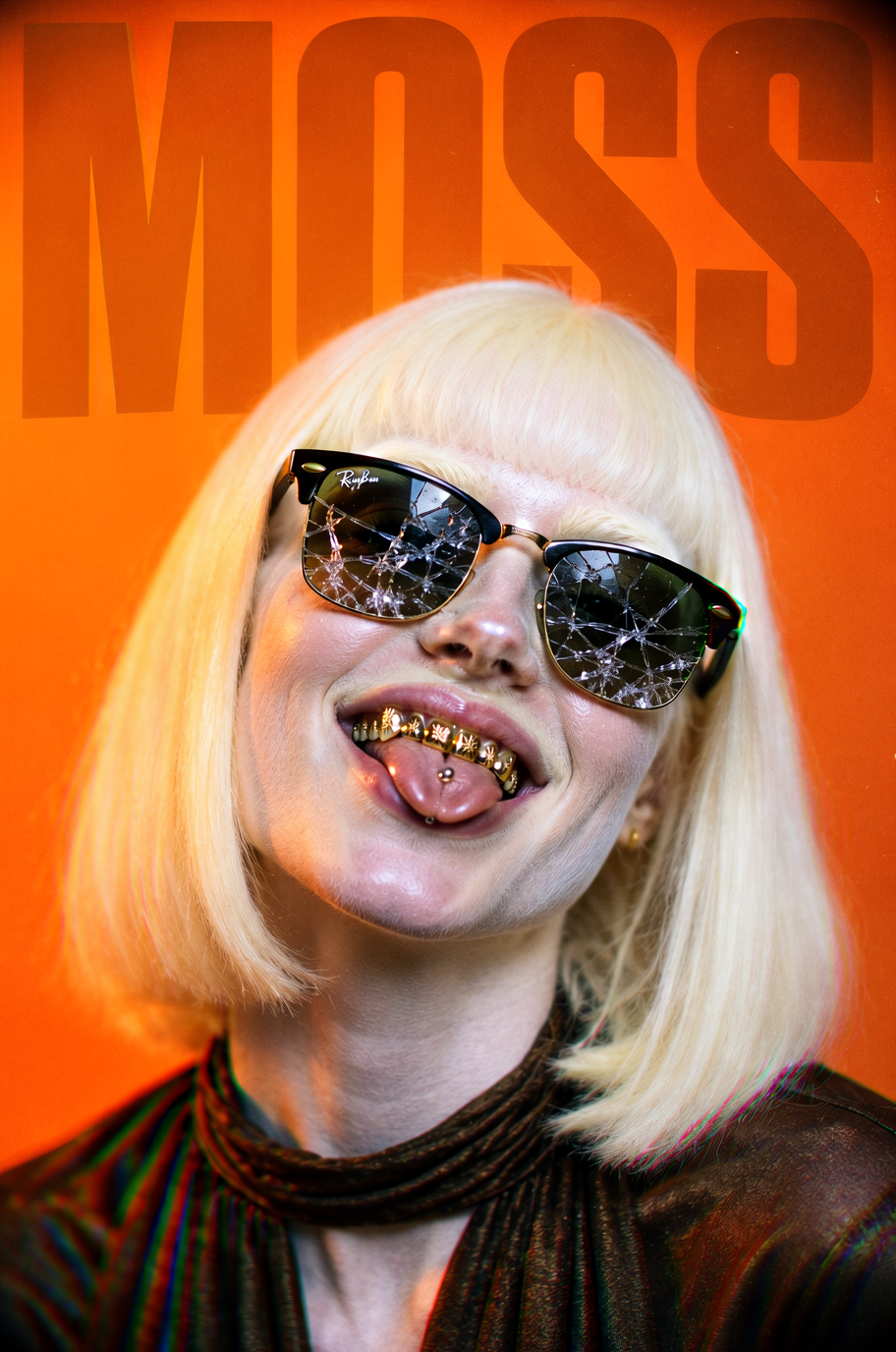
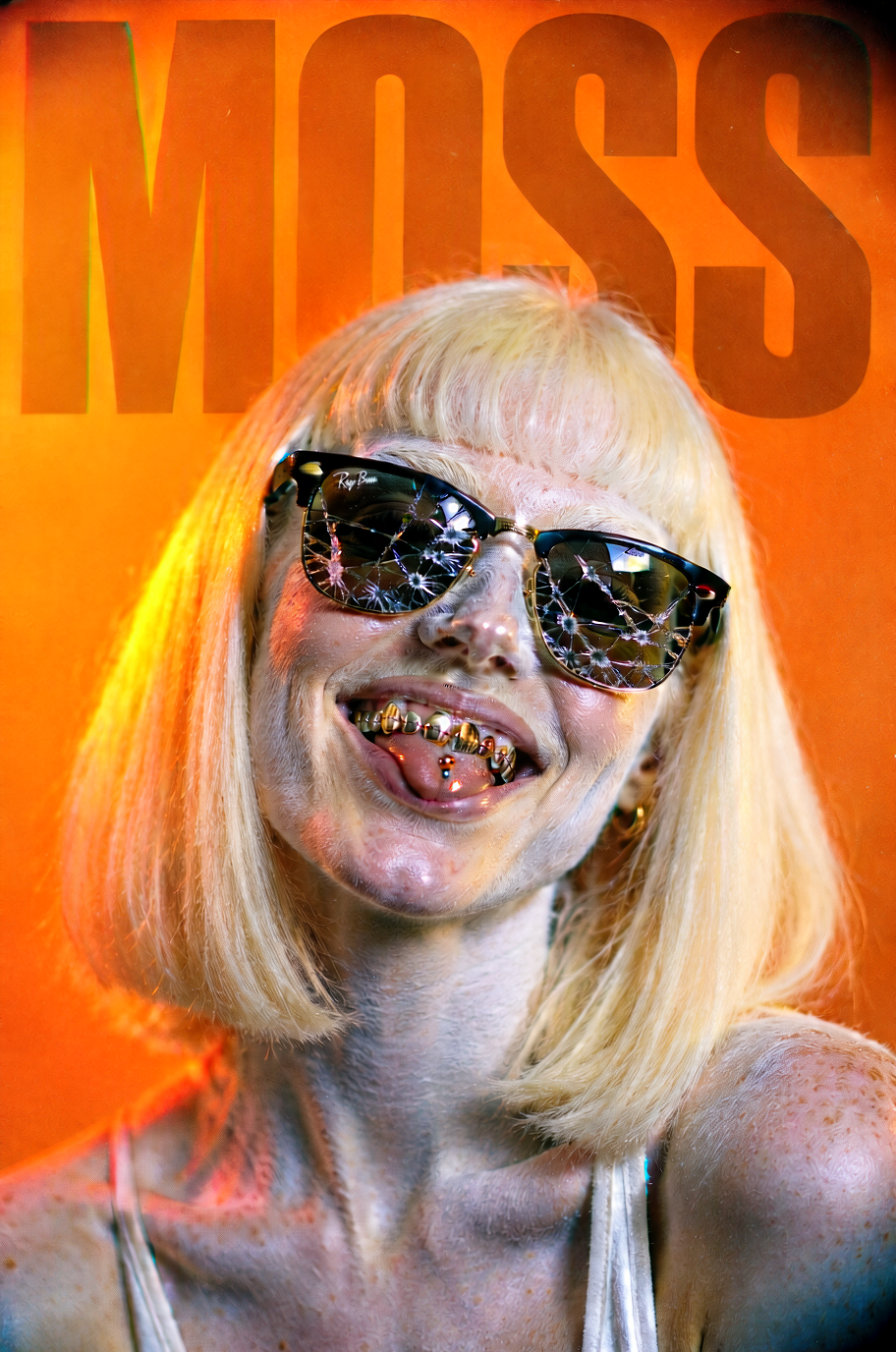
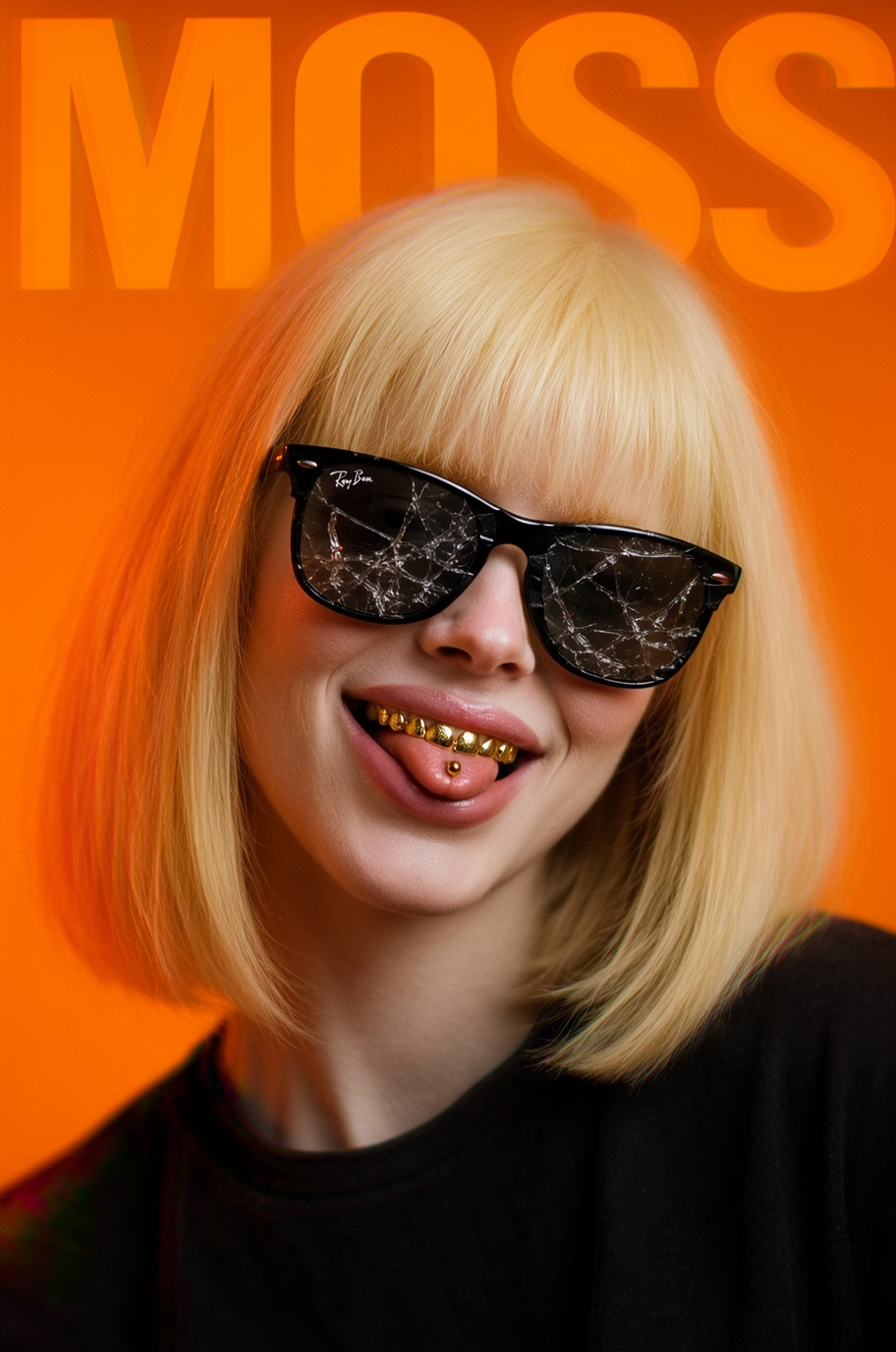
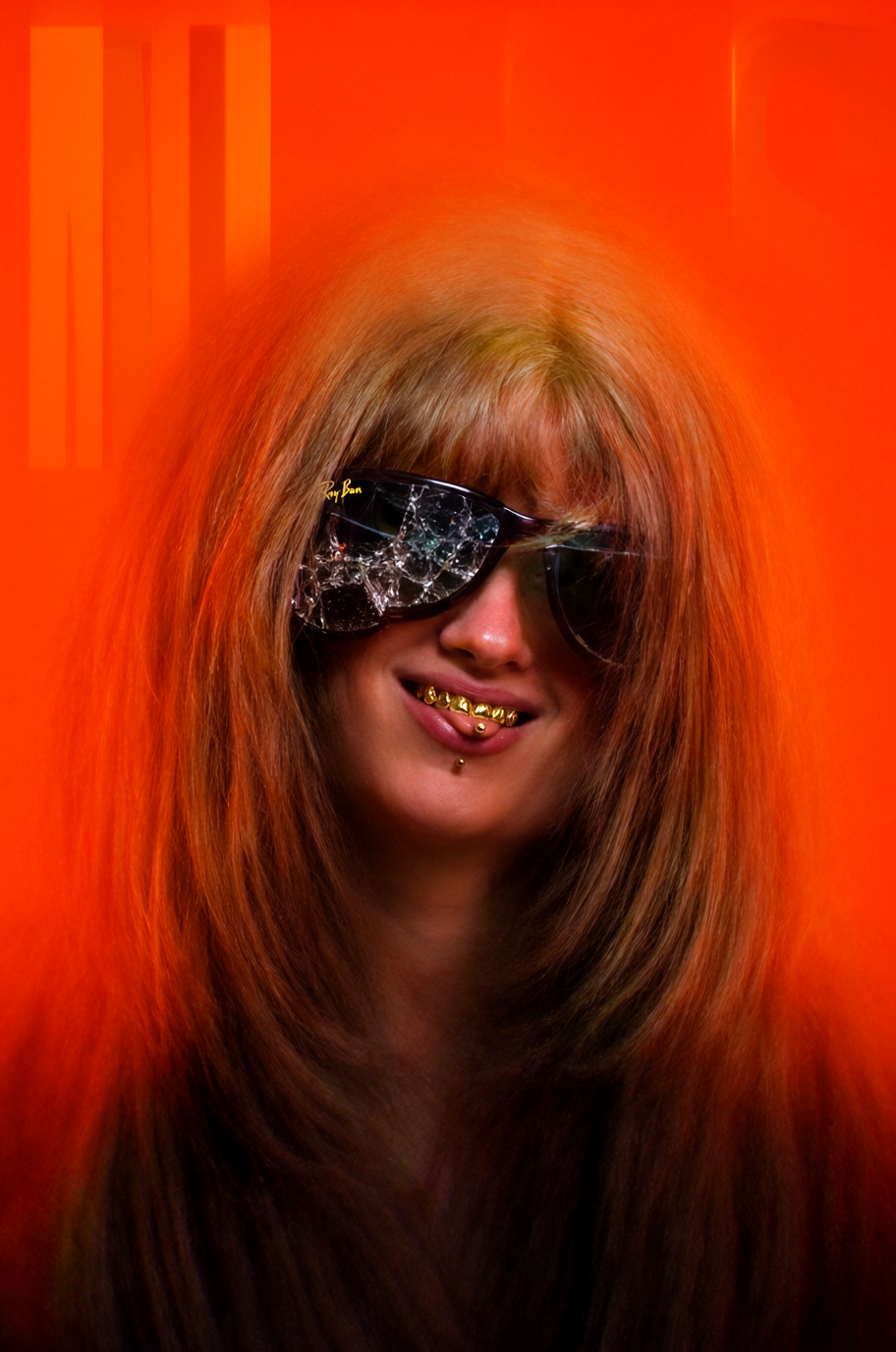
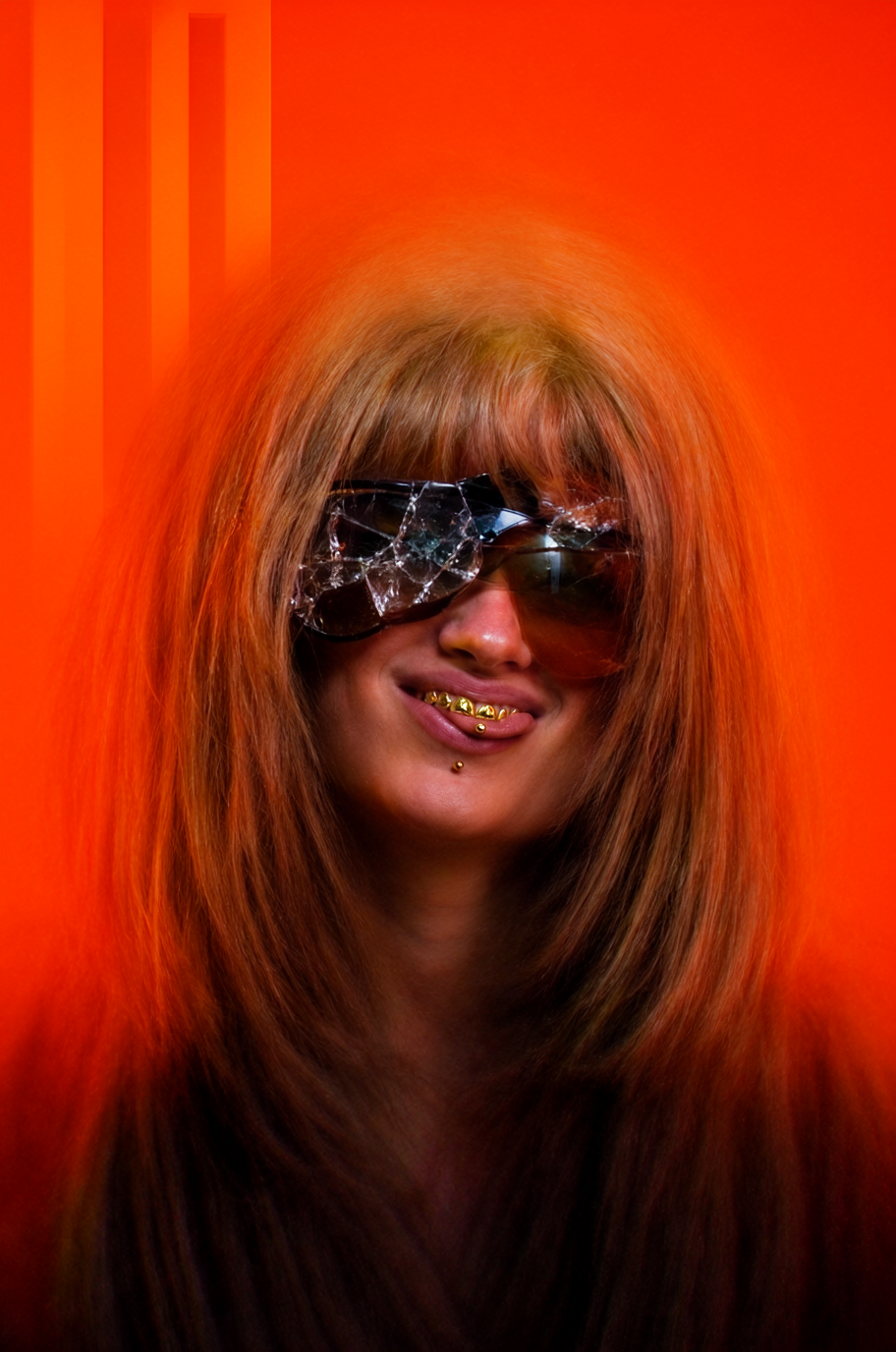
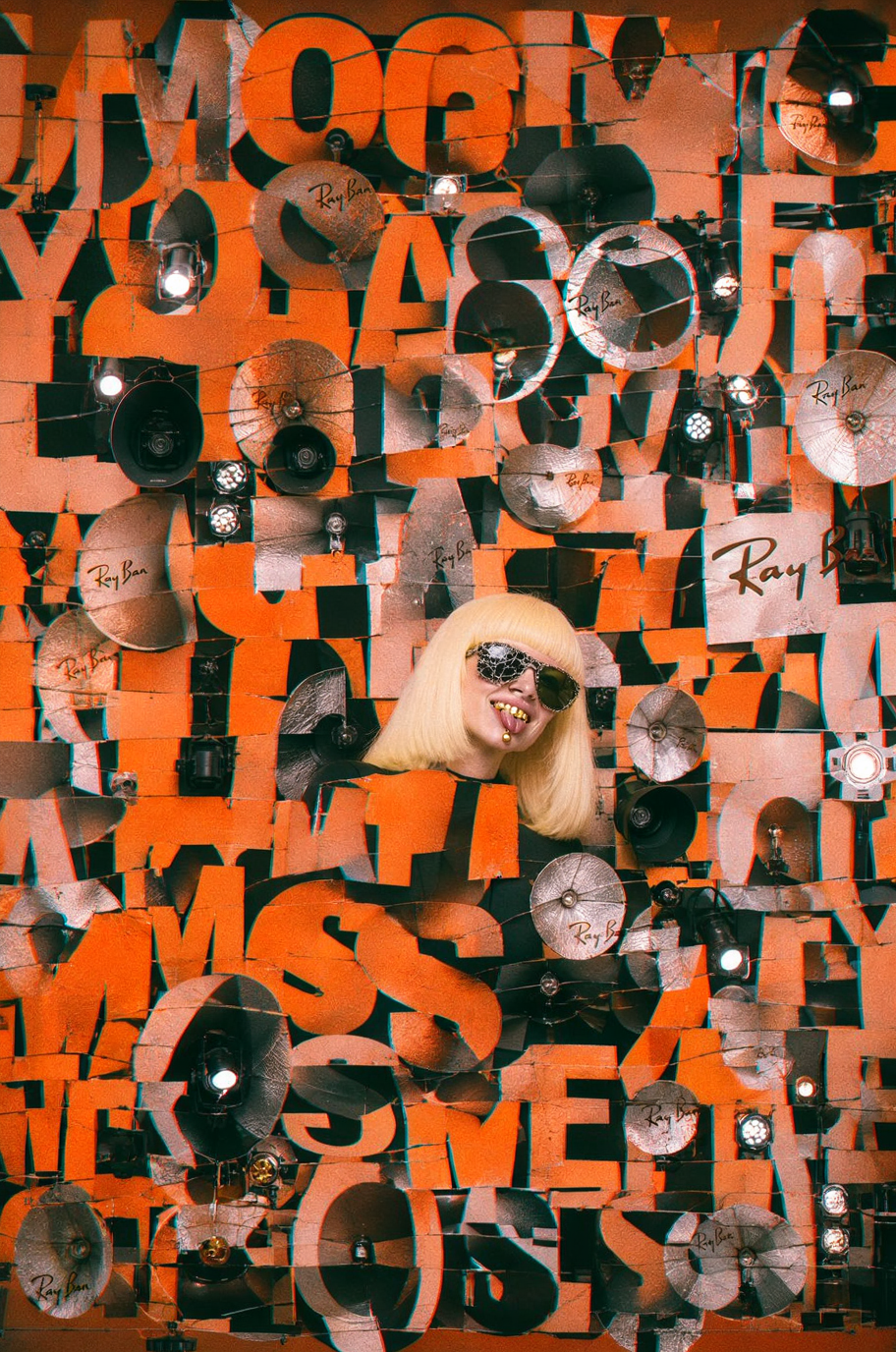
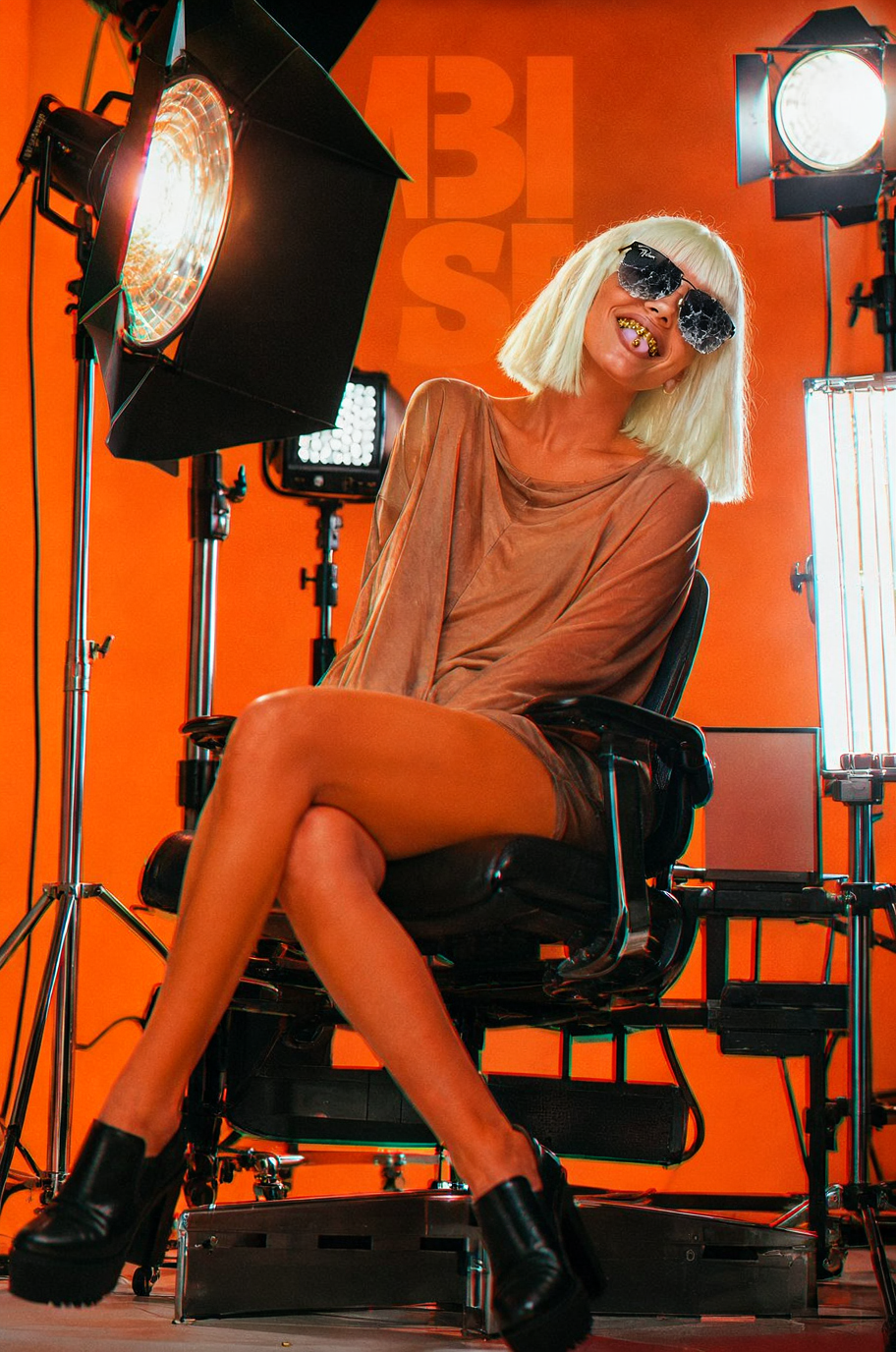
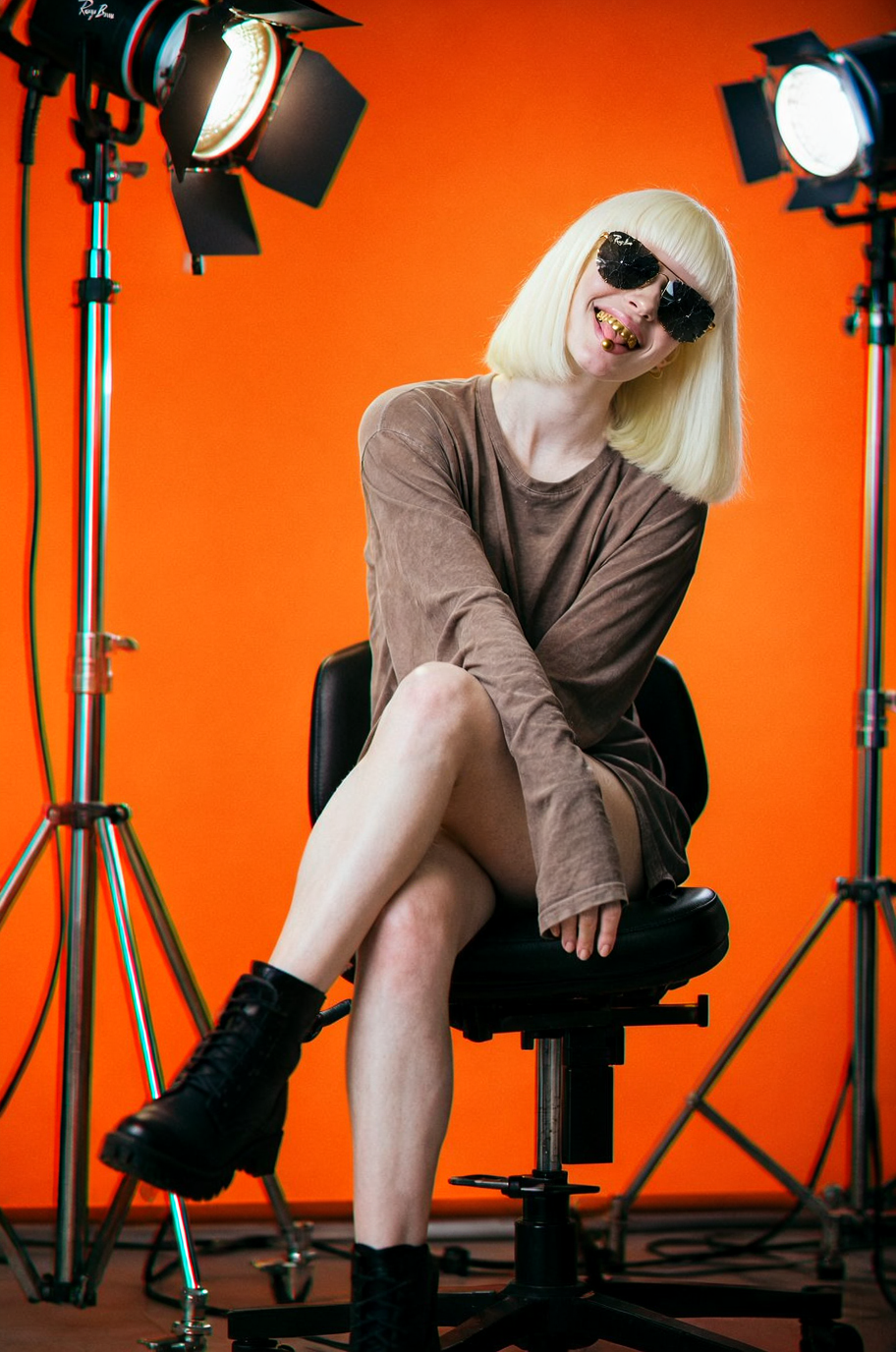
Cinematic headshot portrait of an albino beautiful female model around 30 years-old wearing a long bob haircut and Rayban shattered sunglasses. Her head is slightly tilted. She is smiling showing her pierced tongue and her gold plated teeth. Everything is illuminated in a professional studio with 3 light setup and a bright orange background. Behind her head, there is a plain text that reads "MOSS" written in bold sans-serif typography big enough to fill the entire length of composition. Shot on Fuji Film with 85 mm lens, chromatic aberration and a bit of film grain.
Here is the Negative Prompt:
nsfw, low quality, jpg artifacts, bad anatomy, deformity
Here is the Seed:
878922073981414
Here is the Aspect Ratio:
2:3 (Portrait Photo) and 1.2 Megapixels
Here are the best CFG + STEPS + SAMPLER + SCHEDULER combinations I found in this benchmark.
Classifier Free-Guidance, this parameter controls how strict and how creative the generations must adehre to your prompt. Higher values means more freedom, lower values will try to reproduce exactly what your prompted but are prone to breaking.
Sampler: EULER / Scheduler: BETA / Steps 30
Steps means how many times the latent space should be receive the influence of the CLIP and VAE.
Sampler: EULER / Scheduler: NORMAL / CFG 6
The combination of Sampler and Scheduler will alter the interpretation of latent data.
50 Steps / CFG 7
The combination of Sampler and Scheduler will alter the interpretation of latent data.
50 Steps / CFG 7
The combination of Sampler and Scheduler will alter the interpretation of latent data.
50 Steps / CFG 7
The combination of Sampler and Scheduler will alter the interpretation of latent data.
50 Steps / CFG 7
Denoise parameter means when the algorithm will stop calculating in the latent space and deliver the data to be rendered by the sampler and scheduler. The lower the value, the sooner it stops the calculation.
Sampler ER_SDE / Scheduler: Normal / 50 Steps / CFG 7
MOSS Image is a impressively realistic and fast model that adheres somewhat good to the prompt. I tried longer prompts with more specific details but then it started forgetting to write “MOSS” in the background and sometimes forgetting the albino stereotype. Although it accepts long parameters, further testing has to be done in order to find the correct balance.
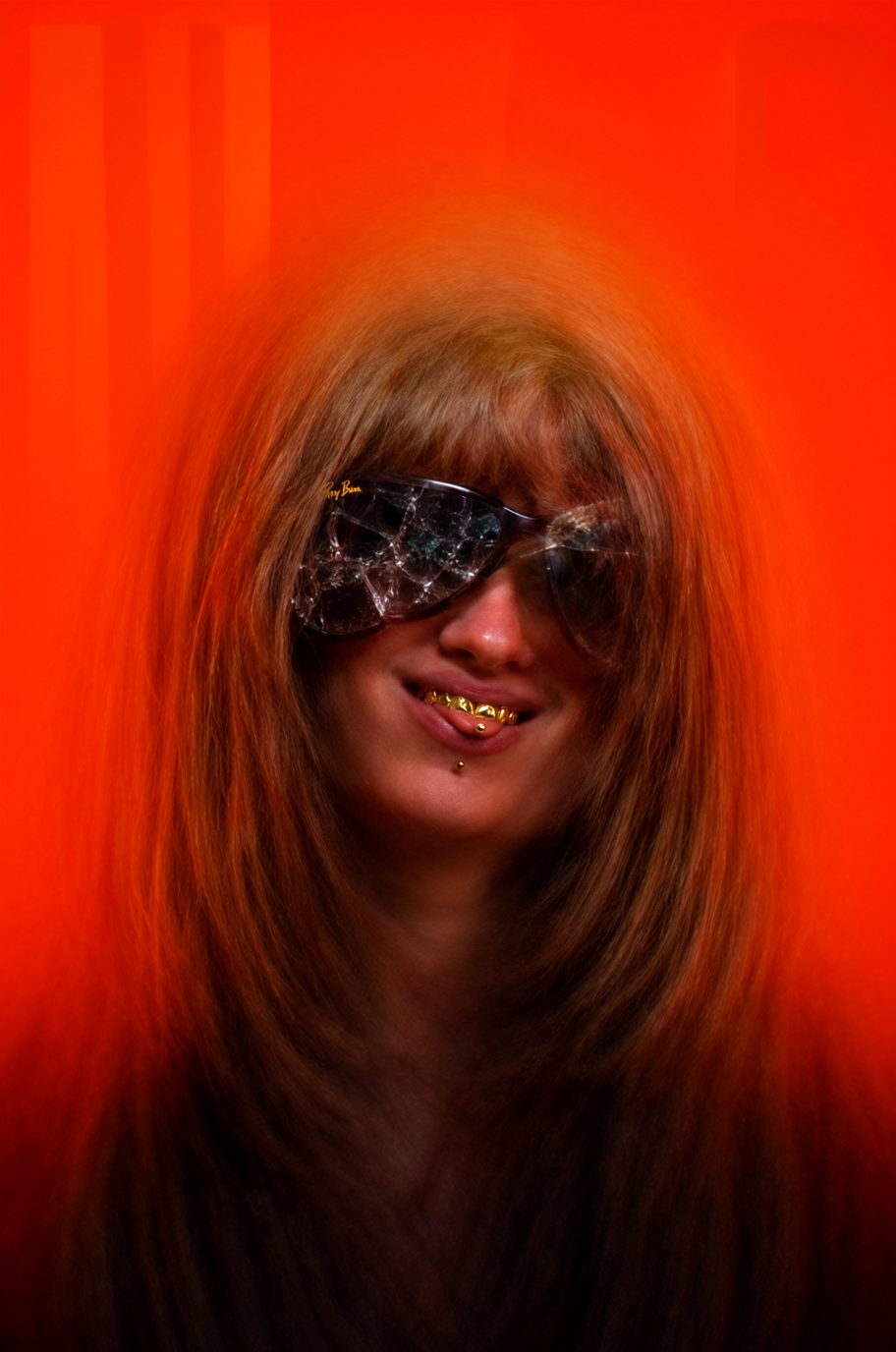
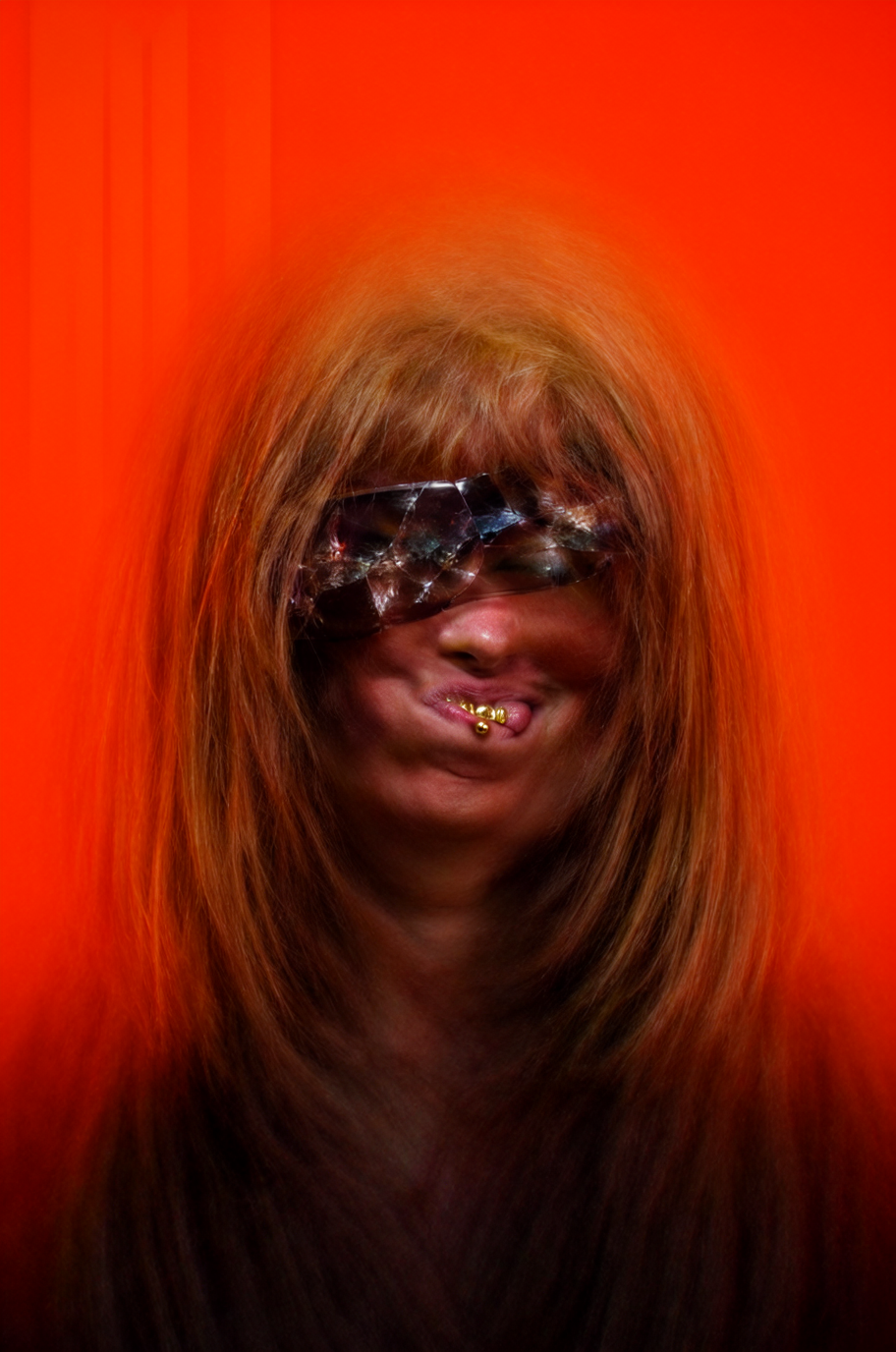
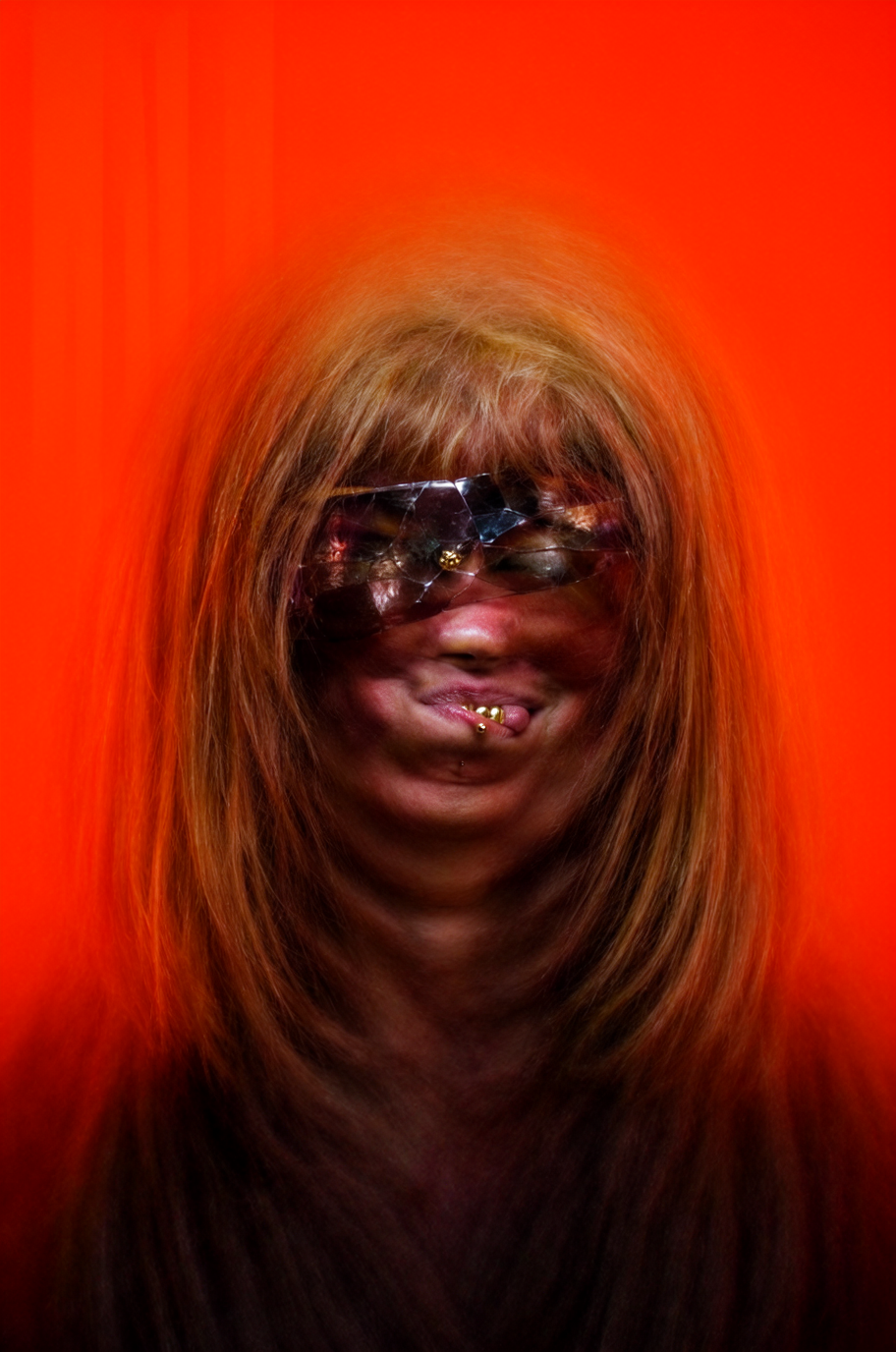
Sampler and Scheduler combination-wise the ER_SDE and the Euler are surely the top choices and the Scheduler choice really does not matter as results are almost identical. Just Karras and Exponential are proven to break completely the rendered output, then it is safe to stick with Simple, Normal, Beta, DDI, SGM and Linear Quadratic, all of them really maintaining similar if not equal rendering time.